Manual
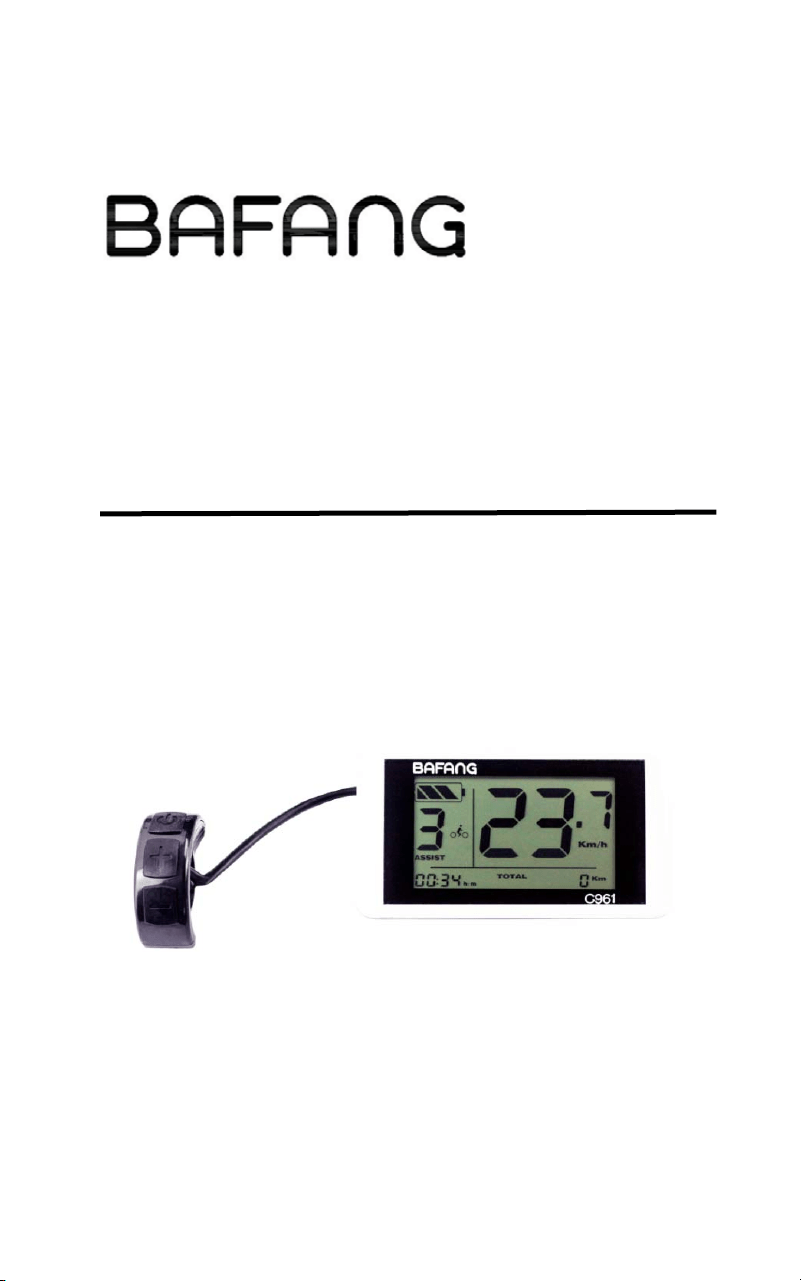
C961

Contents
Preface······························ ······································3
Appearance & size·····················································4
Material & color········ ······································ ····· 4
Function & button·······················································4
Function·····························································4
Interface·····························································5
Button································································5
Attentions·································································6
Installation································································ 6
ON/OFF····························································· 6
Walking assist····················································· 7
Backlight···························································· 7
Level············ ······································ ··············· 7
Capacity·····························································7
Distance·····························································8
TRIP clearance····················································8
Error code······························ ···························· 8
Capacity·····························································8
Setting····································································· 9
Preparation·························································9
Setting······························································· 9
Unit·····························································9
Speed limit··················································10
Backlight···················································· 10

‐
2
‐
Time·························································· 11
Advanced setting······················································11
Wheel size························································13
Sleep time interval···················· ··························13
Level amount···················································· 13
FAQ·······································································14
Warranty······················ ······································ ·····14
Wire definition·············································· ············14
Software version·················· ···································· 15
Attached list········ ······································ ·············· 16

‐
3
‐
Preface
Dear,
Please read this manual before using it.
‐
4
‐
Appearance and size
Material & color
C961 made of ABS is able to work well under -20℃ to
60℃. Available color: Black and white.
Picture and size (Unit: mm)
Function & button
Function
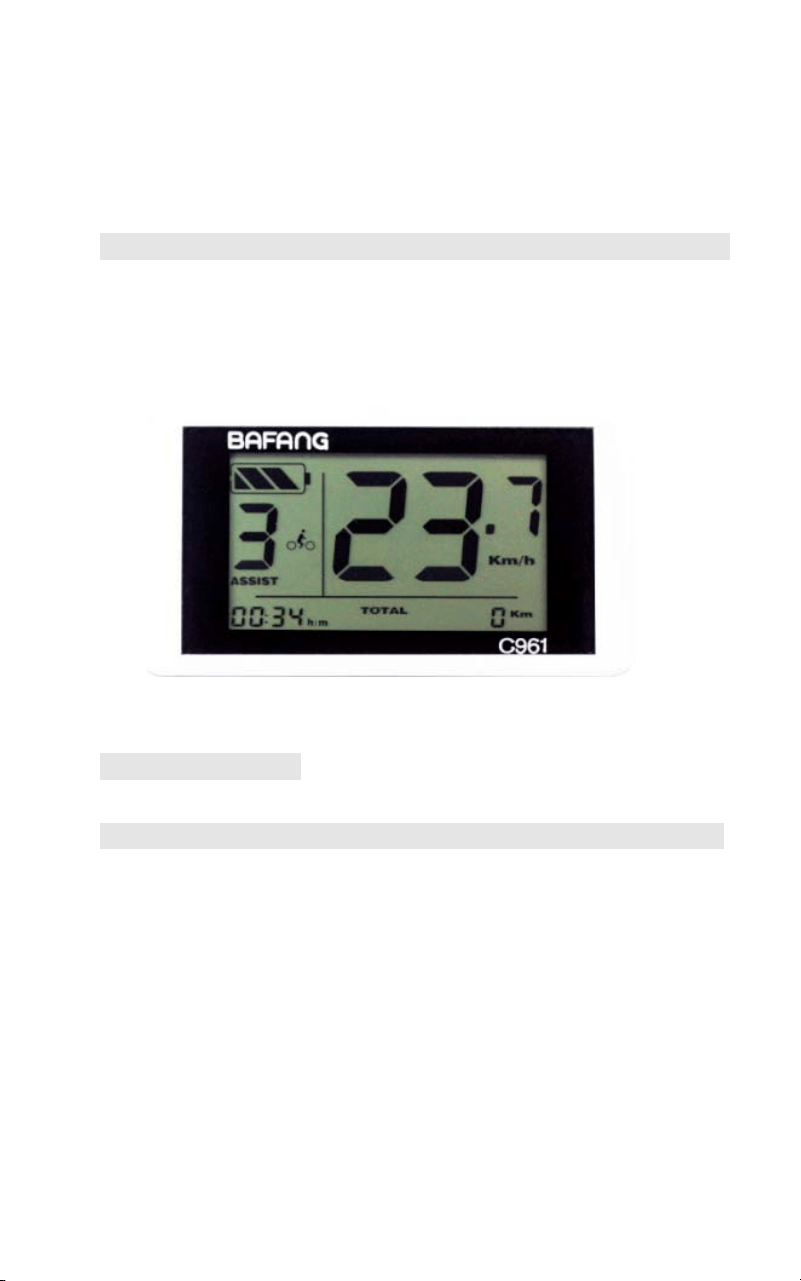
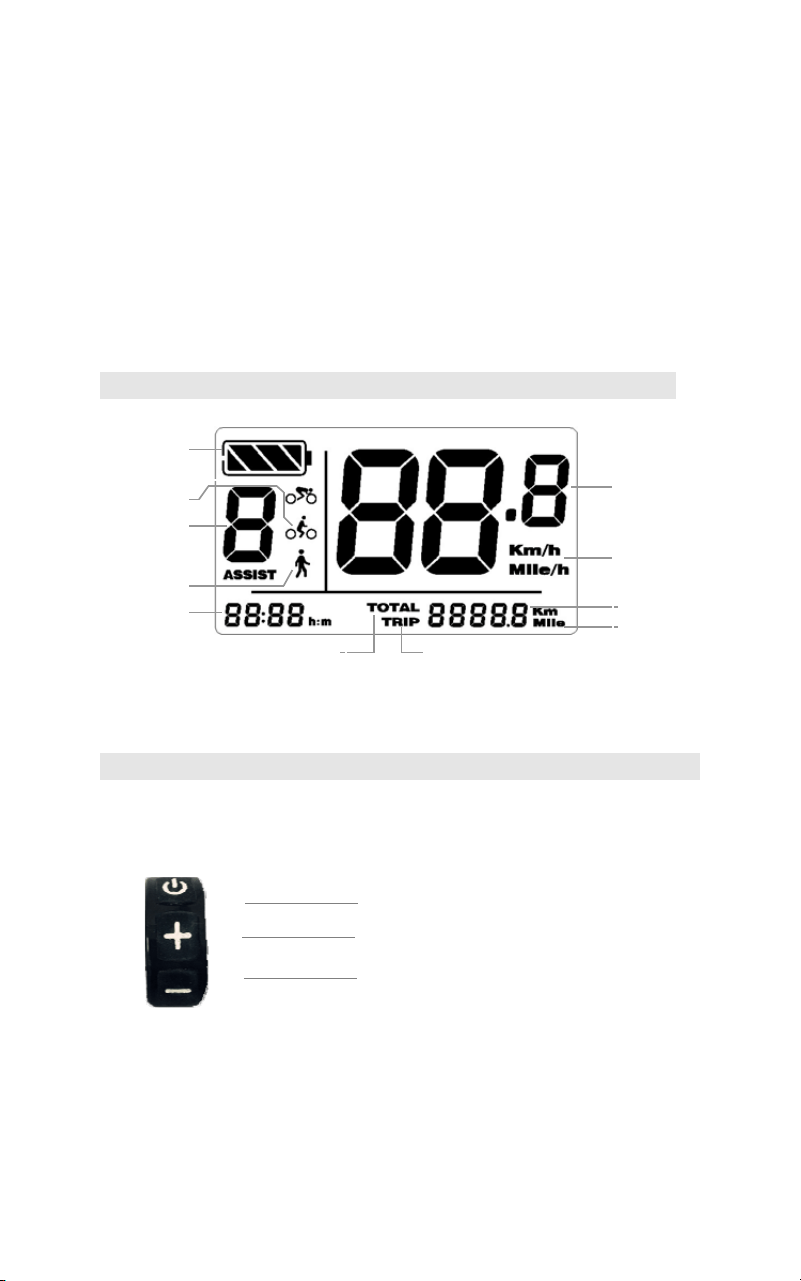
C961 gets many functions for your enjoying riding.
Show context:
◆Capacity
◆Speed (Speed/ MAX/AVG)
◆Distance (TRIP/ TOLTAL)
◆Time
‐
5
‐
◆ Assist walking
◆Backlight
◆Error code
◆Levels setting
Interface
Button
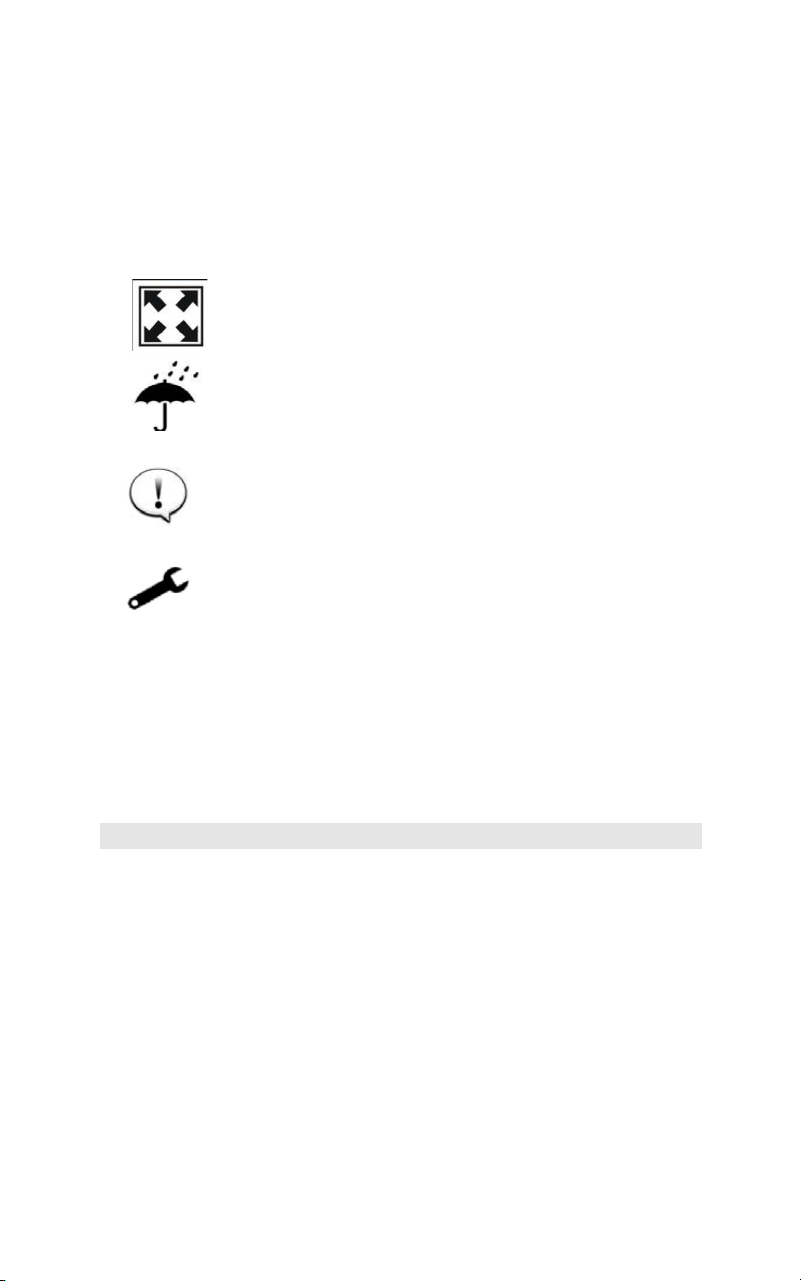
C961 gets three buttons:
M
+
-
Powe
r
Mode
Level
Walkin
g
Time
S
p
eed
Unit
Distance
Unit
TRIPODO
‐
6
‐
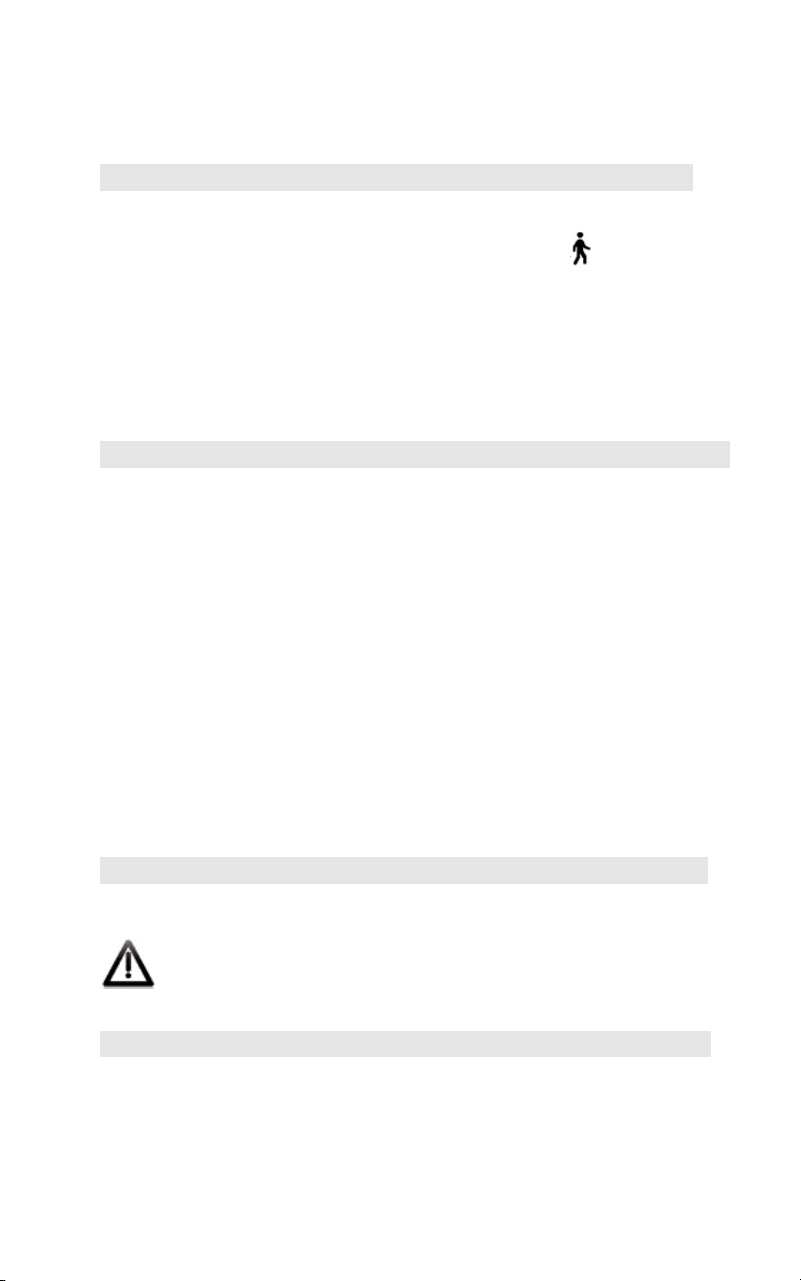
Attention:
Don’t plug in/out this display when power on.
A
void collision.
Keep the membrane for waterproof
performance.
Don’t abuse parameters resetting, in case out of
working.
Call service if display out of working
Installation
Install display on handlebar and adjust it’s location. Plug
it into controller when power off.
ON/OFF
Long press Mode to start display. Long press M again
to switch off.
Display off automatically after no any operation on
vehicle for ten munites (default).
‐
7
‐
Walking assist
Long press (-), to start assist walking. highlights
on scree. Vehicle goes at 6km/h.
Only in case of pushing, can this function be used.
Please don’t abuse when riding.
Backlight
Long pree (+) to switch on backlight on scree, and front
light on as well if front light available. Long press (+) again to
switch it off.
Note: Automatical backlight is available if controller
gets this function.
Backlight & front light on automatically according
to the lightness outside if controller gets light sensor
inside. Automatical function off when manual operation
on.
Level
Press (+)or(-) to change the levels. Default range 0 - 3,
0 no output, 3 max output. Default level 1 when
switch on.
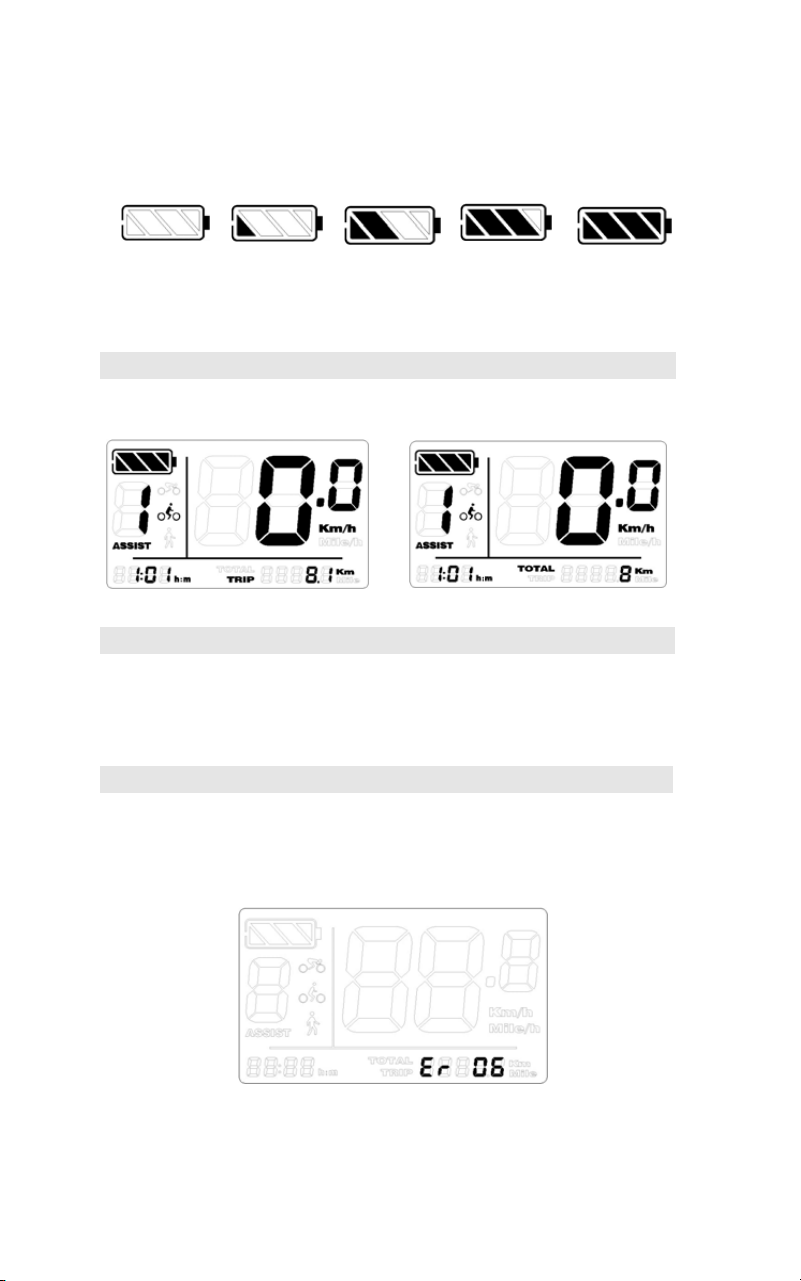
Capacity
Four sections highlights when battery is full.
‐
8
‐
Percentage of capacity for sections:
<20% 20%-40% 40%-60% 60%-80% 80%-100%
Frame flashes at 1 Hz when low power.
Distance
Press M to shift TRIP and TOTAL.
TRIP clearance
Power on, long press M and (-) to clear TRIP distance.
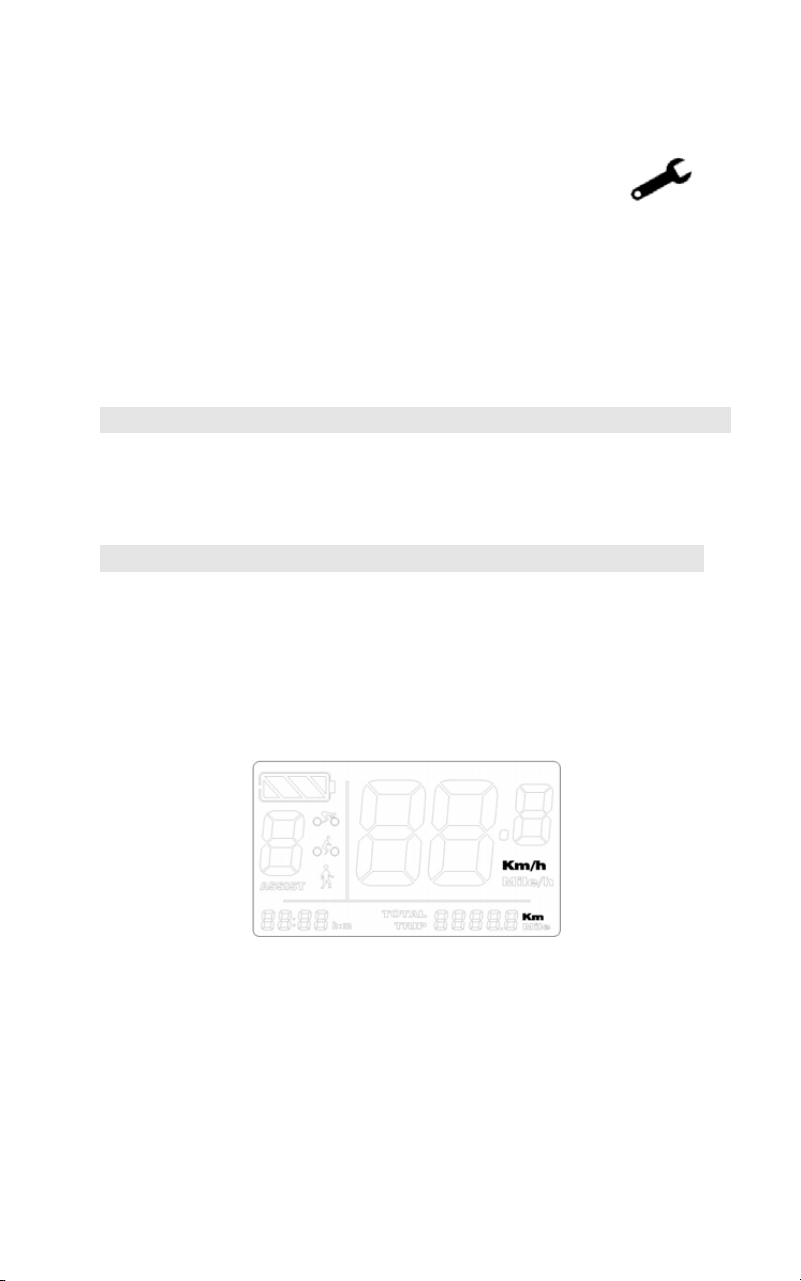
Error code
When something goes wrong with system, error
code will flash on scree. Check details on attached list.
‐
9
‐
Vehicle stops working in case of any error.
Only when error is gone, can vehicle work again.
Setting
Preparation
Makes sure good connection then power on.
Setting
Long press M to start display. Long pree press (+)and
(-) to setting mode.
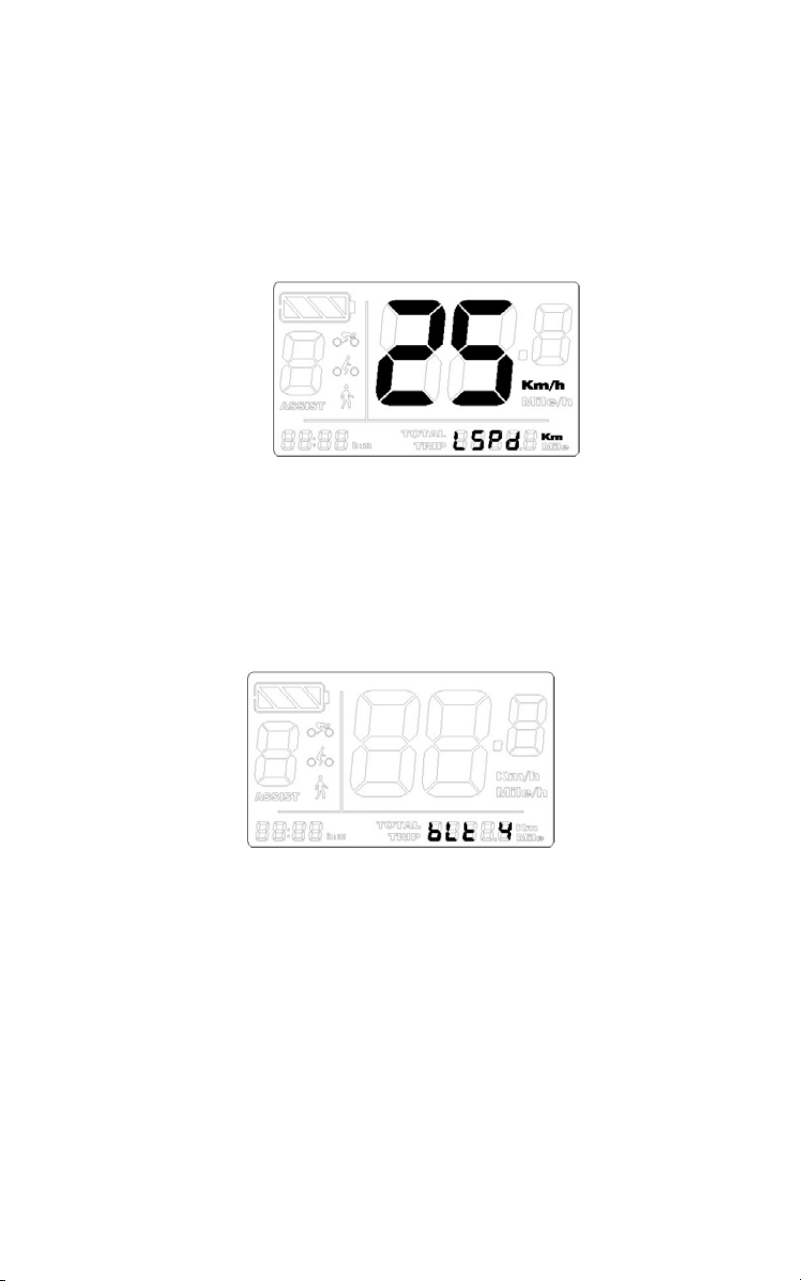
Unit
Press (+) to change unit Km or Mile.
Press M to save and skip to speed setting.
‐
10
‐
Speed limit
Limit range from 15Km/h to 40Km/h. Press press
(+)or(-) to change the limit.
Press M to save and skip to backlight setting.
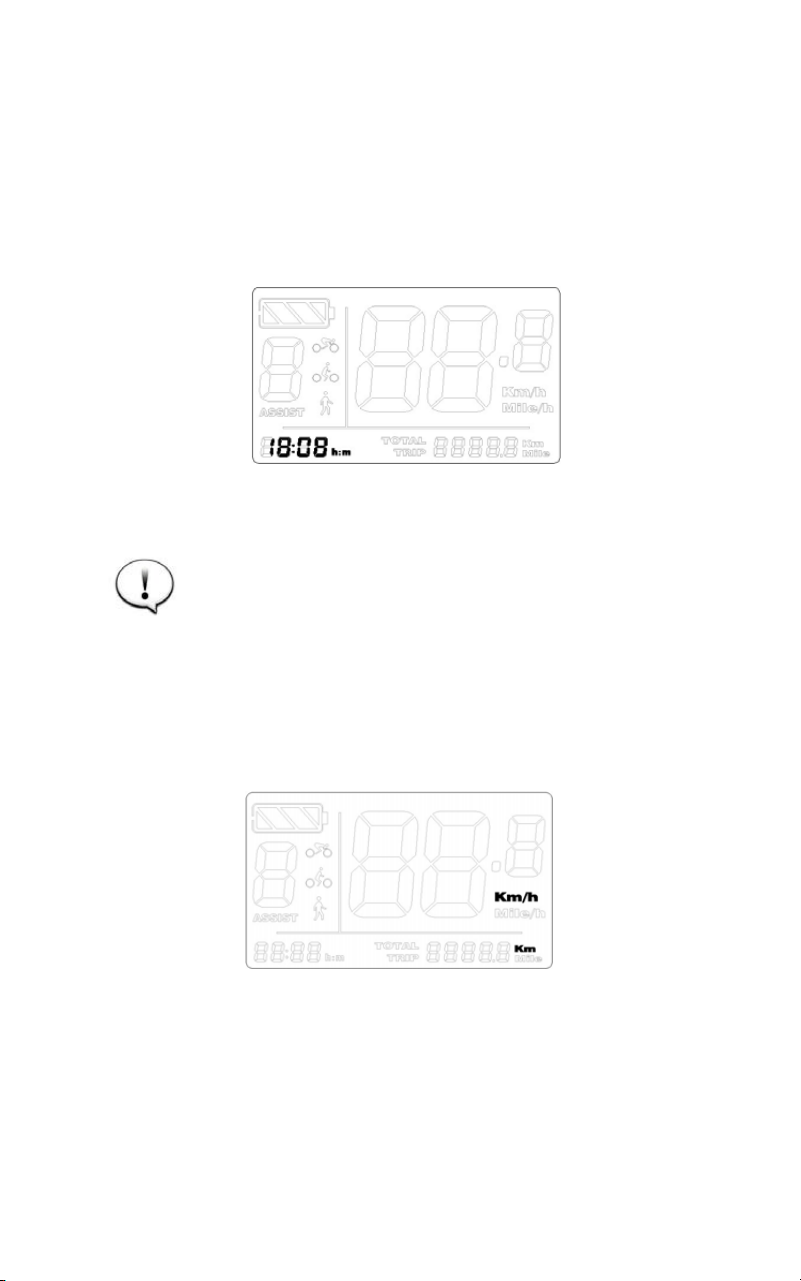
Backlight
Press press (+)or(-) to change the brightness,
range from 1 to 8.
Press M to save and skip to time setting.
‐
11
‐
Time
Press (+)or(-) to change the hour, then press M to
minute setting, press (+)or(-) to change the minute.
Press M to save and exit.
Setting effects after restart.
Advanced setting
Long press M to start display. Long pree press (+)
and (-) to setting mode,
Then press (+)and(-) and no release, meanwhile
press M eight times, to advanced setting.
‐
12
‐
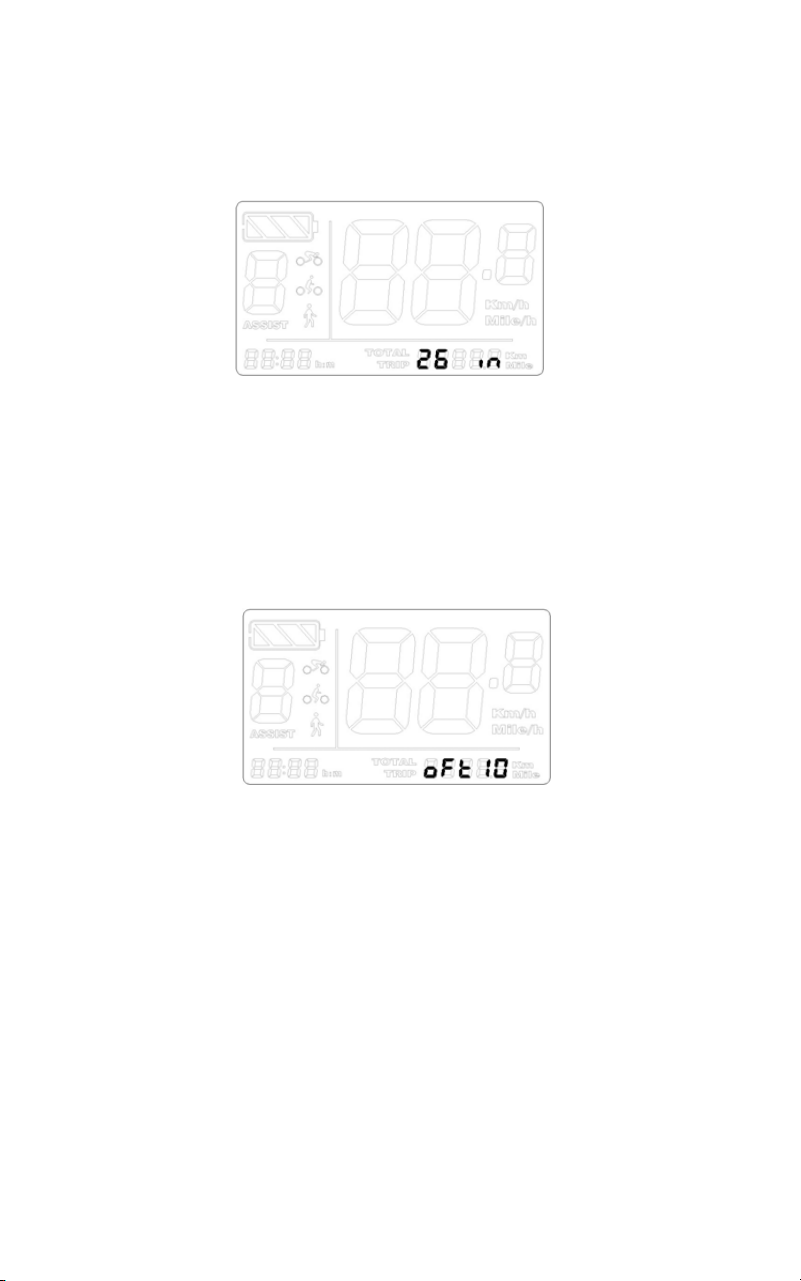
Wheel size setting
P
ress (+)or(-) to change the wheel size. Range from 8 to 32
inch. Press M to save and skip to sleep time interval setting.
Sleep time interval setting
P
ress (+)or(-)tochangethetime,rangefrom0to60
munites.
Display will sleep and cut off power after no operation on
system for the setted time. Press M to save and skip to level
amount setting.
‐
13
‐
Level amount setting
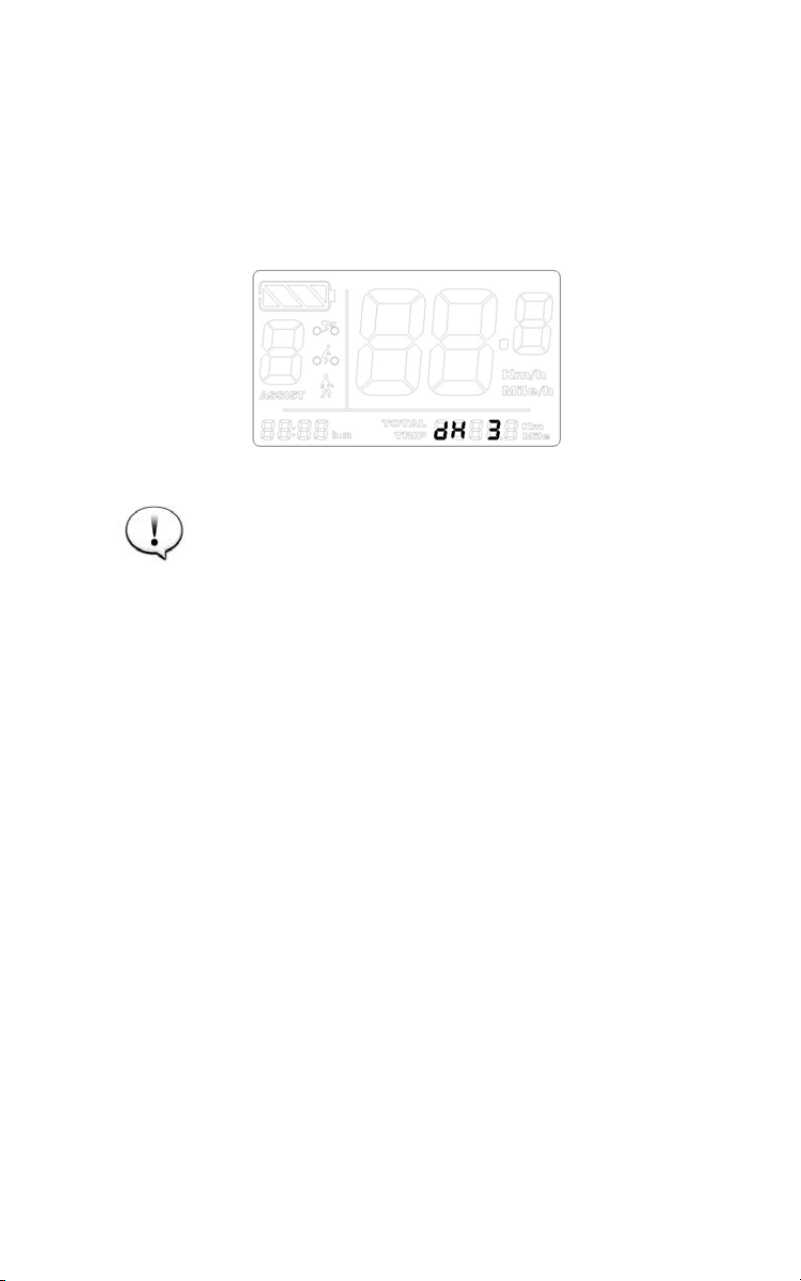
Press (+)or(-) to change the amount, range from 2 to 9
levels (excluding level 0).
Press M to save and exit.
Setting effects after restart.

‐
14
‐
FAQ
Q: Why can’t it be on?
A: Please check power on/off and wires.
Q: What to do to when error?
A: Please check the probable problem according to the
error code list. Please call service if user can’t remove error.
Warranty
Under warranty:
1\ Warranty term 24 months.
2\ Problems due to quality problem within 24 months.
Beyond warranty:
1\ Opened display.
2\ Connector gets damaged.
3\ Scratch or damage on housing after delivery.
4\ Wire gets scratch or broken.
5\ Damage result from Irresistible accidence such fire or
earthquake hazard, and other natural hazard such as
thunderstrike.
6\ Over warranty.

‐
15
‐
Software version
This C961 adopts Bafang protocol V4.0, and only
comminate with controller installed this protocol. Error may
happen if with other protocol.
‐
16
‐
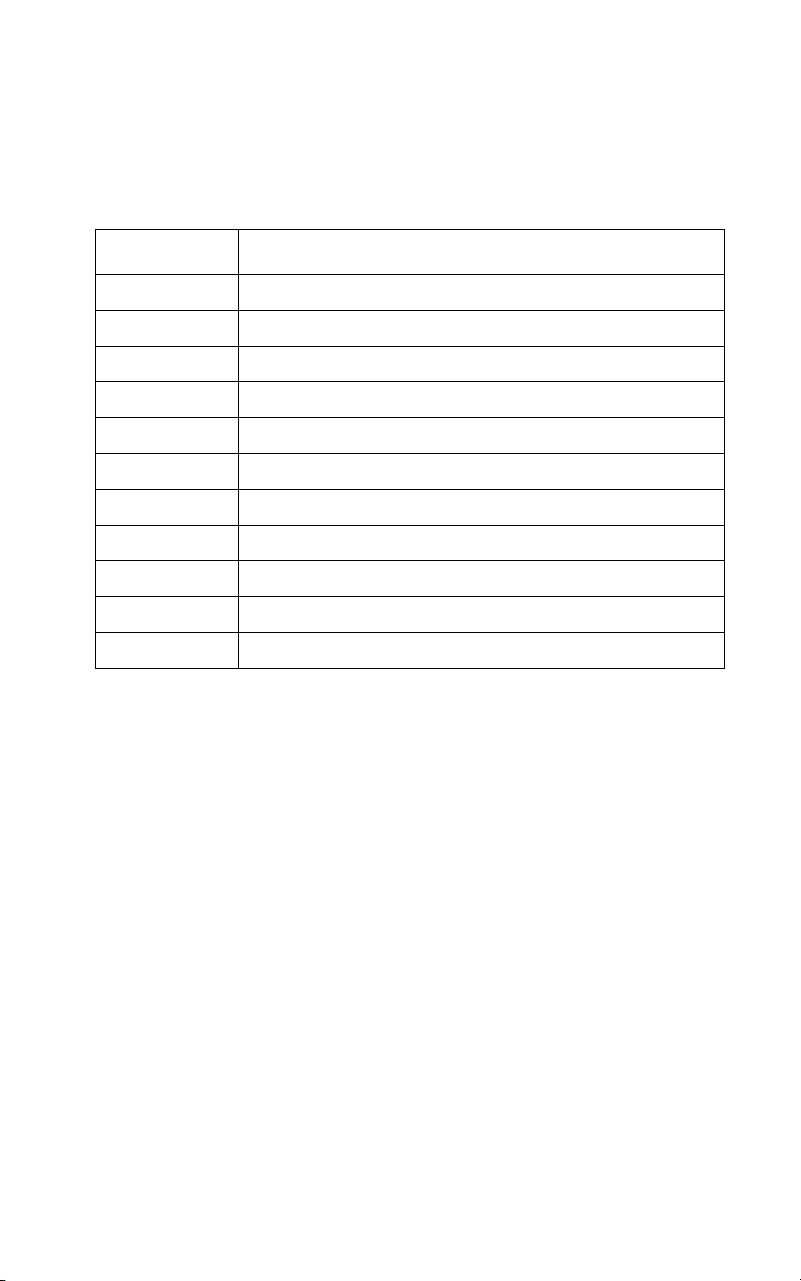
Attached list:
Error code Definition
04 Throttle no homing
05 Throttle abnormality
06 Low voltage protection
07 Over voltage protection
08 Hall sensor abnormality
09 Phase line abnormality
10 Controller overheat
11 Temperature sensor in controller abnormality
12 Current sensor abnormality
21 Speed sensor abnormality
22 Communication abnormality in BMS