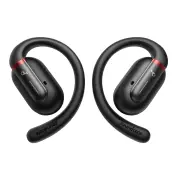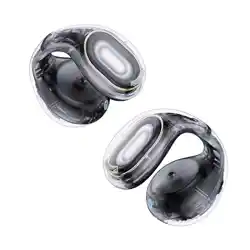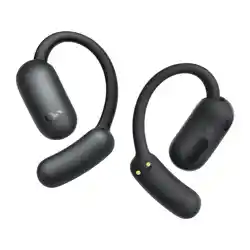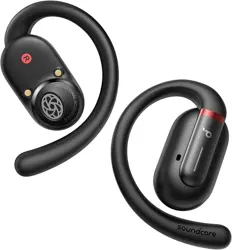
soundcore V30i User Guide (A3873)
APP
soundcore
Apple and the Apple logo are trademarks of
Apple Inc.
Google Play and the Google Play
logo are
trademarks of Google Inc.
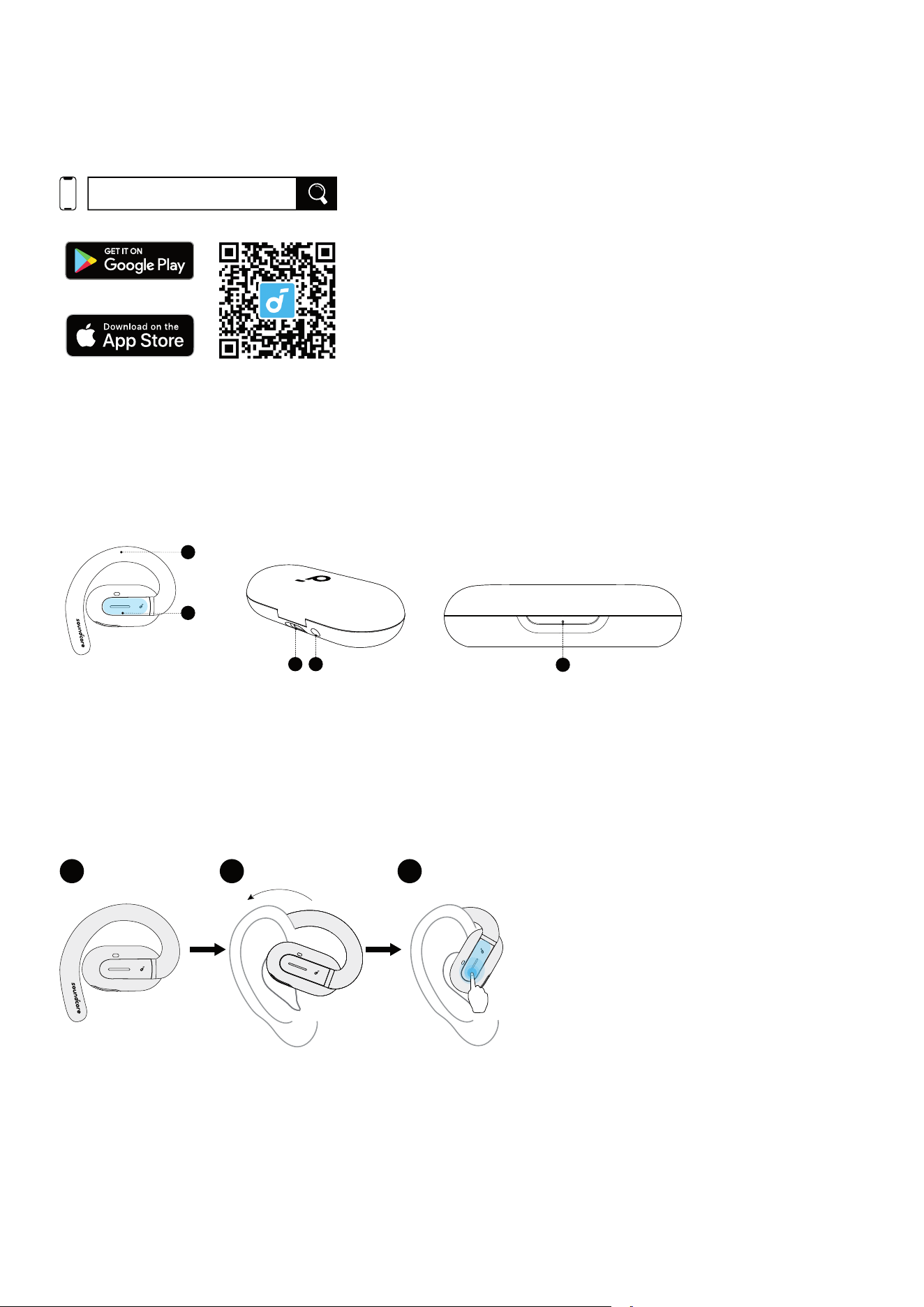
Download the soundcore app to adjust EQ settings, update firmware, and explore more.
If your earbuds cannot connect with the soundcore app, re-install the app or update it to the latest version in your
mobile app store.
Click this link to download: http://dl-soundcore.soundcore.com/qcdl?flow=soundcore
OVERVIEW
1
2
3 4
5
1. Earhook
2. Touch Control Area
3. USB-C Charging Port
4. Reset Button
5. LED Indicator
WEARING
WEARING
1 2 3
Pick up the earbuds from the charging case, then rotate the ear hooks along the auricle of your ear to achieve
proper positioning.
CHARGING
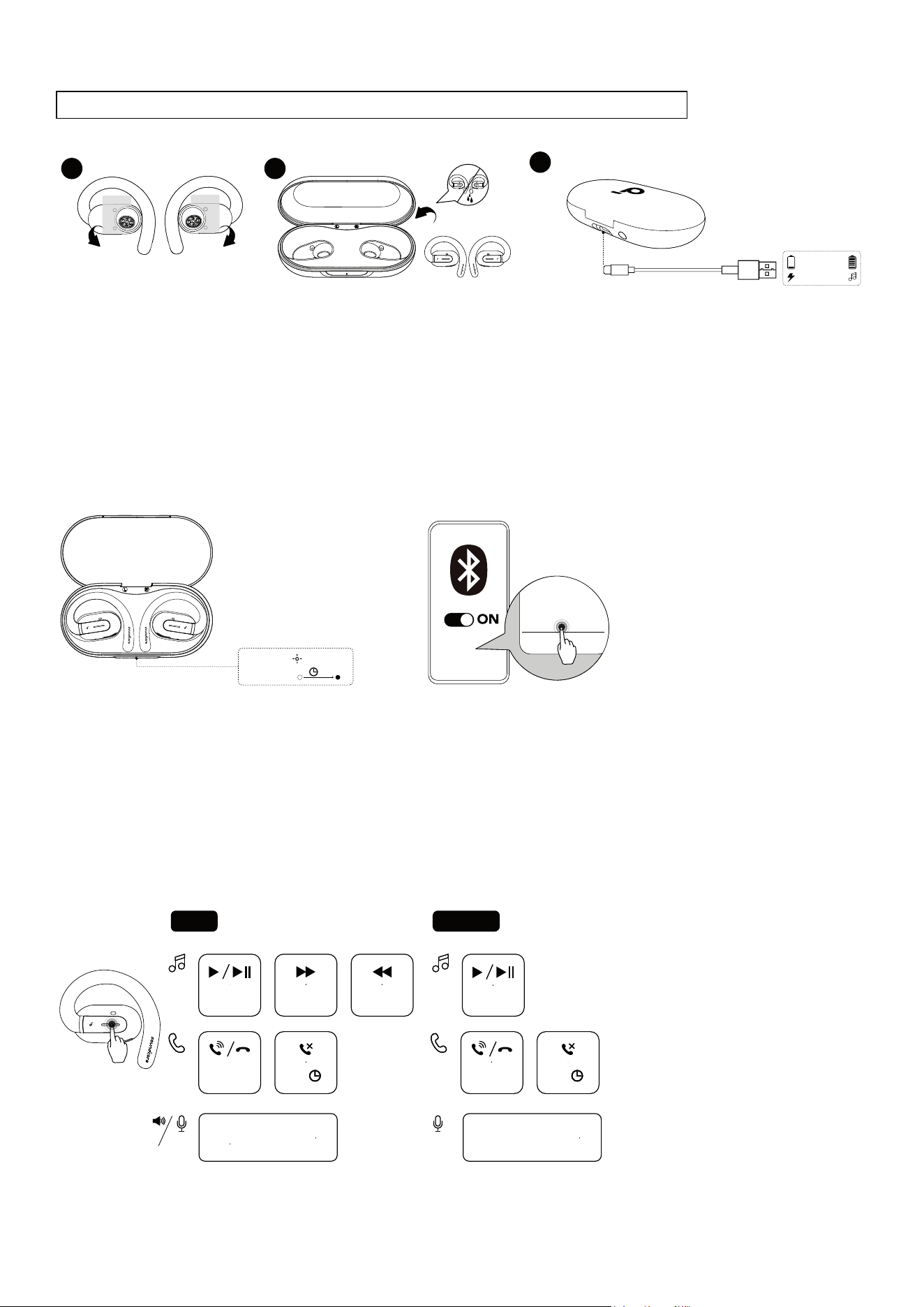
Remember to tear off the protective films on the earbuds before first use.
1 2
3
10 mins=3 hrs
2 hrs
Remove
Remove
1.Place the earbuds in the charging case and close it.
•Fully dry off the earbuds and the USB-C charging port before charging.
2. Connect the charging case to a power supply by using a certified USB-C charging cable.
Low Battery Indication
Earbuds: You will hear a voice prompt of battery running low.
Charging case: The LED indicator will light up in red for 3 seconds and then go off.
POWERING ON & PAIRING
soundcore V30i
PAIRING
CONNECTED
3s
soundcore V30i
Open the charging case, the earbuds will automatically power on and enter Bluetooth pairing mode. Select
"soundcore V30i" on your device's Bluetooth list to connect. When pairing, the LED indicator on the charging case
will start flashing. After the pairing is successful, the LED indicator on the charging case will stay on for 3 seconds
and then go off.
Once connected successfully, they'll automatically reconnect to your device every time you open the charging case,
as long as you haven't deleted the pairing history from your device.
TOUCH CONTROLS
TWS
R
×2
MONO
×2
L/R
×2
L/R
2s
L/R
×2
L/R
2s
L
×2
Customize
in App
* Enable in App
Voice
Assistant
Voice
Assistant
* Enable in App
TWS mode Mono mode
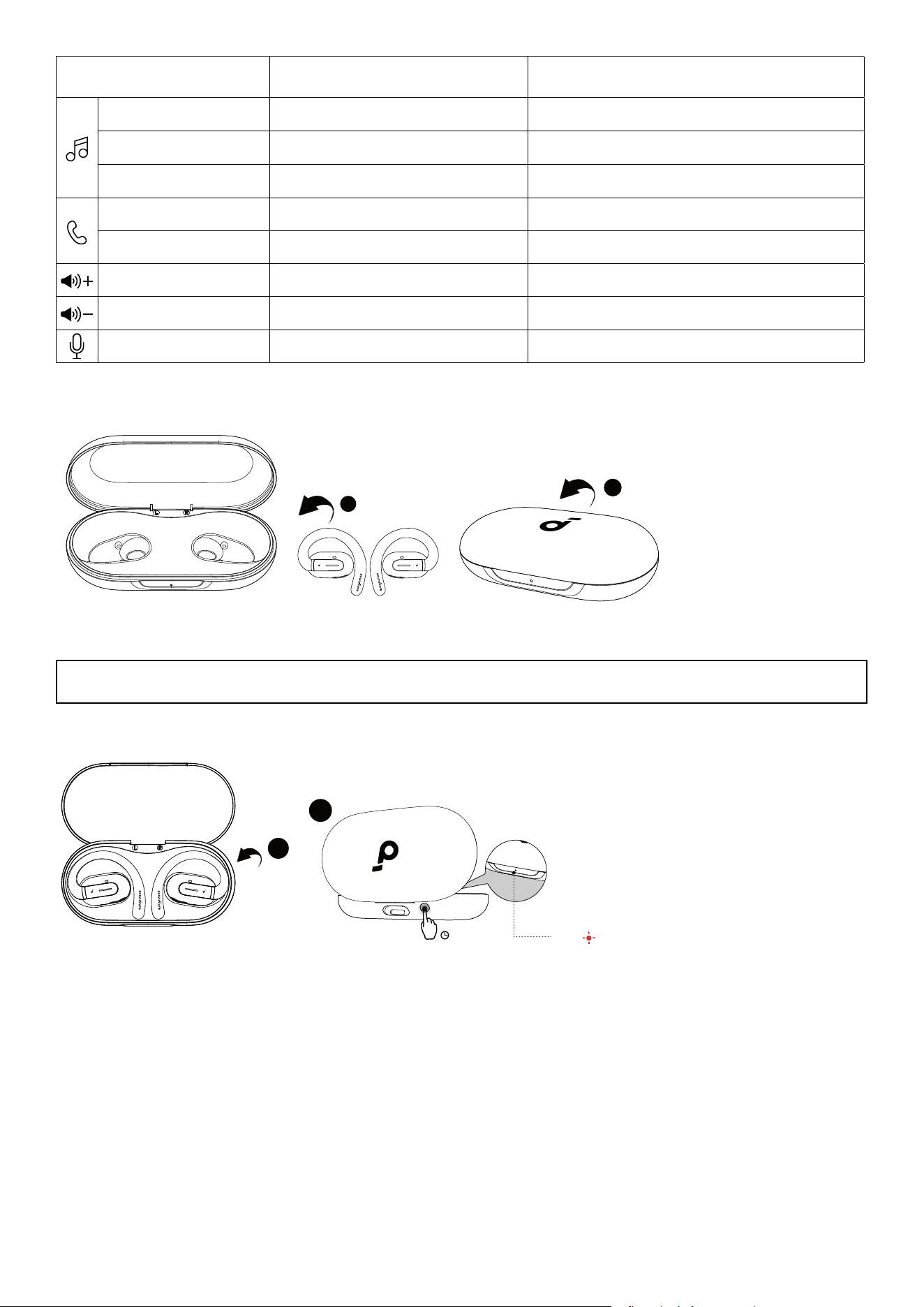
Play / Pause Touch twice (R) Touch twice
Previous track Customize in soundcore app /
Next track Touch twice (L) /
Answer / End a call Touch twice (L/R) Touch twice (L/R)
Reject a call Touch and hold for 2 seconds (L/R) Touch and hold for 2 seconds
Volume up *Enable in soundcore app /
Volume down
*Enable in soundcore app
/
Activate voice assistant *Enable in soundcore app *Enable in soundcore app
POWERING OFF
1
2
To power off, return the earbuds to the charging case and close it.
The earbuds will automatically power off after 30 minutes if they are not connected. The duration can be
customized in the soundcore app.
RESET
1
2
10s
Reset
×
3
Reset if the earbuds have issues pairing with each other or with other devices.
Delete the pairing history from your Bluetooth device first. Place the earbuds in the charging case and leave the
case open. Press and hold the reset button on the charging case for 10 seconds until the LED indicator on the
charging case flashes red three times. At this time, your earbuds have been successfully reset.
FIRMWARE UPDATE
1
2
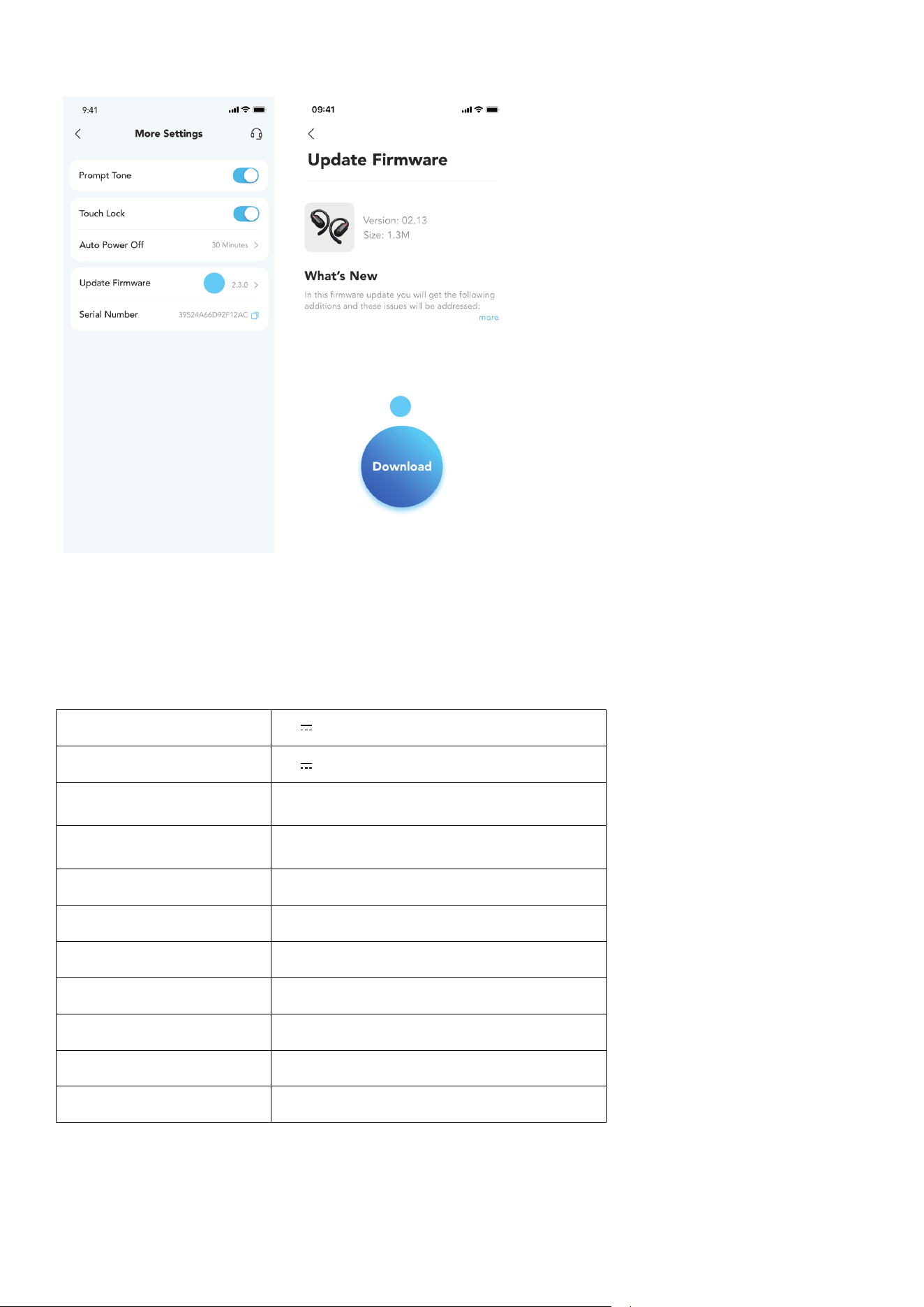
You will be informed once a new firmware version is detected when you connect the earbuds to the app. Ensure
the earbuds are placed in the charging case and the case remains open until the firmware update is complete.
During the update, ensure the earbuds are being charged and avoid any usage.
SPECS
Specifications are subject to change without notice.
Input 5V 1A
Output 5V 0.3A (0.15A per port)
Battery capacity
70mAh × 2 (earbuds);
500mAh (charging case)
Charging time
2 hours (earbuds);
2 hours (charging case)
Driver unit 14.2mm dynamic driver
Frequency response 20 Hz - 20 kHz
Impedance 11Ω
Waterproof rating (earbuds) IPX5
Bluetooth version 5.3
Bluetooth range 10 m / 33 ft
Maximum volume 88dB