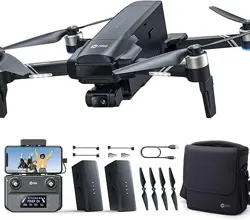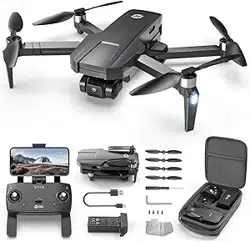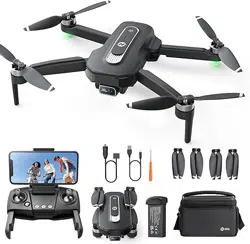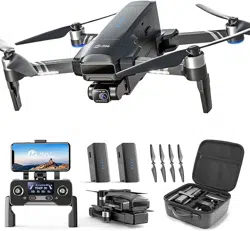
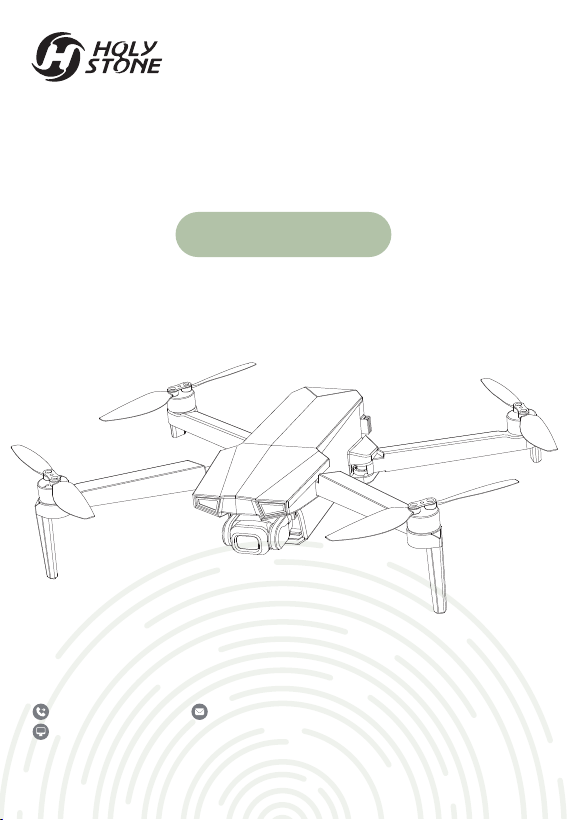
HS790
Quick Start Guide
V 1.0
+1(833)766-4733
www.holystone.com
[email protected] (USA)
[email protected] (EU)
[email protected] (CA)
... download the
HS GPS V5 APP
... watch the
Tutorial Video
... view the Instru-
ctions For Use
Scan the QR-code to...
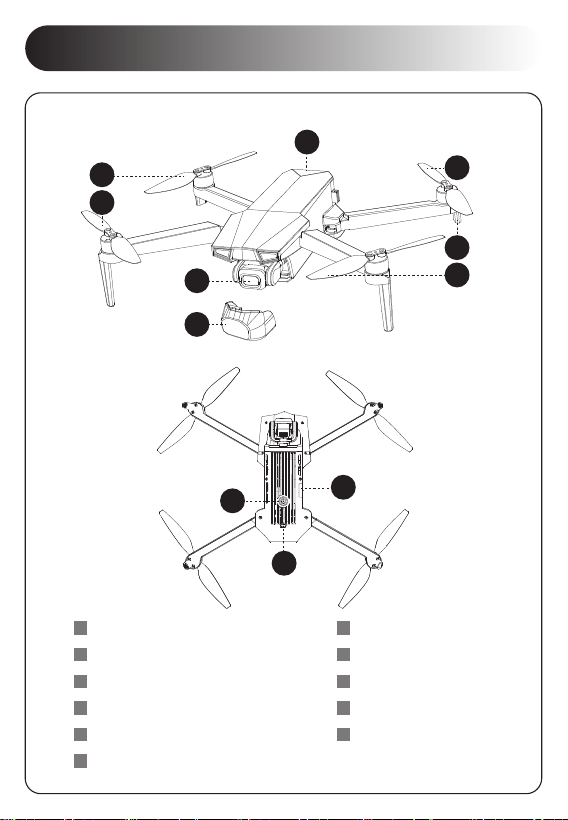
DIAGRAM OF THE DRONE
1 2
3 4
5 6
7
8
9
10
5
8
9
10
11
6
1
2
4
3
7
Propeller B
Drone Battery
Propeller B
Gimbal and Camera
Drone Status Indicators
Gimbal Cover
Propeller A
Optical Flow Positioning Lens
TF Card Slot
11
TOF Ranging Sensor
Propeller A
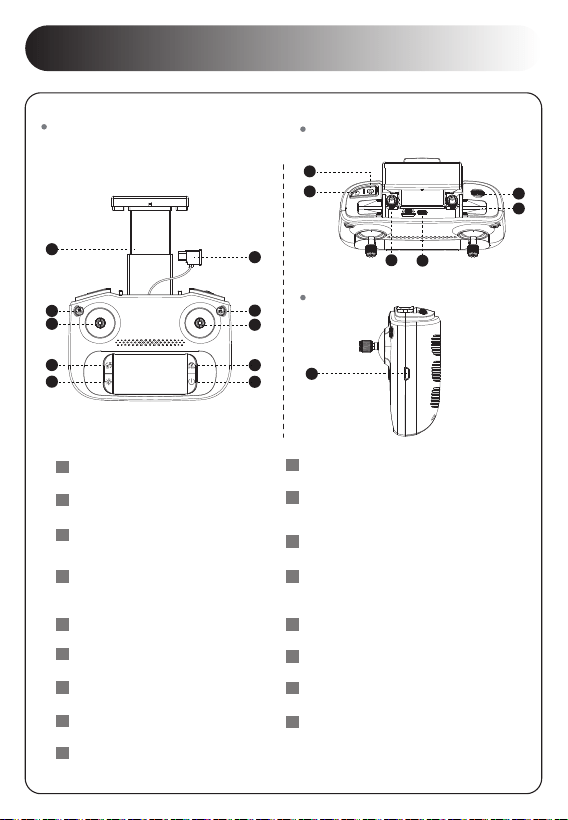
DIAGRAM OF THE TRANSMITTER
Front:
Top:
Right:
1
2
3
4
5
6
9
11
12
13
14
7
8
10
15
16
2
1
8
9
7
6
10
3
4
5
Takeoff/Landing: short press
Take Photo: short press
Left Joystick
GPS Switch: short press
Headless Mode: long press
Compass Calibration:
long press
Right Joystick
Power Switch: long press
Charging port(Type-C)
Connection Port
Gimbal Dial
Cellphone Slot
Storage Slots for Joysticks
Speed Switch: short press
Return to Home(RTH):
short press
Phone Holder
17
Connection Cable
12
15
16
14
13
11
Record Video: short press
17
1
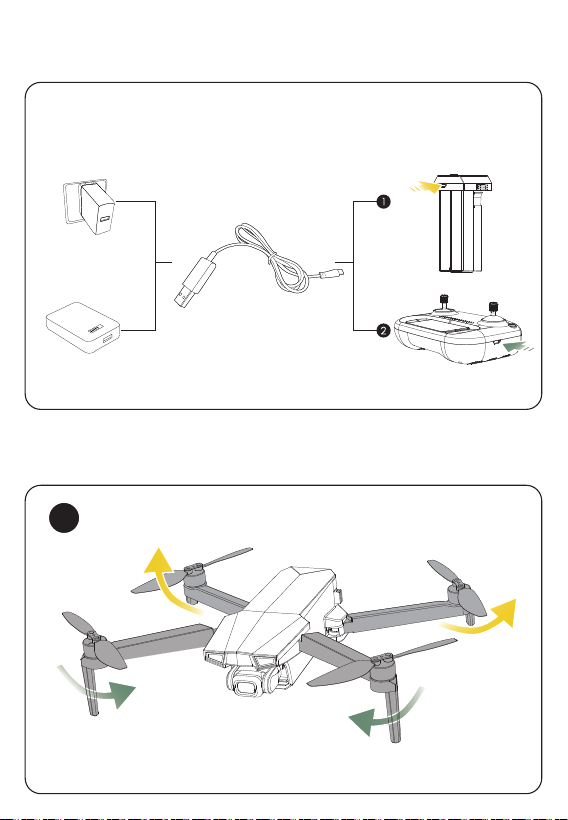
CHARGING
Attach the USB charging cable to a USB Adapter, then link it with
the charging port of the drone battery or transmitter.
Power Bank
USB Adapter
2
GET THE DRONE READY
1
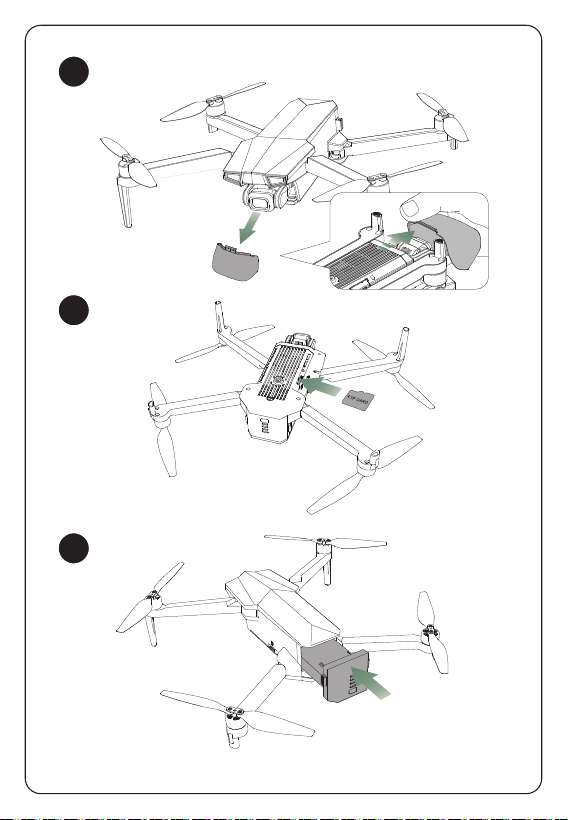
2
3
4
Check the battery to ensure it is securely installed.
(Not included)
3
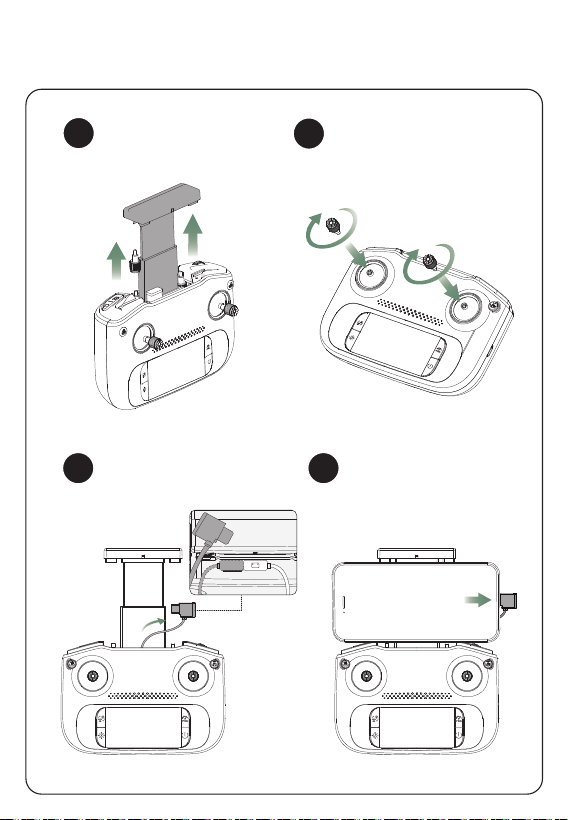
GET THE TRANSMITTER READY
1
2
3
4
4
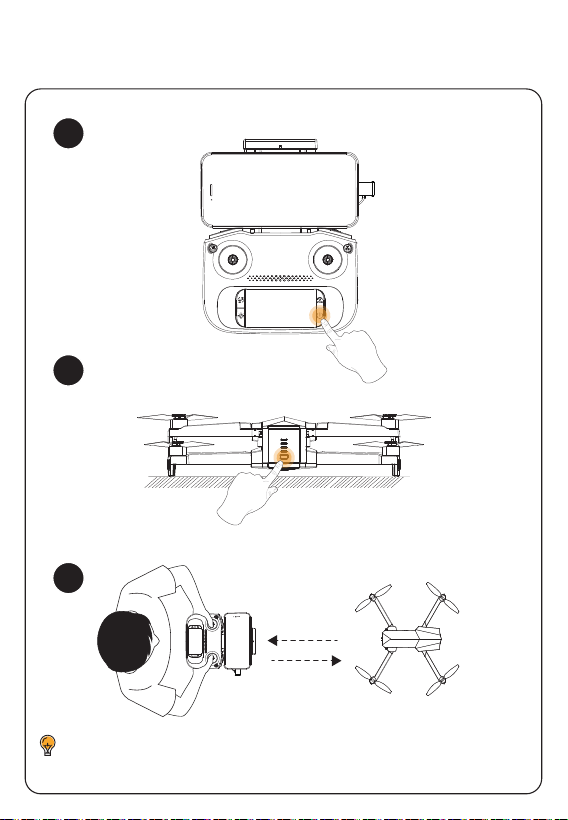
PAIRING
1
2
3
Head
auto-pairing
The transmitter sends out a long beep when the pairing is done.
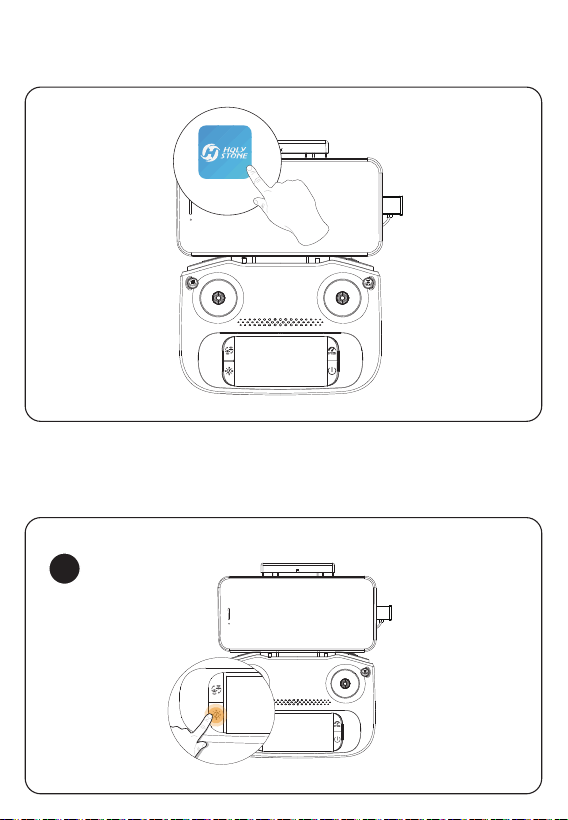
5
6
CALIBRATE THE COMPASS
1
RUN THE APP
HS GPS V5
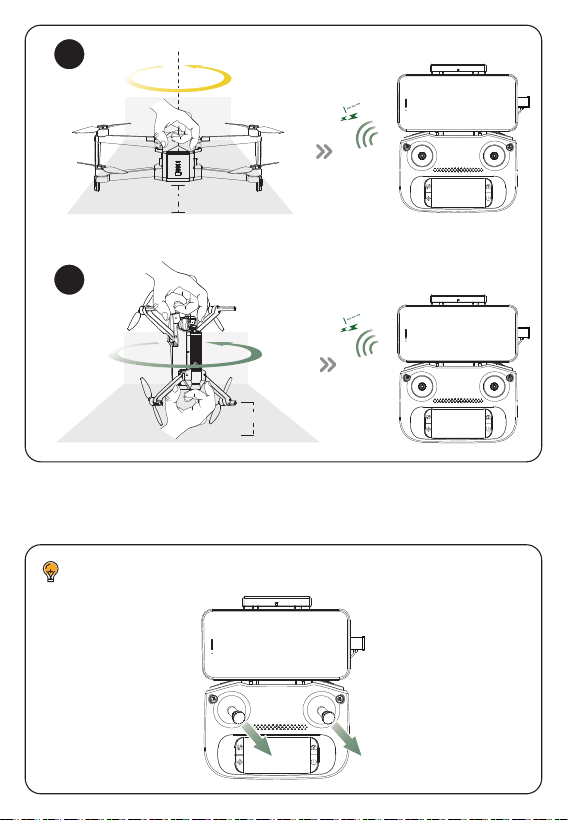
2
3
×3
×3
7 CALIBRATE THE GYRO
Be sure to perform gyro calibration on a level surface.
D
D
3ft
3ft
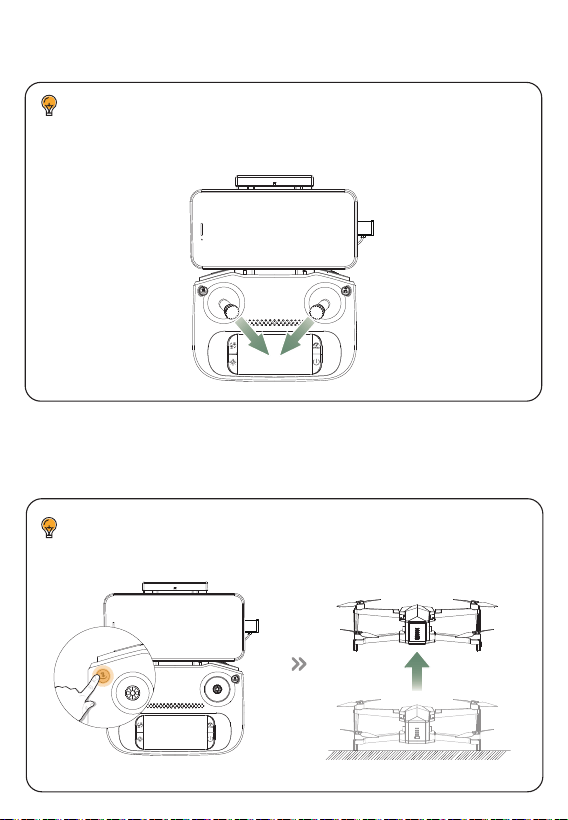
8
UNLOCK THE MOTORS
9
TAKE-OFF
Please fly the drone in an open outdoor area free of surrounding
obstructions.
Please make sure that you only unlock and control the
drone when the drone successfully finds satellites and the
app indicates “ready to fly” .
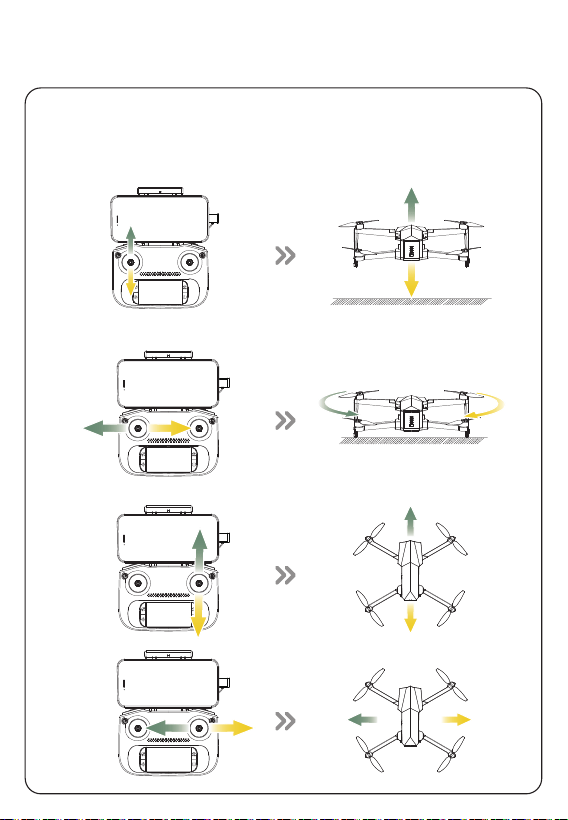
10
FLIGHT DIRECTION CONTROL
The left joystick is responsible for controlling the drone's height
and orientation in flight, whereas the right joystick dictates the
movements in forward, backward, and lateral directions.
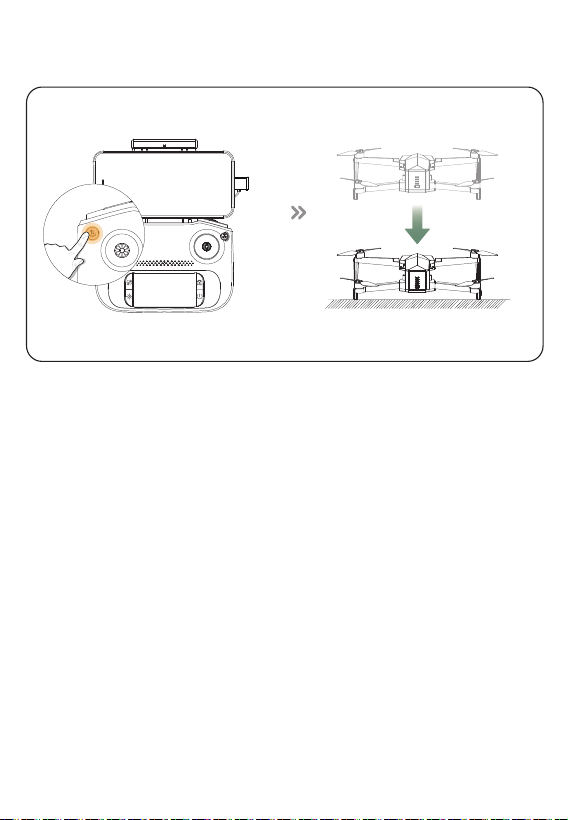
11
LANDING