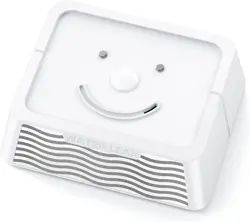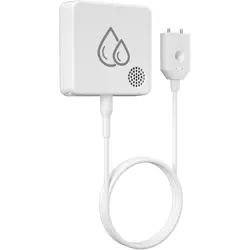
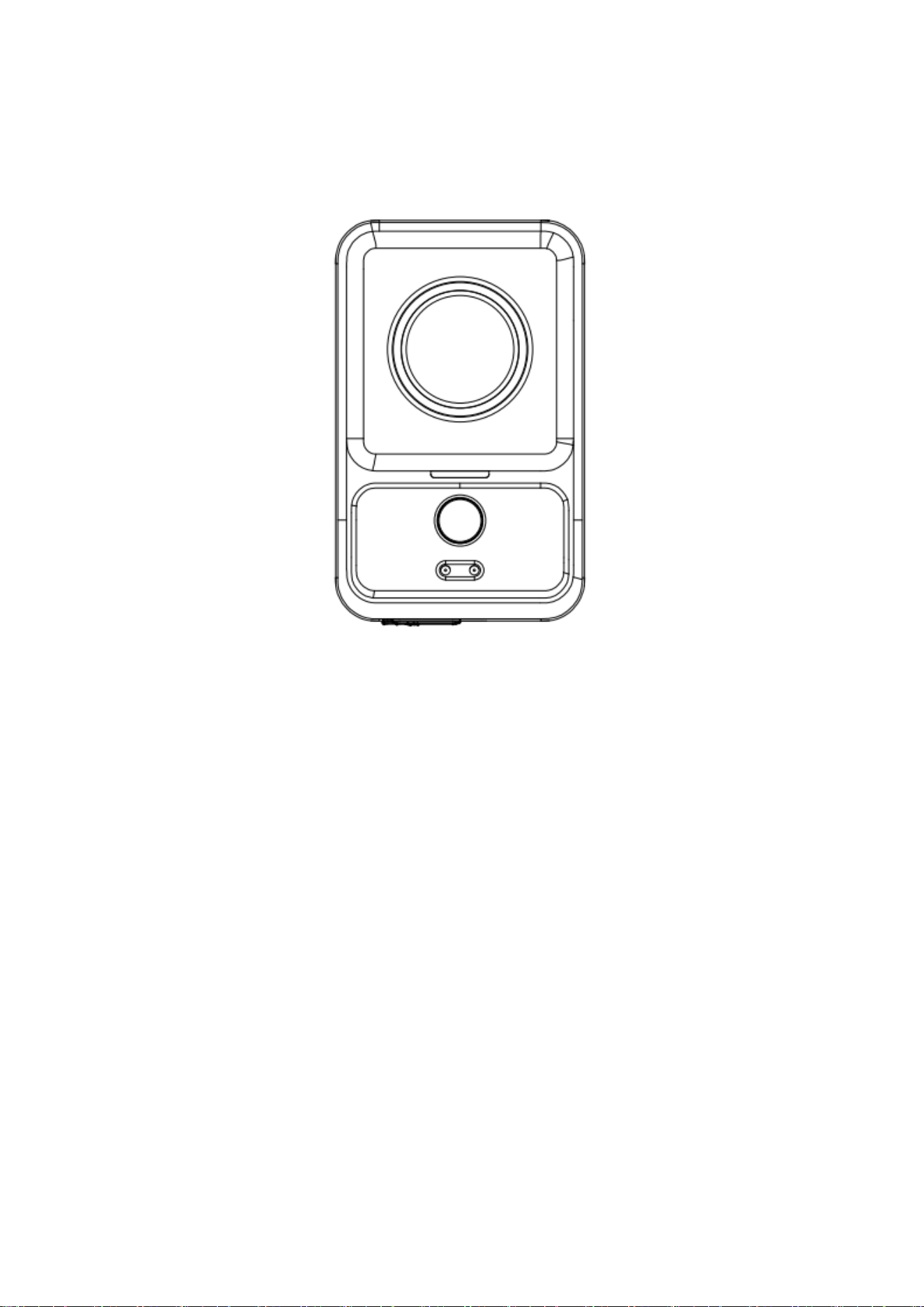
Water Leak Detector
Model:WD97
Preparation Before Use
Battery Installation
主机:Water Leak Detector
开启工具:Open Tool
电池仓开启口:Battery Compartment Opening Port
Step 1: Align the opening tool with the battery compartment opening.
Step 2: Press the tool inward firmly.
Step 3: Turn the tool clockwise to open the battery compartment.
Product Introduction
This wireless water leak detector utilizes advanced wireless transmission technology.
When the water level exceeds the preset threshold — that is, when water at the bottom of the
detector covers two or more adjacent water-sensitive probes, or when water at the top
completely covers two water-sensitive probes — the detector will trigger an alarm and send a
wireless signal to the corresponding receiver.
This alerts you to high water levels or water droplets on the detector, prompting you to take
immediate action.
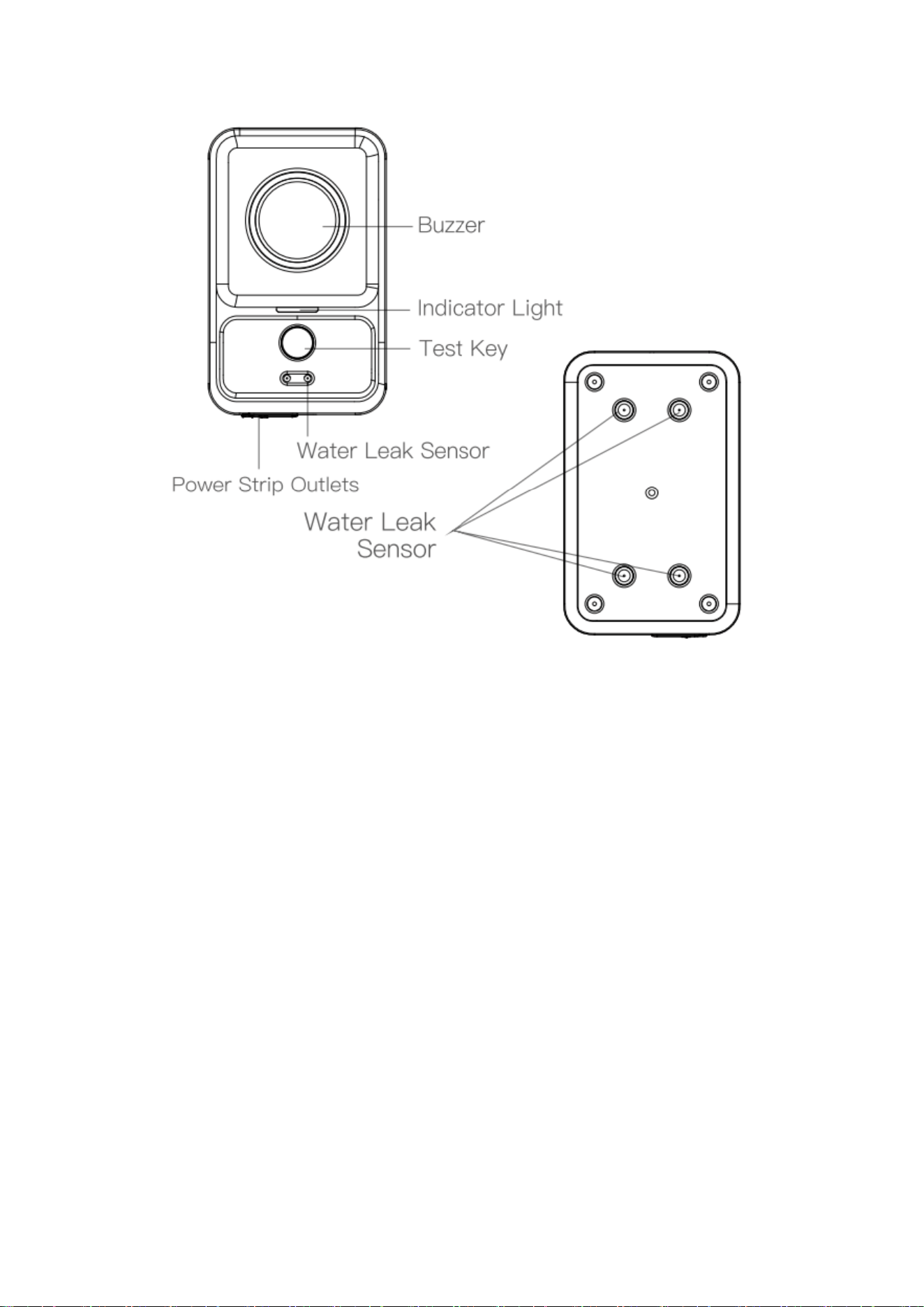
蜂鸣器:buzzer
指示灯:Indicator
测试键: TEST Button
延长线插孔:3.5mm Extension Sensor Port
滴水传感器:Top Drip Sensor
传感器:Bottom detection probe
Operation Instructions
Power On
⚫ Install 2 AAA batteries. The red LED will flash once to confirm power-on.
⚫ Press and hold the [Test] button for 10 seconds, a short beep indicates successful power-on.
Power Off
⚫ Press and hold the [Test] button for 10 seconds:
At 3 seconds: volume level changes.
At 10 seconds: a long beep confirms power-off.
⚫ You may also power off the unit by removing the batteries.
Volume Setting
When the water leak alarm is powered on, press and hold the [Test] button for 3 seconds to set
the volume to Level 4 (beep-beep-beep-beep – maximum volume). Release and hold again for 3
seconds to cycle to Level 3 (beep-beep-beep), then Level 2 (beep-beep), Level 1 (beep – mute),
and back to 4–3–2–1.Each 3 - second press adjusts one volume level only.
Note: Removing the battery and reconnecting power will reset the volume to the maximum level.
Test Function
Press and hold [Test] for 1 second. The water leak detector will alarm for 2 seconds and transmit
a wireless signal to the receiving host.
Installation & Placement
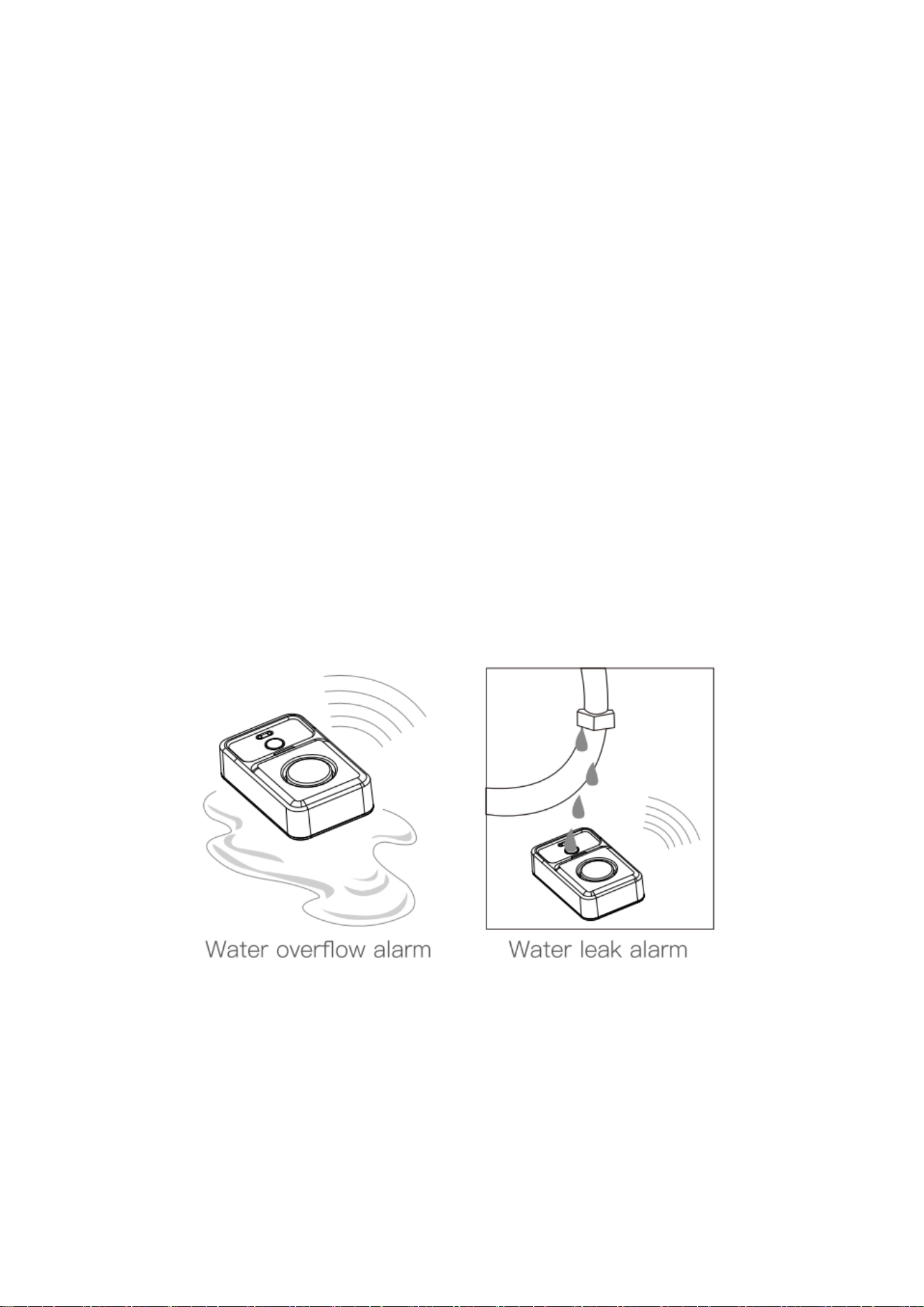
Place the detector in areas requiring water leakage monitoring.
Notes:
1. The detector has four water‑sensitive probes on the bottom
⚫ Alarm activates when water touches two parallel probes.
⚫ Alarm does not activate if only the two diagonal probes detect water.
2. Alarm behavior:
⚫ First alarm: 15-second continuous tone.
⚫ If water remains: 2-second beep every 15 seconds.
⚫ Alarm stops when water is removed or the alarm is cancelled manually.
⚫ Alarm automatically disables after 24 consecutive hours of water detection.
浸水报警:Water Seepage Alarm 滴水报警:Water Drip Alarm
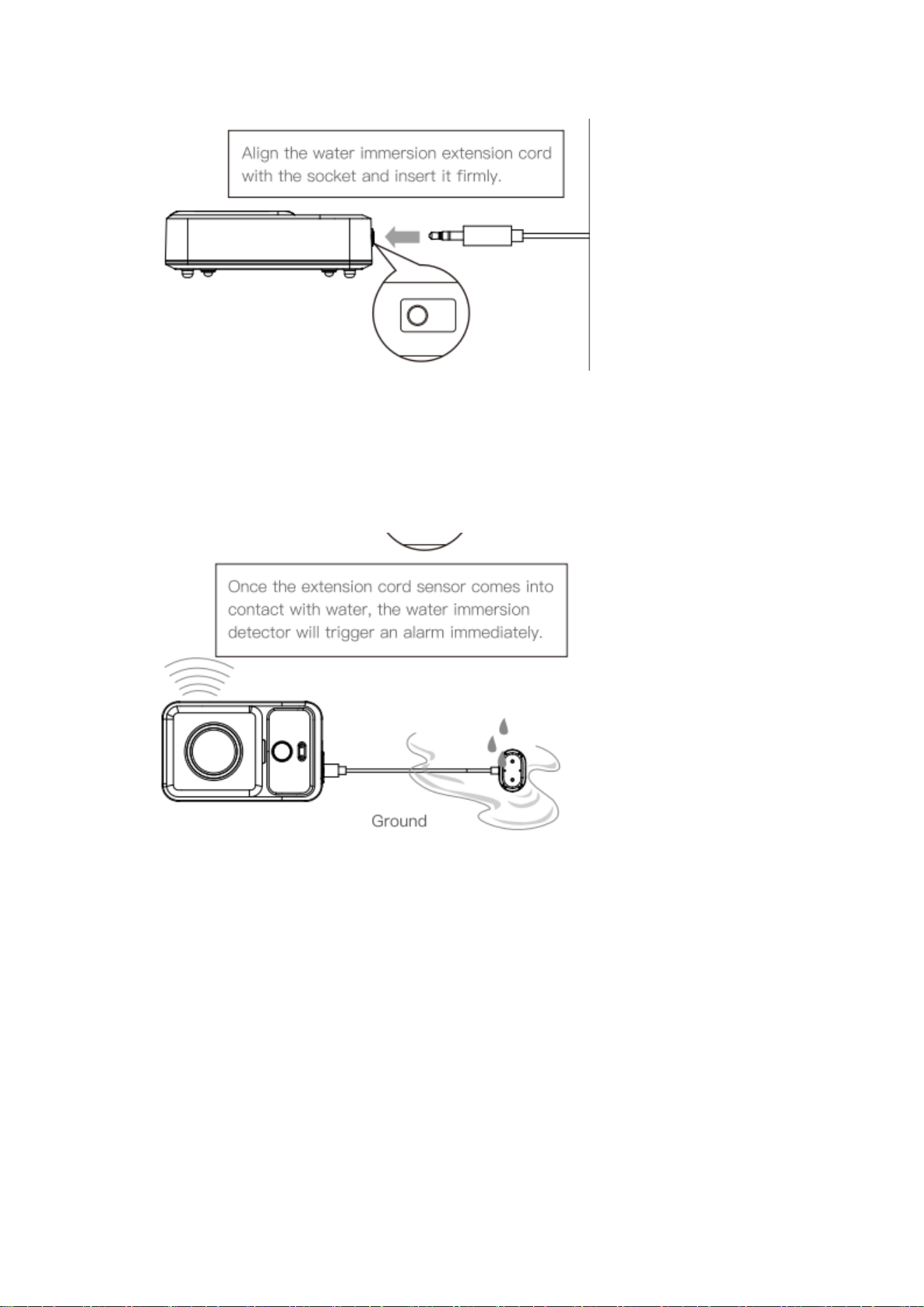
External Water Leak Extension Cable 外接延长线
Align the water leak extension cable with the jack and plug it in. (将水浸延长线对准插孔插入)
If water touches the extension cable sensor, the water leak detector will alarm at once
Low Battery Indication
When the voltage drops below a specified level, the water leak detector will emit three short
beeps and send a low-battery signal to the receiver once only.The detector will continue to
operate normally. It will still alarm and send an over-limit water signal to the corresponding
receiver when a water leak is detected. Please take appropriate action promptly.
When the voltage becomes critically low, the indicator light will stop flashing and the unit will
shut down automatically. Please replace the batteries.

Specifications
• Operating Voltage: 2 × AAA batteries
• Off Current: < 4 μA
• Standby Current: Approx. 10 μA
• Operating Current: < 70 mA
• Transmission Frequency: 433 MHz
• Alarm Volume: Max. 120 dB
• Alarm Interval: 15 seconds
• Wireless Range: > 100 m (open area)
• Waterproof Rating: IP66

FCC Statement
This equipment has been tested and found to comply with the limits for a Class B
digital device, pursuant to part 15 of the FCC rules. These limits are designed to
provide reasonable protection against harmful interference in a residential installation.
This equipment generates, uses and can radiate radio frequency energy and, if not
installed and used in accordance with the instructions, may cause harmful interference
to radio communications. However, there is no guarantee that interference will not
occur in a particular installation. If this equipment does cause harmful interference to
radio or television reception, which can be determined by turning the equipment off
and on, the user is encouraged to try to correct the interference by one or more of the
following measures:
-Reorient or relocate the receiving antenna.
-Increase the separation between the equipment and receiver.
-Connect the equipment into an outlet on a circuit different from that to which the
receiver is connected.
-Consult the dealer or an experienced radio/TV technician for help.
To assure continued compliance, any changes or modifications not expressly
approved by the party.
Responsible for compliance could void the user’s authority to operate this
equipment. (Example- use only shielded interface cables when connecting to
computer or peripheral devices).
This equipment complies with Part 15 of the FCC Rules. Operation is subject to
the following two conditions:
(1) This device may not cause harmful interference, and
(2) This device must accept any interference received, including interference that
may cause undesired operation.
FCC Radiation Exposure Statement:
The equipment complies with FCC Radiation exposure limits set forth for
uncontrolled environment. This equipment should be installed and operated with
minimum distance 20cm between the radiator and your body.