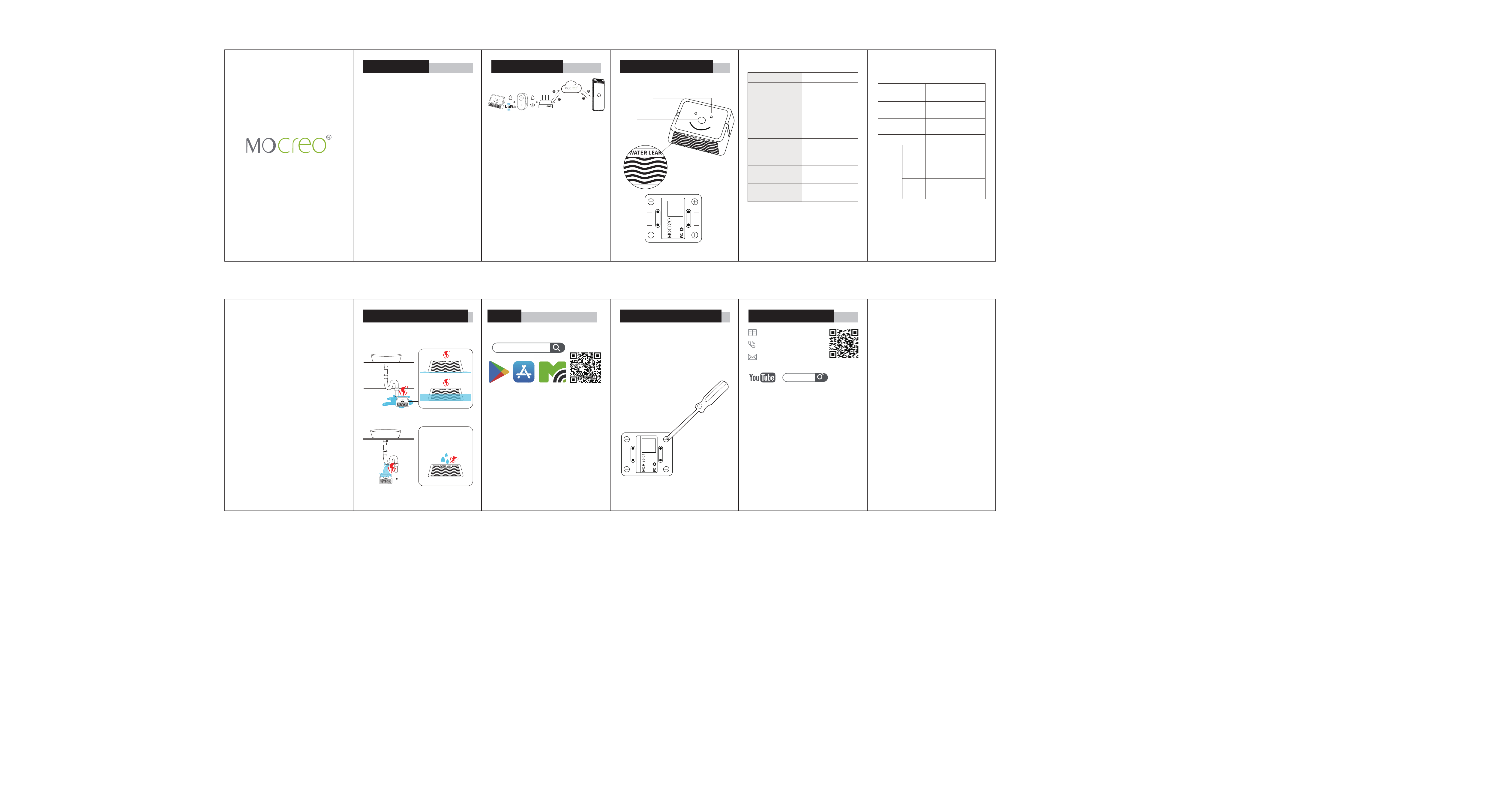
LW1 Water Leak Sensor
User Manual
Introduction
Introduction & How It Works
LW1 Sensor — Your Smart Water
Leak Alert Sensor
LW1 Sensor — Your Smart Water
Leak Alert Sensor
Key Features:
Multi-point Leak Detection: Detects
water through the bottom, side, and
top contacts, identifying the severity
of leaks.
Freezing Alert: Provides a warning
when ambient temperature drops
near freezing (≤ 32°F / 0°C).
Use a screwdriver to remove the four
screws on the bottom cover of the
sensor, and replace the two AAA
batteries currently used in the LW1
Sensor.
LoRa Water Leak Sensor
Model:LW1
BATTERY:3*AAA
FCC ID:2BFZL-LS1
SN:MCXXXXXXXXXXXX
Introduction
Battery Replacement Customer Service
How It Works Product Parameter
LoRa Water Leak Sensor
Model:LW1
BATTERY:2 x AAA
FCC ID:2BFZL-LS1
SN:MCXXXXXXXXXXXX
Bottom
Leak
Detection
Contacts
Bottom
Leak
Detection
Contacts
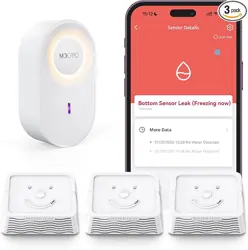
1.The LW1 Sensor detects water
leaks using conductive contacts on
multiple sides.
2.The sensor transmits leak and
freezing alert data wirelessly to the
MOCREO Cloud via the connected
Hub (if available).
3.Alerts are displayed in the
MOCREO App for real-time monitor-
ing.
Tips: The Hub shown above is for
illustration only. The LW1 Sensor can
also work with other compatible
MOCREO Hubs.
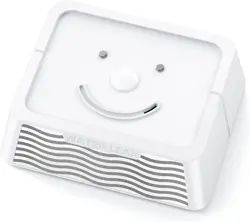
LW1 Sensor
Top Leak Detection
Contacts
Status Indicator Light
Button
Side Leak
Detection Contacts
LW1
LoRa
1640ft/500m
(No obstacles)
74 mm x 60 mm
x 26 mm
83 g (2.93 oz)
2 x AAA Batteries
105 dB
(3.94 inches/10cm)
32°F to 122°F
(0°C to 50°C)
IP67
Specifications
Model
Wireless Protocol
Communication
Range
Dimensions
(H x W x D)
Weight
Power Supply
Buzzer Sound
Level
Operating
Temperature
Waterproof &
Dustproof Rating
LW1 Sensor Indicator &
Button Behavior
LED & Sound
Response
Red LED flashes once
and one short beep.
Red LED blinks slowly
while water is present.
LED turns off.
Function
Power On /
Restart
Water Detected
Water Removed
Button
Single
Press
Double
Click
• LED: Red LED
flashes once
• BEEP: One short
beep
• BEEP: Two quick
beeps
❶ Download MOCREO Smart App
MOCREO Smart
❷ Power the Hub
Plug in your Hub and wait for the
indicator light to turn on.
❸ Add the Hub
Open the MOCREO Smart App and
add your Hub.
❹ Add the Sensor
After the Hub is added, add your
LW1 Sensor in the app.
Tip: Add the hub first, then the
sensor.
Setup
Water Leak Detection Stages
Bottom & Side Leak
Detection Contacts
Top Leak Detection Contacts
Search [ MOCREO ] on YouTube to
watch the setup video tutorials.
User Guide
Manual
+1 (530) 988-8608
https://doc.mocreo.com/
MOCREO
1 2 3 4 5
76 8 9 10 V1.0
Single Press:
Function: Communication test with Hub.
normal:
• LED flash + beep → Communication
with hub is OK.
abnormal:
• LED flash, no beep → Communication
failure with hub.
• No LED, no beep → Power failure
(check batteries).
Note: Before setup, LED only (no beep)
is normal. Add the sensor in the app.
Double Click:
Function: Volume level switch.
Cycles buzzer volume: High ↔ Low ↔
High ...
Button Actions and Expected
Behavior
FCC ID (LW1 Sensor): 2BFZL-LS1