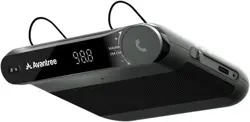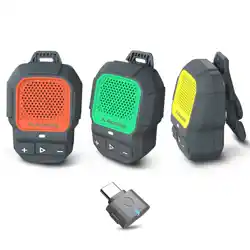
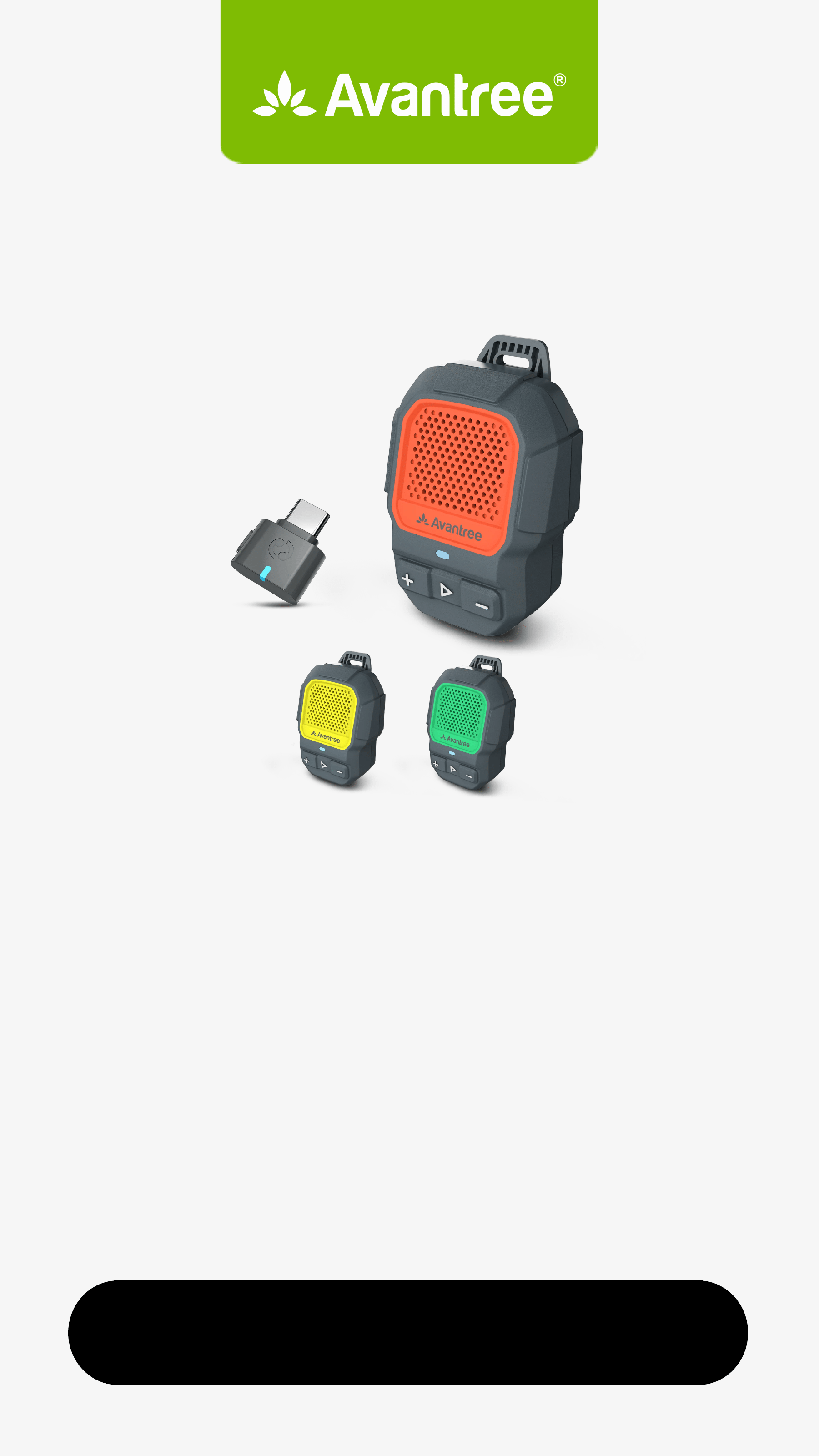
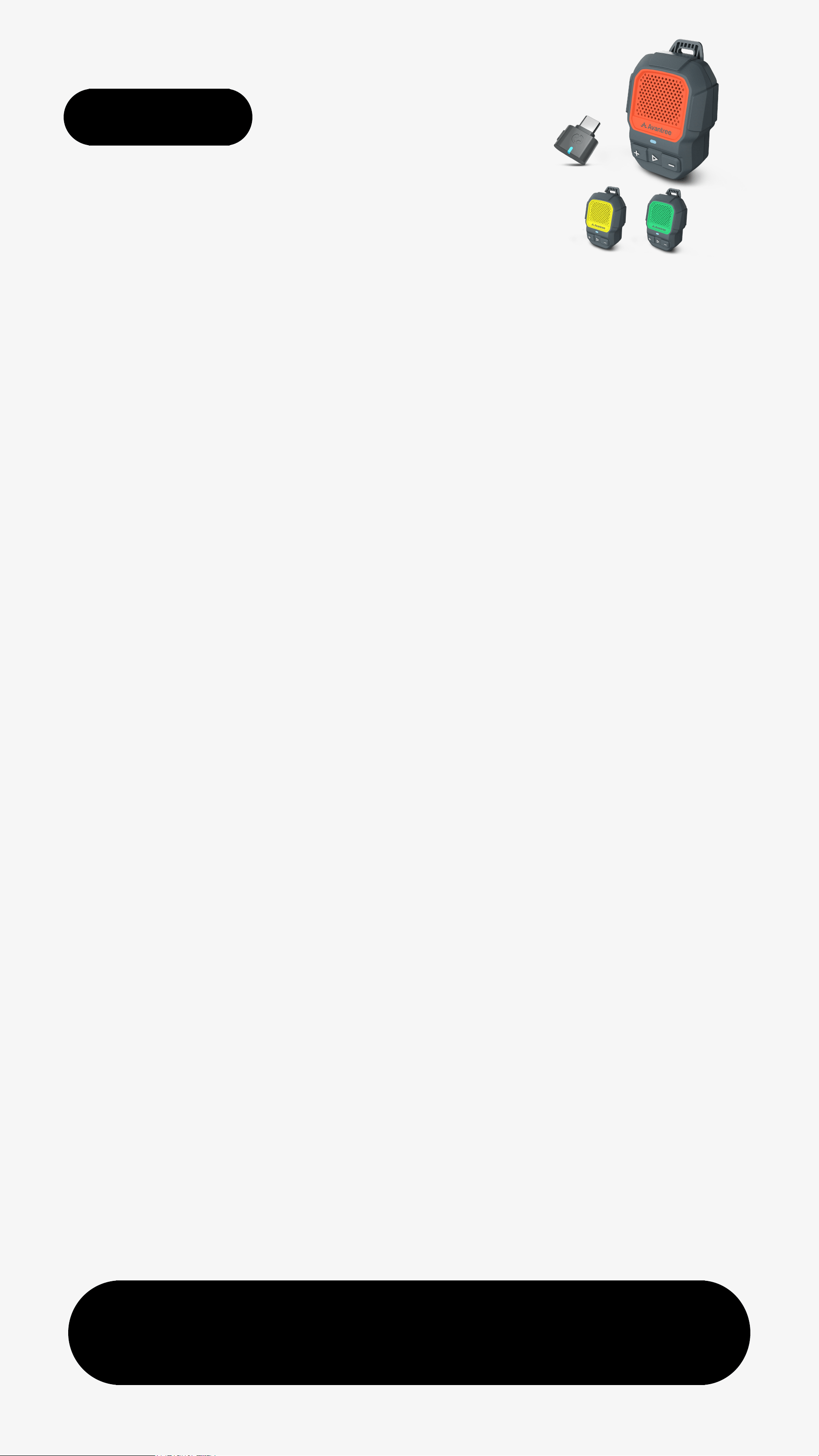

Avantree BTST-8342 ShareCast Clip-On Speaker

Product's Documents

Below are documents related to this product, you can read online or download:
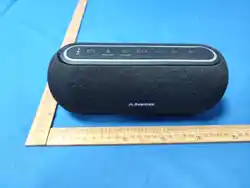
BTST-8342 photo

User Manual

This is the main product document for model BTST-8342.

The file format is pdf, 12 pages, you can download this manual here .

background
Start Setup
HomeBuddy Trio
Interactive UserGuide
Version 1.8
background
Main Menu
Next
< Back
1.Before You Start
4. Use as Classic Bluetooth
  Speakerphone
2. Buttons & Indicators
6. Troubleshooting & Tips
3. Use as Auracast Set
7. Support & Feedback
5. Add Speakers or Auracast Devices
background
1. Before You Start
A wearable Auracast speaker
set for shared wireless listening.
Add more speakers, all stay
synced with no delay.
Waterproof build, ideal for hiking,
camping, pool.
Single speaker works via
Bluetooth for music & calls.
Next
< Back Menu
background
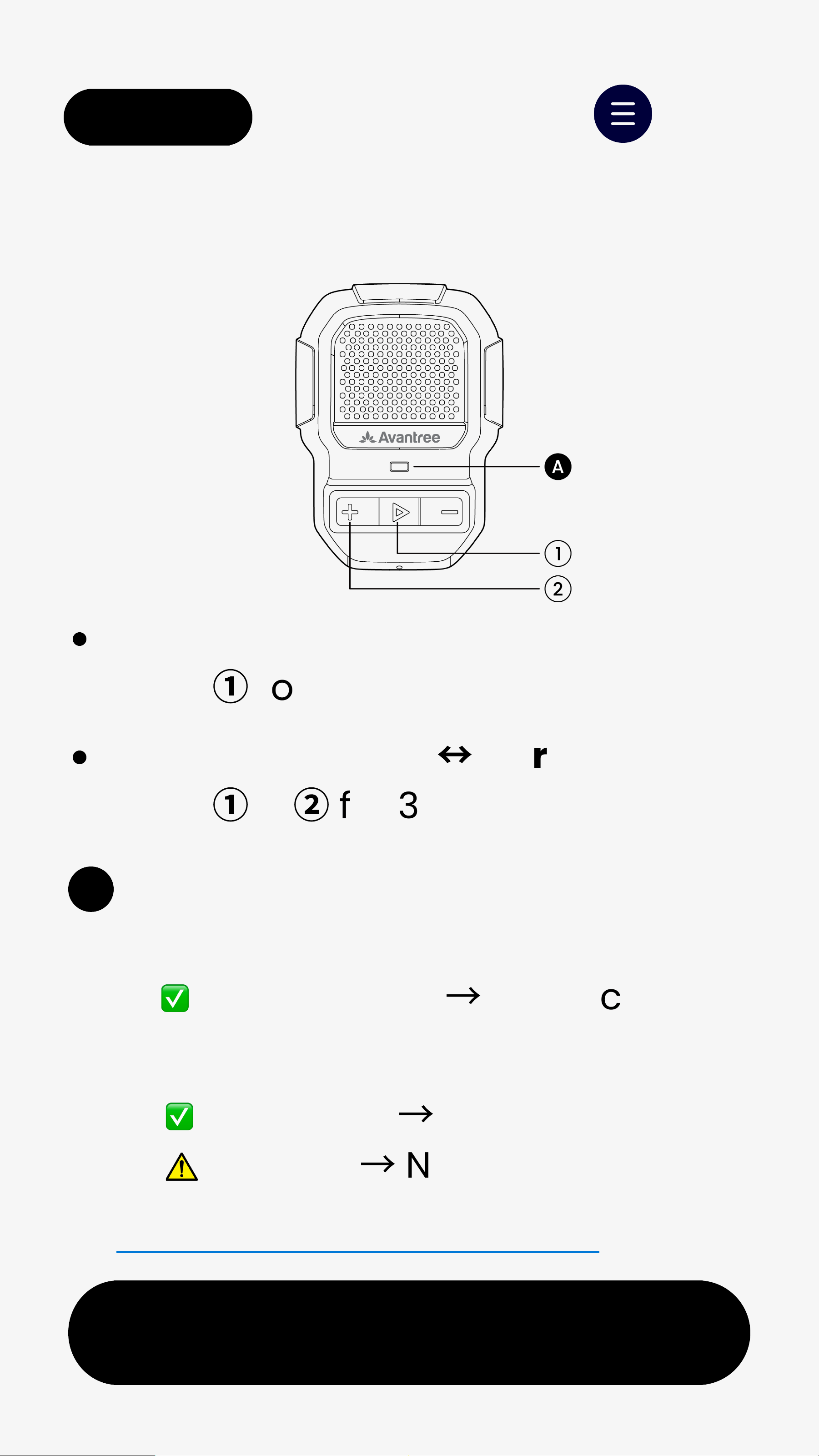
2. Buttons & Indicators
Next
< Back
👉 Full Buttons & Indicators Guide
- Bluetooth
Solid blue
→
Connected
Blinking
→
Not connected
A
LED Status
Power On / Off                         
Hold
①
for 2s
Switch Bluetooth
↔
Auracast    
Hold
①
&
②
for 3s
- Auracast
Solid orange
→
Broadcasting
Menu
background
Next
< Back
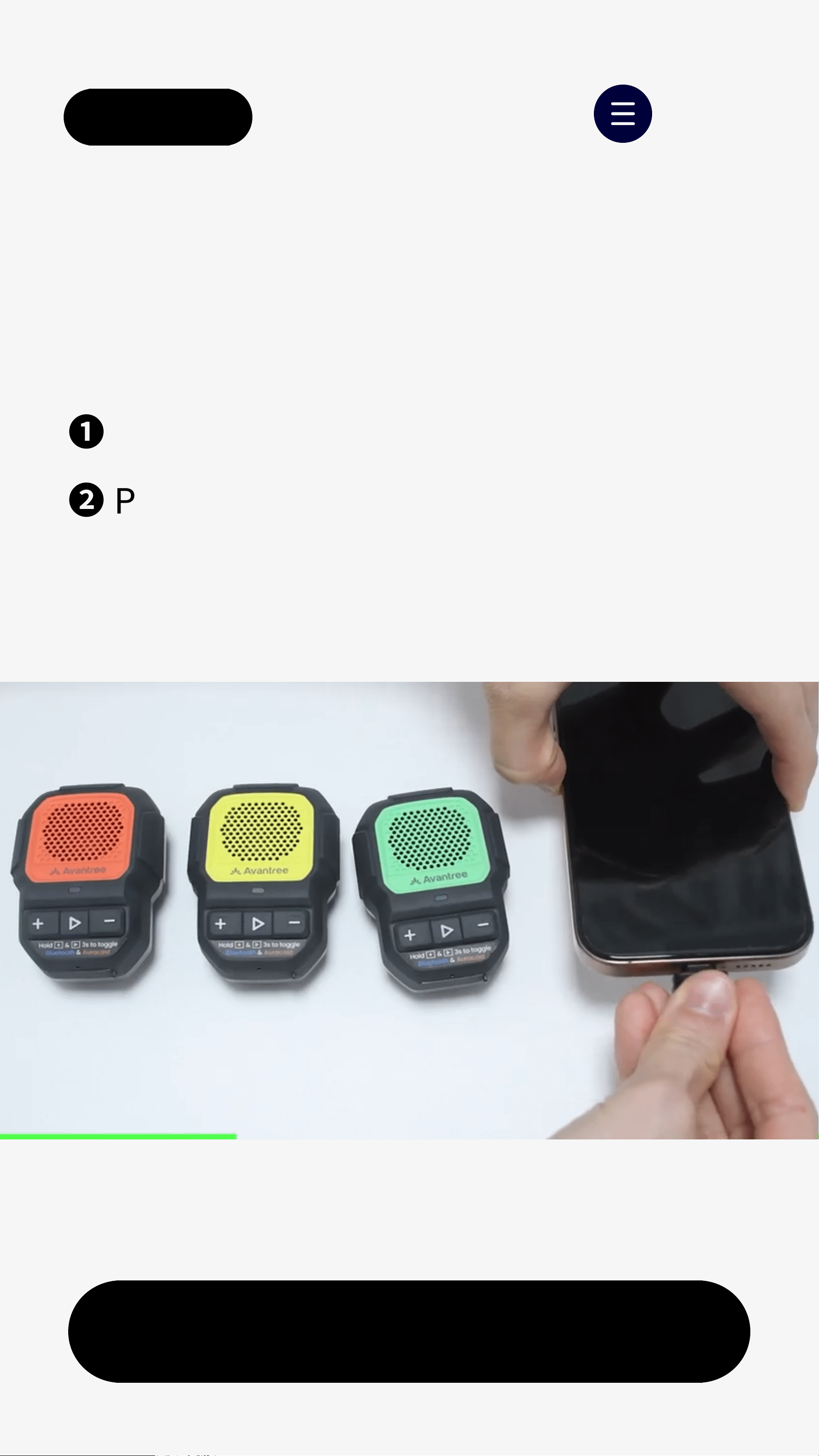
3. Use as Auracast Set
❶
Plug C82 into your audio device.
❷
Play audio.
3.1 Transmitter to Audio Source
Menu
background
Next
< Back
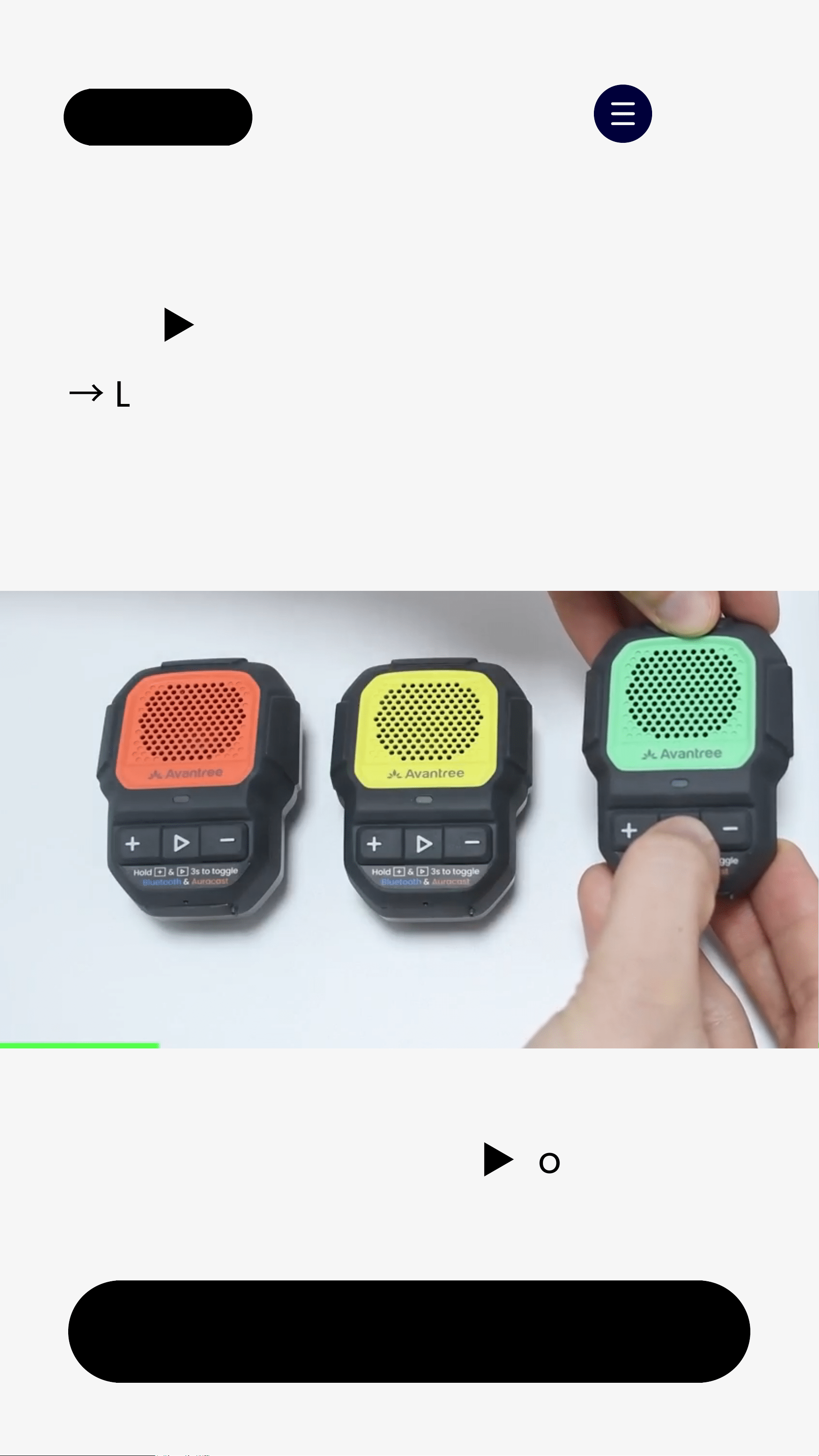
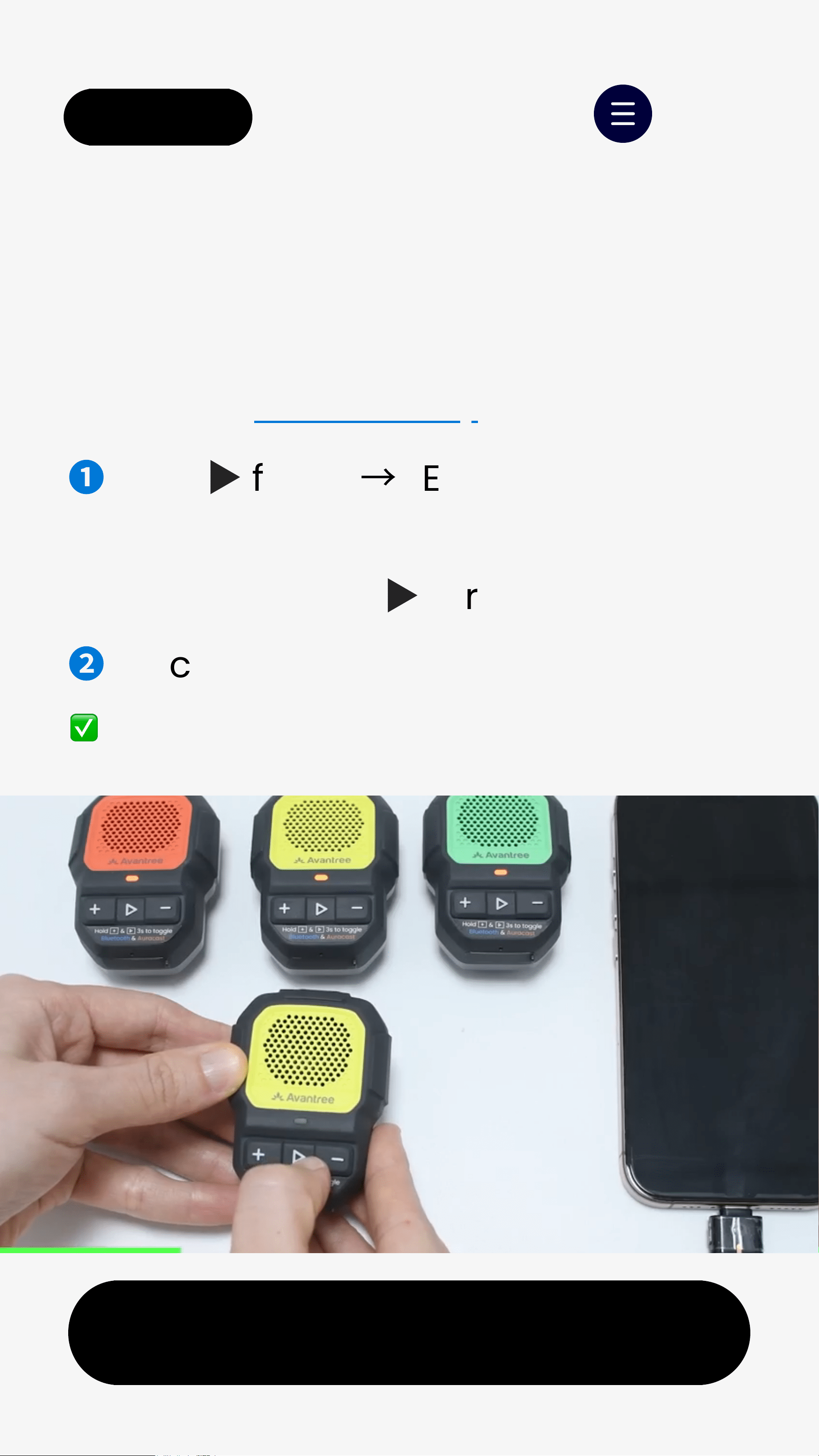
Hold
▶
for 2s to turn on speakers.
→
LEDs blinkorange.
3.2 Turn On Speakers
Menu
If not orange, hold+ &
▶
for 3s.
background
Next
< Back
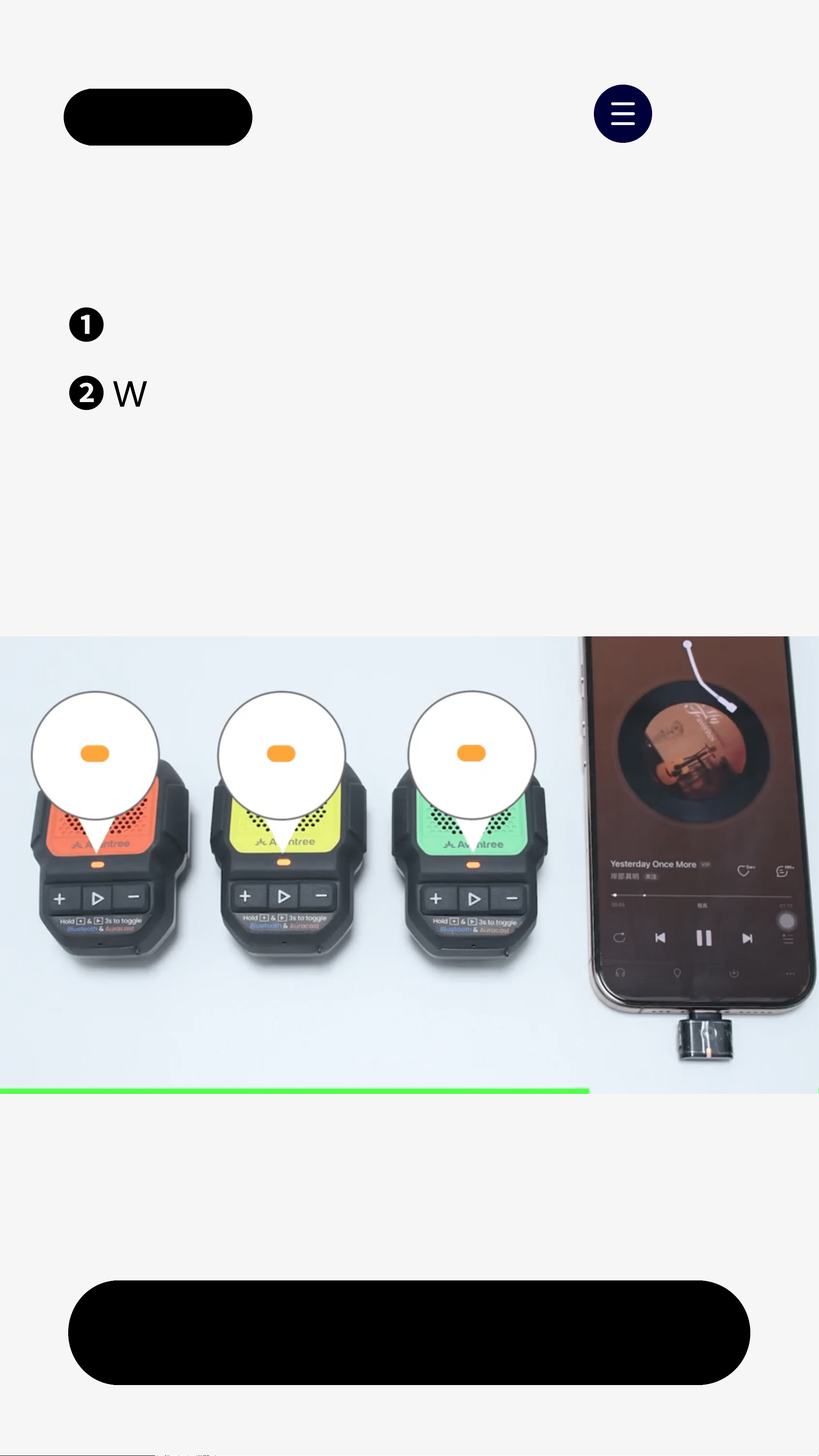
❶
Keep speakers within1m of C82.
❷
Wait until LEDs stay solidorange.
3.3 Setup Complete - Solid
Menu
background
Next
< Back
4. Use as Classic
Bluetooth Speakerphone
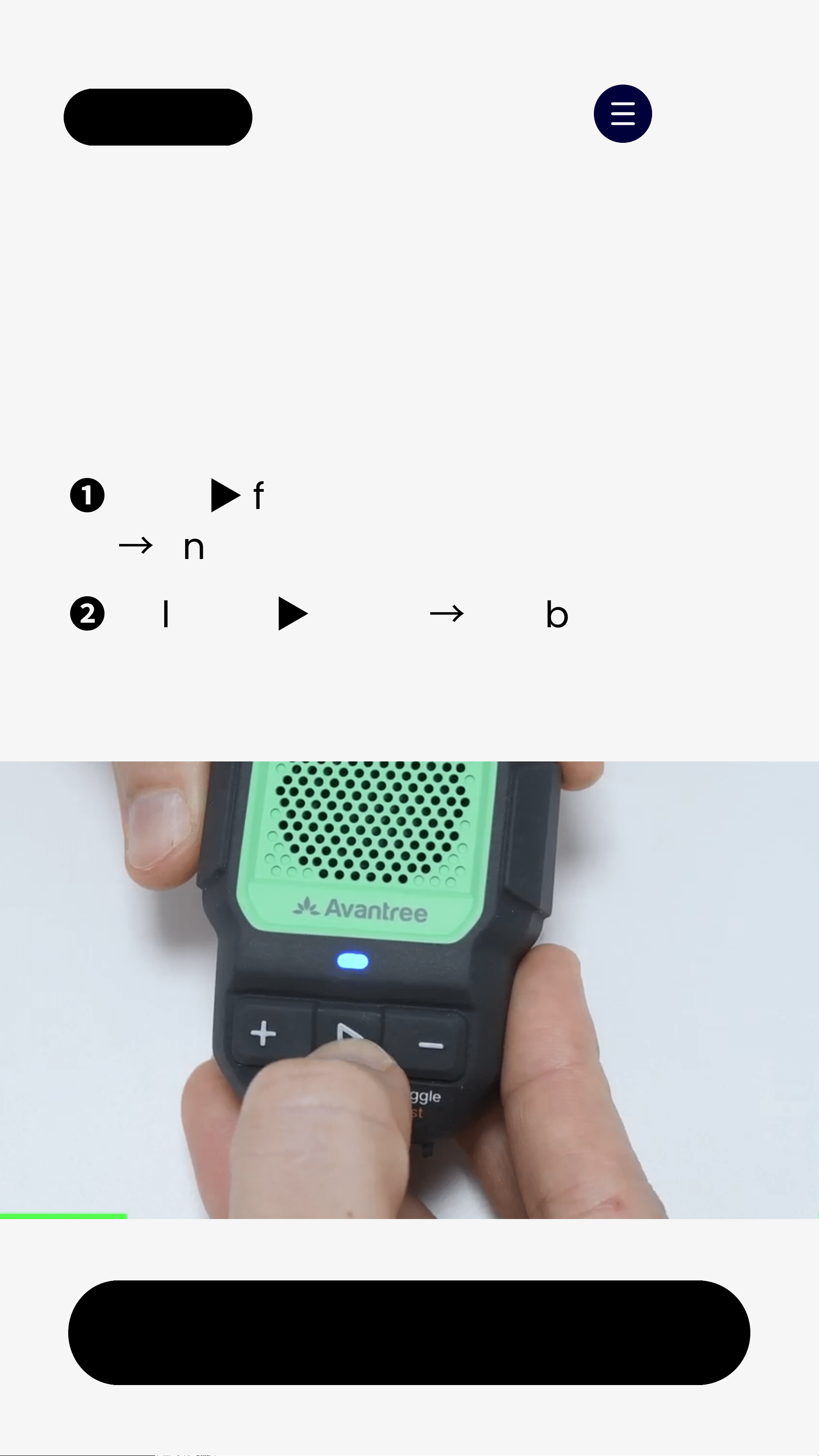
❶
Hold
▶
for 2s to power on.         
  
→
Enters Auracast mode by default.
❷
Hold+ &
▶
for3s
→
LED blinks      
  red&blue(Bluetooth pairing).
4.1 Switch to Bluetooth Mode
Menu
background
Next
< Back
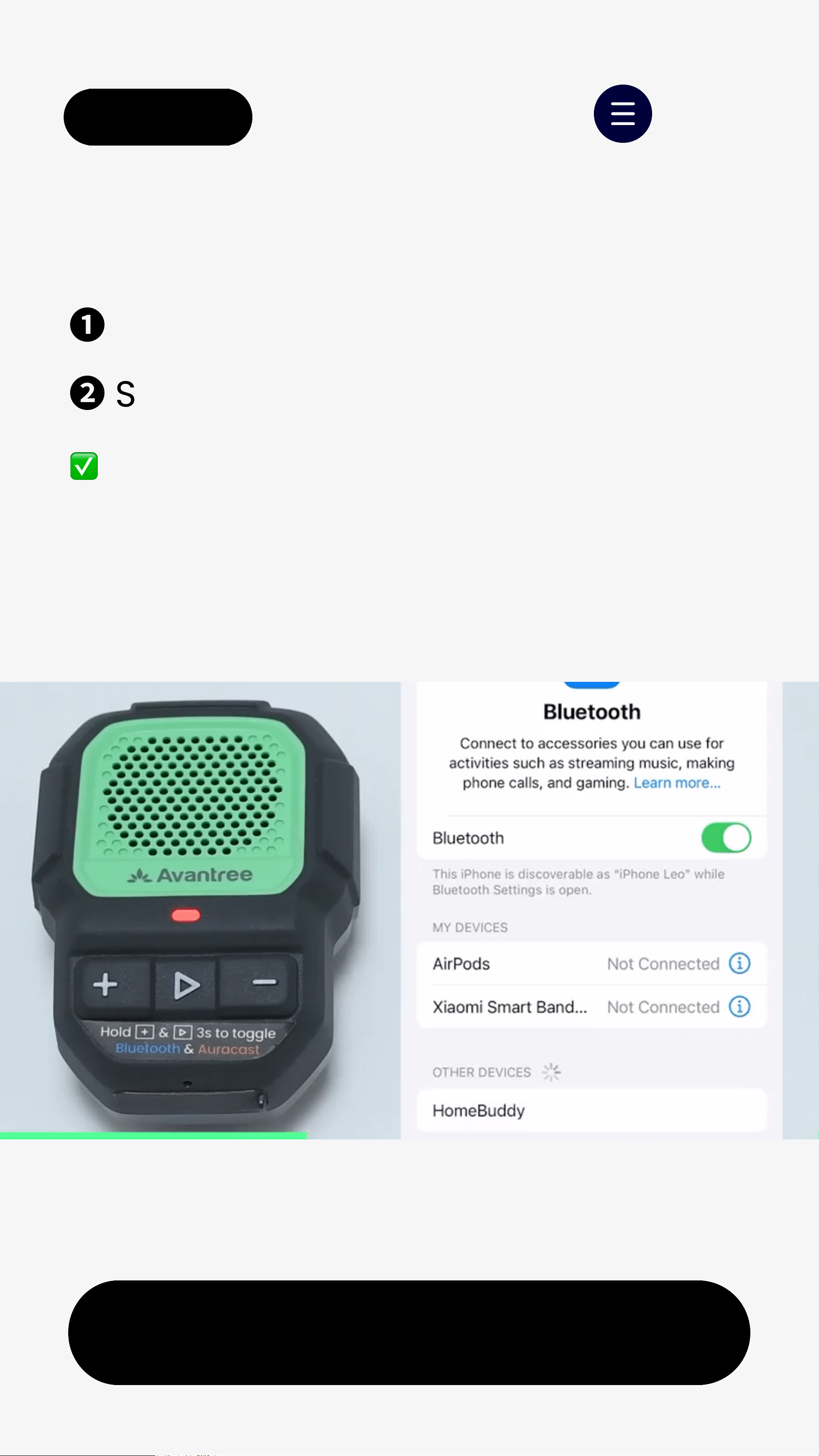
❶
Turn on Bluetooth on your phone.
❷
Select HomeBuddy from the list.
  LED turns solidblue = Connected
4.2 Connect With Phone
Menu
background
Next
< Back
5. Add Speakers or
Auracast Devices
Menu
❶
Hold
▶
for 2s
→
LED blinks orange
  (Auracast mode).
  If not, hold+ &
▶
for 3s.
❷
Place the speaker within 1m of C82.
 When joined, LED turns solidorange.
Join extraHomeBuddyspeakers toC82:
background
6. Troubleshooting & Tips
Next
< Back
Here are some common questions:
👉 More Troubleshooting & FAQs
↗
Switch Auracast Streams
↗
Adjust Volume
↗
Menu
background
< Back Menu
7. Support & Feedback
1.Register Your Product
2. Agent Support
3. Share Feedback
How do you feel about this guide?
Extended warranty & get updates.
Bad Okay Good
Need help? Contact our agents.
Email Call Chat
Register Your Product

Specifications

Indexed Terms: Speaker, Clip-on

Avantree BTST-8342 Questions and Answers

Questions and Answers

Related Products