rKY,
®
。
Wired to Wireless
囮
。
Plug and Play & Auto Connect
口9 囚
Apple C • r Play
Android Auto
口
少汽
曰
团
。
Carplay Connect
CarPlay &Android Auto
Je
0
0
沁
为
。
• 0,.厕.,
尸
迈
°
。令 S u a n
..
、
RoHS CEO页
T·
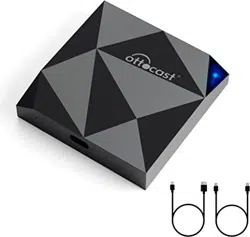
Wiless CP/ Box
回
A
User Manual
Both CP and are
Applicable to this product
Wireless Carplay
&
Wireless Android Auto
Compatibili & Preparations
Q Applicable Scope
Wor压foe cacs with oclglnal wlrad CacPlay/Androld Aoto.
Supports wlraless CacPlay (;Phone) & wl仅lessAndcold Auto
(Andmid) Note CarP|ay&AndroidAuto are mutuaIIy
exclusive.
昌Device Compatibility
iPhone: iPhone 6+,iOS 10+
Andmid:Andmid 11+with |ate式AndmidAutofunction
令Check Car's Wid Funion
Connect phone to竺"via USB cable. Cooflcm the
CacPlay/Aodcoid Auto logo oo the display to eosuce oortect
port usage.
9 Basic Precaution
lnsertthe box into the cormct port全Success pmmpt.
“Debug BT·carpIay_box="
Wireless Connection Steps
必For Andidiless Andid Auto)
.攷athe巴rand ;nsethe boxinbtheAndroidAuto port.
• Pairwith.Carpl砐bo凡欢心via Blu~L口,Lh and authorize
日l-.
• N吐e:D忒ectlon pronptonlyappearsfor thefimt connectbn
9 For iPhone (Wiless CarPlay)
• Start the carand insertthe boxinto theCarPlay port
• Enable Blu绒ooth on iPhone, sea兀hc''Cacplay-box-=
胃
•
Tap''Connect. on the car display pop-up to confirm.
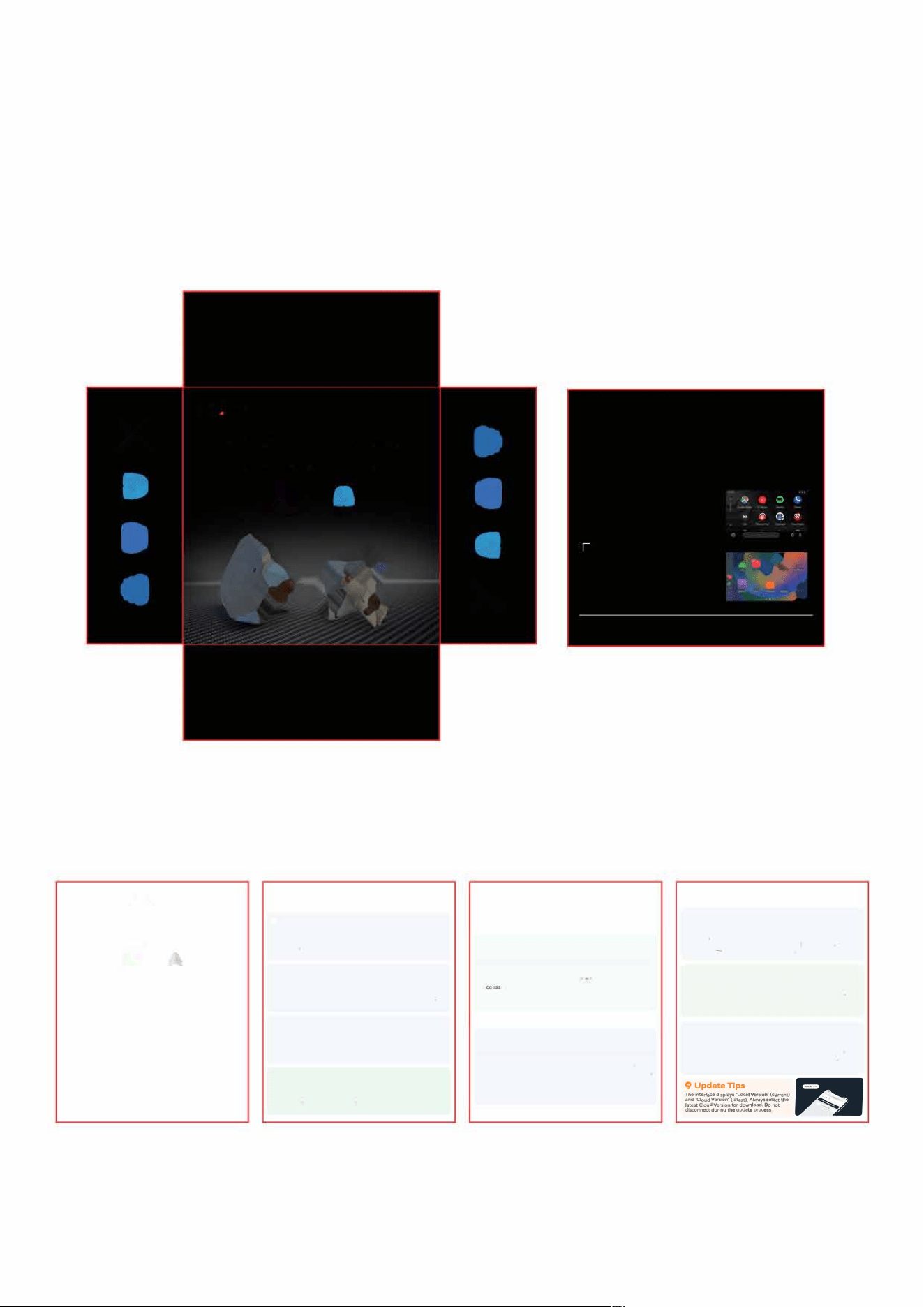
O Firmware Update
� Common Ppations
• Connectthe boxto car po (DisplaY.Debug BT:Orplay_box
3010')
•
JoInW1Fl.carplay-box-心=·(压廷WOd 12345678)
• Opoo bro..志r and visit. 192168443.1
皿Andid Phone Update
• eoableMob,ieDa也
,
disableWiFi ➔Cheek & Dowoload
·压汒onnectWiFi ➔Tap"Upda氐Firmwa百.
S iPhone Update
• Dir欢y均p.Check Cloudrsion
”
➔
“
Start Download.
• Aer domload, tap .Update Fimware" to complete
E
心
g
了
bn
u
c
它它
兰
V
"
S
s
}艺t
pz“
气
F“g
,g
_.no
e
8
b
g
m
u
t
$
d
e
V
8
V
d
a
己
i
~
5_
U
“9
忒
.
d
』
0”gb45

FCC Statement
This equipment has been tested and found to comply with the limits for a Class B digital device, pursuant to
Part 15 of the FCC Rules.
These limits are designed to provide reasonable protection against harmful interference in a residential
installation. This equipment generates uses and can radiate radio frequency energy and, if not installed and
used in accordance with the instructions, may cause harmful interference to radio communications. However,
there is no guarantee that interference will not occur in a particular installation. If this equipment does cause
harmful interference to radio or television reception, which can be determined by turning the equipment off and
on, the user is encouraged to try to correct the interference by one or more of the following measures:
-- Reorient or relocate the receiving antenna.
-- Increase the separation between the equipment and receiver.
-- Connect the equipment into an outlet on a circuit different from that to which the receiver is connected.
-- Consult the dealer or an experienced radio/TV technician for help.
This device complies with part 15 of the FCC Rules. Operation is subject to the following two conditions:(1)
This device may not cause harmful interference, and (2) this device must accept any interference received,
including interference that may cause undesired operation.
Any Changes or modifications not expressly approved by the party responsible for compliance could void the
user's authority to operate the equipment.
This equipment complies with FCC radiation exposure limits set forth for an
uncontrolled environment. This equipment should be installed
and operated with minimum distance 20cm between the radiator & your body.