Press
3s
Press
3s
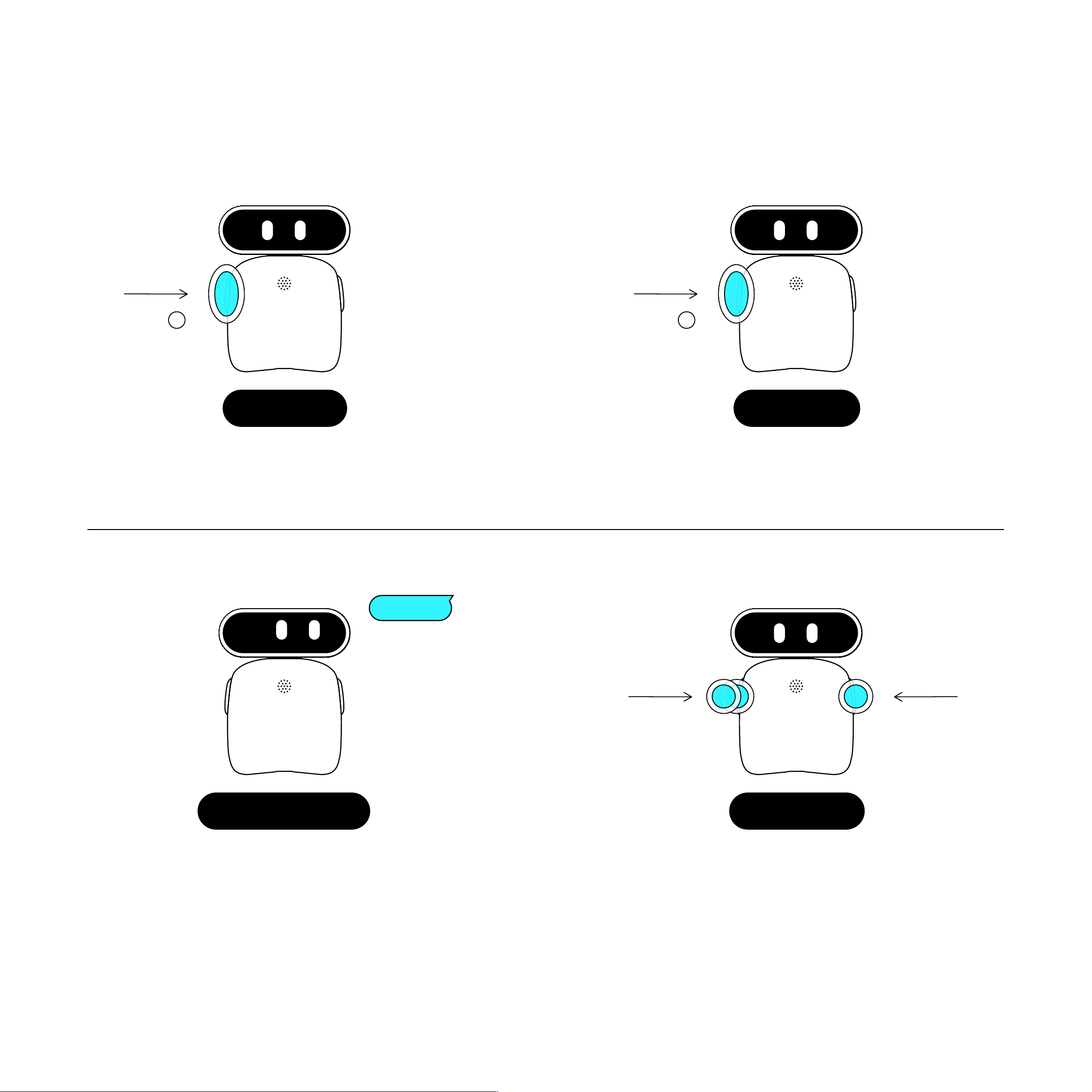
Press and hold the Left Button for 3 seconds Press and hold the Left Button for 3 seconds
Power On Power O!
Double-click Click
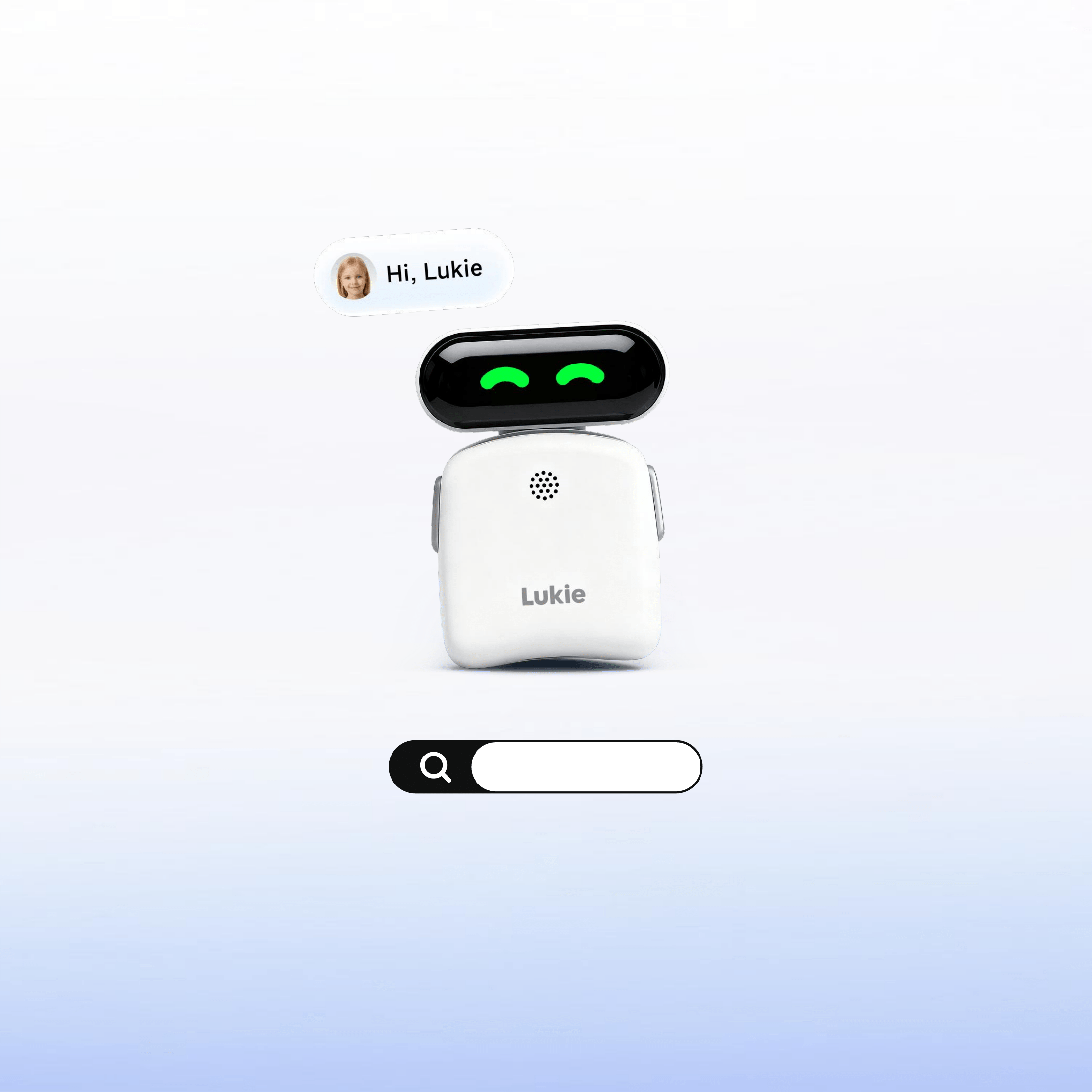
Say "Hi, Lukie", the voice will wake up Lukie
and after Lukie responds, speak the voice
command. e.g., Set the volume to 50%
Right-click: Hold to talk, release to listen
Double-click Left: Switch agents
Volume Control Interaction
Quick Sta" Guide
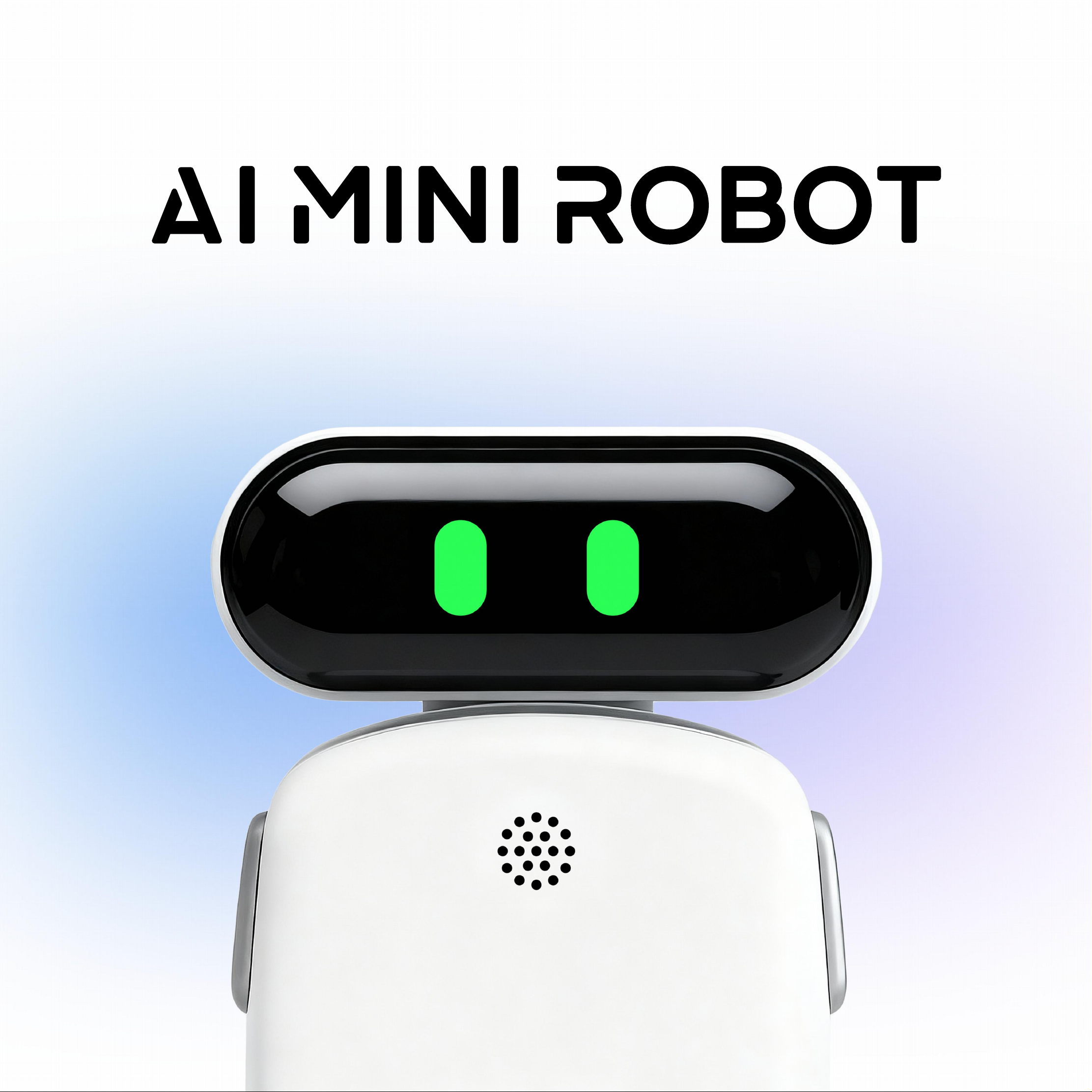
Hi Lukie
123456
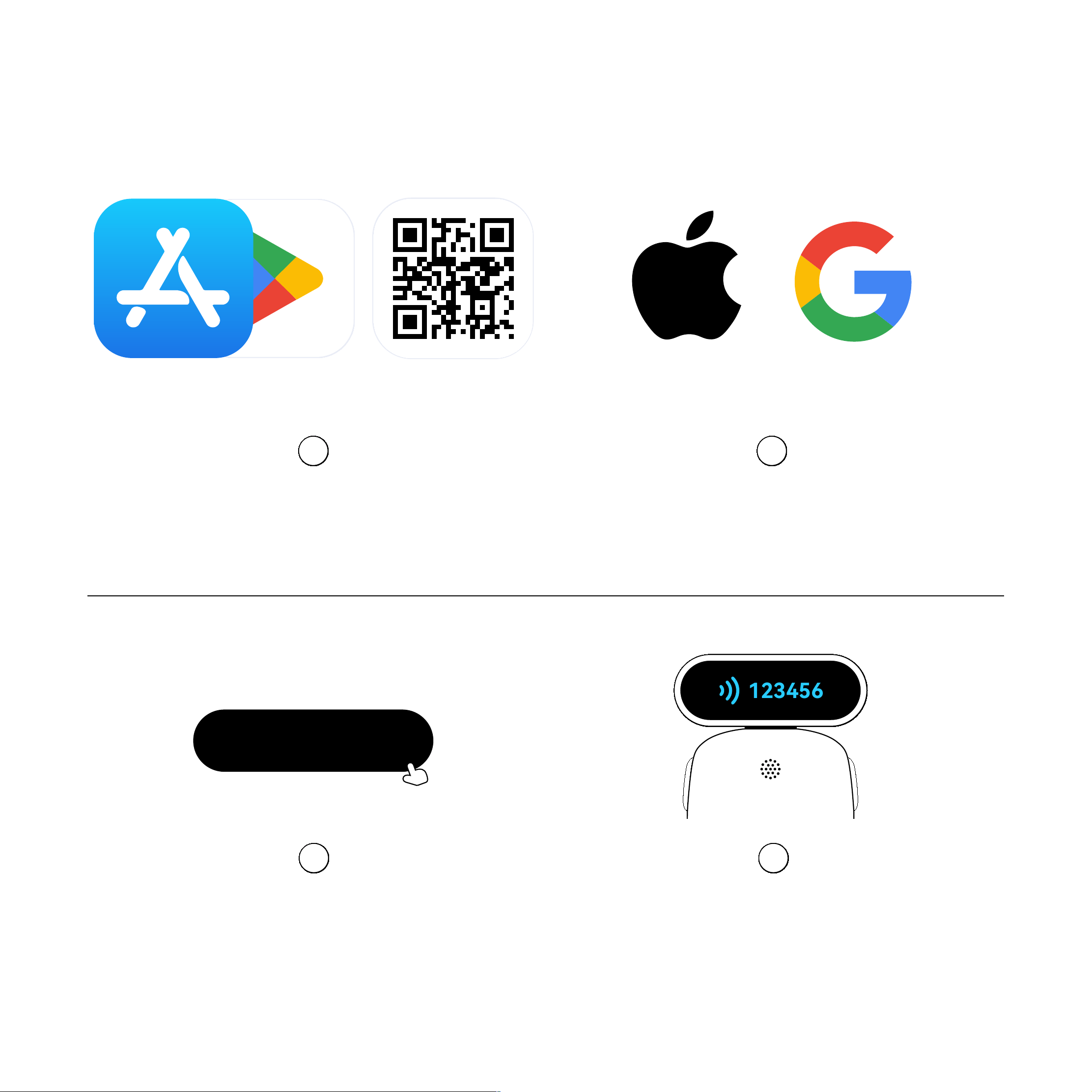
Enter the 6-digit veri!cation code announced
by the device to complete pairing
4
DownloadGoogle PlayApp Store
Download the "Lukie” App
from the App Store or or other platforms
1
App Binding
Open the Lukie app and log in
with your Apple ID or Google ID
2
/
In the App, select "Bind Device"
3
Bind Device
Click
1
3
2
4
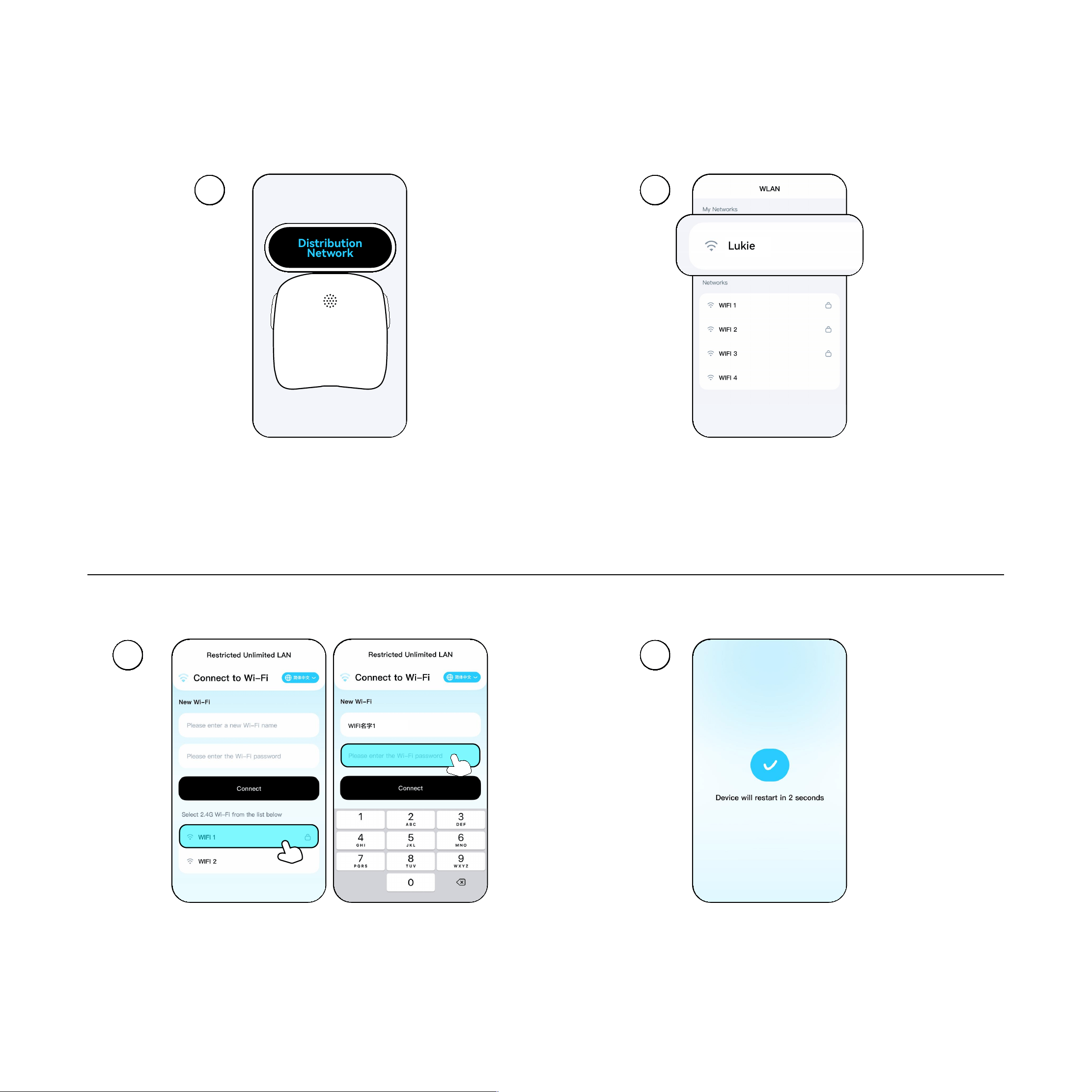
Turn on the device; the screen will
display Distribution Network Mode
On the con!guration page, select your home/venue
Wi‑Fi and enter the password to connect
Connect your phone to the Wi‑Fi network.
Select the Lukie network to enter the con!guration page
The network connection is successful
when the page redirects
Lukie
Distribution
Network
Wi-Fi Setup
WIFI名字1

Key Features
01 - Natural Interaction
02 - Emotional Companionship
Analyzes tone, pace, and semantics to understand your mood
Emotion Sensing
Provides comfo!ing guidance and transforms negative emotions into positive energy
Empathetic Suppo!
Automatically generates daily interaction repo!s and mood summaries in the App
Mood Dia"
Say "Hi, Lukie" , to sta! a hands-free conversation
Voice Wake-up
Suppo!s voiceprint recognition and sound source localization for seamless group interactions
Multi-person Mode
Through voiceprint recognition, Lukie remembers your preferences and provides tailored responses
Personalized Memo"

Key Features
03 - Sma! Learning
04 - Po!ability & Style
Weighs only 57g for comfo!able all-day wear
Ultra-lightweight
Can be worn or attached to bags as a stylish tech accesso"
Fashion Accesso"
Interactive Q&A for Math, English, Histo", and more
Subject Maste"
Guided recitation with line-by-line prompts and detailed analysis
Poet" Recitation
Real-time translation (37 languages) and oral English coaching with realistic scenarios (e.g., airpo! check-in)
Language Practice

Warranty & Suppo!
7-Day Return: For quality issues con!rmed by our se"ice center
15-Day Exchange: For quality issues within 15 days of receipt
1-Year Warranty: Free repair for the main unit (excluding accessories)
Three-Guarantees Policy
① Read all instructions before use.
② Keep away from water and heat.
③ Do not disassemble or repair.
④ Use only approved chargers.
⑤ Adult supe"ision required for children.
⑥ Keep small pa)s away from children under 3
Safety & Maintenance
① Damage caused by drops, liquid immersion, or unauthorized disassembly
② Use of non-original charging components
③ Exposure to extreme temperatures or environments
Non-Warranty Conditions

Technical Speci!cations
Disclaimer
HyperEvo Al Limited. is not liable for damages caused by improper use,
unauthorized disassembly, or failure to follow instructions. Product speci!cations are subject to change without notice.
Legal Information
Lukie is a trademark of HyperEvo Al Limited. This device complies with US regulations for consumer electronics.
Model
Batte"
Dimensions
Charging
Weight
Network
Material
Standards
L1
650mAh (Up to 6 hours talk time / 72 hours standby)
750mm*600mm*230mm
5V-1A (Type-C), approx. 2.5 hours to full
57g
2.4G Wi-Fi
PC + ABS (Safety Compliant)
4943=62368 YD/T2583.14-2013=FCC Pa# 15/ 22 / 24 / 27
Item Speci!cation
Contact Us: https://lukie.ai
Manufacturer: HyperEvo Al Limited

FCC Caution
This device complies with pa! 15 of the FCC Rules. Operation is subject to the following two conditions: (1) This
device may not cause harmful inte"erence, and (2) this device must accept any inte"erence received, including
inte"erence that may cause undesired operation.
Any changes or modi#cations not expressly approved by the pa!y responsible for compliance could void the user's
authority to operate the equipment.
NOTE: This equipment has been tested and found to comply with the limits for a Class B digital device, pursuant to
Pa! 15 of the FCC Rules. These limits are designed to provide reasonable protection against harmful inte"erence in a
residential installation.
This equipment generates, uses and can radiate radio frequency energy and, if not installed and used in accordance
with the instructions, may cause harmful inte"erence to radio communications. However, there is no guarantee that
inte"erence will not occur in a pa!icular installation.
If this equipment does cause harmful inte"erence to radio or television reception,which can be determined by turning
the equipment o$ and on, the user is encouraged to t% to correct the inte"erence by one or more of the following
measures:
-- Reorient or relocate the receiving antenna.
-- Increase the separation between the equipment and receiver.
-- Connect the equipment into an outlet on a circuit di$erent from that to which the receiver is connected.
-- Consult the dealer or an experienced radio/TV technician for help.
The device has been evaluated to meet general RF exposure requirement. The device can be used in po!able
exposure condition without restriction.
Lukie
https://lukie.ai