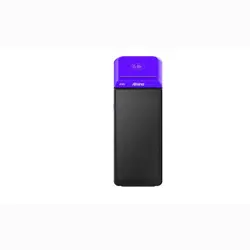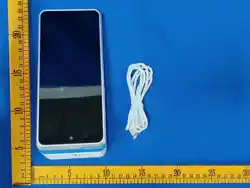
BHZ800
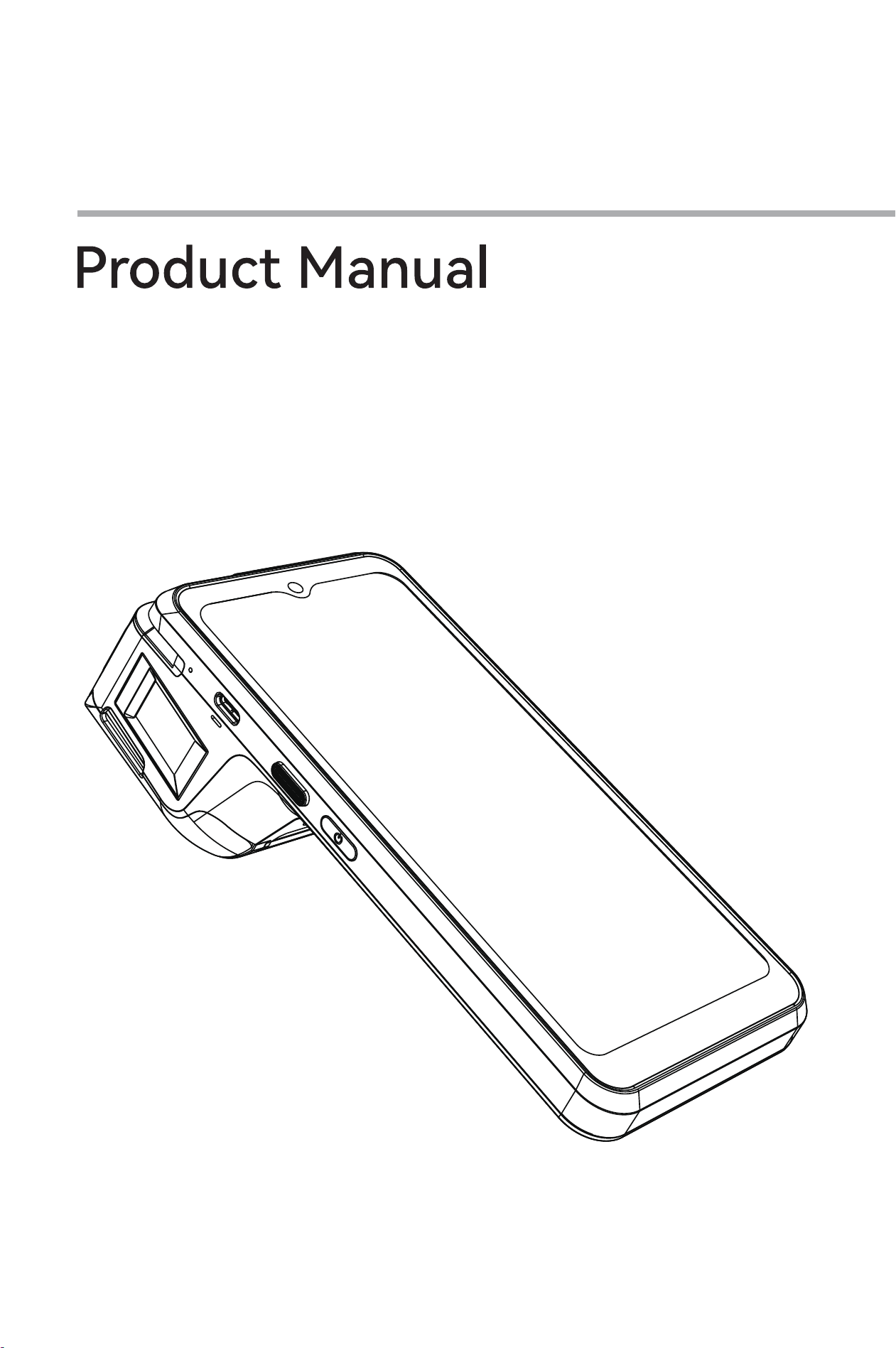
Product ManualBHZ800
1、 Appearance Description
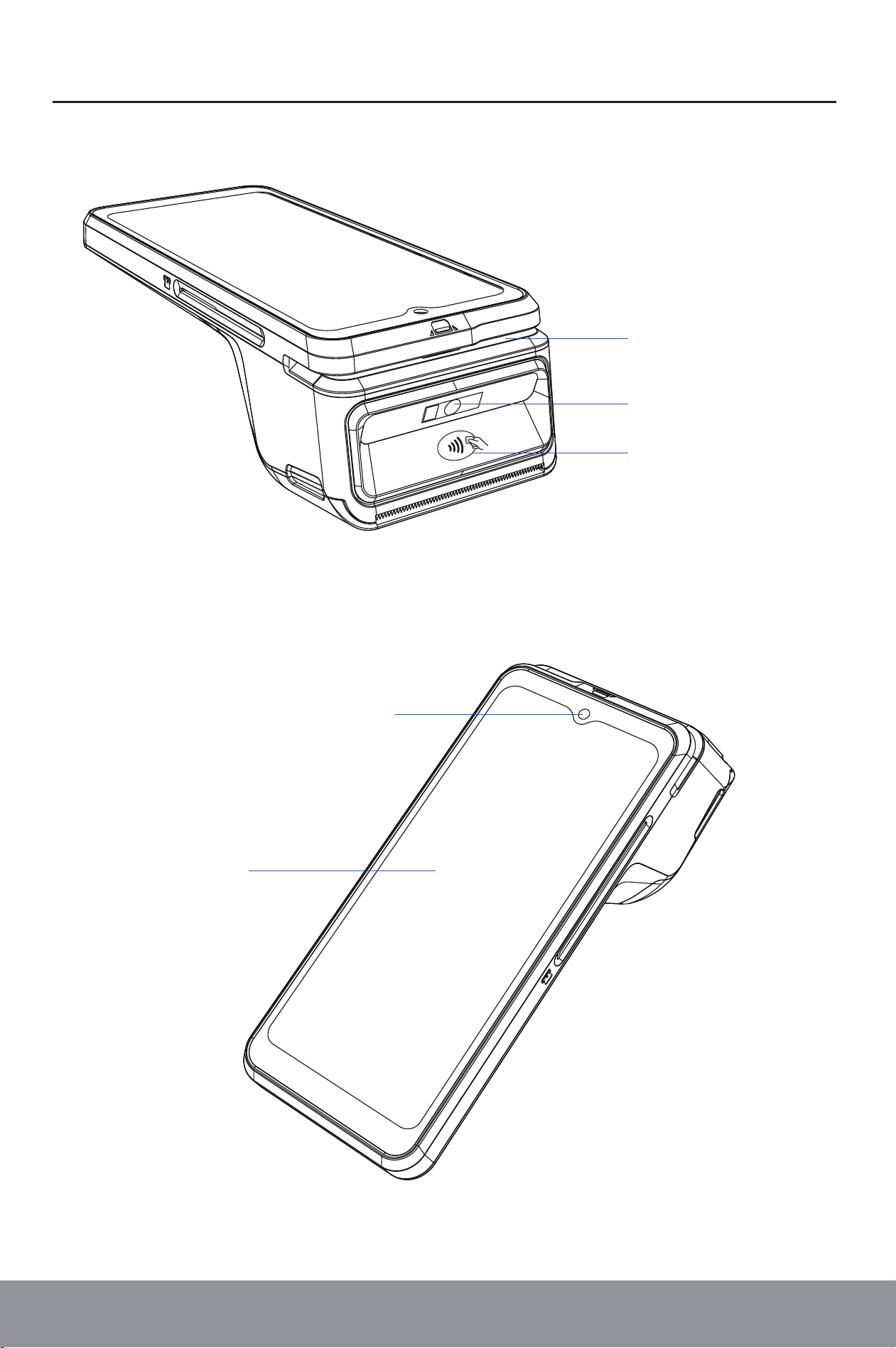
Magnetic Stripe
Contactless Payment Area
Rear Camera
(Optional: Barcode Scanner)
Flashlight
Front Camera
Touchscreen
Product ManualBHZ800
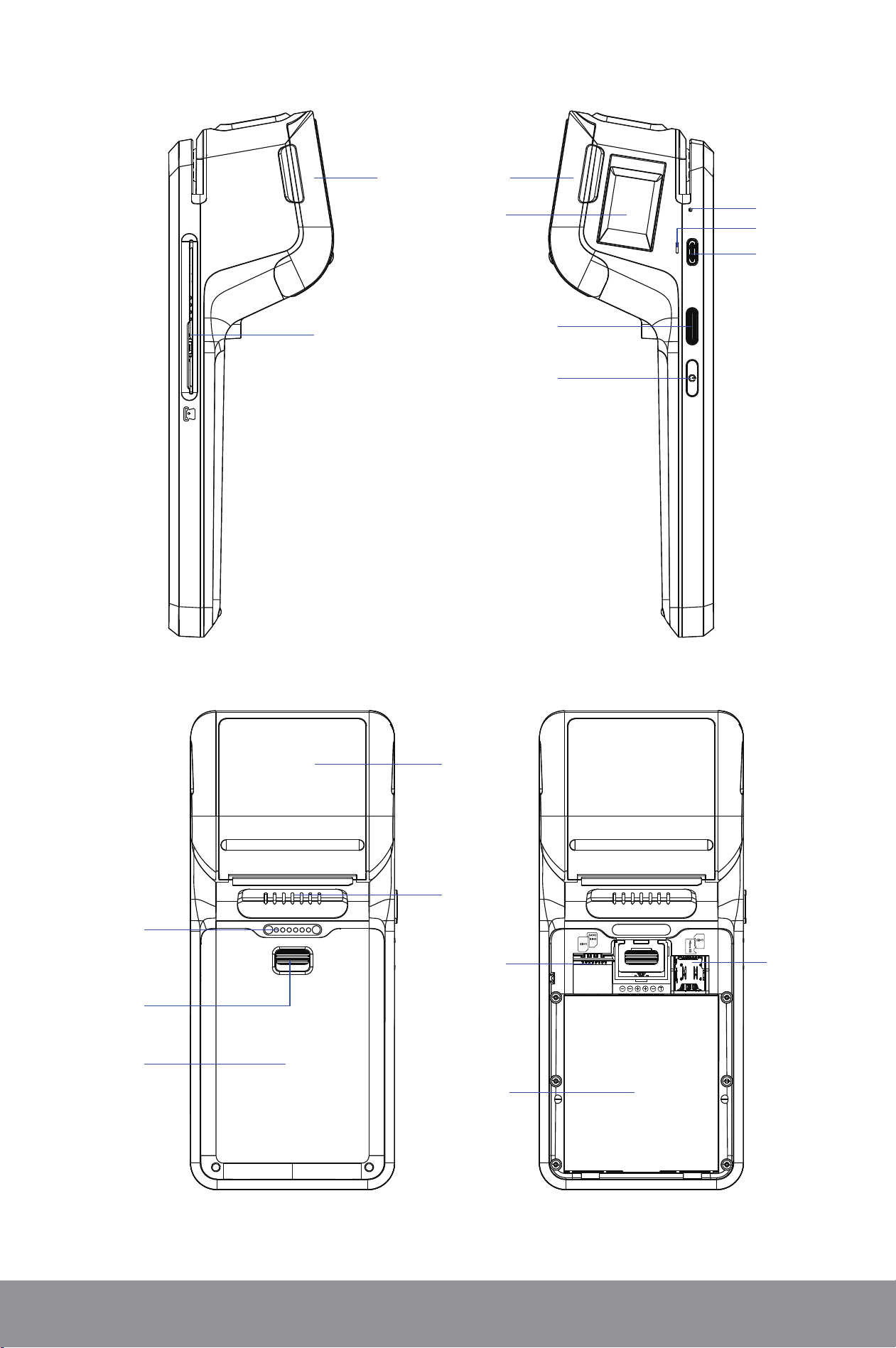
Paper
Container Cover
Finger Print
Scanner(Optional)
IC Card Reader
Function Key
Power Key
Microphone
Buzzer
USB Type-C
Printing
Paper
Container
Speaker
POGO PIN
Inteace
(Optional)
Batte Cover
Slide Latch
Batte Cover
Card Slot:
SAM1
SIM2/SAM2
Card Slot:
Micro SD
SIM1
Batte
Product ManualBHZ800
2、 Installation
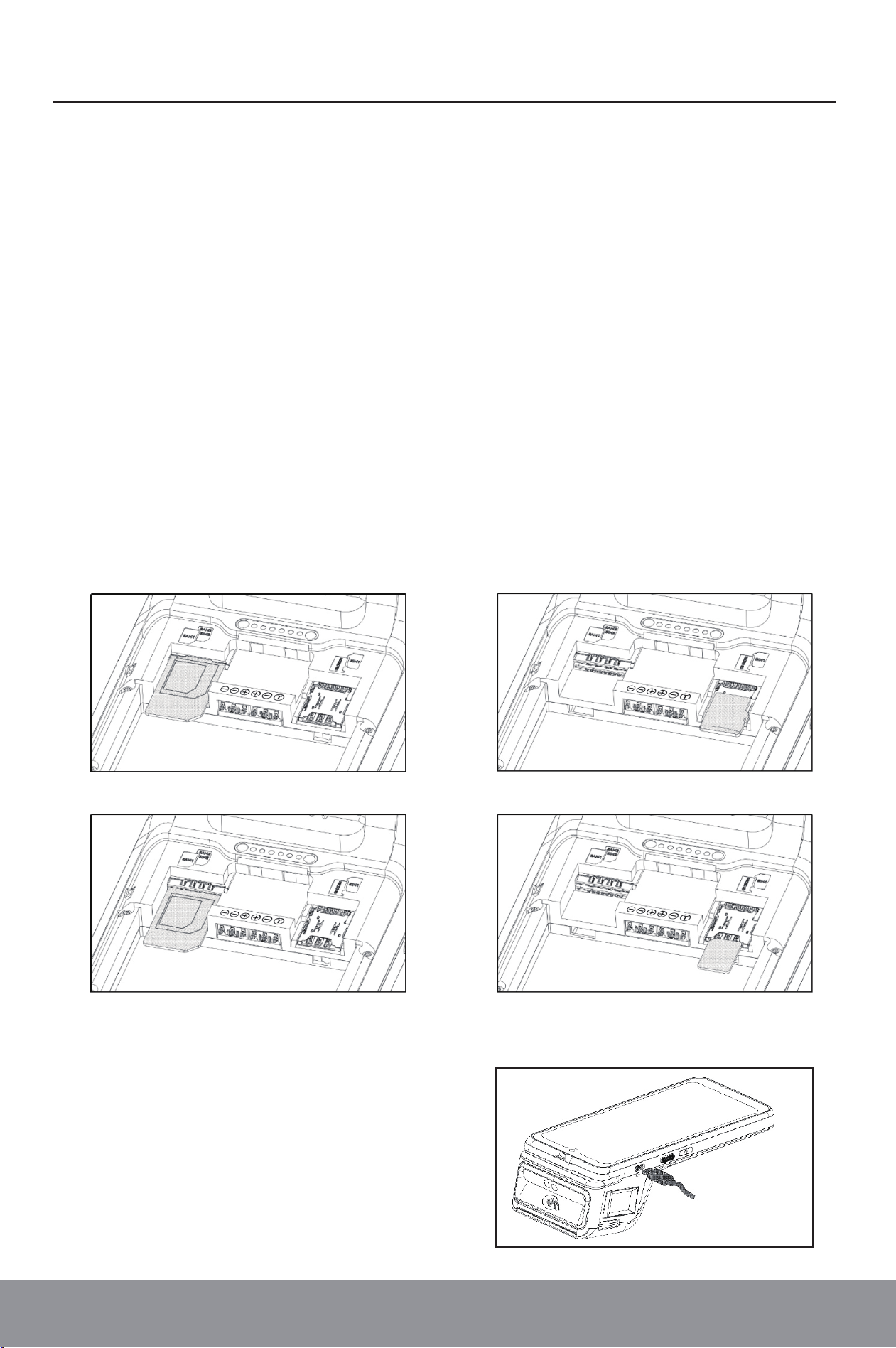
1)Step1: Position the device upside down. Slide the batte cover latch downward
and detach the cover outward to reveal two slot compaments on each
side. The left compament contains theSAM1andSAM2/SIM2slots, while
the right compament contains theSIM1andMicro SDslots.。
2)Step 2: Remove the batte. Inse the corresponding cards into their
designated slots according to the engraved position markings. Ensure the
chamfered corner of each card aligns with the orientation indicated by the s
lot symbol.
3)Step 3: Reinstall the batte and batte cover. Secure the assembly by
sliding the batte cover latch upward until locked. The installation is now
complete.
Upper Left: SAM1 Slot Upper Right: Micro SD Slot
Lower Left: SAM2/SIM2 Slot Lower Right: SIM1 Slot
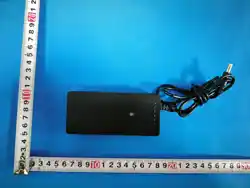
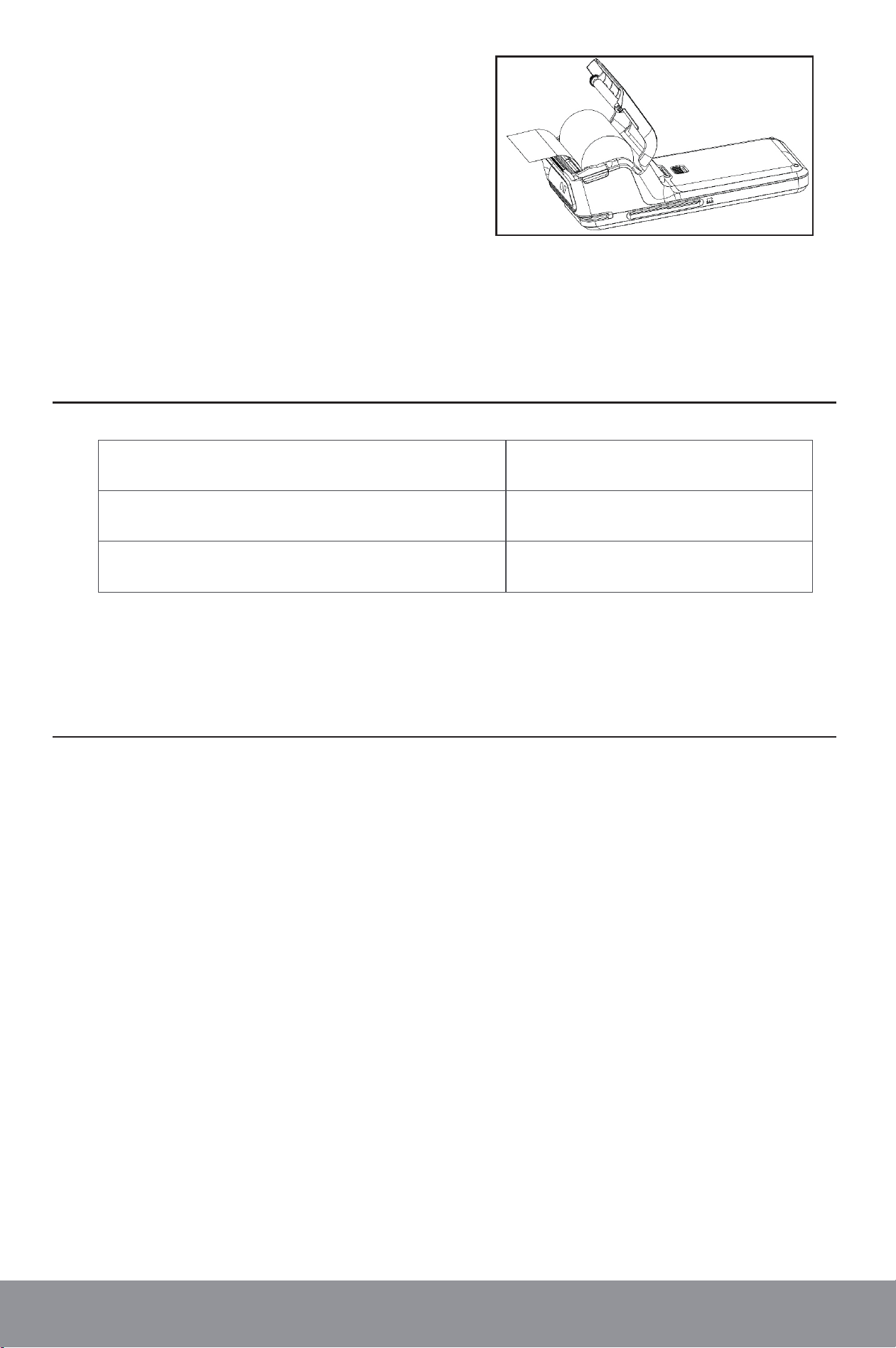
The terminal can be charged by either
placing it on a charging dock (if equipped)
or connecting it to a power adapter via a
USB cable.
2.1. SIM/SAM/Micro SD Card Installation
2.2. Batte Charging
4.1. Power On
Press and hold the power key for about 2 seconds until the screen lights up
and displays the staup inteace, indicating the terminal is powered on.
4.2. Power O
Press and hold the power key for about 2 seconds until the screen displays
options for "Shutdown", "Resta", and "Emergency Call". Select the shutdown
command. The screen will show "Shutting down", and the operation is comp-
lete once the screen turns o.
4.3. Screen Lock
While the screen is on, briey press the power key to turn o the screen.
When the screen is o, briey press the power key again to wake up the
screen.
Product ManualBHZ800
3、 Package Contents
4、 User Guide
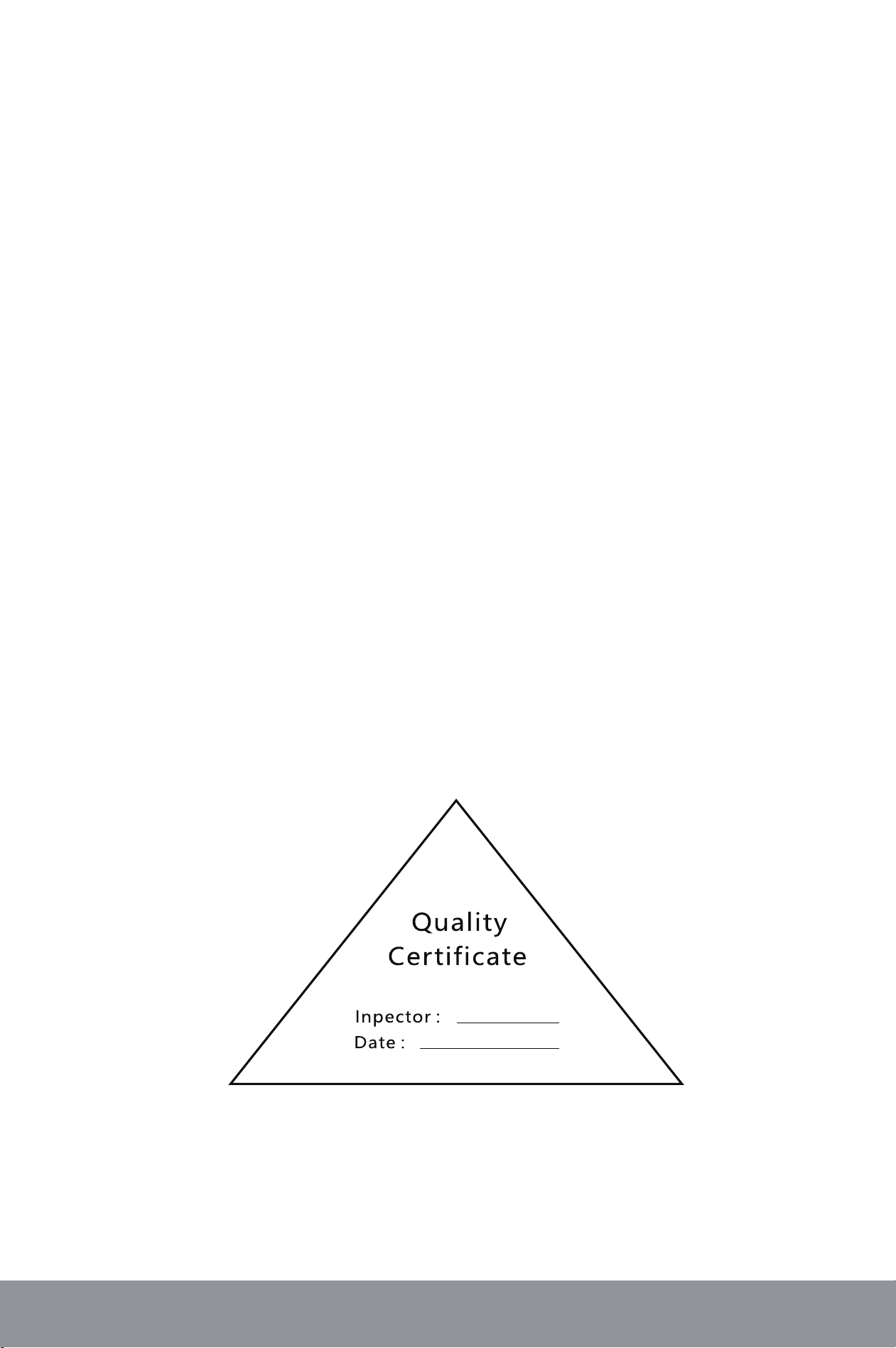
The terminal can be charged by either
placing it on a charging dock (if equip-
ped) or connecting it to a power adapter
via a USB cable.
2.3. Paper Loading
Item
BHZ800 Android POS Terminal
USB Type-C Cable
Quantity
1
1

Product ManualBHZ800
4.4. Magstripe Card Payment
When swiping a magstripe card, hold the card with the magnetic stripe facing
downward and smoothly slide it through the card slot at the top of the terminal.
The terminal suppos bidirectional card swiping.
4.5. IC Card Payment
For chip card inseion, orient the IC card with the chip facing upward and
gently push it into the IC card slot on the right side of the device until fully
seated.
Note: Avoid using excessive force to prevent damage to the terminal's IC card
reader or the card itself.
4.6. Barcode Scanning
Scan to Collect Payment: Tap the "Scan to Collect Payment" option, enter
the transaction amount to access the scanning preview inteace. Align the
payment code with the camera for recognition to complete the payment
process.
Product Scanning/Stock In: Select the "Product Scanning" function to view
the current stock status. If product information is not found in the system,
you can add new items to the invento directly.
4.7. Contactless Payment
RF Operating Frequency: 13.56 MHz, Compliant with UnionPay Contactless
standards (ISO 14443), suppoing Type A & B and other contactless IC
cards. To complete the transaction, bring a valid contactless IC card close
to the contactless symbol area on the device. Follow the guidance of the
indicator light, and the operation will complete upon conrmation of succe-
ssful recognition.
4.8. Voice Announcement
Key command operations are accompanied by synchronous voice feedback,
such as "Transaction Successful/Failed/Cancelled" and "Rounding Reminder".
Product ManualBHZ800
4.9. Electronic Signature
The electronic signature inteace will appear. Handwrite your signature
within the designated area on the screen, then tap the conrm button to
complete the operation.
4.10. Printing
The terminal is equipped with a thermal printer capable of printing transa-
ction receipts and invoice codes.
Note: After printing completes, tear o the paper swiftly and evenly at a 45-
degree angle against the upper edge of the paper cutter.
4.11.OTA Update
The system suppos remote rmware upgrades via OTA.
Product ManualBHZ800
5、 Technical Specication
OS Android14
CPU
AP:Coex Quad-core A53, 2.0GHz
SP:RISC Core(ARMv7-M)
Memo
Base:2GB RAM+32GB Flash
Optional:3GB+32GB/4GB+64GB
Micro SD(TF card)up to 128GB
Display
6.5"HD 1600*720 IPS
Capacitive Multi-Touch Screen
Mobile Network
4G:LTE | 3G:WCDMA
2G:GPRS/GSM
Wireless
Wi-Fi(2.4G/5G)|
Bluetooth BR&EDR、5.0 BLE
Physical 190*60*80mm
Charge Base(Optional) Charge&USB
Inteace
Type C USB OTG×1
POGO PIN
GPS GPS/AGPS/BDS/Glonass
Printer
58mm|Thermal Printer|
Paper roll:φ40mm
Card Reader Chip&PIN|Contactless| Magnetic Stripe
Physical Key Power Button|Quick Scan Key
Card Slots SIM×2+PSAM1|SIMx1+PSAM×2(optional) 1Micro SD
Audio
1×Buzzer,1× Speaker,
1×Microphone (Optional)
Batte 7.2V/2600mAh(18.72Wh)
Finger Print
Scanner(Optional)
Standard:Compliant with the international FBI PIV FAP10
Image pixels:256*360pixel
Image resolution:500dpi
Camera
Base:
5MP AF Rear with Flashlight+8MP FF Front camera
Optional::
5MP/8MP/13MP AF Rear with Flashlight+2MP FF Front camera
Ceications
EMV Level1&2/PCI /Visa paywave/Mastercard Paypass
UnionPay/CE/FCC/RoHS

Product ManualBHZ800
6、 Impoant Safety Instructions
The installation and operation of this product must strictly comply with the
instructions provided in this manual.
6.1. Unauthorized disassembly of the device will activate its safety protection
mechanism, resulting in operational failure.
6.2. Do not drop, scratch, twist, impact, or vibrate the device. Avoid exposing
it to direct sunlight, high temperatures, humidity, dusty environments, or
strong magnetic elds.
6.3. When cleaning the screen, use a soft, slightly damp, and lint-free cloth.Do
not touch or strike the display with sharp objects. Improper handling may
cause screen damage or display abnormalities.
6.4. This product must be powered by the original standard lithium batte and
use the standard power adapter. Failure to do so may result in malfunction
or severe damage to the device.
6.5. When loading paper, avoid touching the paper cutter blade to prevent inju.
Use only the specied type of printing paper to avoid paper jams or printer
amage.
6.6. As an electrical product, do not spill any liquid into the device, as this may
cause internal sho circuits and serious damage.
6.7. Never inse foreign objects into any pos of the device, as this may cause
severe damage.
6.8. In case of device malfunction, contact the local distributor for professional
repair. Users are not permitted to peorm unauthorized repairs on the device.
Product ManualBHZ800
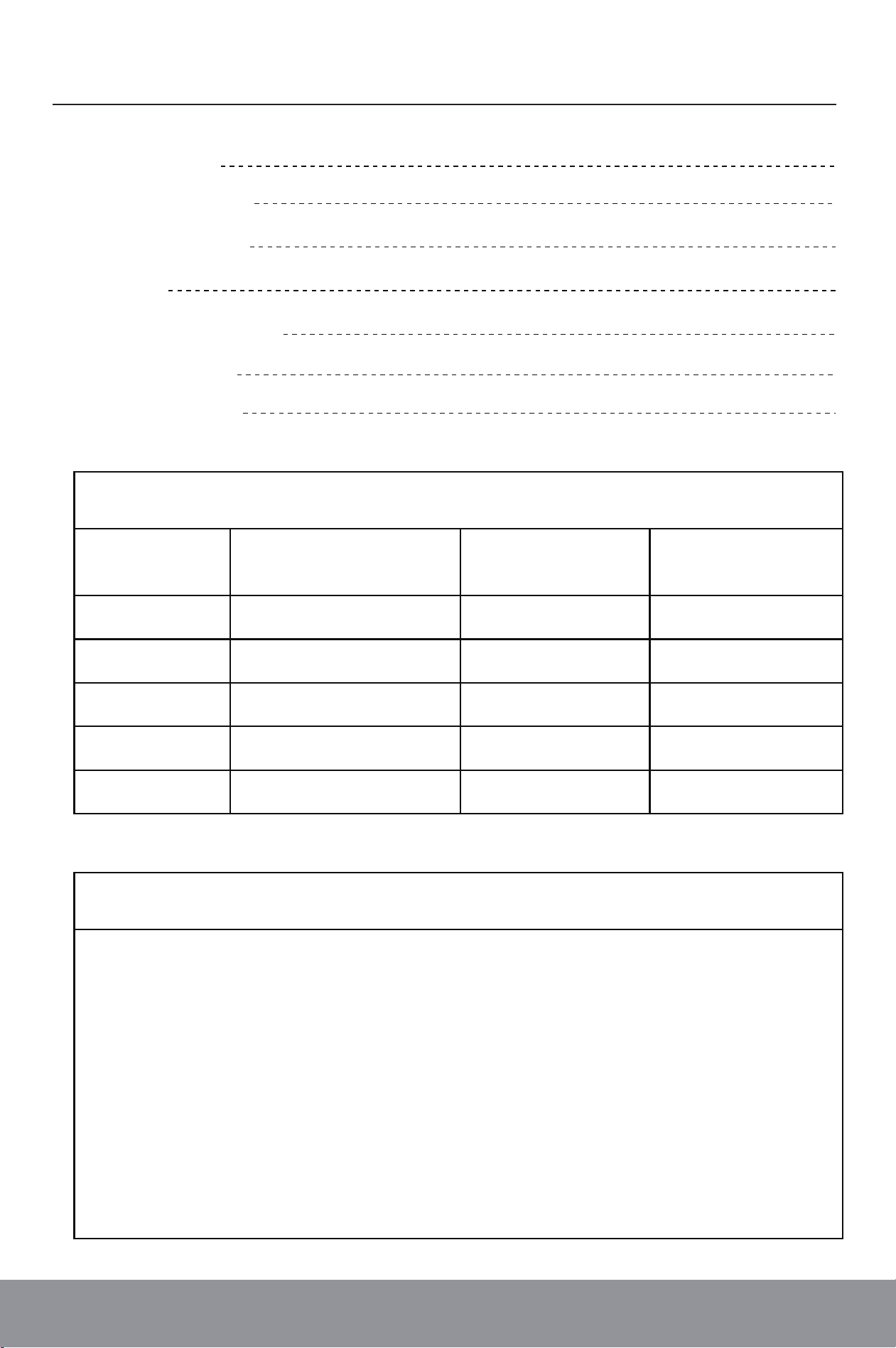
Product Warranty Card
1.Warranty Period: The product is covered by a 12-month free
warranty staing from the date of purchase.
2.Malfunctions resulting from natural disasters, res, unautho-
rized modications, or misuse are not covered under the free
warranty.
3.Free warranty seices apply only to originally congured
components.
4.Warranty seice will not be provided without the sales unit's
ocial seal or a valid warranty card.
Model Name:
Customer Name:
Contact Person:
Address:
Telephone Number:
Serial Number:
Purchase Date:
After-Sales Seice Record
Impoant Notes
Date
Seice
Record
Seice
Sta
User’s
Signature

Beijing HuaDa ZhiBao Electronic
System Co., Ltd.
Website: https://www.bhz.com.cn/en
Address: Gaojiayuan 1#, Chaoyang District, Beijing, China.
FCC Statement
This device complies with part 15 of the FCC rules. Operation is subject to the following two conditions: (1) this
device may not cause harmful interference, and (2) this device must accept any interference received, including
interference that may cause undesired operation.
Changes or modifications not expressly approved by the party responsible for compliance could void the user's
authority to operate the equipment.
NOTE: This equipment has been tested and found to comply with the limits for a Class B digital device, pursuant
to part 15 of the FCC Rules. These limits are designed to provide reasonable protection against harmful
interference in a residential installation. This equipment generates uses and can radiate radio frequency energy
and, if not installed and used in accordance with the instructions, may cause harmful interference to radio
communications. However, there is no guarantee that interference will not occur in a particular installation. If
this equipment does cause harmful interference to radio or television reception, which can be determined by
turning the equipment off and on, the user is encouraged to try to correct the interference by one or more of
the following measures:
●Reorient or relocate the receiving antenna.
●Increase the separation between the equipment and receiver.
●Connect the equipment into an outlet on a circuit different from that to which the receiver is connected.
●Consult the dealer or an experienced radio/TV technician for help.
This device meets the government's requirements for exposure to radio waves. The guidelines are based on
standards that were developed by independent scientific organizations through periodic and thorough
evaluation of scientific studies. The standards include a substantial safety margin designed to assure the safety
of all persons regardless of age or health. The SAR limit of USA (FCC) is 1.6 W/kg averaged. Device types:
Android POS Terminal (FCC ID: FCC ID:2BUK2-BHZ800) has also been tested against this SAR limit. SAR
information can be viewed on‐line at http://www.fcc.gov/oet/ea/fccid/. Please use the device FCC ID number
for search. This device was tested simulation typical 0mm to body. To maintain compliance with FCC RF
exposure requirements, use accessories should maintain a separation distance between the user's bodies
mentioned above, use accessories should not contain metallic components in its assembly, the use of
accessories that do not satisfy these requirements may not comply with FCC RF exposure requirements, and
should be avoided.