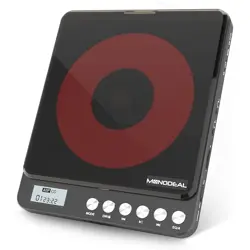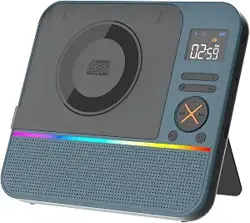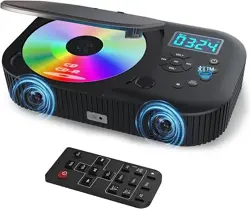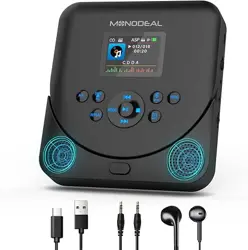
1. Dimension of Main Unit: 167*167*30mm
2. Power/Switch Cable Length: 2.3m
3. Net Weight: 520g
4. CD format support: CD, CD-R, CD-RW, MP3, WMA
5. FM Radio Range: 76MHz-108.0MHz
6. Speaker: 40mm X 2
7. Rated Impedance: 4Ω
8. Speaker Output: 5W X 2
9. AC: 0-240V~50Hz-60Hz
10. DC: 5V-1.5A
11. USB Memory: Up to 64 GB
12. TF Card Memory: Up to 64 GB
5V-1.5A USB adaptor x 1
- 01 -
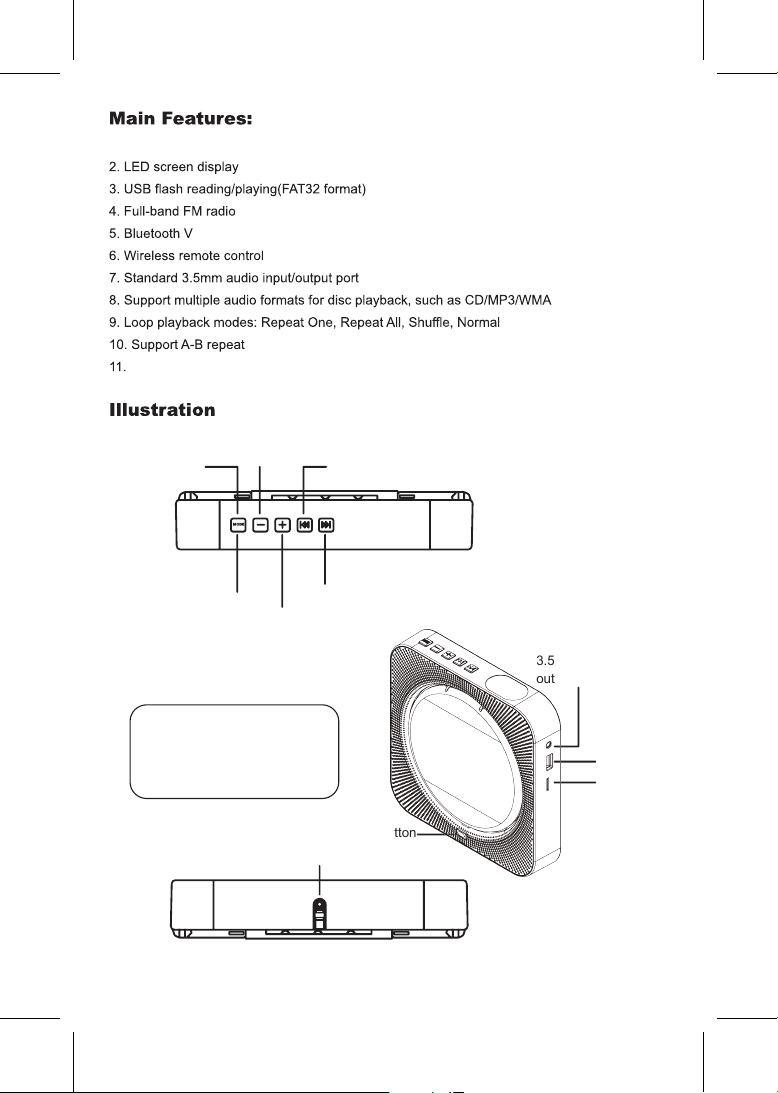
CD mode, USB mode,
SD mode, FM mode,
LINE/AUX mode,
Bluetooth mode
Note: After plugging into power,
press one of these buttons to
turn on the player, and long
press for 3s to turn off the player.
1. 6 different color for 6 modes
Support Time and Timer
MODE
Volume-
PREV(Last song)
3.5mm audio input/
output port
USB port
TF card port
Cover button
Charging Port
NEXT(Next song)
Volume+
5.1
- 02 -
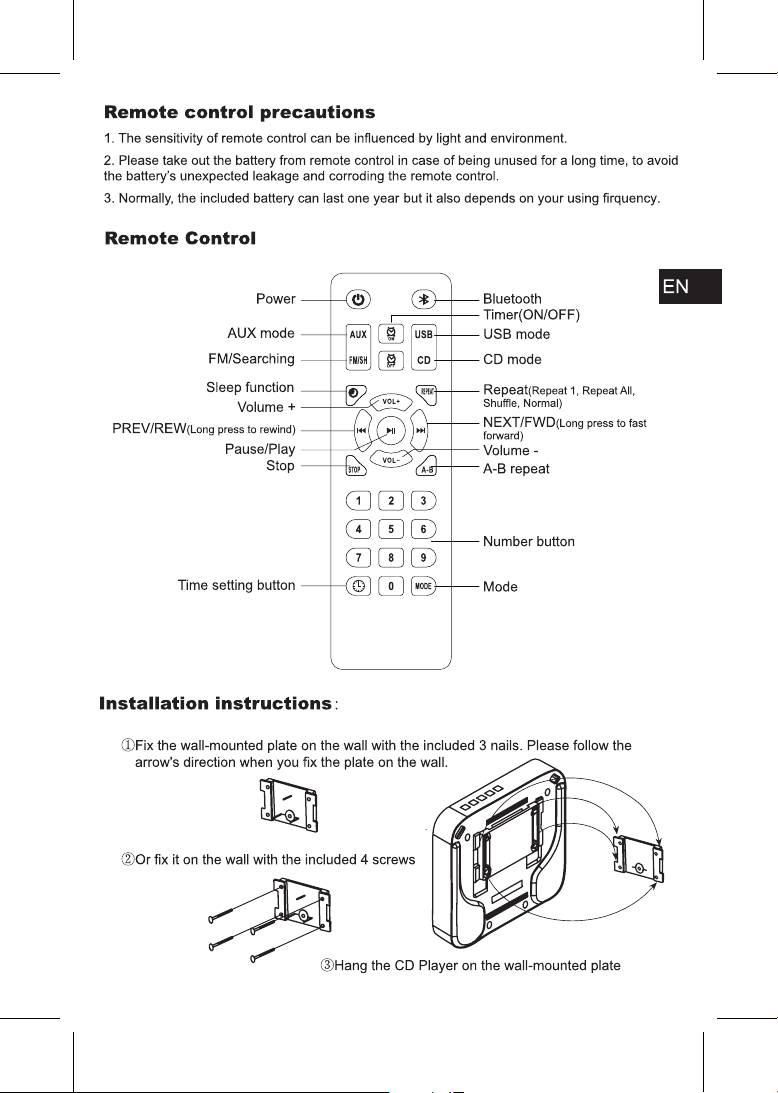
KC-909
- 03 -
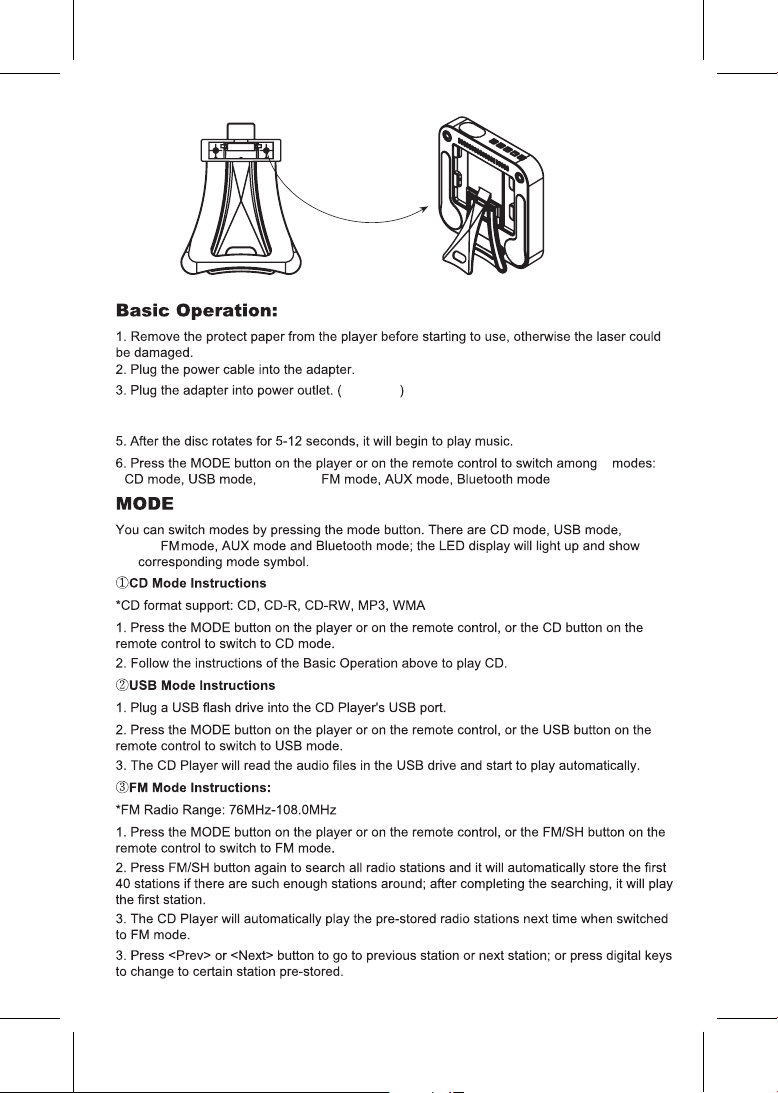
0-240V
4. Insert a CD into the player and press one of the buttons (MODE, VOL-, VOL+, PREV,
NEXT) on the player.
6
SD mode,
SD
mode,
the
- 04 -
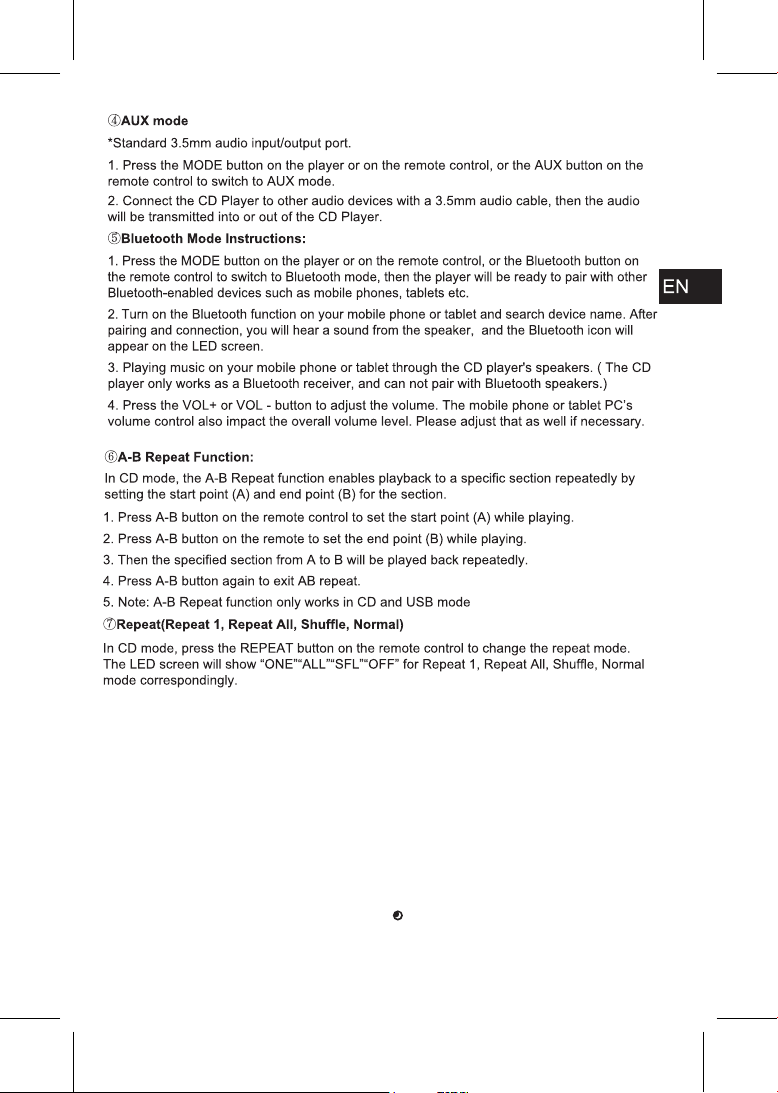
1. Plug a TF card into the CD Player's TF card port.
2. Press the MODE button on the player or on the remote control to switch to SD mode.
3. The CD Player will read the audio files in the TF card and start to play automatically.
CD mode: Green & Blue light
USB mode: Green flashing light
SD mode: Green flashing light
FM mode: Purple light
LINE/AUX mode: Yellow light
Bluetooth mode: Blue light
NOTE: It can be turned off by press sleep button .
⑧ SD Mode Instructions
BACKGROUND LIGHT
- 05 -
For example: set the time 07:30 to turn on the player
Press the time ON button on the remote control, and the time 00:00 will show up on the LED
screen, then press left,right,up and down buttons to set the time 07:30 and press the time ON
button again to confirm the setting.
For example: set the time 07:30 to turn off the player
Press the time OFF button on the remote control, and the time 00:00 will show up on the LED
screen, then press left,right,up and down buttons to set the time 07:30 and press the time OFF
button again to confirm the setting.
TIMER SWITCH SETTING
For example: set the time 07:30
Press the time button on the remote control, and the time will show up on the LED screen, then
press left, right, up and down buttons to set the time 07:30 and press the time button again to
confirm the setting.
TIME SETTING
- 06 -
- 07 -