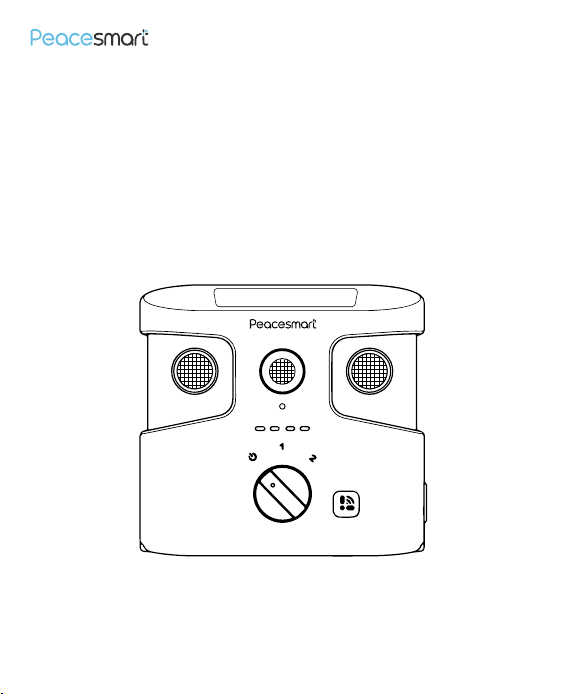
Adjustable Smart
Ultrosonic Bark Control
Please read the manual carefully before using
User Manual
User Manual
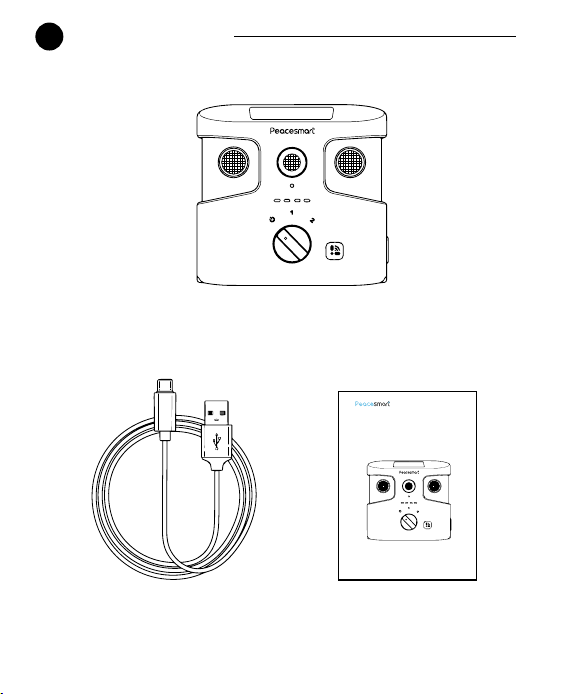
Package Content
1
Main Unit
Charging Cable
Adjustable Smart
Ultrosonic Bark Control
Please read the manual carefully before using
User Manual
1
2
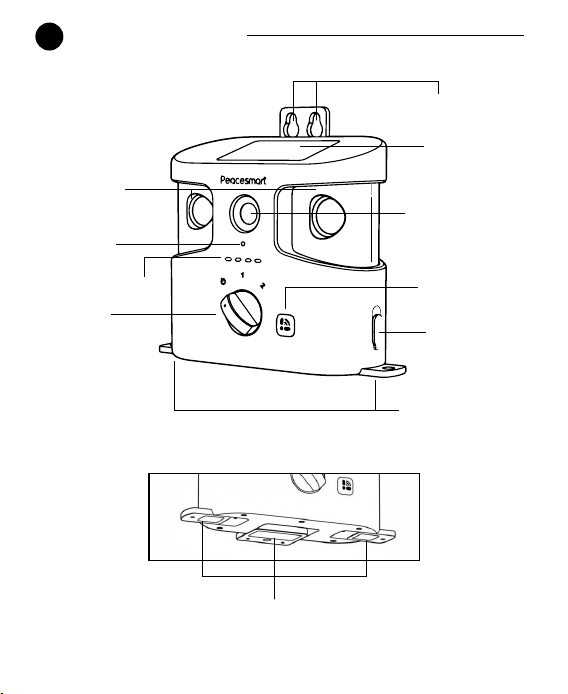
Product Overview
TYPE-C
Retractable Hanging Hole
Solar Panel
Rotatable
Ultrasonic Port
Fixed Ultrasonic
Port
Microphone
Charging Port
Retractable Stand
Retractable Stand
Light 1-4
Gear Knob
Smart Button
2
3
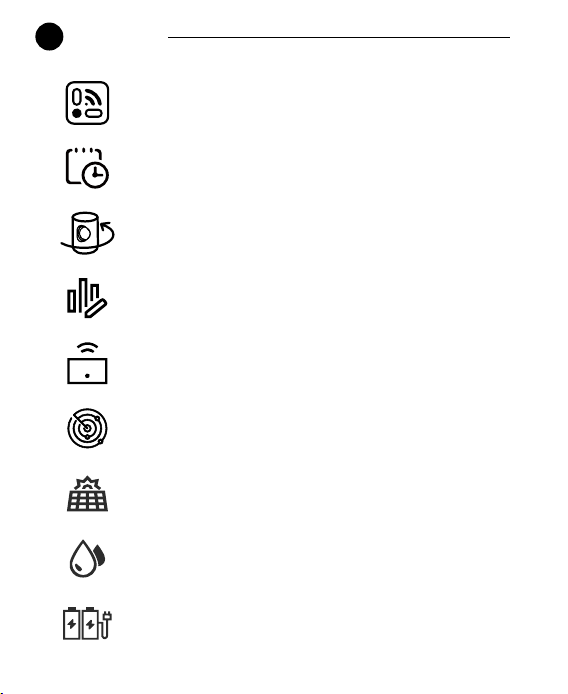
Features
One - Button Control
Work log for recording triggered events
Adjustable ultrasonic range up to 180°
Powerful three ultrosonic speakers
Customizable ultrasonic frequency and sensitivity
Automatic barking detection
Solar energy as sub charging supplement
IPX4 waterproof
More than 30 days of battery life
3

4
Quick Start Guide
a.Adjust Ultrasonic Coverage
b.Device O
Rotate the rotatable ultrasonic port on the left or/and right side of the
main unit to achieve up to 180°
Turn the knob to the OFF position, lights turn o, and the buzzer beeps
twice.
c.Manual Mode
Turn the knob to the 1/2 position, Light 1/2 will ash in blue intermittently,
and the buzzer beeps once.
d.BLE Mode
Press the button, Light 4 will ash in blue. Connect APP via Bluetooth
sensitivity. If connection fails, Light 4 will ash in red for 3s, then remains
a constant-on state. If connectionsucceeds, Light 4 will remain blue,
and the buzzer plays music. Customize bark detection sensitivity
(40dB-80dB) and frequency (20Khz-45Khz) on the APP.
e.Auto Mode
If connection fails after 10s or disconnects, Light 4 will turn o
and Light 3 will ash in blue intermittently.
f.Low Battery
When the device's battery level is below 5%, the buzzer beeps
twice and repeats 4 times, and Light 4 will ash in red.
4

5
APP Operation
Step 1: Prepare Your Mobile Device
1.Download Peacesmart APP from Apple Store for IOS, or Google Play
Store for Android.
Step 2: Activate BLE Mode On e Device
Locate the smart button. Press the smart button.
Step 3: Complete Pairing In e APP
1.Open the APP. Choose “Add Device”.
2.Connect the device.
3.Once the connection succeeds, Light 4 will remain blue. Once the
connection fails, the APP will remind you.
2.Enable Bluetooth on your smartphone (ensure Bluetooth is set to
"discoverable" mode).
Connection Steps
5
Scan this QR code to download the APP

Function
Customized Setting:Set the bark detection sensitivity of the
device's built-in microphone within the range of 40dB-60dB and the
ultrasonic frequency within the range of 20Khz-45Khz.
Record Working Event:Automatically records bark detection and
ultrasonic emissionevents of the device and presents the data in a
clear format.
6
Download Data Report:Download daily working logs and statistical
data of the specied device for single-day usage insights.
6
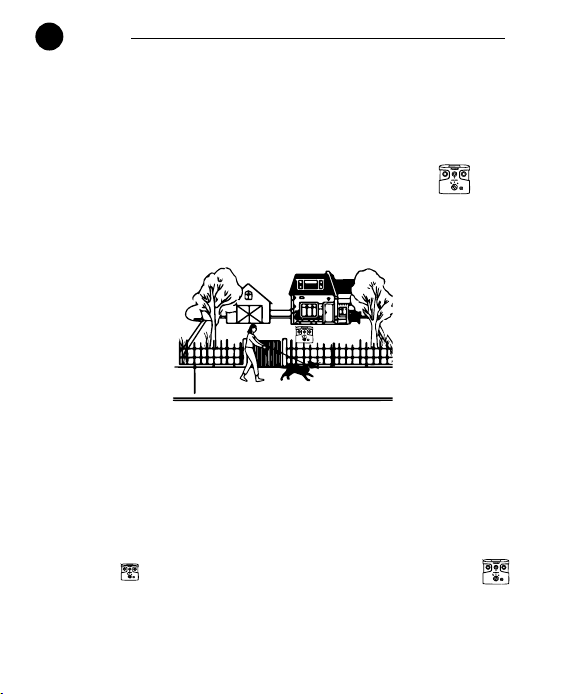
Uses
Stop excessive barking
Stop barking at pedestrians
passing by the yard
Stop barking at neighbor's dogs
For indoor and outdoor use
Stop dogs from barking
during camping trips
7
7
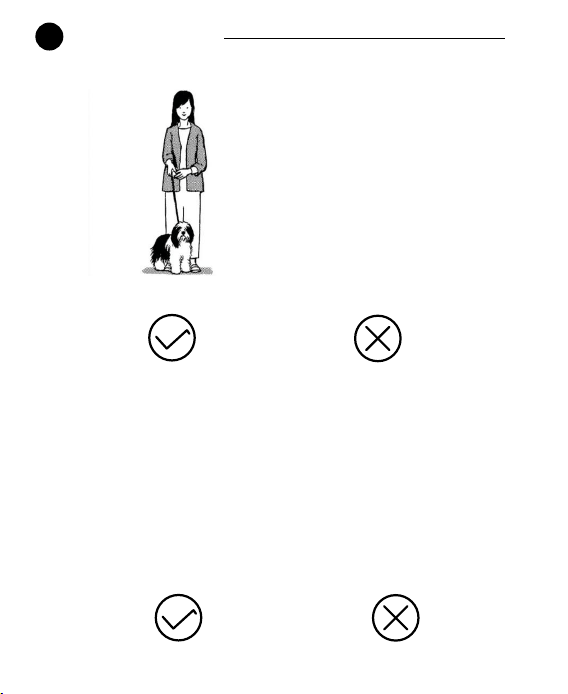
Operating Guide
One dog
Multiple dogs
6 months to 8 years Under 6 months, over 8 years
8
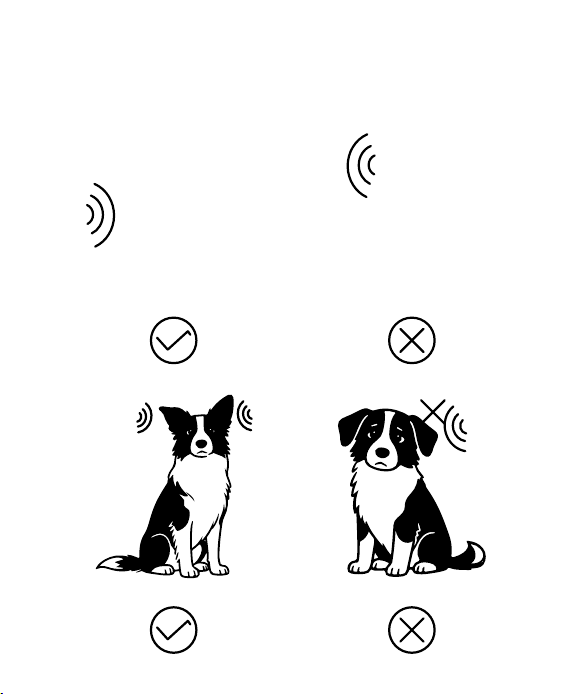
Ultrasonic barrier-free Ultrasonic with barriers
Normal hearing
Abnormal hearing
9
8
Important Safety Information
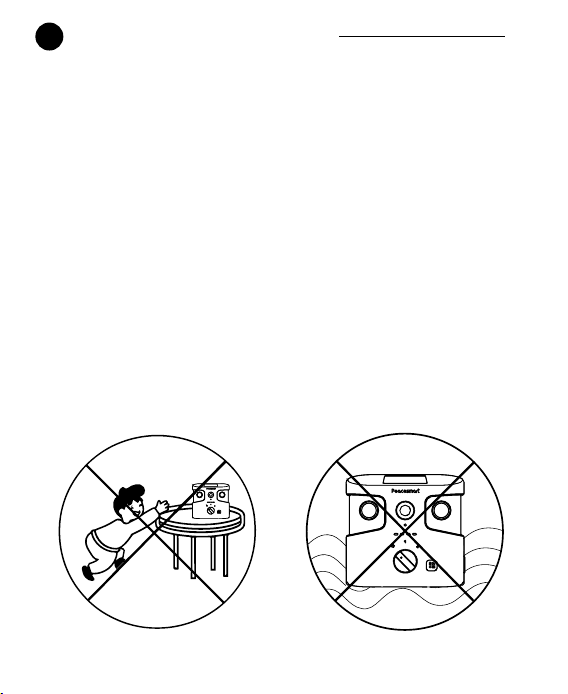
a.Avoid pointing the device directly at eyes or ears of any person or
animal.
b. Not suitable for deaf, hard-of-hearing dogs.
c.Do not use the device on dogs under 6 months, or on sick, old,
pregnant, or aggressive dogs.
d. Place the device beyond children's reach. Never let children use it.
e. Do not soak the device in water.
f. Store the device in a cool and dry place when not in use.
g. Do not disassemble the device. Please contact customer service if
you need to repair.
10
9
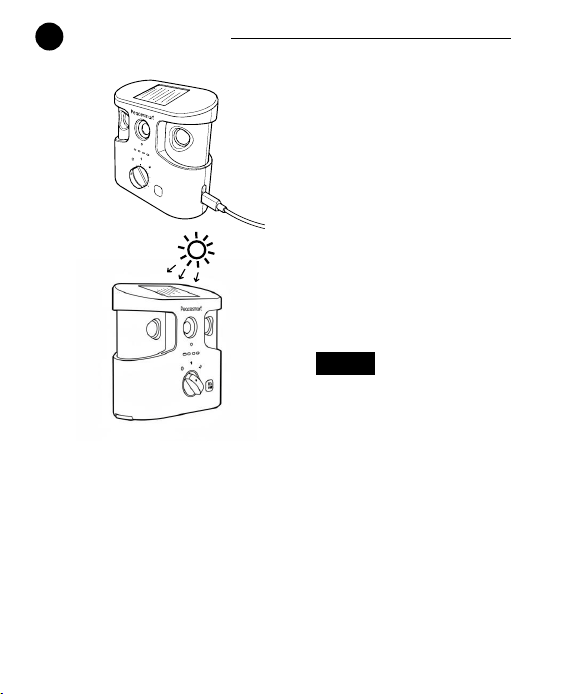
Device Charging
Type-C charging port
Solar energy charging
Charging Status
Connection Success:Light 4 ashes in blue.
0.3W. 20% eciency
Disconnect Charging: Lights for the current battery level ash blue
once, then go out.
Battery Level Indication:As the battery level rises for every 25%,
the number of steadily lit lights increases sequentially (starting from
Light 1) while the next light ashes. When fully charged, all lights stay
blue.
11
Solar panels will only charge
automatically when there is
sucient sunlight.
Note:

10
Troubleshooting(Q&A)
Q: Not respond to my dog.
Answer:
1. Ensure the device is turned on.
2.Make sure the device is fully charged
3.Remove any obstacles in front of the ultrasonic emission port.
4.Make sure the dog is within 50ft coverage range and its ears
stay uncovered
5.Human beings cannot hear ultrasonic sound.
Notice:
1. Use ultrasound to stop unnecessary dog barking.Follow the training
steps below.
(Note: Dierent breeds of dogs respond dierently to ultrasound. For best
results, you can use Peacesmart APP to nd the most suitable frequency
for dog.
2. Position the device within the area your dog usually moves in, then
switch the device to normal / enhanced / specied frequency ultrasound.
Most dogs will quickly recognize that the ultrasound is disturbing them,
so they will calm down and stop barking. Typically, you will notice a reduc-
tion in dog’s barking within he rst two weeks of using ultrasound function.
3. Excessive barking can put real stress on your relationship with your pet
and disturb the peace in your neighborhood. In such cases, this device
may oer a helpful solution.
12

11
Warranty
6-month Limited Warrant
e warranty begins on the date of purchase. Covers defects in materials
or workmanship under normal use. e warranty is void if the device has
been tampered with or used imporoperly. For warranty claims, please
contact customer service at http://www.peacesmart.tech/.
Procedure for Repair Work
If the unit is malfunctioning, please refer to the "Troubleshooting”(Page 12)
in the manual before sending it back for service. A copy of the sales receipt
showing the purchase date may be required before warranty work is
initiated. Please include a brief explanation outlining the problem, and
include your name, address, city/state/zip code, daytime phone number,
evening phone number, and email address.
13

MADE IN CHINA
This equipment has been tested and found to comply with the limits for a Class B
digital device, pursuant to Part 15 of the FCC Rules. These limits are designed to
provide reasonable protection against harmful interference in a residential installation
. This equipment generates uses and can radiate radio frequency energy and, if not
installed and used in accordance with the instructions, may cause harmful
interference to radio communications. However, there is no guarantee that
interference will not occur in a particular installation. If this equipment does cause
harmful interference to radio or television reception, which can be determined by
turning the equipment off and on, the user is encouraged to try to correct the
interference by one or more of the following measures:-- Reorient or relocate the
receiving antenna.
-- Increase the separation between the equipment and receiver.
-- Connect the equipment into an outlet on a circuit different from that to which the
receiver is connected.
-- Consult the dealer or an experienced radio/TV technician for help.
This device complies with part 15 of the FCC Rules. Operation is subject to the
following two conditions:
(1) This device may not cause harmful interference, and (2) this device must accept
any interference received, including interference that may cause undesired operation.
Changes or modifications not expressly approved by the party responsible for
compliance could void the user's authority to operate the equipment