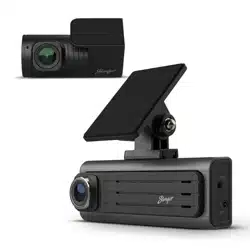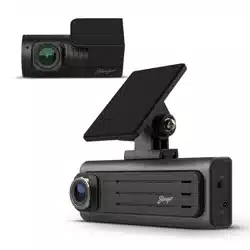
N268
User Manual
Disclaimer
1. Please use Micro SD card with the size / memory of at least 32GB,
Class 10 (up to 128GB).
2. Format Micro SD card before using.
Attention Please
To enable motion parking monitor function, the unit must receive
constant power.
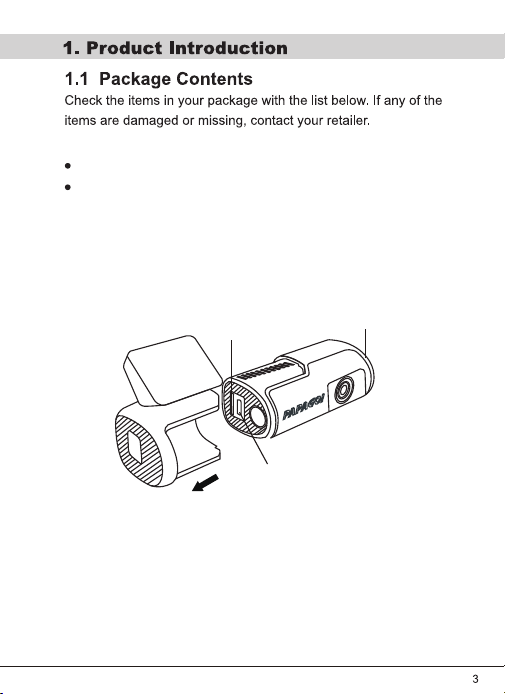
Device
Car Charger
Type-C Port
Micro SD Card Slot
Button
lnsert the car charger cable into the car's cigarette lighter, and the
other end into the Type-c USB port on the device . Make sure to install
the Micro SD Card into the Micro SD Card slot on device. After turning
on, the system will start recording automatically.
When the power supply is off, the device will automatically shut
down.
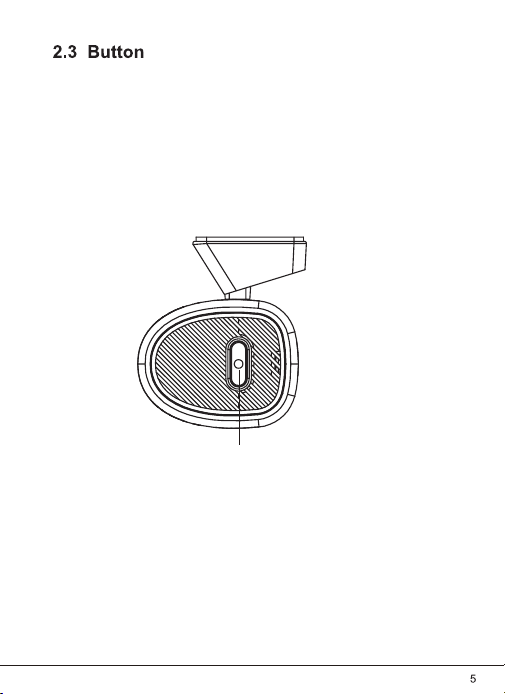
Press the button: Start emergency recording.
Hold the button for 2 seconds: release the button once you hear
a beep sound, and the device will be turned off.
Hold the button for 5 seconds: release the button after you hear
the first and the second beep sound, the device will restore to factory
settings.
Power
Using App
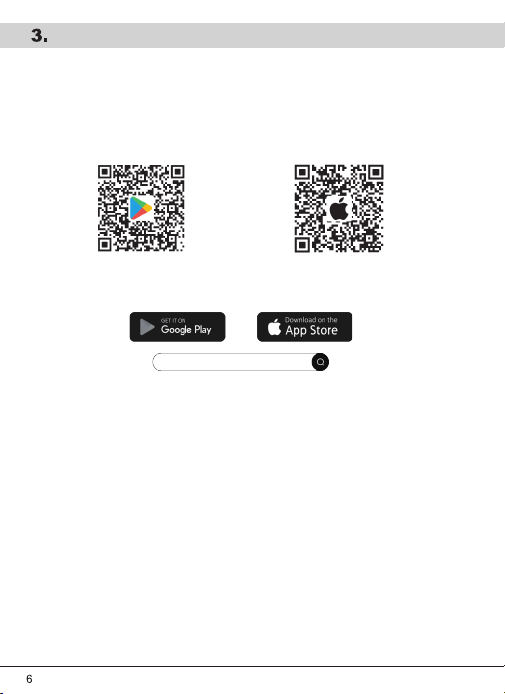
1. App Installation
2. Ensure that the device is turned on and your mobile phone is within 5
meters of the camera.
3. Connect the WiFi on your phone.
SSID: PPG_N268_xxxx
Password: 12345678
4. Launch the app and add the device.
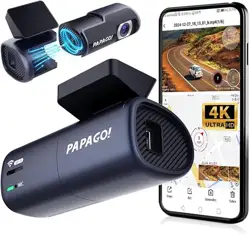
5. You can browse videos/photos and configure settings with the app now.
① Download and install the PAPAGO Focus App on your mobile device by
scanning the QR code below.
② Searching for PAPAGO Focus on Google Play/App Store.
PAPAGO Focus

V25.04.14-3