Intelligent Locations Staff Badge (ILAT-EB200TC) User Manual
Introduction:
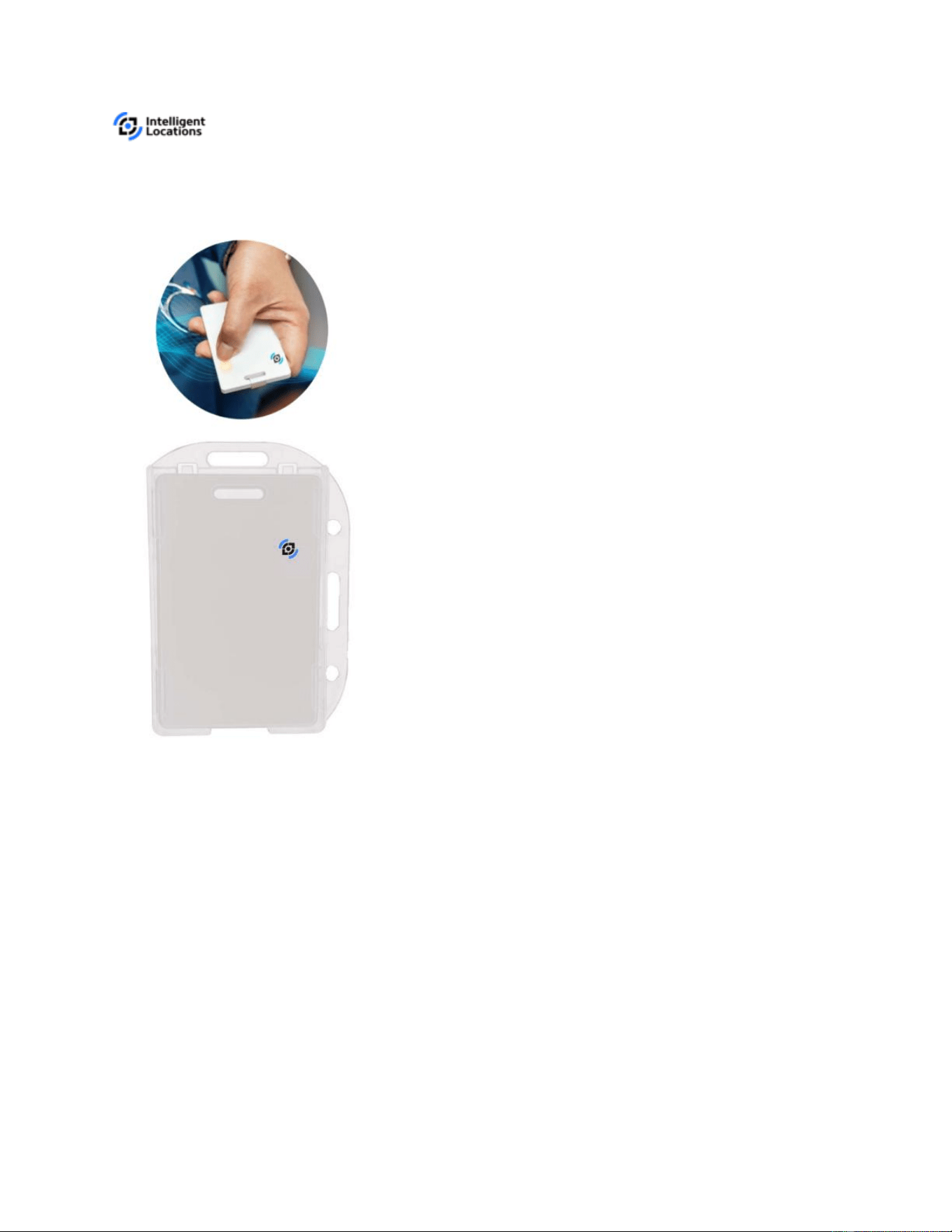
Intelligent Locations’ staff badges monitor the safety of staff personnel. These badges
can trigger immediate escalation of duress alarms via SMS, email, or phone calls.
An ID badge using BLE technology with a long life expectancy. The badge contains and
ST Micro accelerometer which also features a temperature sensor. BLE advertisement
packets broadcast data for Intelligent Locations systems to decipher. The badge has
two activity states:
Active: the badge is in motion, 400ms advertising interval.
Inactive: the badge is idle, 1.5 second advertising interval.

The badge provides a button which generates two events:
Configurable Event: Button held for 1.5 secs
Duress: Button held for 3 secs.
RGB LED: Used to identify different states and events.
When in inactive state, the beacon advertises at 1.5 second interval. During active
state, the beacon advertises a faster rate with a 400 millisecond interval. This interval
will remain until idle for a full minute. After 30 minutes of being idle, the badge will no
longer advertise until movement is sensed. The state intervals are configurable using
the GATT protocol with a valid range for 200ms to 10 secs. Additionally, the broadcast
power (TX power) of the beacon is set to a default setting of -6 dBm. This is also
configurable with a range of -26 to 8.
I/O
The badge features a button and RGB LED for user interaction. The button activates an
additional two events, and action flag, and a duress state.
Action Flag
The action flag is activated by a 1.5 sec hold on the button. On activation, the LED will
blink green and a flag is set in the advertisement packet for 2 minute. After 2 minute, the
badge is set back to default state with the flag set to zero.
Duress State
The duress flag is activated by a 3 sec hold on the button. This is intended to interact
with Intelligent Locations upcoming duress feature. When activated, the red LED will be
set to on and stay that way for the life of the state. Additionally, the TX power of the
badge is set to 0 dBm and will only advertise at 400ms. The state can be switched off
with another 3 sec hold or after 30 minutes. When deactivated by the button, the user
will see the LED turn off.
RGB LED
The current LED provides 3 colors to help user interaction. Maintaining previous
version's behavior, the red LED is used to express badge is on duress state. The blue
LED will blink in the case of a short hold while green LED is currently unused. All LEDs
can be enabled to show white using a triple press (may not be supported, TBD).

The specifications for the staff badge are as follows:
PERFORMANCE
⎯ 32 –bit ARM ®Cortex®–M3 with 76.8 MHz
⎯ NFC Support (optional addition)
⎯ System Controlled RGB LED
CONNECTIVITY
⎯ Bluetooth LE 5.2 (direction finding)
POWER
⎯ 5x3v CR2020 Coin Cell Battery (non-serviceable)
⎯ Expected Lifetime Approximately 2 yrs (configuration-dependent)
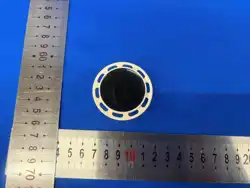
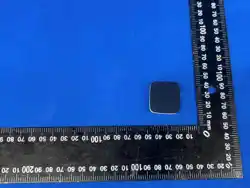
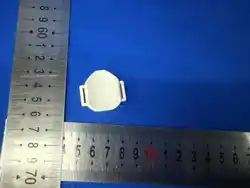
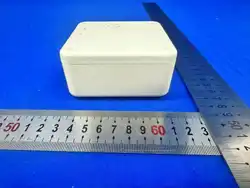
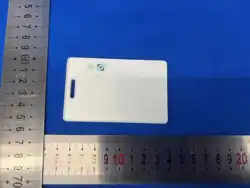
PHYSICAL DIMENSIONS
L ⎯ 2.13 in (54.10 mm)
W ⎯ 0.13 in (3.30 mm)
H ⎯ 3.44 in (87.38 mm)
The staff badges are shipped in bulk to a customer site location. The Intelligent
Locations Account team is responsible for installing these badges.
Additional Information
This device complies with part 15 of the FCC Rules. Operation is subject to the following two conditions: (1) This
device may not cause harmful interference, and (2) this device must accept any interference received, including
interference that may cause undesired operation.
Changes or modifications not expressly approved by the party responsible for compliance could void the user’s
authority to operate the equipment.
Class B:
NOTE: This equipment has been tested and found to comply with the limits for a Class B digital device, pursuant to
part 15 of the FCC Rules. These limits are designed to provide reasonable protection against harmful interference in
a residential installation. This equipment generates, uses and can radi-ate radio frequency energy and, if not in-
stalled and used in accordance with the instructions, may cause harmful interference to radio communications.
However, there is no guarantee that interference will not occur in a particular installation. If this equipment does
cause harmful interference to radio or television reception, which can be determined by turning the equipment off
and on, the user is encouraged to try to correct the interference by one or more of the following measures:
—Reorient or relocate the receiving antenna.

—Increase the separation between the equipment and receiver.
—Connect the equipment into an outlet on a circuit different from that to which the receiver is connected.
—Consult the dealer or an experienced radio/ TV technician for help.