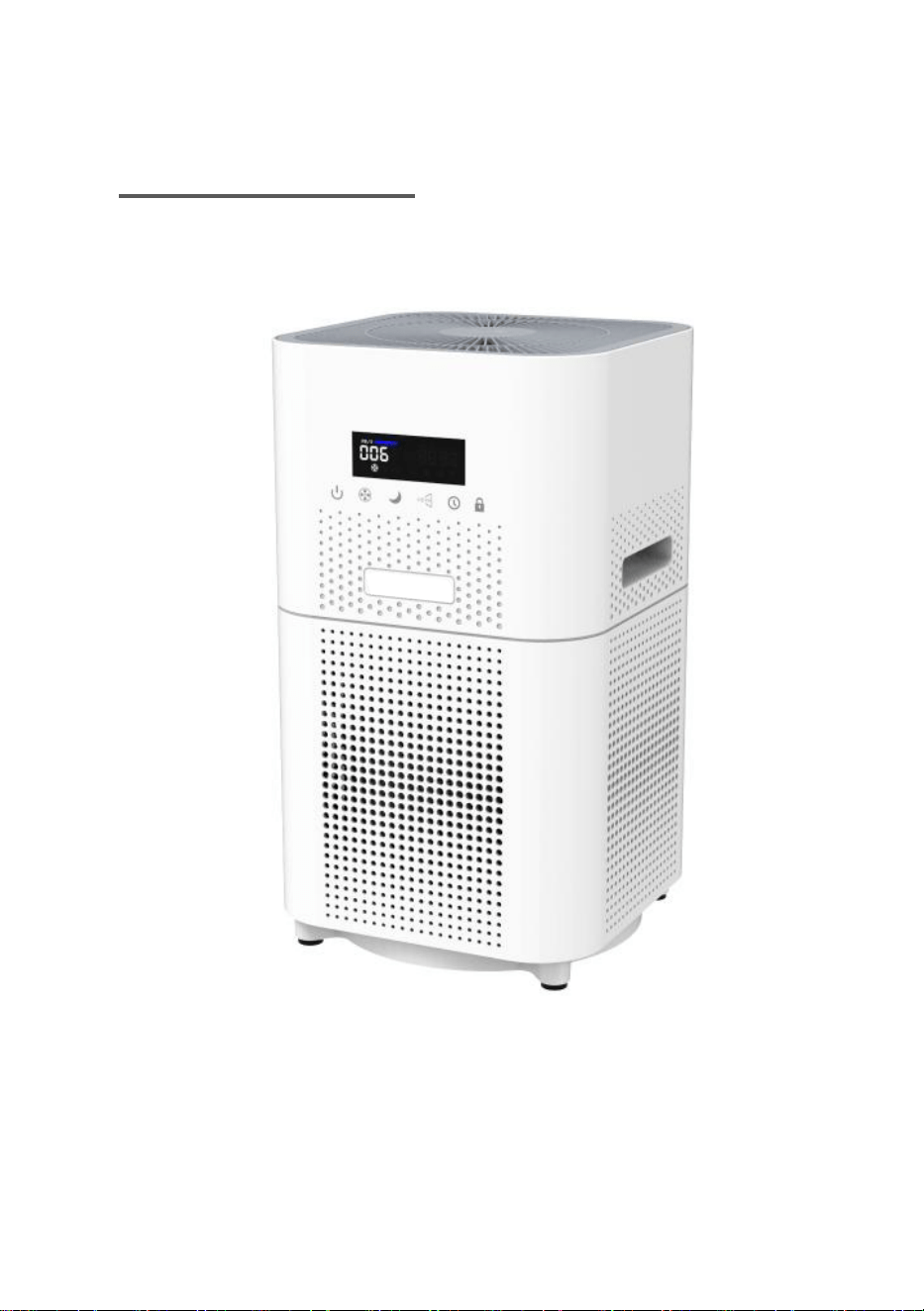
USER MANU AL
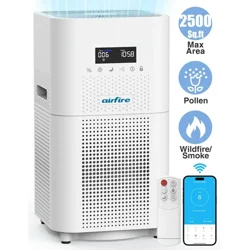
TRUE HEPA AIR PURIFIER
READ AND SAVE THESE INSTRUCTIONS
LIFETIME WARRANTY IF REPLACES THE FILTER ON TIME
YOUR SATISFACTION IS OUR TOP CONCERN
0101
02
03
04
dust
05
7
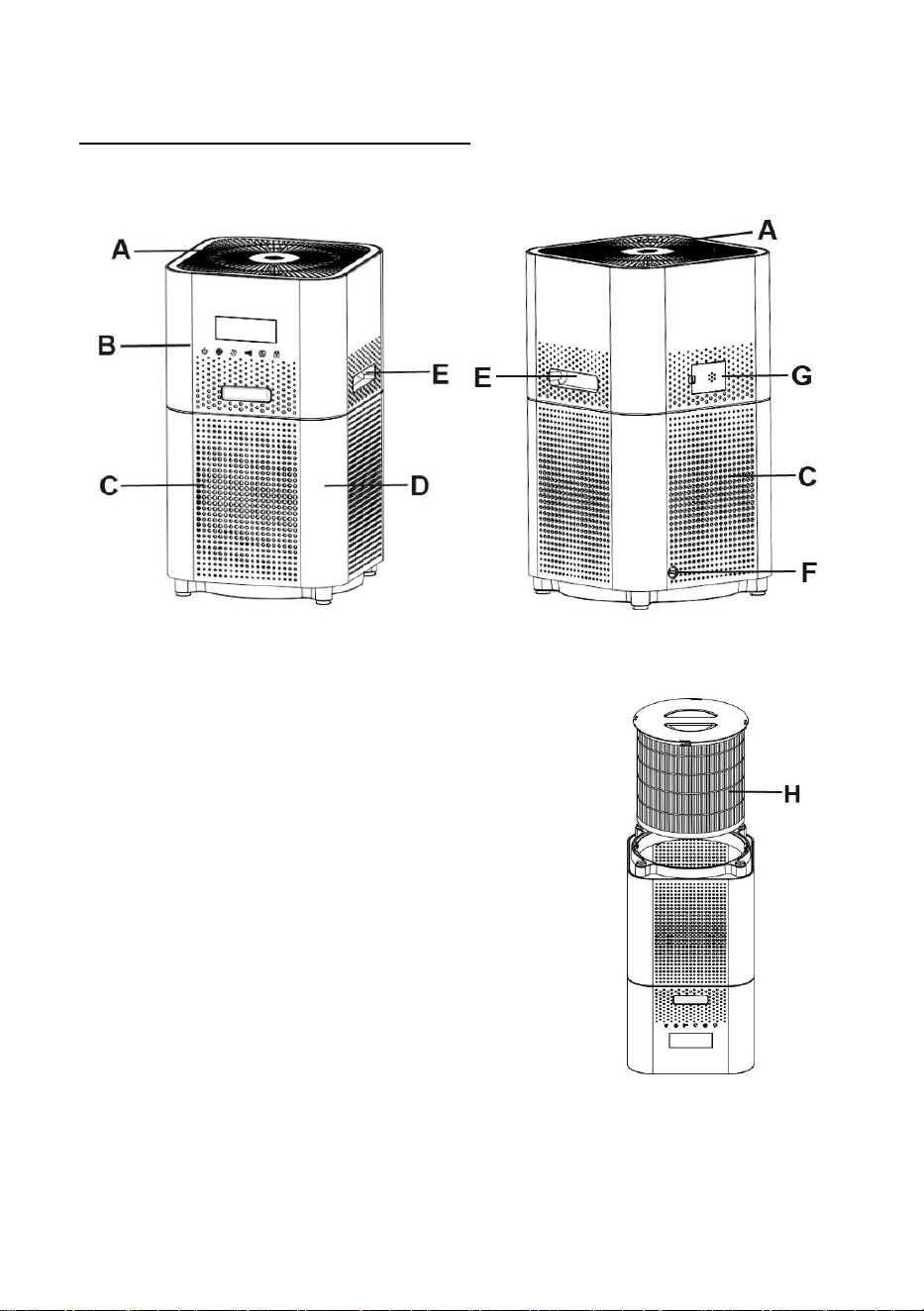
KNOW YOUR AIR PURIFIER
Front Back
A: Air Outlet B: Contr ol Panel
C: Air Inlet D: Body Shell
E: Handle F: Power Adapter Interface
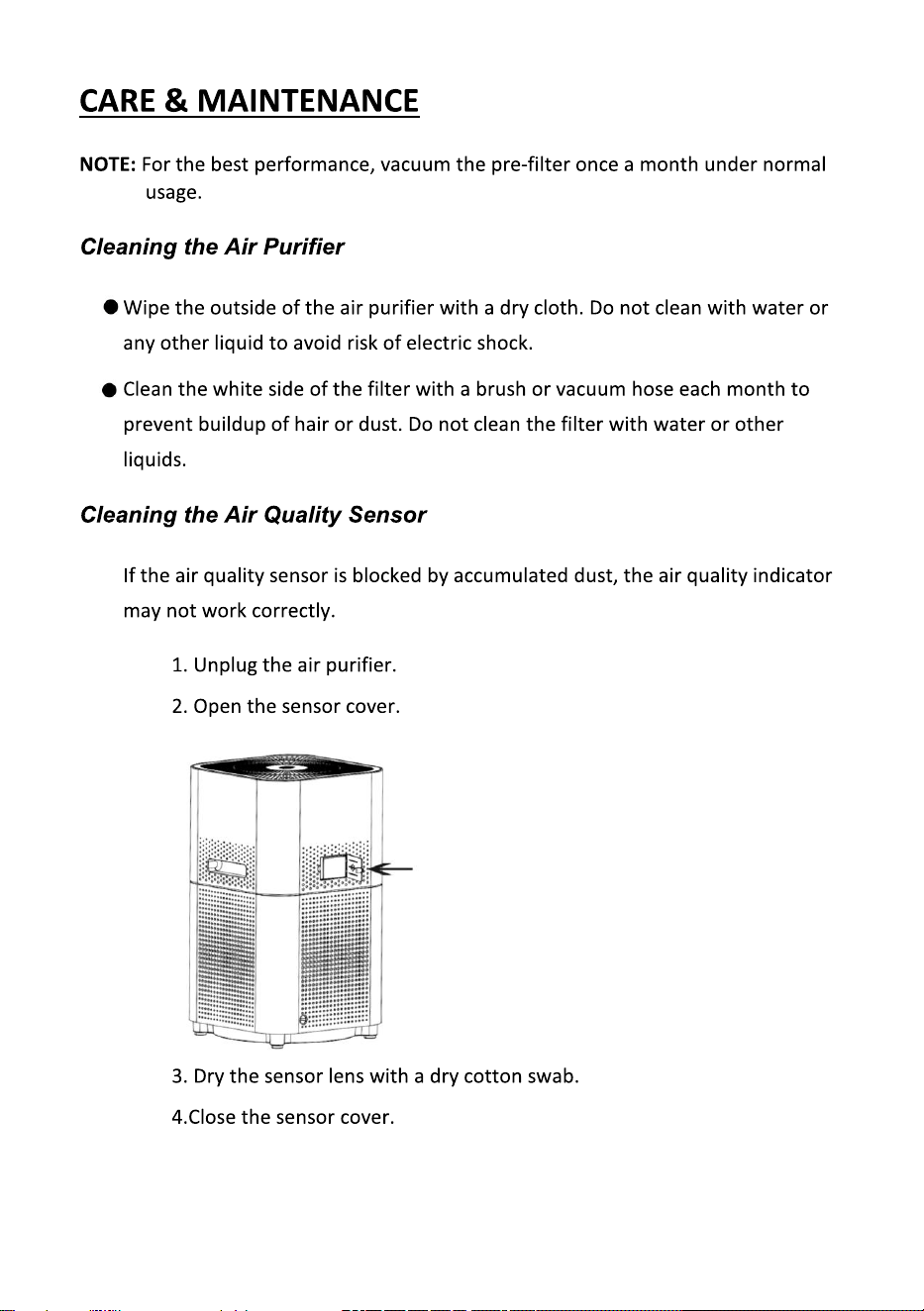
G: Air Quality Sensor Cover
H: H13 HEPA Filter
Note: Filter and base are o ne-piece design.
Upside Down
06
07
08
09
09
10
13
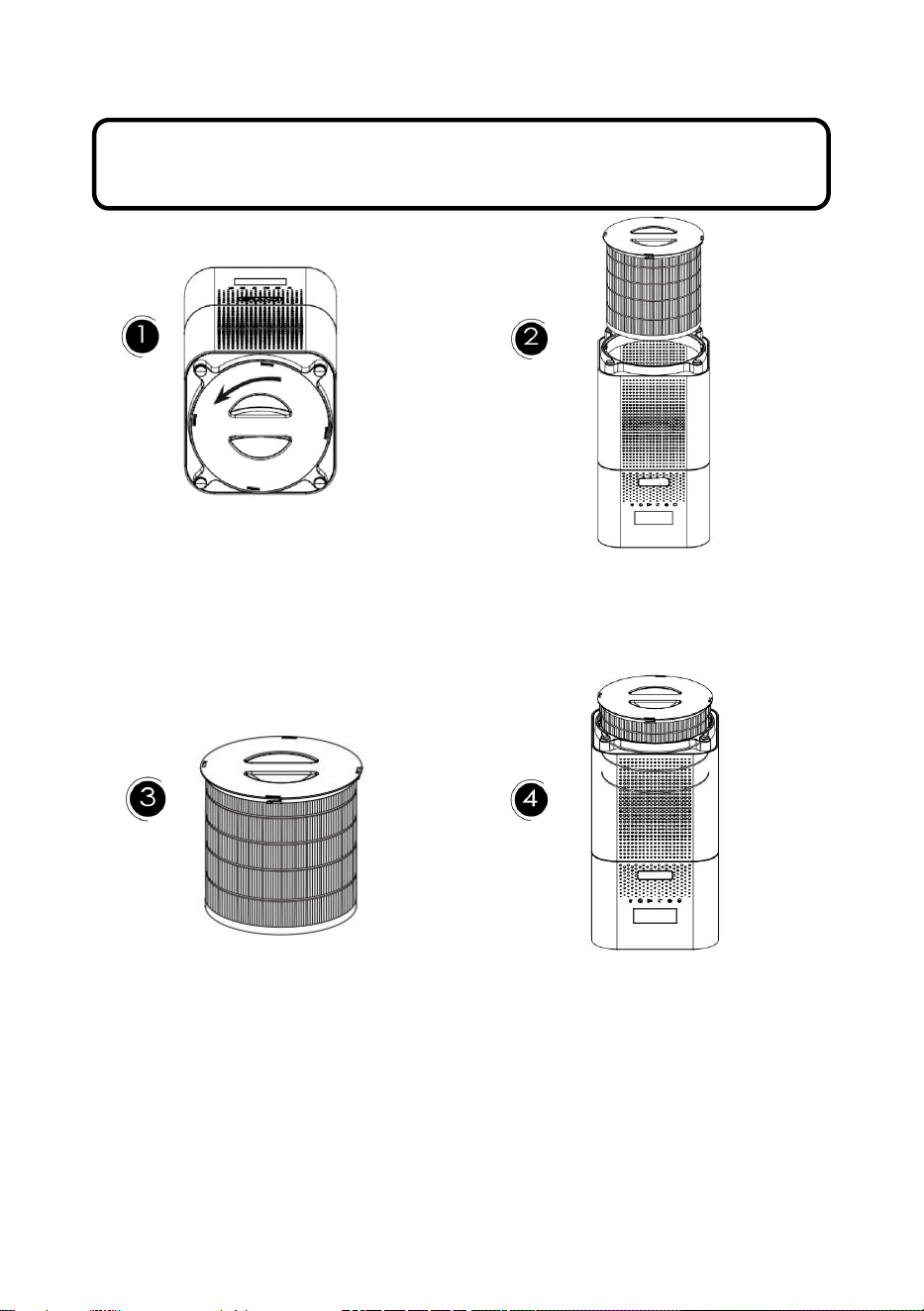
HOW TO REPLACE FILTER
NOTE: for safety consideration , please do unplug the power adapter before
starting to replace filter.
Rotate the twis t handle Take the old filter out
counterclockwise t o unlock
Remove the new filter protective Tighten the filter buckle
bag before installation.Pla ce the clockwise u ntil it clicks into place
filter into the a ir purifier and install
the base co ver properly
11
12
You can buy the air purifier from the Walmart website or offical website
13

18
TROUBLE SHOOTING
PROBLEM
POSSIBLE CAUSE
POSSIBLE SOLUTION
Air Pur ifier
not oper ate
Unit is not plugged in Plug the unit in
Power bu tton not pressed
Press the power button to
turn the power on
No power to unit
Check circuits, fuses, try
a different outlet
Reduced
airflow
The back grille may be
blocked
Make sure side intakes are
not blocked or the front
outflow area
Pre-filter needs
vacuuming
Vacuum the pre-filter with
the brush attachment of your
vacuum cleaner
The filter needs to be
replaced
Replace the filter
Reduced odor
removal
The filter needs to be
replaced
Replace the filter
Excessive
noise
The unit is not level
Place the unit on a flat a nd
level surface
Replace filter light
remains lit
after
filter re placed
The replace filte r
indicator needs to be
reset
Press and h old the filter
replace button for 5 seconds
until the replace filter light
turns off
Can't feel the effect
Filter failure-replace the
filter.
Use in inap propriate
places (excessive area)
Check if filter in correct
location
Use in bedroom,living room
or other indoor places
If your problem is not listed here, please contact our Customer Support.
i
nfo@dayett e.com
14
