)&&&RPSOLDQFH1RWLFH
7KLVGHYLFHFRPSOLHVZLWKSDUWRIWKH)&&5XOHV2SHUDWLRQLVVXEMHFWWRWKHIROORZLQJWZR
FRQGLWLRQV
7KLVGHYLFHPD\QRWFDXVHKDUPIXOLQWHUIHUHQFHDQG
WKLVGHYLFHPXVWDFFHSWDQ\LQWHUIHUHQFHUHFHLYHGLQFOXGLQJLQWHUIHUHQFHWKDWPD\FDXVH
XQGHVLUHGRSHUDWLRQ
$Q\FKDQJHVRUPRGLILFDWLRQVQRWH[SUHVVO\DSSURYHGE\WKHSDUW\UHVSRQVLEOHIRUFRPSOLDQFH
FRXOGYRLGWKHXVHUVDXWKRULW\WRRSHUDWHWKHHTXLSPHQW
7KLVHTXLSPHQWKDVEHHQWHVWHGDQGIRXQGWRFRPSO\ZLWKWKHOLPLWVIRUD&ODVV%GLJLWDO
GHYLFHSXUVXDQWWRSDUWRIWKH)&&5XOHV7KHVHOLPLWVDUHGHVLJQHGWRSURYLGHUHDVRQDEOH
SURWHFWLRQDJDLQVWKDUPIXOLQWHUIHUHQFHLQDUHVLGHQWLDOLQVWDOODWLRQ7KLVHTXLSPHQWJHQHUDWHV
XVHVDQGFDQUDGLDWHUDGLRIUHTXHQF\HQHUJ\DQGLIQRWLQVWDOOHGDQGXVHGLQDFFRUGDQFHZLWK
WKHLQVWUXFWLRQVPD\FDXVHKDUPIXOLQWHUIHUHQFHWRUDGLRFRPPXQLFDWLRQV+RZHYHUWKHUHLV
QRJXDUDQWHHWKDWLQWHUIHUHQFHZLOOQRWRFFXULQDSDUWLFXODULQVWDOODWLRQ,IWKLVHTXLSPHQWGRHV
FDXVHKDUPIXOLQWHUIHUHQFHWRUDGLRRUWHOHYLVLRQUHFHSWLRQZKLFKFDQEHGHWHUPLQHGE\WXUQLQJ
WKHHTXLSPHQWRIIDQGRQWKHXVHULVHQFRXUDJHGWRWU\WRFRUUHFWWKH
LQWHUIHUHQFHE\RQHRUPRUHRIWKHIROORZLQJPHDVXUHV
‐5HRULHQWRUUHORFDWHWKHUHFHLYLQJDQWHQQD
‐,QFUHDVHWKHVHSDUDWLRQEHWZHHQWKHHTXLSPHQWDQGUHFHLYHU
‐&RQQHFWWKHHTXLSPHQWLQWRDQRXWOHWRQDFLUFXLWGLIIHUHQWIURPWKDWWRZKLFKWKHUHFHLYHULV
FRQQHFWHG
‐&RQVXOWWKHGHDOHURUDQH[SHULHQFHGUDGLR79WHFKQLFLDQIRUKHOS
)&&5DGLDWLRQ([SRVXUH6WDWHPHQW
7KLVHTXLSPHQWFRPSOLHVZLWK)&&UDGLDWLRQH[SRVXUHOLPLWVVHWIRUWKIRUDQXQFRQWUROOHG
HQYLURQPHQW
7KLVWUDQVPLWWHUPXVWQRWEHFRORFDWHGRURSHUDWLQJLQFRQMXQFWLRQZLWKDQ\RWKHUDQWHQQDRU
WUDQVPLWWHU
Fn+F12 Volume+ Volume+
FN+F1
FN+F2
FN+F3
FN+F4
FN+F5
FN+F6
FN+F7
FN+F8
FN+F10
FN+F11
Refresh
Music
The previous song
Silent
Volume- Volume-
Silent
FN+F9 The next piece The next piece
Play/Pause Play/Pause
The previous song
Screenshot
Call out siri
Home Page
Search Search
Array running program
Email address
My computer Brightness...
FN+ESC
Brightness+
Press and hold for 3 seconds to restore
factory Settings
Press and hold for 3 seconds to restore
factory Settings
(WPEVKQPFGUETKRVKQPQHVJG(0MG[EQODKPCVKQP
Windows Key combination MAC single key
Short press to switch Bluetooth 1,
Long press to pair Bluetooth 1
Short press to switch Bluetooth 1,
Long press to pair Bluetooth 1
Short press to switch Bluetooth 2,
Long press to pair Bluetooth 2
Short press to switch Bluetooth 2,
Long press to pair Bluetooth 2
+PFKECVQTNKIJVRQUKVKQP
9KTGFEQPPGEVKQP
K98
FN+Q Bluetooth Device 1:
Press and hold the FN+Q keys for 3 seconds, and the red
indicator light will flash. The red indicator remains on for 2
seconds and then goes off when the pairing is successful.
FN+W Bluetooth Device 2
Press and hold the FN+W keys for 3 seconds, and the blue
indicator light will flash. The blue indicator remains on for 2
seconds and then goes off when the pairing is successful.
FN+E Bluetooth Device 3
Press and hold the FN+E keys for 3 seconds, and the yellow
indicator light will flash. When the pairing is successful, the
yellow indicator remains on for 2 seconds and then goes off.
Bluetooth connection
)EQPPGEVKQP
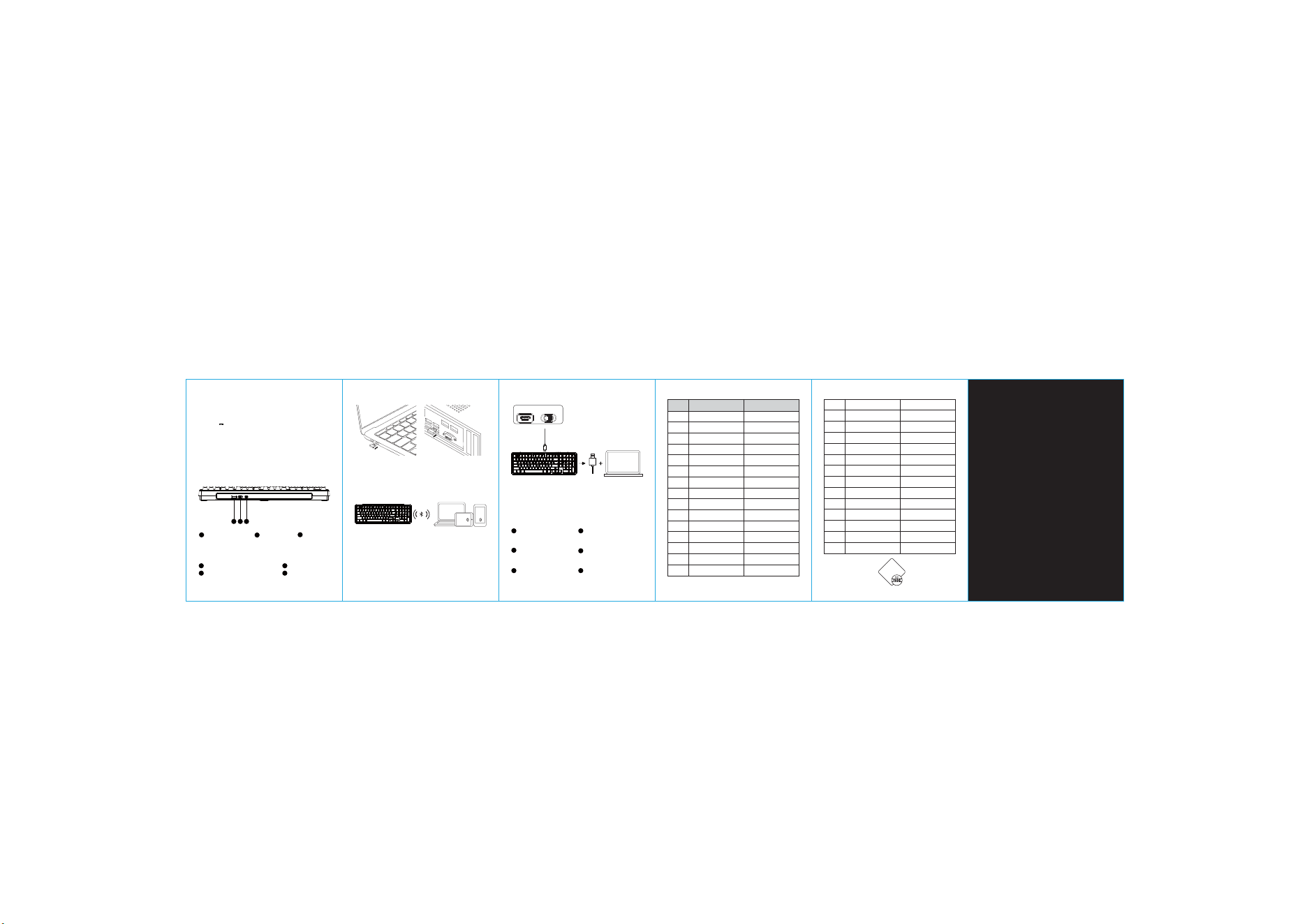
After the keyboard is turned on, insert the 2.4G receiver.
The indicator light will flash quickly and the keyboard can
be used normally.
$CUKERCTCOGVGTU
Product Model: .
Bluetooth name: .
Battery parameters: 3.7V 000mAh(Fast charging is
notsupported! Please connect to the computer for charging.)
Input: DC 5V
Connection modes: Wired connection,Bluetooth connection
(5.0), 2.4G connection
Wireless version: 2.4G, BLE 5.0
Wireless connection distance: 10 meters(in unobstructed and
open environments)
Charging port: Type-c
Supported systems: Windows, MacOs, iOS, Android
Product size: 417mm*131mm*31mm
The relevant parameters are measured manually. In case of any
discrepancy, the actual product shall prevail!
2.4G receiver
storage area
2.4G/ Wired/
Bluetooth
Accessories list
2.4G receiver
DIY Tool X1
Wired mode: First, insert the connection cable into the Type-C
interface, then connect the other end to the computer. Pull the
three-pole switch to the middle, and the keyboard can be used
normally.
Low electricity mode
Independent indicator light
red light flashes rapidly
Charging mode
Independent indicator light
blue light breathing
Full mode
Independent indicator light
with the green light constantly on
Lock the WIN mode
The white lamp remains on
constantly
NUM mode
The NUM indicator light
with the white light
constantly on
Caps mode
Independent indicator light
with the white light
constantly on
Bluetooth / Wired / 2.4G
Turn off the lights/
power-saving mode
Short press to switch Bluetooth 3,
long press to pair Bluetooth 3
Short press switches to 2.4G,
and long press 2.4G pairs
Switch the MAC system
no
Main backlight brightness+
Main backlight brightness-
Main backlight speed+
Electricity inquiryElectricity inquiry
Main backlight speed-
Switch the backlight color
Switch the main
backlight effect
Fn+Q
Fn+W
Switch the WIN system
Turn off the lights/
power-saving mode
Short press to switch Bluetooth 3,
long press to pair Bluetooth 3
Short press switches to 2.4G,
and long press 2.4G pairs
Lock the WIN key
Main backlight brightness+
Main backlight brightness-
Main backlight speed-
Main backlight speed+
Switch the backlight color
Switch the main
backlight effect
INS INS
Fn+Ĺ
Fn+Space
Fn+Ļ
Fn+ĺ
Fn+ĸ
FN+A
FN+S
Fn+E
Fn+R
Fn+L
Fn+L_Win
Fn+\|
Fn+Home
Certificate of
Conformity
,T(GIQYVGIK
Type-c charging cable
Type-c
interface
. keyboard