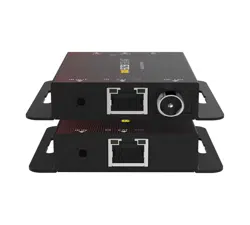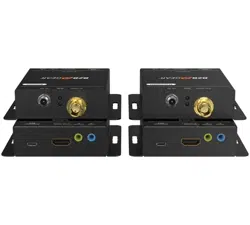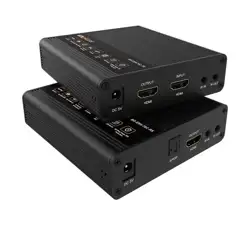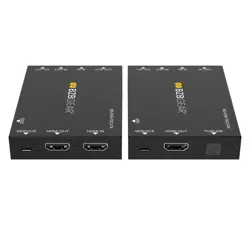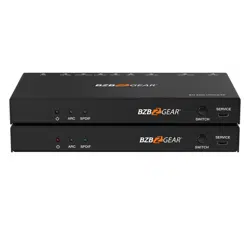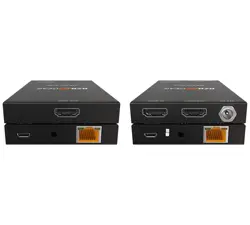
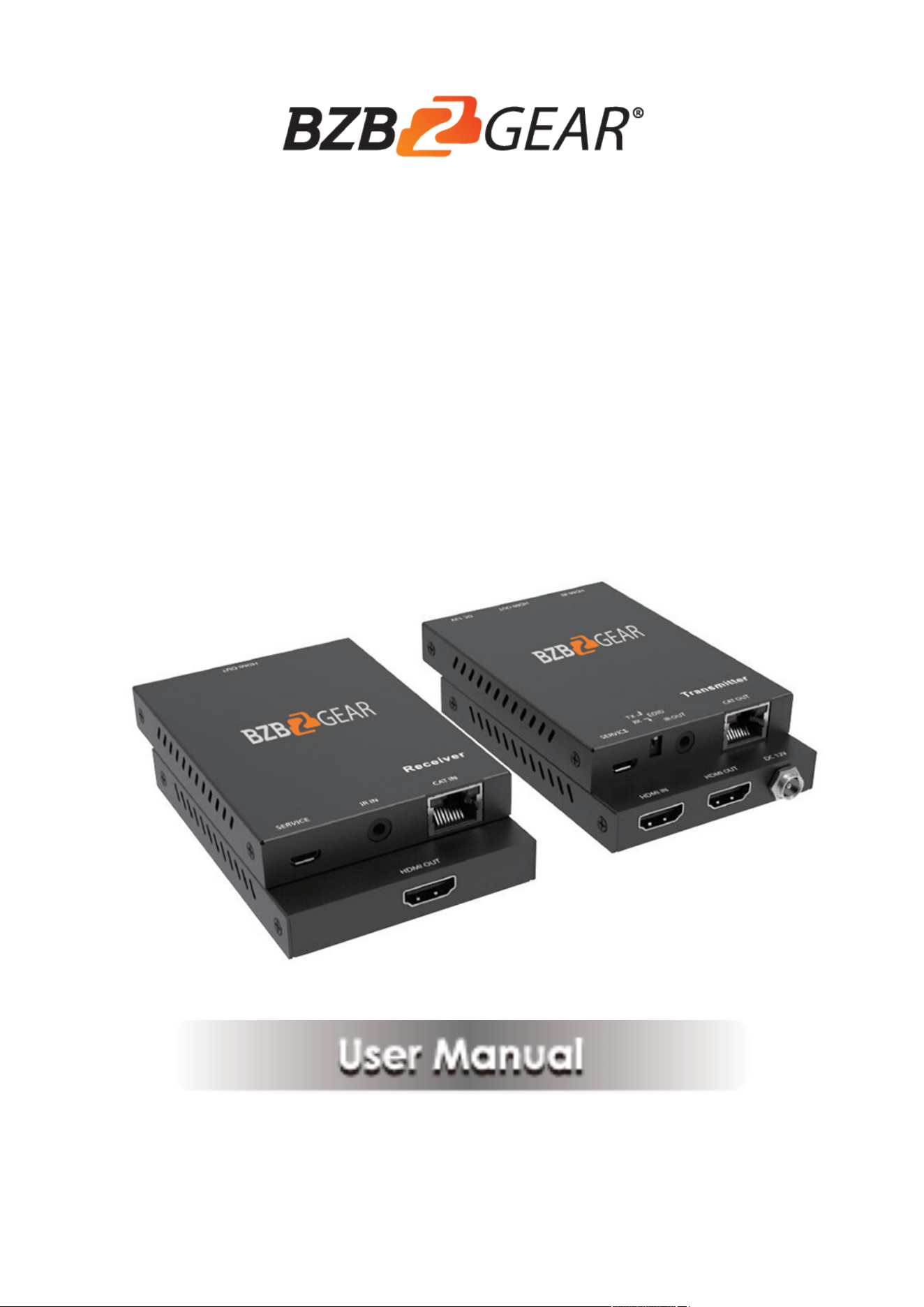
BZB-EXH-50
HDMI2.0 Extender over Single
CAT6 with IR Control

2
Thank you for purchasing this product
For optimum performance and safety, please read these instructions carefully
before connecting, operating or adjusting this product. Please keep this manual
for future reference.
Surge protection device recommended
This product contains sensitive electrical components that may be damaged
by electrical spikes, surges, electric shock, lighting strikes, etc. Use of surge
protection systems is highly recommended in order to protect and extend the
life of your equipment.
Table of Contents
1. Introduction ....................................................................................................... 3
2. Features ............................................................................................................. 4
3. Package Contents ............................................................................................... 4
4. Specifications ..................................................................................................... 5
5. Operation Controls and Functions ...................................................................... 6
5.1 Transmitter Panel ...................................................................................... 6
5.2 Receiver Panel ........................................................................................... 7
5.3 IR Pin Definition ......................................................................................... 8
6. Application Example .......................................................................................... 9
7. Mission Statement………………………………………………………………..10
8. Warranty Information…………………………………………………………….11

3
1. Introduction
The BZB-EXH-50 extends high definition video and audio
signals and one-way IR, at a distance of up to 164ft/50m over a single Cat6
cable. With only one cost effective Cat6 cable, high definition sources with
HDMI outputs can be connected to high definition displays with HDMI inputs
over long distances. DTS-HD or Dolby TrueHD audio is supported and compatible
with the extender. In addition, the extender is also equipped with one-way
pass-through IR which allows for source control and one HDMI loop output.
The extender includes two units: transmitting unit and receiving unit. The
Transmitting unit is responsible for capturing the HDMI input and carries the
signals via one cost effective Cat6 cable, and reconstructing IR control signals.
The receiving unit is responsible for equalizing the transmitted HDMI signal
and transmitting IR control signals. The extender can copy the EDID signal
from transmitter’s or receiver’s display device to source device by dip switch
with the transmitter end. The extender offers the most convenient solution for
HDMI extension over a single Cat6 with long distance capability, and is the
perfect solution for any application.

4
2. Features
☆ HDMI 2.0, HDCP 2.2/HDCP 1.4 and DVI 1.0 compliant
☆ Supports 18Gbps bandwidth
☆ Supports input and output video resolutions the maximum up to 4k2k@60Hz
RGB/Ycbcr 4:4:4/Ycbcr 4:2:2, extends distance the furthest up to 164ft/50m
☆ Supports one route HDMI loop output
☆ Supports one-way IR control
☆ Supports HDR function
☆ Supports copy the EDID signal from transmitter's or receiver's display
device
☆ Compact design for easy and flexible installation.
3. Package Contents
① 1× HDMI2.0 Extender Transmitter
② 1× HDMI2.0 Extender Receiver
③ 1× Wideband IR Blaster cable
④ 1× Wideband IR Receiver cable
⑤ 1× 12V/1A Locking Power adapter
⑥ 1× User Manual

5
4. Specifications
Technical
HDMI Compliance
HDMI 2.0
HDCP Compliance
HDCP 2.2/HDCP 1.4
Video Bandwidth
18Gbps
Video Resolution
Up to 4K60Hz 4:4:4
Color Space
RGB/YCbCr 4:4:4, YCbCr 4:2:2, YUV 4:2:0
Color Depth
8/10/12-bit
HDMI Audio Formats
LPCM, Dolby Digital/Plus/EX, Dolby True HD, DTS,
DTS-EX, DTS-96/24, DTS High Res, DSD-HD Master
Audio, DSD
ESD Protection
Human body model—±8kV (Air-gap discharge) &
±4kV (Contact discharge)
Connections
Transmitter
Inputs: 1x HDMI Type A [19-pin female]
1x SERVICE [Micro USB, Update port]
Outputs: 1x HDMI Type A [19-pin female]
1x IR OUT [3.5mm Stereo Mini-jack]
1x CAT OUT [RJ45, 8-pin female]
Receiver
Inputs: 1x IR IN [3.5mm Stereo Mini-jack]
1x CAT IN [RJ45, 8-pin female]
1x SERVICE [Micro USB, Update port]
Outputs: 1x HDMI Type A [19-pin female]
Mechanical
Housing
Metal Enclosure
Silkscreen Color
Black
Dimensions
101.5mm [W] x 69.3mm [D] x 13.3mm [H]
Weight
Transmitter: 150g, Receiver: 144g
Power Supply
Input: AC100 - 240V 50/60Hz, Output: DC 12V/1A
(US/EU standards, CE/FCC/UL certified)
Power Consumption
6.36W
Operation Temperature
32 - 104°F / 0 - 40°C
Storage Temperature
-20°C ~ 60°C / -4°F ~ 140°F
Relative Humidity
20~90% RH (non-condensing)
6
5. Operation Controls and Functions
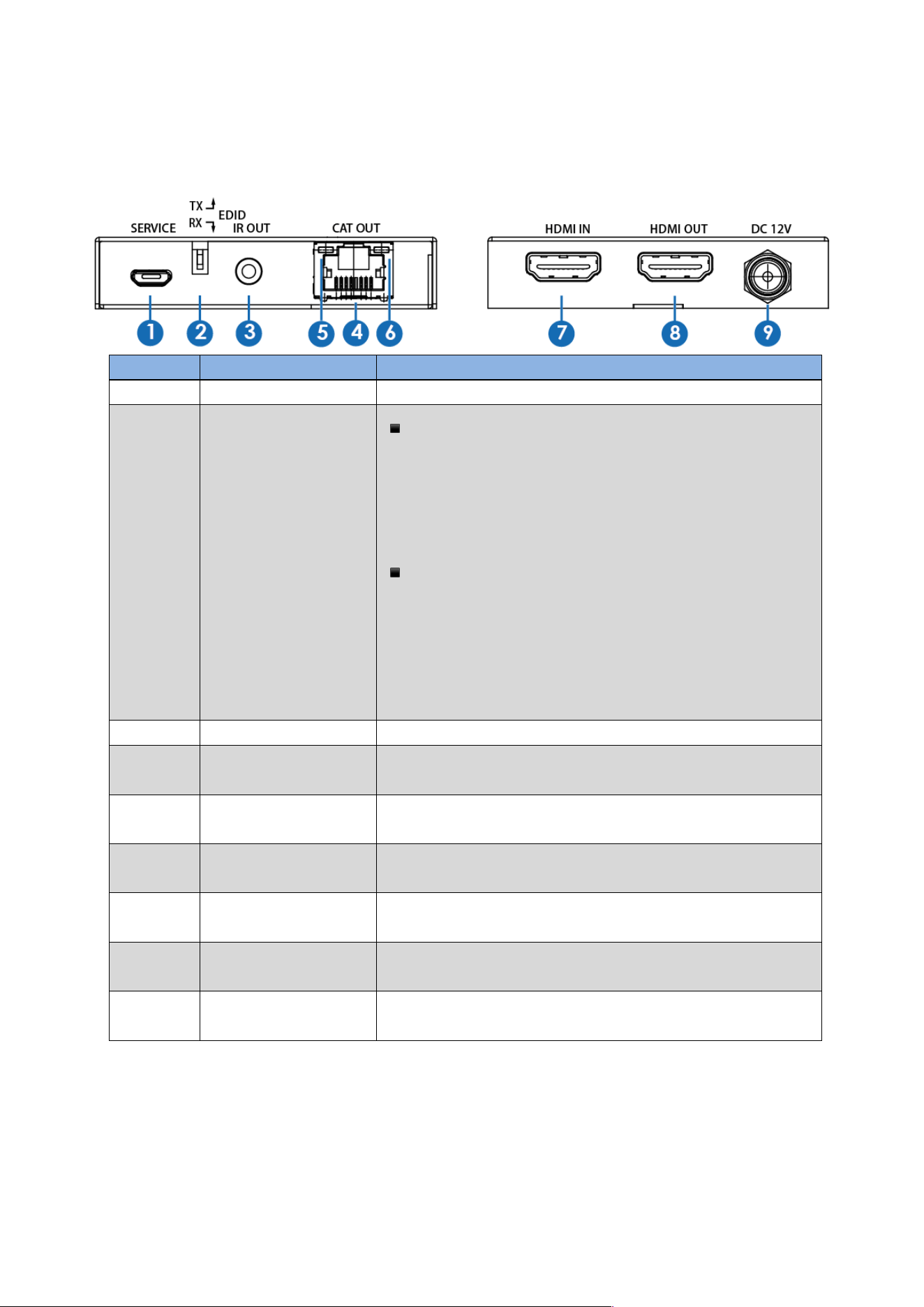
5.1 Transmitter Panel
Number
Name
Function description
1
SERVICE port
For firmware updated use.
2
COPY TX / RX
▪ When in “TX” position, the unit will copy the EDID
setting of the HDMI loop output display device to
source device. The source device will send again
matching the loop output display device audio / video
signal to all HDMI outputs.
▪ When in “RX” position, the unit will copy the EDID
setting of the HDMI output display device on the
receiving end to source device. The source device
will send again matching the HDMI output display
device on the receiving end audio / video signal to
all HDMI outputs.
3
IR OUT
Connect to wideband IR Blaster cable.
4
CAT OUT
Connect to CAT IN port on the receiving end with a CAT6
cable.
5
Power Indicator
Lamp
The lamp will illuminate when the transmitter is power
on.
6
Connection signal
Indicator Lamp
The lamp will illuminate when the transmitter and
the receiver have signal transmission.
7
HDMI IN
HDMI input port, connect to HDMI source device
such as DVD or PS4 player with an HDMI cable.
8
HDMI OUT
HDMI loop output port, connect to HDMI display
device such as TV or Projector with an HDMI cable.
9
DC 12V
Plug the 12V/1A adapter to AC wall outlet for power
supply.
7
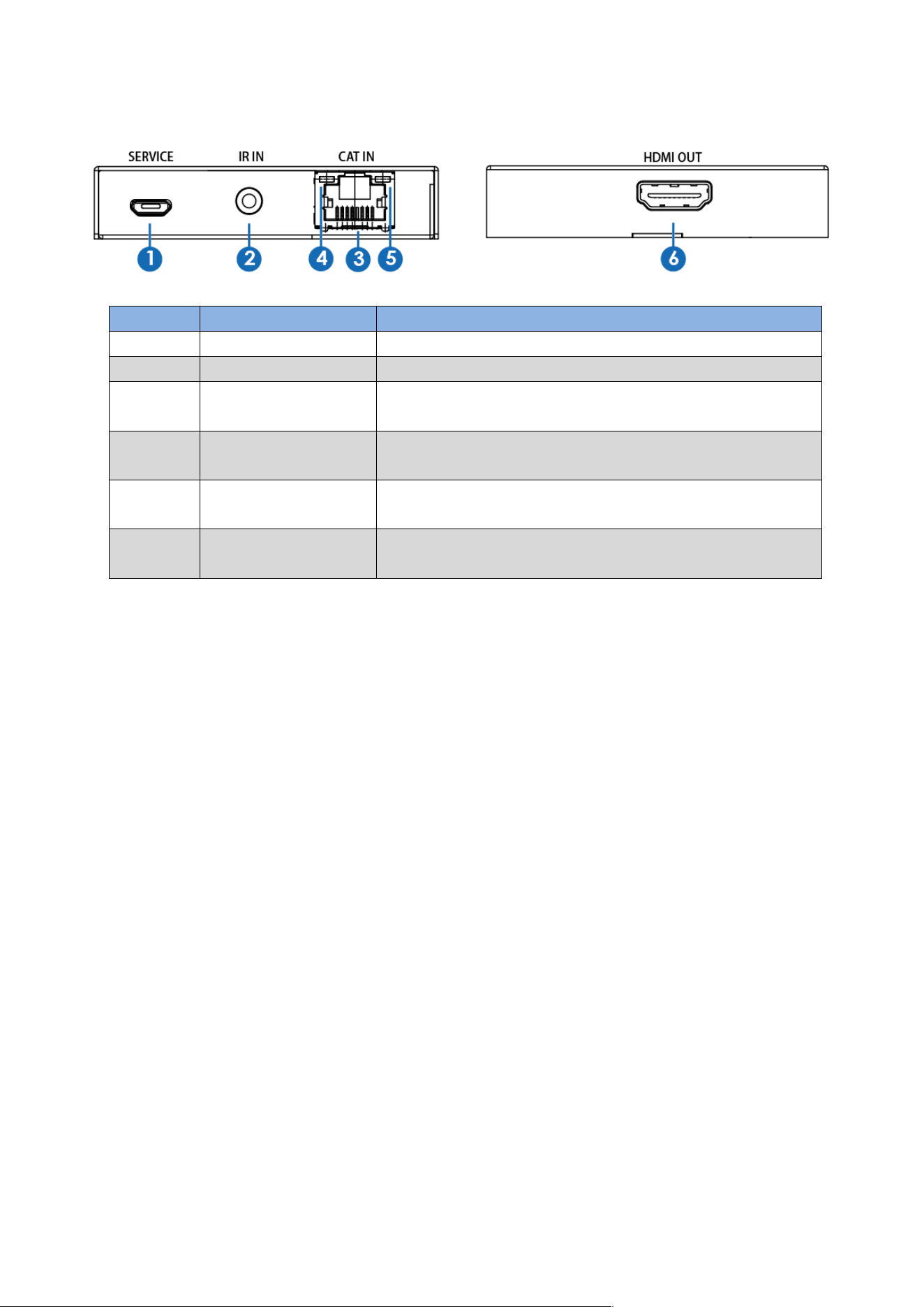
5.2 Receiver Panel
Number
Name
Function description
1
SERVICE port
For firmware updated use.
2
IR IN
Connect to wideband IR Receiver cable.
3
CAT IN
Connect to CAT OUT port on the transmitter end
with a CAT6 cable.
4
Power Indicator
Lamp
The lamp will illuminate when the receiver is power
on.
5
Connection signal
Indicator Lamp
The lamp will illuminate when the transmitter and
the receiver have signal transmission.
6
HDMI OUT
HDMI output port, connect to HDMI display device
such as TV or Projector with an HDMI cable.
8
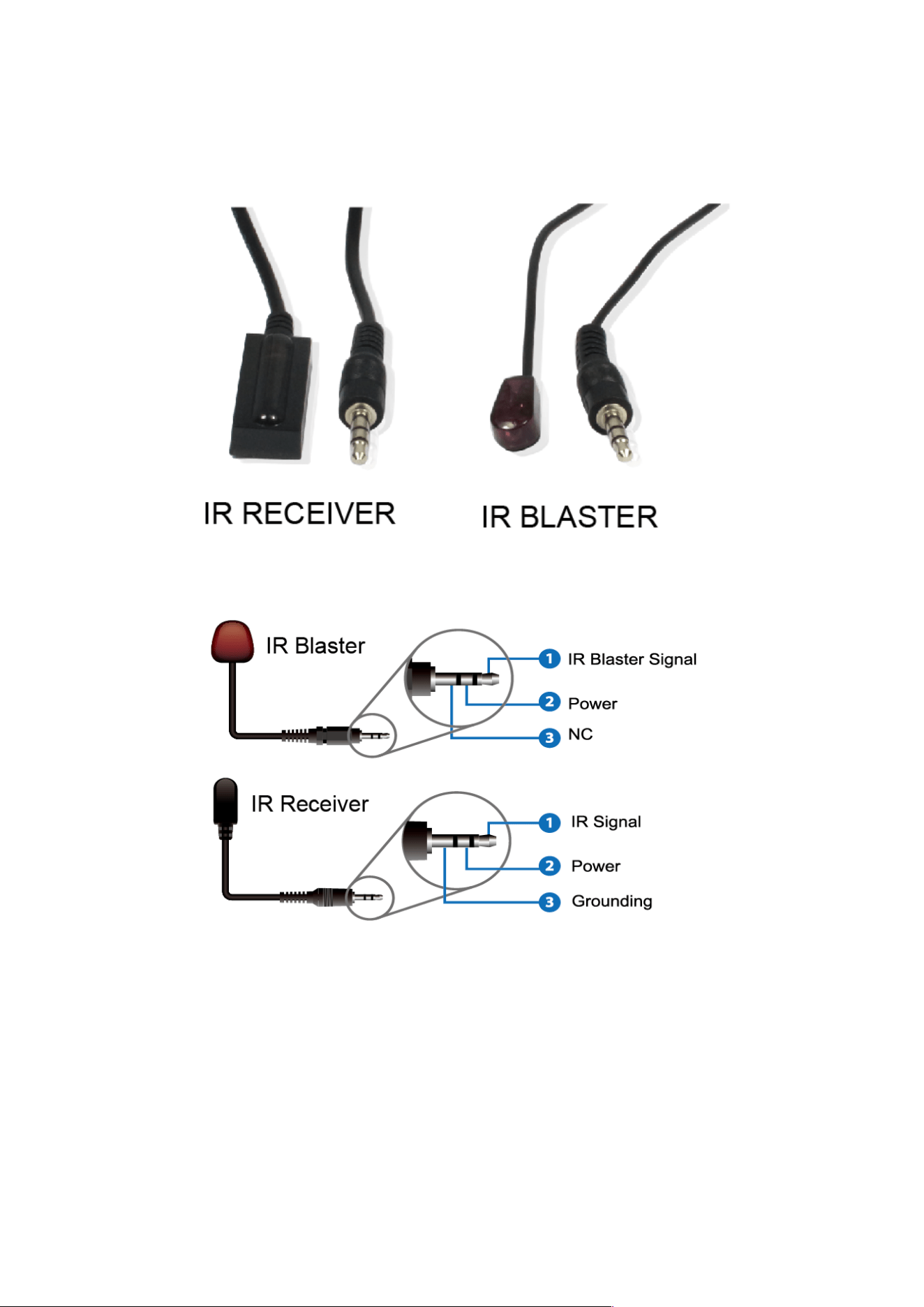
5.3 IR Pin Definition
IR Receiver and Blaster pin’s definition as below:
9
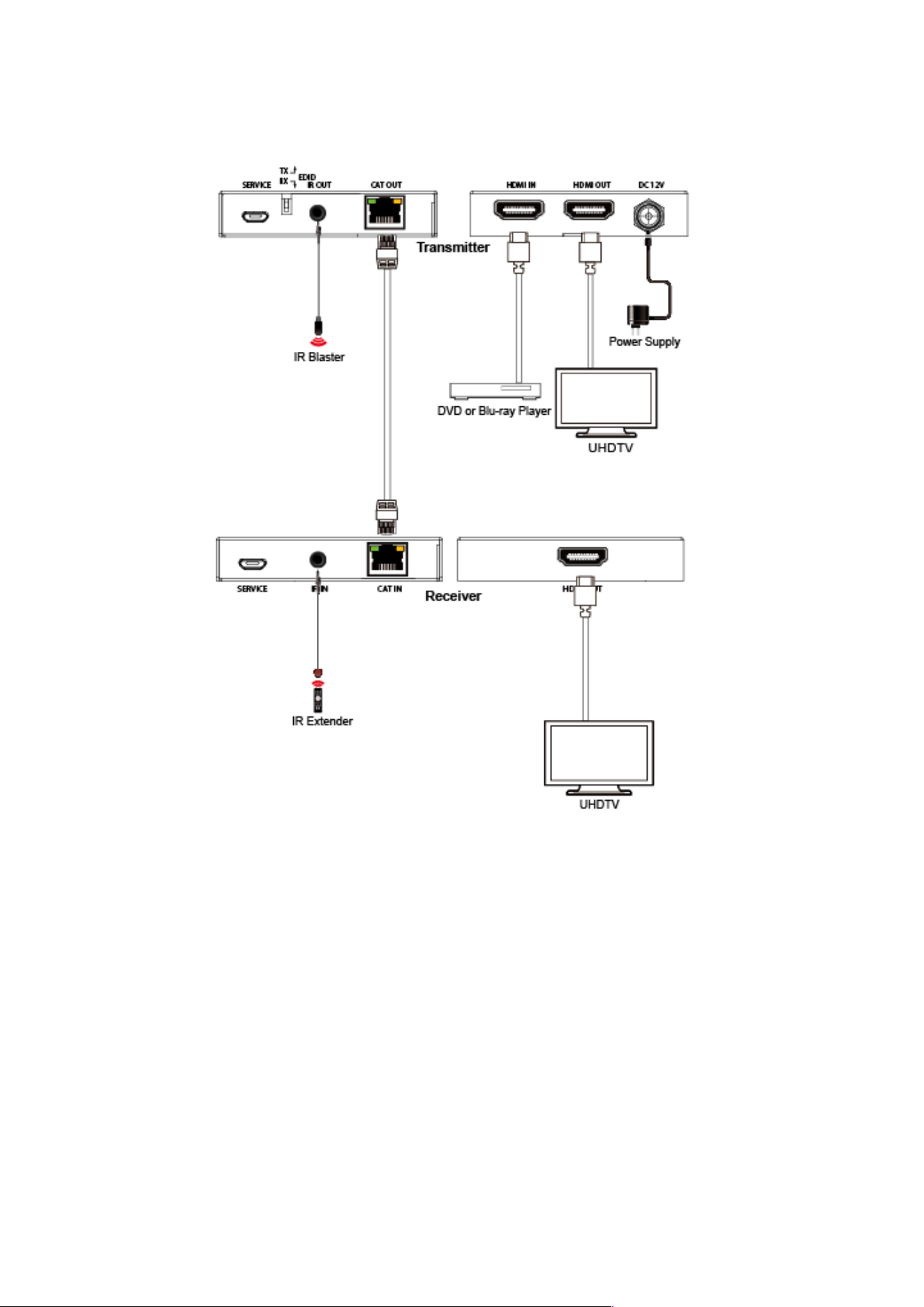
6. Application Example

10
7. Mission Statement
BZBGEAR manifests from the competitive nature of the audiovisual industry to
innovate while keeping the customer in mind. AV solutions can cost a pretty penny,
and new technology only adds to it. We believe everyone deserves to see, hear, and
feel the advancements made in today’s AV world without having to break the bank.
BZBGEAR is the solution for small to medium-sized applications requiring the latest
professional products in AV.
We live in a DIY era where resources are abundant on the internet. With that in mind,
our team offers system design consultation and expert tech support seven days a
week for the products in our BZBGEAR catalog. You’ll notice comparably lower prices
with BZBGEAR solutions, but the quality of the products is on par with the top
brands in the industry. The unparalleled support from our team is our way of
showing we care for every one of our customers. Whether you’re an integrator,
home theater enthusiast, or a do-it-yourselfer, BZBGEAR offers the solutions to allow
you to focus on your project and not your budget.

11
8. Warranty Information
Second Year Assurance
BZBGEAR wants to assure you peace of mind. We're so confident in the quality of
our products that along with the manufacturer's one-year limited warranty, we are
offering free second-year warranty coverage upon registration*!
Taking advantage of this program is simple, just follow the steps below:
1. Register your product within 90 days of purchase by visiting
BZBGEAR.com/warranty.
2. Complete the registration form. Provide all necessary proof of purchase details,
including serial number and a copy of your sales receipt.
For questions, please call 1.888.660.2962 or email support@bzbgear.com.
For complete warranty information, please visit BZBGEAR.com/warranty or scan the
QR code below.
*Terms and conditions apply. Registration is required.