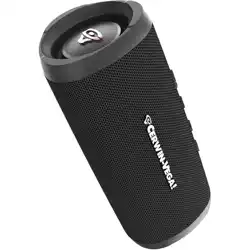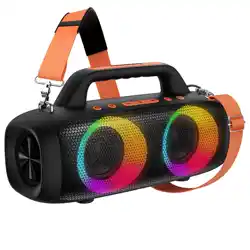
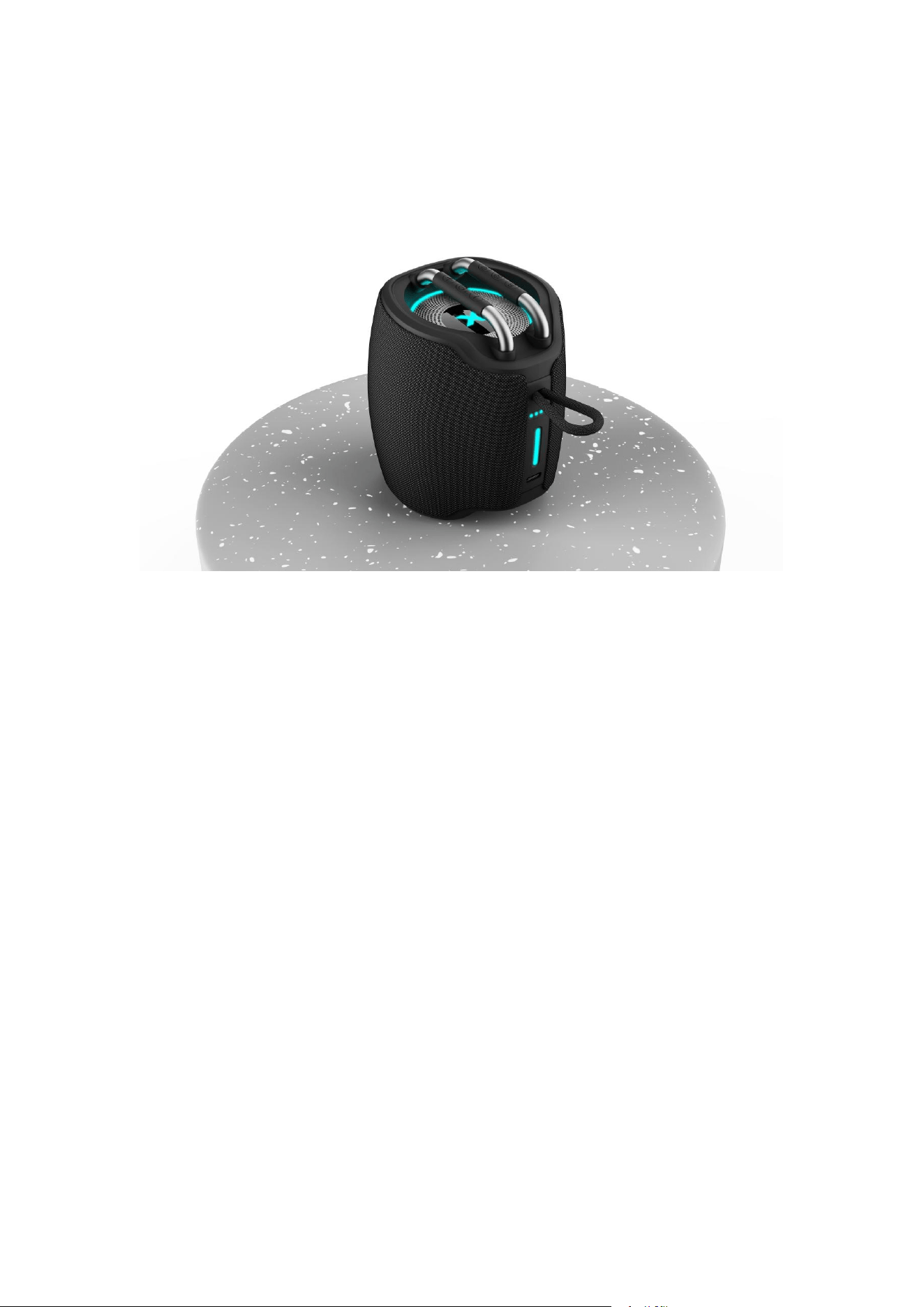
X10 USER MANUAL
Thank you for purchasing the X10 speaker.You can use it with pads,
phones and pods, as well as many other types of smartphone, to stream
music. In order to get the best user trial when using the speaker, please
read this manual first before using.
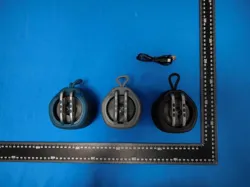
What’s in the box
1* X10 Speaker
1* Type-C charging cable
1* User manual
Please read the safety advice carefully and keep it for future reference.

Safety Instructions
1. This logo means that no naked flames, such as a candle can be
placed on or near the device.
2. The electrical and electronic equipment are part of a separate
collection. Do not throw electrical or electronic equipment away with
unsorted municipal waste, but ensure that it is collected separately.
Collection systems and locations (sorting centres, rubbish dumps) are
provided for your by local councils and retailers. By entrusting your
end-of-life product to the proper recycling process, you can helping to
protect the environment and your health.
3. Use this device in temperate climates only.
4. This device may be used by children aged 8 years or older any by those
with reduced physical, sensory or mental abilities, or those lacking
experience or knowledge, provided they are correctly supervised, or if the
instructions related to the use of the device have been adequately given
and if the risks involved have been understood. Children must not play with
this device. Children should not clean or maintain the device without
supervision.
5. The electrical socket must remain easily accessible if it serves as the
means of disconnection.
6. Always unplug the device before cleaning it.
7. Clean the device with a soft dry cloth only. Never use solvents.
8. Attention should be drawn to the environmental aspects of battery
disposal.
9. The battery (batteries or battery pack) shall not be exposed to
excessive heat such as sunshine , fire or the like.
10. Use the apparatus in moderate climate only.
Specifications
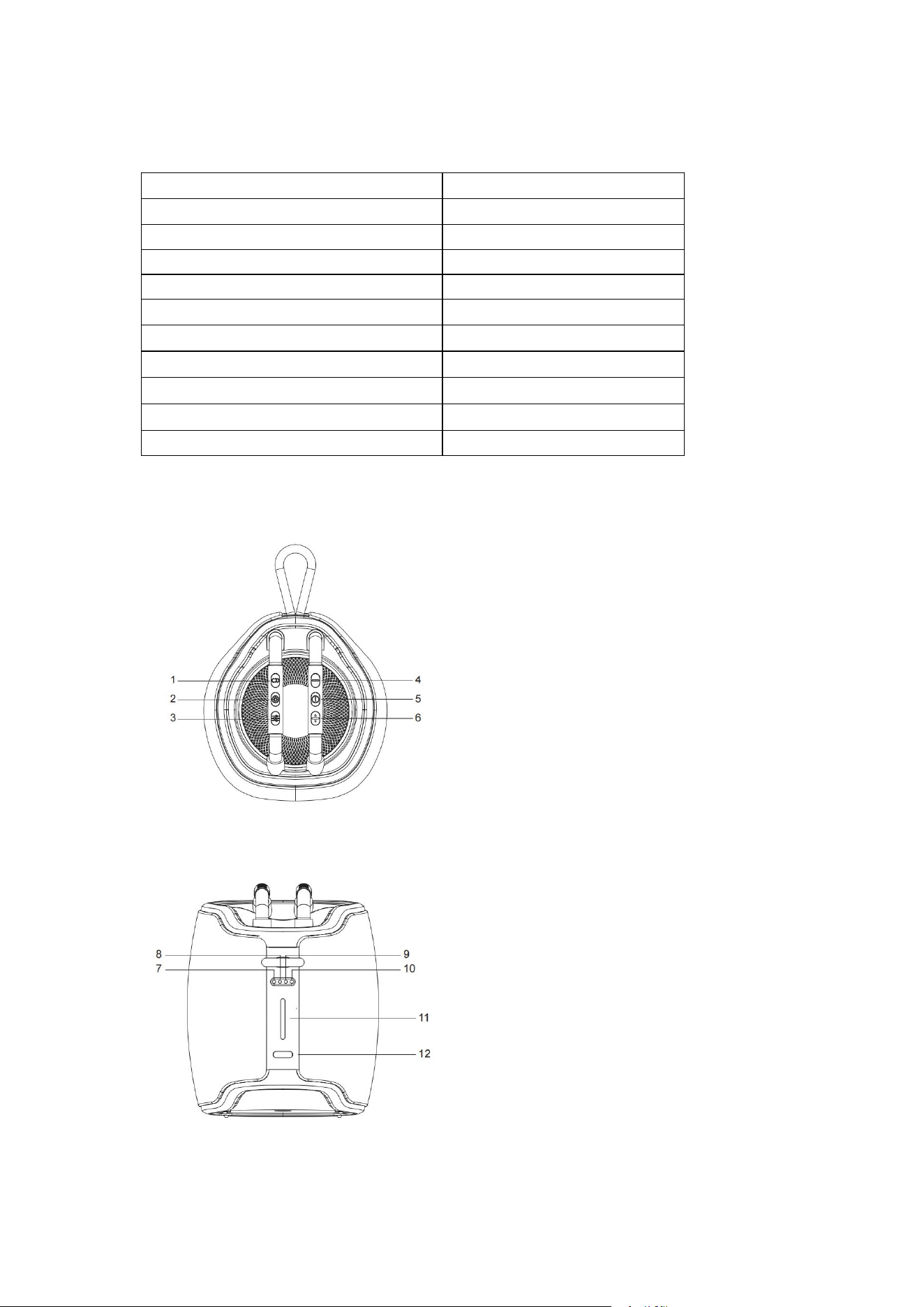
Product Diagram
Bluetooth Version
V5.3
Output
15W
Built-in battery
Li-ion 3.7V 2000mAh
SNR
≥84db
Frequency
80HZ-20KHZ
Wireless Working Frequency
2.402-2.480GHZ
Wireless Transmission Distance
Up to 10M
Charging Time
3-4hours
Playback Time
Up to 12hours
Charging current
DC 5V/1A
Size
W88mm*H105mm*D91mm
1. Broadcast button
2. RGB light button
3. Audio effects button
4. Volume Down / Previous Track
5. Power on/off - Play / Pause
6. Volume up / Next Track
7. Left channel indicator
8. Bluetooth indicator
9. Broadcast indicator
10. Right channel indicator
11. Battery indicator
12. Type-c port

Charging your speaker
1. Use the type-C power cord in the accessories to connect the DC 5V charger
and speaker for charging.
2. The white power LED will be flash to indicate that the unit is charging. then
will on lighting when fully charged.
Note: A full charge takes approximately 3 hours.
Power On / Power Off
1. Power on: Press and hold the button for 2 seconds to power on the
speaker. The battery indicator keep lighting, whilst Bluetooth indicator will flash
with blue.
2. Power off: Press and hold the button for 2 seconds to power off the
speaker.
Pairing Bluetooth Devices with Your Speaker
The speaker will not automatically connect to a new device when power on. In
order to pair your Bluetooth audio device with your Bluetooth Speaker for the
first time, follow the steps below:
1. Power on your speaker, the working state LED will flash in blue.
2. Enable Bluetooth on your devices (phone or audio device). Refer to the
manufacture’s instructions for details.
3. Search for Bluetooth devices and select “X10”. If required, enter the
password “0000” to confirm and complete the pairing process.
4. The speaker will beep when the devices are paired. And the working state
LED will keep lighting with blue.
Note: The speaker will power off automatically if no connection within 10
minutes.
Bluetooth Music Playback
1. Open the music player and select a song to play. Press the button to
pause / play the music.
2. Brief click the button to increase the volume or long press to skip to the
next song.

3. Brief click the button to decrease the volume or long press to skip to the
previous song.
Broadcast Function
1. Turn on all X10 speakers and make sure they are not connected with any
devices.
2. Turn on Bluetooth on your phone or other device,select “ X10 ” to connect and
choose this speaker as master.
3. Briefly click the button on the master speaker,the alarm sounded, and
the broadcast indicator light remained illuminated in green,then double-click
the button of other speaker one by one,they will automatically connecty to
each other directly.
2.0 Audio effects
As successful broadcast pairing, briefly press the left X10 button for 1
seconds to enter the left channel mode, with the white indicator illuminating.
Press and hold the right X10 button for 1 second to enter the right
channel mode, with the red indicator illuminating.
Light theme
Briefly click the button when playing the music, the light theme can be
changed. There are three light themes: Rhythm / Gradient / Breath / no light
Reset
Press and hold the button 2 seconds to clear pairing records.

Troubleshooting
Q:My speaker will not switch on.
A: Please recharge it and make sure it has enough power. Plug the unit into a
charger and see if the power LED indicator turn on.
Q: Why can’t I pair this speaker with other Bluetooth devices?
A: Please check the following:
Your Bluetooth device supports the A2DP profile.
The speaker and your device are next to each other ( within 1m).
The speaker have connected one Bluetooth devices, if yes, you can press
the button cleared and pairing new device.

FCC Warnning:
This equipment has been tested and found to comply with the limits for a Class B digital device,
pursuant to part 15 of the FCC Rules. These limits are designed to provide
reasonable
protection against harmful interference in a residential installation. This equipment generates,
uses and can radiate radio
frequency
energy
and,
if
not
installed
and
used
in
accordance
with
the
instructions,
may cause
harmful
interference
to
radio
communications.
However,
there
is
no
guarantee
that interference
will
not
occur
in
a
particular
installation.
If
this
equipment
does
cause
harmful interference to radio or television reception, which can be
determined by turning the equipment off
and
on,
the
user
is
encouraged
to
try
to
correct
the interference
by
one
or
more
of
the following measures:
•
Reorient or relocate the receiving antenna.
•
Increase the separation between the equipment and receiver.
•
Connect the equipment into an outlet on a circuit different from that to which the receiver is
connected.
• Consult the dealer or an experienced radio/TV technician for help.
Caution:
Any
changes
or
modifications
to
this
device
not
explicitly
approved
by
manufacturer
could void your authority to operate this equipment.
This
device
complies
with
part
15
of
the
FCC
Rules.
Operation
is
subject
to
the
following
two
conditions:
(1)This
device
may
not
cause
harmful
interference,
and
(2)
this
device
must
accept
any
interference received, including interference that may cause undesired operation.
This
equipment
complies
with
FCC
radiation
exposure
limits
set
forth
for
an
uncontrolled
environment.
This
equipment
should
be
installed
and
operated
with
minimum
distance
0cm
between the radiator and your body.