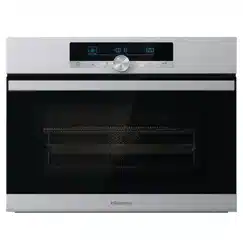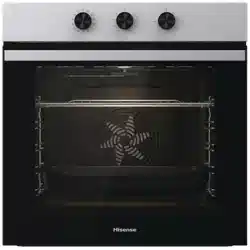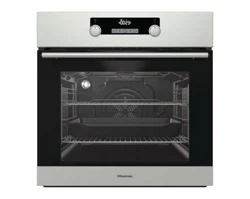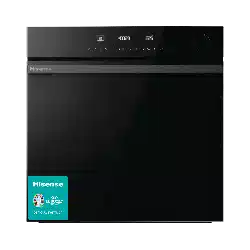
WHAT’S IN THE BOX
WATER TANK INSTRUCTIONS
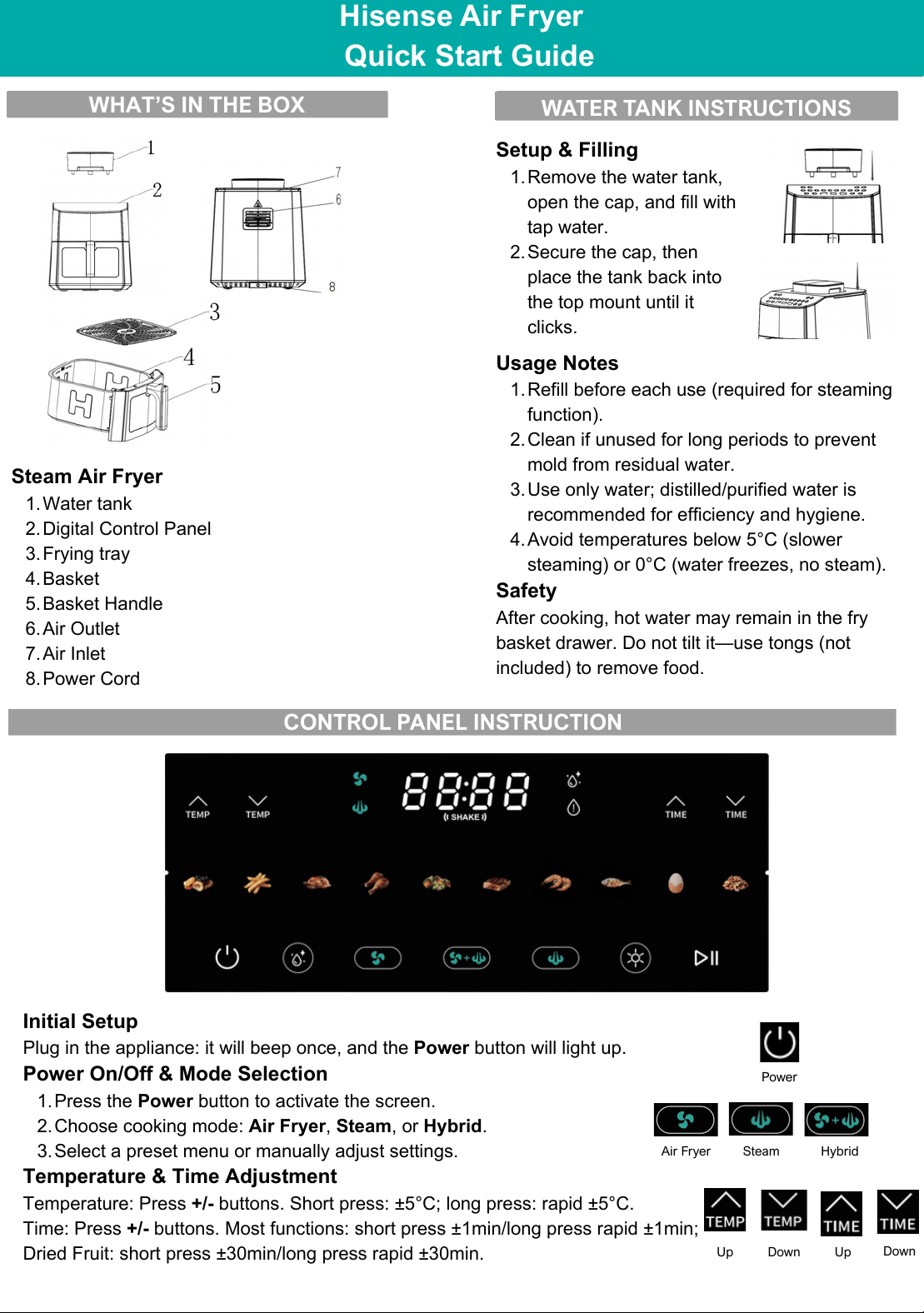
CONTROL PANEL INSTRUCTION
Power
Initial Setup
Plug in the appliance: it will beep once, and the Power button will light up.
Power On/Off & Mode Selection
1.Press the Power button to activate the screen.
2.Choose cooking mode: Air Fryer, Steam, or Hybrid.
3.Select a preset menu or manually adjust settings.
Temperature & Time Adjustment
Temperature: Press +/- buttons. Short press: ±5°C; long press: rapid ±5°C.
Time: Press +/- buttons. Most functions: short press ±1min/long press rapid ±1min;
Dried Fruit: short press ±30min/long press rapid ±30min.
Air Fryer
Steam
Hybrid
Up
Down
Up
Down
Hisense Air Fryer
Quick Start Guide
Steam Air Fryer
1.Water tank
2.Digital Control Panel
3.Frying tray
4.Basket
5.Basket Handle
6.Air Outlet
7.Air Inlet
8.Power Cord
Setup & Filling
1.Remove the water tank,
open the cap, and fill with
tap water.
2.Secure the cap, then
place the tank back into
the top mount until it
clicks.
Usage Notes
1.Refill before each use (required for steaming
function).
2.Clean if unused for long periods to prevent
mold from residual water.
3.Use only water; distilled/purified water is
recommended for efficiency and hygiene.
4.Avoid temperatures below 5°C (slower
steaming) or 0°C (water freezes, no steam).
Safety
After cooking, hot water may remain in the fry
basket drawer. Do not tilt it—use tongs (not
included) to remove food.
Start/Pause
Air Fryer
Start/Pause
Hybrid
Start/Pause
Start/Pause
Steam
Water
injection
indicator
light
Water
injection
indicator
light
Clean
Start/Pause
1.Press Start/Pause to begin cooking; press again to pause.
2.To change cooking functions mid-cycle: Press Start/Pause to end the current
cycle first.
3.Opening the fry basket drawer pauses cooking until closed securely.
Light
Press the Light button to turn on the interior light for 20 seconds; press again to
turn off.
Note: The light auto-activates for 30 seconds at the start of cooking. After two
manual presses, the light will disable for 1 minute to protect the bulb.
Thank you for choosing Hisense!
Light
FUNCTION DESCRIPTIONS
Air Fryer Mode
Features: Uses high-temperature air
circulation for oil-free, fast cooking.
Steam function is disabled; air fryer
indicator remains lit.
Operation:
1.Press the Air Fryer mode
button.
2.Select a preset menu or
manually adjust
temperature/time.
3.Press Start/Pause to begin.
Refer to the user manual for
additional details.
Hybrid Mode
Features: Alternates between air
frying and steaming for diverse
cooking methods and flavors. Both
air fryer and steam indicators remain
lit.
Operation:
1.Press the Hybrid mode button.
2.Select a preset program or
manually adjust
temperature/time.
3.Press Start/Pause to begin.
Water Tank Alert: If the tank is
empty, the device pauses and the
Start/Pause button flashes. After
refilling, press Start/Pause to
resume—water pump will cool the
heating element before restarting.
Refer to the user manual for
additional details.
Steam Mode
Features: Water from the tank is
pumped to a steam generator,
producing hot steam to cook food.
Air fryer function is disabled.
Operation:
1.Press the Steam mode button.
2.Select a preset program or
manually adjust
temperature/time.
3.Press Start/Pause to begin.
Water Tank Alert: Same as Hybrid
mode (pauses when empty; resume
by pressing Start/Pause after
refilling).
Refer to the user manual for
additional details.
One-Click Cleaning
In setting mode, press the Clean
button. Add cleaning solution (e.g.,
lemon water) to the tank for
automatic steam cleaning.
Temperature/time cannot be
adjusted during cleaning; press
Power to stop early. Auto-shuts
down after completion (ensure tank
is filled).
Preset Menus
Preset menus vary slightly by mode
(Air Fryer, Hybrid, Steam) and
include common options like chicken
drumsticks, fries, steak, shrimp, fish,
and dried fruit, with mode-specific
parameters—refer to the user
manual for details.