2 3
4
5
6
7 8
9 10
11
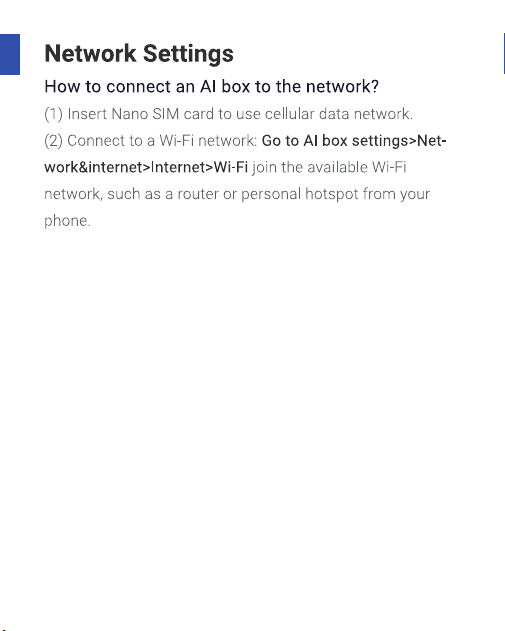
Wi Fi connection
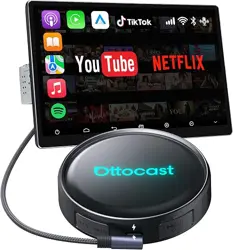
You need to use Wi Fi or SIM card to connect to the Internet
when you watch the video on YouTube. Choose a communi-
cation connection to suit your needs.
Internet connection method
Connect the smart phone tethered
Set the WLAN password by turning on the smartphone with a
tethering contract or confirming the carrier. In the case of
"Android SMU", "set" - "share connection" - "personal spot" is
turned on to set the WLAN password. 2. 3 enter the Wi Fi
spot name or tethering terminal name you want to connect,
type and password. When the connection is done, the slant
line of the Wi Fi icon on the top of the fixed menu disappears,
and it becomes the communication connection state and
becomes usable.

Connect to in-car or in-car Wi-Fi
The basic connection method is the same as smartphone
tethering.
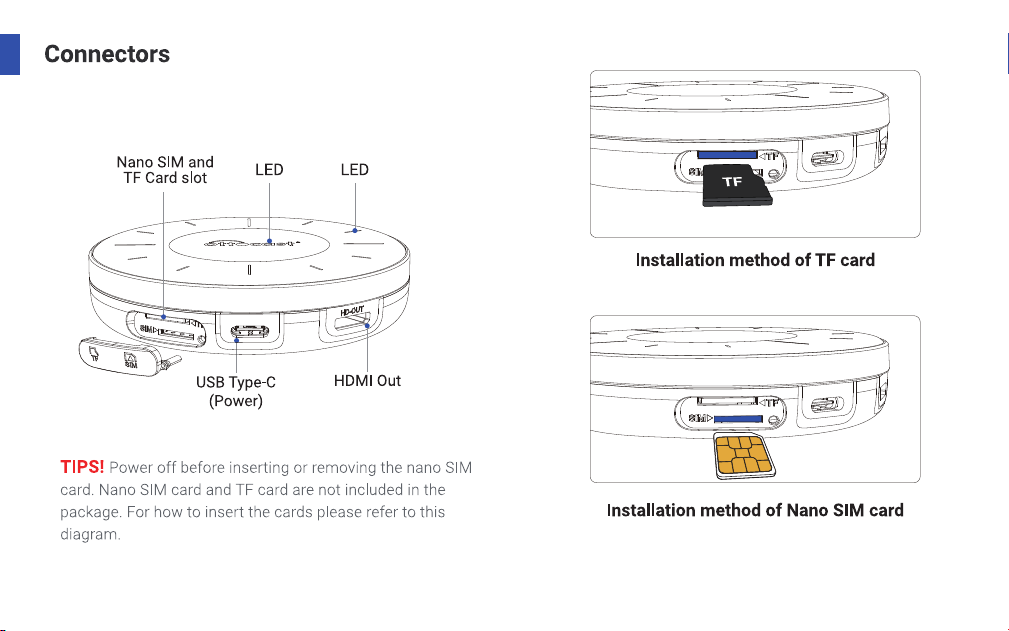
Insert nanoSIM card in the body.
By introducing a SIM card, you don't have to turn on
Internet sharing every time you start the engine. You will
need to enter the APN information yourself. While using
the SIM card, this product itself can become a tethering
device.
Note: when inserting the SIM card, be sure to remove the
USB from the unit and turn the power off.
Please note that the communication function of the SIM
card only supports data reception and voice calls are not
possible.
Insert nanoSIM card in the body.
Settings - network and Internet - SIM - access point name
- APN tap + button in the upper right - carrier information
input - vertical 3-point mark - save - select created items,
- restart.