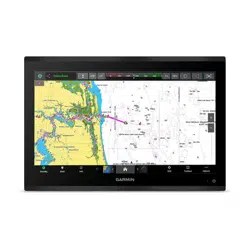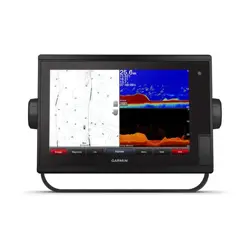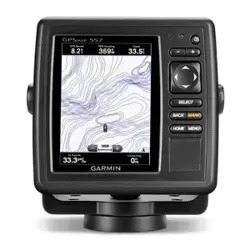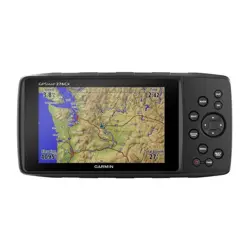
GPSMAP
®
620/640 Marine Mount Installation Instructions
Install the GPSMAP 620/640 marine mount on your boat according to the following instructions. You need the appropriate tools and fasteners
listed. These items are available at most marine dealers. Wear safety goggles, ear protection, and a dust mask when drilling. When drilling,
always check the opposite side of the surface.
If you experience difculty installing the device, seek the assistance of a professional installer, or contact Garmin Product Support. In
the USA, go to www.garmin.com/support, or contact Garmin USA by phone at (913) 397-8200 or (800) 800-1020. In the UK, contact Garmin
(Europe) Ltd. by phone at 0808 2380000. In Europe, go to www.garmin.com/support and click Contact Support for in-country support
information, or contact Garmin (Europe) Ltd. by phone at +44 (0) 870.8501241.
Before installing your GPSMAP 620/640 marine mount, conrm that the package contains the items listed on the box. If any parts are missing,
contact your Garmin dealer immediately.
See the Important Safety and Product Information guide in the product box for product warnings and other important information.
These instructions detail the three primary steps for installing your GPSMAP 620/640 marine mount:
1. Selectingalocation.
2. Installingthemarine-mountbaseandconnectingthemarine-mountbrackettothemarine-mountbase.
3. Connectingthemarine-mountbrackettopower.
Although they are not necessary to use the GPSMAP 620/640, these instructions cover two additional installation options:
• ConnectingtheGPSMAP620/640marine-mountbrackettootherNMEA0183-compatibledevices,suchasaVHFradiowithDigital
SelectiveCalling(DSC).
• Connectingthemarine-mountbrackettoanexternalaudiodevice.
Step 1: Select a Location for the GPSMAP 620/640 Marine Mount
Consider the following when you select an installation location:
• The location should provide optimal viewing as you operate your vessel and allow easy access to the touchscreen.
• The surface must be strong enough to support the weight of the GPSMAP 620/640 and protect it from excessive vibration or shock.
• The location must be at least 17 in. (43 cm) away from a magnetic compass to prevent electromagnetic interference, which can cause
inaccurate compass readings.
• The location should not be exposed to extreme temperature conditions. The GPSMAP 620/640 is designed for operation from 5°F to 131°F
(from -15°C to 55°C).
Step 2: Install the GPSMAP 620/640 Marine-Mount Base and the Marine-Mount Bracket
Install the marine mount on a console or overhead. Install the marine mount with the following tools and hardware (not included):
• Three number 8 (4 mm) pan-head machine bolts with matching nuts and washers, or three number 8
pan-head self-tapping screws. Do not use bolts or screws with a countersunk head.
• Phillips screwdriver
• Drill and drill bit
To install the marine-mount base:
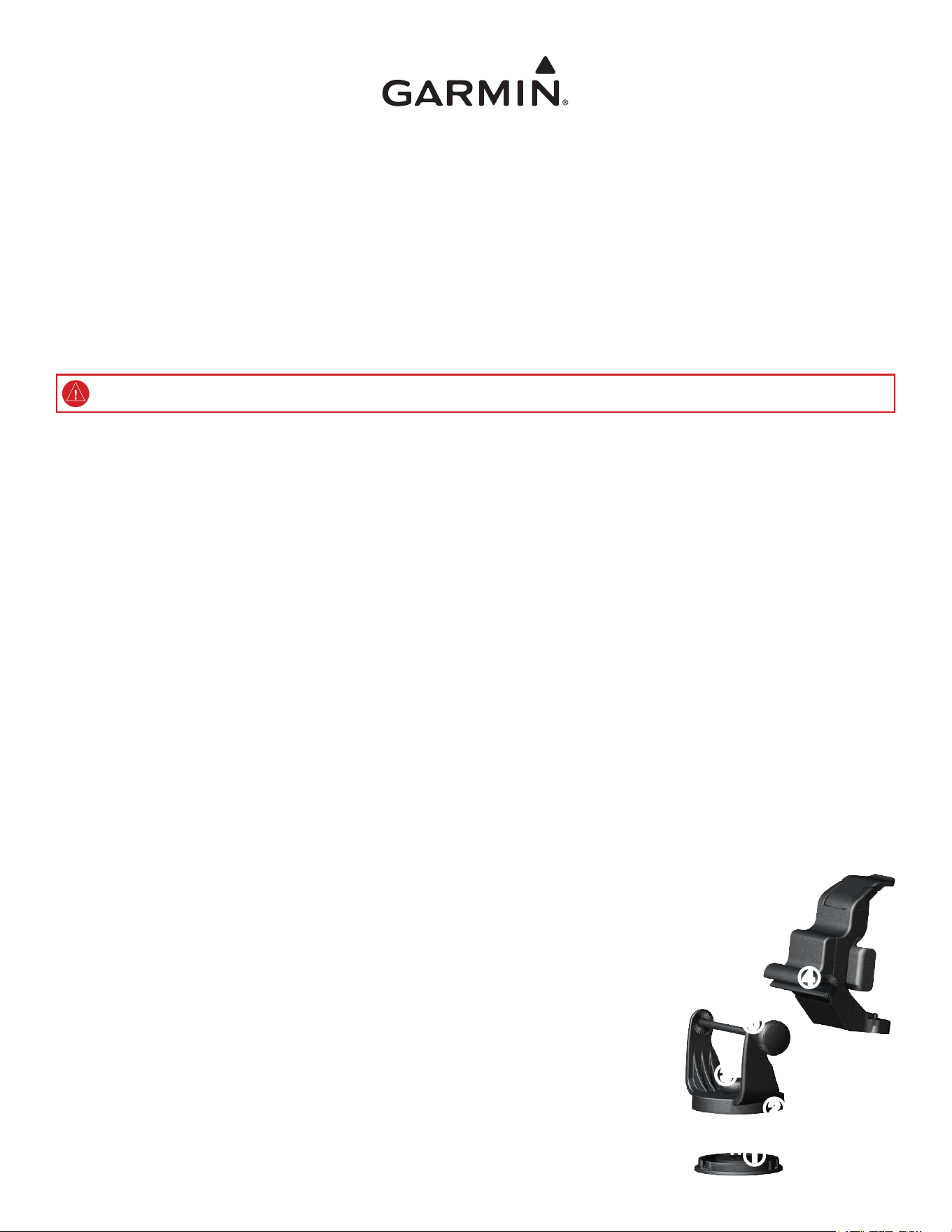
1. Disconnecttheswivelxture➊fromthebottomofthemountbase➋bylooseningtheshortknob➌.
2. Usingtheswivelxtureasatemplate,markthelocationofthethreeholesusedtosecurethe
swivelxturetothemountingsurface.
3. Drillholesinthemarkedlocations.
• Ifyouareusingnumber8(4mm)pan-headmachinebolts,drillthree
3
/
16
in.(5mm)holes.
• Ifyouareusingnumber8(4mm)pan-headself-tappingscrews,drillthree
1
/
8
in.(3.2mm)pilot
holesnodeeperthanhalfofthescrewlength.
4. Securetheswivelxturewithyourmountinghardware.Donotovertighten.
➊
➋
➌
➍
➎
August2012 190-01006-02Rev.B PrintedinTaiwan
5. Looselyconnectthetopofthemountbasetotheswivelxturewiththeshortknob.
To install the mount bracket on the mount base:
1. Aligntheslotonthebackofthemountbracket➍withthelongmountingknob➎onthemountbase,andslidethebracketintoplace.If
necessary,adjustthemountingknobtospreadthemount-basearmsapart.
2. Adjustthemount-bracketangleandtightenthelongmountingknobuntilitissnug.
3. Twisttheassembledmarinemountleftorrighttorotateandadjustit,thentightentheshortknobuntilsnug.
Step 3: Connect the GPSMAP 620/640 Marine-Mount Bracket to Power
• Connect the cable attached to the GPSMAP 620/640 marine-mount bracket to the power source (from 11 to 32 Vdc) of your boat.
• If it is necessary to extend the power wires, use 20 AWG wire.
• If your boat has an electrical system, you might be able to wire the mount bracket directly to an unused holder on your current fuse block.
You can also wire the mount bracket directly to the battery.
• Use an AGC/3AG 2.5 A fuse as a replacement, if needed.
Note: During a typical installation, use only the red and black wires. The other wires on the cable do not have to be connected for normal operation of
the GPSMAP 620/640. For information on connecting to a NMEA 0183-compatible device, see below.
To connect the marine-mount bracket to power:
1. Useatestlightorvoltmetertodeterminethepolarityofthevoltagesource.
2. Connectthered(+orpositive)wiretothepositivevoltageterminal.Ifyouusethefuseblockontheboat,routethepositiveconnection
throughthefuse.
3. Connecttheblack(-orground)wiretothenegativevoltageterminal.
Optional: Connecting to a NMEA 0183 device
You can connect the GPSMAP 620/640 marine-mount bracket to NMEA 0183-compatible electronic equipment, such as a VHF radio. The
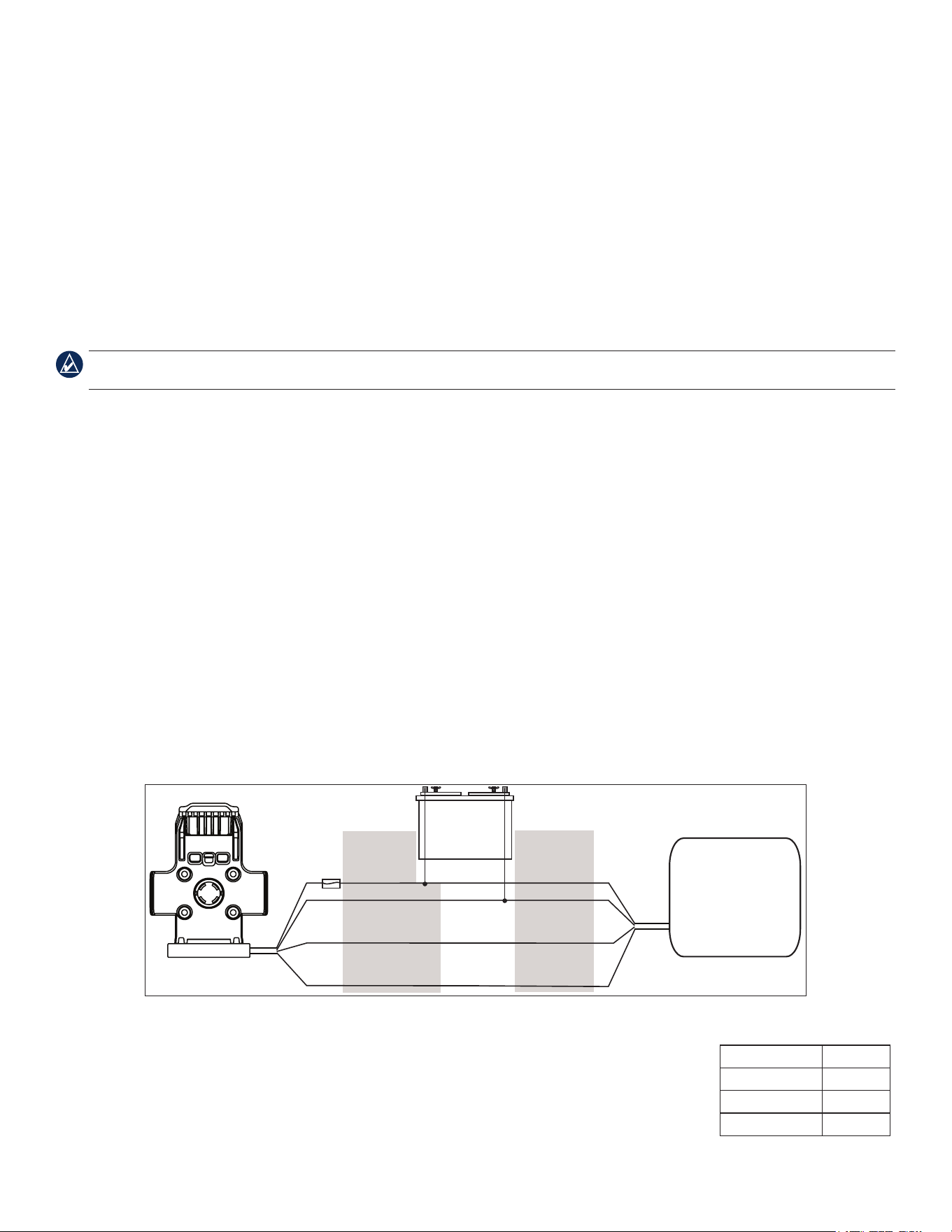
GPSMAP 620/640 has two NMEA 0183 ports, and it can communicate with two NMEA 0183-compatible devices. Refer to the wiring diagram
for connecting the marine-mount bracket to NMEA 0183-compatible devices.
Notes:
• WhenwiringNMEA0183devicesfortwo-waycommunication,usethecorrespondingTXandRXwiresforeachport.Forexample,ifyou
usetheport1TXwire(yellow),youmustalsousetheport1RXwire(blue).Likewise,ifyouusetheport2TXwire(brown),youmust
alsousetheport2RXwire(white).
• IftheNMEA0183deviceyouarewiringonlytransmitsoronlyreceives(one-waycommunication),connecttheappropriateRXorTXwire
fromthemarine-mountbracket,andleavetheotherwireontheportunconnected.
• Refertothemanufacturer’sinstructionsforyourNMEA0183deviceforwireidenticationandcongurationinformation.
• IfitisnecessarytoextendNMEA0183wires,use28AWGwire.
Wiring the GPSMAP 620/640 Marine-Mount Bracket to a NMEA 0183-compatible Device
+
-
>
>
>
>
NMEA 0183-COMPATIBLE
DEvICE
WIrE
rED (POWEr)
BLACk (GrOuND)
rED (POWEr)
BLACk (GND)
WIrE
COLOr
yELLOW (POrT 1 TX)
Or
BrOWN (POrT 2 TX)
BLuE (POrT 1 rX)
Or
WhITE (POrT 2 rX)
NMEA 0183 rX
NMEA 0183 TX
BATTEry
11–32 vDC
FuSE
2.5 A
GPSMAP 620/640 MArINE-
MOuNT BrACkET
Optional: Connecting to an External Audio Device
Use the
1
/
8
in. (3.5 mm) stereo-audio jack on the GPSMAP 620/640 marine-mount bracket to connect an external
audio device with a
1
/
8
in. (3.5 mm) stereo-audio plug.
Alternatively, connect an external audio device using the wires on the mount-bracket cable. Refer to the table for
wire colors. If it is necessary to extend the audio-signal wires, use 28 AWG wire.
Wire Function Color
Audioleft Violet
Audioright Orange
Audioground Green
Audio Wire Connections
© 2008–2012 Garmin Ltd. or its subsidiaries