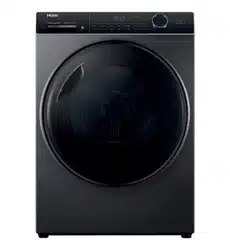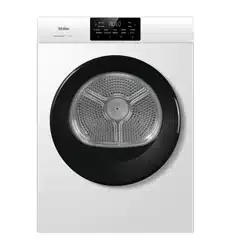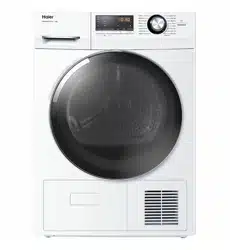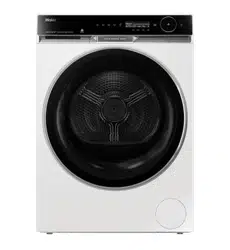
contains
Make sure the ventilation paths inside the appliance are
not blocked.
i
Cycle
product’s
certified
290
l
Dial
Press the Power button (Fig. 3-2) to turn ON and OFF the product.
Dial
Dial
cycle
cycle
dial
corner
1.Download Smart H
2.press the key to pa
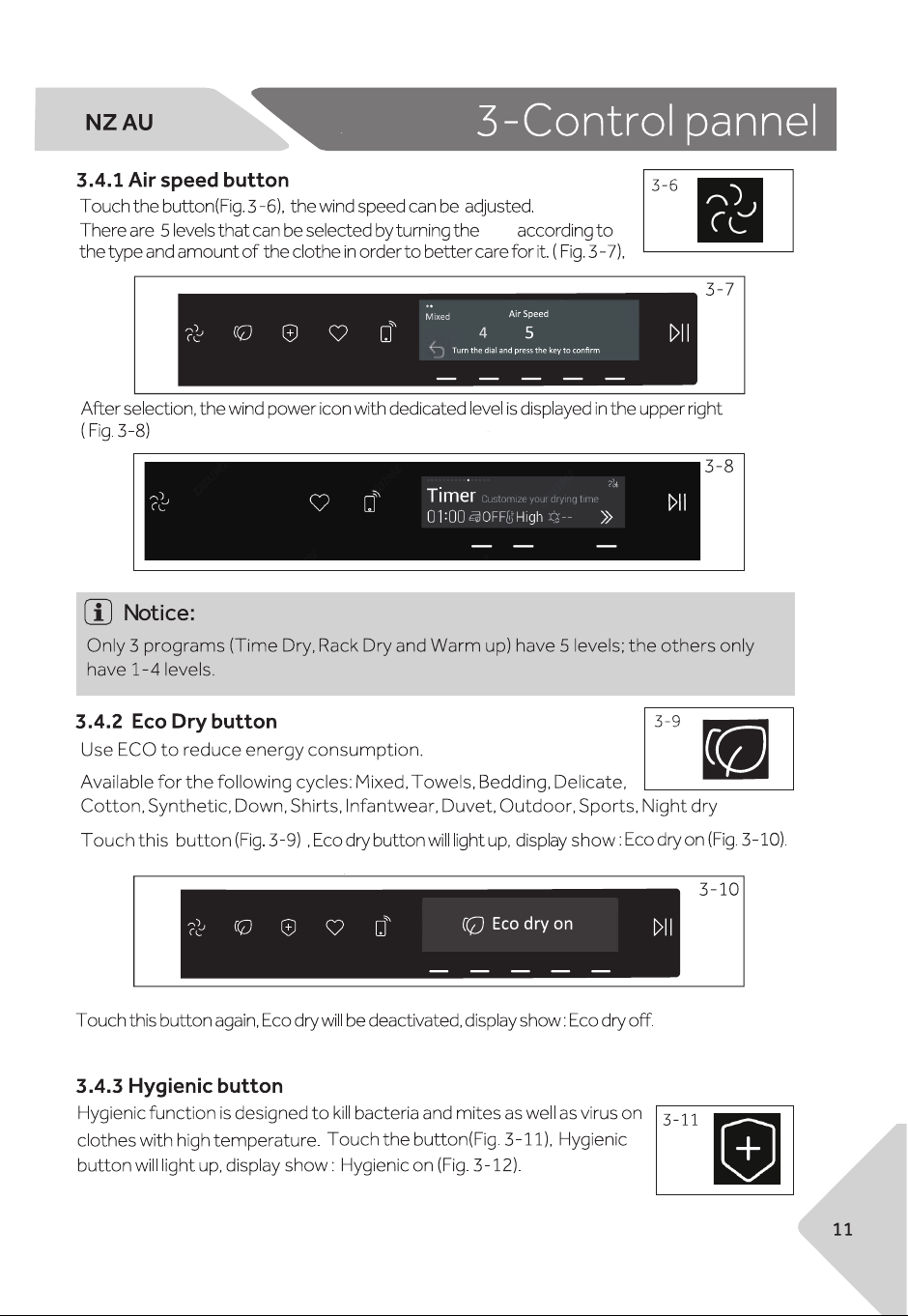
This is the Favorite button. Choose a cycle and preferred settings, start
the cycle, then press this Favorite button (Fig.3-13) for 3 seconds to save
it as your favorite cycle (Fig.3-14). Users can save up to 3 favorite cycles.
In future, users can press the Favorite button to directly select cycle from
your favorite cycles with preferred settings.
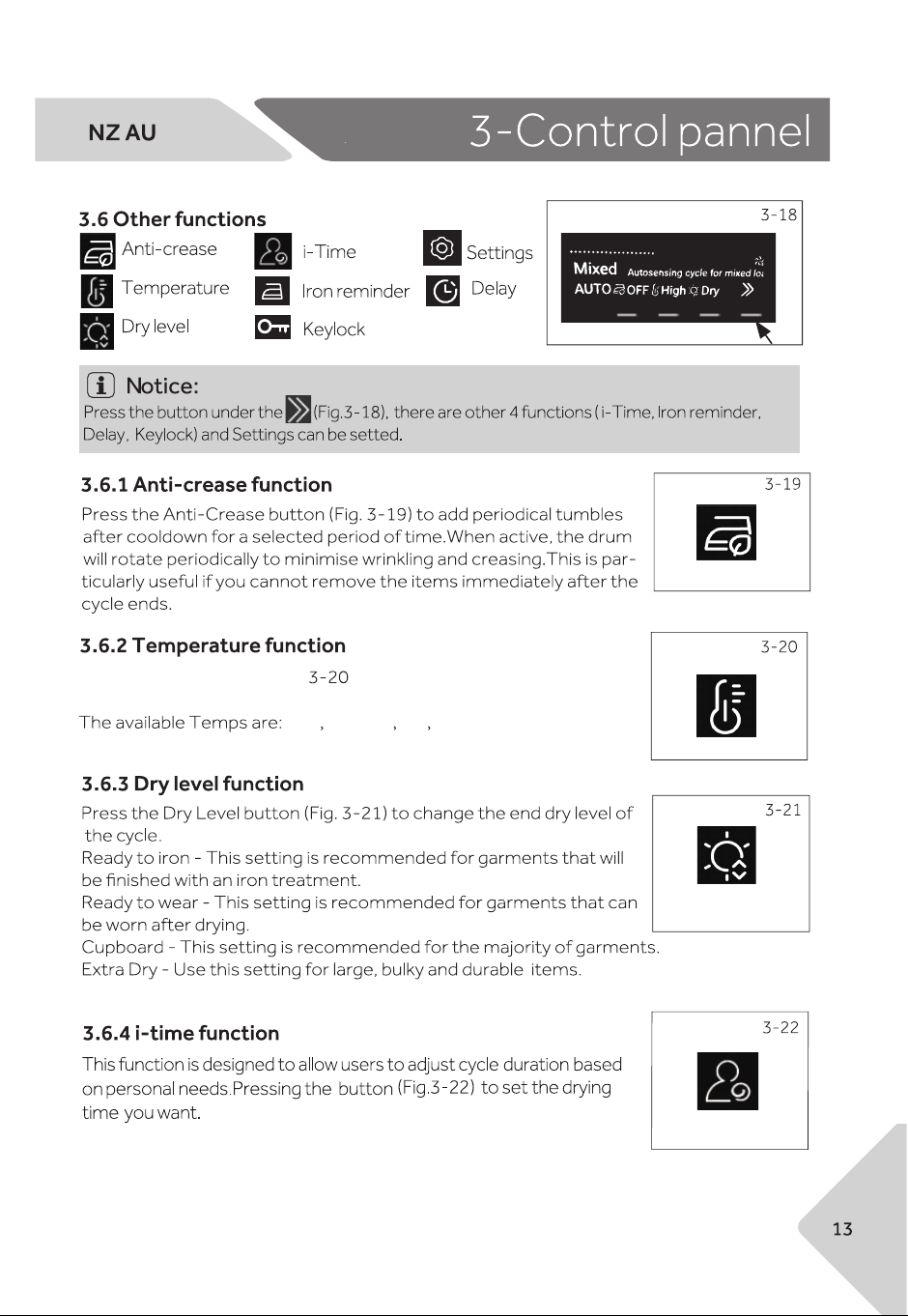
High Medium low Cool
Press the Temp button (Fig.
for the drying stage of the cycle.
) to change the air temperature
for
Product will beep for 2min
when in ideal condition for ironing. Pause cycle and remove garments.
l
l
Cycle
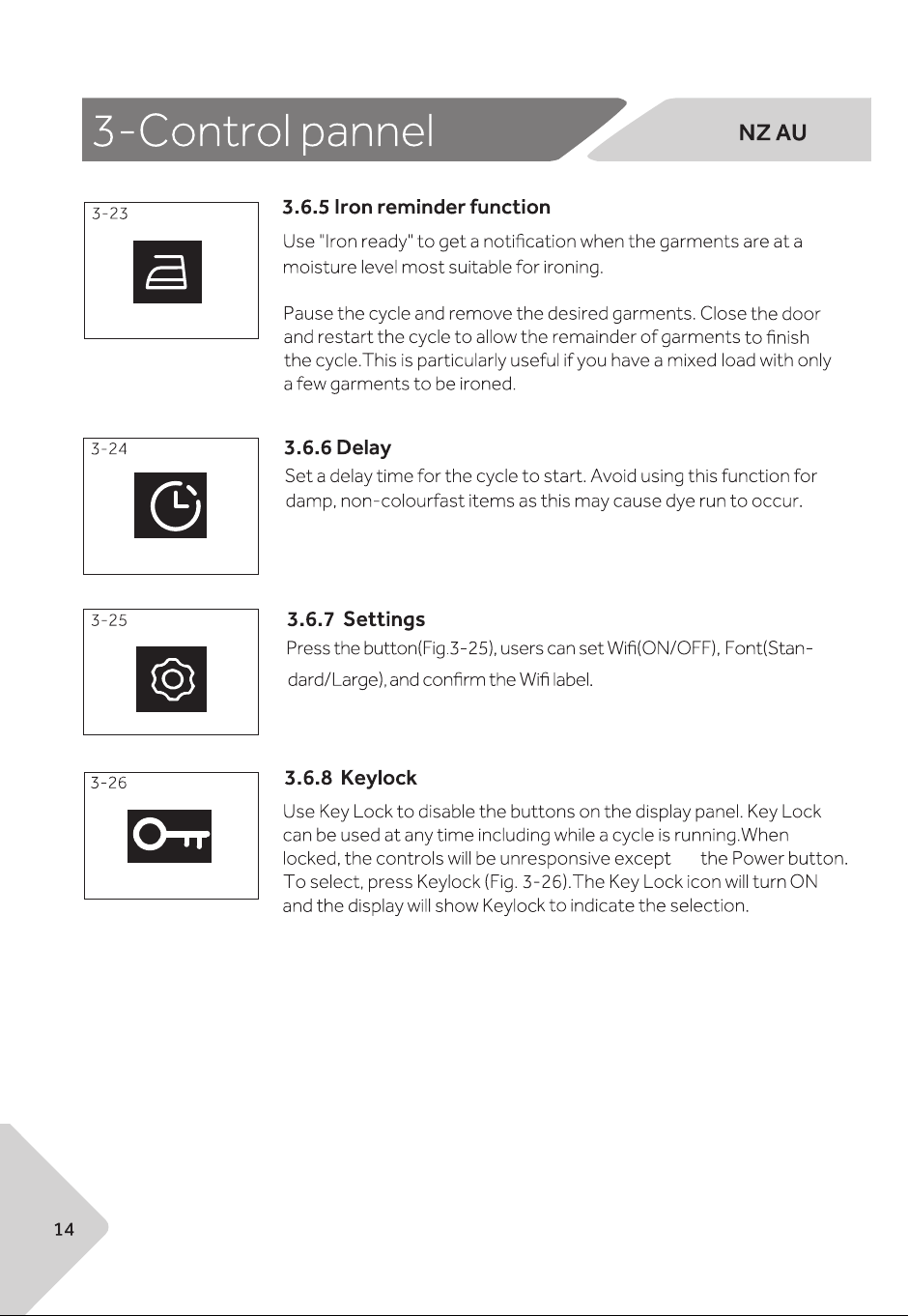
Autosensing cycle which is used to dry durable
heat-resistant infant wear made of cotton.
l
l
l l
l
l
l
l
l
l
ll
l
l
l
l
l
l
l
l
l
l
l
l
l
l
l
l
l
l
l
l
l
l
l
Cycle
drying
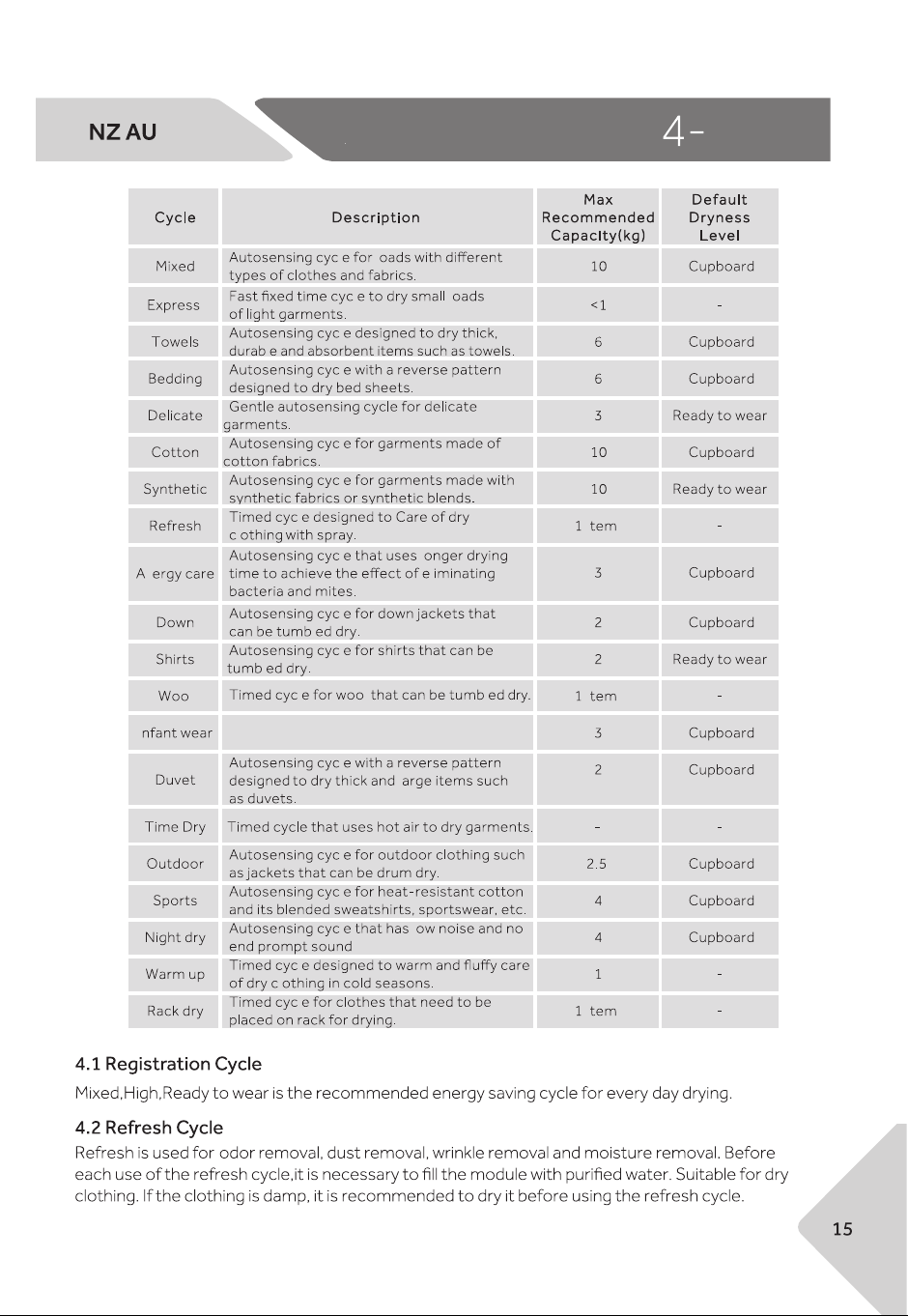
When the load is less than 1.0kg, the "Timer" cycle should be selected, because sometimes
it may not be able to sense the dryness level of the clothes when the load is too small.
cycle
cycle
cycle
gentle process
gentle process
gentle process
gentle process
gentle process
moderate
temperature
laundry bag.
be selected.
Load Put laundry into the appliance
cycle
cycle
Set functions such as Temperature, Dry level, Delay,
and then press the Start/Pause button (Fig.6-8) to
start the cycle.
screen displays
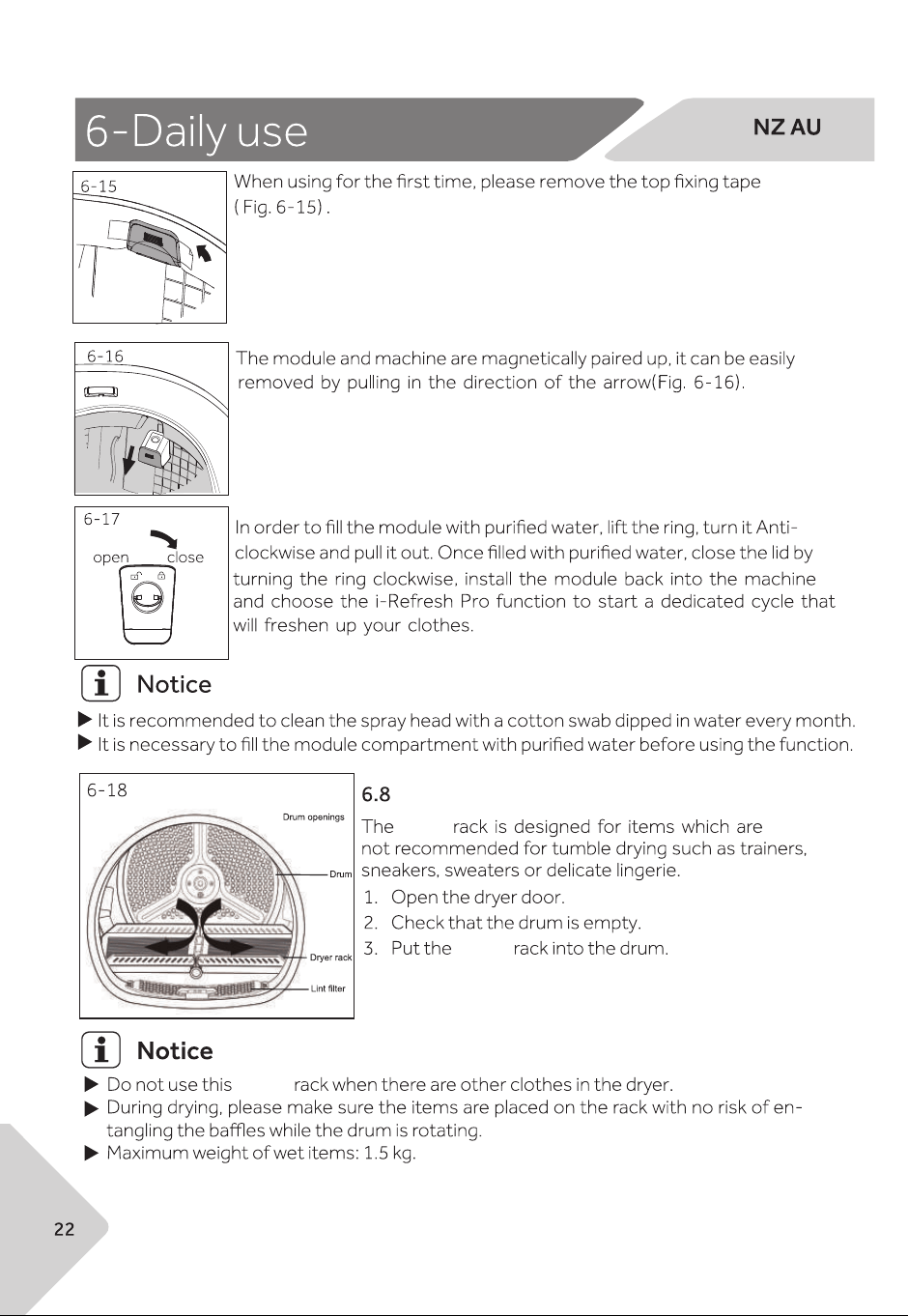
Use Refresh Pro function
Install the ultrasonic atomization module.
This module is located in the upper right corner of
the drum (Fig.6-14).
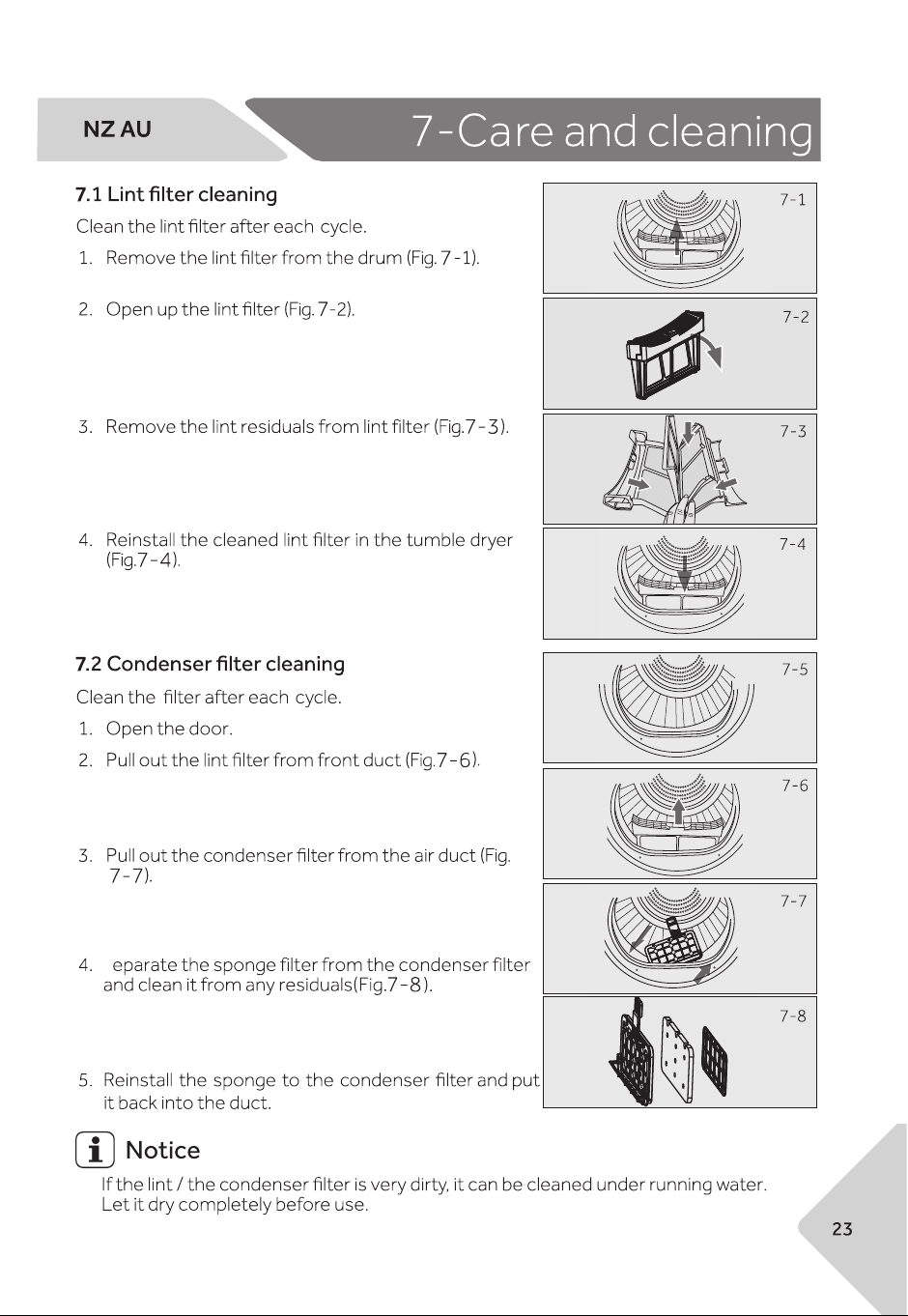
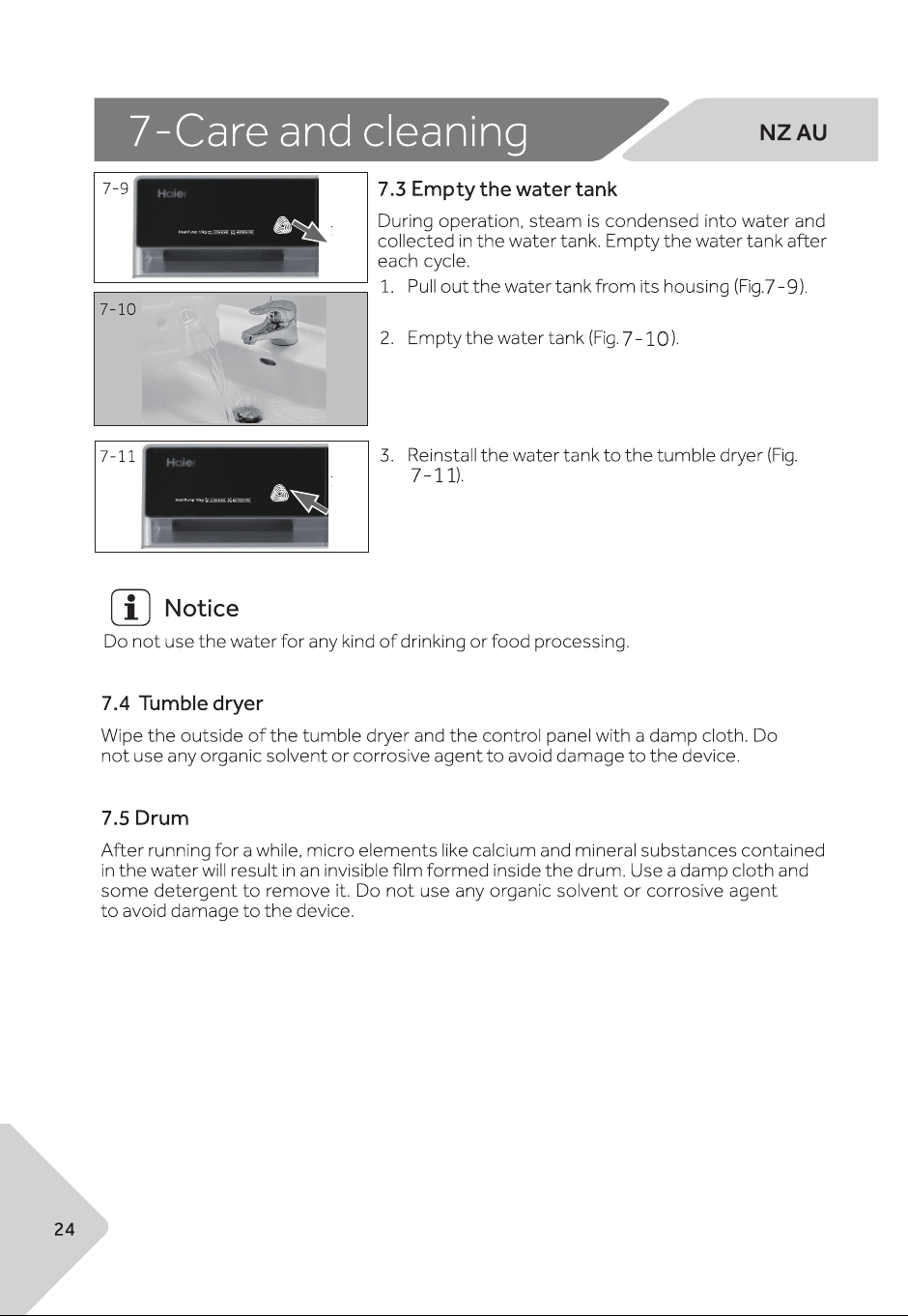
Use drying rack
drying
drying
drying
S
load size.
screen st-
ops or skips.
size
A
B
D
C
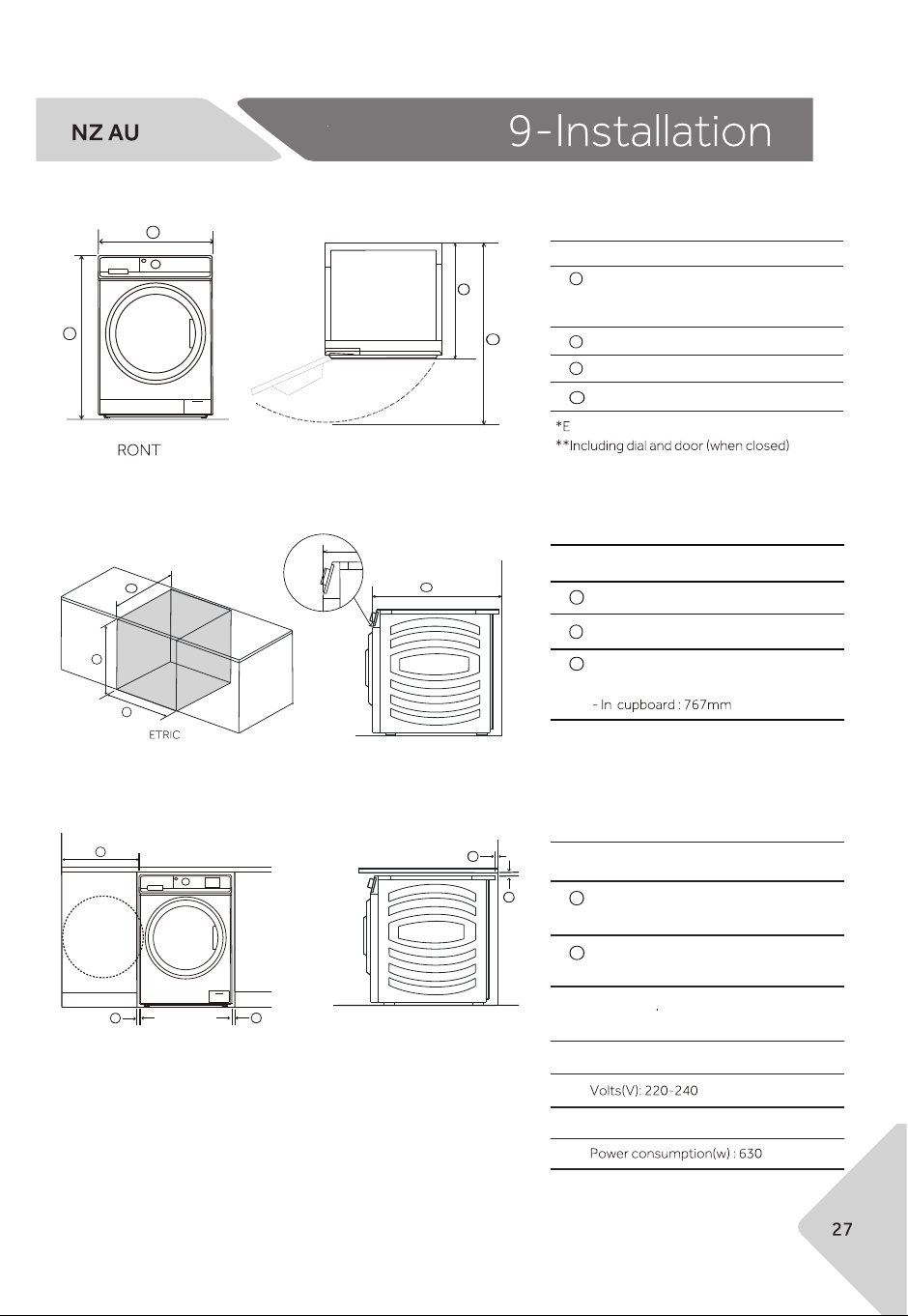
Product dimensions
F PLAN
Cavity dimensions
C
*Front panel of the product
CAVITY DIMENSIONS
Minimum cavity height : 860mm
Minimum cavity width : 622mm
Minimum cavity depth
- Flush with front panel : 707mm*
A
B
C
A
B
C
iSOM
PRODUCT DIMENSIONS
Overall height*
- Min : 845mm
- Max : 850mm
Overall width : 595mm
Overall depth : 697mm**
Depth of open door : 1188mm
xact height is dependent on foot adjustrment
A
C
B
D
A
B
B
B
B
CLEARANCE DIMENSIONS
Minimum dryer door
clearance to adjacent wall :240mm
Minimum gap clearance to
adjacent product or cabinetry : 15mm*
*Applies to sides
top and rear
A
B
Clearance dimensions
Electrial
Hz: 50
m
the
fully
ches
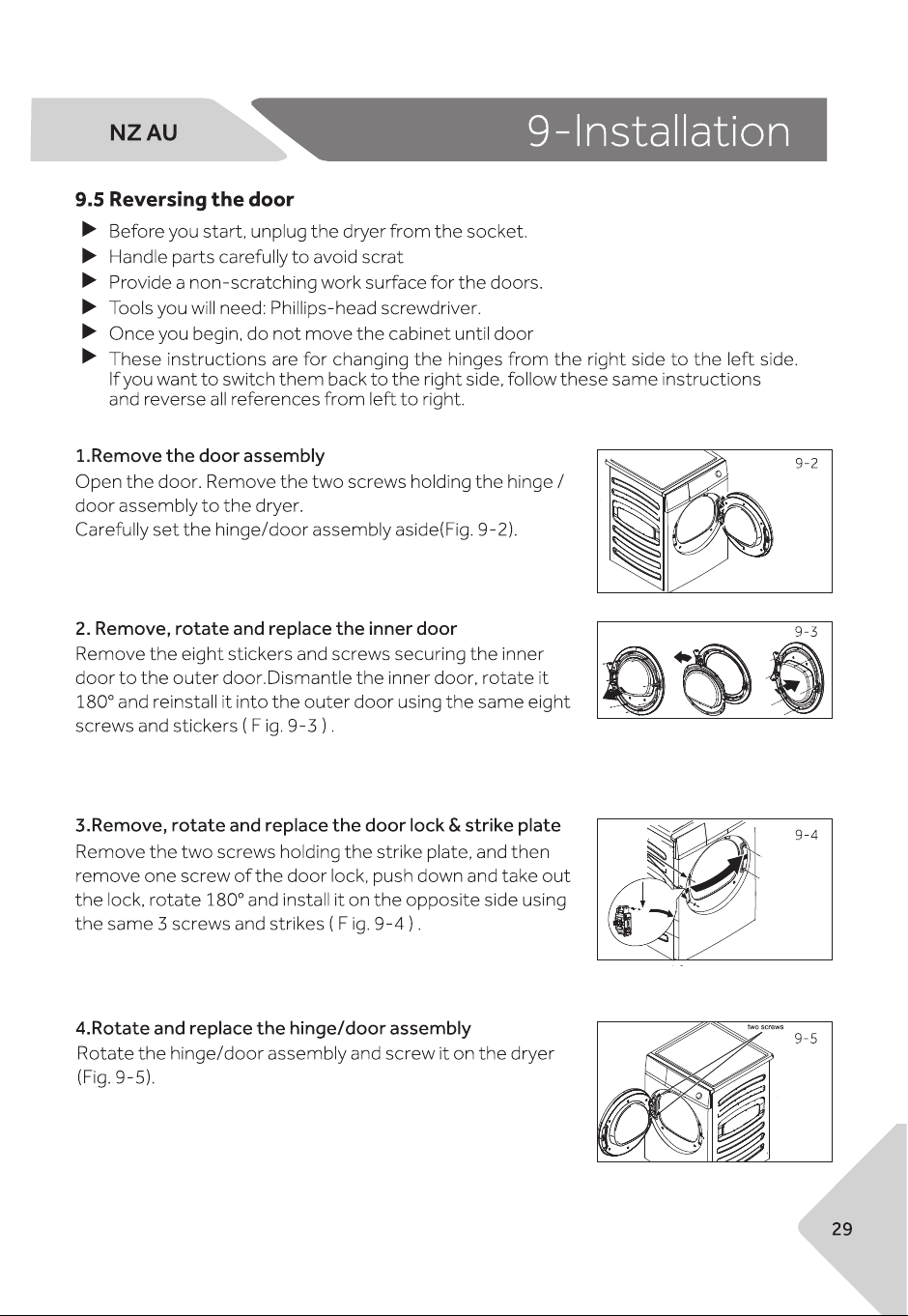
reversing work is completed.
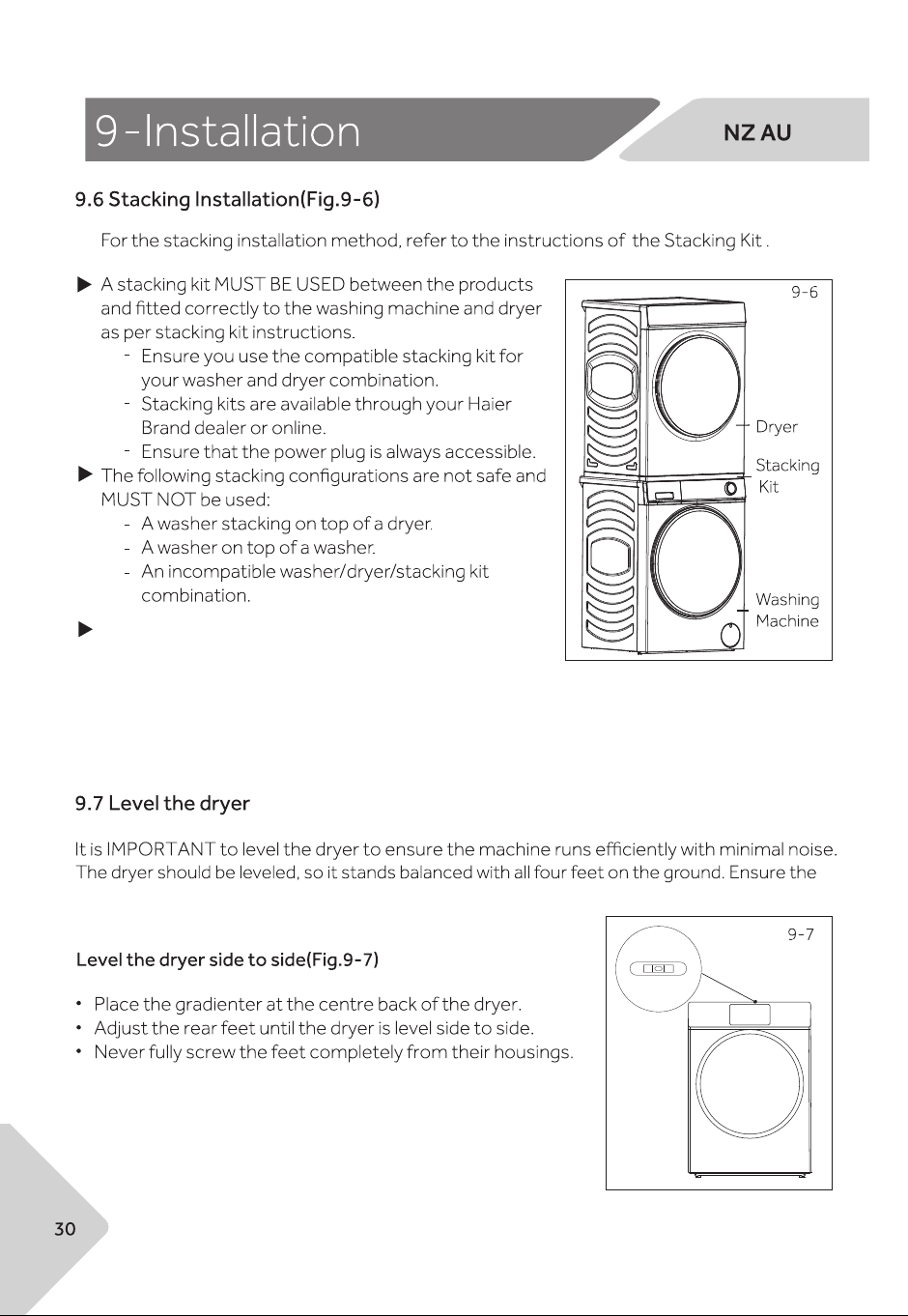
dryer does not rock in any direction.v
The following washing machine models can be
stacked with this machine using a Stacking Kit.
For more information, please refer to the Installation Guide in the stacking kit package.
- HDHP10PXW1: HWF12PXW1 with stacking kit ASKDPXW1
- HDHP10PXB1: HWF12PXB1 with stacking kit ASKDPXB1
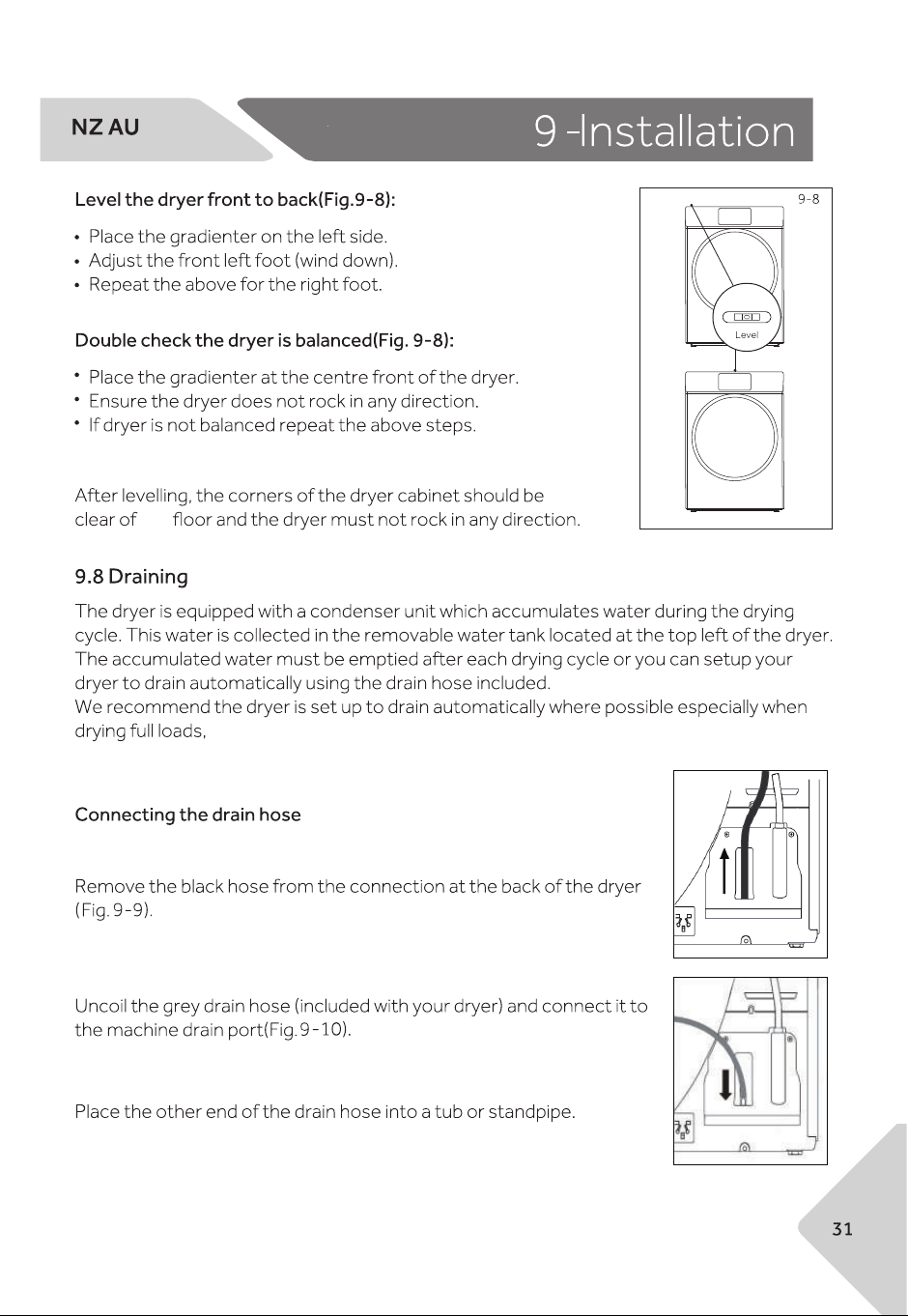
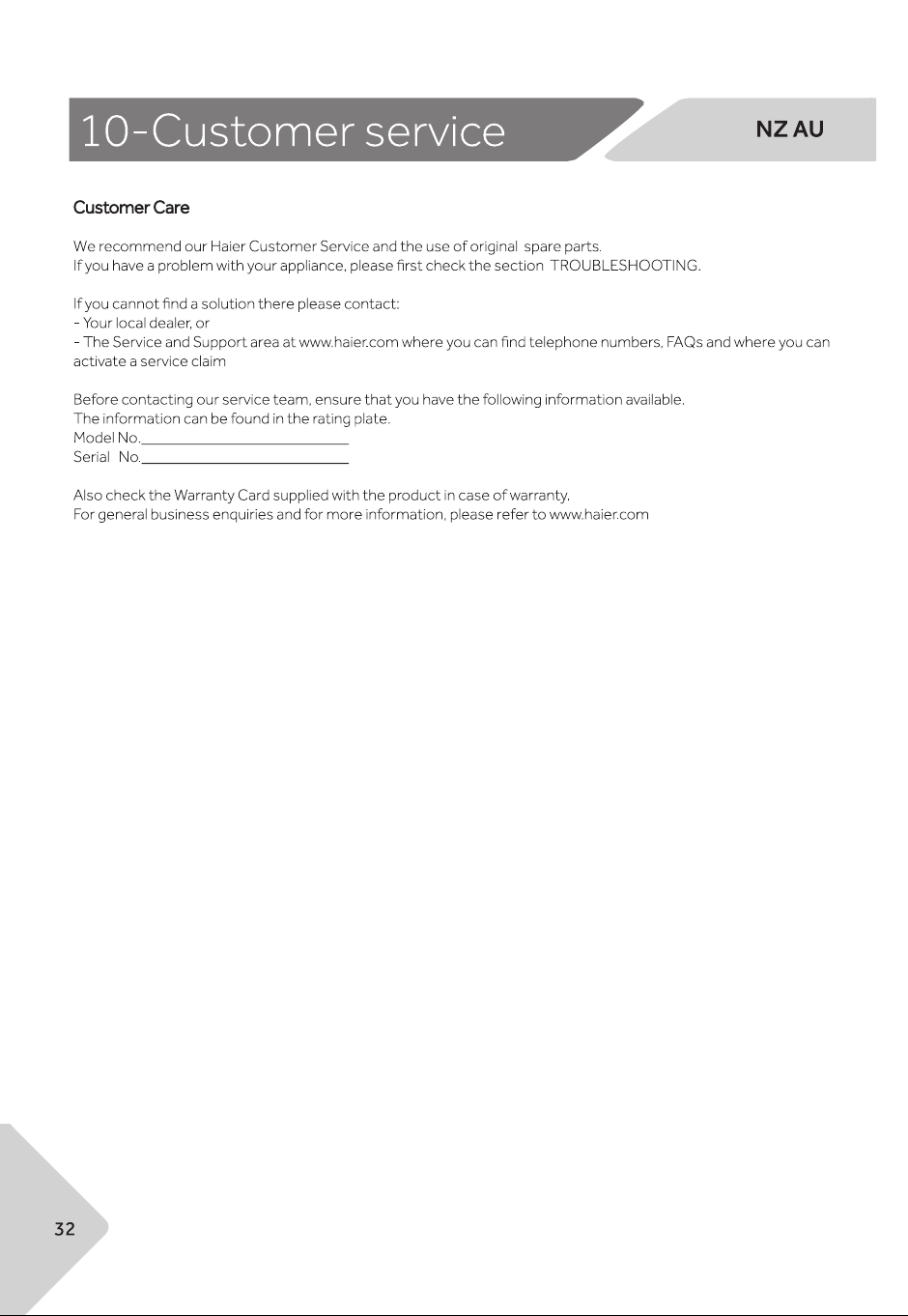
9-9
9-10
the
this will avoid the risk of having to empty the water tank during a cycle.
.