User Manual
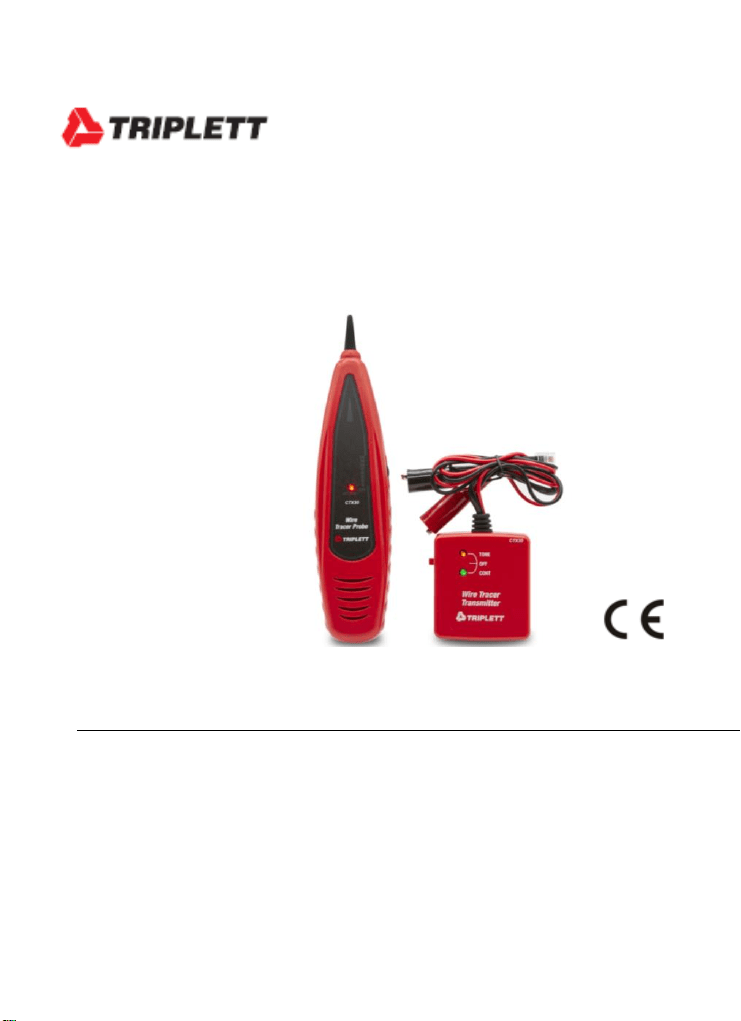
CTX30
Cable Toner and Tracer
Introduction
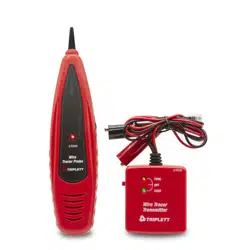
Congratulations on your purchase of the Triplett CTX30. This cable toner
and tracer set is used to quickly trace and identify cables or wires within a
group and also check the operation of phone lines. With proper use and
care, this meter will provide many years of reliable service.
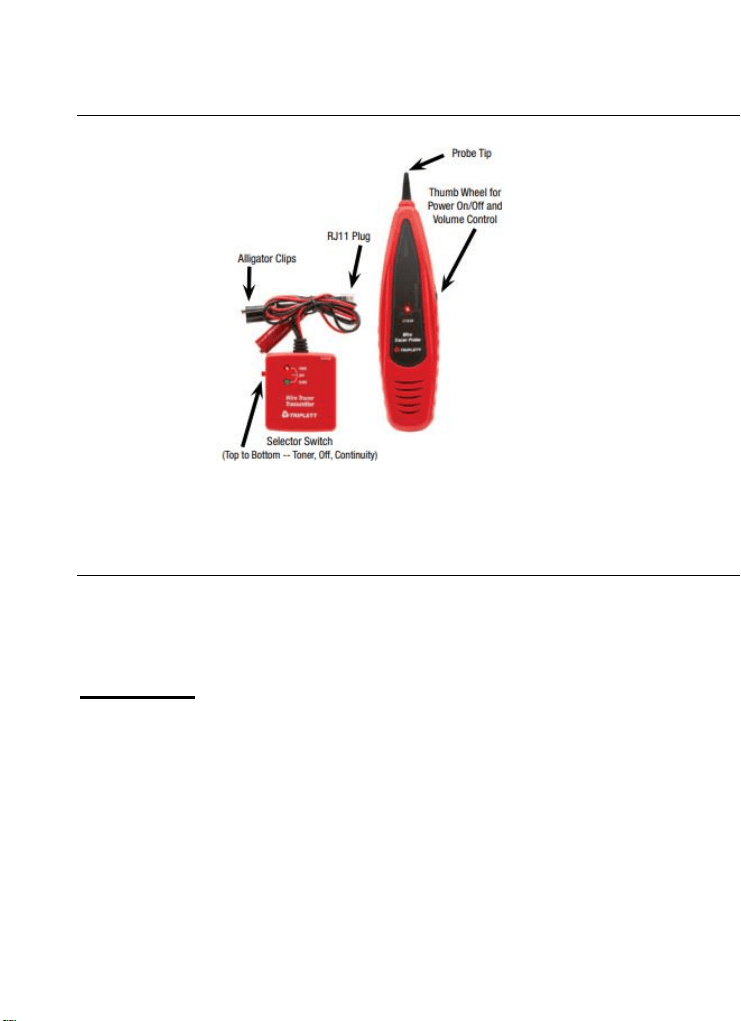
Meter Description
Operating Instructions
Note: To extend battery life, remember to turn off the probe and transmitter
after tracing the cables
Self-Check
1. Turn the probe on and set the transmitter to TONE.
2. The RED LED on both units will light up. Replace the batteries if they
do not.
3. Touch the probe to the transmitter wires and check for the generated
tone..

Cable/Wire tracing
CAUTION: Do not connect the transmitter to any wire or cable with an
active circuit of more than 24VAC.
1. Connect the transmitter to the cable
For cables terminated at one end, connect the red alligator
clip to a wire and the black alligator clip to equipment
ground
For un-terminated cables, connect the red alligator clip to one
wire and the black alligator clip to another wire.
For cables with modular connectors, insert the RJ11 plug
directly into the connector.
2. Set the transmitter power switch to the TONE position. The red
TONE LED will turn on.
3. On the probe, rotate the Power/Sensitivity control so that the
POWER LED is on..
4. Hold the insulated probe tip against the wire in question to pick up
the signal generated by the transmitter.
5. Rotate the volume/sensitivity control on the probe for the
appropriate level and sensitivity to identify and trace the wire.
6. The tone will be the loudest on the wires connected to the tone
generator.
Continuity testing
CAUTION: Disconnect power and loads from any circuits to be tested.
1. Connect the test leads to the wire under test.
2. Switch the transmitter to the CONTINUITY position.
3. The CONTINUITY LED will glow GREEN for if the resistance is
less than 10,000 ohms. The LED intensity will be very bright for
very low resistances and will decrease in intensity as resistance
increases.
Identifying telephone cable Tip and Ring – Using
Alligator Clips
1. Switch the transmitter to the OFF position
2. Connect the BLACK clip to ground
3. Connect the RED clip to a line.
4. The LED color identifies the line.
5. GREEN indicates the Ring line, RED indicates the Tip line.
6. If both RED and GREEN light up, AC voltage is present (do not
exceed 24V)
Identifying telephone cable Line Condition
1. Switch the transmitter to the OFF position
2. Plug the connector into the phone line or connect the RED
clip to the RING line and the BLACK clip to the TIP line.
3. The LED color identifies the line condition.
GREEN indicates a clear line.
RED indicates a busy line.
Green with a flashing RED indicates a ringing line.
Battery replacement
Open the battery cover and replace the battery as needed.
You, as the end user, are legally bound (Battery ordinance)
to return all used batteries and accumulators; disposal in the
household garbage is prohibited!
You can hand over your used batteries / accumulators
at collection points in your community or wherever
batteries / accumulators are sold!
Disposal: Follow the valid legal stipulations in respect of the
disposal of the device at the end of its lifecycle
Specifications
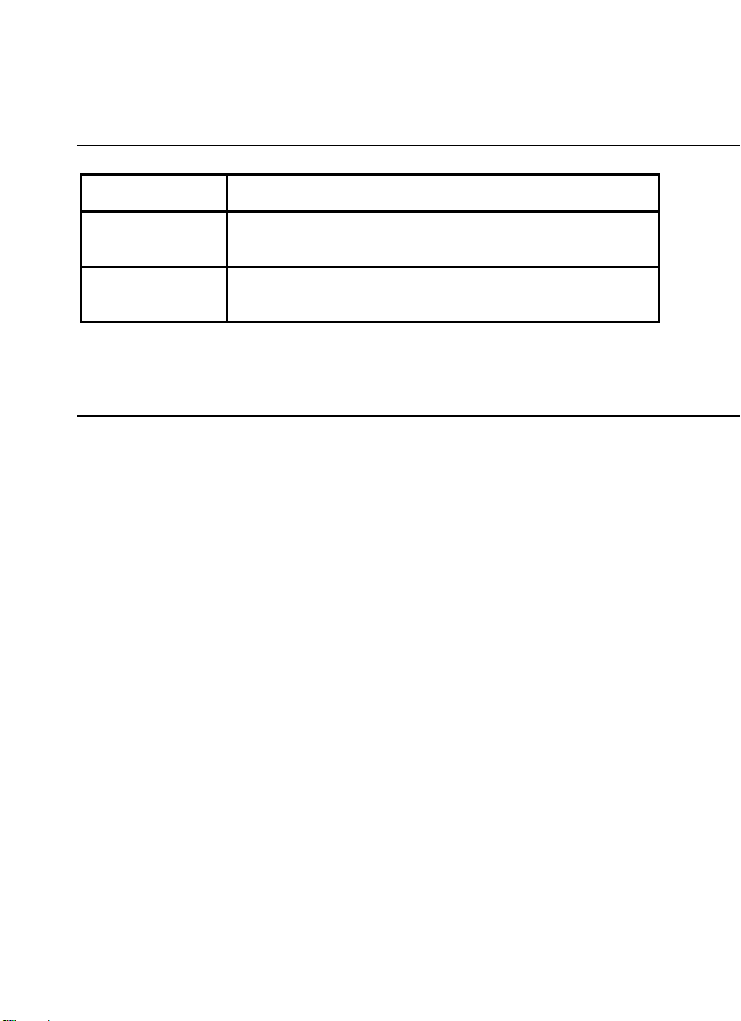
Power
9V battery (1 for transmitter and 1 for probe))
Dimensions
Probe - 8.7x2x1.3" (220x50x32mm)
Transmitter - 2.6x2.7x1.1" (65x68x28mm)
Weight
Probe 3.2oz (91g);
Transmitter3.2oz (91g)
Warranty
Triplett / Jewell Instruments extends the following warranty to the original purchaser of
these goods for use. Triplett warrants to the original purchaser for use that the products
sold by it will be free from defects in workmanship and material for a period of (1) one
year from the date of purchase. This warranty does not apply to any of our products
which have been repaired or altered by unauthorized persons in any way or purchased
from unauthorized distributors so as, in our sole judgment, to injure their stability or
reliability, or which have been subject to misuse, abuse, misapplication, negligence,
accident or which have had the serial numbers altered, defaced, or removed.
Accessories, including batteries are not covered by this warranty
Copyright © 2021 Triplett
www.triplett.com