Requirements
This unit requires a Melnor® WiFi AquaTimer™ model
15043 (not included) that includes a connector
for this Wireless Soil Moisture Sensor. Follow the timer
instructions to program the timer. For more information,
call 844-MELNOR1.
Install the Batteries
Tool required: Phillips head screwdriver.
Remove the two small screws and remove the battery cover.
Insert two, fresh AA alkaline batteries. Please note the positive
(+) and negative (–) ends of the batteries and ensure they are
inserted correctly following the markings inside the battery
compartment.
Replace the battery cover and screws. A fresh set of quality batteries
should last a full watering season or about nine months.
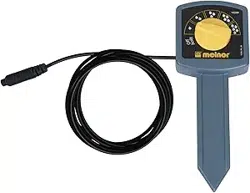
Place the Moisture Sensor
CAUTION: Never use a hammer or any other tool to pound the
unit into the ground. Do not attempt to force the unit into the ground.
This will damage the Sensor. The AquaSentry® has a maximum wireless
range of 200 feet (60 meters). The Sensor should be placed outside the
areas you are watering. For best operation, place the Sensor in direct
sight of the Timer/Receiver. The Sensor can be placed out of direct sight
of the Timer/Receiver, but the range may be diminished somewhat.
To insert the Sensor, rst dig a pilot hole about the same size as the
probe. The hole must be deep enough to bury the entire sensor probe.
Remove any large rocks or other debris from the extracted soil. Place
the Sensor into the hole so that the entire probe is under ground level.
The face of the Sensor unit should be turned toward the Timer/Receiver.
Return the soil to the hole and pack rmly into place. It is important that
the entire front surface of the probe be in contact with the soil.
3300_INS_EN_B_WEB_04
Automatic Rain Delay
for Melnor WiFi AquaTimer
!
User Instructions
!
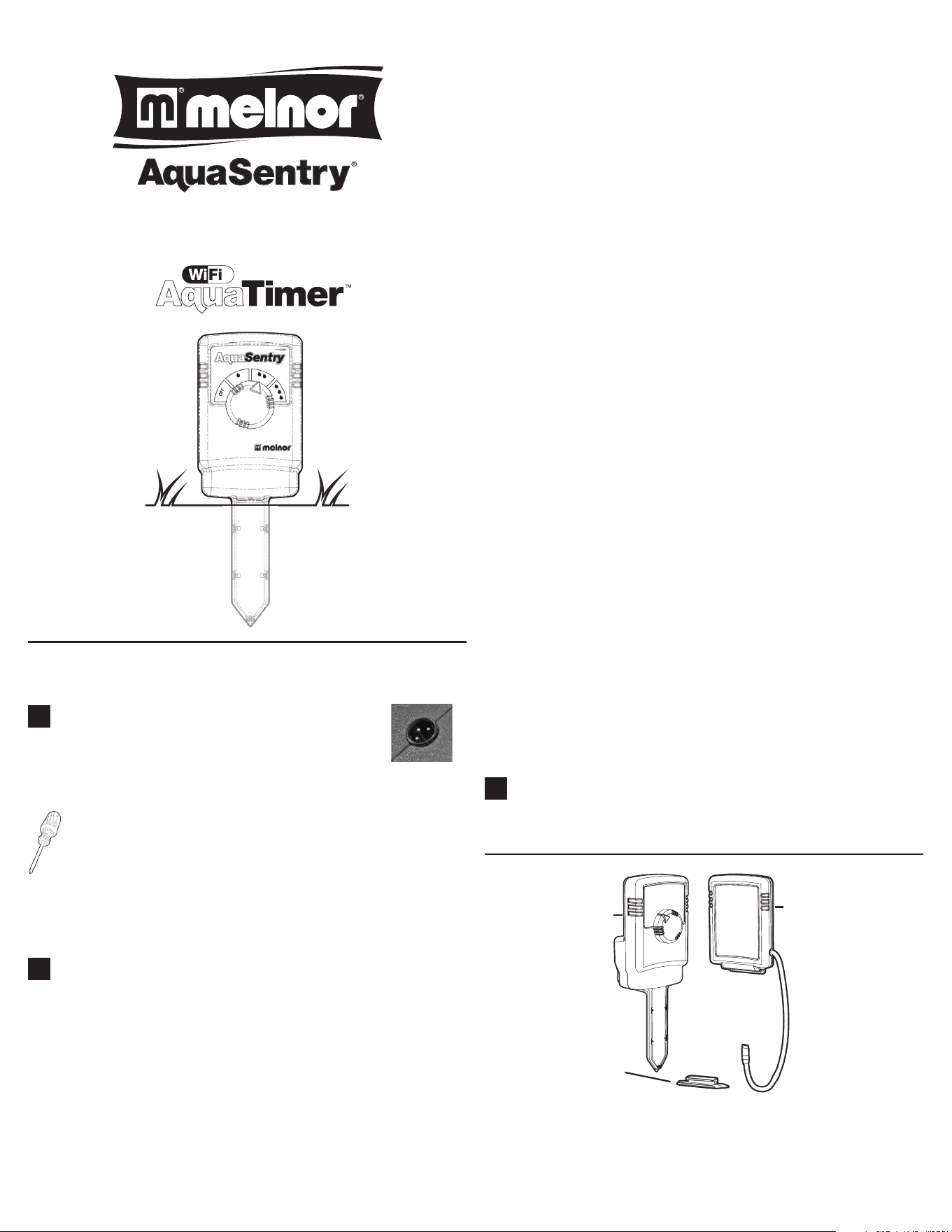
Sensor
Adapter
Receiver
Selecting the Desired Moisture Level
Individual grass and plant species have varying moisture requirements.
The AquaSentry® Moisture Sensor has three moisture settings plus OFF.
Melnor® recommends initially setting the knob to the medium setting
(two droplets). After a week, you should reassess the moisture in the
area you are watering. If the soil is too wet, adjust the unit to the dryer
setting (one droplet). If the soil is too dry, select the wetter setting (three
droplets). Continue to monitor your particular watering requirements
based on weather conditions and overall plant health.
Attach the Receiver to the Timer
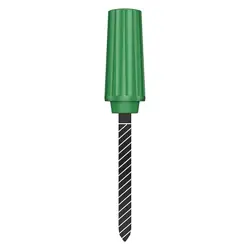
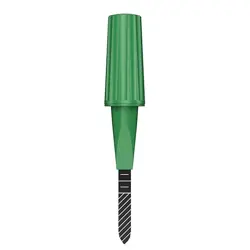
Attach the included adapter rail to the outside Valve Unit of the WiFi
Aquatimer™. Slide the rounded end of the adapter rail into the matching
slot on the top of the timer. Slide the receiver onto the rail along the
top of your timer. The receiver does not need to slide fully on to work
properly. You may need to leave a gap to allow for operation of the
faucet.
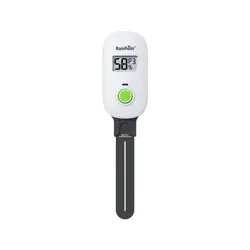
Connect the Receiver cable to the socket located on the back of your
Valve Unit. Note the orientation of the three (3) pins to be certain the
cable is attached correctly.
After attaching the Receiver, remove all batteries from the Valve Unit,
wait 10 seconds and re-install the batteries. Make certain the cover is
locked.
Checking the Connection
After installing the receiver, login to your account at
www.wiaquatimer.com. If the small image of the AquaSentry® is now
solid instead of grayed out, your Wireless Soil Moisture Sensor is working
properly and monitoring the soil’s moisture level. Please allow several
minutes for the AquaSentry® to connect to your WiFi AquaTimer™.
If after several minutes the image remains gray, one of the following has
occurred:
a. The batteries in the moisture sensor are not installed properly or they
are too weak.
b. The Moisture Sensor is out of range.
c. Sensor still set to “O”.
If the antenna symbol fails to appear, the connection between the
Receiver and the AquaTimer™ is faulty. Please contact us for assistance
at 844-MELNOR1.
Activating Automatic Rain Delay
Login to your account on www.wiaquatimer.com. On the Home
page, set Rain Delay to SENSOR for each Zone you want to use with
AquaSentry®. Before each watering cycle, the timer will check if
watering is needed. If there is enough moisture in the soil, the cycle will
be skipped.
NOTE: If you have an Extra Valve Unit, you will need a separate
AquaSentry® if you would like soil moisture sensing for those zones.
Melnor, Inc. • Winchester, Virginia 22603, USA
877-283-0697 • www.melnor.com
Melnor is a registered trademark of Melnor, Inc.
3300
!