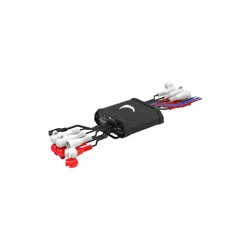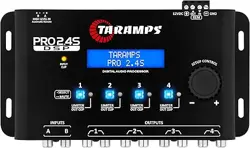
MSDSP66
6 IN 6 OUT DIGITAL SIGNAL PROCESSOR
PRODUCT QUICK START GUIDE
STEP 1
DOWNLOAD MSDSP66 SOFTWARE FROM:
https://diamondaudio.com/6ch-ip7-waterproof-micro-
digital-signal-processor.html
Install the software and add to your desktop for easy
access.
STEP 2
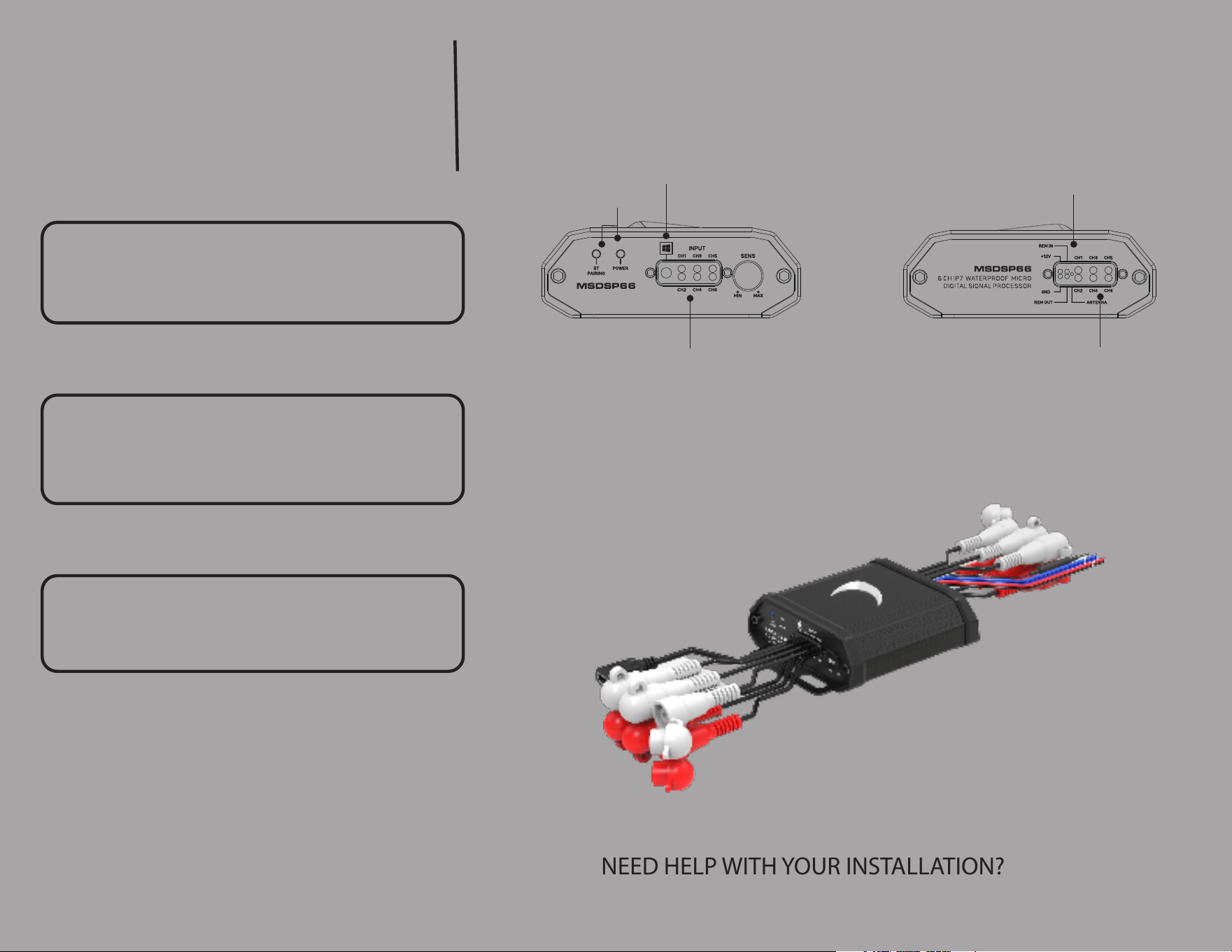
Make power connections as follows:
• RED - 12V Constant Power
• BLACK - Negative Ground
• BLUE - Remote IN
• YELLOW - Remote OUT 3.5 Sec delay turn o
STEP 3
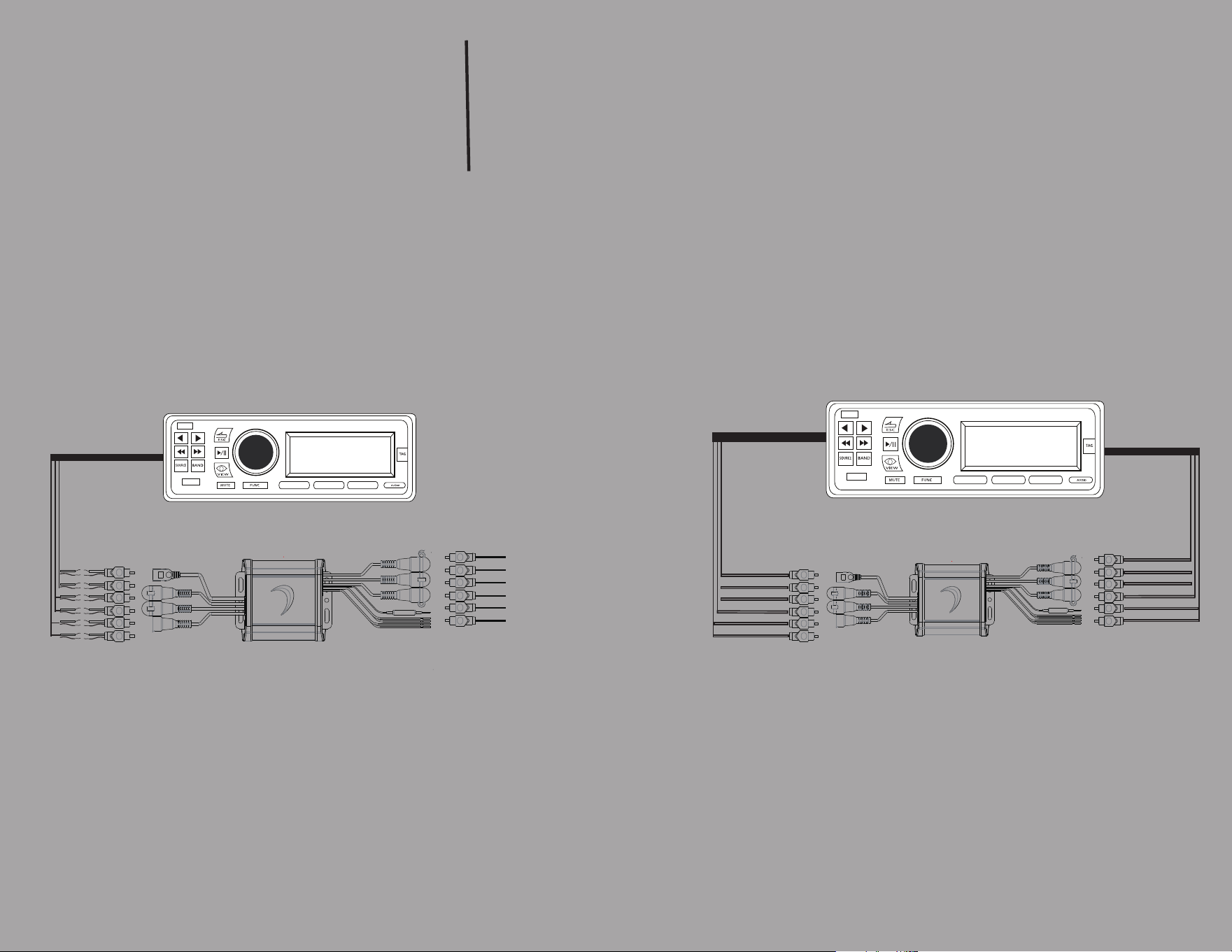
Make Input and Out Connections (see diagrams)
Once your High Level/Low Level Inputs have been
made propperly secure device free of any
obstructions.
NEED HELP WITH YOUR INSTALLATION?
TECH SUPPORT 213-212-3182
PC USB Connection
High/Low Input Harness
Status Idicator
Power Input
Low Level Output Harness
MSDSP66
FLEXABLE INPUT CONFIGURATIONS
TheMSDSP66 can be utilized out-of-the-box
with high level or low level inputs
+
-
+
-
+
-
+
-
+
-
+
-
SPEAKER LEVEL INPUTS
LOW LEVEL OUTPUT
OEM HEAD UNIT
SPEAKER LEVEL INPUT
LOW LEVEL INPUTS
LOW LEVEL OUTPUT
AFTER MARKET HEAD UNIT
SPEAKER LEVEL INPUT
MSDSP66
6 IN 6 OUT DIGITAL SIGNAL PROCESSOR
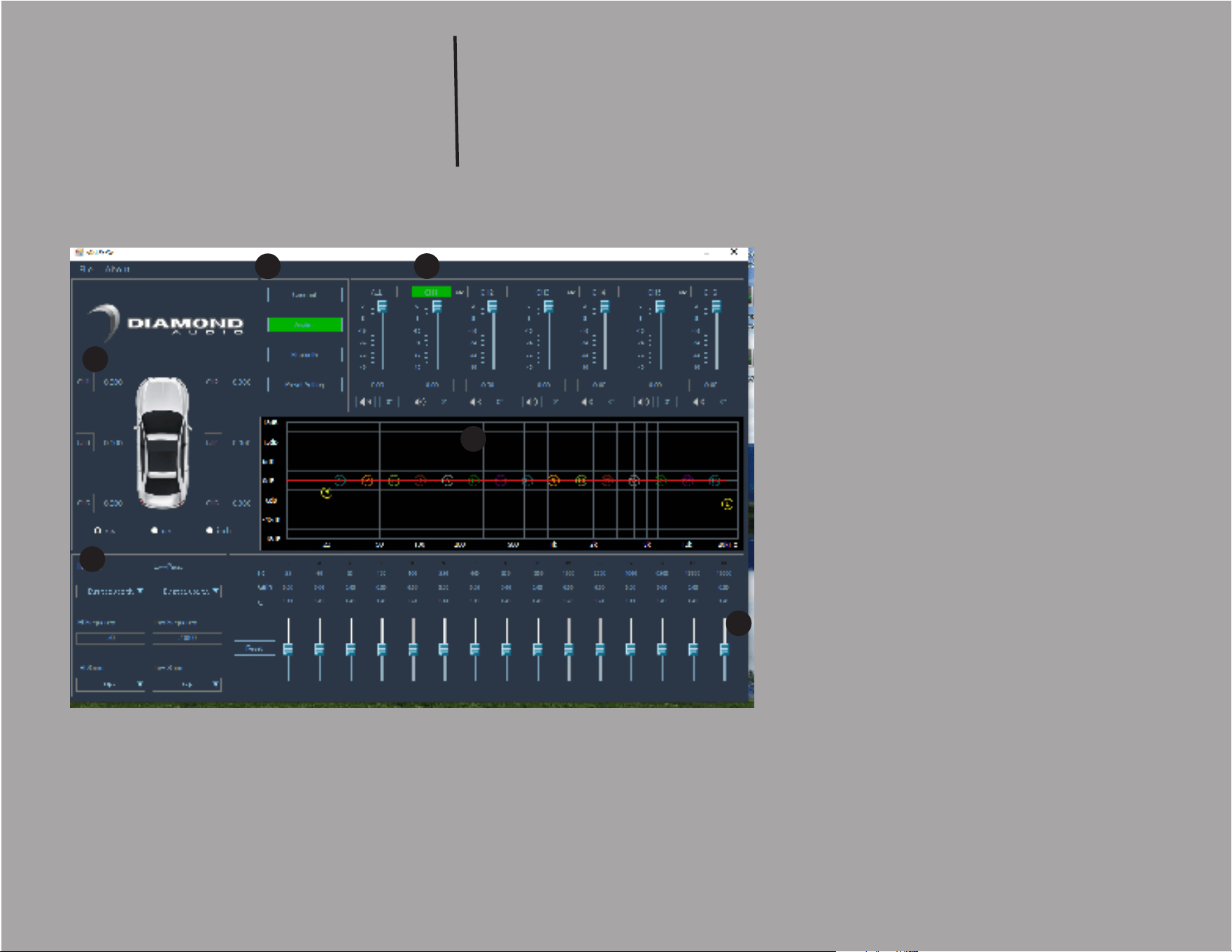
SOFTWARE FUNCTION
1
2
3
4
5
1. HARDWARE CONNECT
2. CHANNEL LEVEL CONTROL
•CHANNEL LINK
3. CROSSOVER CONTROL SECTION
•HP/LP TYPE,FREQ,SLOPE
4. GRAPHIC EQ SCREEN
5. EQ CONTROL
•Q ADJUSTMENT
•GAIN CONTROL
6. TIME ALIGNMENT
6
MSDSP66
6 IN 6 OUT DIGITAL SIGNAL PROCESSOR
SOFTWARE FUNCTION
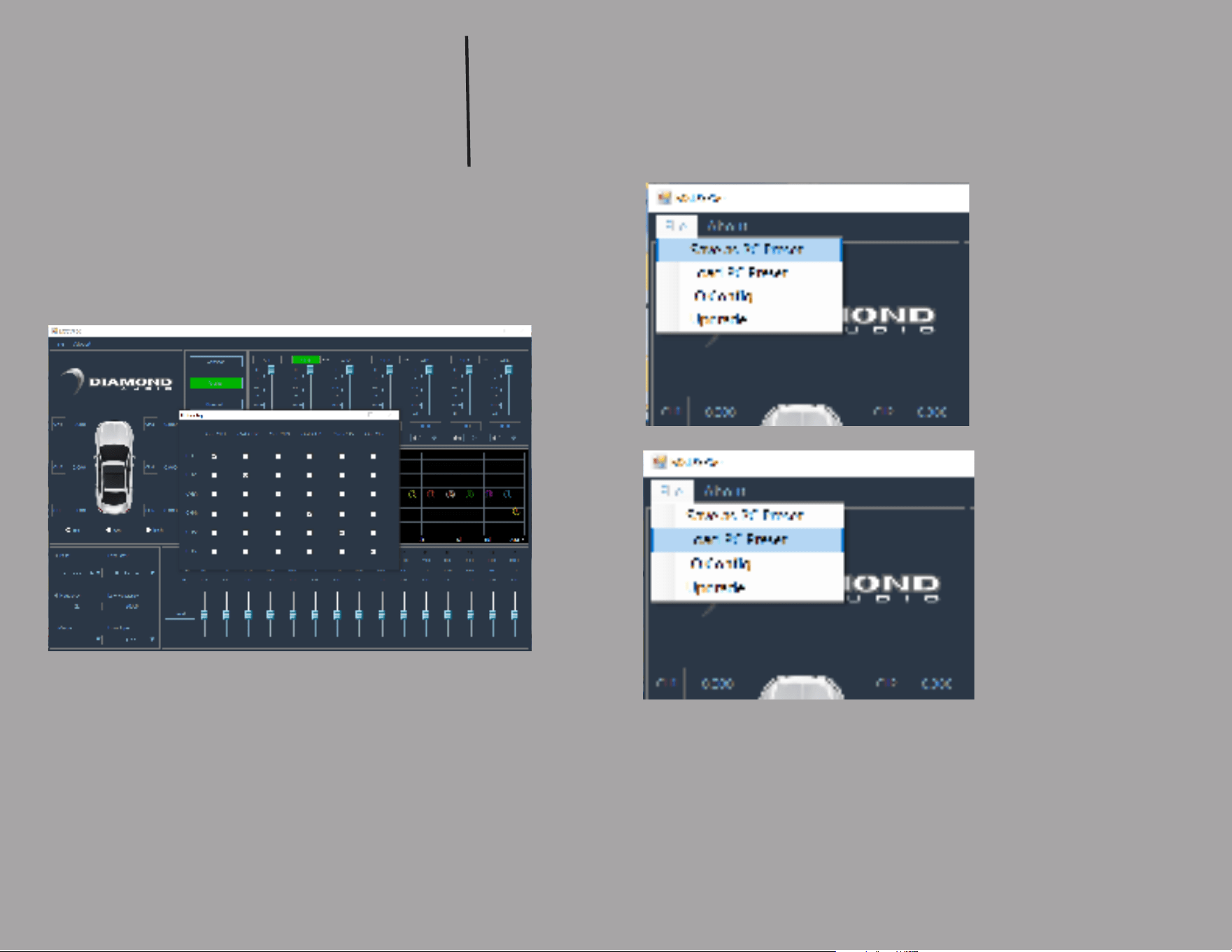
INPUT (IO) CONFIGURATION
SCREEN
•Use the IO Cong Screen to map your inputs and
outputs.
• You can use 2ch up to 6ch of inputs to drive all
outputs.
• SAVE SETTINGS TO
COMPUTER
• LOAD SETTINGS TO
DSP
NEED HELP WITH YOUR INSTALLATION?
TECH SUPPORT 213-212-3182