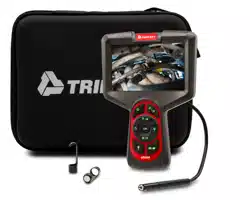
BR510
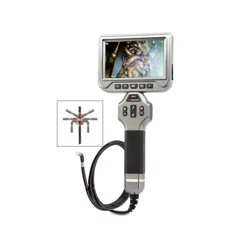
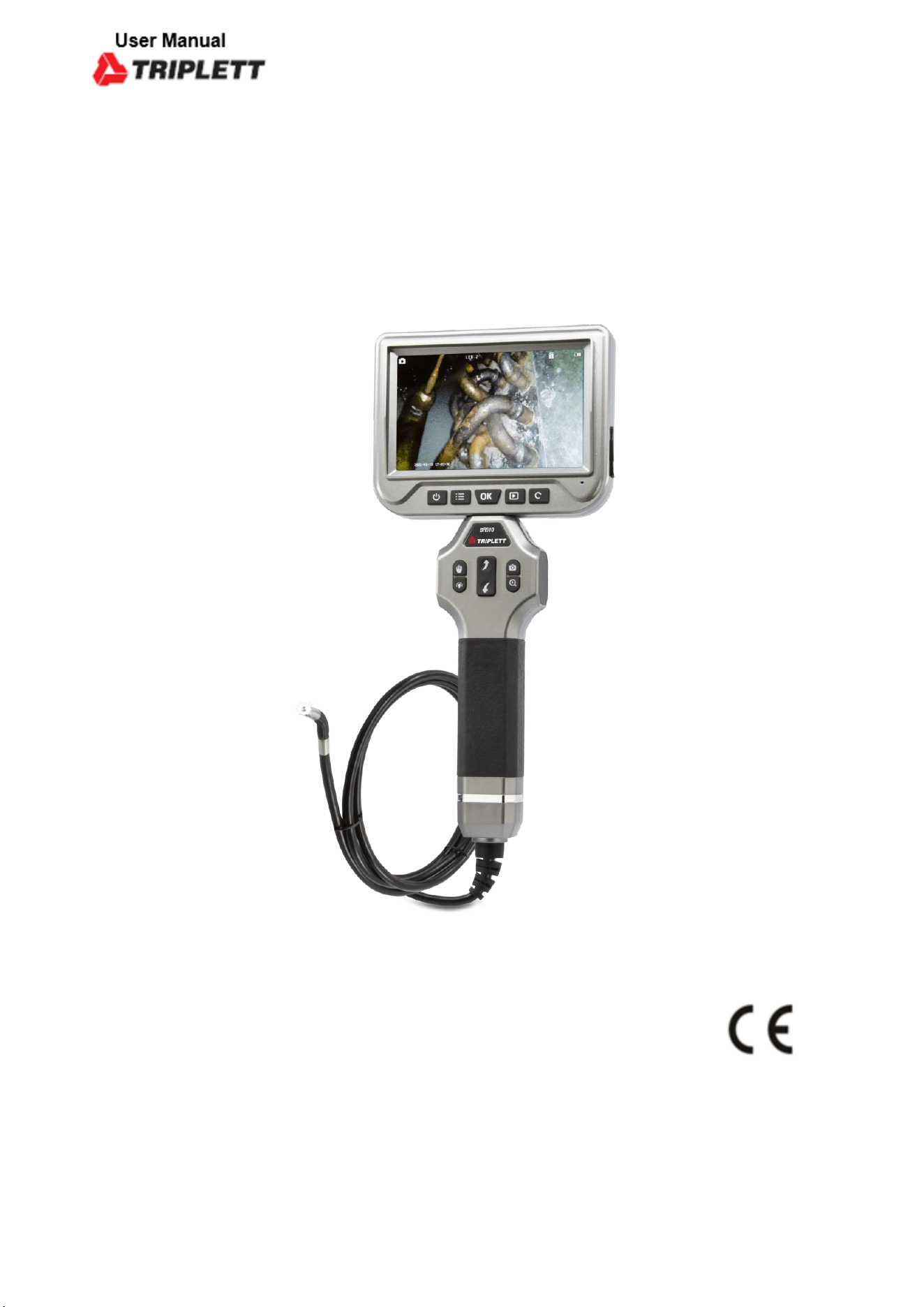
360° Articulating High-Definition Borescope

Operating Instructions
SAFETY INSTRUCTIONS
• This product is designed for industrial inspection cameras.
• Please do not violently hit the camera probe, and do not imprudently pull the
cable .
• Please do not use it under high temperature, high magnetic or under strong
light.
• Please use 5V household charger that meets the safety regulations to charge
this device.
• Do not expose this product to extremely low or high temperatures
• If you do not use the device for a long time, please ensure that it is charged at
least once every 3 months to prevent irreparable damage caused by excessive
battery discharge.
• Do not wipe the unit with corrosive chemical wash.
•
NOTICE:
WARNING! This product is an industrial inspection camera and is not intended
for medical use or human examination.
OPERATION GUIDE
STEP 1:(Preparation before use)
1. Take out the charging cable, start charging.
2. The screen will display the charging status, start to use when fully
charged
3. The memory card has been inserted, if damaged, please replace it
with a high-quality Micro SD card before use.
STEP 2:(Turn on the device)
1. Long press the power button to turn on the camera.
2. The camera light will come on and the display will show the image.
3. You can long press the power button to turn off.
STEP 3:(Start to use)
1. Use the camera to be close to the object, the focal length is preferably
3-8cm,and the image of the obeject is displayed on the screen clearly.
2. Press bend left or right button to adjust the direction of
camera to get a 360°picture.
3. According to your needs, use other buttons such as menu, take
photos, record videos, rotate images, zoom in, etc
STRUCTURE AND BUTTON FUNCTIONS
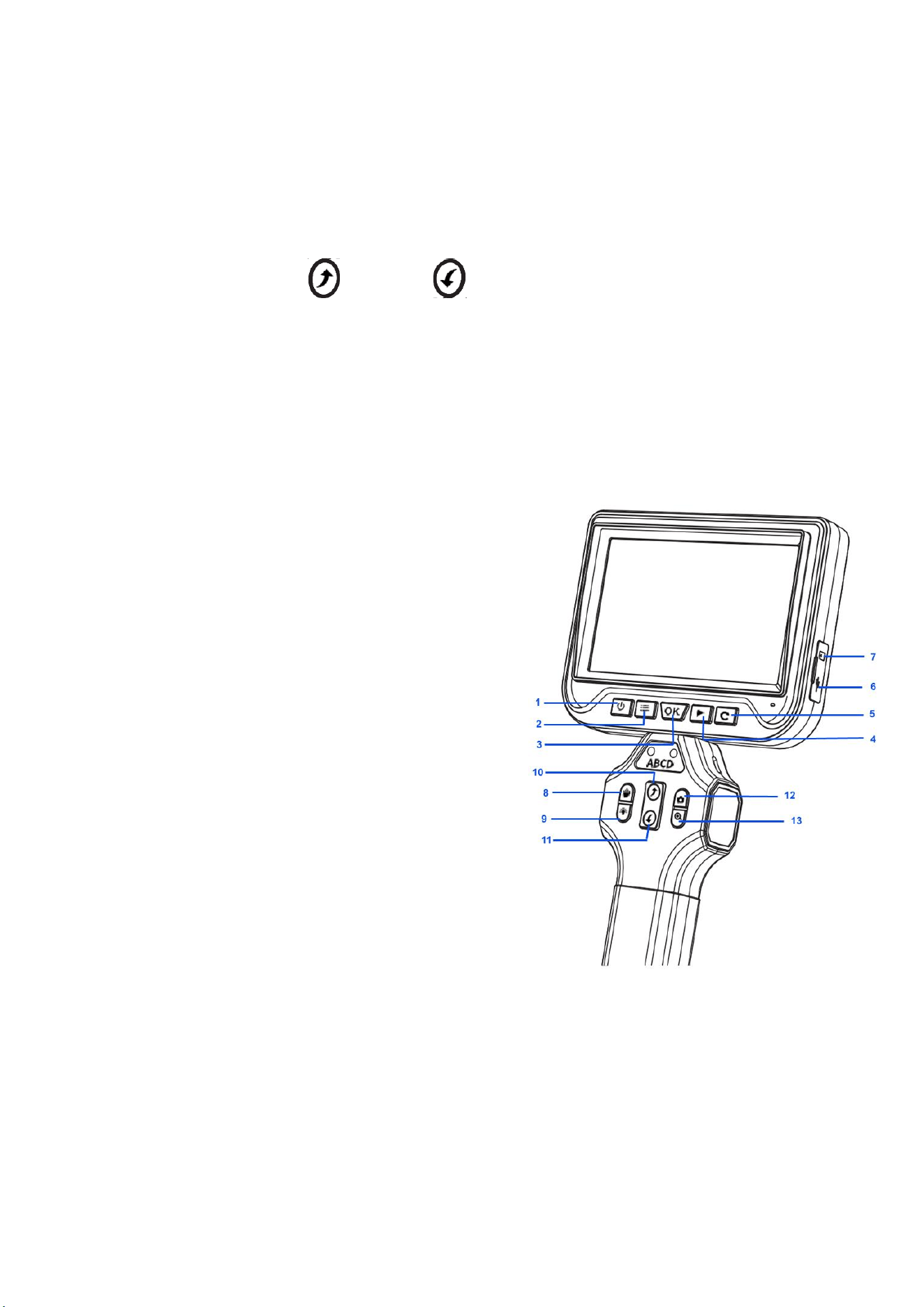
1. Power Button: Press and hold for 3 seconds to
turn on/off
2. Setting: Enter/Exit the setting interface
3. OK: Confirm selection
4. Photo/Video Playback: Enter/Exit photo/video
playback
5. Image Rotation:Press it to rotate picture
360°
6. Charging/Data Port
7. TF Card Slot
8. Freeze Image
9. Adujust light brightness
10. Bend 180 ° to the Left
11. Bend 180 ° to the Right
12. Taking Photo/Video
13. Zoom in
Notes: Files can be copied directly to the
computer using a data cable,or read using a card
reader
Specifications
Model
BR510
Screen
5.0inch color LCD display
Camera Type
Autofocus Lens
Camera Sensor
2 MP CMOS sensor
Camera Resolution
1280*720 px and 1920*1280px
Horizontal viewing angle
60°
Depth of field
3cm-10cm
Lens diameter
6mm
Image Capturing Resolution
1920x1080 (pixels)
Waterproof level
IP67(only for lens)
Battery capacity
3000mAh
Battery life
About 3-4 hours
Line length
1.5M
Language
Simplified Chinese, Traditional Chinese, English, French, German, Italy,
Russian, Japanese, etc
Packing List
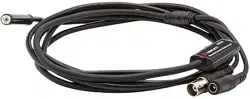
Endoscope, Manual, Charging cable
TROUBLESHOOTING:
Problem
Solution
The device can not be turned on
1. Use atfer fully charging the battery.
2. Confirm whether the power supply has been successfully
connected
TF card reading failed
1. Confirm whether the TF card meets the requirements (the
Highest supported format is 64GB Micro TF card in FAT 32, and
the transmission speed must be Class 10 or higher)
2. Remove the TF card and reinsert it.
After the device is connected to
The PC, can’t read TF card
1. Reconnected the device and the PC
2. Confirm whether to enter mass storage mode
Smudges or smudges on the
screen
1. Clean the screen carefully with a soft cloth
Device Crash
1. Restart
2. Reset
Lags happened during the photo outputting of the pro
duct.
Please check whether the product has sufficient power,
or restart the device.