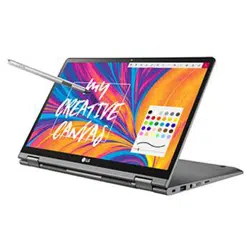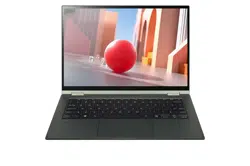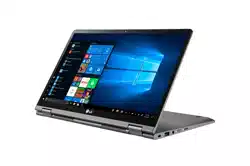
Copyright © 2025 LG Electronics Inc. All Rights Reserved
OWNER’S MANUAL
NOTEBOOK
MFL05752102
For the safe and convenient use of the product, please read this owner’s manual before use.
www.lg.com
1 Important Safety Precautions
ENGLISH
Important Safety Precautions
Check the following ‘Important Safety Precautions’ to prevent unexpected
danger or damage in advance.
‘Important Safety Precautions’ is divided into ‘WARNING’ and ‘CAUTION.’
!
WARNING: Noncompliance with the instruction may cause serious
physical damage or fatal injuries.
!
CAUTION: Noncompliance with the instruction may cause minor
damage to the body or the machine.
NOTE
•
For more information on safety precautions, refer to LG Easy Guide /
LG Troubleshooting.
While Using the Product
!
WARNING
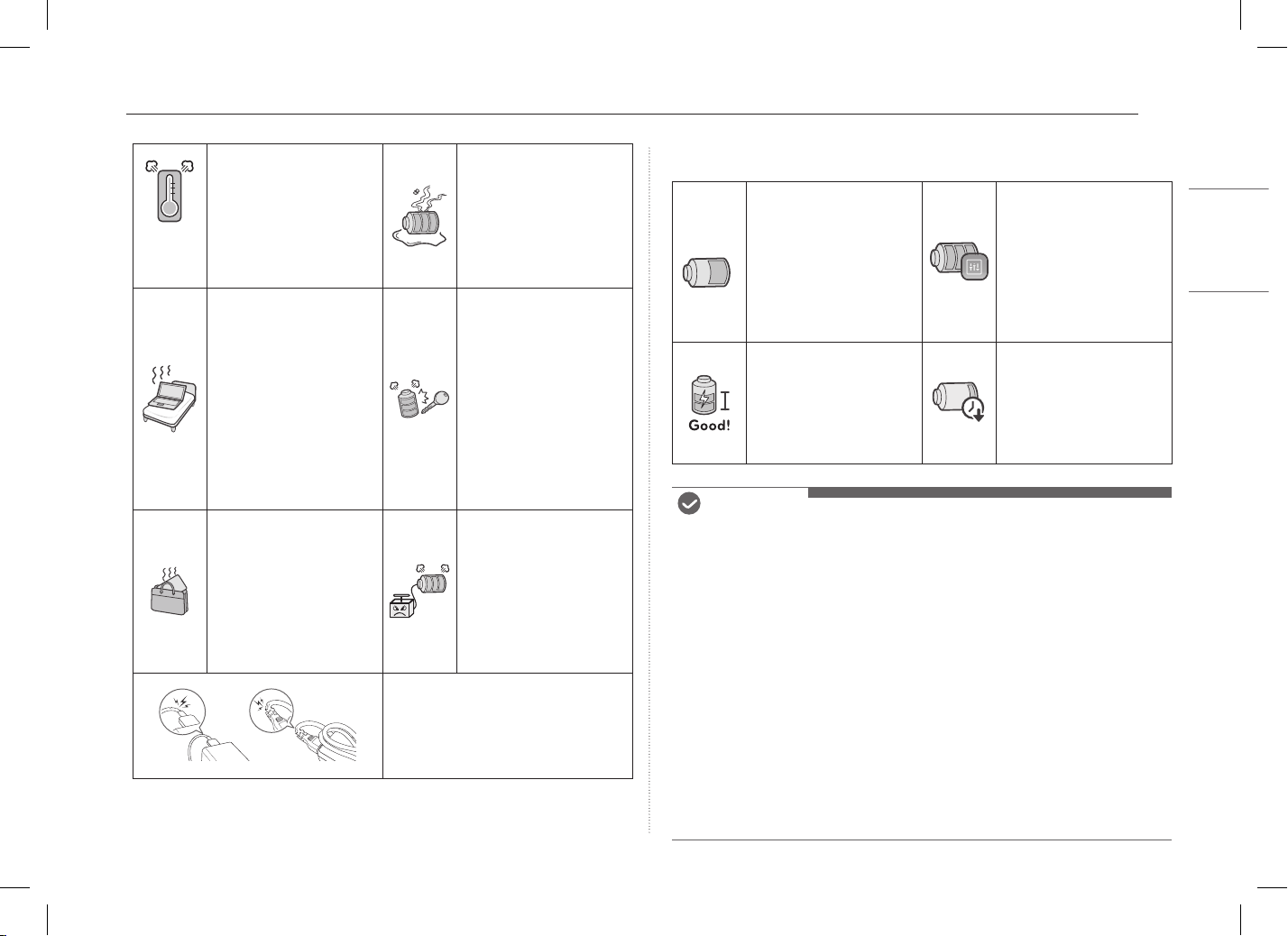
Use batteries certified
and acknowledged by
LG Electronics Inc.
•
Otherwise, an explosion
or fire may occur.
Keep the battery away
from heat.
•
Otherwise, an explosion
or fire may occur.
Contents
Important Safety Precautions ......................................................1
Precautions before Product Use ..................................................3
Checking the Components ............................................................3
Connecting and Turning On the PC ............................................4
System Shutdown / Power Off ....................................................4
Using Stylus Pen ..............................................................................4
Pre-Tech Support Checklist ...........................................................6
Appendix ............................................................................................6
Open Source Software Notice Information ..................................................6
2Important Safety Precautions
ENGLISH
60 °C
(140 °F)
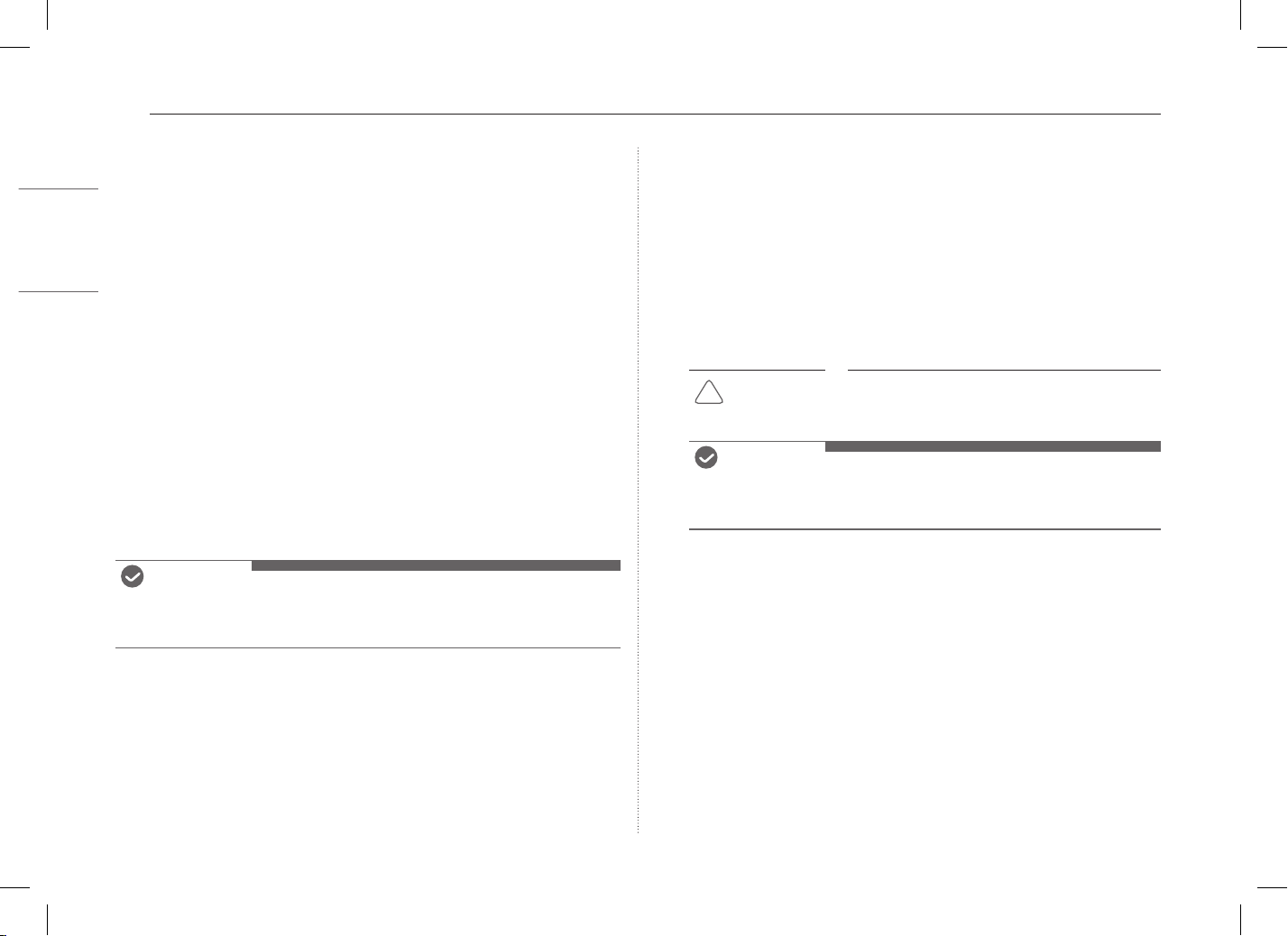
Do not store in places
with temperatures above
60 °C (140 °F) and high
humidity (in cars or
saunas).
•
Otherwise, an explosion
or fire may occur.
If you find leakage or
smell bad odor from the
battery, contact the local
call center.
•
Otherwise, an explosion
or fire may occur.
Do not use the product
on top of carpet, blanket
or bed. Also, do not put
the adapter under the
blanket.
•
The product and
the adapter may
malfunction or cause
a fire or burn to the
user due to internal
temperature increase.
Prevent the battery from
coming in contact with
any metallic object like a
car ignition key or a paper
clip.
•
Otherwise, this may
cause damage to the
battery, a fire or burn
due to overheat in the
battery.
Do not leave the
powered-on product in
a space without enough
ventilation (i.e. bags)
for an extended time or
repeatedly.
•
The battery may
overheat and cause a fire.
Charge the battery
only with the provided
instrument.
•
Otherwise, the battery
may be damaged, or fire
may occur.
Do not bend the power cable
connected to the adapter too much.
•
Otherwise, the wires inside the
cable may break and cause an
electric shock or fire.
Guide on Battery Usage
50 %
When the PC is not used
for an extended period
of time, keep the battery
level at 50 % to increase
the battery lifespan.
Use the Extend Battery
Life function in the
My gram. You can limit
the battery charge to
80 % of the maximum
charging capacity to
increase the battery
lifespan.
To increase battery
lifespan, use the battery
for a while before
charging it rather than
keeping the battery
completely charged.
If you don't use the
product for a long
time with the battery
completely discharged,
the battery lifespan may
decrease.
NOTE
•
This product has a built-in battery pack. After purchasing your PC, be
sure to charge the battery pack completely before using it for the first
time.
- The battery is a wearable good and thus the battery may not last as
long as before after the battery has been used for a long time.
- The internal battery cannot arbitrarily be removed or replaced.
Removing it may void the warranty.
- If you need to disassemble or replace the battery, please contact the
designated Call Center.
- We charge a fee for removing or replacing the battery.
- For the safe use of the product, the charge level may be adjusted or
blocked from the product when the excessive reduction in battery
capacity is detected. Since the battery is a consumable item, if the
runtime has been significantly reduced, please replace the battery.
3 Precautions before Product Use
ENGLISH
Precautions before Product Use
Any malfunction in the built-in solid state drive (SSD) may result in loss of
stored data. You must back up all critical user data to an external storage
device (USB HDD, memory card, etc.).
If you shut the system down before it is completely loaded, the product
may not shut down properly. Shut down the system after it is completely
loaded. (It takes about one or two minutes to completely load the system
and may vary depending on the conditions.)
Some details may differ depending on the PC model and software version.
For the convenience of users, LG Easy Guide / LG Troubleshooting are
provided in an electronic format.
For more information on how to use the PC, refer to LG Easy Guide /
LG Troubleshooting.
In the search window of the Windows taskbar, search LG Easy Guide /
LG Troubleshooting and run it.
NOTE
•
It is recommended to use the PC by connecting to the Internet in order
to keep the LG Easy Guide / LG Troubleshooting latest.
Checking the Components
•
PC Main Body
•
Owner’s Manual
•
Adapter
•
Power Cable
1
•
Stylus Pen
1 For the power cable, the normal power cable or USB-C® power
cable is provided. The USB-C® power cable only supports power
supply and USB 2.0 specifications.
!
CAUTION
• Do not use the power cable for other
purposes than power supply.
NOTE
•
Depending on the model, additional components (LAN adapter,
etc.) may be provided.
4Connecting and Turning On the PC
ENGLISH
Connecting and Turning On the PC
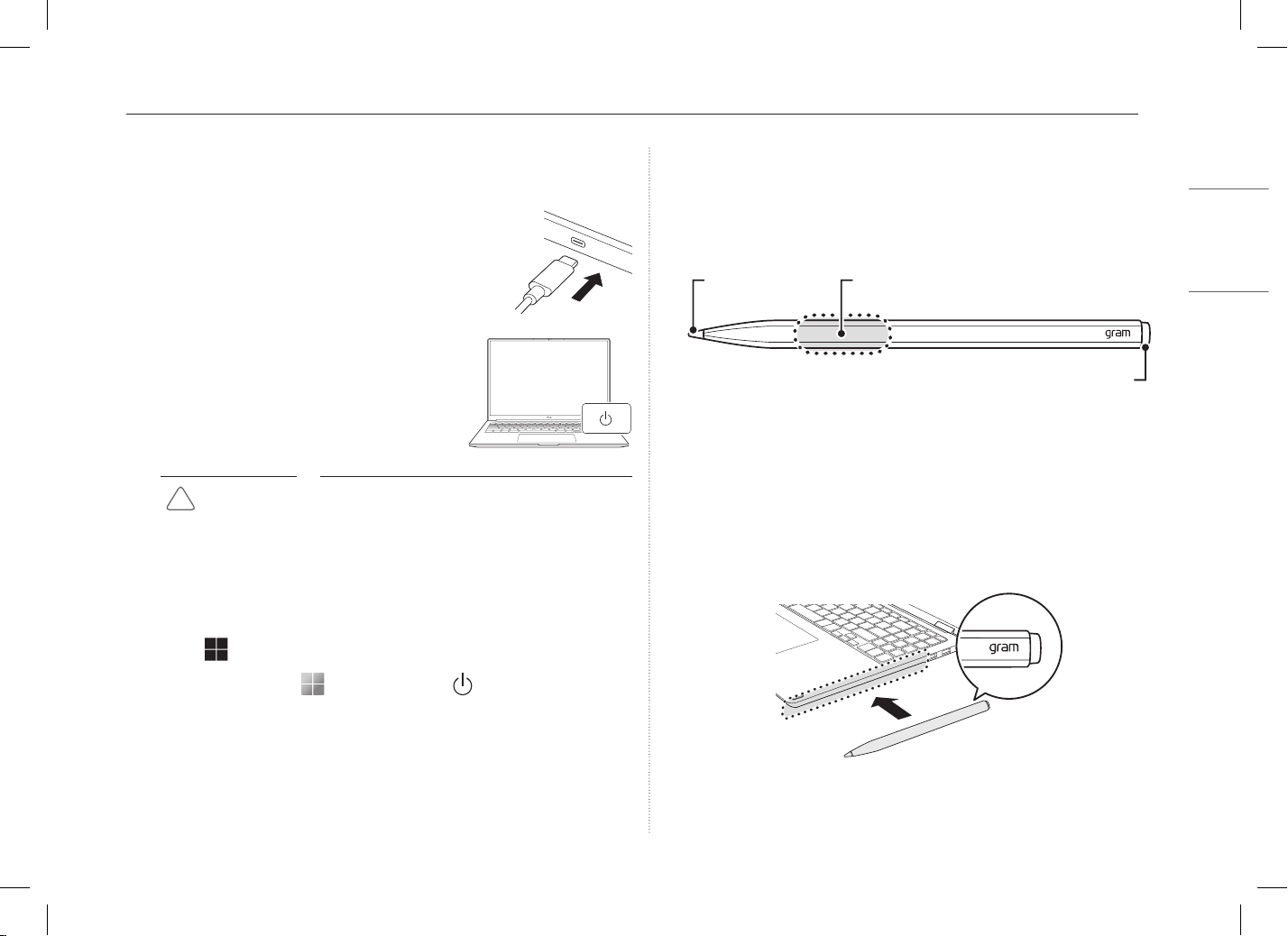
1 Connect the adapter to the USB-C® port on the PC.
2 Press the power button to turn on the PC.
!
CAUTION
• Do not use any other adapter than the one
that was provided with the PC.
System Shutdown / Power Off
Press the [ ] key or [Ctrl] + [Esc] to display the Start menu.
-
Press the Start button [ ] > Power button [ ] and select
[Shut down].
Using Stylus Pen
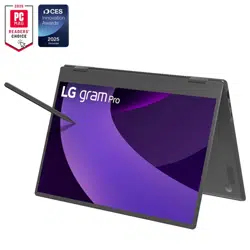
If you use the Stylus Pen for the 16T90TP/16TB90TP/16TS90TP models,
you can do fine touch operations that are difficult with fingers.
Basic Usage
If you are using the Stylus Pen for the first time, make sure that you
activate the pen first.
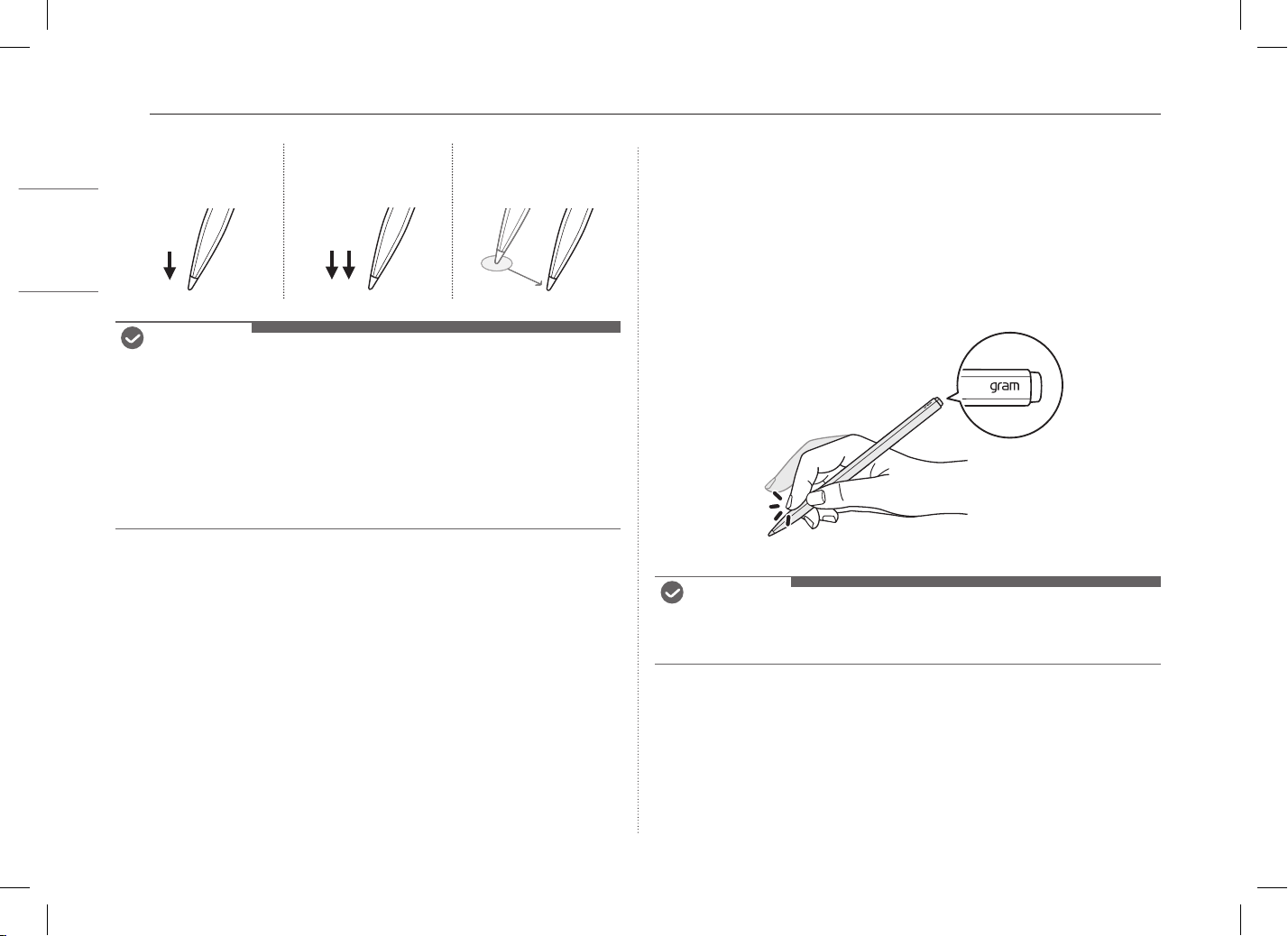
Attach the gram logo side of the Stylus Pen to the magnetic connector on
the right side of the keyboard to activate the Stylus Pen.
Pen Tip Touch Button
Eraser Button
5 Using Stylus Pen
ENGLISH
Touching Once Touching Twice
Drag
(moving while
pressing down)
NOTE
•
Do not apply excessive force on the Stylus Pen. Doing so may cause the
pen tip or the pen to fail.
•
If the Stylus Pen is not used for more than 1 minutes, it switches to
power saving mode to reduce battery consumption.
•
To disable the power saving mode, shake and wake up the Stylus Pen.
•
When charging Stylus Pen is complete, it is no longer charged.
•
For more information on Stylus Pen, refer to LG Easy Guide.
Using Touch Button
You can quickly run the Stylus Pen function by performing the double-tap
& hold gesture on the Touch Button where the gram logo displayed in the
hovering status.
After searching and running [My gram] in the search window on the
Windows taskbar, you can set the function in [PC Maintenance] >
[Keyboard & Pen] > [Pen Settings] > [Touch Button Settings].
NOTE
•
Double-tap & Hold: Maintain the status of tapping twice with your
finger.
6Pre-Tech Support Checklist
ENGLISH
Pre-Tech Support Checklist
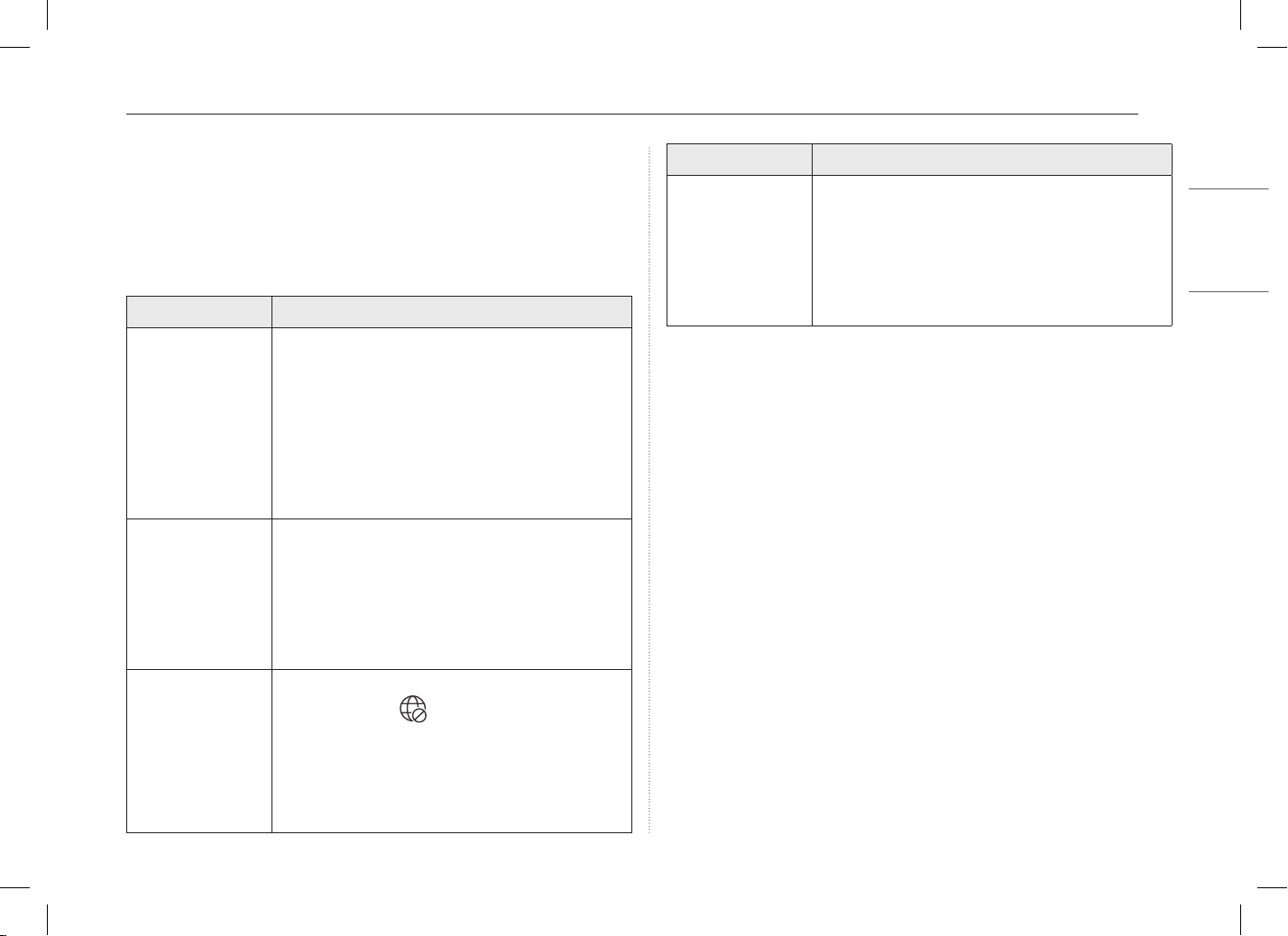
Troubleshooting
If the following symptoms appear while using the product, check again.
It may not be a malfunction.
Symptom Cause and Solution
The power does not
turn on.
• Check if the power cord is connected.
• After disconnecting the power cord and
reconnecting it, press the power button of the
product.
• If the power is not on after reconnecting the
power cord, remove the adapter and hold the
power button for at least 6 seconds to reset the
system. Once the system is reset, press the power
button again to turn on the PC.
The system stops
during use or does
not properly turn
off.
• Remove the adapter and press the power button
for approximately 6 seconds to reset the system.
Once the system is reset, press the power button
again to turn on the PC.
- Caution: Unsaved data may be lost. Pressing the
power button while the PC is in use may cause
damage to the storage device or a system error.
The wireless
network is not
connected.
• If the Airplane Mode is turned on, set to [Off].
Click the Wi-Fi [ ] icon on the right side of the
taskbar and check if AP displays properly.
• You may not be able to access a secure
wireless network. Contact the wireless network
administrator.
• Reinstall the wireless network driver.
Symptom Cause and Solution
I want to reinstall
the driver.
• After searching and running [App and Function]
or [Installed apps] in the search window of the
Windows taskbar, remove the driver you want to
reinstall.
• After searching and running [LG Update & Renew]
in the search window of the Windows taskbar,
reinstall the driver through the [Update] menu.
Appendix
Open Source Software Notice Information
To obtain the source code that is contained in this product, under GPL,
LGPL, MPL, and other open source licenses that have the obligation to
disclose source code, and to access all referred license terms, copyright
notices and other relevant documents please visit
https://opensource.lge.com.
LG Electronics will also provide open source code to you on CD-ROM for a
charge covering the cost of performing such distribution (such as the cost
of media, shipping, and handling) upon email request to
This offer is valid to anyone in receipt of this information for a period of
three yearsafter our last shipment of this product.