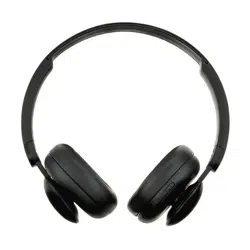
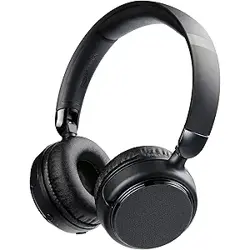
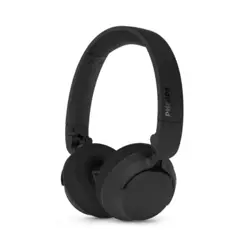
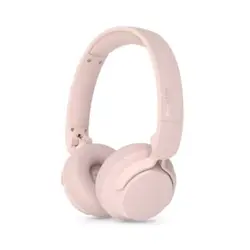
onn. Wireless On-Ear Headphones Qick Start Guide
The Fine Print
FCC Statement
This equipment has been tested and found to comply with the limits for a Class B digital device, pursuant to Part 15 of the FCC Rules. These limits are designed to provide reasonable protection against harmful interference in a residential installation. This equipment generates uses and can radiate radio frequency energy and, if not installed and used in accordance with the instructions, may cause harmful interference to radio communications.
However, there is no guarantee that interference will not occur in a particular installation. If this equipment does cause harmful interference to radio or television reception, which can be determined by turning the equipment off and on, the user is encouraged to try to correct the interference by one or more of the following measures:
-- Reorient or relocate the receiving antenna.
-- Increase the separation between the equipment and receiver.
-- Connect the equipment into an outlet on a circuit different from that to which the receiver is connected.
-- Consult the dealer or an experienced radio/TV technician for help. This device complies with part 15 of the FCC Rules.
Operation is subject to the following two conditions: (1) This device may not cause harmful interference, and (2) this device must accept any interference received, including interference that may cause undesired operation.
Warning:
Changes or modifications to this unit not expressly approved by the party responsible for compliance could void the user’s authority to operate the equipment.
Need help? We’re here for you every day from 7 a.m.-9 p.m. CST. Give us a call at 1-888-516-2630.
Produced for Walmart Inc. Bentonville, AR 72716
The device has been evaluated to meet general RF exposure requirement. The device can be used in portable exposure condition without restriction.
Ver.03 26/7/22 FCC ID :2ADTV-2890
Get to Know Your Wireless Headphones
1) Model: AAABLK100002890
2) Speaker Rated Input Power: 10mW
3) Speaker Maximum Input Power: 15mW
4) Speaker Diameter: 30mm
5) Speaker Impedance: 32Ω±15%
6) Sensitivity: 100±4dB
7) Charging Cable: 50cm
8) Audio Cable: 120cm
What's in the Box?
Check to make sure you have everything below
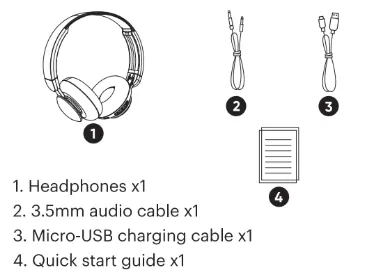
1. Headphones x1
2. 3.5mm audio cable x1
3. Micro-USB charging cable x1
4. Quick start guide x1
Let's Get Started!
On/Off & Pairing
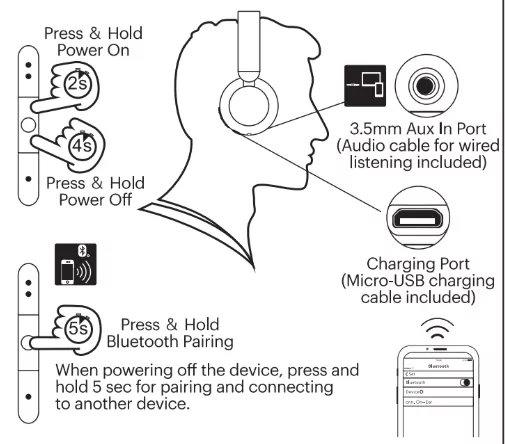
For the first time use, power on the headphones and it will go to pairing mode automatically. Product will automatically reconnect to the last paired device when powered on next time.
Ports and Controls Overview
Press & Hold – 3.5mm Aux In Port (Audio cable for wired listening included)
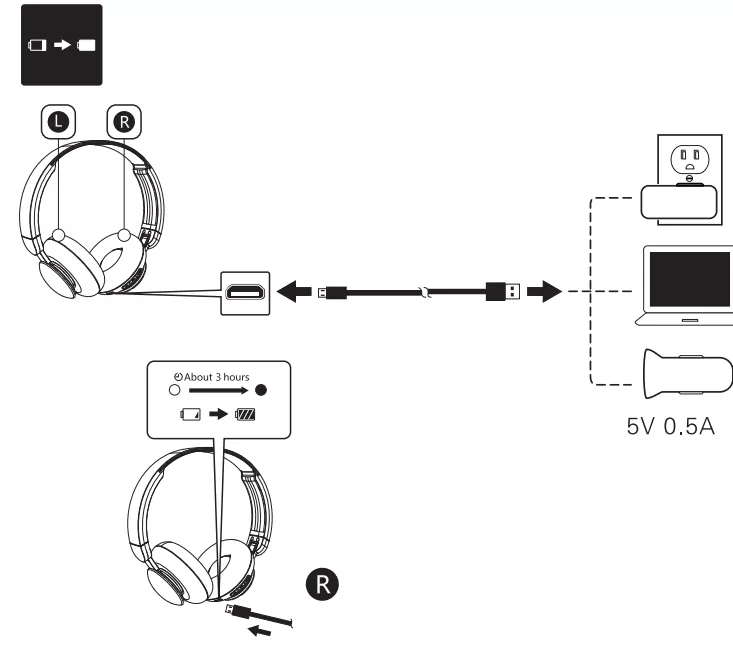
Press & Hold – Charging Port (Micro-USB charging cable included)
Press & Hold – Bluetooth Pairing
When powering off the device, press and hold 5 sec for pairing and connecting to another device.
Enjoy Your Music
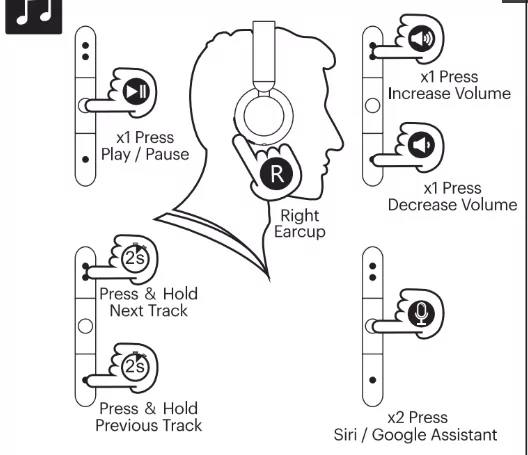
Increase Volume
Play / Pause
Decrease Volume
Press & Hold – Next Track
Press & Hold – Previous Track
x2 Press – Siri / Google Assistant
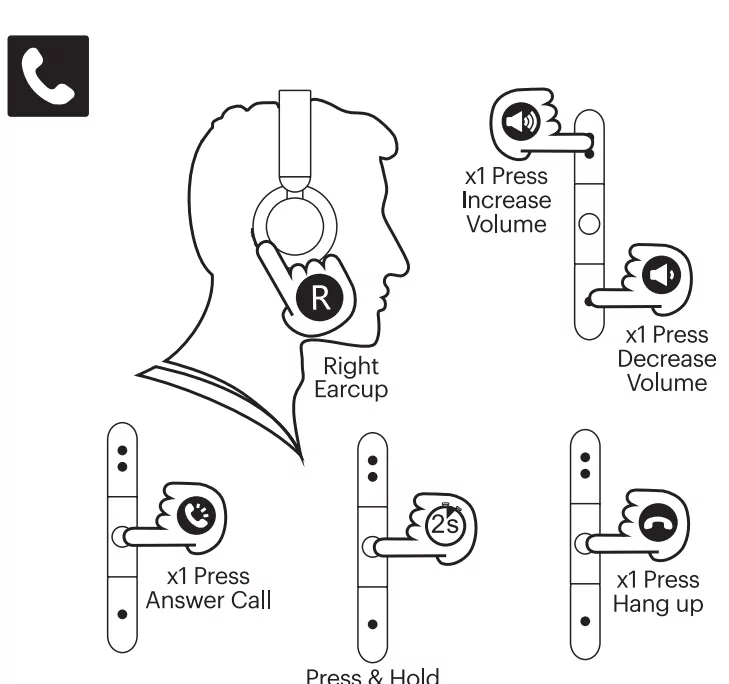
Call Control
x1 Press – Answer Call
x1 Press – Hang up
Press & Hold – Reject Call
Charge Headphones