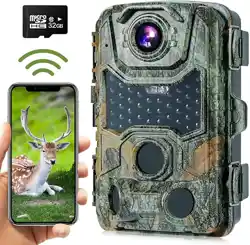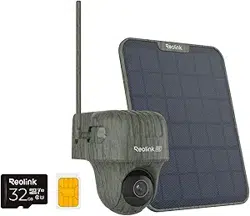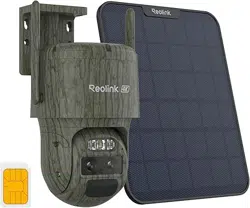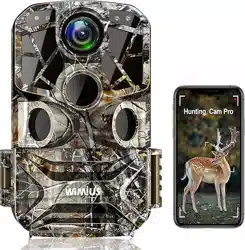
H8 TRAIL CAMERA
Hunting Camera with Remote Wifi

Super Fine: When this option is set, it will cost more electricity, as long as the IR-LED is turned on, it will work
in the brightest state;
Economy: When setting to economy, it is more power-saving. As long as the IR-LED lamp is turned on, the
lamp will be at the weakest b「ightness, making the batte「y life longer.
Note: It is recommended to use the
”
Auto" option to automatically adjust the brightness of the IR-LED lamp
according to the battery charge status.
7.Note
It is recommended to use an external power supply and
32GB
SD
/
SDH
C
C
ard, and use SD
/
SDH
C
C
ard
(Y
ou put the card in with the metal contacts up. If you want to use a micro-SD card, you will need an
adapter
)
8.Monitoring Period
Set the target working time of the camera
Select "Monito「ing Period
”
,
then press OK button, select "On
”
,
The start time and end time of the田mera can
be set. Aer the setting is completed, the camera will only work within the set time every day; and the standby
time at other times.
9.Record Audio
Select on or o忏to choose 「ecord audio O「 not.
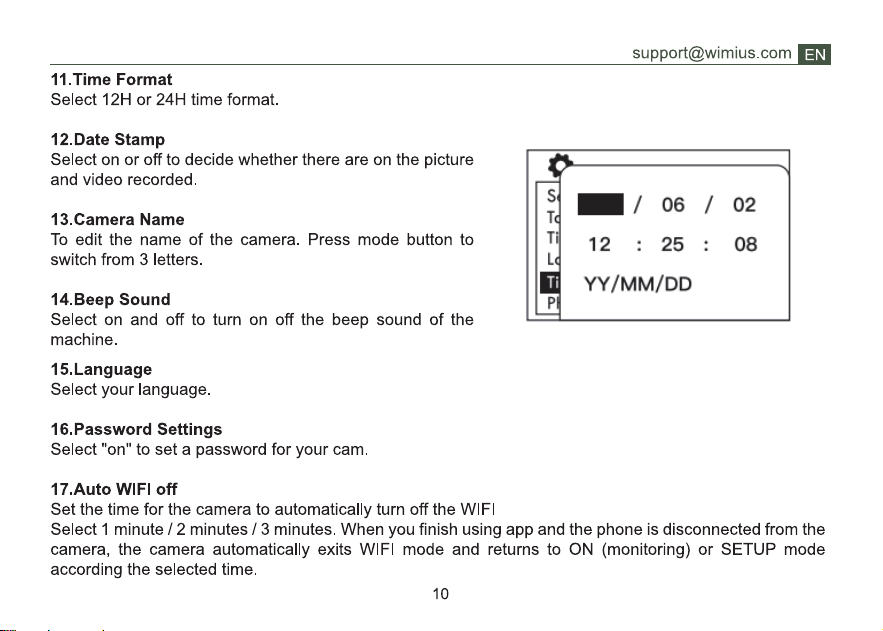
10. Time and date
Set time and date: Set the time and date according to the cu「rent time zone. Press up I down to select
numbers. Press
”
OK
”
to change the value
09