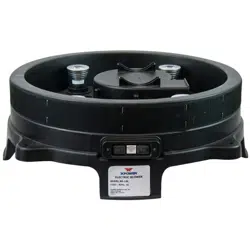
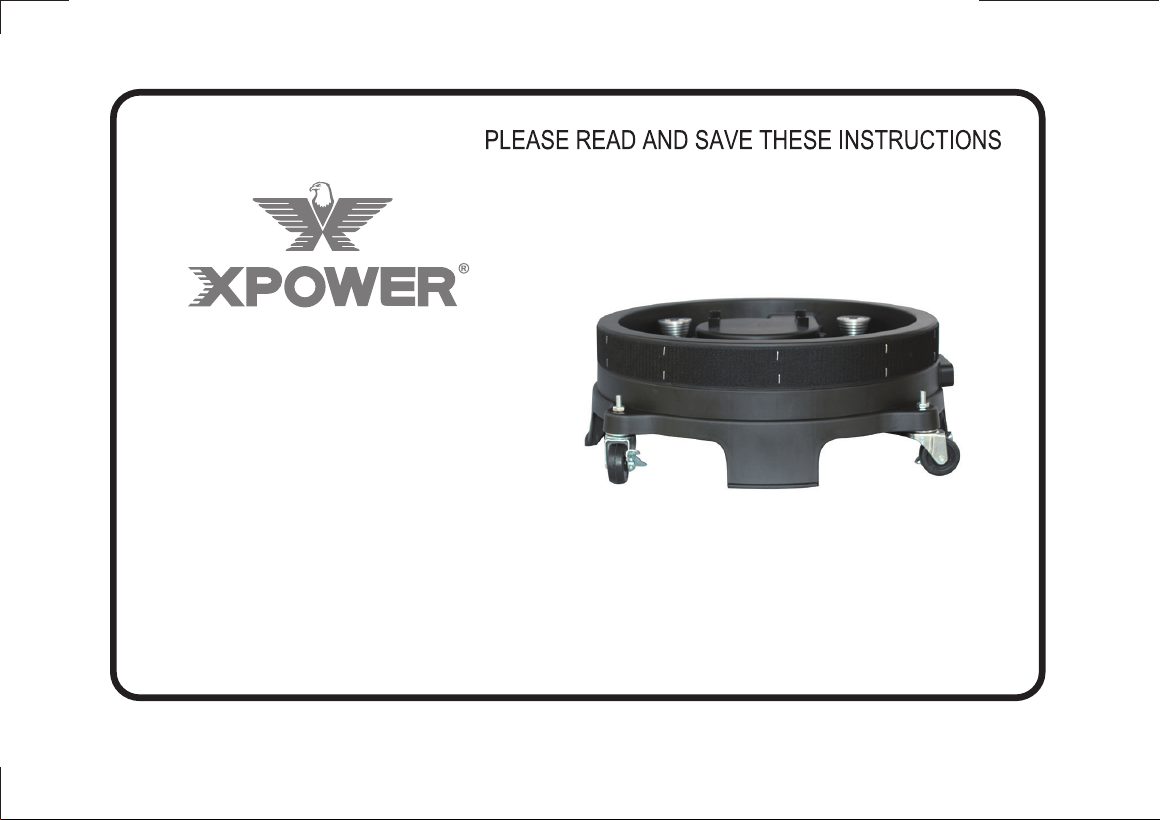
BR-18L
AIR COLUMN BLOWER
OWNER’S MANUAL
XPOWER Manufacture, Inc.
668 S. 6th Ave., City of Industry, CA 91746, USA
Tel: 626-285-3301, Fax: 626-285-3302
www.xpower.com
XPOWER Air Column Blower BR-18L is designed for advertising inflatable market and special
event's décor uses.
Features:
• Low power draw with air flow 160 CFM
• Super compact and lightweight motor design
• 10 ft. power cord length
• Easy cord wrap
• Durable and rugged housing with 1 year warranty
• Customizable color changing LED lights (BR-18L)
• Easy fasten Velcro loop lined border
Package Include:
• Blower unit (1)
• Remote Controller (1) for LED
XPOWER BR-18L Air Column Blower is used to inflate advertising pillar units. It is durable and easy
to operate with an effective balance of static pressure and airflow.
The units are suitable for a variety of advertising applications with high intensity, internal pillar illumination.
1. XPOWER Air Column Blowers are shipped ready-to-use. Before plugging the unit into
the power source, inspect completely for any shipping damage.
2. Snugly attach the inflatable dancer around the Velcro strap on the blower housing.
3. Carefully place the Air Dancer Blower unit on a stable, flat dry surface.
4. Plug power cord into an outlet.
5. Turn on the switch to make sure unit operates normally.
6. Use the remote controller to light LED on if necessary .
7. Close supervision is necessary when the unit is used near children. Do not allow children to
play with or around the unit.
TM
WARNING: IMPORTANT SAFETY PRECAUTIONS! PLEASE READ COMPLETELY BEFORE
USING PRODUCT!
When using electrical appliances, basic safety precautions should always be followed to reduce
the risk of fire, electric shock, and personal injury, including, but not limited to the following:
1. To prevent electric shock, do not operate the unit in standing water. Never plug in or unplug the
unit with wet hands or while standing in water.
2. To avoid risk of injury, do not direct air flow at face or body.
3. Avoid sand, small rocks and other small objects from being sucked into the Blower.
4. To reduce the risk of fire or electric shock, do not use unit with any solid-state speed control device.
5. Do not operate any the with a damaged cord or plug. If the power cord is damaged, it must be replaced
by the manufacturer or its service agent or a similarly qualified person in order to avoid a hazard.
6. Unplug the Blower from the power supply before servicing or cleaning.
7. This product is not a toy and should only be used for its intended purpose. To reduce the risk of
injury, close supervision is necessary when the unit is used near children . Do not allow children
to play with or around the unit.
8. Do not move or carry the Blower while unit is operating.
1. To keep the Blower clean, use a damp cloth to wipe the surface of the housing.
2. Never clean the Blower directly with water.
3. When not in use, unplug and store the Blower in a dry indoor place.
4. Always disconnect the blower from its power source before performing any maintenance or
cleaning.
Problem Possible Cause Solu�on
a) Switch is OFF Turn switch ON
b) Faulty switch/cord Replace switch or cord
a) Check for obstruc�on entering
through the intake or exhaust
Remove obstruc�on
b) Check for any pressure against
blower housing
Remove any pressure
Weak Air Flow a) Obstructed vents/inlets Clean out vents/inlets
Motor Not Running
Scraping Noise From
Blower
Model BR-18L
Volt / Frequency 115 V, 60 Hz
Power
1/7 HP
Amp 0.92 Amps
Weight (unit / package) 9.3 Lbs. / 12.3 Lbs.
Speeds One
Size (H x W x D) 20.1 x 20.1 x 6.7 inch
Cord Length 10 Ft.
Overhea�ng Protec�on Thermal ly Protected
Rated Airflow
160 CFM
LED Lights w/ remote control
incl
Housing PP/Injec�on mold

XPOWER Limited Warranty (USA)
XPOWER’s Limited Warranty covers the unit (excludes POWER CORD) from defects in material
and cra�smanship. The Warranty covers normal use for a term of one year from the original
date of purchase including parts, labor, and one way shipping. Non-con�guous states must
pay for roundtrip freight. A purchase receipt must be provided.
Important!
This warranty does not cover or apply to defects due directly or indirectly to misuse, abuse,
disassembly, altera�on, corrosive chemicals, improper voltage, fire, flood, negligence,
accident, improperly or incorrectly performed maintenance or repair, or failure to perform
necessary maintenance or repair, or if the use of this product is not in compliance with the
instruc�ons and specifica�ons for its use
For Warranty service and parts replacement (US users only), you must:
A. Call 1-855-855-8868 for a RMA (Return-Merchandise-Authoriza�on) number.
B. Have original proof of purchase.
C. Use the original undamaged packaging or an industrial cer�fied packaging method.
End user will be responsible for shipping the unit (with RMA Number showing on the
shipping label) to the XPOWER Service Department. XPOWER will inspect, assess and advise
the repairs needed and the applicable cost, if any.
For users outside the US, please contact an XPOWER Distributor in your country or region for
Warranty service and parts replacement.
Service
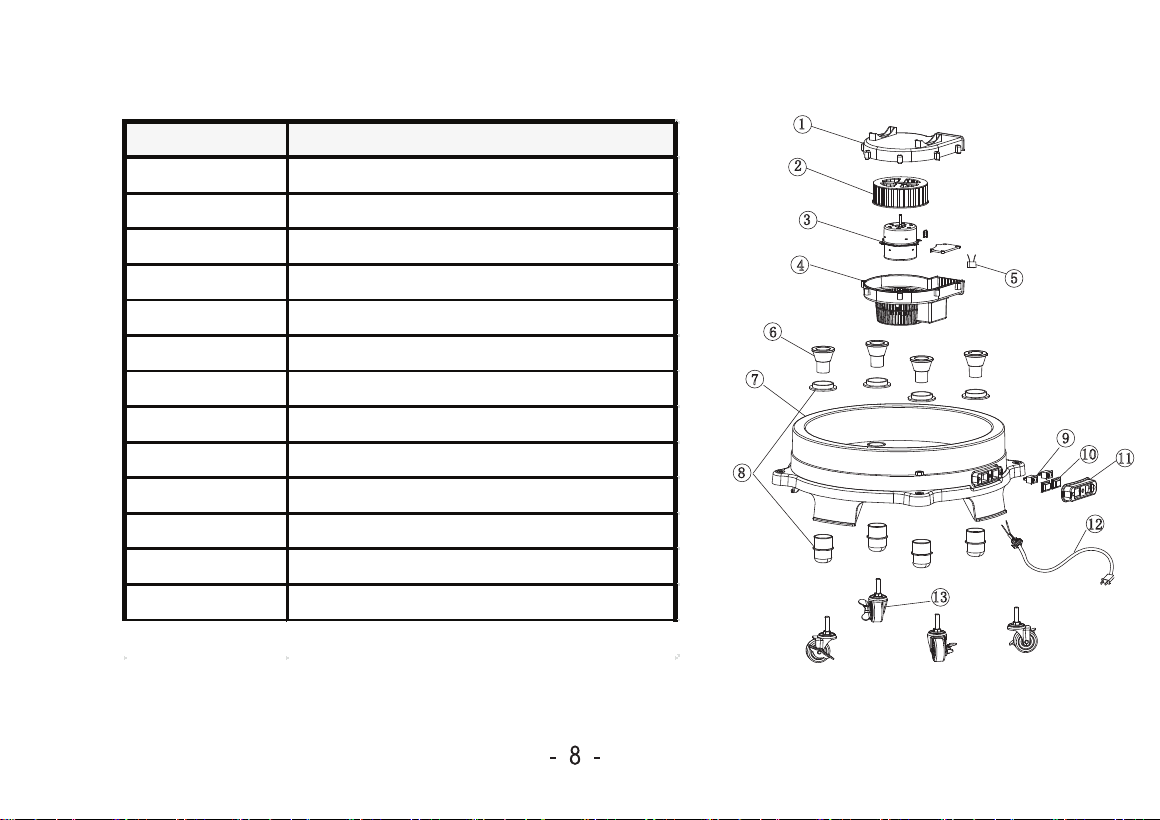
Parts List
** Actual parts are not limited on this list, contact XPOWER for ordering parts.
Item No. Parts Name
1 Upper cover
2
3
4
5
6
7
8
9
10
11
12
13
Fan
Motor
Capacitor
Lower cover
LED
Base
LED light base assembly
Switch
Switch sleeve
Switch case
Power cord
Wheels
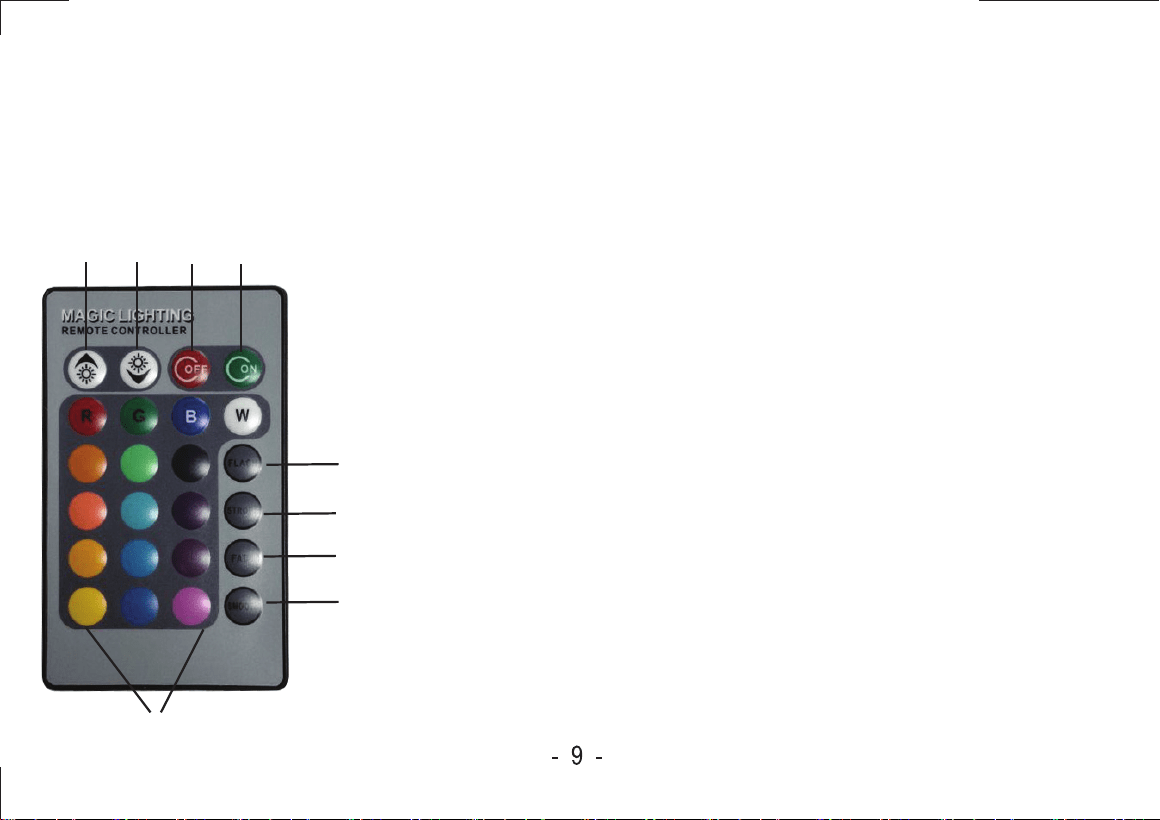
Remote Controller for LED
Accessory
1 2 3 4
5
6
7
8
9
1. Increase LED brightness
2. Decrease LED brightness
3. OFF: turn off LED
4. ON: turn on LED
5. FLASH: fast flash setting
6. STROBE: slow flash setting
7. FADE: fast fade setting
8. SMOOTH: slow fade setting
9. LED colors keys
Use this remote controller to control the LEDs on the blower.
•To display a specific color, press (select) a color key to display
desired color.
•With pre-programed setting, the LEDs automatically perform
color changes with default setting. Use the function keys 5, 6, 7
and 8 to adjust LED color and performance.
• Use keys 1 & 2 to adjust LED brightness.
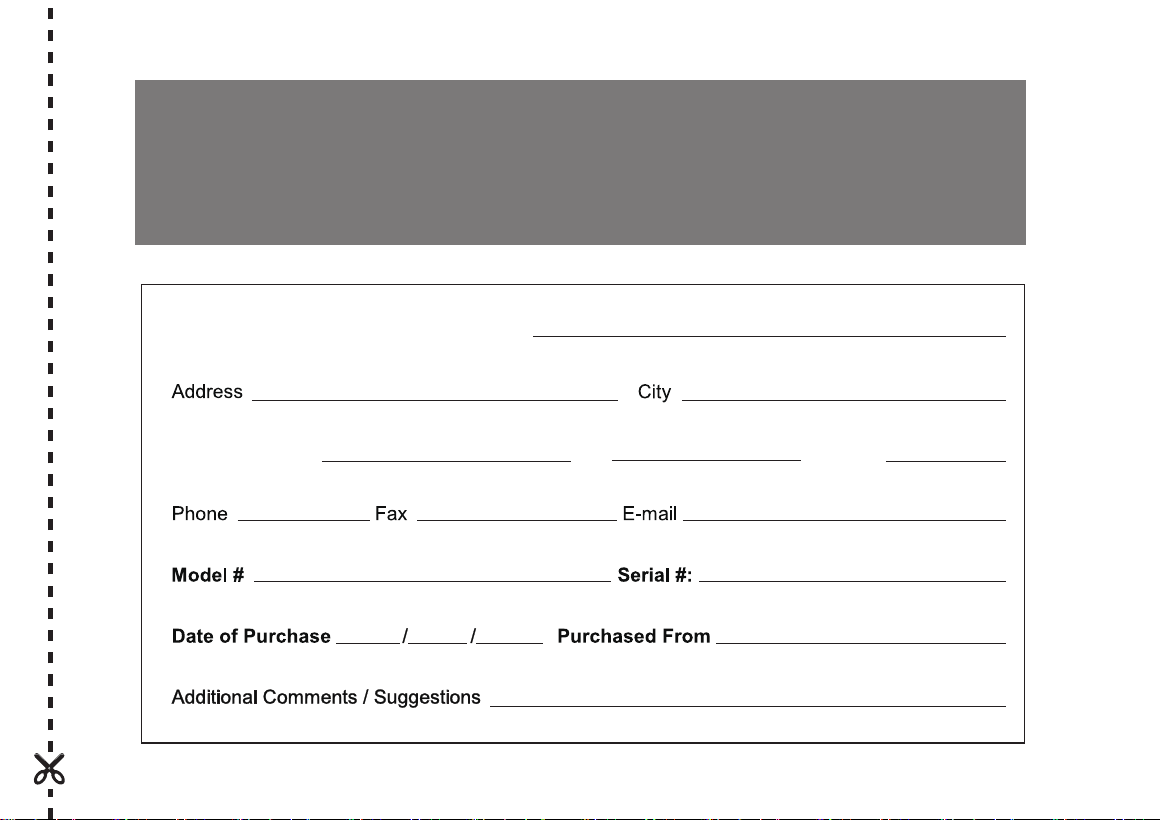
For your product warranty, please complete and mail / fax this form to XPOWER MANUFACTURE, INC.
Address:668 S. 6th Ave., City of Industry, CA 91746, USA Tel: 626-285-3301 Fax: 626-285-3302
Warranty Registration
Company Name / Contact Person / Title
State / Province
Zip Country
(for US user only)
(For your convenience, register your product online at xpower.com)
668 S. 6th Ave.,
City of Industry, CA 91746, USA
