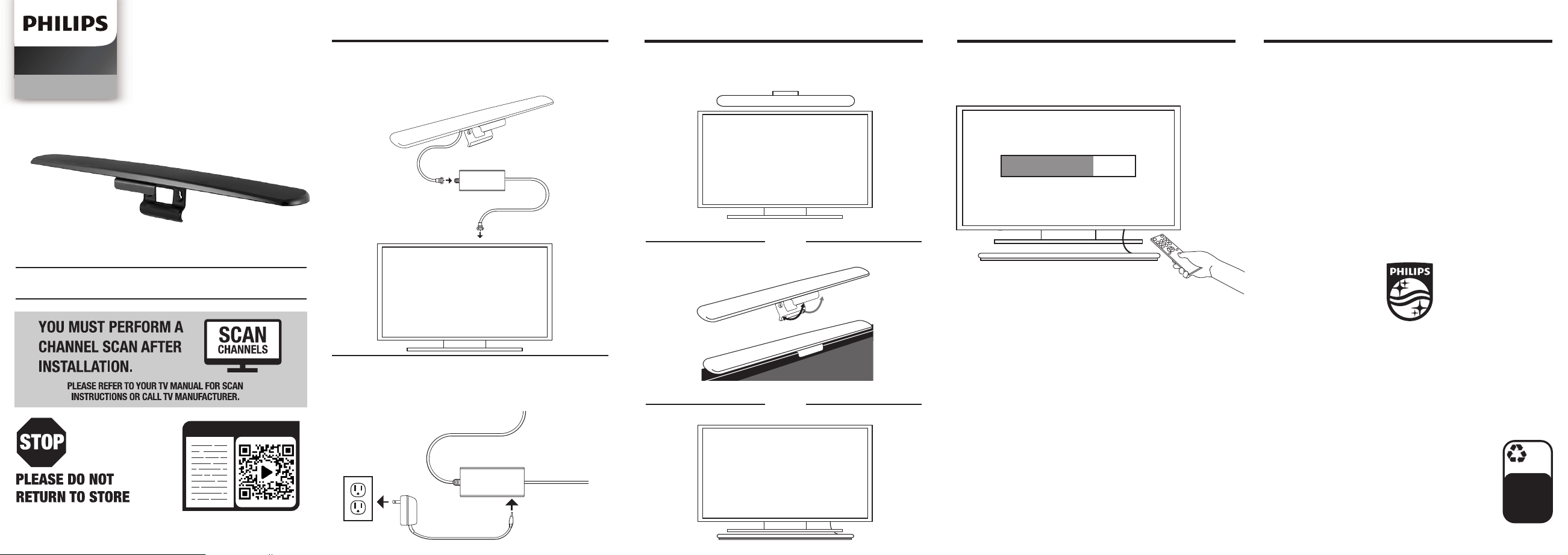
1. CONNECT
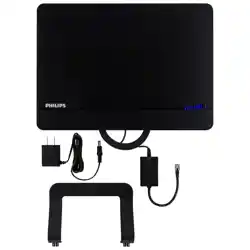
Connect antenna to amplier and
then amplier to TV.
Wall mount
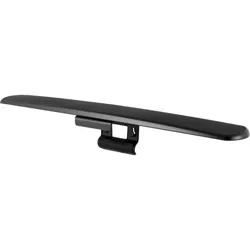
TV mount
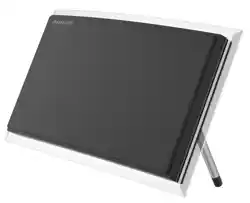
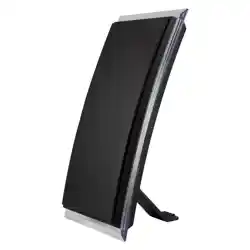
Tabletop
Amplier
Antenna
Connect power supply to amplier and
the power supply into wall outlet.
Power supply
2. PLACE 3. SCAN HELPFUL ANTENNA TIPS
Perform TV channel scan.
QUESTIONS? ISSUES?
CALL OUR U.S.-BASED
EXPERTS AT 1-844-816-0320
Amplier
100%
recyclable
Separate
paper
from plastic
before
recycling
byjasco.com/recycle
paper made from 25%
post consumer waste
SDV7219N/27
v1 2/2020
SDV7219N/27
Audio/Video
MADE IN CHINA
Philips and the Philips Shield Emblem are registered
trademarks of Koninklijke Philips N.V. and are used under
license. This product has been manufactured by and is sold
under the responsibility of Jasco Products Company, and
Jasco Products Company LLC, 10 E. Memorial
Rd., Oklahoma City, OK 73114 is the warrantor in
relation to this product.
This product comes with a limited-lifetime
warranty. Visit www.philips.com/support
for warranty details.
Questions? Contact our US-based
Consumer Care at 1-844-816-0320
between 7AM-8PM, M-F, Central Time.
Place antenna in desired location.
OR
OR
1. Open your TV’s Setup or Setting menu.
2. Select your TV’s scanning command — Scan,
Auto Tune, Channel Search, or Channel Scan.
3. Wait for the channel scan to nish.
Scanning Tips
• Consult the TV manual or visit the TV manufacturer’s website
for specic instructions.
• Rescan for channels anytime you move the antenna.
• Maximize the number of channels you receive by
placing the antenna in several dierent locations.
Be sure to run a new channel scan on your TV in
each position. Refer to the instruction manual that
came with your TV if you are unsure how to do this.
• Position or mount the antenna as high as possible
or near a window for best performance.
• Visit www.antennaweb.org or www.dtv.gov to
determine the available television stations and
location of the broadcast towers in your area.
SCAN FOR CHANNELS
SEARCHING...
TV
TV
TV
User manual
Questions? Contact us at
1- -816-0320 between
7AM–8PM CST.
READ IT OR WATCH IT
Read instructions or watch an easy-
to-follow video. Scan this QR code,
or visit http://byjasco.com/49644i
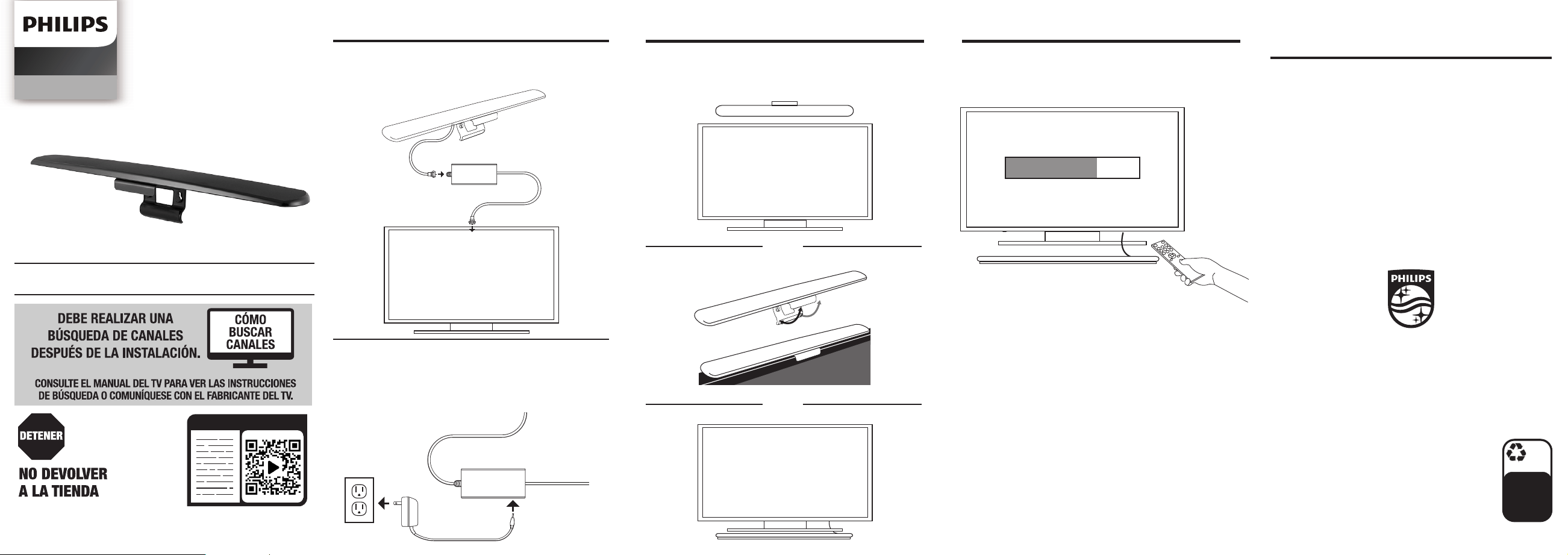
1. CONECTAR
Conecte la antena al amplicador
y este al TV.
Instalación en paredes
Conecte la alimentación eléctrica al
amplicador. Enchufe la alimentación
eléctrica en un tomacorriente de
pared.
2. COLOCAR 3. BUSCAR CONSEJOS ÚTILES CON
RESPECTO A LA ANTENA
Coloque la antena en la ubicación
deseada y extienda los dipolos.
Realice una búsqueda de canales
para su TV.
Amplicador
Amplicador
Antena
Alimentación
eléctrica
100%
recyclable
Separate
paper
from plastic
before
recycling
byjasco.com/recycle
paper made from 25%
post consumer waste
Monte la antena sobre el TV
De mesa
SDV7219N/27
Audio/Video
HECHO EN CHINA
Philips y el emblema de escudo Philips son marcas
registradas de Koninklijke Philips N.V. y se usan bajo
licencia. Este producto ha sido fabricado y se comercializa
bajo responsabilidad de Jasco Products Company y Jasco
Products Company LLC, 10 E. Memorial Rd., Oklahoma
City, OK 73114, es el garante en relación a este
producto.
Este producto tiene una garantía limitada de
por vida. Visite www.philips.com/support para
conocer los detalles de la garantía.
¿Tiene preguntas? Comuníquese al
1-844-816-0320 entre las 7AM - 8PM CST
(hora central estándar).
O
O
TV
TV
TV
SCAN FOR CHANNELS
SEARCHING...
BUSCAR CANALES
UBICANDO...
• Optimice la cantidad de canales al colocar la
antena en diversas ubicaciones. Asegúrese de
realizar una nueva búsqueda de canales de
TV en cada posición. Consulte el manual de
instrucciones de su TV de ser necesario.
• Posicione la antena a la mayor altura
posible o cerca de una ventana para
garantizar su funcionamiento óptimo.
• Visite www.antennaweb.org o www.dtv.gov para
determinar las estaciones televisivas disponibles y
la ubicación de las torres de transmisión de su zona.
¿PREGUNTAS? ¿PROBLEMAS?
CONTACTE CON NUESTROS EXPERTOS
AL 1-844-816-0320
Consejos para escanear
• Consulte el manual de su TV, o visite el sitio web del fabricante
de TV para obtener instrucciones especícas.
• Vuelva a buscar los canales cada vez que mueva la antena.
1. Abra la Conguración (setup) del TV
o el menú Conguración (setting).
2. Seleccione Buscar (scan), Autoajuste (autotune),
Búsqueda de Canales (channel search) o Escaneo
de Canales (channel scan).
3. Espere que el TV complete la búsqueda
de canales.
Manual del usuario
¿Tiene preguntas?
Comuníquese al 1-844-816-0320
entre las 7AM - 8PM CST
(hora central estándar).
Lea las instrucciones o mire un video
fácil de seguir. Escanee este código QR,
o visítenos en http://byjasco.com/49644i
LEERLO O MÍRALO