
4
1
2
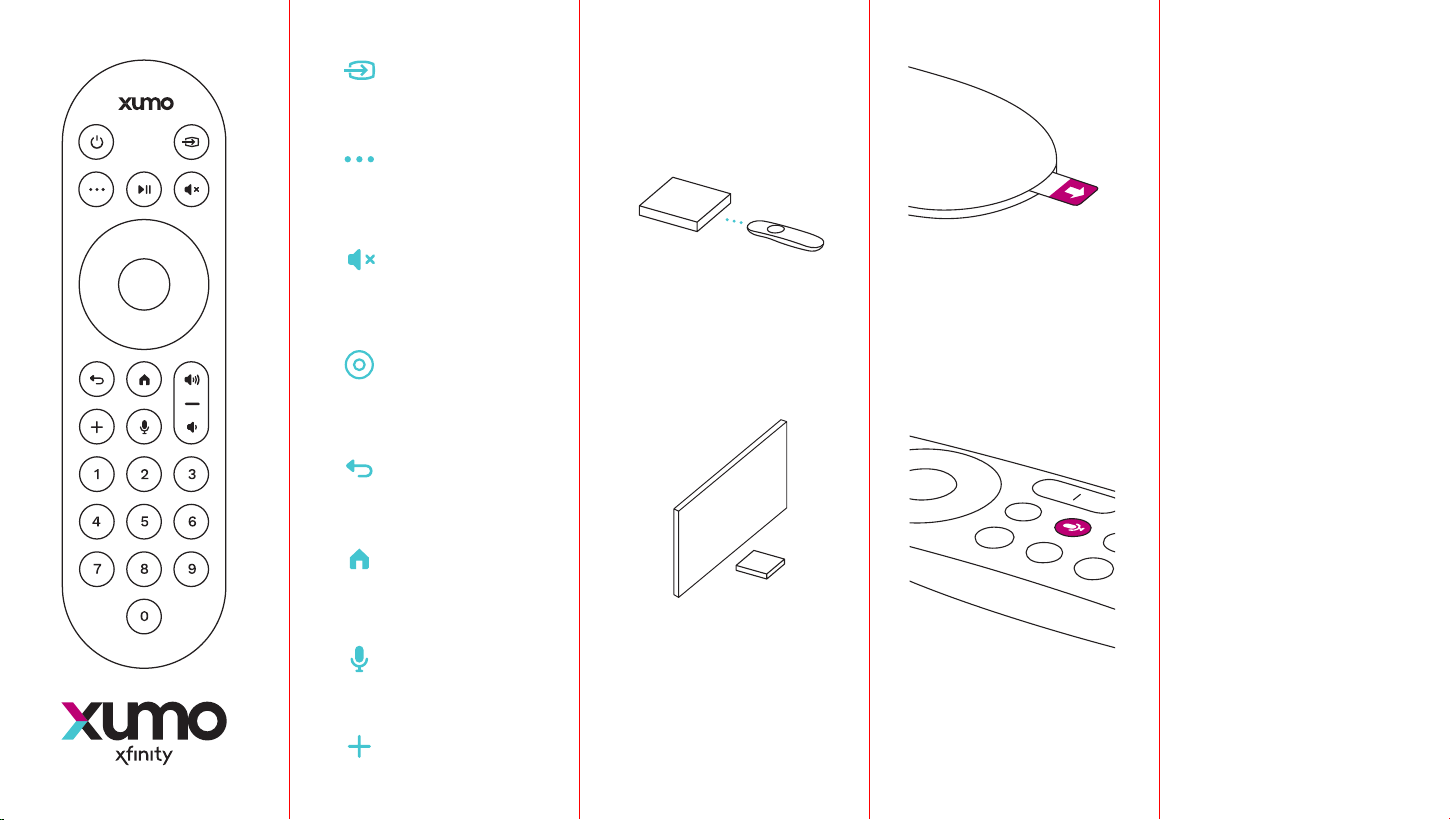
Pairing your
Voice Remote
Voice
commands
3
xfinity.com/chat
xfinity.com/xr-remote-fcc
-compliance-notice
xfinity.com/accessibility
Point the Remote at the
TV Box and follow the
onscreen instructions.
Make sure the front
of the TV Box is not
obstructed.
Remove pull tab.
2AAA batteries are
pre-installed.
Your TV and TV Box
both need to be on,
with the TV set to the
correct input.
Need help?
Explore accessibility
features
After setup, try these
commands while you
hold the voice button.
“What can I say?”
“Remote settings”
“Free Movies”
Learn more about FCC
information at
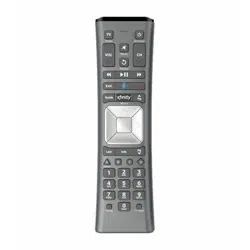
Input
Voice control
Back
Home
Navigation
OK selection
Mute
More
Add
4
1
2
Enlaza tu nuevo
Control Remoto
por voz
Comandos
de voz
3
es.xfinity.com/chat
es.xfinity.com/xr-remote
-fcc-compliance-notice
es.xfinity.com/accessibility
Apunta el control remoto
hacia la caja de TV y
sigue las instrucciones
en pantalla.
Asegúrate de que la
parte frontal de la caja
de TV no esté obstruida.
Quita la pestaña trasera.
Las baterías 2AA ya están
instaladas.
Ambos tu TV y tu caja
de TV necesitan estar
encendidas, con el
televisor en la entrada
correcta.
¿Necesitas ayuda?
Descubre funciones de
accesibilidad
Después de terminar la
configuración, prueba
diciendo estos comandos
mientras mantienes
apretado el botón de voz.
“Muéstrame deportes”
“Configuración”
“Películas gratis”
Más información sobre
FCC en
Input
Control por voz
Atrás
Inicio
Navegación
Seleccionar OK
Silenciar
Más
Agregar
308914