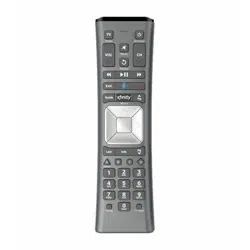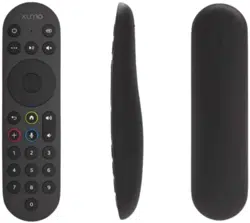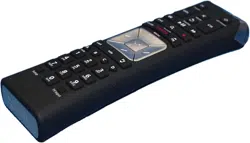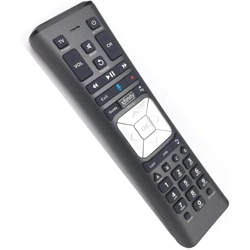
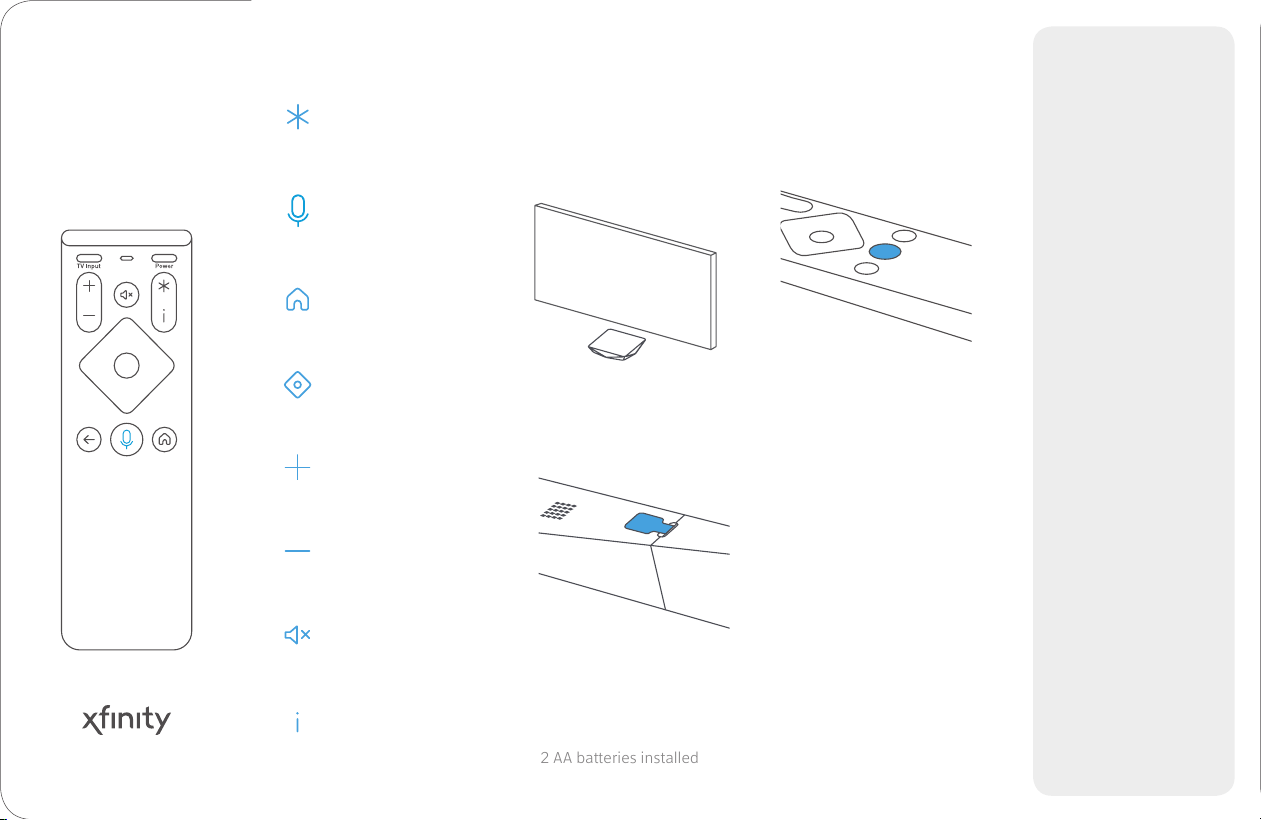
Set your own shortcut
Press for options,
including accessibility
Information
Volume up
Volume down
Mute
Navigation
Voice control
Hold down and speak
Home
Go to home screen
Point the remote at
the TV Box and press
the voice button.
Then follow the
instructions on your
TV to nish setup.
1
2
2 AA batteries installed
Activate the remote
by removing the pull
tab on the back.
Your TV and Streaming
TV Box both need to be on.
Pairing your
new remote
3
Xnity
Voice Remote
Need help? We’re here.
Watch videos, search
FAQs, and more at
Learn more about
FCC information at
We speak your
language.
For English and
Spanish, give us a
call at:
For Chinese, Korean,
Vietnamese, Tagalog:
1-800-xnity
1-855-955-2212
xnity.com/selnstall
xnity.com/
fcc-compliance-notice
Explore accessibility
features.
Closed captioning,
voice guidance and
more at
xnity.com/support/
accessibility