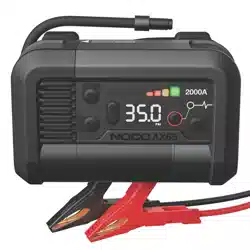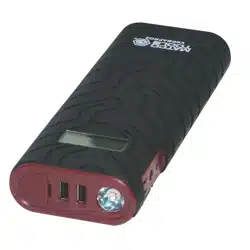
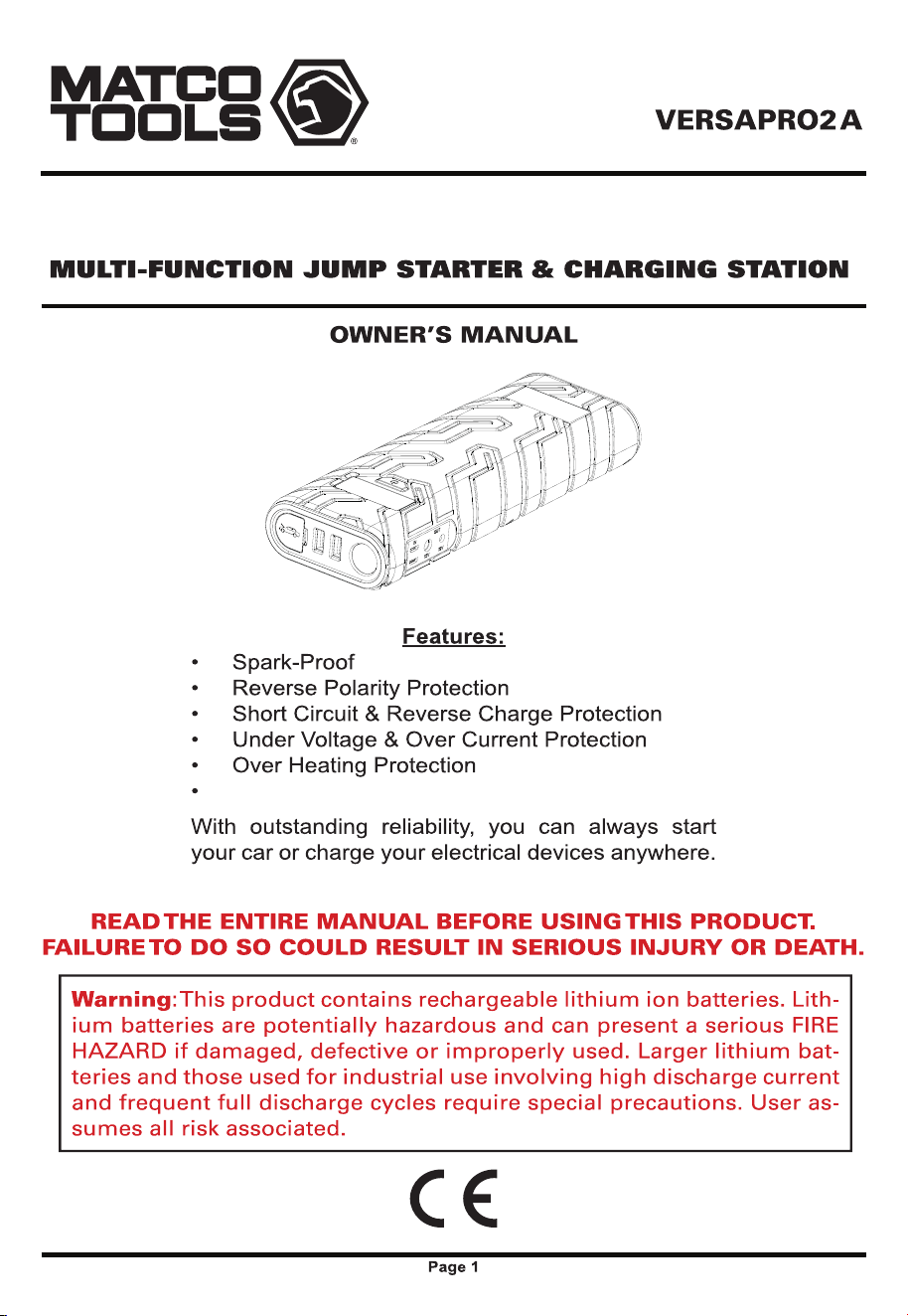
Boost up to 8.1L Gas and 6.4L Diesel Engines
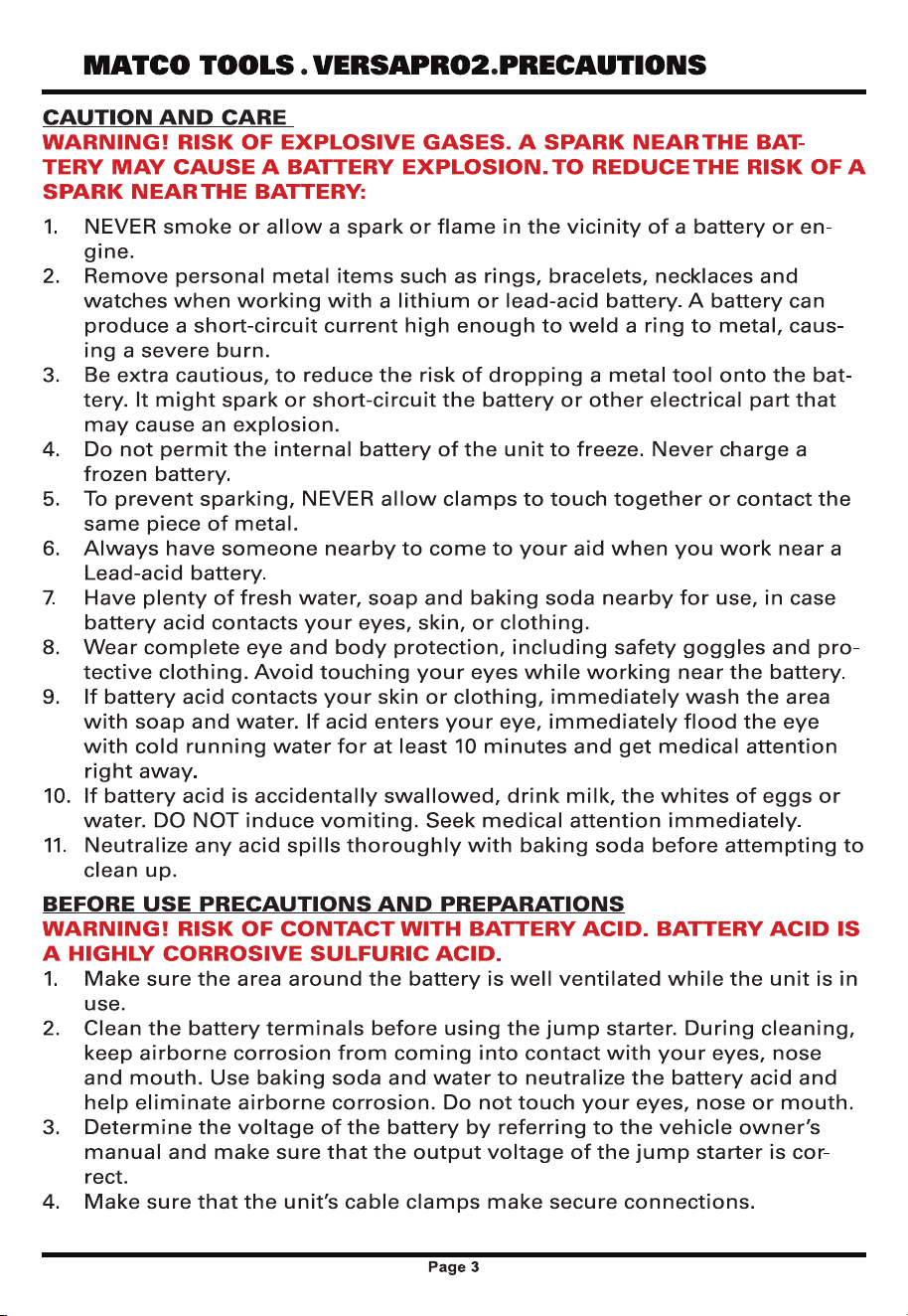
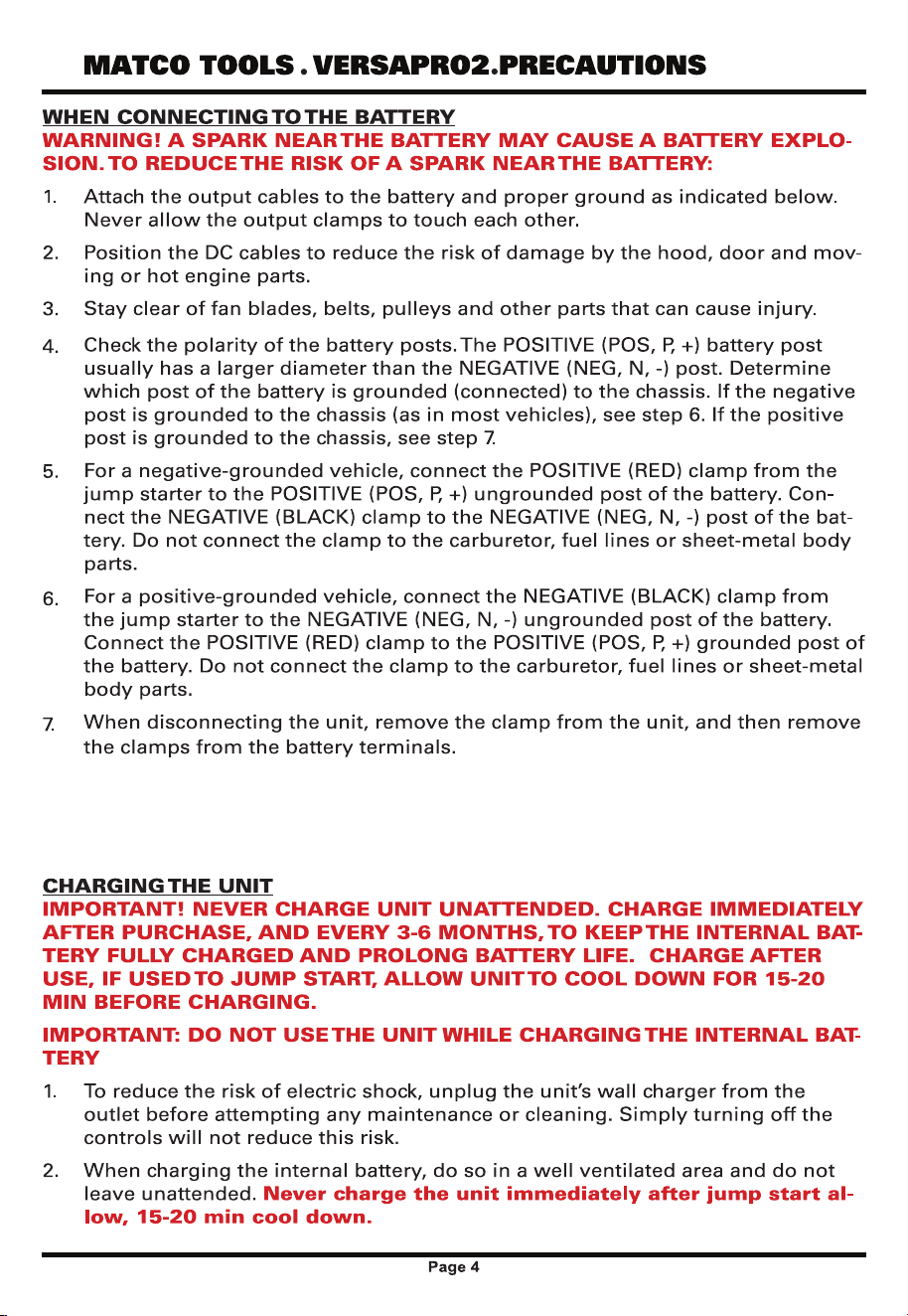
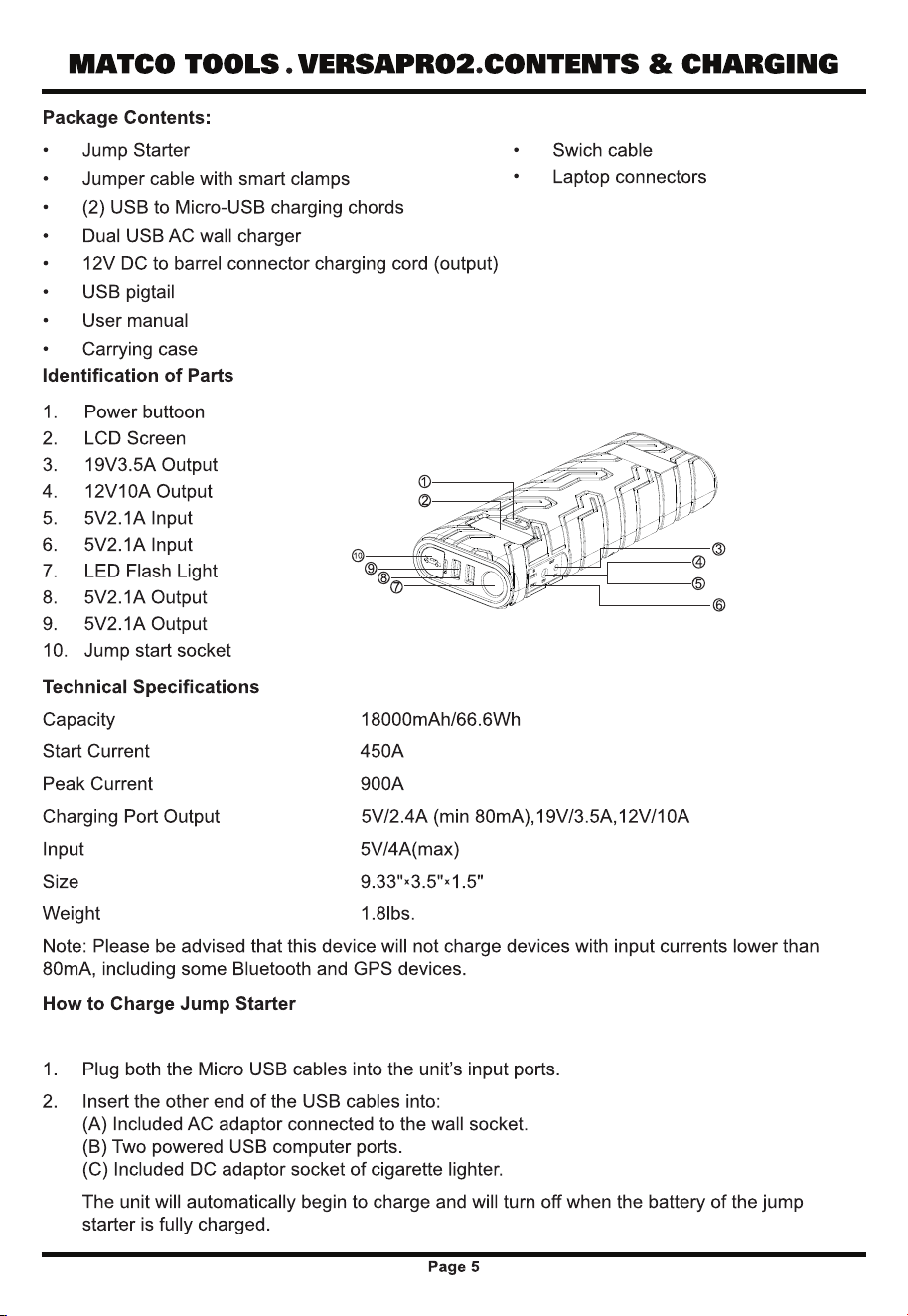
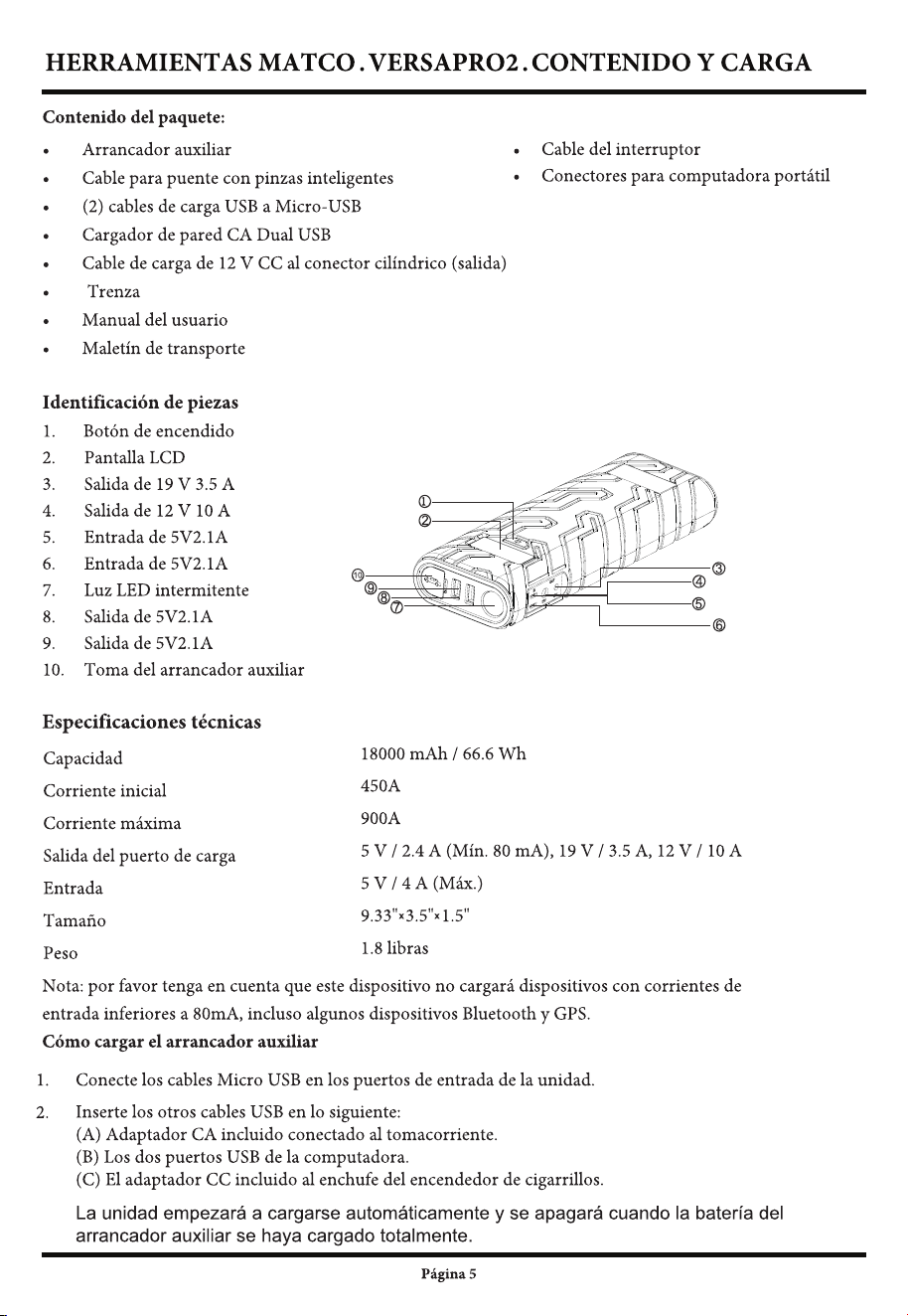
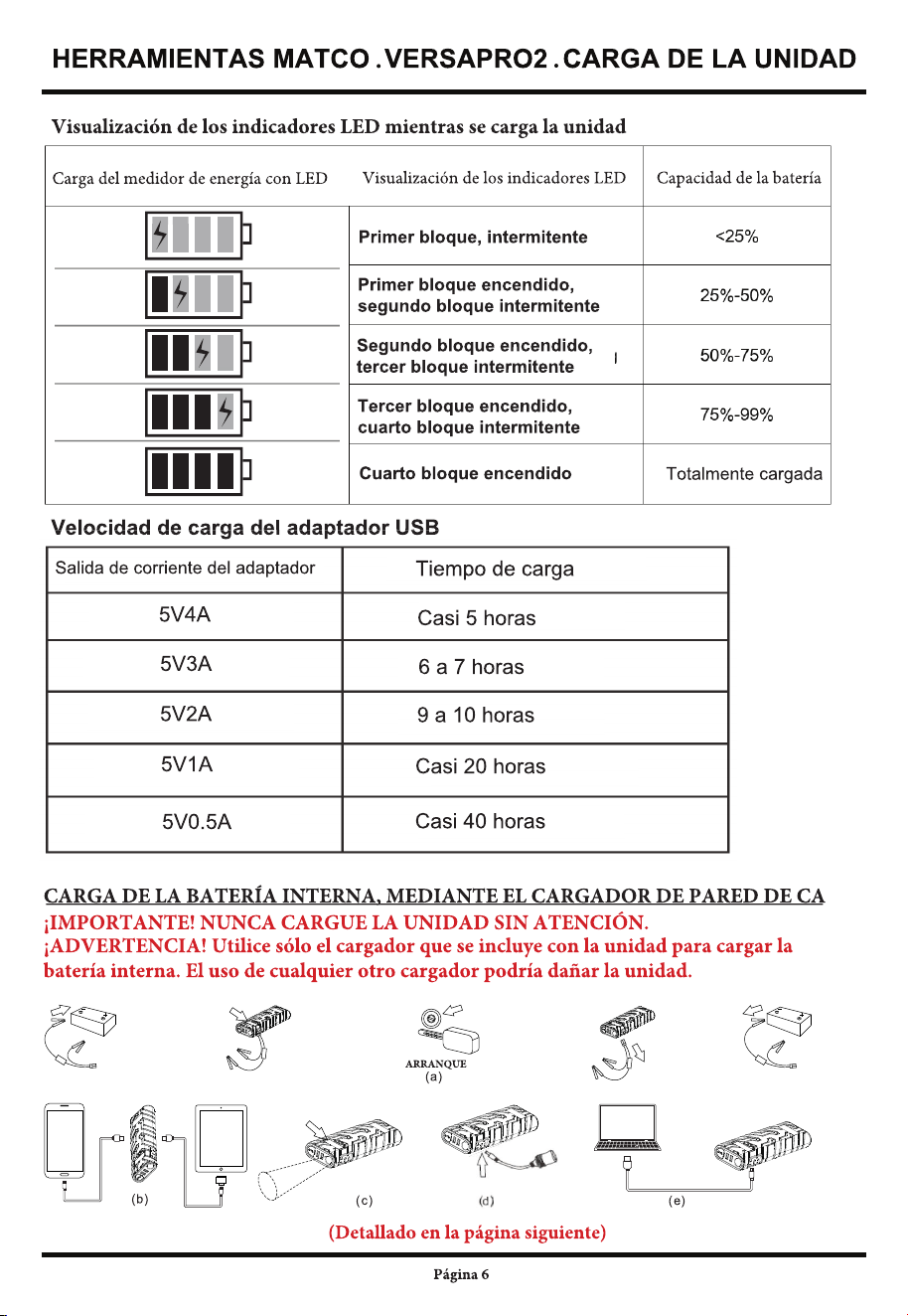
CHARGE AT USB INPUT PORTS ONLY. NEVER CHARGE UNATTENDED. ALLOW UNIT 30 MIN
COOL DOWN AFTER USE BEFORE CHARGING
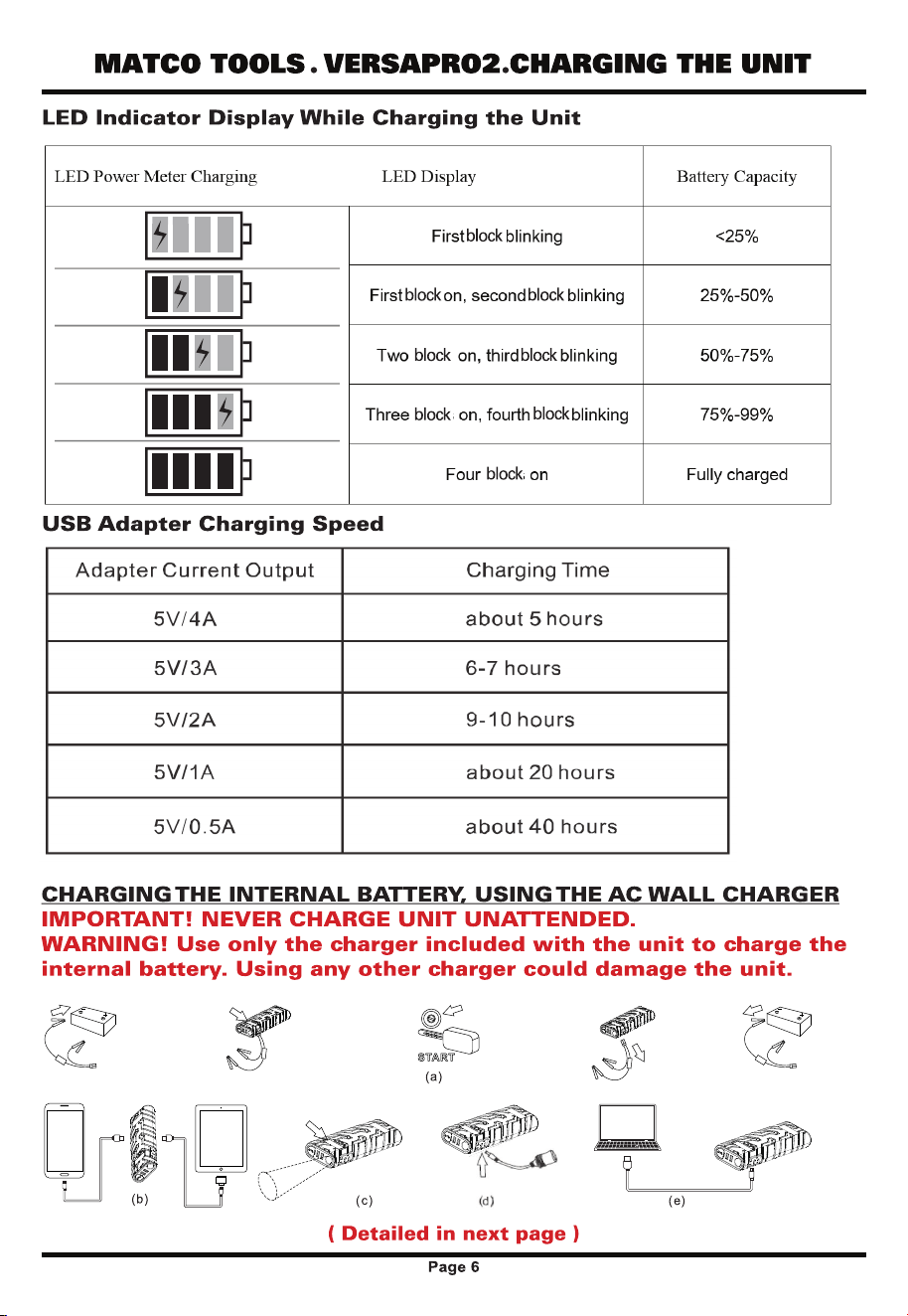
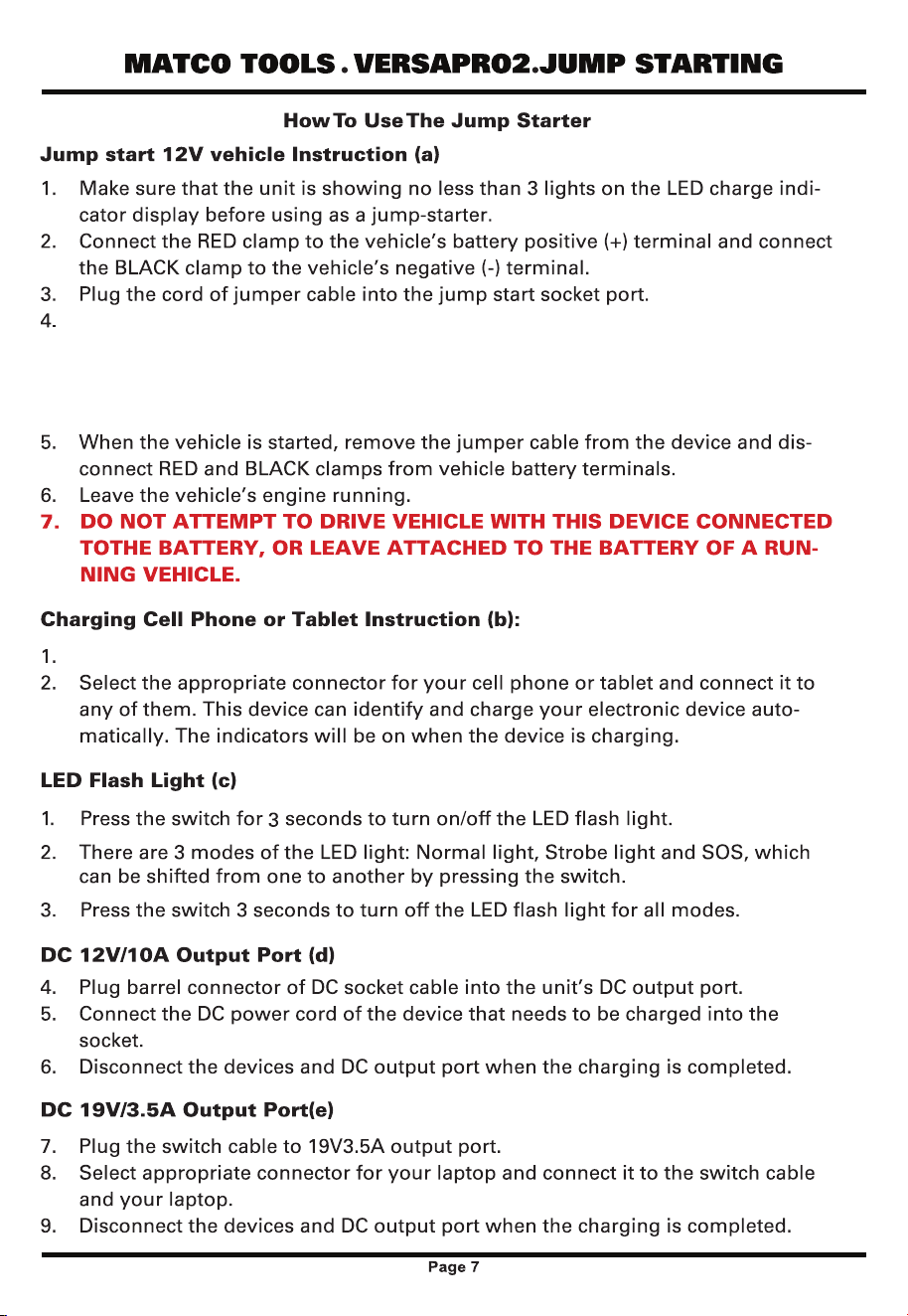
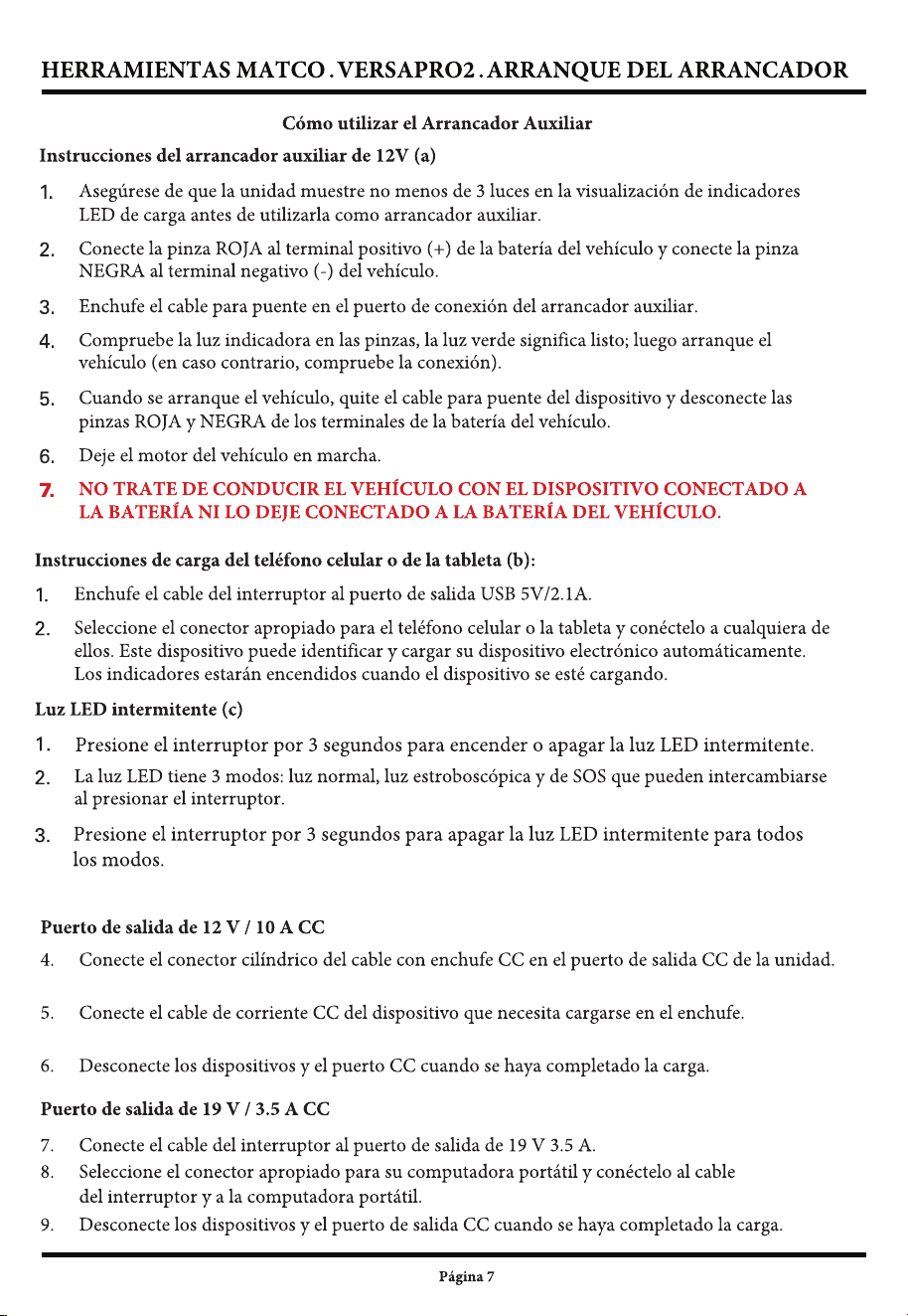
Check indicator light on clamps.
A. Green Light indicates "Ready to Jump Start".
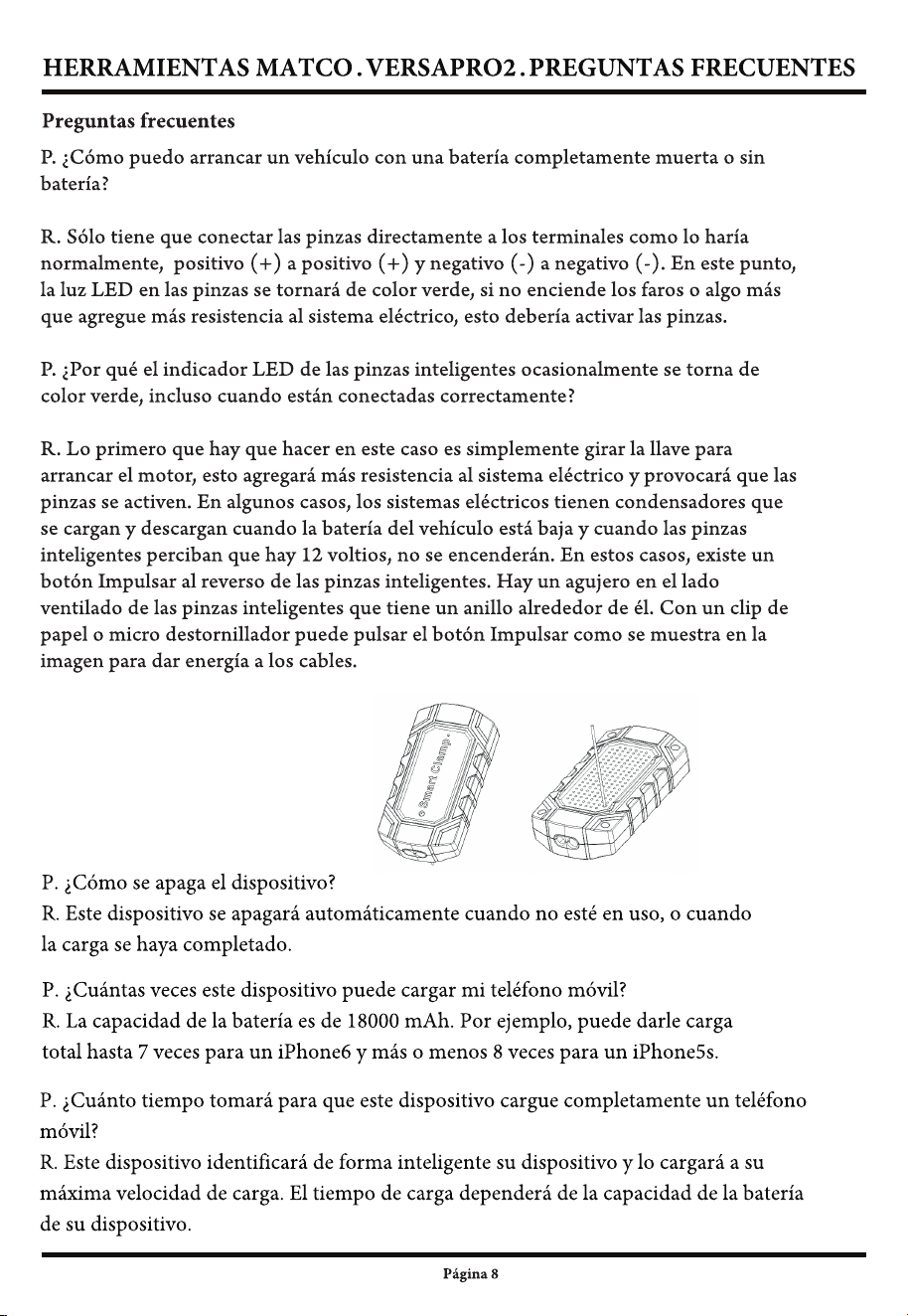
B. If indicator light remains Red this means the vehicle battery is very low and battery should
be replaced. In an emergency situation the "override switch" on back of clamps can be
pressed to automatically activate clamps.
Plug a USB charging cord into USB 5V/2.1A output port.
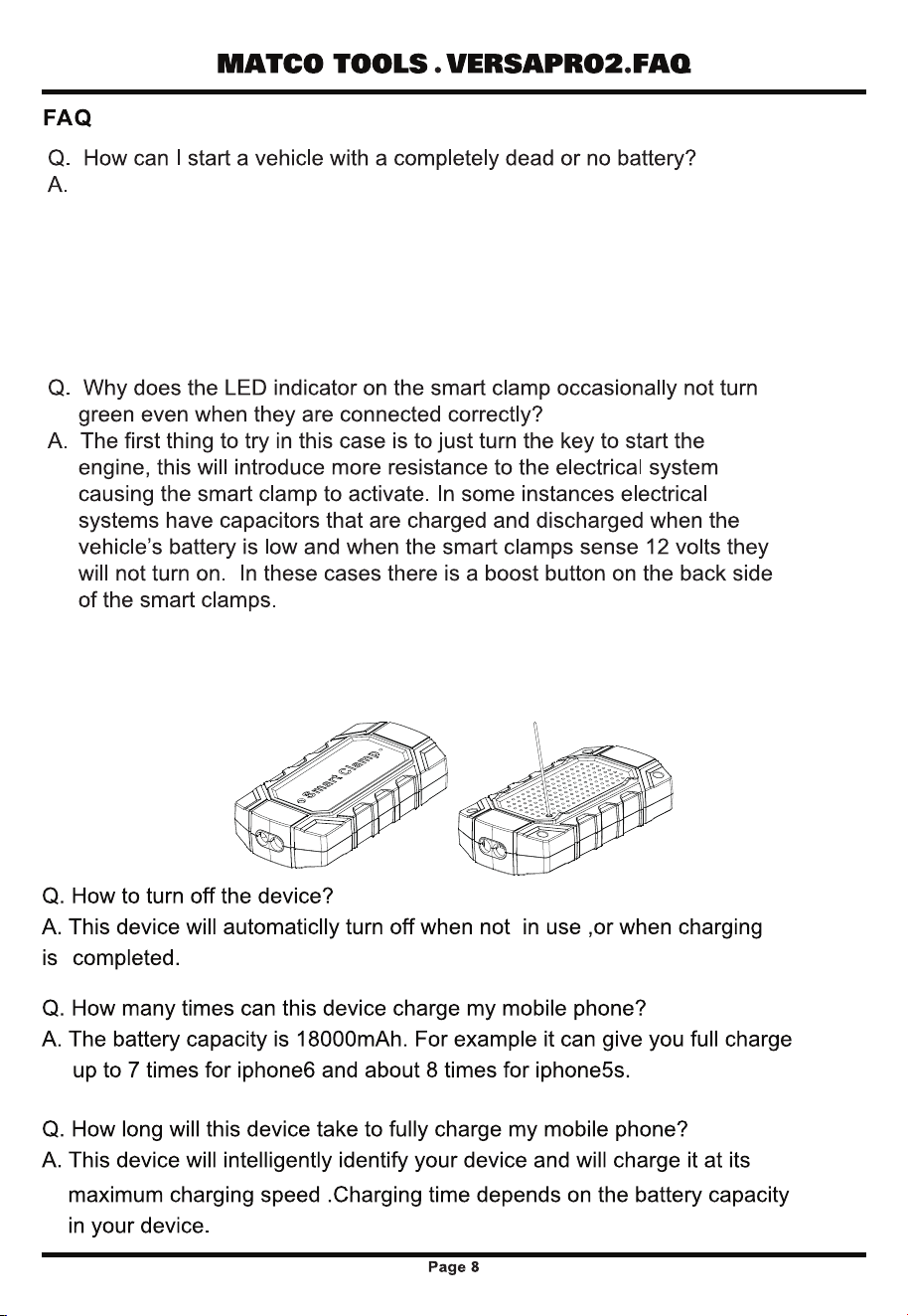
Hook the clamps directly to the terminals as you normally would, positive(+)
to positive(+) and negative(-) to negative(-). At this point the LED indicator on
the clamp housing should be green to show jump start is ready. If indicator
light is not green the vehicle battery voltage is extremely low or there is no
battery. If this is an emergency situation the "override" switch on back of
housing can be pressed to activate clamps for use. Keep in mind once button
is pressed it will override safety features and clamps will be live.
protection for reverse polarity and touching clamps together are overridden
If clamps are hooked to battery/vehicle incorrectly or clamps are touched
together it will cause damage to product.
Keep in mind once the button is hit the safety
12