
Title:
Do Not Disturb Guide
Version:
v1.0
Date:
28/08/2024
Product:
IP Intercom
Page:
1 of 5
Intercom Pre-Configuration • How to Guide
0
Preparation
In order to use this guide, you will require:
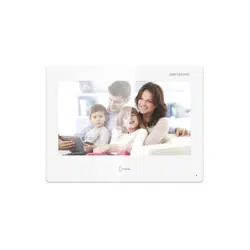
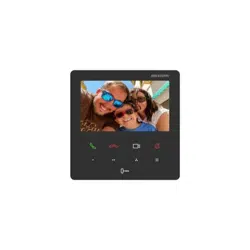
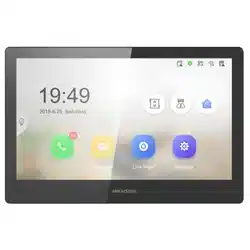
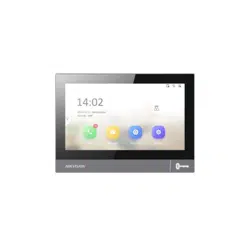
1. Indoor Station KH6 or KH8 Series
How to set up Do Not Disturb
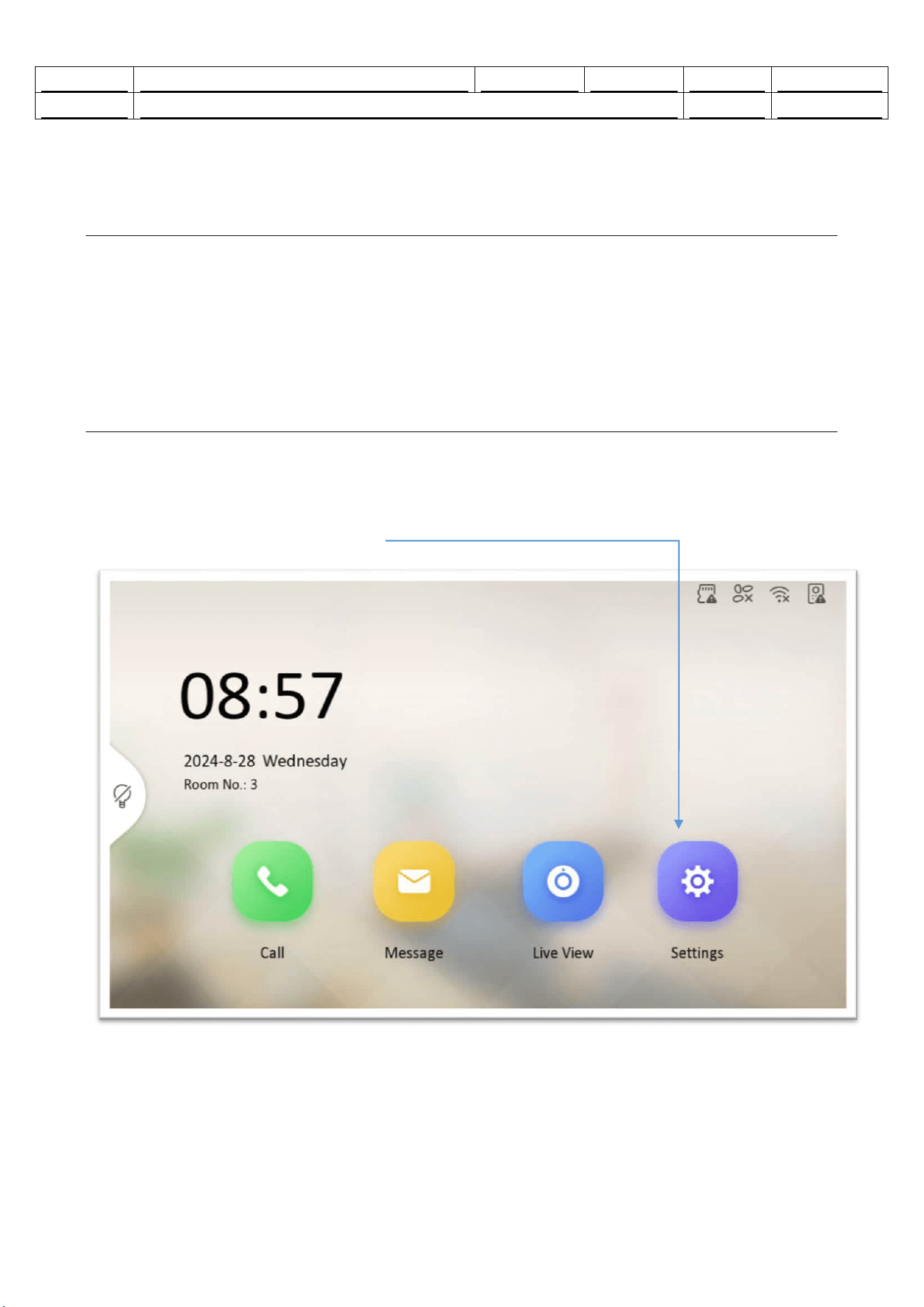
1. Key Step 1 – Select Settings
1) Press the settings icon.
Do Not Disturb • How to Guide
1
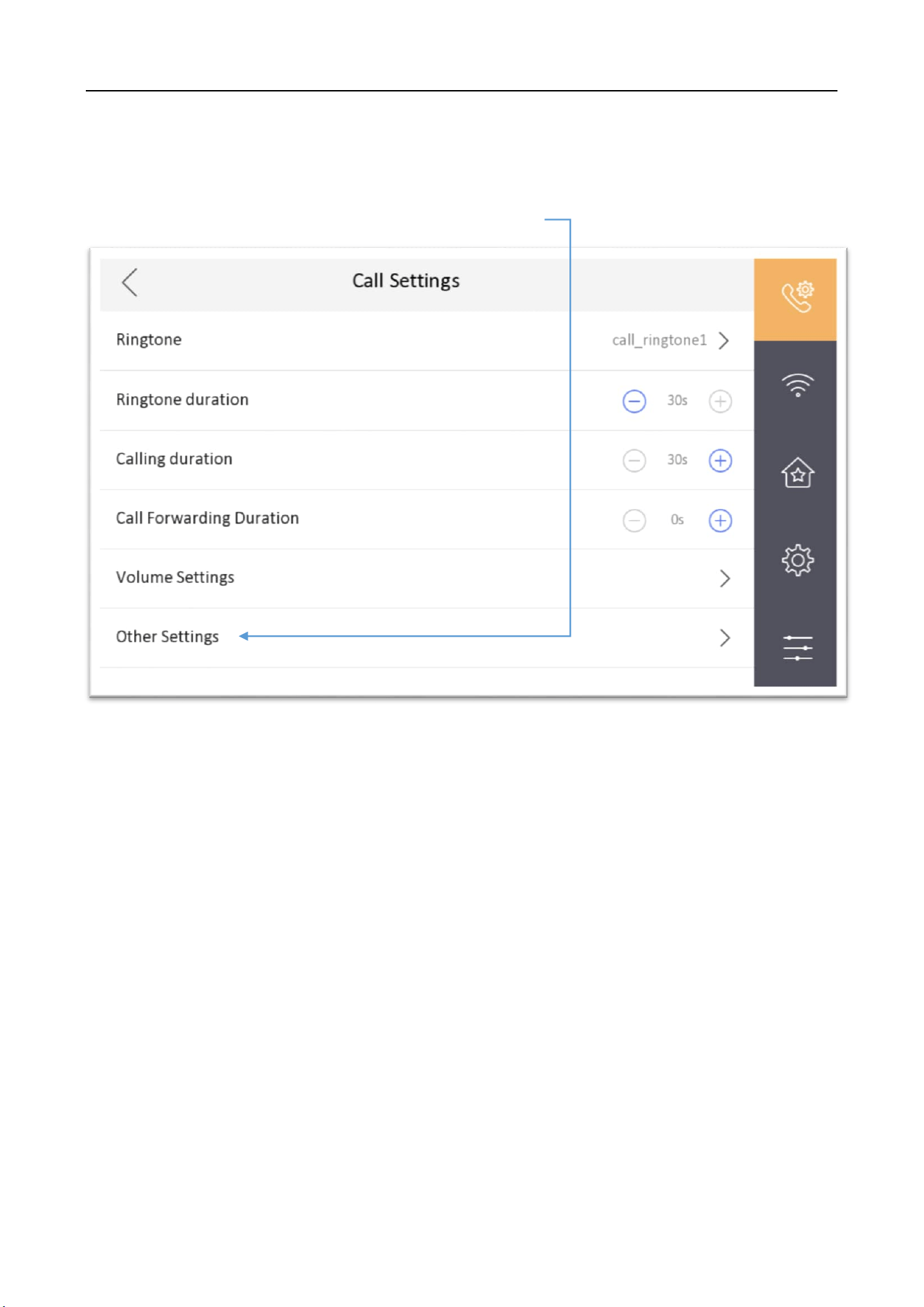
2. Key Step 2 – Select Other Settings
1) On call settings page, select - Other Settings.
Do Not Disturb • How to Guide
2
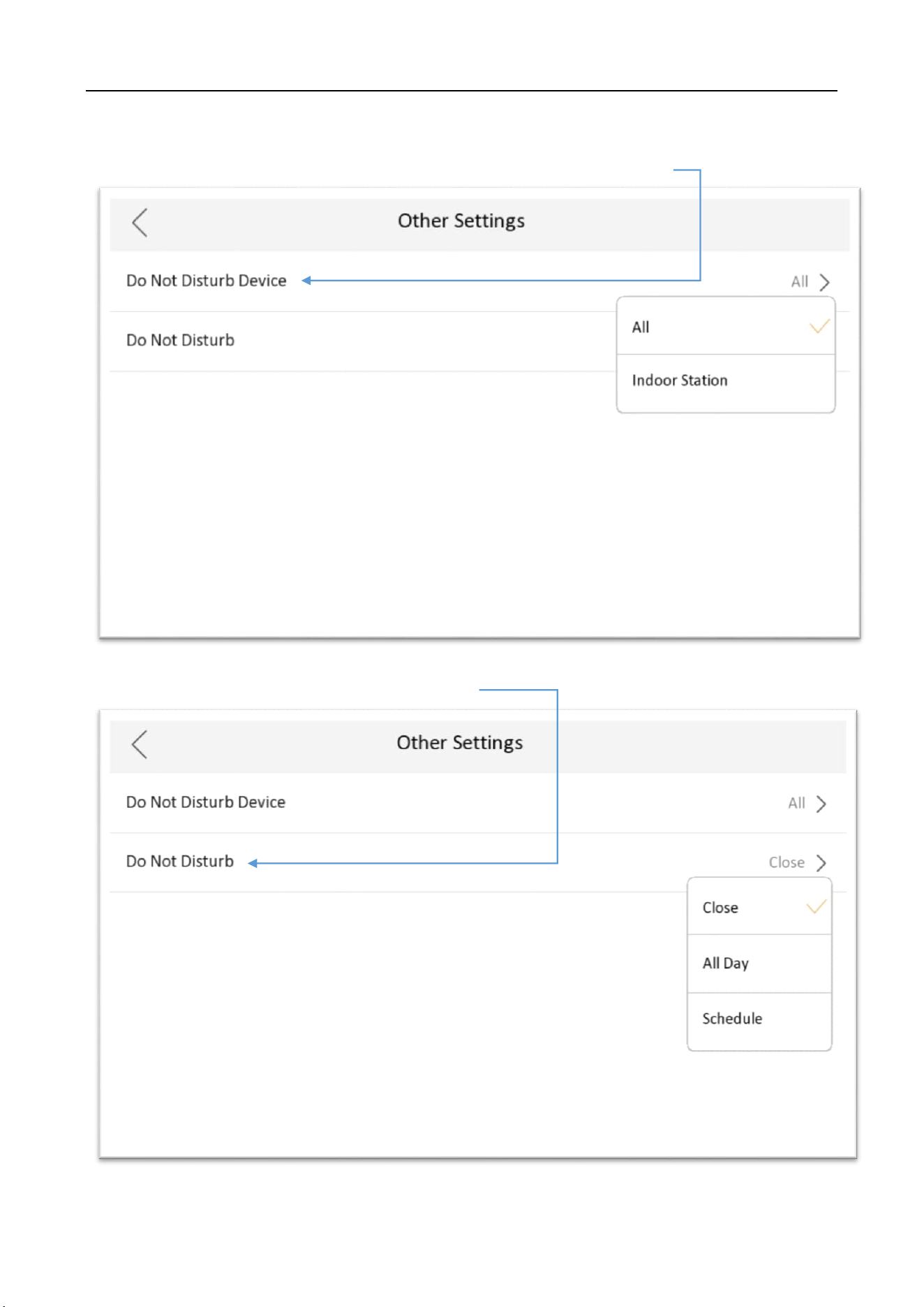
2) Select type of do not disturb required, All or Indoor Station.
3) Select when ‘not to be disturbed’.
Do Not Disturb • How to Guide
3
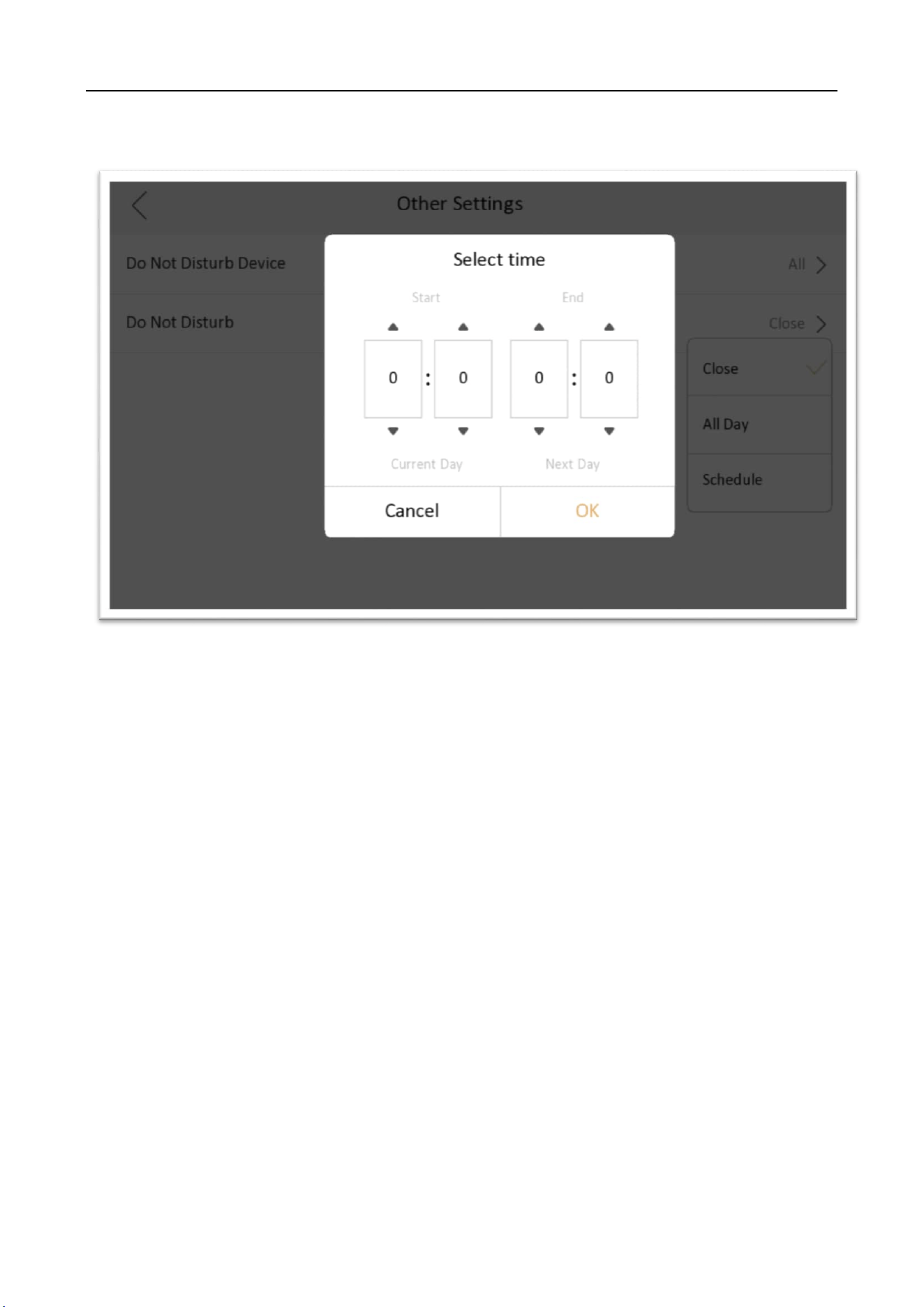
4) If using schedule, select start and end times.

Do Not Disturb • How to Guide
4