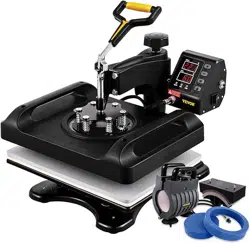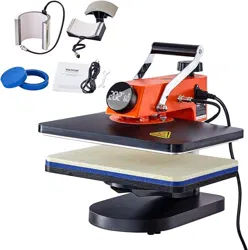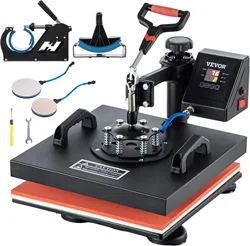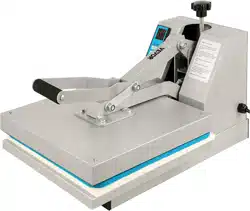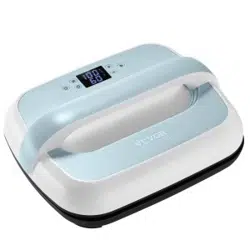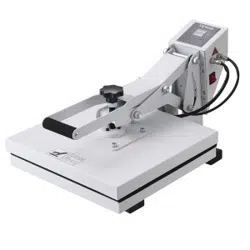
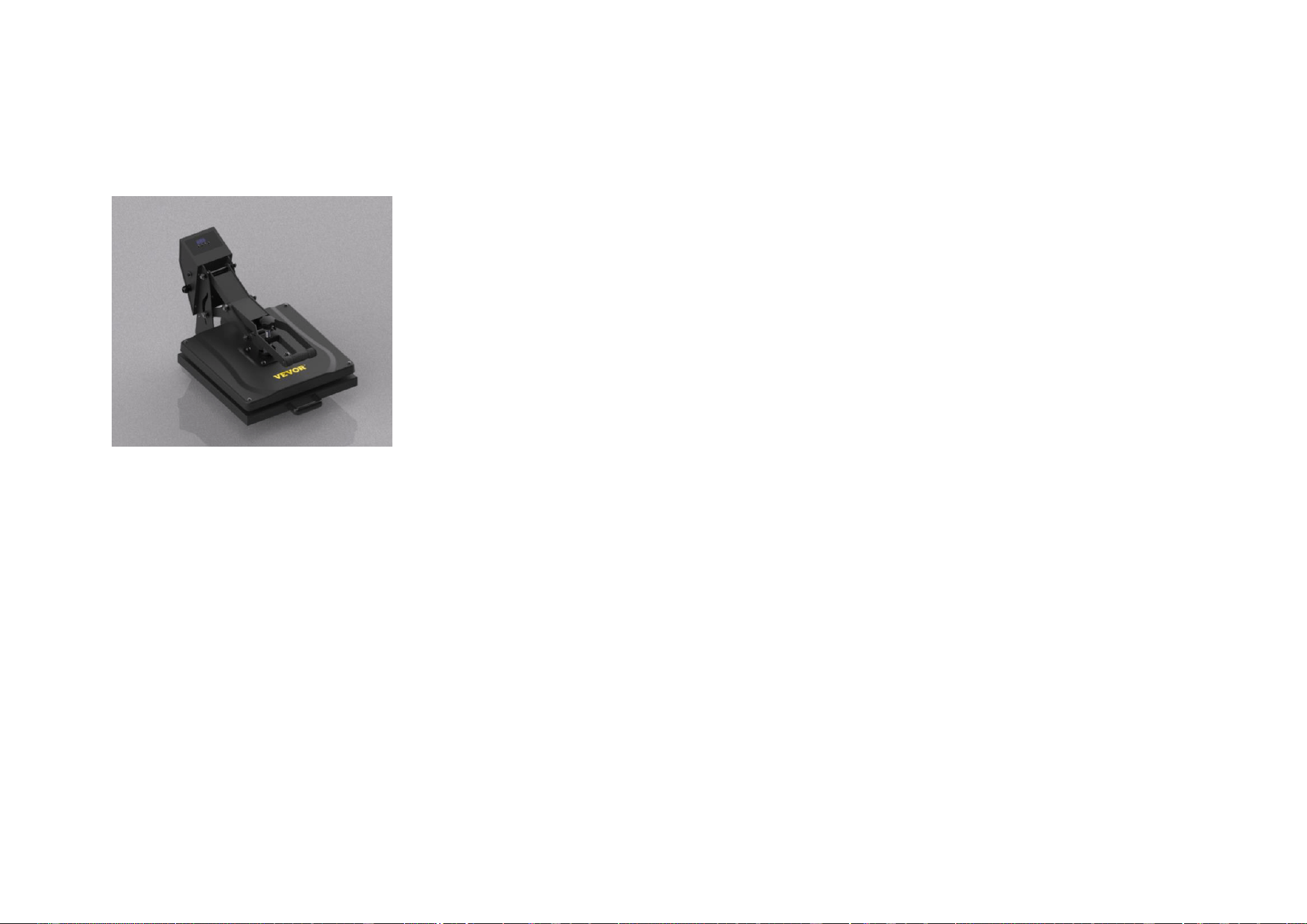
Operating instructions of yf7015 high pressure hot stamping machine
Ⅰ、 Overview of hot stamping machine:
Yf7015 high pressure hot stamping machine can hot stamp any color code, po rtrait photos, landscape patterns, etc.
on ceramic tiles, tiles, PVC plate s, metal plates, clothing and cloth through high temperature and high pre - ssure
Hot stamping machine features:
1. Electronic digital temperature display, automatic constant temperature;
2. The electric heating tube and pressing plate are cast as a whole, which is safe, durable and evenly distribute
d;
3. High temperature resistant foamed silica gel pad makes the hot stamping pressure more uniform. It will not deform when
used continuously at 300 ℃;
4. Automatic countdown; Easy pressure adjustment.
Ⅱ、Hot stamping machine parameters:
Voltage: 110V or 220V
Power: 1050W for 110V and 1200W for 220V
Package size: 730x475x435mm
Weight: 20kg
Temperature range: 0-250 ° C or 0-482 ° f
Time control: 0-999
Ⅲ、 Description of temperature control table:
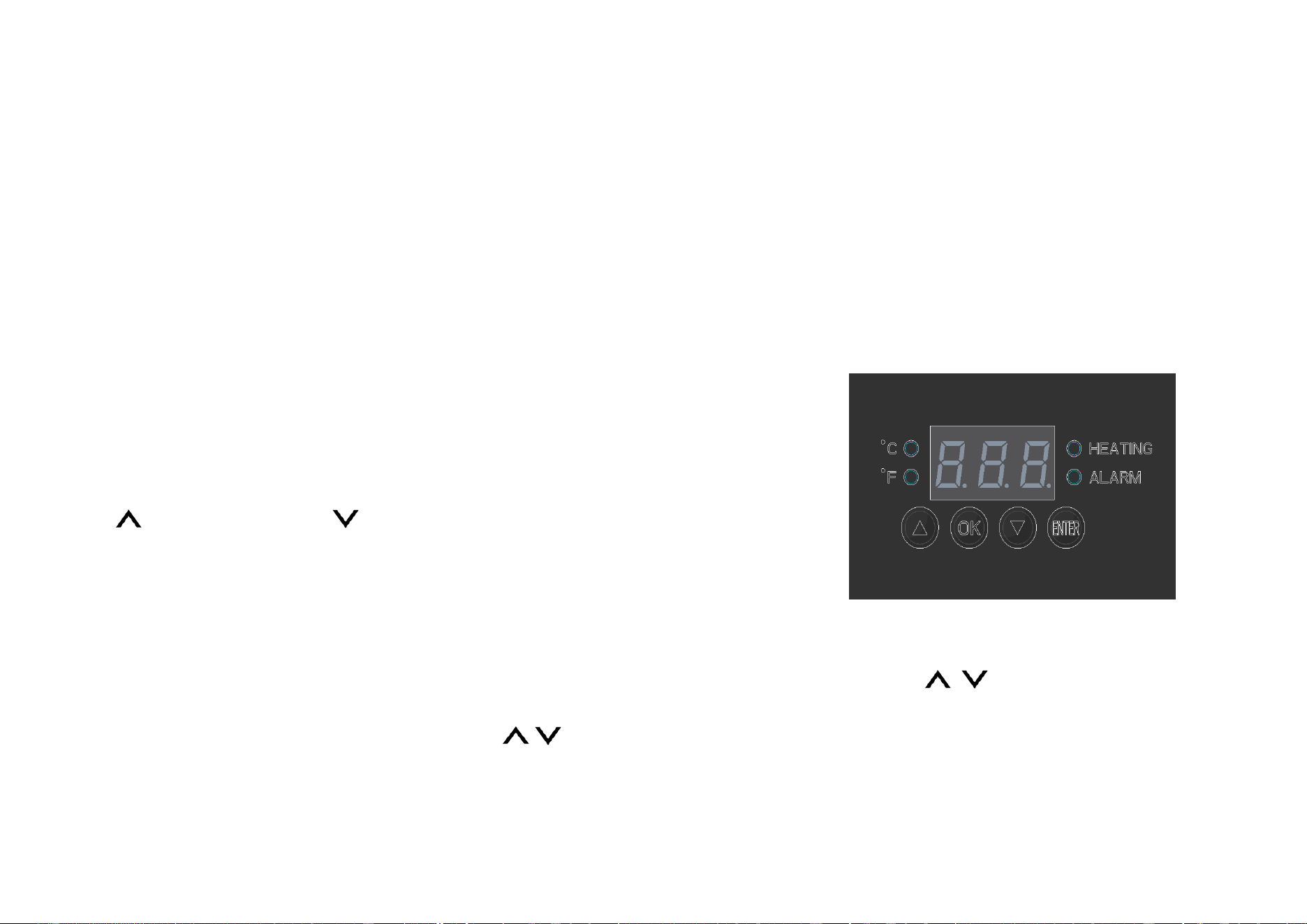
Screen: temperature and time setting and temperature and time display
HEATING: temperature rise indicator ALARM: alarm indicator
℃ : Celsius indicator ℉ : Fahrenheit indicator
OK: function first selection and confirmation key ENTER: countdown start key
: Plus : minus
Ⅳ、 Hot stamping operation: (refer to the above figure and the right figure)
1. Lift the handle to fully open the heating plate, plug the power cord into the power supply, and turn on the main
power switch.
2. Press the "OK" key once. When the temperature control meter displays "P-1", use the "" key to adjust the temperature
required for setting (such as 180 ℃), then press the "OK" key again
to display "P-2" and enter the timesetting program. Similarly, use t

he "" key to adjust the time required for setting transfer. After setting, press the "OK" key again. At this time, t
he setting is completed and the machine enters the heating state, The temperature control meter displays the real -t
ime temperature.
3. During the heating process, press down the handle and adjust the pressure. When the temperature reaches the set value,
the temperature control meter will give an alarm sound and the machine will automatically enter the constant temper -
ature state;
4. At this time, put the transferred items and pictures in the middle of the support plate, press the machine handle,
press the "ENTER" button, and the temperature control meter starts timing
5. When the countdown is over, the machine will sound an alarm. At this time, lift the handle, open the heating plate,
tke out the transferred product, tear off the heat transfer picture, and the heat transfer is over.
Note: in order to ensure the flexible movement of all parts of the machine, it is recommended to often add a small amount
of lubricating oil to all moving parts. Because the machine starts automatically when the upper plate is opened after
transfer, there is no external force support, so the workbench selected to place the machine must be flat and the
machine must be installed stably, otherwise long-term shaking will affect the service life of the machine
Ⅴ、 Heat transfer temperature and time of various common materials:
1. Ceramic plates:
The ceramic tile temperature is set to 180-200 degrees and the baking time is 180 seconds
Hot stamping: wipe the surface of the tile with a flannelette, paste the heat transfer picture on the front of the
tile, paste and fix it with high-temperature adhesive tape, the front of the tile faces upward, place it in the

middle of the foamed silicone plate on the base, and press down the pressure handle. If the pressure is too large or
too small, the height of the machine head can be adjusted.
2. Metal plate:
The temperature is set to 180-200 degrees and the baking time is 180 seconds
Hot stamping: tear off the film on the surface of the metal plate, stick the transfer paper on the front of the
metal plate, paste and fix it with high-temperature tape, face up, put it in the middle of the foamed silicone plate
on the base, and press down the pressure handle. If the pressure is too large or too small, the height of the machine
head can be adjusted.
3. Mug:
The temperature is set to 180-200 degrees and the baking time is 180 seconds
Hot stamping: wipe the surface of the mug with a flannelette, wrap the transfer paper around the mug, paste and
fix it with high-temperature tape, put it in the mold cavity of the cup baking machine, and push the pressure handle.
If the pressure is too large or too small, the stroke of the push rod can be adjusted.
4. Cloth:
The temperature of ordinary cotton cloth or cloth with low cotton content is 180 ℃ for 30 seconds
The temperature of silk scarf, chemical fiber and polyester is 130 -140 ℃ for 10 seconds
The temperature of cotton high temperature resistant material mouse pad is 180 ℃ for 30 seconds, and the rubber
mouse pad is 130 ℃ for 30 seconds
Dark T-shirts are used at 160 ℃ for 30 seconds
Light T-shirt high temperature 180 ° C time 30
Hot stamping: stick the transfer paper on the surface of the scalded cloth, paste and fix it with high -temperature adhesiv
e tape, with the front side facing upward, place the transfer part in the mid
dle of the foamed silicone rubber plate on the base, and press the pressure h
andle. If the pressure is too large or too small, the height o f the machine h
ead can be adjusted. When the temperature rises to the initial temperature, p
ress the pressure handle, press the "temp" key, and release th e pressure hand
le immediately after the timing is over.
The above temperature and time are the reference values. The a ctual hot stamp
ing process will have a small deviation due to the influence o f indoor ambien
t temperature and the thickness of hot stamping materials, mainly based on user experience
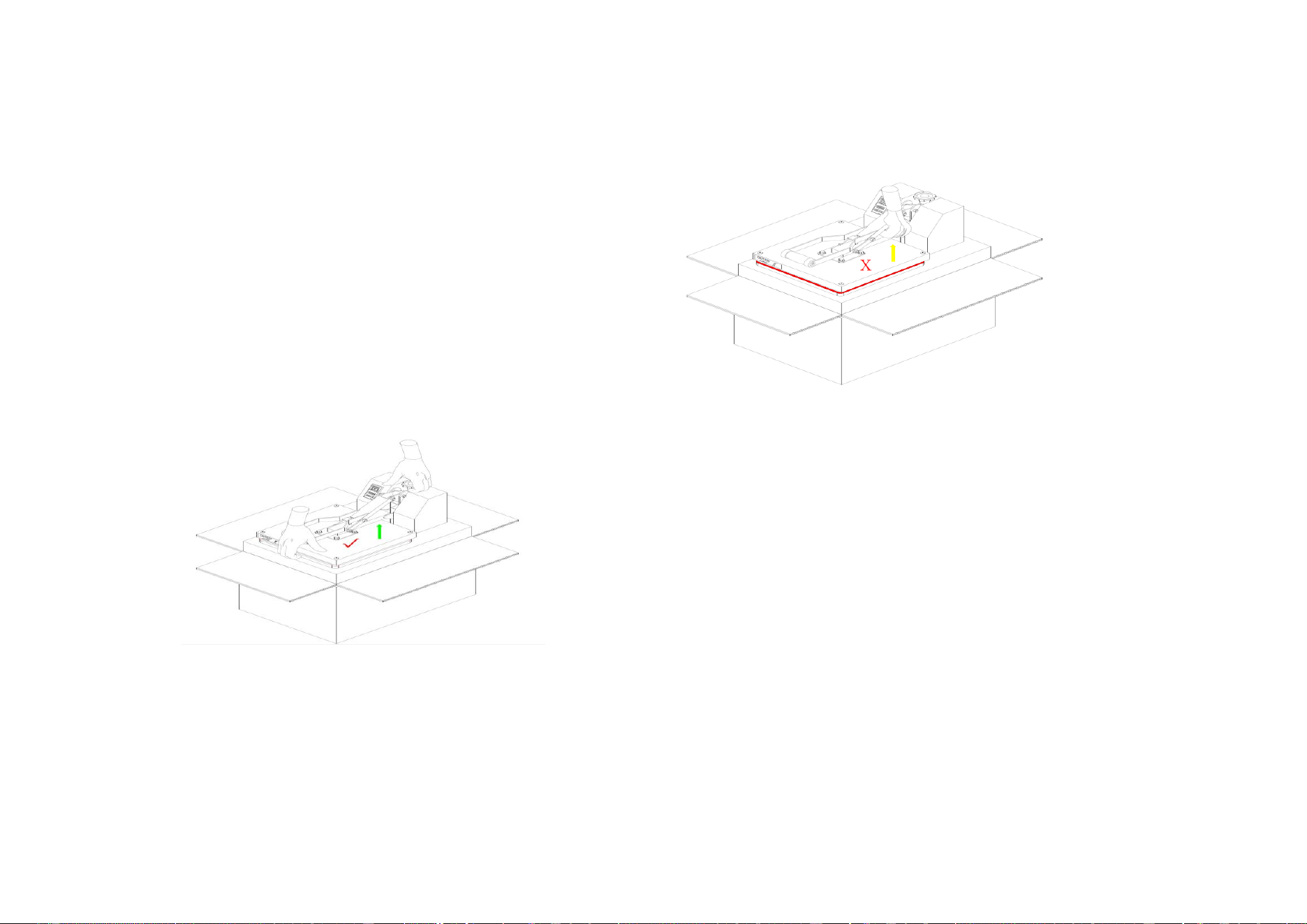
Ⅵ、 Co rrect removal method from the packing box (as shown in the figure belo
w):