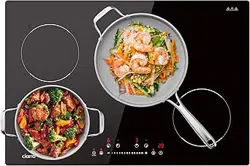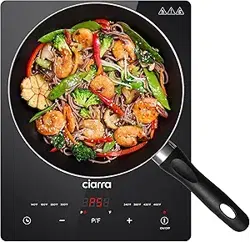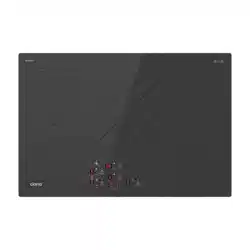
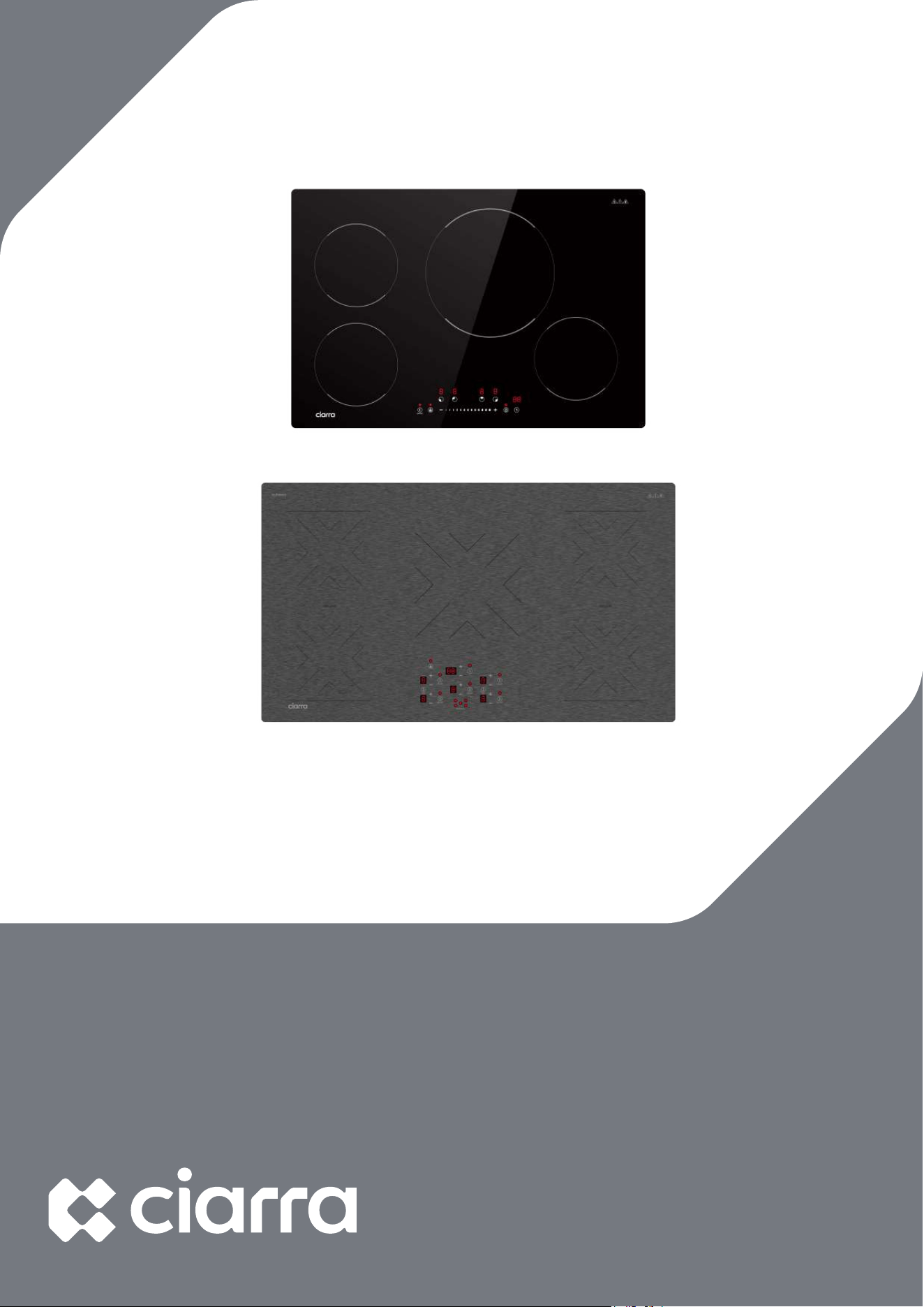
CABIH365BFF
Model Number:
CABIH304B
CABIH304BF-S CABIH365BFF-S
www.ciarraappliances.com

1
2- 7
8- 10
11
12- 13
14
15- 17
18- 20
21
22- 25
IMPORTANT SAFEGUARDS
2
IMPORTANT SAFEGUARDS
3
IMPORTAN
T SAFEGUARDS
4
IMPORTAN
T SAFEGUARDS
5
IMPORTAN
T SAFEGUARDS
6
IMPORTAN
T SAFEGUARDS
7
IMPORTAN
T SAFEGUARDS
8
9
10
11
12
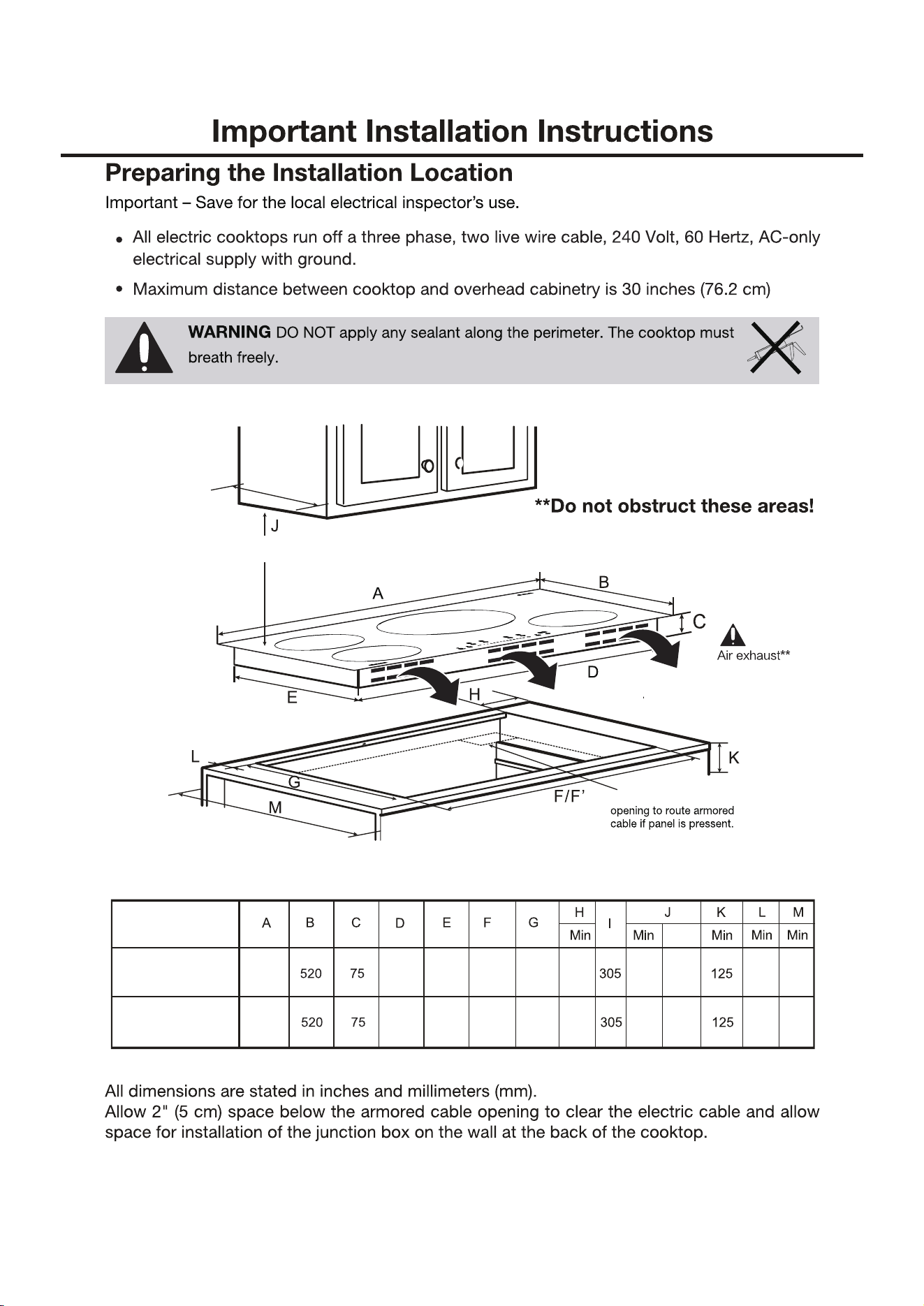
I
Min. 26''
Max.30''
4''×8''
20 610 762 38
Max
610770 730 490
745
495
Model
CABIH304BF
CABIH365BFF
20 610 762 38 610
900 845 480
860
495
13
14
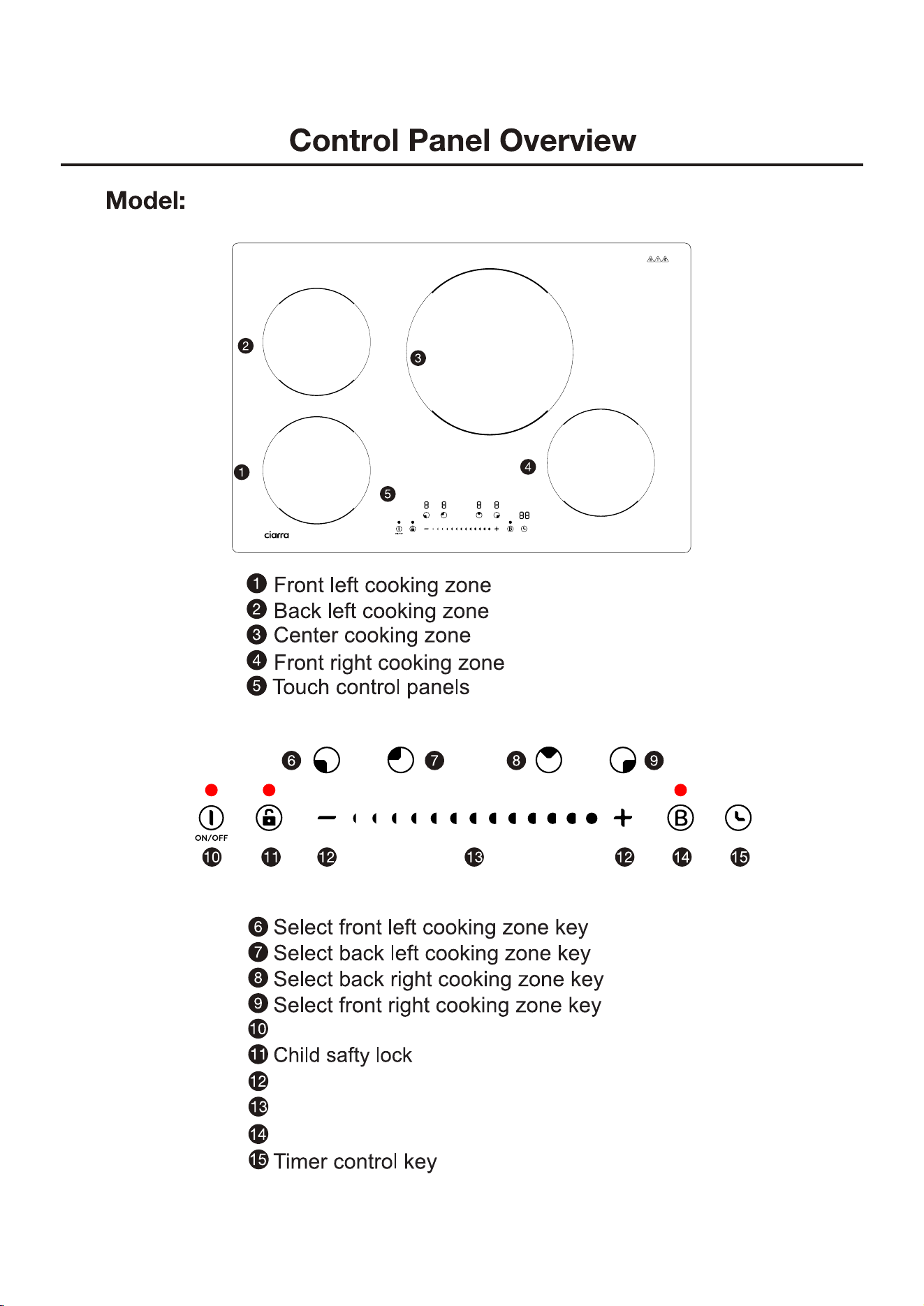
CABIH304B
ON/OFF key
+/- key
Slide control key
Booster key
-------2000W Boost 2500W
-------2000W Boost 2500W
-----------2700W Boost 3700W
----1500W Boost 2000W
15
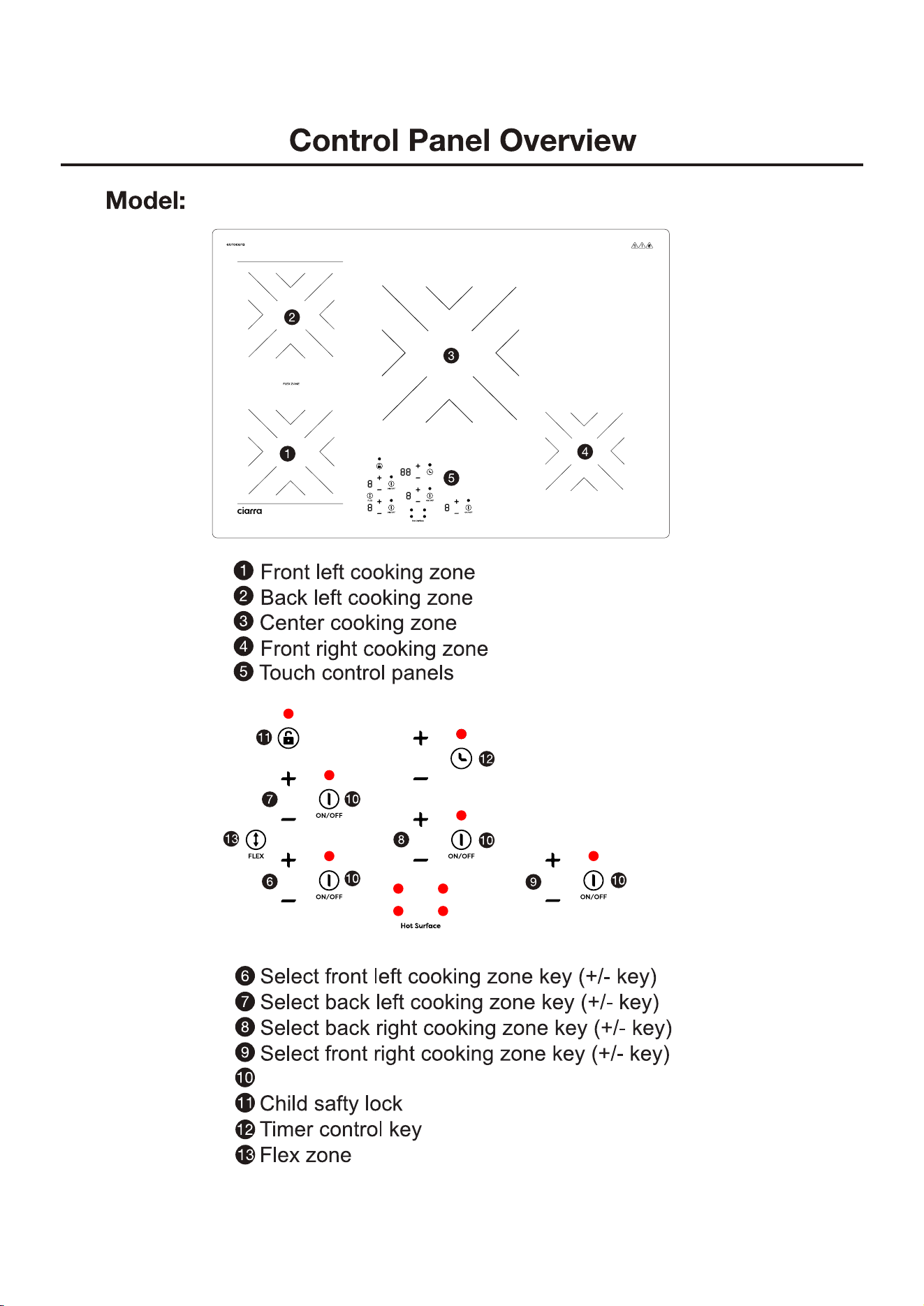
CABIH304BF-S
ON/OFF key
-------2000W Boost 2500W
-------2700W Boost 3200W
----------2700W Boost 3700W
----1600W Boost 2000W
16
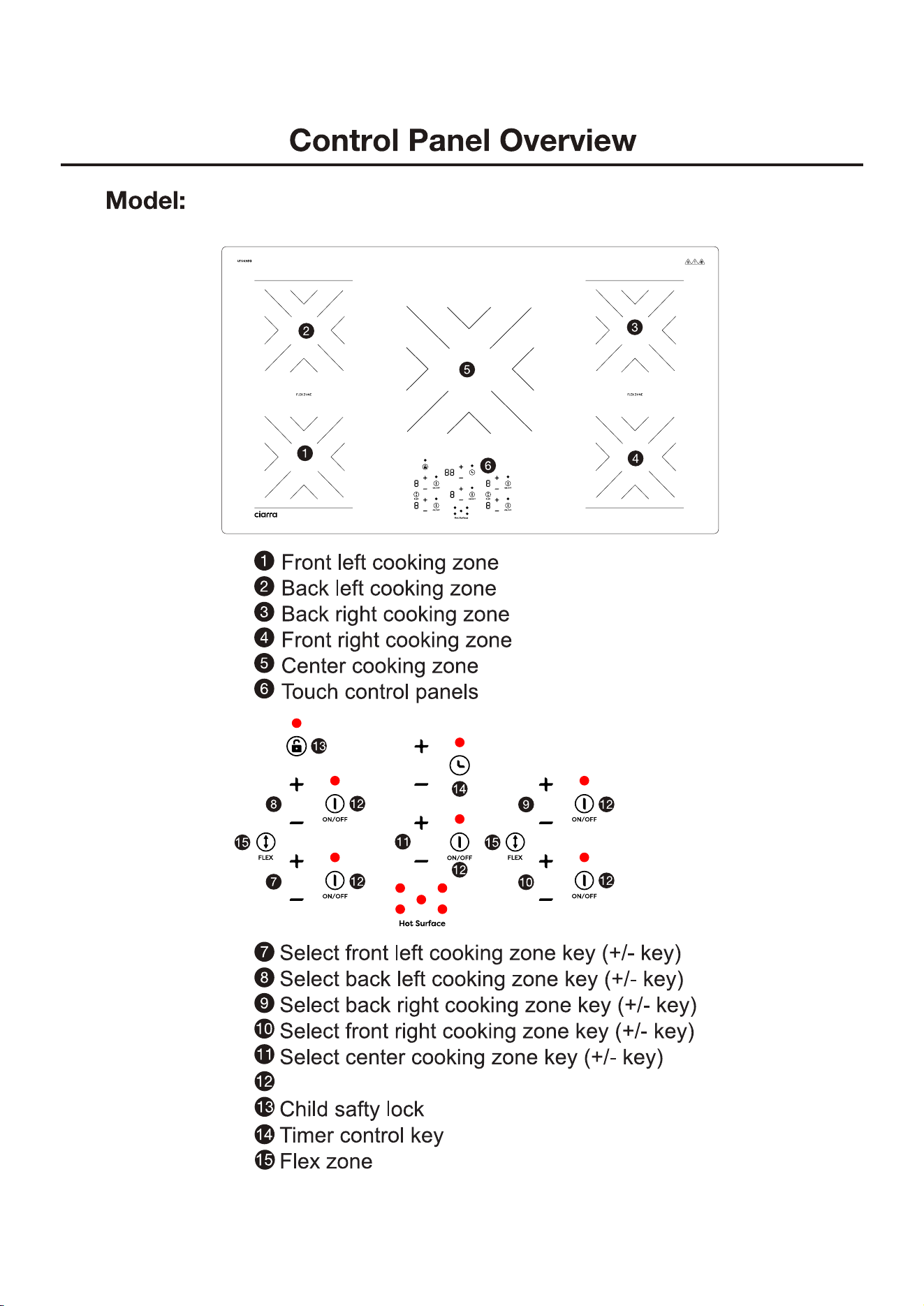
CABIH365BFF/CABIH365BFF-S
ON/OFF key
------2000W Boost 2500W
---1
4
00W Boost
18
00W
----------
2
7
00W Boost
37
00W
----1500W Boost 2000W
------2
000W Boost 2500W
17
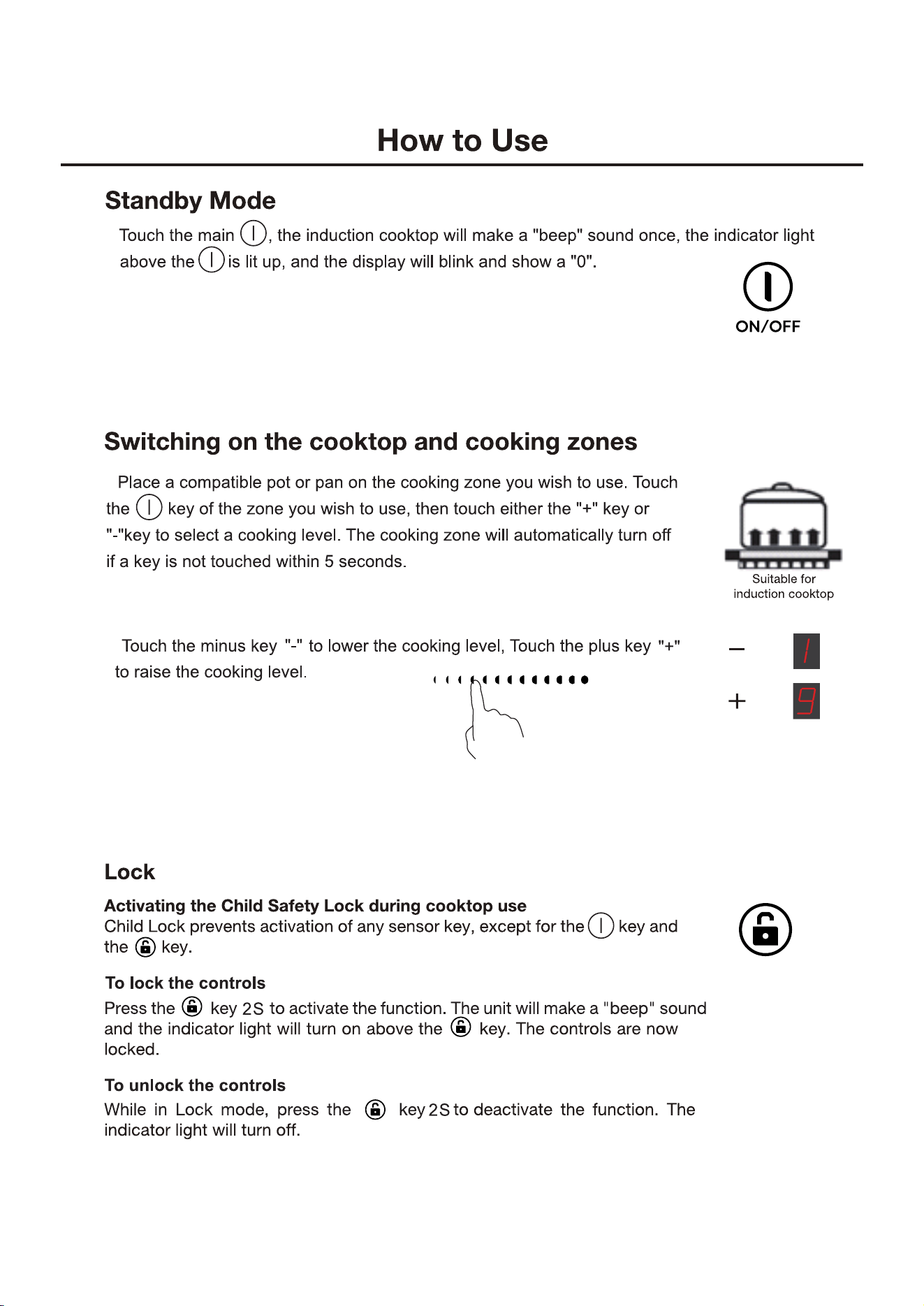
Or you can slide to adjust cooking level.
2.Range of cooking level:1~9
2.In the standby state, if there is no operation within 30 seconds,
the induction cooker will automatically shut down.
1.
1.
3.
4. In the boost mode, this zone will work in “b” level for 5 minutes. Then
automatically drop to 9 level to continue working.
18
How to Use
Turn o
Press the key, it will make a "beep" sound once, and it will turn o.
The unit is now on standby mode.
Note: Please do not pull the power plug until the cooling fan has stopped.
Timer
Using the Timer
u can use the timer in o dierent ways:
u can use it as a minute minder. In this case, the timer will not turn any
cooking zone o when the set time is up.u can set it to turn one cooking
zone o or more than one aer the set time is up.
u can set the timer for up to 99 minutes.
Using the Timer as a Minute Minder
If you are not selecting any cooking zone.
1. Touch the timer
@
aer making sure the cooktop is turned on, the
minder indicator will start flashing, and "30" will show in the timer display.
2. Adjust the time setting by touching the "-" or "+" controls. The minute
minder indicator will start flashing and will show in the timer display.
Hint: Touch the
"
-
" or "+" control of the timer once to decrease or increase
by 1 minute. uch and hold the "-" or "+"
control of the timer to decrease
or increase by 1 minutes.
3. To cancel the timer, touch the timer
@
again and "--"
will show in the
timer display.
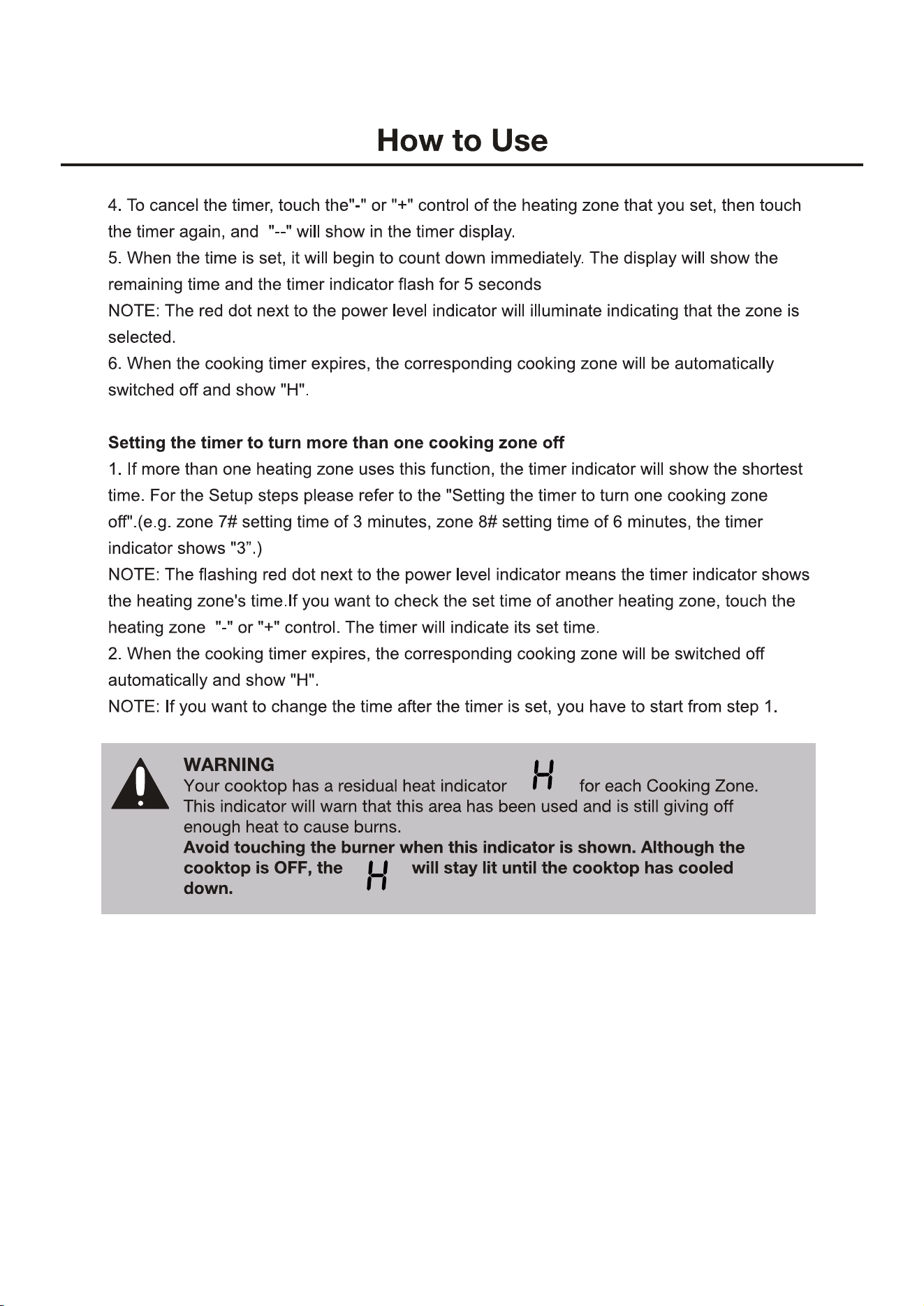
5. When the time is set, it will begin to count down immediately. The
display will show the remaining time.
6. Buzzer will beep r 30 seconds and the time indicator shows
"--" when
the set time is finished.
@
.
十
一
.
Setting the timer to turn one cooking zone o
1. Touch the"-" or "+" control of the heating zone that you want to set the timer for.
2. Touch the timer, touch the"-" or "+" control of the timer, the minder indicator start flashing
and "30" will show in the timer display.
3. Set the time by touching the
"-"
or "+" control of the timer
Hint: Touch the "-" or "+" control of the timer once will decrease or increase by 1 minute.Touch
and hold the "-"
or"+"control of the timer will decrease or increase by 1 minutes.
19
20
Boost Function
1. In standby mode,touch the zone selection key, select the corresponding zone.
Then touch key.And enter Boost mode.
2. In the boost mode, this zone will work in “b” level for 5 minutes.
Then automatically drop to 9 level to continue working.
Then
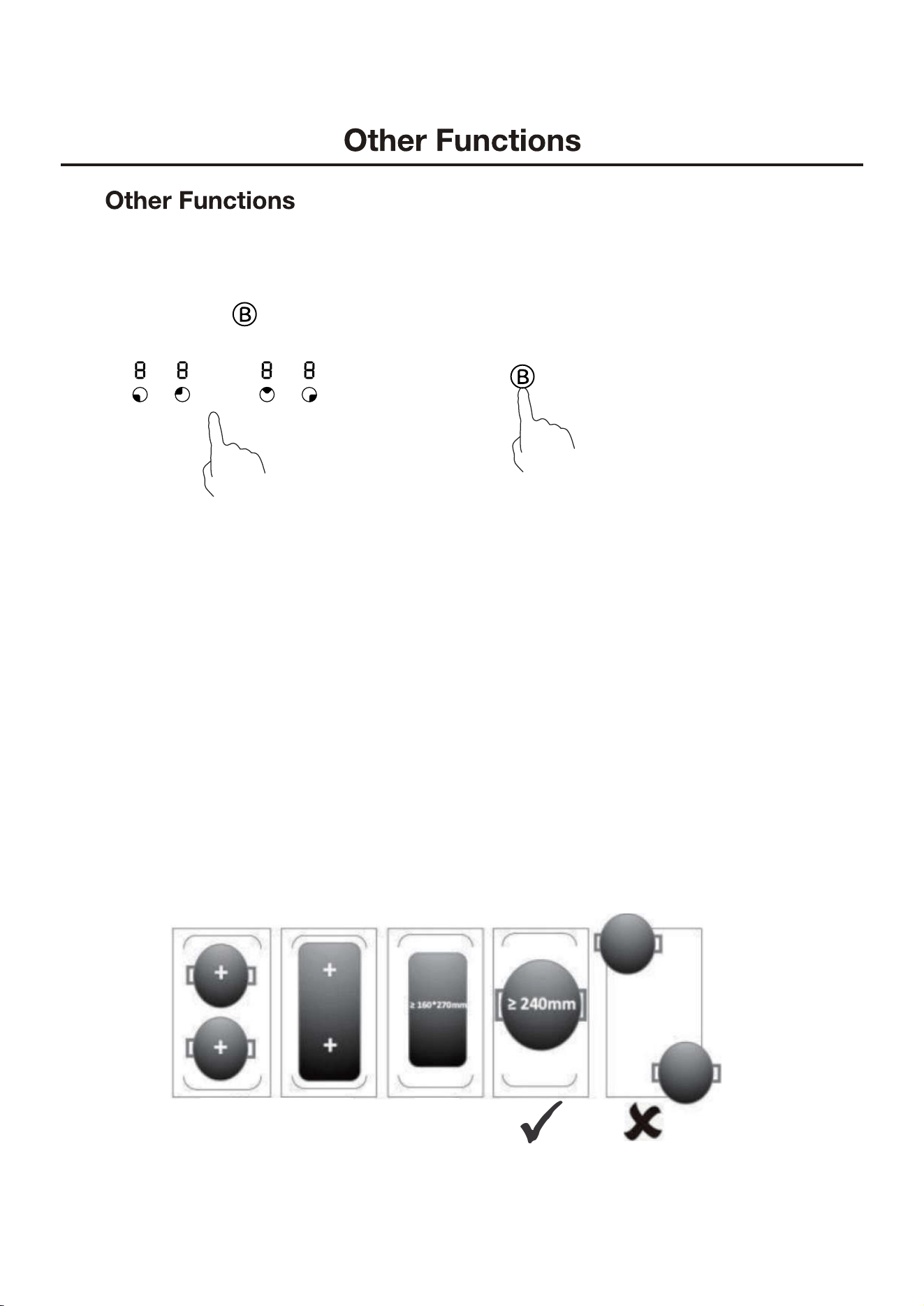
Using the Flex Zone
This area can be used as a single zone or as two dierent zones, accordingly to the cooking
needs at any time.
1. uch the"-" or "+" control of the right and le heating zone of you de
sire aer turn on.
2. uch the button, the cooktop will go into the Flex Zone and show
“
三
”
.
FL
3. If you want to cancel the flex zone, touch the again.
4. uch the"-" or "+" control of the front control for adjust power setting.
Important: Make sure to place the cookware centered on the single cooking zone. In the case
of big pots, oval, rectangular, and elongated pans make sure to place the center of the flex
zone. Examples of good and bad pot placements:
✓ ✓ ✓
✓
21
22
23
24
25