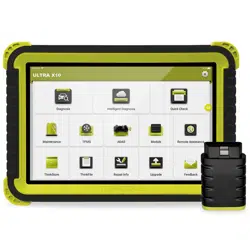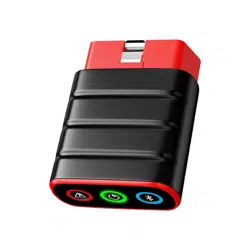
Heavy Duty Package
Quick Start Guide
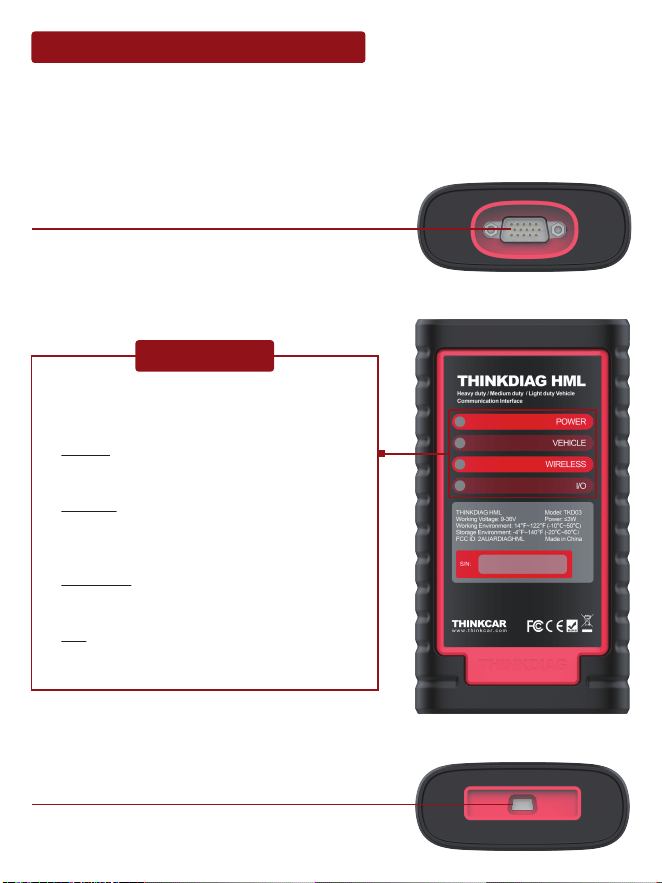
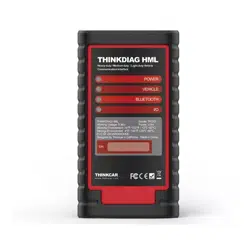
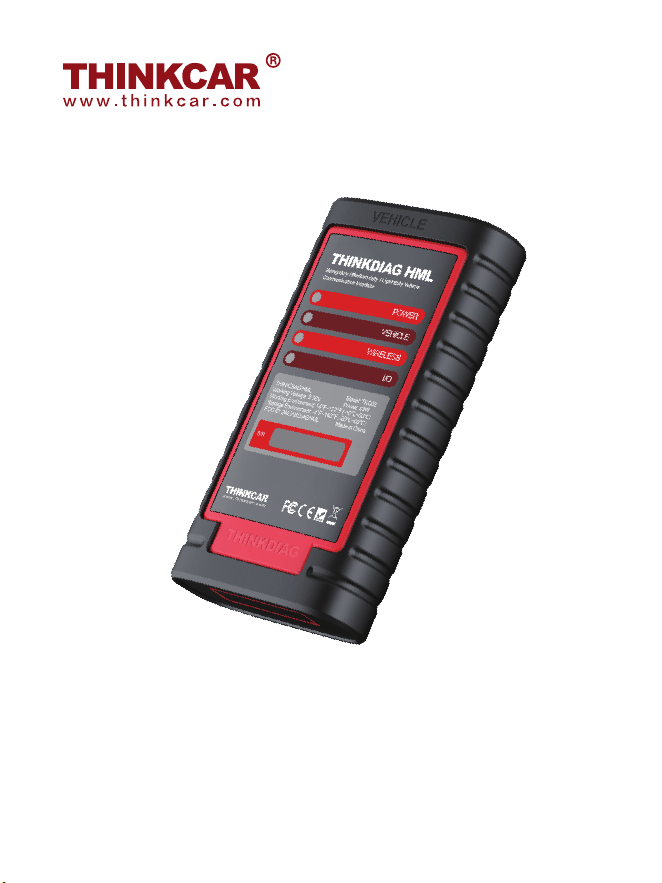
Knowledge of THINKDIAG HML Module
THINKDIAG HML module works as a vehicle communication interface device, which is
used read the vehicle data and then send it to the diagnostic tool via Bluetooth /Wi-Fi
communication or USB connection.The LED indicators enable you to easily identify the
working status of the module.
Displays the working status of the module. It is
defined as follows:
1. Power: It illuminates solid red when the
module is powered on.
2. Vehicle: While the module is communicat-
ing with the vehicle, the indicator lights up
and flashes. Otherwise, it will not illuminate.
3. Bluetooth: Blue indicates the module is
working in Bluetooth mode.
4. I/O: It lights up when the module is
connected to the diagnostic tool via USB
cable.
Diagnostic socket
(For connecting the diagnostic cable.)
USB port
(For connecting it to the diagnostic tool to
perform vehicle diagnosis.)
LED Indicators
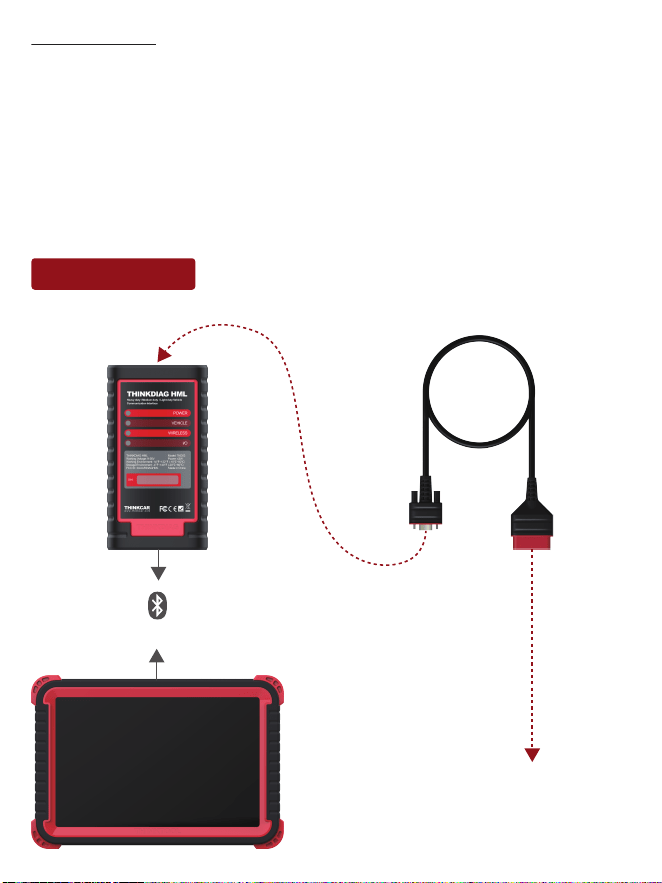
Working Principle
THINKDIAG HML
Model: TKD03
Working Voltage: 9~36V
Power: ≤3W
Working Environment: 14℉~122℉ (-10℃~50℃)
Storage Environment: -4℉~140℉ (-20℃~60℃)
To vehicle’s DLC
BT
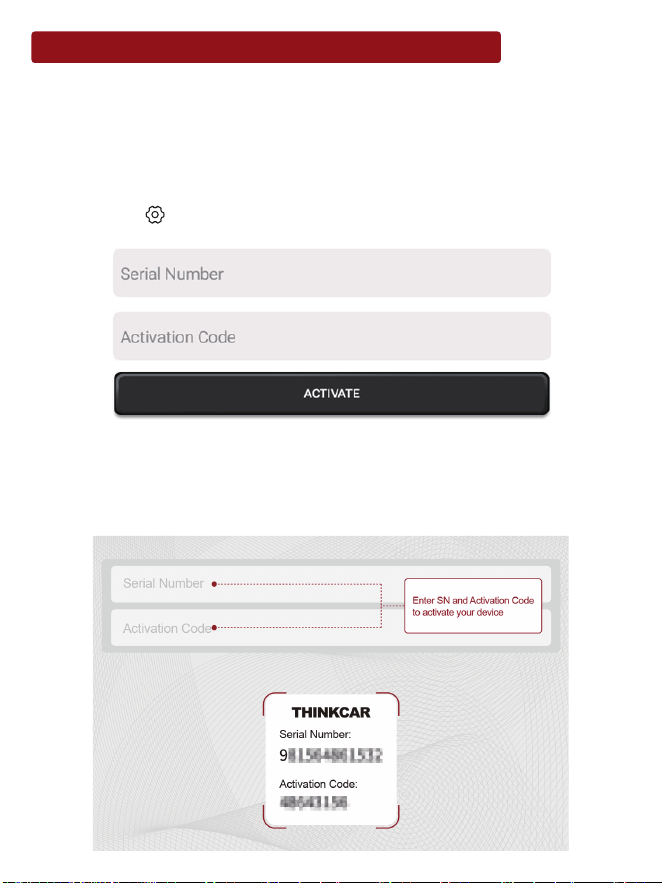
Activate THINKDIAG HML Module & Download Software
If you had a diagnostic tool of 12V passenger car configuration and intend to experience
the diagnosis of commercial vehicles, follow the steps described below to activate the
module:
Note:Please make sure that the diagnostic tool is properly connected to the Internet before
proceeding this step.
1.Log in the system using the existing user accountof Passenger Vehicle Configuration,
and then tap “ Setting” ->“Activate VCI”.
2.Input the Product S/N and Activation Code, which can be obtained from the included
Password Letter, then tap “Activate” to activate the module.
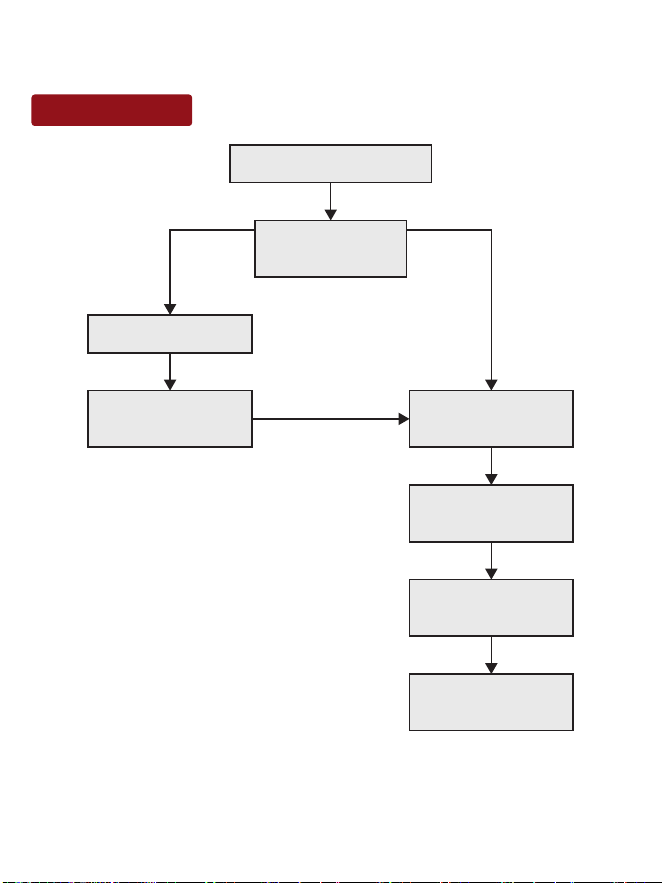
Start Diagnostics
3.Tap “Upgrade” to enter upgrade center, tap “Update” to download and install it.
Tap “Diagnostic”
Tap “Login”
Select vehicle
model
Tap “Update” to
download software
Follow instructions
to activate it
Is HD module
activated?
YESNO
Select test
system
Select test
function

Warranty Terms
This warranty applies only to users and distributors who purchase THINKCAR products
through normal procedures. Within one year from the date of delivery, THINKCAR
warrants its electronic products for damages caused by defects in materials or
workmanship. Damages to the equipment or components because of abuse, unautho-
rized modification, use for non-designed purposes, operation in a manner not specified
in the instructions, etc. are not covered by this warranty. The compensation for
dashboard damage caused by the defect of this equipment is limited to repair or
replacement. THINKCAR does not bear any indirect and incidental losses. THINKCAR
will judge the nature of the equipment damage according to its prescribed inspection
methods. No agents, employees or business representatives of THINKCAR are
authorized to make any confirmation, notice or promise related to THINKCAR products.
Thinkcar Tech Co., Ltd
Service Line: 1-833-692-2766
Customer Service Email: [email protected]
Official Website: www.thinkcar.com
Products tutorial, videos, Q&A and coverage list are available on Thinkcar official
website.
Follow us on
@thinkcar.official @ObdThinkcar