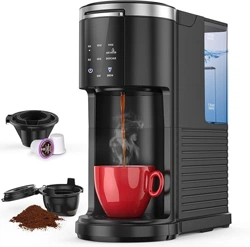
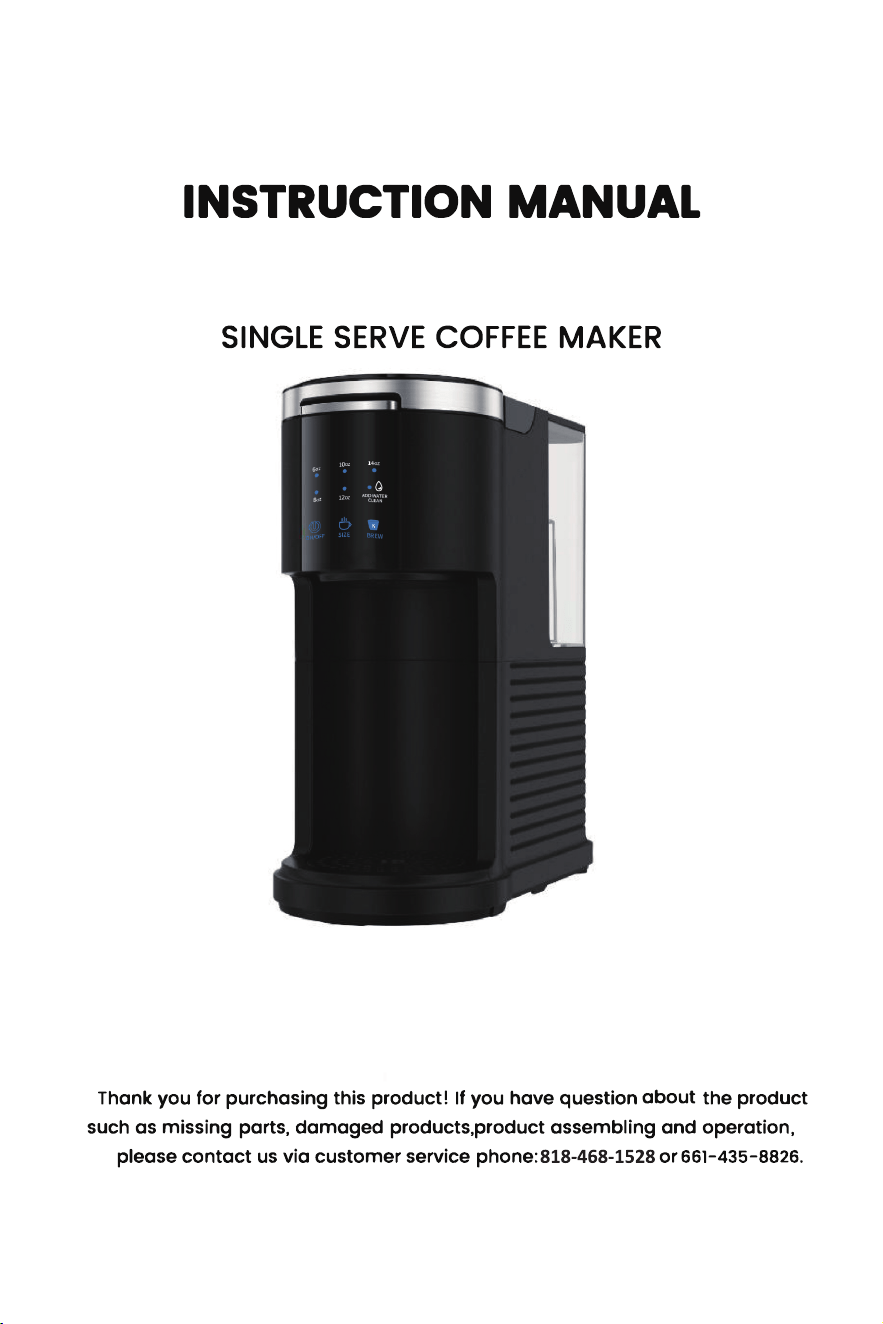
COWSAR CM9429E-UL CM3729E Single Serve Coffee Maker

Product's Documents

Below are documents related to this product, you can read online or download:
CM9429E-UL photo

Instruction Manual

This is the main product document for model CM9429E-UL. Additionally, the document applies to other COWSAR models: CM3729E-BLACK, CM3729E-BLACK-CS

The file format is pdf, 20 pages, you can download this manual here .

background
ITEM NO.: CM����E-BLACK
CM����E-BLACK-CS
MODEL NO.: CM����E-UL
background
background
To disconnect appliance, press button to turn off
indicator light and then remove plug from wall outlet.
background
background

WARNING: Improper use of the power cord may result in electric
shock. Consult a qualified electrician if necessary.


background
To reduce the risk of fire or electrical shock, do not
disassemble this machine. No user-serviceable parts
inside. Repair should be done by authorized service
personnel only.
background

background
l
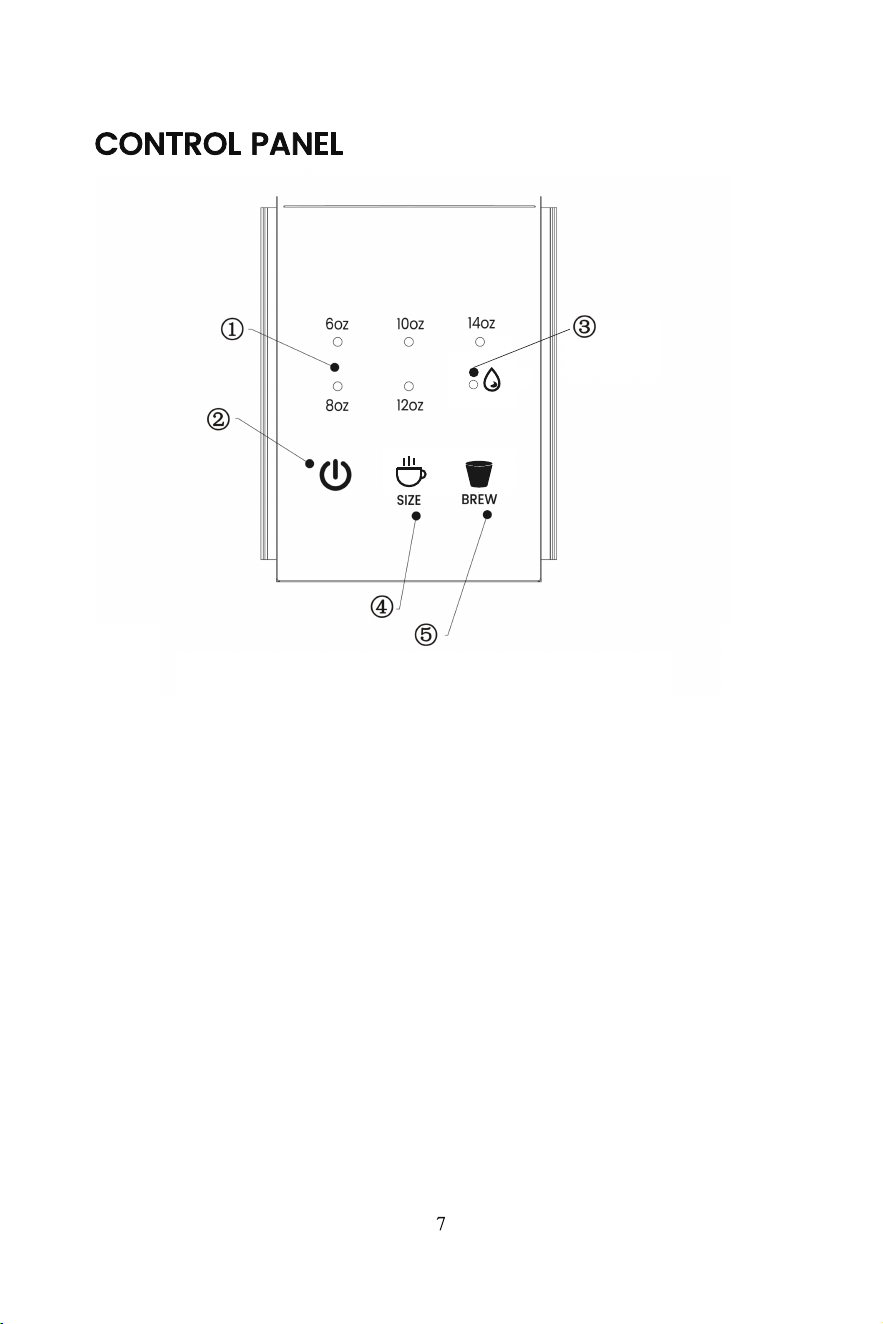
ON/OFF
K
ADD WATER
CLEAN
l
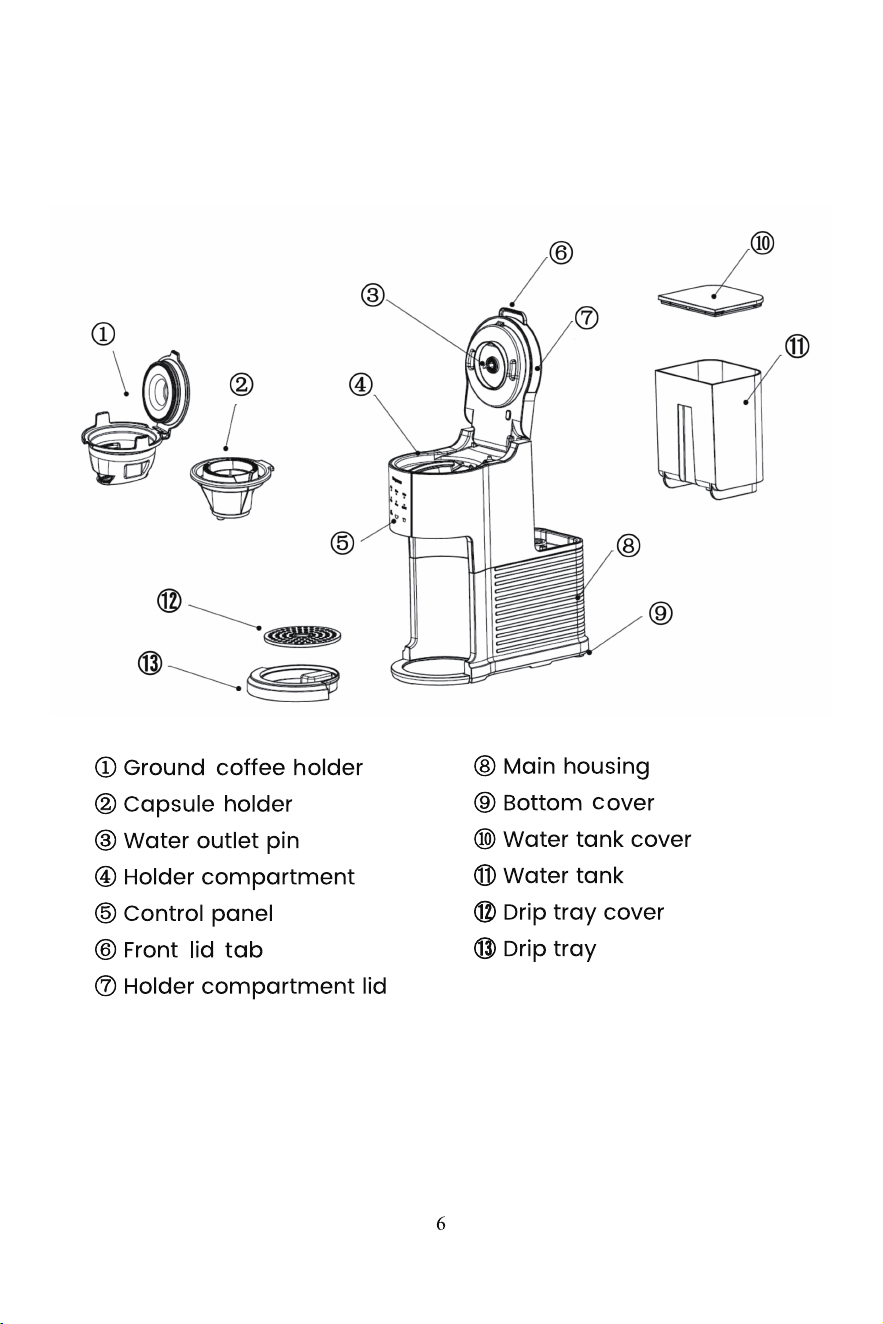
Size Indicator (blue)
ON/OFF Button (blue)
ADD WATER Indicator (blue)
CLEAN Indicator (white)
SIZE Button (blue)
BREW Button (blue)
background

background
6. Select the size of the cup, mug, or tumbler being used.
Do not add any cleaning solvent for this initial cleaning
�. Place the empty cup, mug, or tumbler in position on the drip tray cover.
Notice that the drip tray and the cover could be removed if the container is
too high.
�. Plug in the machine, all of the indicators flash blue light once, then the
ON/OFF button illuminates faint blue light. The machine enters sleep mode.
�. Press the ON/OFF button to power on the machine, the ��oz size indicator
by default and indicators of three function buttons are on. The machine
enters standby mode (without any operation in � minutes, the machine will
re-enters sleep mode).
��. To select the brew size, press the SIZE button until the desired size
indicator illuminates blue light.
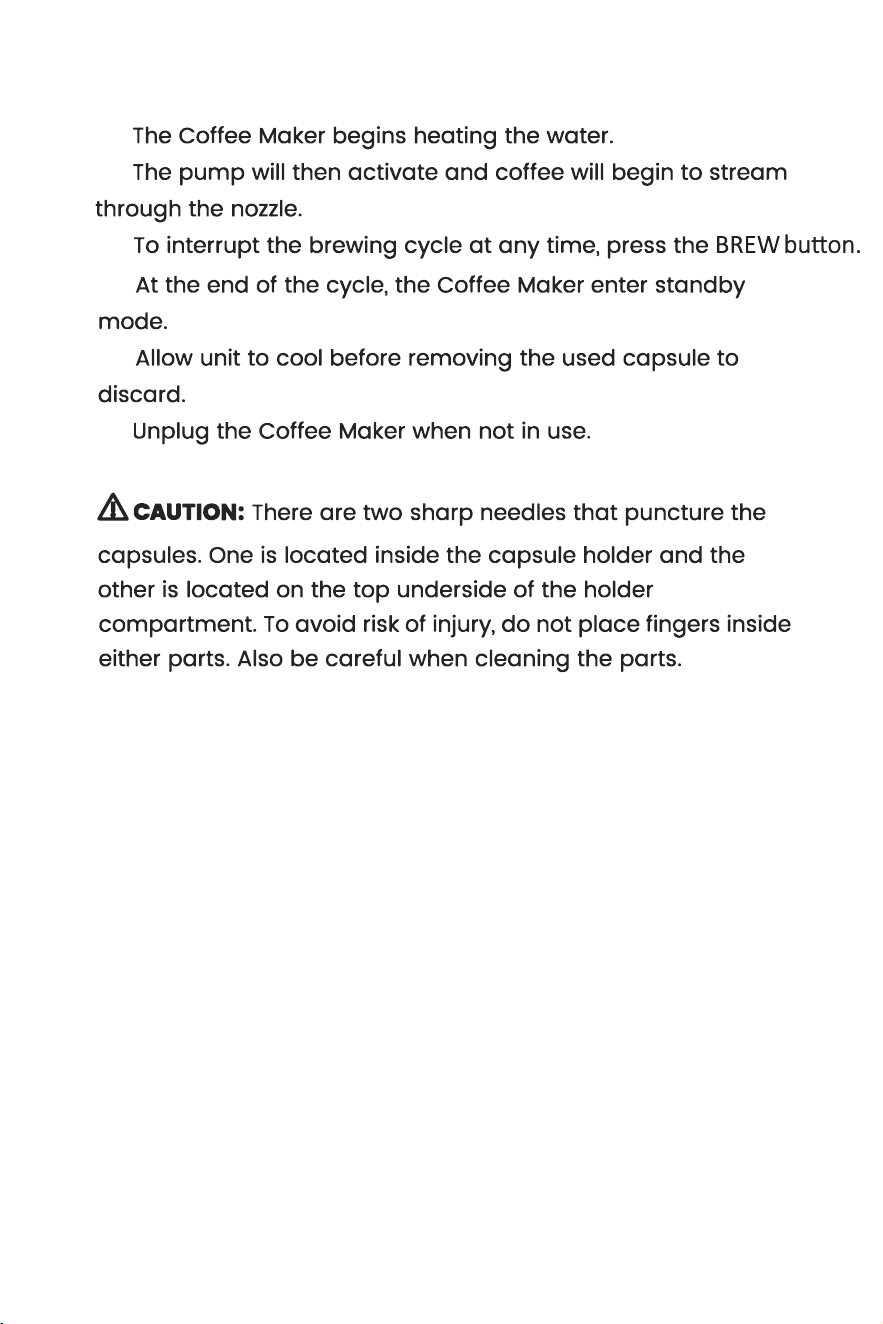
��. Press the BREW button, the machine starts to work. The indicator of SIZE
button is off and BREW button slowly flashes breathing light.
NOTE: You can press the BREW button again to stop the brewing. No matter
how much liquid has been brewed, the machine will automatically reset the
amount to zero. The brewed amount will be carried out according to the
newly selected size.
��. At the end of the cycle, the Coffee Maker will enter standby mode.
IMPORTANT: Repeat the process twice to thoroughly clean the machine
before first use.
��. Unplug the Coffee Maker when not in use.
background


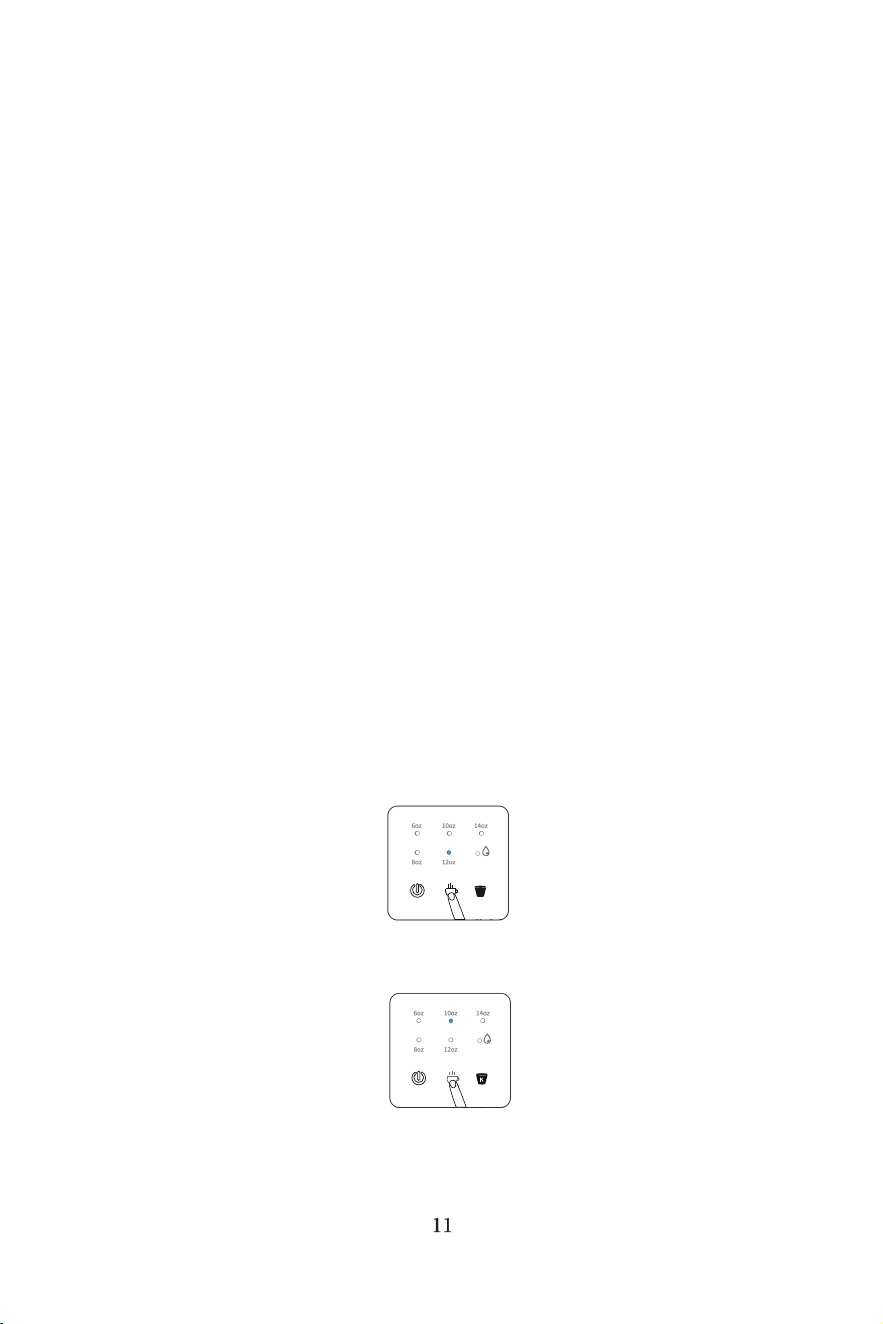
press the BREW button to restart the brewing.
background




















ON/OFF
K
ADD WATER
CLEA
SIZE BREW
ON/OFF
ADD WATER
CLEA
SIZE BREW
background






12
background








 


13
background





14
background

15
background
16
that the machine must be cleaned.
background
17
background
ROWAN ELECTRIC APPLIANCE LLC
Phone: ���-���-���� or ���-���-����
���-���-���� or ���-���-����
���-���-����
���-���-����
���-���-����
���-���-����
���-���-����
���-���-����
V2

background

Specifications

COWSAR CM9429E-UL Questions and Answers

  • Total questions: 1
  • Questions unAnswered : 1

Q: Push buttons don't work Reply