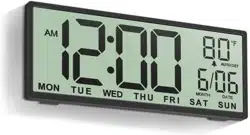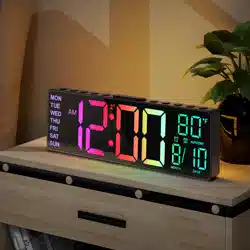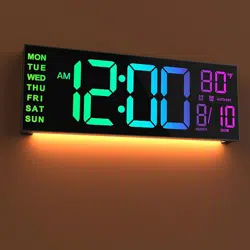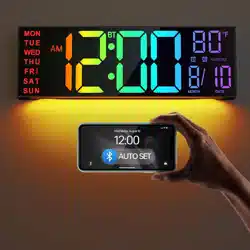
PH05 Digital Wall Clock User Manual
ThreeDucksDirect@outlook.com

1. Installation -------------------------------------------------- 1
2. First use ------------------------------------------------------ 2
3. Overview ----------------------------------------------------- 3-4
4. Settings by Remote Control
Time Set ------------------------------------------------------ 5
Screen brightness, Font Colors, Night light -------------- 6
Daylight saving time ----------------------------------------- 7
5. Settings by Device Button
Time Set ------------------------------------------------------ 8
6. FAQ ---------------------------------------------------------- 9
7. Warranty ---------------------------------------------------- 10
Contents
ThreeDucksDirect@outlook.com
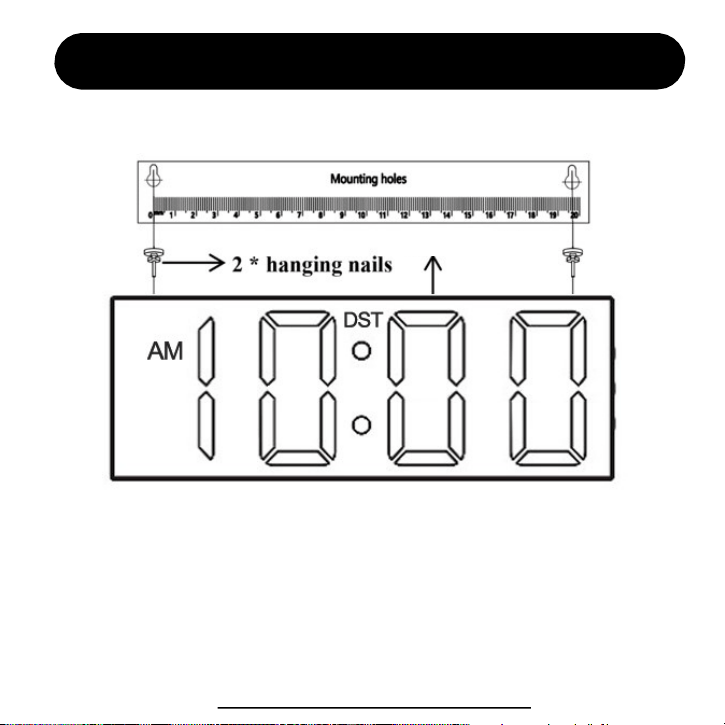
Installation (for wall hanging)
1. Align the positioning hole to nail the hanging nail to the wall.
2. Hang the alarm clock on the nail.
3. Installation completed
ThreeDucksDirect@outlook.com
1
Wall Clock

Start to power on
Power on for the first time
Connect the DC power plug to the back connector of the alarm clock, and the USB plug
at the other end is connected to the charging head to plug into the 100V-240V home
socket. As shown in the following figure:
This clock must work with power adapter. We provide lifetime warranty for every
customer. We strongly recommend you to contact us with your order ID to activate
the warranty. You can also visit www.jall-us.com to activate lifetime warranty. If
missing any accessories, please contact us for replacements.
ThreeDucksDirect@outlook.com
2
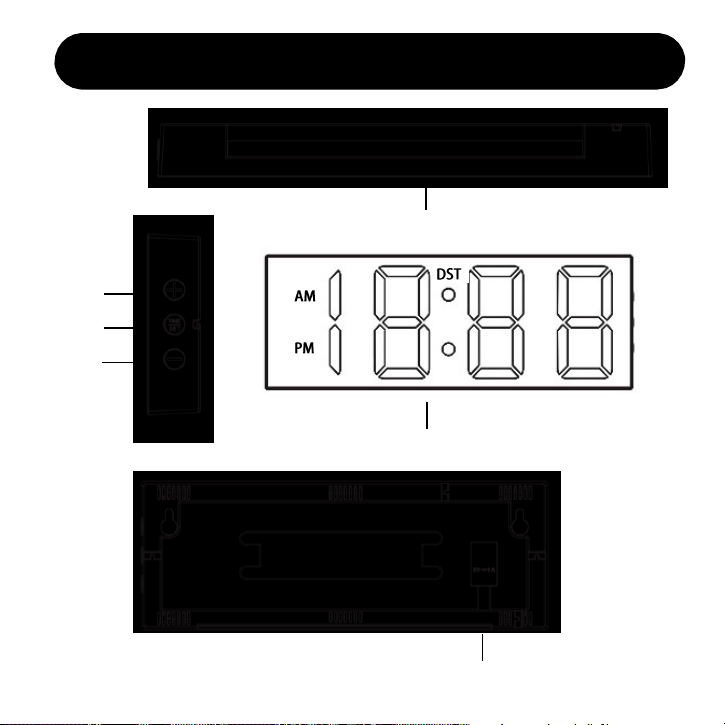
Device Overview
3
Time display area
Night Light
Time setting
Set up and add
Set minus
DC input interface
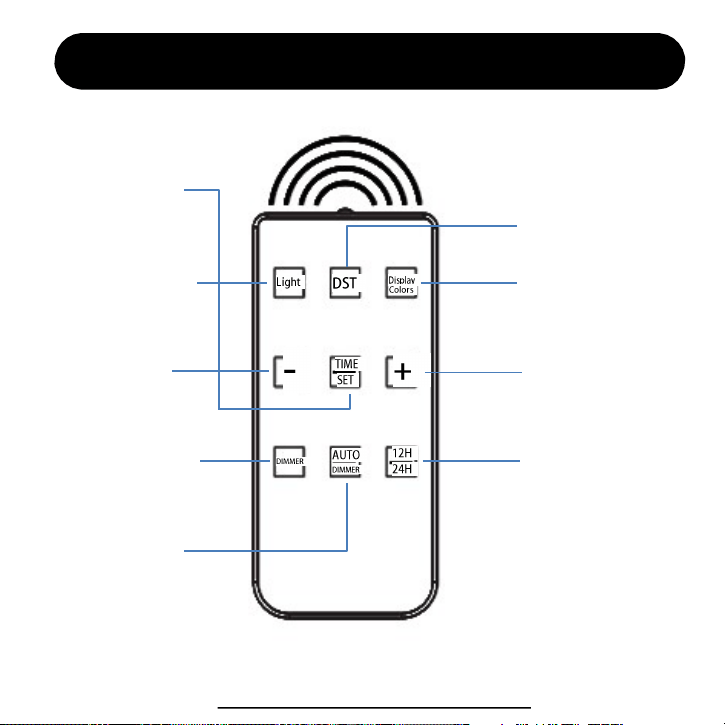
Remote Control Overview
DOWN “ - ”
Time setting
12H / 24H
Night light switch
Screen Brightness
Auto Brightness
UP “ + ”
Auto Daylight
Saving Time
Display letter color
ThreeDucksDirect@outlook.com
4
5. Then “Minute” is flashing, press to select value.
Press to confirm and finish time setting.
3. Press to enter the time setting:
Time Setting (by remote control)
Note: we strongly recommend to set with remote control for the whole setting.
1. Press to select 12-Hour or 24-Hour mode according to your habits.
2. Press to turn on Manual DST, it will add 1 hour. You need to press
“DST” manually in every March and November.
If you don’t need DST function, please ignore this step.
4. The “Hour” is flashing, press to select value. Press and next.
5
Font Displaying Colors & Night Light
1. Press to change letter colors. If you want to freeze
certain color, you can hold the button and release it when you
find your favorite.
1. In the time display state, press to adjust the screen brightness
from High -> Low -> High.
2. You can also press auto-dimmer button to auto adjust the
screen brightness. In this mode, the brightness will auto change
according to the environment light, makes it dimmer at night and
brighter at daytime. It shows “ON”, which means it’s turned ON,
while “OFF” means it’s turned OFF.
Screen Brightness (by remote control)
2. Press to turn ON / OFF the night light at the back.
3. When the light is on, press to adjust the brightness of
the light.
6
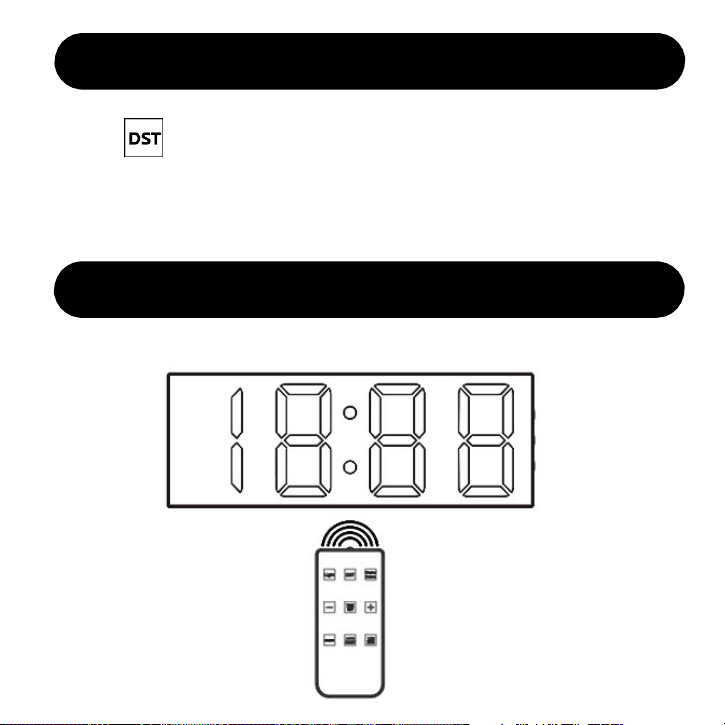
Daylight Saving Time (by remote control)
1. Press to turn ON / OFF DST, it’s for daylight saving time area.
It will manually add 1hour to your display time. You need to press it again
on the 2
nd
Sunday of March and 1
st
Sunday of November.
2. If your area doesn’t apply to daylight saving time, please turn DST OFF.
Tips for remote control
Please aim at the product when using the remote control.
7
1. Press to enter the time setting, you will set in sequence for
Hour > Minute
3. Then “Minute” is flashing, press to select value.
Press to confirm and finish time setting.
Time Setting (by device buttons)
2. The “Hour” is flashing, press to select value. Press and next.
8

FAQ
This section summarizes the most common issues you may have. If you’re unable to
solve the issue, please feel free to contact ThreeDucksDirect@outlook.com.
The remote control is powered by CR2032 battery. If it doesn’t work, it may be run
out of battery. Please try to replace CR2032 battery.
Q1: The remote control doesn’t work.
Q2: The remote control is not sensitive.
The sensor is in the front of the device. When you press the remote control, please
point directly to the front of the device.
9
Q3: It’s military time, how to change?
Please press 12H/24H button on the remote to change from Military time to normal
time format.
Q4: How to freeze the color?
You can hold the “Display Color” button and wait for your favorite color, then
release the button and it will stay frozen.

We provide lifetime warranty to every customer.
Contact us to activate your lifetime warranty Now!
Don’t forget to include your order ID when contact.
Warranty
Email
Visit
ThreeDucksDirect@outlook.com
www.jall-us.com
Missing any accessories or any questions during usage, please contact us.
10