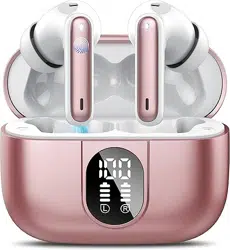
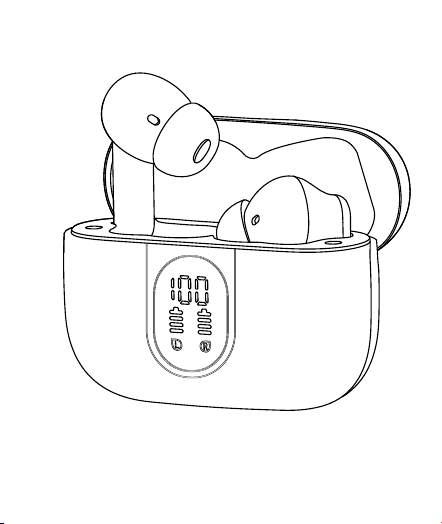
User Guide for J90 Pro
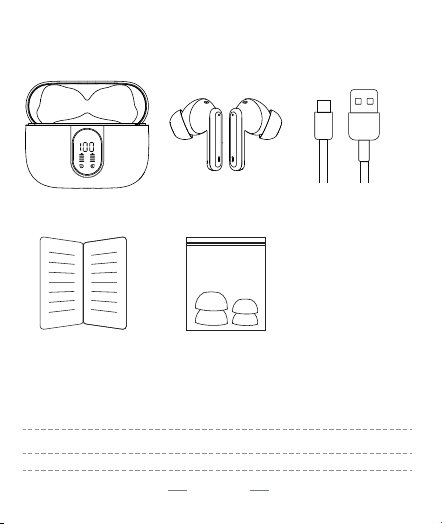
02 EN
5.3
HFP/A2DP/HSP/AVRCP
Type-C
:
:
:
6-8 hours (earbuds) + over 30 hours (Charging box)
1.5 hours for earbuds / 1.5 hours for charging case
15 meters (without obstacles)
03 EN
5.3
HFP/A2DP/HSP/AVRCP
Type-C
:
:
:
6-8 hours (earbuds) + over 30 hours (Charging box)
1.5 hours for earbuds / 1.5 hours for charging case
15 meters (without obstacles)
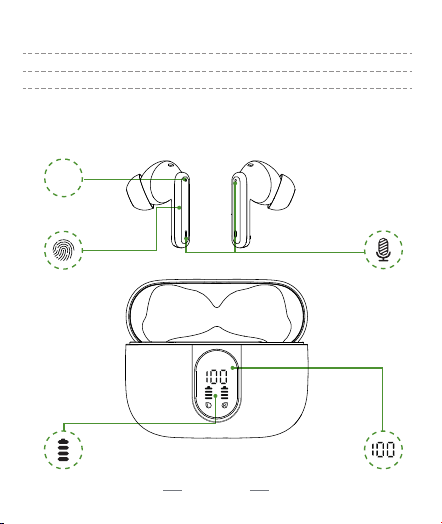
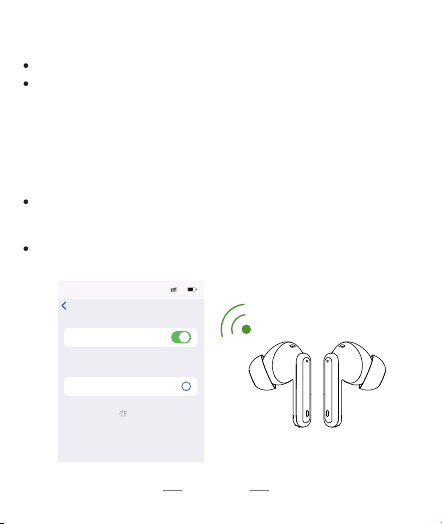
LED
MIC
MFB Button
LED Indicator Light
LED Bar for Earbuds
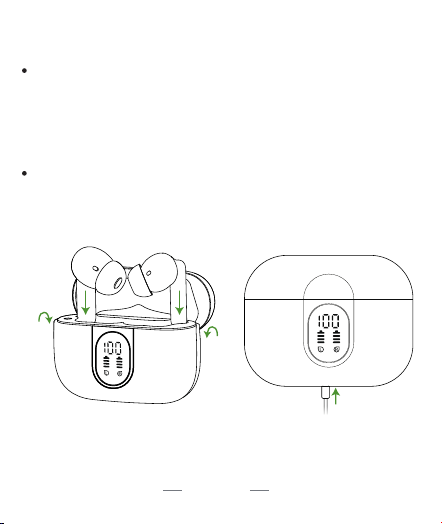
Battery Status Indicator of
Charging Case
04 EN
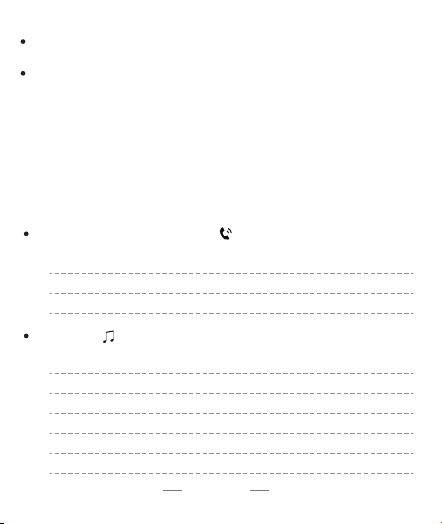
i
ConnectedJ90 Pro
Bluetooth
Bluetooth
00:00
5G
Settings
OTHER DEVICES
MY DEVICES
Now discoverable as “IPhone”.
To pair an Apple Watch with your iPhone, go
to the Apple Watch app
05 EN
Answer call:
Hang up:
Refuse incoming call:
tap once
press and hold the key for 2s
press and hold the key for 2s
Play/pause
Previous track
Next track
Activate Siri
Turn down volume
Turn up volume
tap twice
press and hold "L" for 2s
press and hold "R" for 2s
quickly tap for three times
single tap on left earbud
single tap on right earbud
06 EN

07 EN

08 EN
