Marine Software Update Data Card Instructions
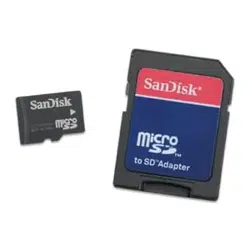
These instructions are for software update cards, part numbers 010-00427-01 and 010-00427-02.
To ensure that the software version on the card is current, compare the date on the card with the release date for your product at
http://www.garmin.com/support/download.jsp.
To update the software in your unit with the software update card:
1. Verify that you have the correct data card for your marine unit by checking the part number (010-00427-01 or 010-00427-02).
2. Turn on the unit.
Note: Do not turn off the unit during the update process.
3. Agree to the warning message.
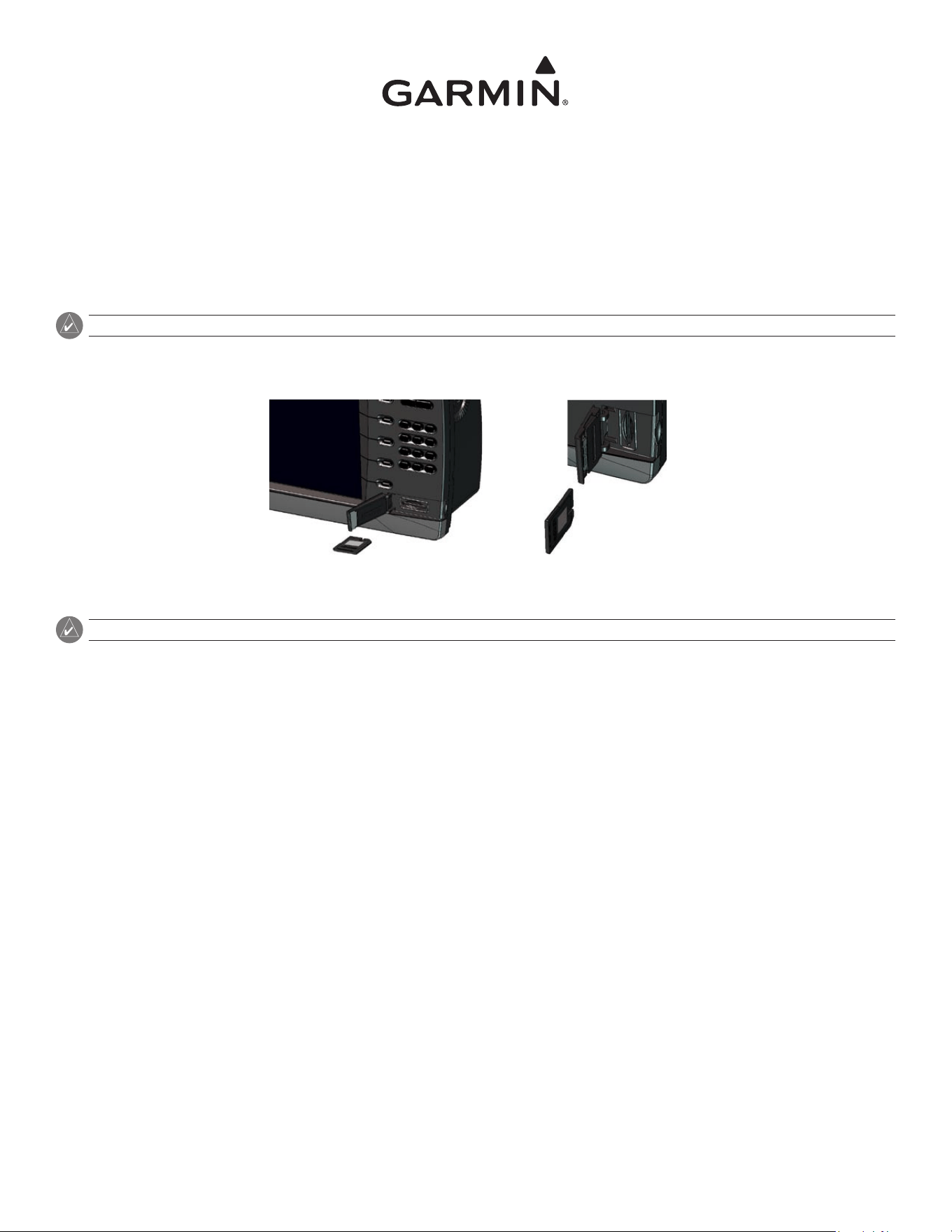
4. After the Home Screen appears, insert the card into the unit. The Data Card screen appears.
GPSMAP 4012 or 4212 Other GPSMAP Models
5. Select Update Software.
Note: Do not remove the card until the unit has returned to normal operation.
The software update process takes approximately 2-10 minutes. The unit will return to normal operation when the upload process is complete.
When the update process is complete, remove the software update data card.
June 2009 Printed in Taiwan 190-00843-03 Rev. C

For the latest free software updates (excluding map data) throughout the life of your
Garmin products, visit the Garmin Web site at www.garmin.com.
© 2009 Garmin Ltd. or its subsidiaries
Garmin International, Inc.
1200 East 151
st
Street, Olathe, Kansas 66062, USA
Garmin (Europe) Ltd.
Liberty House, Hounsdown Business Park, Southampton, Hampshire, SO40 9LR UK
Garmin Corporation
No. 68, Jangshu 2nd Road, Shijr, Taipei County, Taiwan
www.garmin.com
June 2009 Printed in Taiwan 190-00843-03 Rev. C
