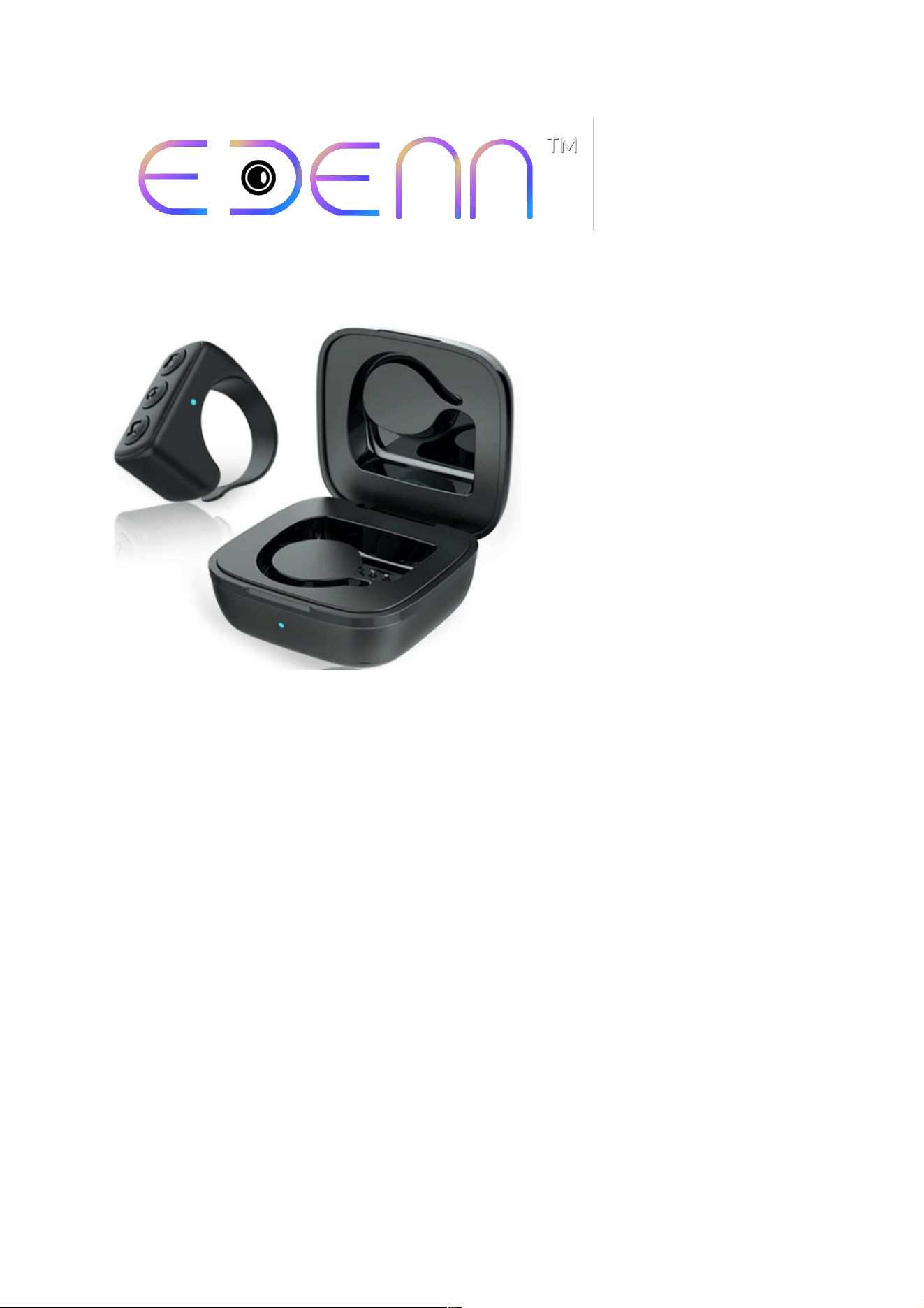
Tik Tok BLUETOOTH REMOTE
Instruction Manual
1. Open "TikTok" on cell phone.
2. Press "Up"/"Down" button on this Bluetooth
Remote to scroll up/ down videos.
3. Press "Function Button" to Play/Pause videos.
Double-Click this button can save a video to
Favorite.
For Any Customer Related Inquiry:[email protected]

