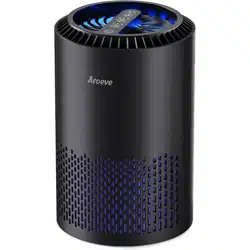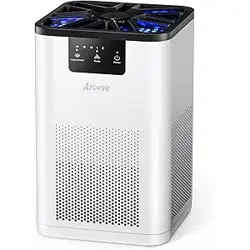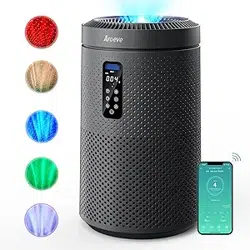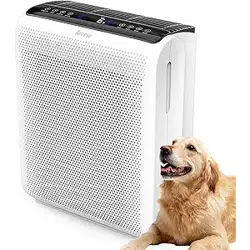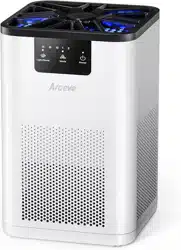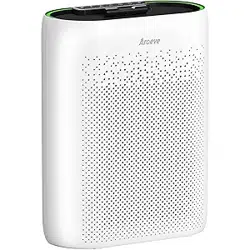
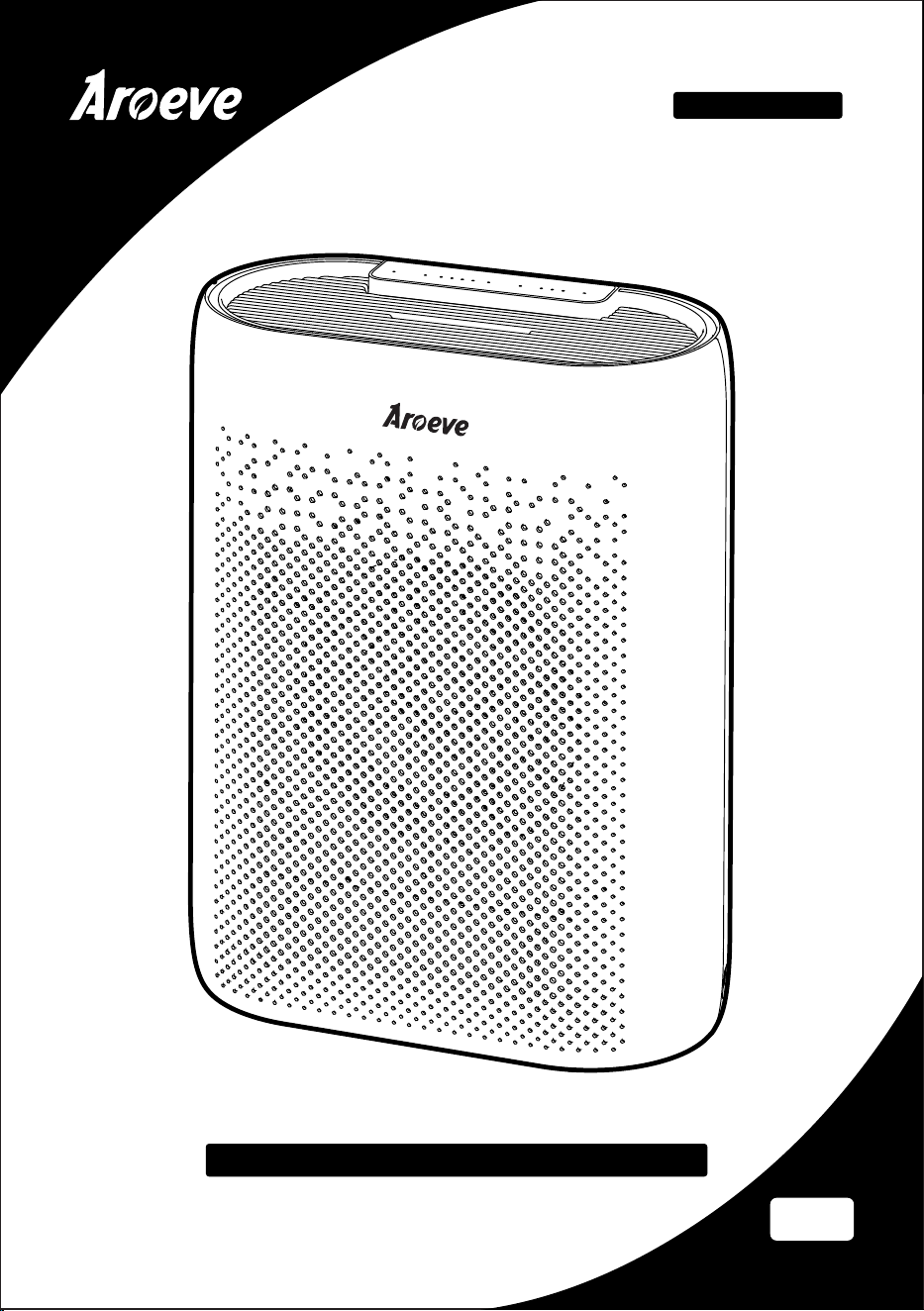
Air Purifier
User Manual
US
Customer Service: [email protected]
Model: MKD05
PLEASE READ AND SAVE THESE IMPORTANT SAFETY INSTRUCTIONS

1
SAFETY INSTRUCTIONS
Important:
Please read and comply with all of the instructions and warnings provided in this manual
before using the product. Failure to comply with the instructions and warnings provided
herein may result in inaccurate results or damage to the product itself.
01. This appliance should only be used in room with temperatures between 40°F and 95°F.
02. To avoid fire or shock hazard, connect the purifier into correct electrical outlet.
03. NEVER place on a soft surface such as a bed or sofa as this could cause the unit to tip over
and the air inlet or outlet grills to be blocked.
04. Do not place anything on top of unit.
05. Do not move or tilt the unit while it is in operation.
06. Do not insert fingers or objects into the air inlet and air outlet.
07. Do not use outdoors.This unit is only suitable for indoor use, please avoid strong sunlight
and rain.
08. Do not use near water to avoid electrical hazards.
09. Do not use the unit in wet or humid environments.
10. Do not handle the unit with wet hands.Thoroughly dry your hands before handling any
part of the air purifier.
11. Do not place the unit directly below an air conditioner to prevent any moisture from
getting in to the purifier.
12. Do not allow children,pet to play on or near the unit. Close supervision is necessary when
any appliance is used by or near children, or disabled persons.
13. Keep unit away from heated surfaces and naked flames such as stove tops,ovens, raditors
or computers.
14. Always turn the purifier off before unplugging it.
15. Always unplug the air purifier before moving or cleaning the unit, opening the rear cover,
changing the filter and whenever the unit is not in use.
16. To disconnect the unit, be sure to pull the plug instead of the cord.
17. This unit does not remove carbon monoxide or radon.It can not be used as a safety device
to prevent or clean up accidents with combustion processes and hazardous chemicals.
18. NEVER use detergents,gasoline,glass purifier,furniture polish,paint thinner,or other
household solvents to clean any part of the purifier.
19. Non-professional personnel or unauthorized repair personnel shall not repair or transform
the machine by themselves.
20. Do not operate the appliance with a damaged cord or plug. If the motor fan fails to
operate or the unit has been dropped or damaged in any manner, contact the customer
service.
21. Always allow 15 inches of clearance on all sides of the purifier.
22. This product complies with the maximum allowable concentration of ozone of 0.050 parts
per million by volume (ppmv) in a 24-h period.
Warn the user to unplug or disconnect the appliance from the power supply before servicing.
To Reduce The Risk Of Fire, Electric Shock Or Injury To Persons, Do Not Use
Replacement Parts That Have Not Been Recommended By The Manufacturer (e.g. Parts Made
At Home Using A 3D Printer).
2
SAFETY INSTRUCTIONS
NOTE: This equipment has been tested and found to comply with the limits for a Class B
digital device, pursuant to part 15 of the FCC Rules. These limits are designed to provide
reasonable protection against harmful interference in a residential installation. This equip-
ment generates, uses and can radiate radio frequency energy and, if not installed and used
in accordance with the instructions, may cause harmful interference to radio communica-
tions. However, there is no guarantee that interference will not occur in a particular installa-
tion. If this equipment does cause harmful interference to radio or television reception, which
can be determined by turning the equipment off and on, the user is encouraged to try to
correct the interference by one or more of the following measures:
—Reorient or relocate the receiving antenna.
—Increase the separation between the equipment and receiver.
—Connect the equipment into an outlet on a circuit different from that to which the receiver
is connected.
—Consult the dealer or an experienced radio/TV technician for help.
SPECIFICATION
Name:Air Purifier
Maximum power:24W
Power supply:100-240V 50/60Hz
No disassembly.
Non-professional maintenance personnel are prohibited from disassembly and
modification to avoid damage or injury.
Do not use other Ac power.
Using a power supply that exceeds the specification will damage the product and
cause an accident.
Do not wipe air purifier with alcohol or organic solvents.
To avoid air purifier damage and injury, fire, etc. by electric shock No contact with
flammable substances or fire, etc.
Do not use insecticides while the air purifier is running.
After using the insecticide, the indoor air must be fully circulated, otherwise it will
cause excessive accumulation of pharmaceutical ingredients in the air purifier,
which is harmful to human health.
Please pay attention to ventilation if use air purifier but
use gas stove at the same time.
The air purifier cannot filter out carbon monoxide, otherwise it will cause
poisoning.
Pay attention to holding the power cord when plug and
unplug the power.
To avoid power cord damage, or a short circuit thus causing fire, electric shock
and other hazards.
Check the power plug regularly.
Dust is easy to accumulate on the power plug, which will cause poor insulation
due to moisture. Regularly unplug the power plug and wipe it with a dry cloth.
Unplug the power plug if it is not used for a long time.
CONTROL AND DISPLAY
3
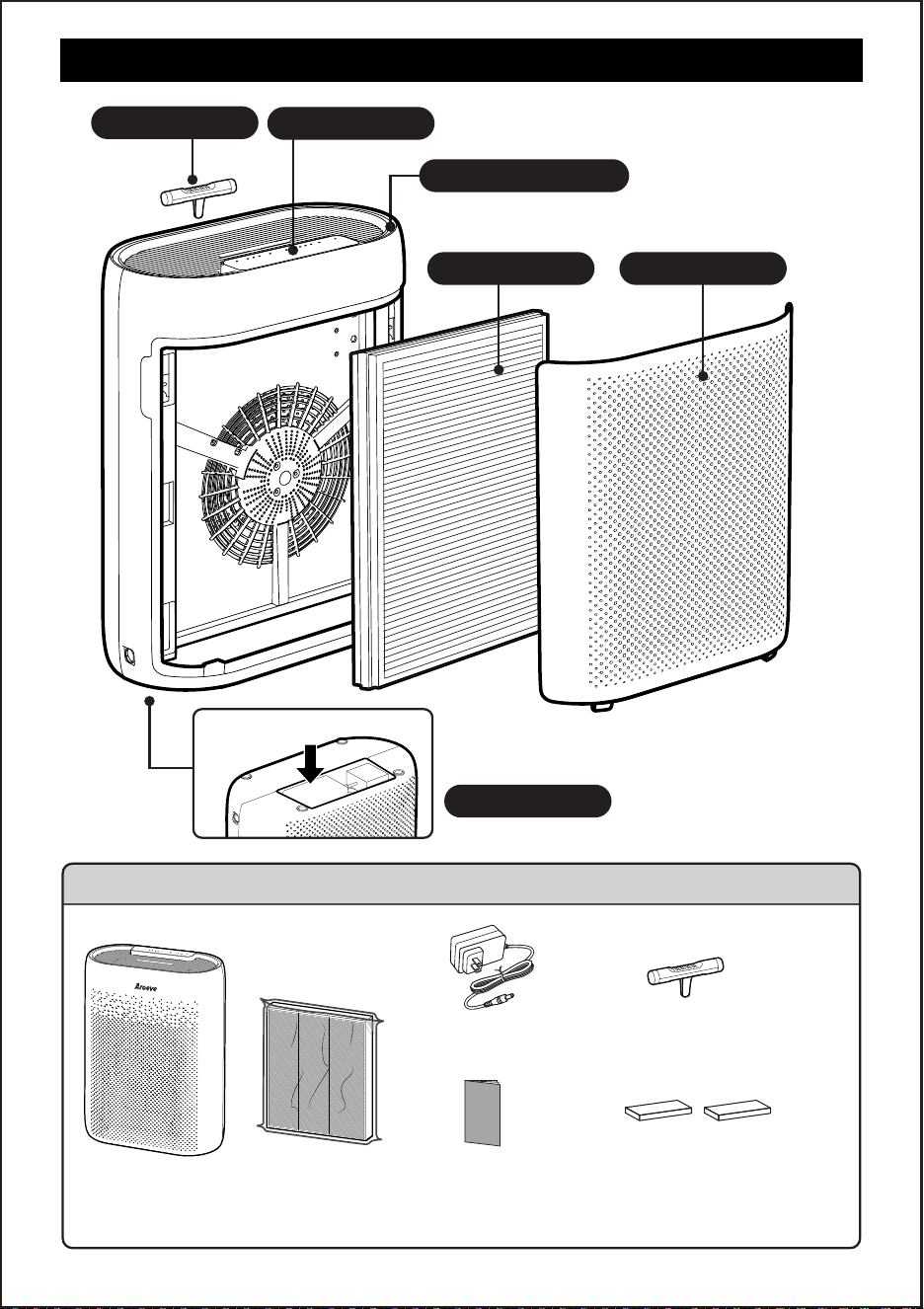
PM2.5 display lamp
Control Panel
PACKAGE CONTENTS
1 X
Air Purifier
1 X
Original Filter
(Pre-Installed)
1 X
User Manual
1 X
Original essential oil pads
(Complimentary 2 pads)
1 X
Essential oil box
1 X
Power adapter
Power adapter
Essential oil box
Filter Cover
bottom
Air Filter
4
GETTING STARTED
1 2
3
4
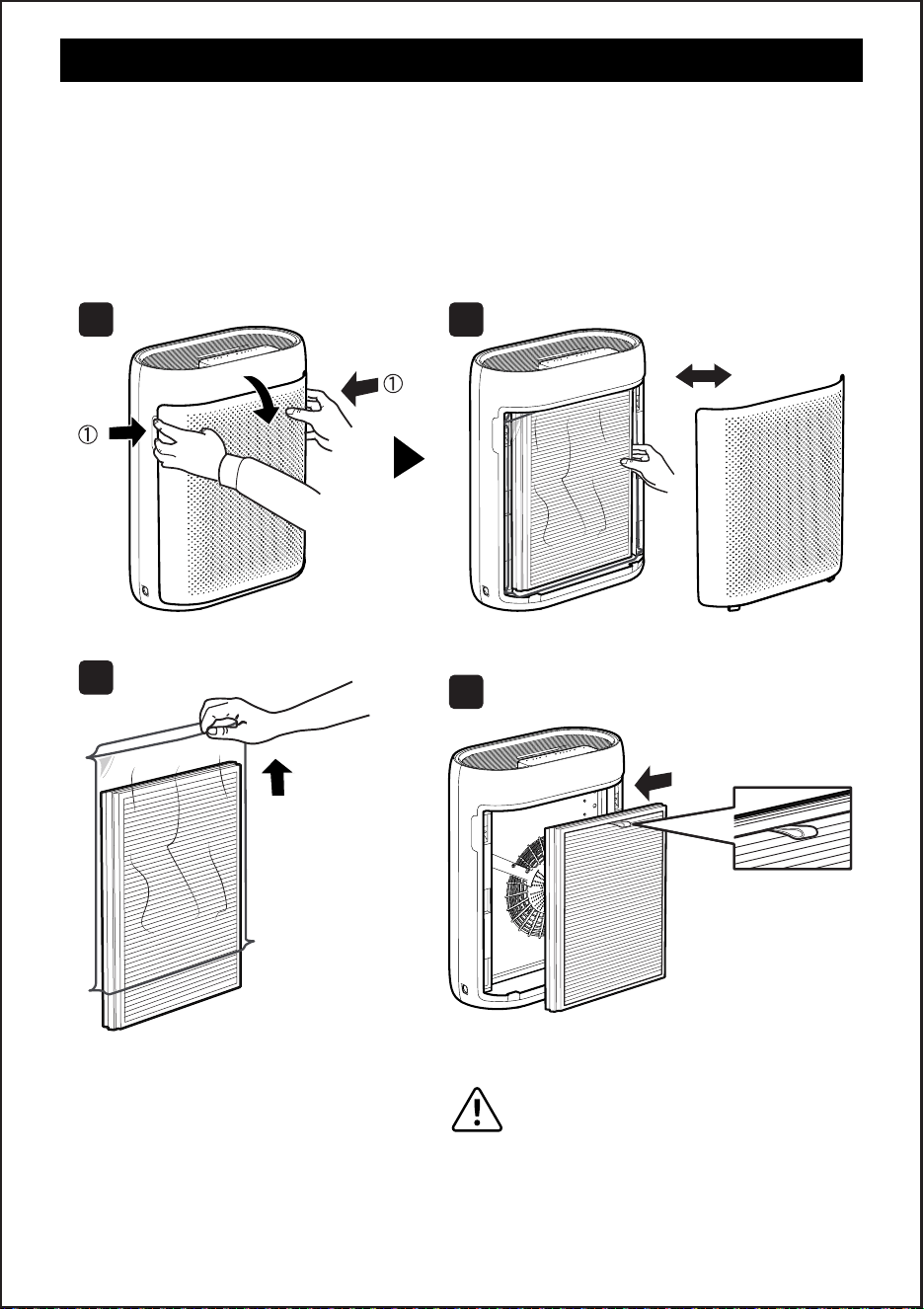
Your air purifier comes with an original filter, please remember to remove the filter
packaging before use.
1. Hold the grooves on both sides with both hands and open the screen cover forward
(see pic 1).
2. Take out the original filter element (see pic 2)
3. Tear the plastic bag (see pic 3)
4. Put back the filter element and close the screen cover (see pic 4)
NOTE:
In order to facilitate the next
replacement of the filter element,
the ear strap must face up and out
when the filter element is put back.
5
CONTROL AND DISPLAY
NOTE:
1. Install the filter as required, and connect it to the power supply
2. When the product is powered on for the first time, the PM2.5 sensor in the machine
will wake up, and the corresponding display light will also turn on synchronously.
After the preheating is completed, the prompt sound of "drip" will be heard before the
machine can be operated
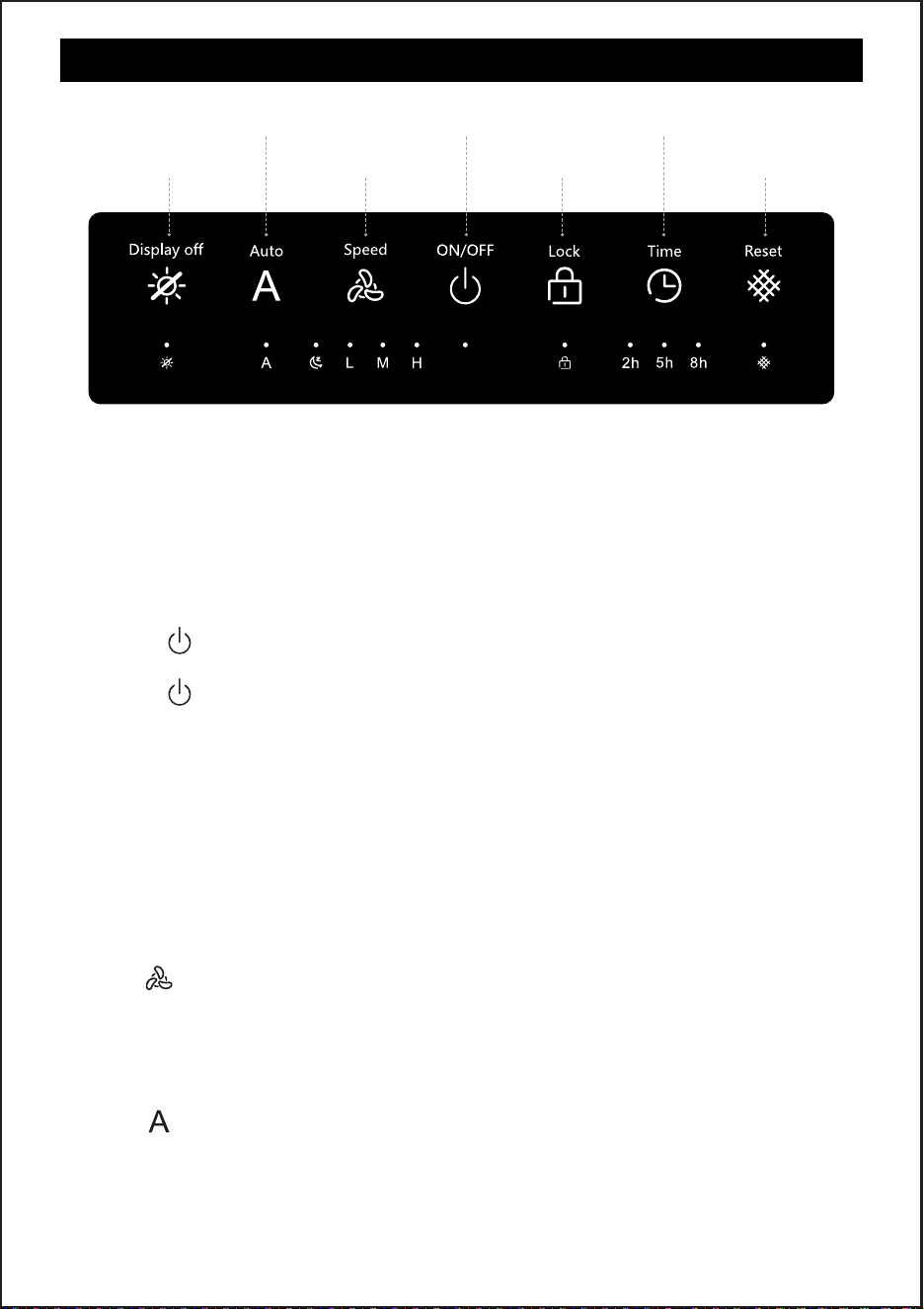
1. Turn ON/OFF
● Tap " " to turn on the purifier.The machine starts the wind speed in L gear by default
and lights up the corresponding indicator.
● Tap " " again to turn off the purifier.
NOTE:
Your air purifier is equipped with Dust Sensors that detect the level of PMs in the room
and provide a visual display to indicate air quality. The Air Quality Indicator Ring is located
around the Control Panel.The Sensor is constantly monitoring the air and the Air Quality
Indicator will illuminate either green, yellow, or red depending on the level of PMs
detected in the room.
Green——Good air quality
Yellow —— Moderate air quality
Red —— Poor air quality
2. Speed Button
Tap " " to change fan speed between L,M,H and sleep.
NOTE:
In sleep mode, for better sleep quality, only the sleep indicator lights up, the rest of the key
indicator light and PM2.5 atmosphere light will be turned off.
3. Auto Button
Tap " " Automatic button, the machine enters automatic mode.
NOTE:
When the Auto mode is activated, the air purifier will adjust the fan speed automatically
based on air quality. For example, if the air quality is bad, the fan will automatically be set
to high speed.
Time Button
Reset Button
ON/OFF Button
Lock ButtonSpeed Button
Auto Button
Display off Button

CONTROL AND DISPLAY
6
4. Display off Button
Tap " " diaplay off button,the interest screen indicator lights up, corresponding to the
rest of the key indicator light and PM2.5 atmosphere light will be extinguished
5. Lock Button
Long press the child lock for 7 seconds, the machine will open the child lock function.
NOTE:
The additional features of the child lock function are currently inaccessible for operation.
6. Time Button
Tap " " Timing can be switched between 2h, 5h, 8h
7. Reset Button
① The use time of the filter element is 2000h. If the filter element reaches its life, the
indicator light will light up, indicating that you need to replace the filter element.
TIPS: To purchase filter cartridge, please go to aroeve store to purchase
② After replacing the new filter element, long press the reset button for 6 seconds to reset,
and the machine will record your use time again.
8. Memory Function
Built-in memory function, normal shutdown can remember wind speed and automatic.
CLEANING AND MAINTENANCE
Cleaning the Air Purifier
We recommend that you clean the air purifier at least once every 3 months and before
extended storage.
l Unplug before cleaning.
l Use only a dry cloth to wipe the external surfaces of the air purifier.DO NOT USE WATER,
WAX POLISH, OR ANY CHEMICAL SOLUTION.
l Vacuum the inside of the air purifier.
Cleaning the Filter
l The outer pre-filter should be cleaned every 2–4 weeks to increase the eciency and
extend the life of your filter.
l Clean the pre-filter using a soft brush or vacuum hose to remove hair, dust, and large
particles.
l Do not clean the filter with water or other liquids.
Maintenance
If your Air Purifier will not be used for more than 30 days, we recommend that you:
l Remove the HEPA Filters from the unit.
l Wrap the HEPA Filters in an air tight plastic bag.
l Remove the Pre-Filter and Enhanced Odor and VOC Filters and place them in an air
tight plastic bag.
7
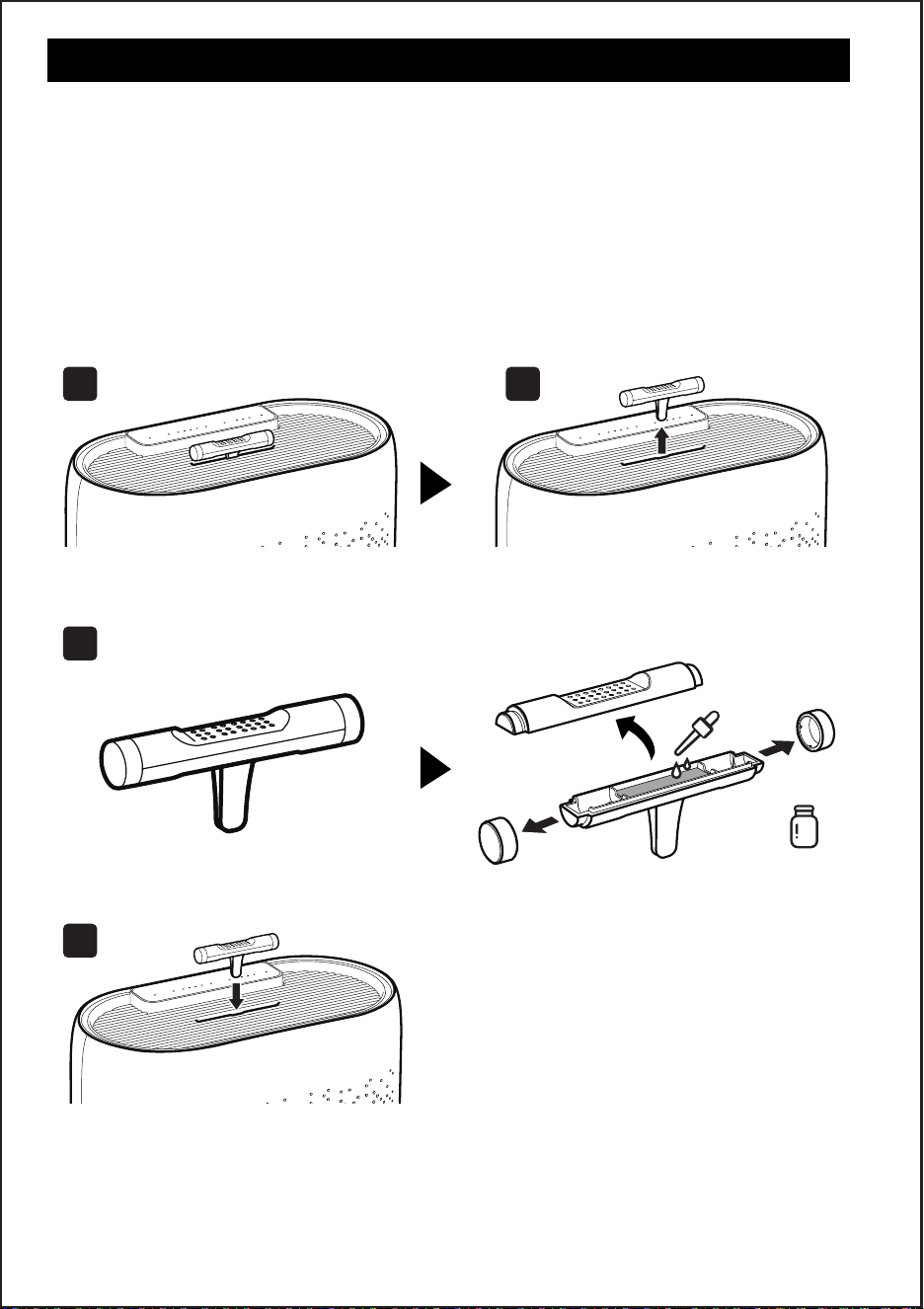
HOW TO USE AROMATHERAPY FUNCTION
1. Remove the external component of the essential oil box from the cabinet.
2. Remove the fixed covers at both ends (see pic 1)
3. Open the top cover of the essential oil box (see pic 2)
4. Add your favorite essential oil (see Pic 3)
5. Combine the components according to the opening steps and put them back in the card
slot.
NOTE:
1. Shut off the machine before adding the essential oils.
2. Only use the droppers come with the essential oils, do not pour in directly.
3. Add 4-5 drops each time.
1 2
4
3
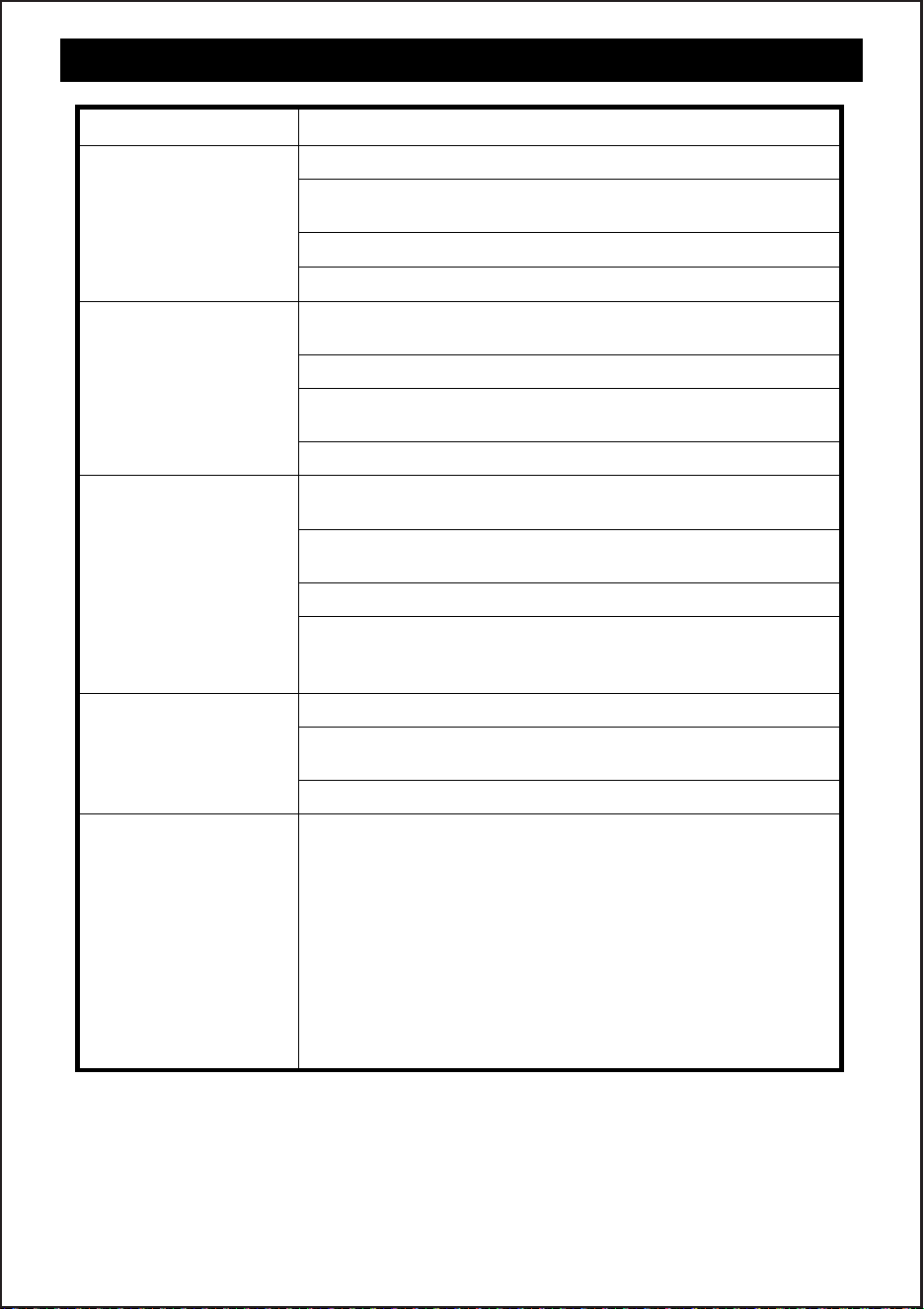
TROUBLESHOOTING
8
Problem Possible Solution
Air purifier makes an
unusual noise and
the air outlet is less.
Strange smell coming
from the purifier.
The indicator light is
still red after replacing
the filter
The reason for the red light:
1. This product uses infrared sensors, and the sensor lens
can not accurately measure the air quality due to the
accumulation of dust.
2. The air quality is at a relatively poor level, causing infrared
sensors to detect poor environmental quality and keep
turning red.
Solution: After replacing the filter, please put the machine
in a clean space to run for 6~24 hours, the sensor will
automatically return to the blue light.
Make sure the filter is properly in place with plastic
packaging removed.
Make sure the air purifier is operating on a hard, flat, even
surface.
Replace the filter.
The air purifier may be damaged, or a foreign object may
be inside. Stop using the air purifier and contact Customer
Support . Do not try to repair the air purifier
Replace the filter element
Make sure not to use your purifier in an area with high
humidity or while diffusing essential oils.
Contact Customer Support.
Air purifier will not
turn on or respond
to button controls.
Plug in the air purifier.
Plug the air purifier into a different outlet.
The air purifier is malfunctioning. Contact Customer Support
Check to see if the power cord is damaged. If it is, stop
using the air purifier and contact Customer Support.
Airflow is significantly
reduced.
Make sure the filter is removed from its packaging and
properly in place.
The pre-filter may be clogged by large particles, such as hair
or lint, blocking airflow. Clean the pre-filter.
Replace the filter.
Leave 15 in / 38 cm of clearance on all sides of the air purifier.
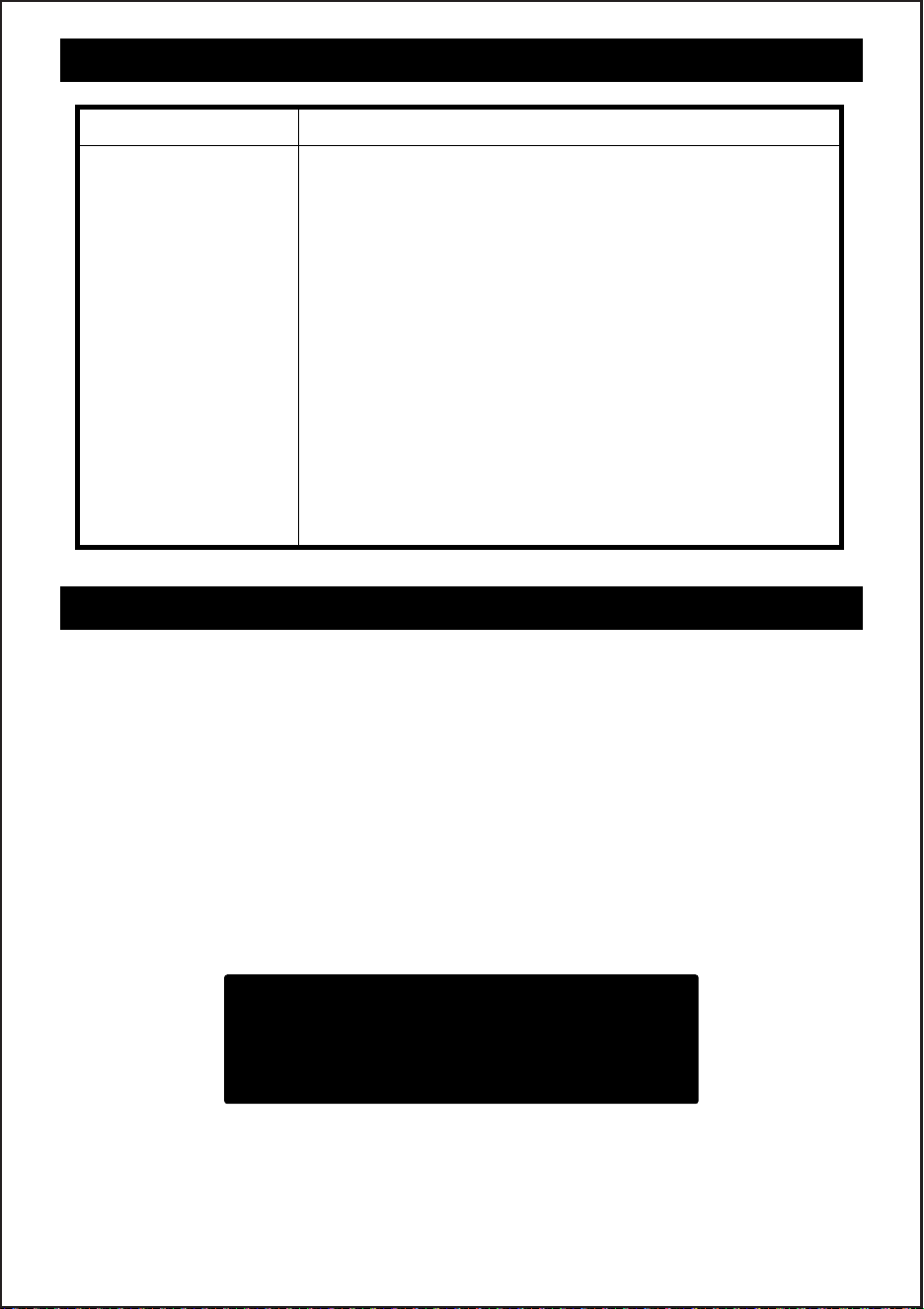
Filter uses less than
2000 hours the
environment light
has been on red
prompt to replace
the filter.
Tip 1: The service life of the filter depends on the
environment, if the environment is heavily polluted
or dusty, the filter is easy to accumulate dust and
becomes dirty. (Note: the environment with greater
ventilation is more likely to accumulate dust)
Tip 2: Humid weather air will be a little more small
molecules, more easily combined with dust to form
pm 2.5 particles, the sensor senses pm2.5 particles
after the red light will be on.
Measures 1: It may be necessary to replace the filter.
Check whether the filter has been very dirty
and needs to be replaced.
Measures 2: The room humidity of 75% or more or opening
the window on a rainy day, will continue for
1~2 days with red light until the ambient
humidity drops to below 75%.
TROUBLESHOOTING
9
Problem Possible Solution
Contact Customer Support Team:
Email: [email protected]
We appreciate your feedback and will do our best guarantee your satisfaction.
Within 2 year after your purchase,shall the product has defects, we will provide a refund or
resend you a new one. Please email us with your concern and order number. Your inquiries
will be taken care of as soon as possible.
This warranty only cover orders from authorized brand online stores and our ocial website.
We are not responsible for any purchases from other distribution channels.
Product manual :https://bit.ly/aroevemanual
WARRANTY