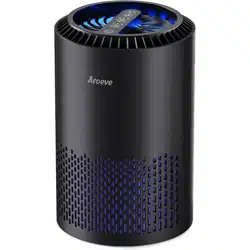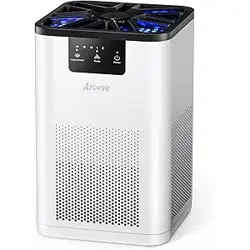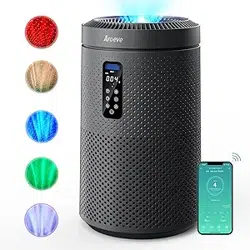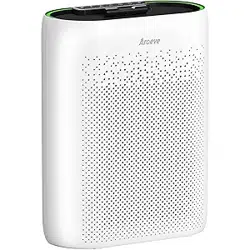
PLEASE READ AND SAVE THESE IMPORTANT SAFETY INSTRUCTIONS
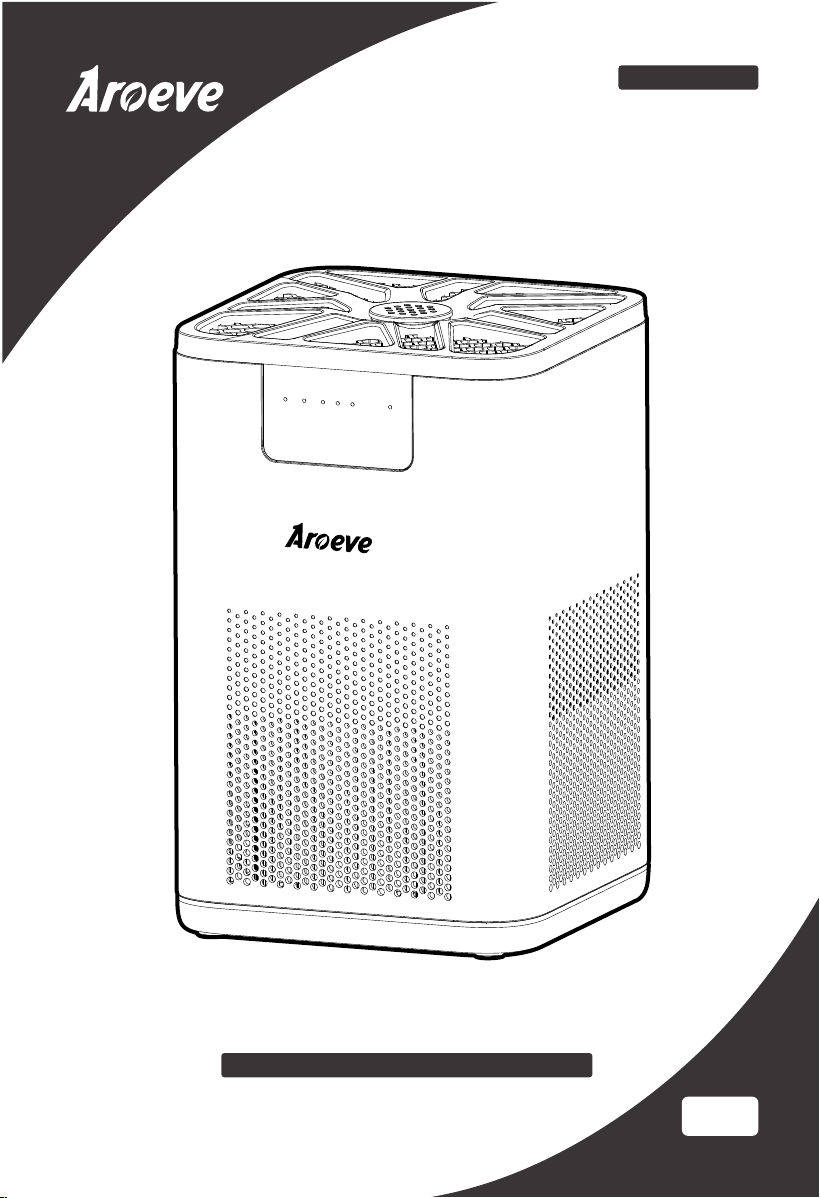
Air Purifier
User Manual
US
Customer Service: [email protected]
Model: MK06

1
SAFETY INSTRUCTIONS
Important:
Please read and comply with all of the instructions and warnings provided in this manual
before using the product. Failure to comply with the instructions and warnings provided
herein may result in inaccurate results or damage to the product itself.
WARNING: To Reduce The Risk Of Fire Or Electric Shock, Do Not Use This air purifier With
Any Solid-State Speed Control Device.
1. Ensure the plug fits properly into a polarized power outlet.
2. This appliance should only be used in room with temperatures between 40°F and 110°F.
3. To avoid fire or shock hazard, connect the purifier into correct electrical outlet.
4. NEVER place on a soft surface such as a bed or sofa as this could cause the unit to tip
over and the air inlet or outlet grills to be blocked.
5. Do not place anything on top of unit.
6. Do not move or tilt the unit while it is in operation.
7. Do not insert fingers or objects into the air inlet and air outlet.
8. Do not use outdoors.This unit is only suitable for indoor use, please avoid strong sunlight
and rain.
11.
Do not handle the unit with wet hands.Thoroughly dry your hands before handling any
part of the air purifier.
12.
Do not place the unit directly below an air conditioner to prevent any moisture from
getting in to the purifier.
13.
Do not allow children,pet to play on or near the unit. Close supervision is necessary when
any appliance is used by or near children, or disabled persons.
14.
Keep unit away from heated surfaces and naked flames such as stove tops,ovens,
raditors or computers.
16.
Always unplug the air purifier before moving or cleaning the unit, opening the rear
cover, changing the filter and whenever the unit is not in use.
18.
NEVER use detergents,gasoline,glass purifier,furniture polish,paint thinner,or other
household solvents to clean any part of the purifier.
19.
Non-professional personnel or unauthorized repair personnel shall not repair or
transform the machine by themselves.
20.
Do not operate the appliance with a damaged cord or plug. If the motor fan fails to
operate or the unit has been dropped or damaged in any manner, contact the customer
service.
15. Always turn the purifier off before unplugging it.
17. To disconnect the unit, be sure to pull the plug instead of the cord.
21. Always allow 15 inches of clearance on all sides of the purifier.
9. Do not use near water to avoid electrical hazards.
10. Do not use the unit in wet or humid environments.

SAFETY INSTRUCTIONS
NOTE: This equipment has been tested and found to comply with the limits for a Class B
digital device, pursuant to part 15 of the FCC Rules. These limits are designed to provide
reasonable protection against harmful interference in a residential installation. This
equipment generates, uses and can radiate radio frequency energy and, if not installed and
used in accordance with the instructions, may cause harmful interference to radio commu-
nications. However, there is no guarantee that interference will not occur in a particular
installation. If this equipment does cause harmful interference to radio or television
reception, which can be determined by turning the equipment off and on, the user is
encouraged to try to correct the interference by one or more of the following measures:
—Reorient or relocate the receiving antenna.
—Increase the separation between the equipment and receiver.
—Connect the equipment into an outlet on a circuit different from that to which the receiv-
er is connected.
—Consult the dealer or an experienced radio/TV technician for help.
This device complies with part 15 of the FCC Rules. Operation is subject to the following
two conditions: (1) This device may not cause harmful interference, and (2) this device must
accept any interference received, including interference that may cause undesired
operation.
22. Do not operate any fan with a damaged cord or plug. Discard fan or return to an
authorized service facility for examination and/or repair.
23. Do not run cord under carpeting. Do not cover cord with throw rugs, runners, or similar
coverings. Do not route cord under furniture or appliances. Arrange cord away from
trac area and where it will not be tripped over.
24. This appliance has a polarized plug (one blade is wider than the other). To reduce the
risk of electric shock, this plug is intended to fit in a polarized outlet only one way. If
the plug does not fit fully in the outlet, reverse the plug. If it still does not fit, contact a
qualified electrician. Do not attempt to defeat this safety feature.
2
GETTING TO KNOW YOUR AIR PURIFIER
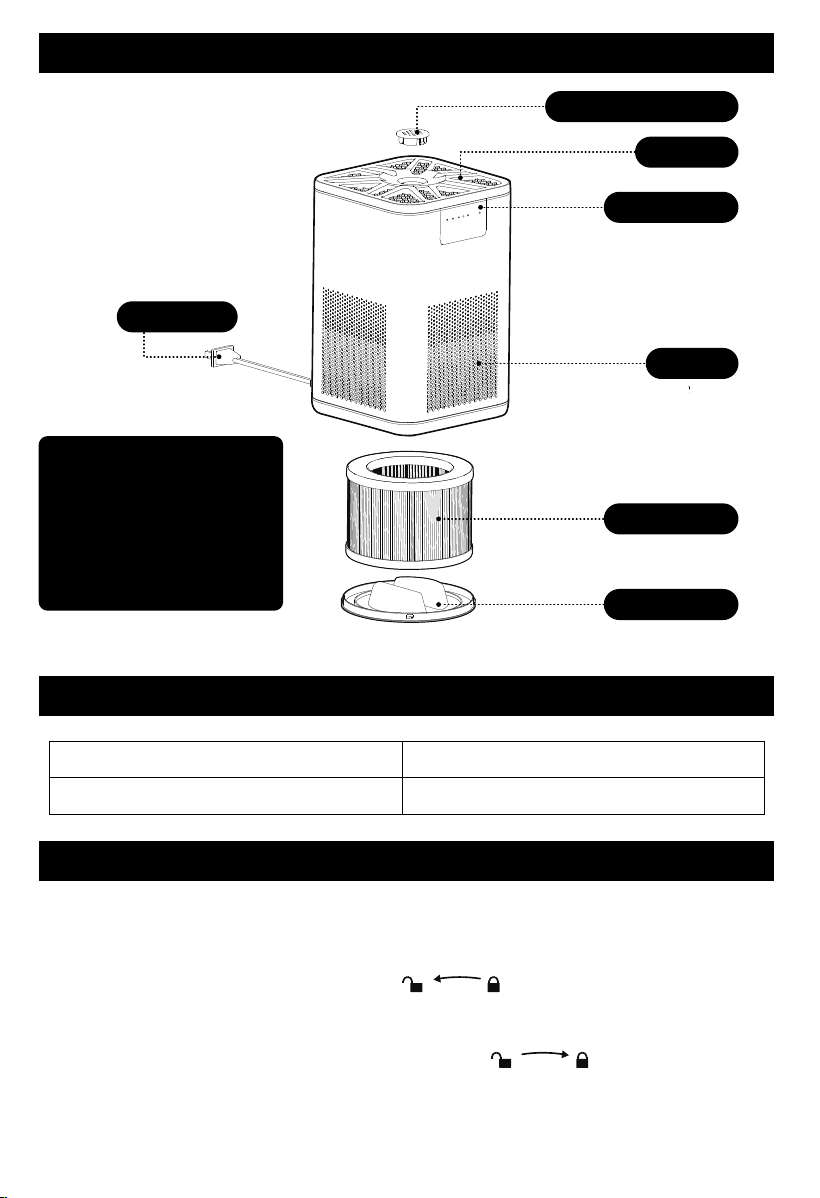
Package Contents
1 x Air Purifier
1 x 3-Stage
Original Filter
(Pre-Installed)
1 x User Manual
Aromatherapy Cover
Air Outlet
Control Panel
Air Inlet
Power Cord
Air Filter
BottomCap
SPECIFICATION
Rated Frequency: 60Hz
Rated Voltage : 120V~
Model No.:MK06
Rated Power : 10W
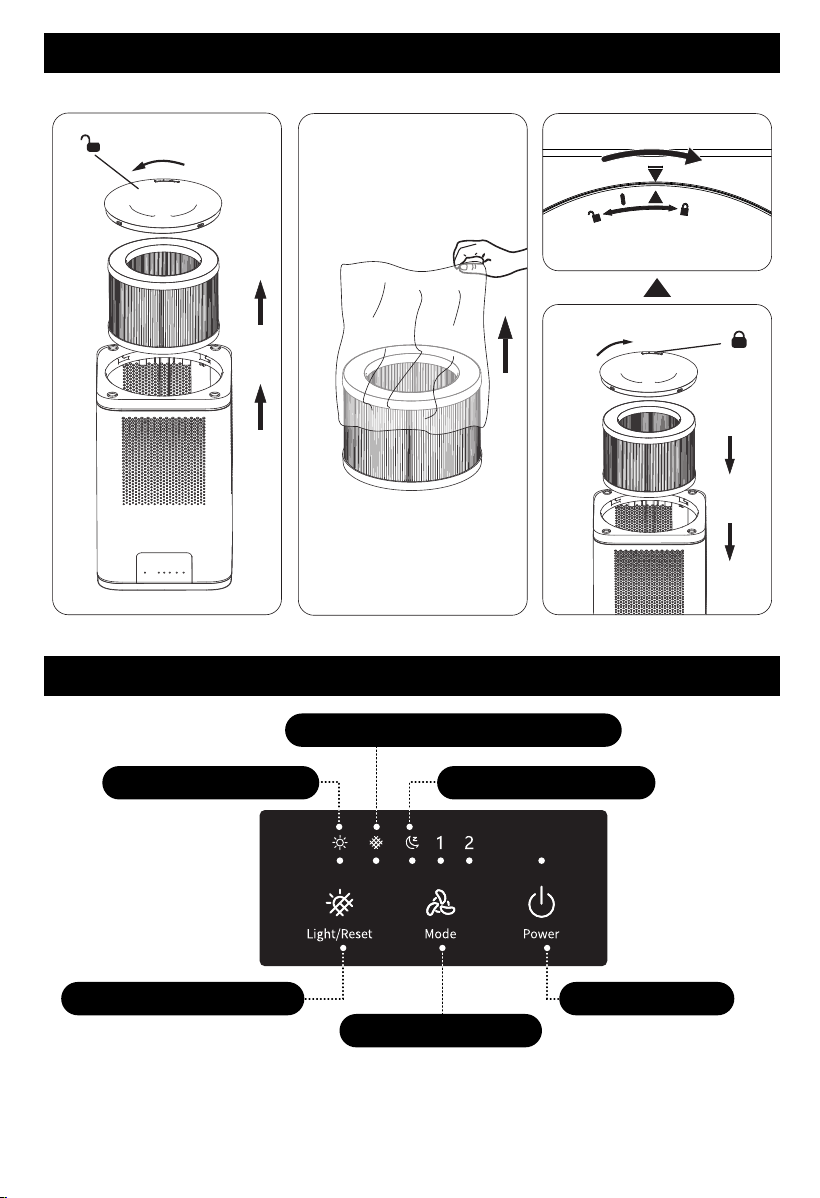
GETTING STARTED
Your air purifier comes with an original Filter included,do remember to remove the
packaging for the filter before use.
1. Contrarotate the base cover to unlock it ( ).
2. Take filter out and unpack it
3. Fit it back into the appliance.
4. Turn the base cover clockwise from OPEN to LOCK ( )position, you will hear
a "click" sound when it is fastened.
Note: Make sure you insert the filters in the correct position.
3
GETTING STARTED
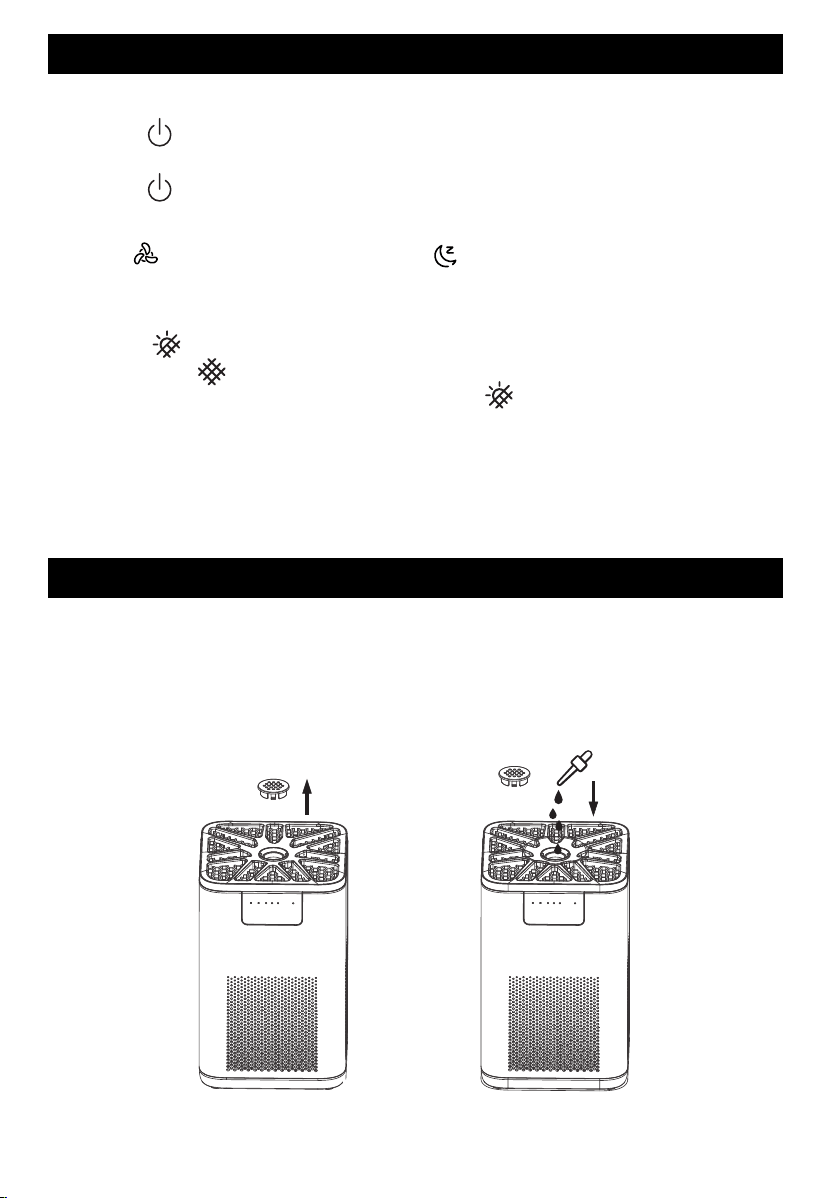
CONTROL AND DISPLAY
Filter Element Replacement Light
Sleep Mode IndicatorLight Indicator Lamp
Light/Filter Reset Button
ON/OFF Button
Fan Speed Button
Tips:Unpack the filter
4
CONTROL AND DISPLAY
3. Light/Filter Reset Button
● Tap “ ” to control the lighting function, Atmosphere light can on/off.
● When the “ ” lights up, it will prompt you to check the filter element for
replacement. After replacement, Long press the “ ” button for 3 seconds to reset
the filter element. After the reset is successful, the indicator light will be off and the
use time will be recorded again
4. Memory Function
When the air purifier is plugged in, it will remember its previous fan speed and light
setting
2. Fan Speed Button
Tap “ ” to change fan speed between “ ” , 1and2.
Note: Ambient lights will go off in sleep mode
1. ON/OFF Button
● Tap “ ” to turn on the purifier. The fan will start on Level 2 , At the same time, the
blue atmosphere light with the indicator light turned on
● Tap “ ” again to turn off the purifier.
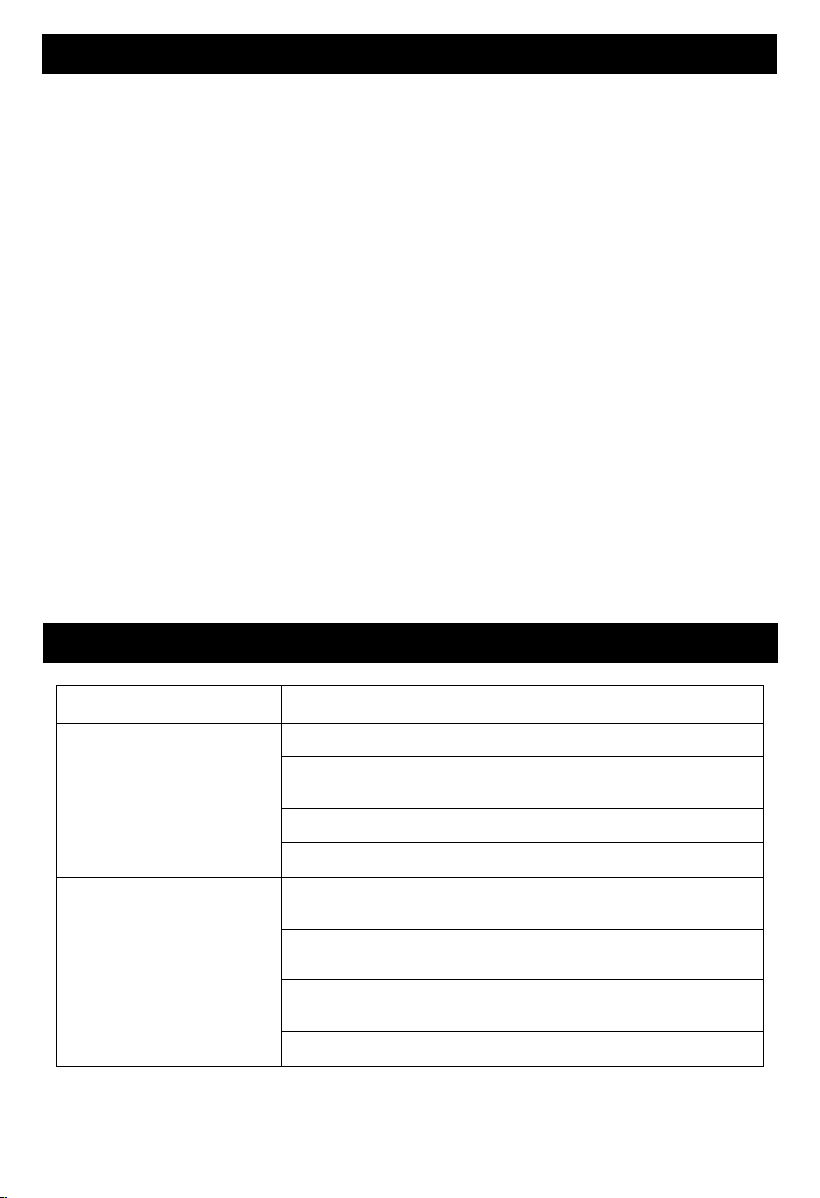
HOW TO USE AROMATHERAPY FUNCTION
Open the aromatherapy cover at the top of the machine,(see pic 1)
Drop the essential oil into the sponge on top and cover with the lid,(see pic 2)
Notes:
1. shut off the machine before adding the essential oils.
2. Only use the droppers come with the essential oils, do not pour in directly.
3. Add 4-5 drops each time.
pic 1
pic 2
5
TROUBLESHOOTING
Problem Possible Solution
Air purifier will not turn on
or respond to button
controls.
Plug in the air purifier.
Plug the air purifier into a different outlet.
The air purifier is malfunctioning. Contact Customer Support
Check to see if the power cord is damaged. If it is, stop
using the air purifier and contact Customer Support.
Airflow is significantly
reduced.
Make sure the filter is removed from its packaging and
properly in place.
The pre-filter may be clogged by large particles, such as hair
or lint, blocking airflow. Clean the pre-filter.
Replace the filter.
Leave 15 in / 38 cm of clearance on all sides of the air
purifier.
CLEANING AND MAINTENANCE
Cleaning the Air Purifier
We recommend that you clean the air purifier at least once every 3 months to extend storage.
To reduce the risk of fire, electric shock, or injury to persons
●Unplug before cleaning.
●Use only a dry cloth to wipe the external surfaces of the air purifier.DO NOT USE WATER,
WAX POLISH, OR ANY CHEMICAL SOLUTION.
●Vacuum the inside of the air purifier.
Cleaning the Filter
●The outer pre-filter should be cleaned every 2–4 weeks to increase the eciency and
extend the life of your filter.
●Clean the pre-filter using a soft brush or vacuum hose to remove hair, dust, and large particles.
●Do not clean the filter with water or other liquids.
Maintenance
If your Air Purifier will not be used for more than 30 days, we recommend that you:
●Remove the HEPA Filters from the unit.
● Wrap the HEPA Filters in an air tight plastic bag.
Note:Minimize the filter's long-term exposure to air and ensure their coating remains
effective, thus maintaining the optimal eciency of your filtration system.
6
TROUBLESHOOTING
Problem Possible Solution
Air purifier makes an
unusual noise and
the air outlet is less.
Strange smell coming
from the purifier.
Make sure the filter is properly in place with plastic
packaging removed.
Make sure the air purifier is operating on a hard, flat, even
surface.
Replace the filter.
The air purifier may be damaged, or a foreign object may
be inside. Stop using the air purifier and contact Customer
Support . Do not try to repair the air purifier
Replace the filter element.
Make sure not to use your purifier in an area with high
Humidity.
Replace the essential oil pad and clean the aroma
chamber.
Contact Customer Support.
If your problem is not listed , please contact Customer Support.
7

8
WARRANTY
Guangdong DOUHE Technology Co., Ltd.
Room 310-J100, No. 1, Mingzhu 1st Street, Hengli Town, Nansha
District, Guangzhou City,Guangdong Province,China
2-Year Warranty Statement
Thank you for choosing our product. We are committed to delivering high-quality products
and excellent customer service, offering you a 2-year warranty.
Warranty Coverage:
This warranty covers defects in materials or workmanship during normal use. If any
manufacturing defects occur within the warranty period, we will replace or refund.
NOTE:this warranty only applies to purchases from authorized brand online stores
and our offcial website.
Warranty Period:
The warranty lasts for two years from the date of purchase.
Warranty Claim Process:
If you encounter any covered issues, follow these steps:
√Contact our customer support within the warranty period, providing details.
√Our team will guide you through troubleshooting or initiate a return/refund if needed.
Note:
Time to change the filter? Go & check out Aroeve Pureplus Membership on our ocial site.