QUICK START GUIDE
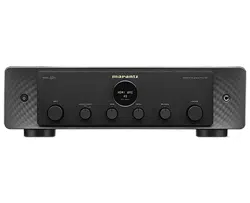
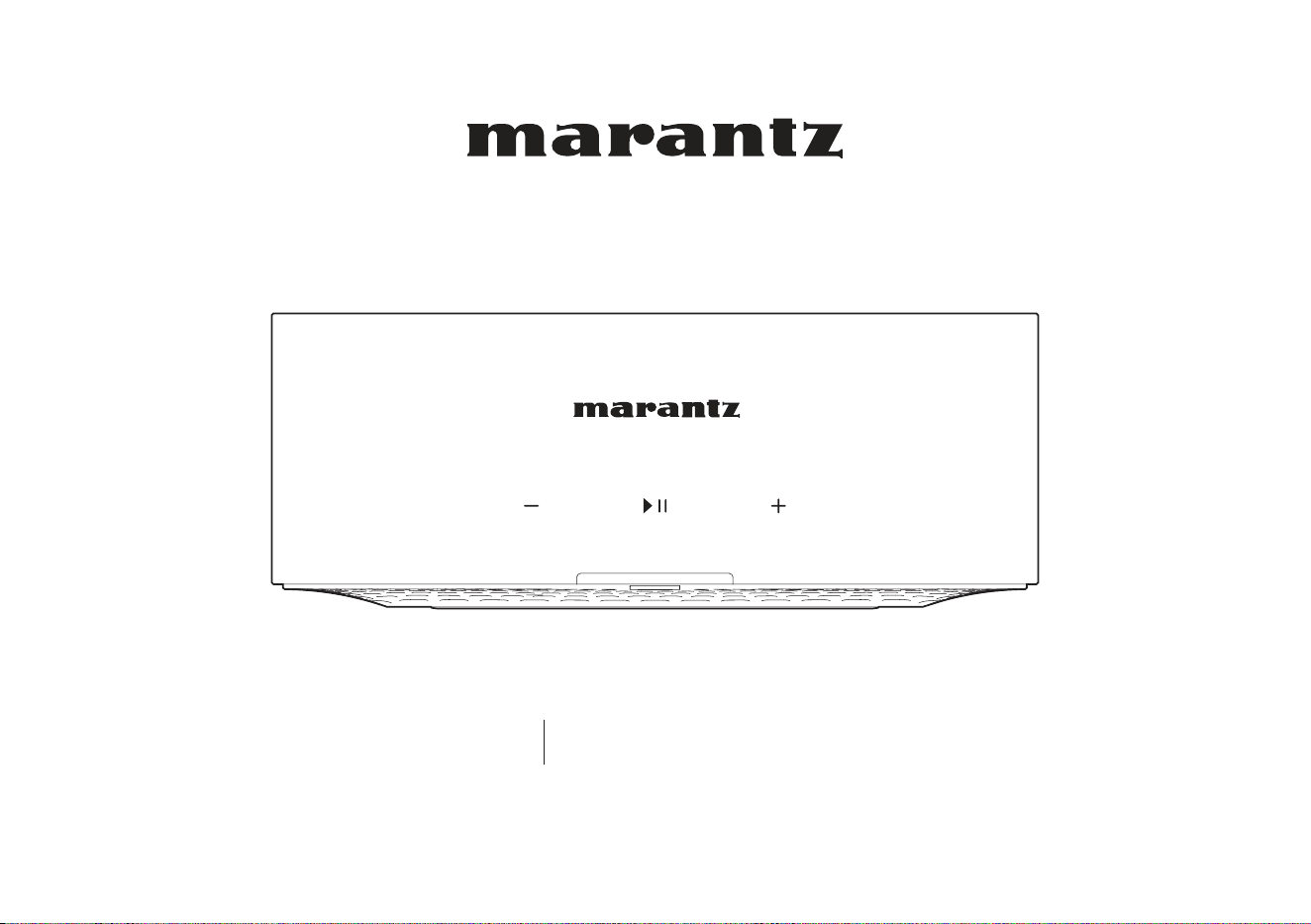
Wireless Streaming Amplier
MODEL M1
1
Before you begin STEP 1: Unpack
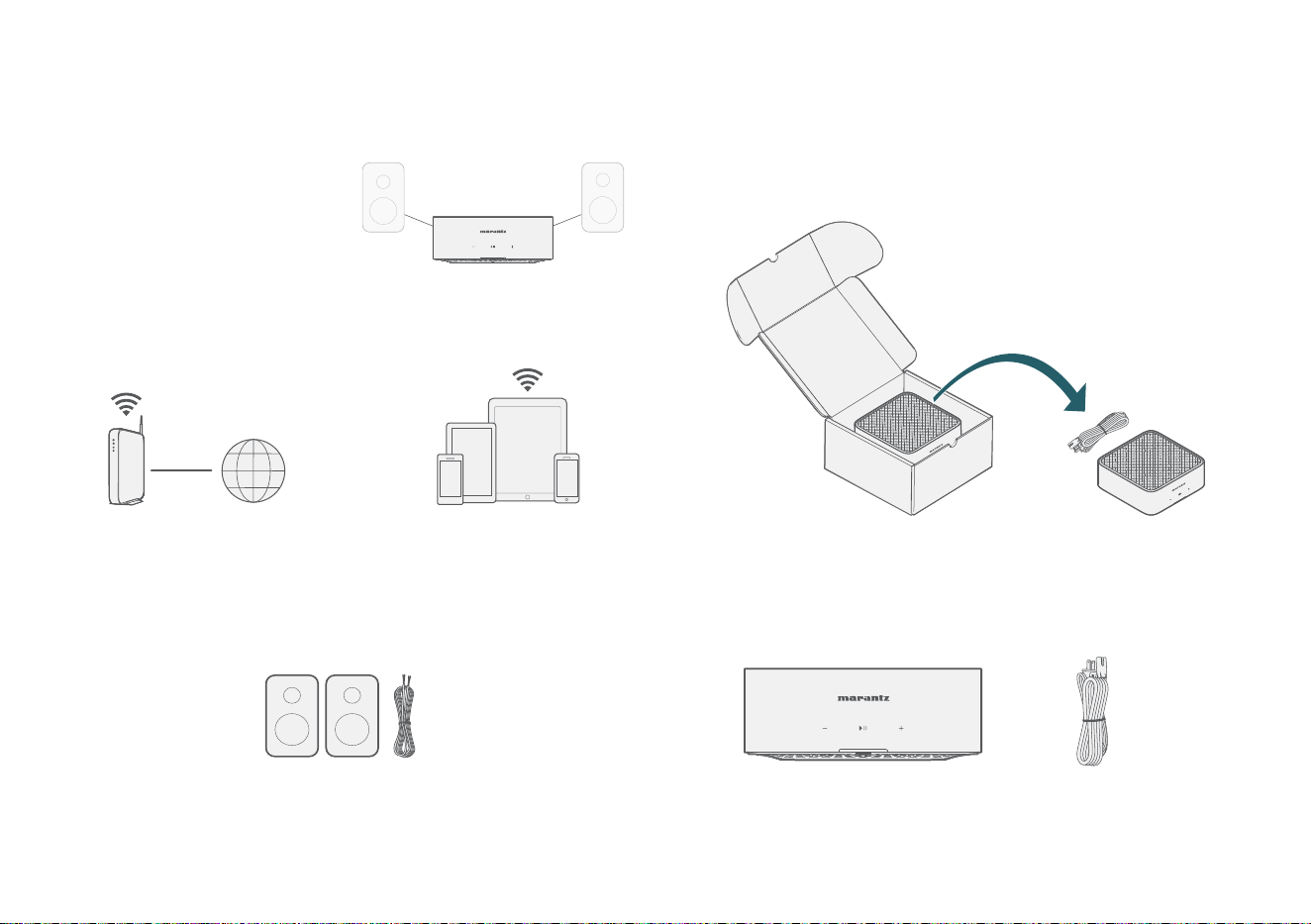
The MODEL M1 is designed
to add HEOS multi-room
audio functionality to your
favorite pair of speakers.
Make sure you have the following items in working order:
Apple iOS or Android
mobile device connected
to your network
Speakers &
Speaker Wires
Internet
Connection
Wi-Fi
Router
Carefully unpack your new MODEL M1.
Verify that the following items are included in the box.
MODEL M1 Power cord
2
EN
FR
ES
Setup
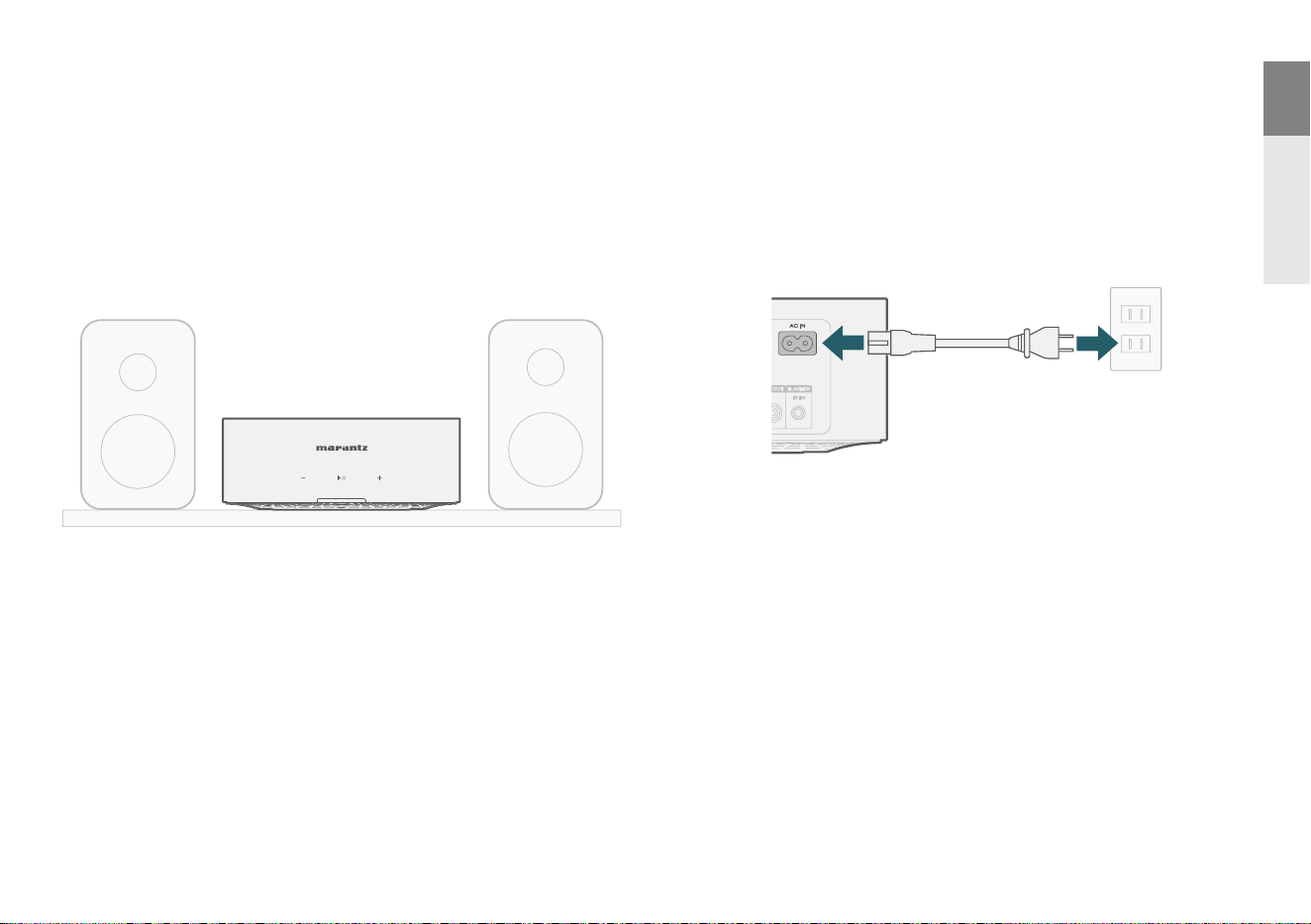
STEP 2: Place
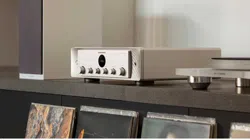
Place the MODEL M1 at a convenient location near your speakers
in your home.
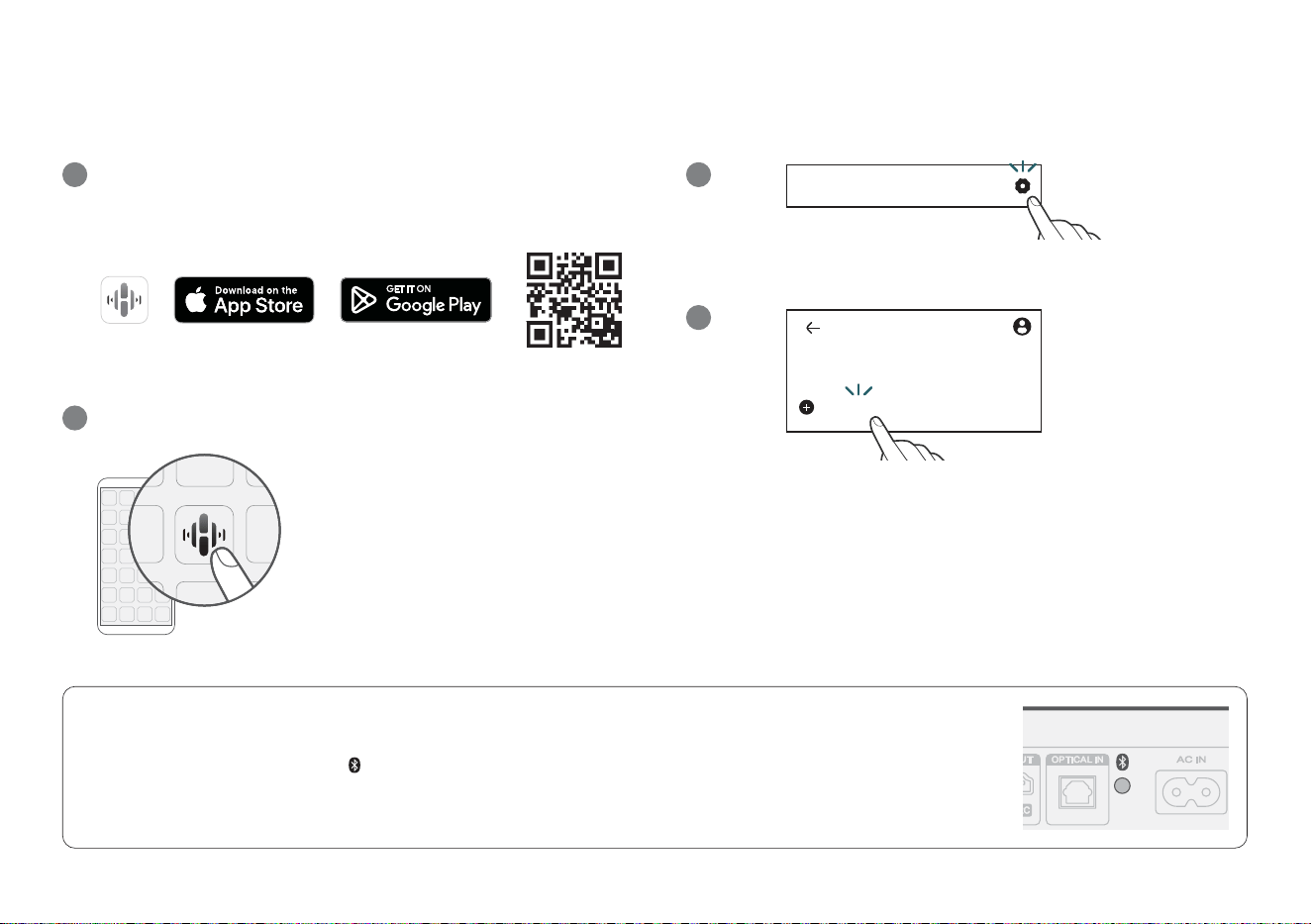
STEP 3: Connect
Connect the power cord.
3
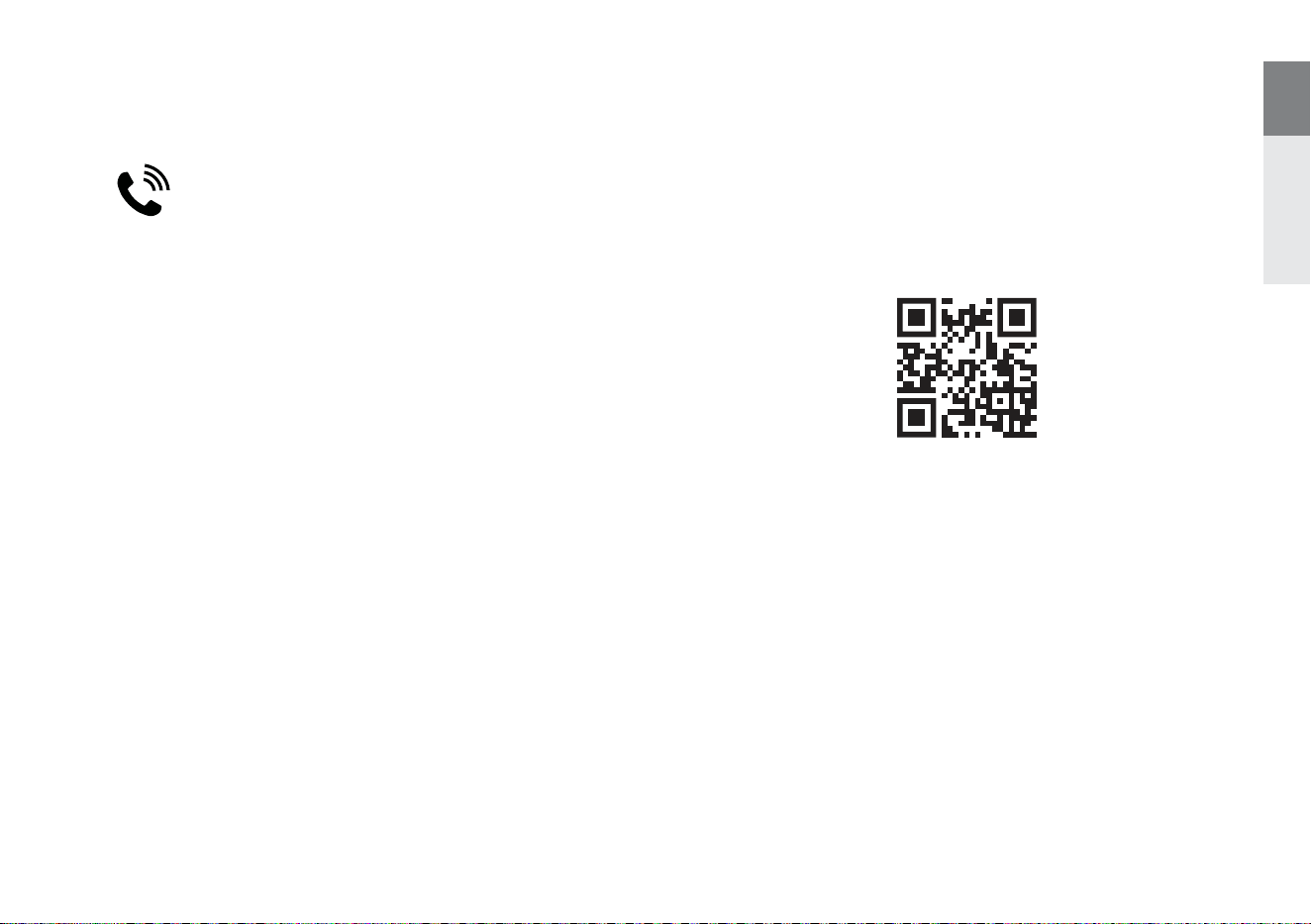
OPTIONAL: Bluetooth
1. Activate the Bluetooth setting on your mobile device.
2. Press and hold the Bluetooth button (
) located on the back of the MODEL M1 for 3 seconds and release the button when you see
a pattern of two green ashes on the status LED.
3. Select “Marantz MODEL M1” from the list of available Bluetooth devices.
STEP 4: Control
Download the HEOS app.
Go to the Apple App Store, Google Play or Amazon App Store and search
for “HEOS” to download and install.
1
Launch the HEOS app and follow the instructions in the app.
2
STEP 5: Add Device
1
2
Home
Add Device
Home
Settings
ENJOY!
4
EN
FR
ES
Owner’s manual
Refer to the online manual for other functions, information and
operation procedure details.
manuals.marantz.com/MODELM1/ALL/EN/
We hope you will enjoy your Marantz product for years to come. If you
ever have any question or need any support, just get in touch via the
free helpline. We are happy if you are happy.
In case you can’t reach the helpline please check the support section
on www.marantz.com for more information.
Contact Marantz
1-800-654-6633
Apple, AirPlay, iPad, iPad Air, iPad Pro, iPhone and Mac are trademarks of Apple
Inc., registered in the U.S. and other countries. The trademark “iPhone” is used in
Japan with a license from Aiphone K.K.
Use of the Works with Apple badge means that an accessory has been designed
to work specically with the technology identied in the badge and has been
certied by the developer to meet Apple performance standards.
The Bluetooth® word mark and logos are registered trademarks owned by the
Bluetooth SIG, Inc. and any use of such marks by DEI Sales, Inc. is under license.
Other trademarks and trade names are those of their respective owners.
The Wi-Fi CERTIFIED logo is a registered trademark of the Wi-Fi Alliance.
Wi-Fi Certication provides assurance that the device has passed the
interoperability test conducted by the Wi-Fi Alliance, a group that certies
interoperability among wireless LAN devices.
Trademark information
Manufactured under license from Dolby Laboratories. Dolby, Dolby Audio, and
the double-D symbol are trademarks of Dolby Laboratories.
The terms HDMI, HDMI High-Denition Multimedia Interface, HDMI trade dress
and the HDMI Logos are trademarks or registered trademarks of HDMI Licensing
Administrator, Inc.
App Store® is registered in the U.S. and other countries.
Google Play and the Google Play logo are trademarks of Google LLC.


Printed in Japan 5411 12093 00AS
© 2024 Masimo. All Rights Reserved.