1
Quick Start Guide
Español 5
Français 9
Deutsch 13
Italiano 17
Model:
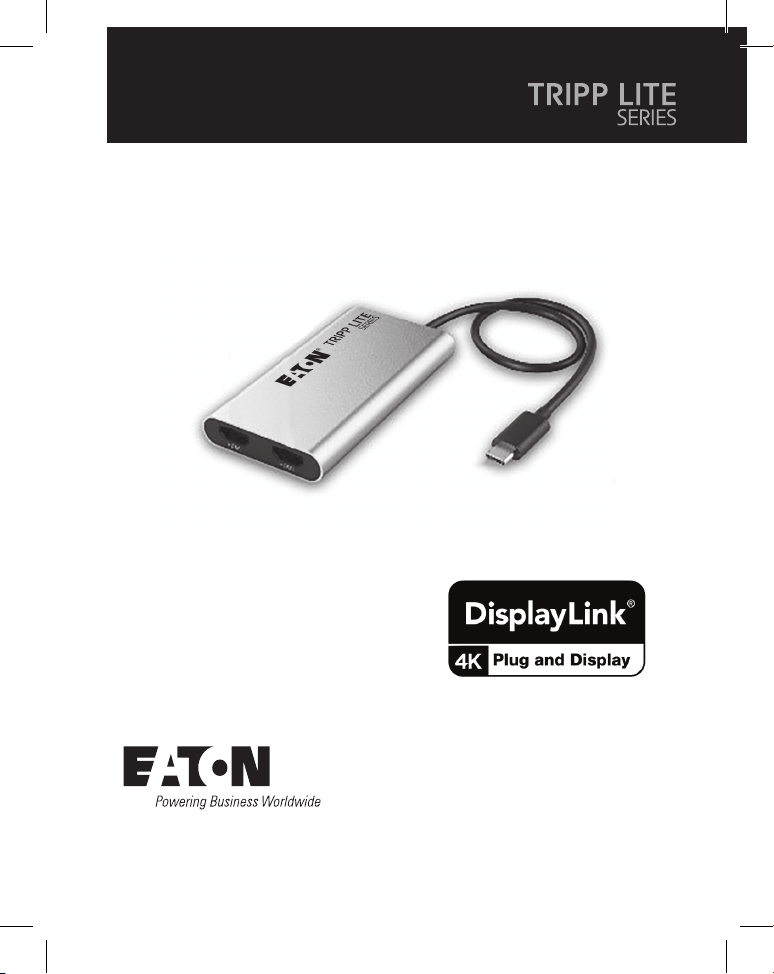
U444-2H-DL
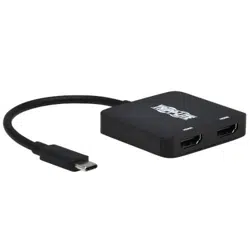
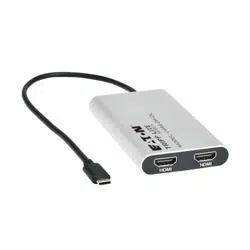
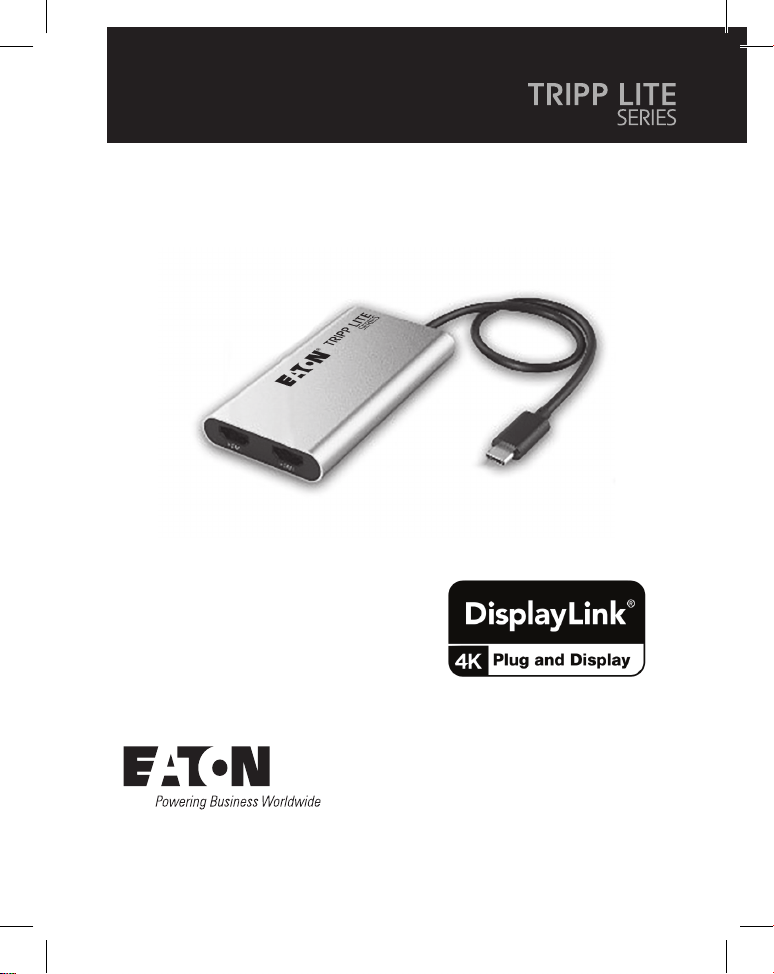
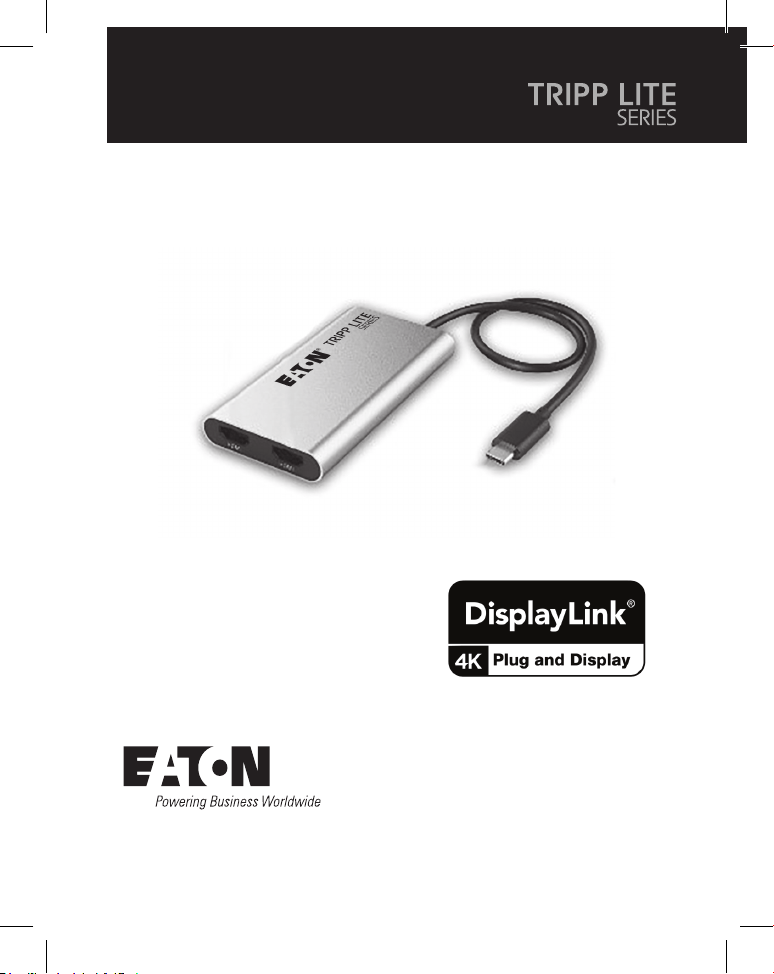
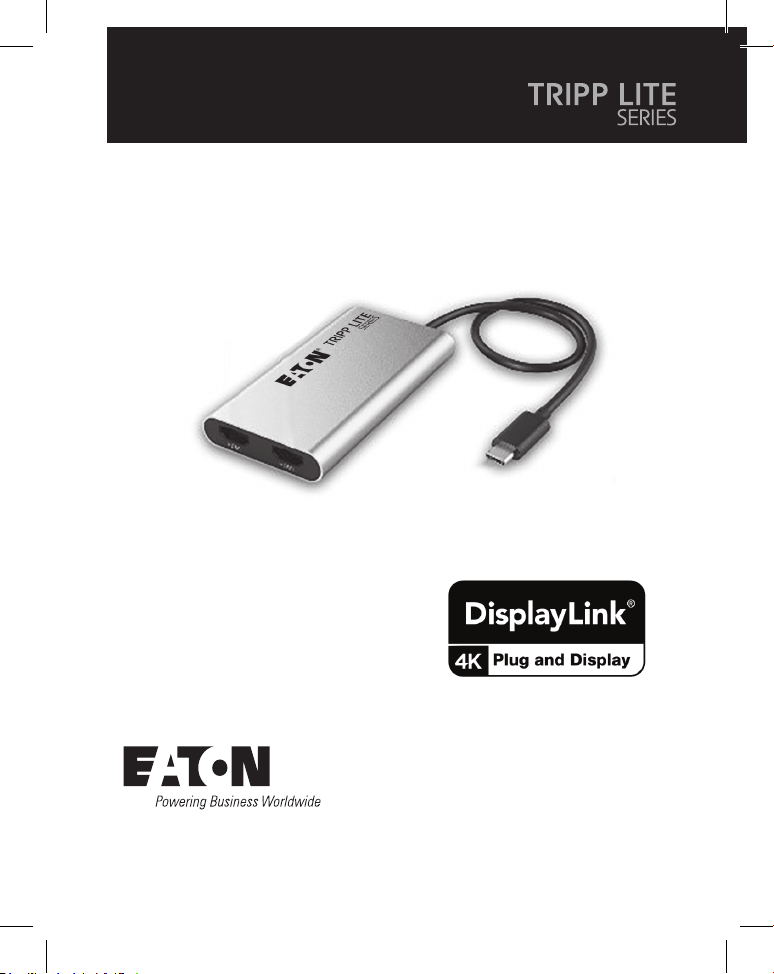
4K USB-C Universal Dual-
Display Adapter with 100W
PD 3.0 Passthrough
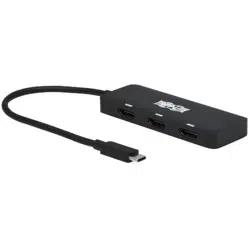
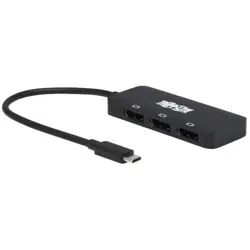
Purchased product
may differ from image.

2
Product Features
Package Contents
Installation
• Uses DisplayLink
®
DL6950 chipset for universal video transmission from the
USB-C port on a notebook or laptop, including MacBook or Windows laptop, to
two HDMI displays.
• Supports full 4K video resolutions (3840 x 2160) with 60 Hz refresh rate when
used with video cables, monitors and a host device capable of transmitting 4K
video.
• DisplayLink video driver allows for universal video transmission from Windows,
macOS, ChromeOS and Android hosts.
• USB-C PD pass-through port charges the host device with up to 90W.
• Bus-powered from the connected host device or powered through the PD
pass-through port, so no external power source is required.
• 4K USB-C Universal Dual-Display Adapter
• Quick Start Guide
Notes:
• For the DisplayLink DL6950 video driver to install correctly, the host device must have
administrator access when first connecting the adapter. This driver is required for the device to
function properly. The most current DisplayLink driver for the host OS can be installed manually
by visiting the official DisplayLink web site at https://www.synaptics.com/products/displaylink-
graphics.
• The maximum video output resolution is determined by the video specifications of the host device,
the video cables and the displays.
1. Connect the USB-C connector of the adapter into an available USB-C port on
the host laptop or PC.
2. Connect the HDMI ports of the displays to the adapter with user-supplied HDMI
cables.

3
Installation
Warranty
1-YEAR LIMITED WARRANTY
We warrant our products to be free from defects in materials and workmanship for a period of
one (1) year from the date of initial purchase. Our obligation under this warranty is limited to
repairing or replacing (at its sole option) any such defective products. Visit Tripplite.Eaton.com/
support/product-returns before sending any equipment back for repair. This warranty does not
apply to equipment which has been damaged by accident, negligence or misapplication or has
been altered or modified in any way.
EXCEPT AS PROVIDED HEREIN, WE MAKE NO WARRANTIES, EXPRESS OR IMPLIED, INCLUDING
WARRANTIES OF MERCHANTABILITY AND FITNESS FOR A PARTICULAR PURPOSE. Some states
do not permit limitation or exclusion of implied warranties; therefore, the aforesaid limitation(s)
or exclusion(s) may not apply to the purchaser.
EXCEPT AS PROVIDED ABOVE, IN NO EVENT WILL WE BE LIABLE FOR DIRECT, INDIRECT, SPECIAL,
INCIDENTAL OR CONSEQUENTIAL DAMAGES ARISING OUT OF THE USE OF THIS PRODUCT,
EVEN IF ADVISED OF THE POSSIBILITY OF SUCH DAMAGE. Specifically, we are not liable for any
costs, such as lost profits or revenue, loss of equipment, loss of use of equipment, loss of
software, loss of data, costs of substitutes, claims by third parties, or otherwise.
3. (Optional) Charge the host device by connecting a user-supplied USB-C
charging cable and USB-C power adapter to the PD Charging port of the
adapter and plugging the power adapter into a wall outlet.
4
Eaton
1000 Eaton Boulevard
Cleveland, OH 44122
United States
Eaton.com
© 2024 Eaton
All Rights Reserved
Publication No. 24-01-203 /
93-49F6_RevA
January 2024
Eaton is a registered
trademark.
All trademarks are property
of their respective owners.
Warranty
FCC Notice, Class B
This device complies with part 15 of the FCC Rules. Operation is subject to the following two
conditions: (1) This device may not cause harmful interference, and (2) this device must accept
any interference received, including interference that may cause undesired operation.
Note: This equipment has been tested and found to comply with the limits for a Class B digital
device, pursuant to part 15 of the FCC Rules. These limits are designed to provide reasonable
protection against harmful interference in a residential installation. This equipment generates,
uses and can radiate radio frequency energy and, if not installed and used in accordance with
the instructions, may cause harmful interference to radio communications. However, there is no
guarantee that interference will not occur in a particular installation. If this equipment does
cause harmful interference to radio or television reception, which can be determined by turning
the equipment off and on, the user is encouraged to try to correct the interference by one or
more of the following measures:
• Reorient or relocate the receiving antenna.
• Increase the separation between the equipment and receiver.
• Connect the equipment into an outlet on a circuit different from that to which the receiver is
connected.
• Consult the dealer or an experienced radio/TV technician for help.
Any changes or modifications to this equipment not expressly approved by Eaton could void the
user’s authority to operate this equipment.
Eaton has a policy of continuous improvement. Specifications are subject to change without
notice.
9349F6
5
Guía de Inicio Rápido
English 1
Français 9
Deutsch 13
Italiano 17
Modelo:
U444-2H-DL
Adaptador Universal de Doble
Pantalla USB-C 4K con puerto
de paso PD 3.0 de 100 W
El producto comprado puede
ser diferente al de la imagen.

6
Características del Producto
Contenido del Empaque
Instalación
• Utiliza el chipset DisplayLink
®
DL6950 para la transmisión universal de video desde el
puerto USB-C de un ordenador o laptop, incluidos una laptop MacBook o Windows,
a dos pantallas HDMI.
• Admite resoluciones de video completas de 4K (3840 x 2160) con una frecuencia de
actualización de 60 Hz cuando se utiliza con cables de video, monitores y un
dispositivo host capaz de transmitir video en 4K
• El controlador de video DisplayLink permite la transmisión universal de vídeo desde
hosts Windows, macOS, ChromeOS y Android.
• El puerto de paso de USB-C PD carga el dispositivo anfitrión con hasta 90 W.
• Se alimenta por bus desde el dispositivo anfitrión conectado o alimentado a través
del puerto de paso PD, por lo que no necesita una fuente de alimentación externa.
• Adaptador Universal de Doble Pantalla USB-C 4K
• Guía de Inicio Rápido
Notas:
• Para que el controlador de video DisplayLink DL6950 se instale correctamente, el dispositivo anfitrión
debe tener acceso de administrador al conectar el adaptador por primera vez. Este controlador es
necesario para que el dispositivo funcione correctamente. El controlador más actualizado de DisplayLink
para el sistema operativo del dispositivo anfitrión se puede instalar manualmente visitando el sitio web
oficial de DisplayLink en:https://www.synaptics.com/products/displaylink-graphics.
• La resolución máxima de salida de video depende de las especificaciones de video del dispositivo
anfitrión, los cables de video y las pantallas.
1. Conecte el conector USB-C del adaptador en un puerto USB-C disponible en la
laptop o PC anfitrión.
2. Conecte los puertos HDMI de las pantallas al adaptador con los cables HDMI
suministrados por el usuario.

7
Instalación
Garantía
GARANTÍA LIMITADA POR 1 AÑO
Garantizamos por un (1) año a partir de la fecha de compra inicial que nuestros productos no
presentan defectos de materiales ni de mano de obra. Nuestra obligación bajo esta garantía
está limitada a la reparación o reemplazo (a su entera discreción) de cualquier producto
defectuoso. Antes de devolver cualquier equipo para reparación, visite Tripplite.Eaton.com/
support/product-returns. Esta garantía no se aplica a equipos que hayan sido dañados por
accidente, negligencia o mal uso, o hayan sido alterados o modificados de alguna manera.
SALVO POR LO QUE SE INDICÓ AQUÍ, NO OTORGAMOS GARANTÍAS EXPRESAS O IMPLÍCITAS,
INCLUIDAS GARANTÍAS DE COMERCIABILIDAD Y ADECUACIÓN PARA UN PROPÓSITO
PARTICULAR. Algunos estados no permiten la limitación o exclusión de garantías implícitas; por
lo tanto, las limitaciones o exclusiones antes mencionadas pueden no aplicarse al comprador.
SALVO POR LO QUE SE INDICÓ ANTERIORMENTE, EN NINGÚN CASO SEREMOS RESPONSABLES
POR DAÑOS DIRECTOS, INDIRECTOS, ESPECIALES, INCIDENTALES O CONSECUENTES QUE
SURJAN DEL USO DE ESTE PRODUCTO, INCLUSO SI SE ADVIERTE SOBRE LA POSIBILIDAD DE TAL
DAÑO. Específicamente, no somos responsables por ningún costo, como pérdidas de ganancias
o ingresos, pérdidas de equipos, pérdidas en el uso de equipos, pérdidas de software, pérdidas
de datos, costos de sustituciones, reclamos de terceros o cualquier otro.
3. (Opcional) Cargue el dispositivo anfitrión conectando un cable de carga USB-C
suministrado por el usuario y un adaptador de corriente USB-C al puerto de carga
PD del adaptador y enchufando el adaptador de corriente a una toma de corriente.
8
Eaton
1000 Eaton Boulevard
Cleveland, OH 44122
Estados Unidos
Eaton.com
© 2024 Eaton
Todos los derechos reservados
Publicación No. 24-01-203 /
93-49F6_RevA
Enero de 2024
Eaton es una marca registrada.
Todas las marcas registradas
pertenecen a sus respectivos
propietarios.
Garantía
Eaton tiene una política de mejora continua. Las especificaciones están sujetas a cambio sin
previo aviso.
9349F6
9
Guide de démarrage rapide
English 1
Español 5
Deutsch 13
Italiano 17
Modèle:
U444-2H-DL
Adaptateur universel USB-C
4K à double affichage avec
Passthrough 100W PD 3.0
Le produit acheté peut
différer de l'image.

10
Caractéristiques du produit
Contenu du carton d'emballage
Installation
• Utilise le chipset DisplayLink
®
DL6950 pour une transmission vidéo universelle
depuis le port USB-C d'un notebook ou d'un ordinateur portable, y compris un
MacBook ou un ordinateur portable Windows, vers deux écrans HDMI.
• Prend en charge des résolutions vidéo full 4K (3 840 x 2 160) avec taux
d'actualisation 60Hz lorsqu'il est utilisé avec des câbles vidéo, des moniteurs et un
appareil hôte capable de transmettre de la vidéo 4K.
• Le pilote vidéo DisplayLink permet une transmission vidéo universelle à partir d'hôtes
Windows, macOS, ChromeOS et Android.
• Le port USB-C PD pass-through charge l'appareil hôte jusqu'à 90W.
• Alimenté par le bus de l'appareil hôte connecté ou par le port PD pass-through,
aucune source d'alimentation externe n'est nécessaire.
• Adaptateur universel USB-C 4K à double affichage
• Guide de démarrage rapide
Remarques:
• Pour que le pilote vidéo DisplayLink DL6950 s'installe correctement, le périphérique hôte doit disposer
d'un accès administrateur lors de la première connexion de l'adaptateur. Ce pilote est nécessaire au bon
fonctionnement de l'appareil. Le pilote DisplayLink le plus récent pour l'OS hôte peut être installé
manuellement en visitant le site Web officiel de DisplayLink sur
https://www.synaptics.com/products/displaylink-graphics.
• La résolution maximale de la sortie vidéo est déterminée par les spécifications vidéo de l'appareil hôte,
des câbles vidéo et des écrans.
1. Branchez le connecteur USB-C de l'adaptateur dans un port USB-C disponible sur
l'ordinateur portable ou le PC hôte.
2. Connectez les ports HDMI des écrans à l'adaptateur à l'aide des câbles HDMI fournis
par l'utilisateur.

11
Installation
Garantie
GARANTIE LIMITÉE D'UN AN
Nous garantissons que nos produits sont exempts de défauts de matériaux et de fabrication
pendant une période d'un (1) an à compter de la date d'achat initial. Notre obligation au titre de
cette garantie est limitée à la réparation ou au remplacement (à notre seule discrétion) de tout
produit défectueux. Veuillez consulter le site Tripplite.Eaton.com/support/product-returns avant
d'envoyer un produit pour le faire réparer. Cette garantie ne s'applique pas aux équipements
qui ont été endommagés par accident, négligence ou par une mauvaise utilisation, ni à ceux qui
ont été altérés ou modifiés d'une façon quelconque.
SAUF MENTION CONTRAIRE DANS LE PRÉSENT DOCUMENT, NOUS NE FOURNISSONS AUCUNE
GARANTIE, EXPLICITE OU IMPLICITE, Y COMPRIS LES GARANTIES DE QUALITÉ MARCHANDE ET
DE VOCATION À UN BUT PARTICULIER. Certains États ne permettent ni la limitation ni l'exclusion
de garanties implicites; ainsi, la ou les limitations ou exclusions mentionnées ci-dessus peuvent
ne pas s'appliquer à l'acquéreur.
SAUF DANS LES CAS PRÉVUS CI-DESSUS, NOUS NE SERONS EN AUCUN CAS RESPONSABLES
DES DOMMAGES DIRECTS, INDIRECTS, SPÉCIAUX, ACCESSOIRES OU CONSÉCUTIFS RÉSULTANT
DE L'UTILISATION DE CE PRODUIT, MÊME SI NOUS AVONS ÉTÉ INFORMÉS DE LA POSSIBILITÉ DE
TELS DOMMAGES. En particulier, nous ne sommes pas responsables des coûts tels que les
pertes de profits ou de revenus, les pertes d'équipement, les pertes d'utilisation de
l'équipement, les pertes de logiciels, les pertes de données, les coûts des produits de
remplacement, les réclamations de tiers ou autres.
3. (Facultatif) Chargez l'appareil hôte en connectant un câble de charge USB-C fourni
par l'utilisateur et un adaptateur d'alimentation USB-C au port de charge PD de
l'adaptateur et en branchant l'adaptateur d'alimentation sur une prise murale.
12
Eaton
1000 Eaton Boulevard
Cleveland, OH 44122
États-Unis
Eaton.com
© 2024 Eaton
Tous droits réservés.
Publication n° 24-01-203 /
93-49F6_RevA
Janvier 2024
Eaton est une marque
déposée.
Toutes les marques
commerciales appartiennent à
leurs propriétaires respectifs.
Garantie
Eaton mène une politique d'amélioration continue. Les caractéristiques peuvent être modifiées
sans préavis.
9349F6
13
Quick Start Guide
English 1
Español 5
Français 9
Italiano 17
Modell:
U444-2H-DLl
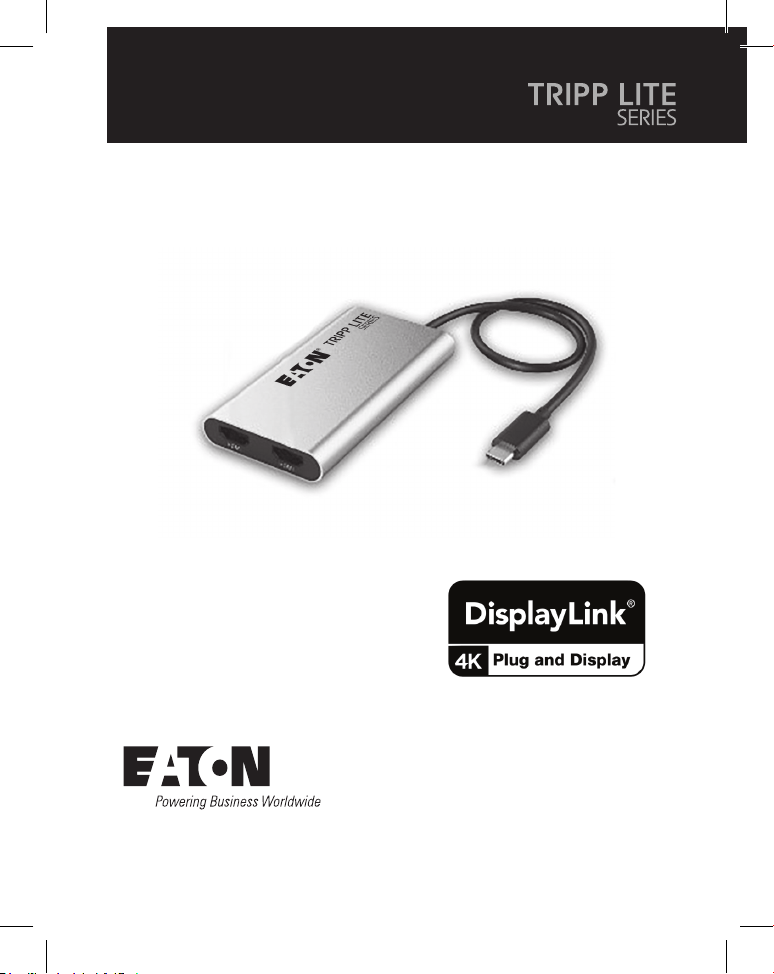
4K-USB-C-Universal-Dual-
Display Adapter mit 100 W
PD 3.0 Passthrough
Das gekaufte Produkt kann
von der Abbildung abweichen.

14
Produktmerkmale
Lieferumfang
Installation
• Verwendet den DL6950 DisplayLink
®
-Chipsatz für die Universal-Videoübertragung
vom USB-C-Anschluss eines Notebooks oder Laptops, einschließlich MacBook oder
Windows-Laptop, an zwei HDMI-Bildschirme.
• Unterstützt die volle 4K-Videoauflösung (3.840 x 2.160) mit einer Aktualisierungsrate
von 60 Hz bei Verwendung von Videokabeln, Monitoren und einem Hostgerät, das
ein 4K-Video übertragen kann.
• Der DisplayLink-Videotreiber ermöglicht eine Universal-Videoübertragung von
Windows, macOS, ChromeOS und Android-Hosts.
• Der USB-C PD Passthrough-Port lädt das Hostgerät mit bis zu 90 W auf.
• Die Stromversorgung erfolgt über den Bus des angeschlossenen Hostgeräts oder
über den PD-Passthrough-Port, so dass keine externe Stromquelle erforderlich ist.
• 4K-USB-C Universal-Dual-Display-Adapter
• Quick Start Guide
Anmerkungen:
• Damit der DL6950 DisplayLink-Videotreiber korrekt installiert werden kann, muss das Hostgerät beim
ersten Anschließen des Adapters über einen Administratorzugriff verfügen. Dieser Treiber ist erforderlich,
damit das Gerät ordnungsgemäß funktioniert. Den aktuellsten DisplayLink-Treiber für das Host-
Betriebssystem können Sie manuell installieren, indem Sie die offizielle DisplayLink-Webseite unter
https://www.synaptics.com/products/displaylink-graphicsbesuchen.
• Die maximale Videoausgangsauflösung wird durch die Videospezifikationen des Hostgeräts, der
Videokabel und der Displays bestimmt.
1. Verbinden Sie den USB-C-Anschluss des Adapters mit einem freien USB-C-Anschluss
am Host-Laptop oder PC.
2. Schließen Sie die HDMI-Anschlüsse der Bildschirme mit den vom Benutzer
bereitgestellten HDMI-Kabeln an den Adapter an.

15
Installation
Garantie
1 JAHR EINGESCHRÄNKTE GARANTIE
Wir garantieren, dass unsere Produkte für einen Zeitraum von einem (1)Jahr ab dem Datum des
Erstkaufs frei von Material- und Verarbeitungsfehlern sind. Unsere Verpflichtung im Rahmen
dieser Garantie beschränkt sich auf die Reparatur oder den Ersatz (nach eigenem Ermessen)
der fehlerhaften Produkte. Besuchen Sie Tripplite.Eaton.com/support/product-returns, bevor Sie
Geräte zur Reparatur zurücksenden. Diese Garantie gilt nicht für Geräte, die durch Unfall,
Fahrlässigkeit oder falsche Anwendung beschädigt wurden oder in irgendeiner Weise geändert
oder modifiziert wurden.
MIT AUSNAHME DER HIERIN ENTHALTENEN BESTIMMUNGEN GEBEN WIR KEINE GARANTIEN,
WEDER AUSDRÜCKLICH NOCH STILLSCHWEIGEND, EINSCHLIESSLICH GARANTIEN DER
MARKTGÄNGIGKEIT UND EIGNUNG FÜR EINEN BESTIMMTEN ZWECK. Einige Staaten gestatten
keine Beschränkung oder keinen Ausschluss stillschweigender Gewährleistungen; daher kann es
sein, dass die oben genannten Beschränkungen oder Ausschlüsse auf den Käufer nicht
zutreffen.
MIT AUSNAHME DER OBIGEN BESTIMMUNGEN SIND WIRUNTER KEINEN UMSTÄNDEN
HAFTBAR FÜR DIREKTE, INDIREKTE, SPEZIELLE, ZUFÄLLIGE ODER FOLGESCHÄDEN, DIE SICH AUS
DER VERWENDUNG DIESES PRODUKTES ERGEBEN, SELBST WENN AUF DIE MÖGLICHKEIT
SOLCHER SCHÄDEN HINGEWIESEN WURDE. Insbesondere haften wir nicht für Kosten, wie
entgangene Gewinne oder Einnahmen, Verlust von Geräten, Verlust der Nutzung von Geräten,
Verlust von Software, Datenverlust, Kosten für Ersatzprodukte, Ansprüche Dritter oder anderes.
3. (Optional) Laden Sie das Hostgerät auf, indem Sie ein vom Benutzer bereitgestelltes
USB-C-Ladekabel und einen USB-C-Netzadapter an den PD-Aufladungsanschluss des
Adapters anschließen und den Netzadapter in eine Steckdose einstecken.
16
Eaton
1000Eaton Boulevard
Cleveland, OH44122
Vereinigte Staaten
Eaton.com
© 2024 Eaton
Alle Rechte vorbehalten.
Veröffentlichung Nr. 24-01-203 /
93-49F6_RevA
Januar 2024
Eaton ist eine eingetragene
Handelsmarke.
Alle Marken sind Eigentum der
jeweiligen Inhaber.
Garantie
Eaton verfolgt eine Politik der kontinuierlichen Verbesserung. Spezifikationen können ohne
Ankündigung geändert werden.
9349F6
17
Guida rapida
English 1
Español 5
Français 9
Deutsch 13
Modello:
U444-2H-DL
Adattatore universale USB-C
4K a doppio display con PD 3.0
pass-through a 100 W
Il prodotto acquistato potrebbe
differire dall'immagine.

18
Caratteristiche del prodotto
Contenuto della confezione
Installazione
• Impiega il chipset DisplayLink
®
DL6950 per la trasmissione video universale dalla
porta USB-C di un notebook o computer portatile (compresi MacBook o computer
portatili Windows) verso due display HDMI.
• Supporta risoluzioni video 4K complete (3.840 x 2.160) con frequenza di
aggiornamento di 60 Hz se utilizzato con cavi, monitor e un dispositivo host in grado
di trasmettere video in 4K.
• Il driver video DisplayLink consente la trasmissione video universale da host
Windows, macOS, ChromeOS e Android.
• La porta USB-C PD pass-through ricarica il dispositivo host con una potenza massima
di 90 W.
• L'alimentazione avviene tramite bus dal dispositivo host collegato o tramite la porta
PD pass-through, quindi non è richiesta una fonte di alimentazione esterna.
• Adattatore universale USB-C 4K a doppio display
• Guida rapida
Note:
• Affinché il driver video DisplayLink DL6950 venga installato correttamente, il dispositivo host deve disporre
dell'accesso di amministratore al primo collegamento dell'adattatore. Questo driver è necessario per il
corretto funzionamento del dispositivo. Il driver DisplayLink più aggiornato per il sistema operativo
dell'host può essere installato manualmente visitando il sito Web ufficiale di DisplayLink all'indirizzo
https://www.synaptics.com/products/displaylink-graphics.
• La risoluzione massima dell'uscita video è determinata dalle specifiche video del dispositivo host, dei cavi
e dei display.
1. Collegare il connettore USB-C dell'adattatore a una porta USB-C disponibile sul
computer portatile o sul PC host.
2. Collegare le porte HDMI dei display all'adattatore coi cavi HDMI forniti dall'utente.

19
Installazione
Garanzia
GARANZIA LIMITATA DI 1 ANNO
Garantiamo che i nostri prodotti sono privi di difetti nei materiali e di fabbricazione per un
periodo di un anno (1) dalla data di acquisto iniziale. I nostri obblighi ai sensi della presente
garanzia sono limitati alla riparazione o sostituzione (a nostra esclusiva discrezione) di eventuali
prodotti che presentino tali difetti. Visitare il sito Tripplite.Eaton.com/support/product-returns
prima di rispedire qualsiasi apparecchiatura per la riparazione. La presente garanzia non si
applica alle apparecchiature che sono state danneggiate da incidenti, negligenza o applicazione
errata o che sono state alterate o modificate in qualsiasi modo.
AD ECCEZIONE DI QUANTO PREVISTO NEL PRESENTE DOCUMENTO, NON FORNIAMO ALCUNA
GARANZIA, ESPRESSA O IMPLICITA, INCLUSE LE GARANZIE DI COMMERCIABILITÀ E DI IDONEITÀ
PER UNO SCOPO PARTICOLARE. Alcuni stati non consentono la limitazione o l'esclusione delle
garanzie implicite; pertanto, le suddette limitazioni o esclusioni potrebbero non essere
applicabili all'acquirente.
AD ECCEZIONE DI QUANTO PREVISTO SOPRA, IN NESSUN CASO SAREMO RESPONSABILI PER
DANNI DIRETTI, INDIRETTI, SPECIALI, INCIDENTALI O CONSEQUENZIALI DERIVANTI DALL'USO DI
QUESTO PRODOTTO, ANCHE SE AVVISATI DELLA POSSIBILITÀ DI TALI DANNI. In particolare, non
siamo responsabili di alcun costo, come la perdita di profitti o ricavi, la perdita di attrezzature,
la perdita di utilizzo di attrezzature, la perdita di software, la perdita di dati, i costi dei sostituti,
i reclami di terzi o altro.
3. (Opzionale) Mettere in carica il dispositivo host collegando un cavo di ricarica USB-C
fornito dall'utente e un adattatore di alimentazione USB-C alla porta di ricarica PD
dell'adattatore, e poi collegando l'adattatore di alimentazione a una presa a muro.
20
Eaton
1000 Eaton Boulevard
Cleveland, OH 44122
Stati Uniti
Eaton.com
© 2024 Eaton
Tutti i diritti riservati
Pubblicazione n. 24-01-203 /
93-49F6_RevA
Gennaio 2024
Eaton è un marchio registrato.
Tutti i marchi sono di proprietà
dei rispettivi proprietari.
Garanzia
Eaton persegue una politica di miglioramento continuo. Le specifiche tecniche sono soggette a
modifiche senza alcun preavviso.
9349F6