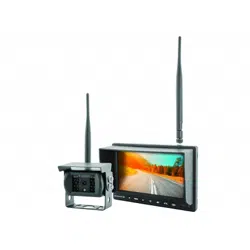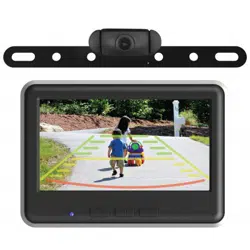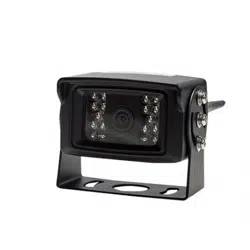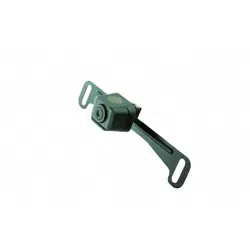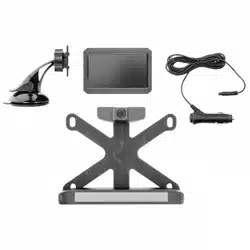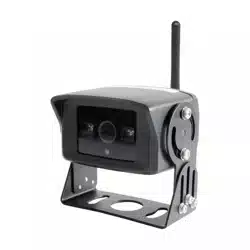

RVC-W3
AHD Wireless Camera & Receiver Kit

2
email - support@echomaster.com
tel - 800-477-2267
email - support@echomaster.com tel
- 800-477-2267
RVC-W3
AHD Wireless Camera & Receiver Kit
Introduction
Box Contents
Thank you for purchasing your EchoMaster Wireless Camera & Receiver.
This EchoMaster camera with receiver is designed to improve safety during driv-
ing by providing high quality images of surrounding areas and obstacles in the
vicinity of the vehicle.
Please ensure you read and understand all aspects of this manual before tting
or using your EchoMaster camera. Choose a suitable mounting place depend-
ant on the application. Ensure that there are no wiring harnesses or hoses/pipes
located behind this panel before drilling.
u Camera (with built in TX)
u Camera Power Cable
u Power & Video Cable
(Length 0.15m/0.5ft)
u Receiver Extension Cable
(Length 3.66m/12ft)
u 2 x 10mm screws
u 3 x Cable Ties
u Double Sided Tape
u User Manual
u 2 x Red Male Spades
u 3 x Antennas
u Hole Saw
u Receiver (RX)
u 2 x Red T-taps
Features
u Universal wireless camera and receiver
u CVBS/AHD Selectable
u Receiver supports 2 wireless cameras (Compatible camera: P/N: RVC-W3-C)
u 3 viewing modes: CAM1, CAM2 or split screen
u Infrared night vision
3
email - support@echomaster.com
tel - 800-477-2267
Pairing the Camera
RVC-W3
AHD Wireless Camera & Receiver Kit
The Camera & Receiver have been paired previously and there is no need to pair again in
normal use cases.
Pairing will be needed in case the camera or receiver needs to be replaced or under other
special circumstances.
How to pair:
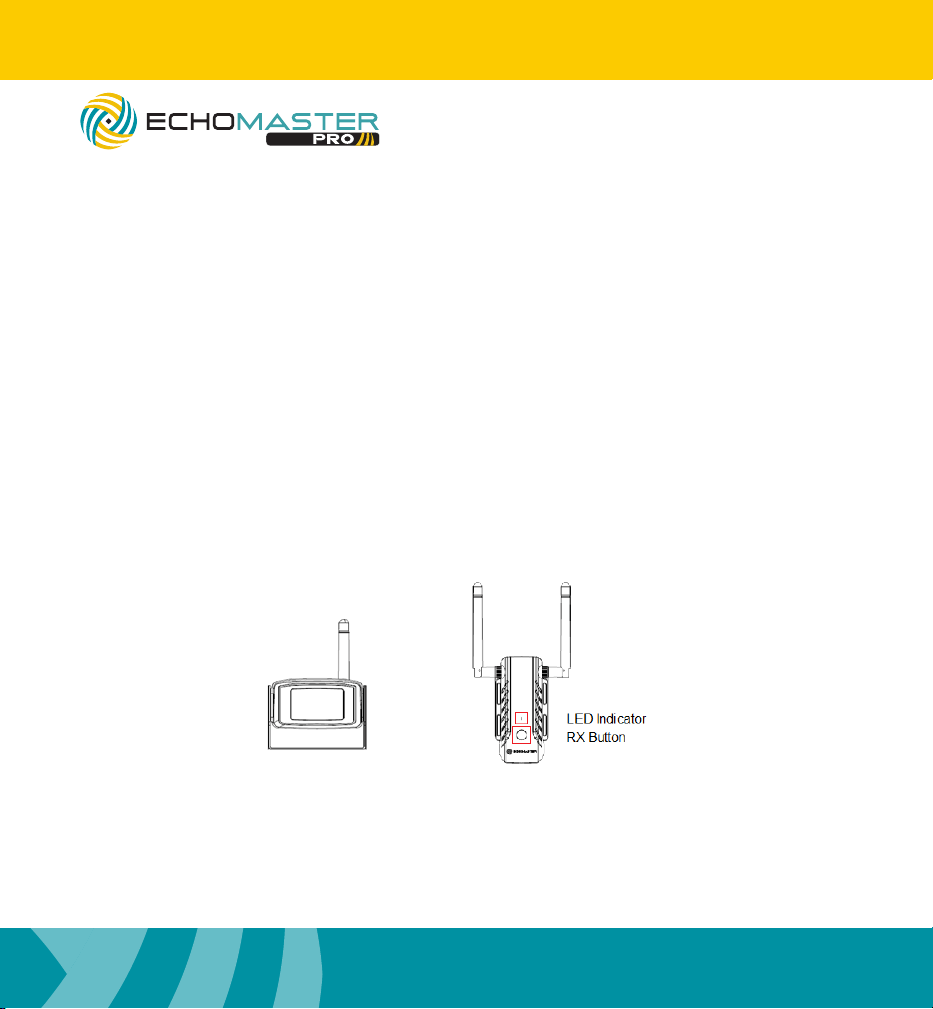
Power on the RX. Press and hold the button on the RX for 3 seconds. It will enter pairing
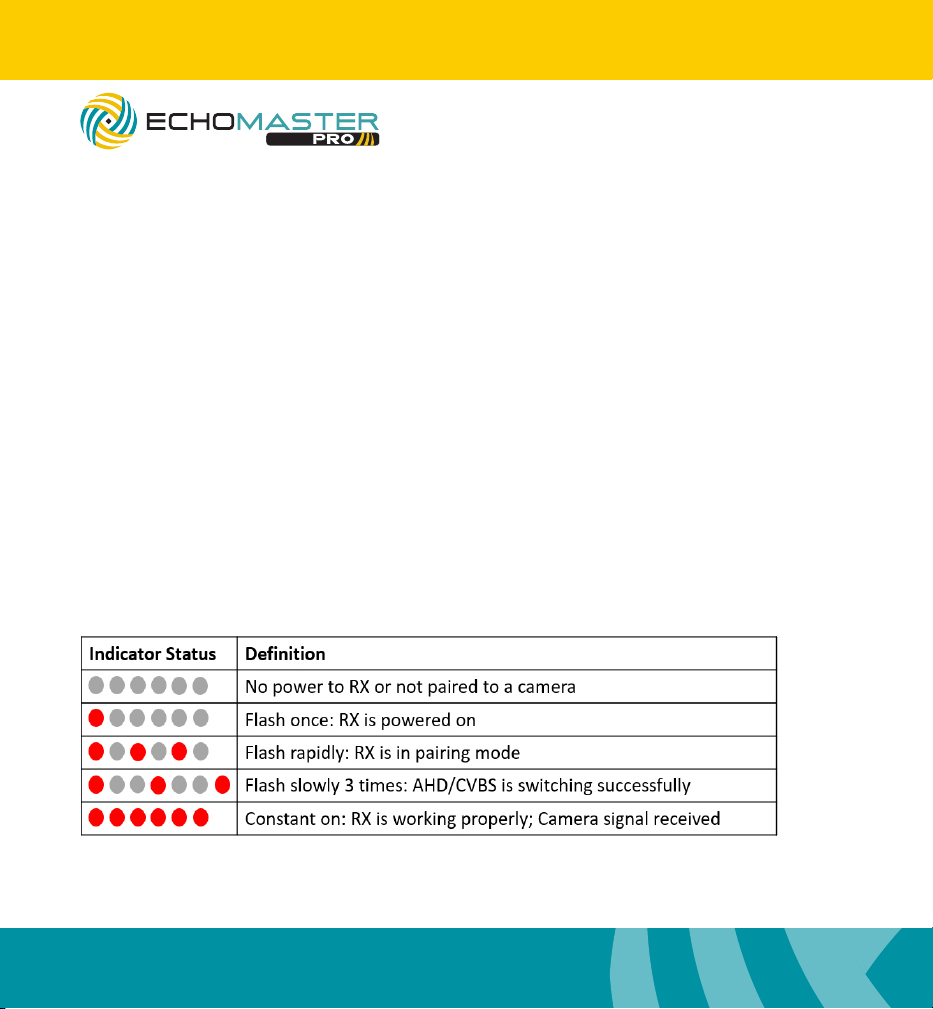
mode and the LED indicator will begin to ash rapidly.
Within 30 seconds, power on the Camera. Pairing will then start. If the signal is not de-
tected within 30 seconds, pairing mode will end. Repeat the steps for pairing.
Once pairing is complete, the indicator light on the RX will change from ashing rapidly to
constant ON.
How to pair an additional EchoMaster wireless camera:
The original camera would have been paired to CAM1 by default. Press the RX
Button to switch to CAM2. Then repeat the steps on how to pair the camera.
**Compatible only with EchoMaster P/N: RVC-W3-C
4
email - support@echomaster.com
tel - 800-477-2267
email - support@echomaster.com tel
- 800-477-2267
Functions
RVC-W3
AHD Wireless Camera & Receiver Kit
How to cycle through video sources:
Press the RX Button to switch between CAM1, CAM2 or split screen mode.
Note: The RX must be in an accessible location to utilize this feature.
How to select AHD/CVBS:
Default (factory) setting is AHD. Press and hold the RX Button for 6 seconds to switch be-
tween AHD and CVBS mode. The indicator light will ash slowly 3 times to indicate success-
ful selection.
How to check FW (Firmware) versions:
Press the RX Button three times consecutively and both the RX and TX FW will appear on
the screen. (TX FW will only appear if a camera is connected.)
LED Indicator Status:
5
email - support@echomaster.com
tel - 800-477-2267
Wiring Diagram & Pin-Out
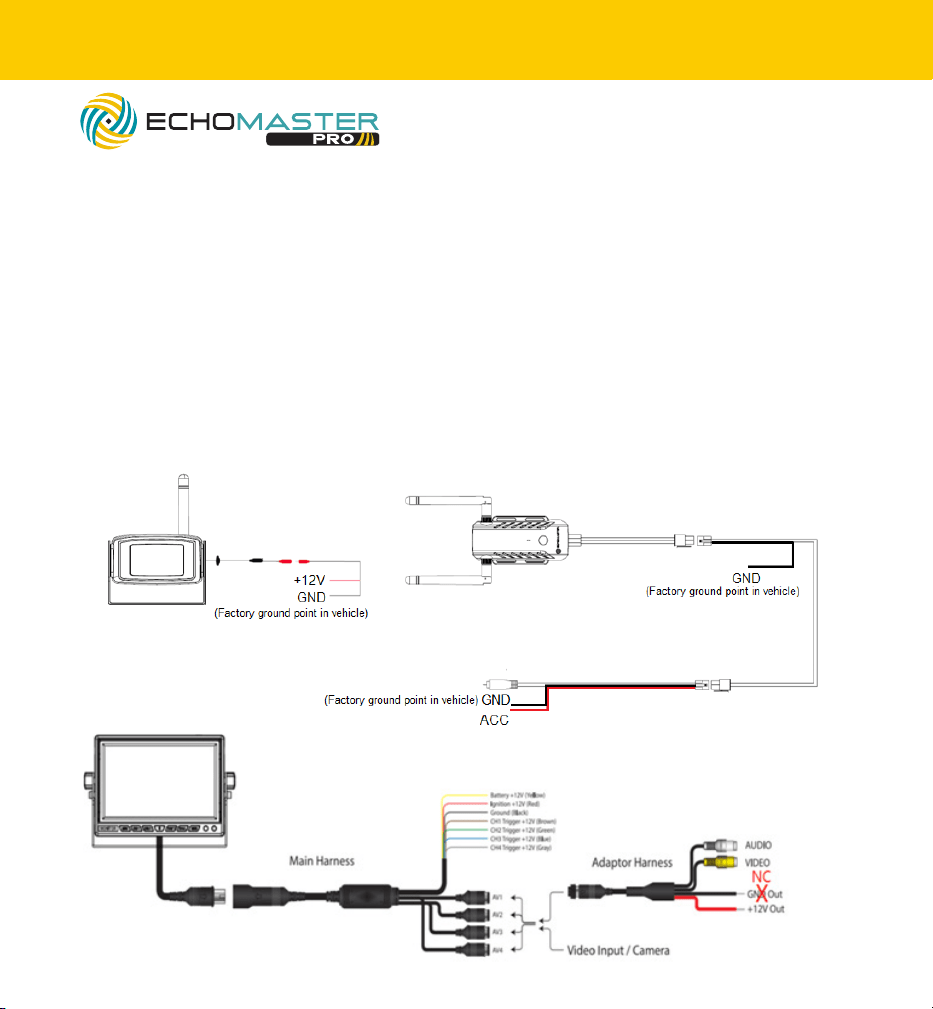
Camera wiring
Red (Power) – Locate the Parking Lamp (+) wire in the vehicle/trailer. Connect this wire
to the camera red power cable
Black (Ground) – Locate a suitable location to ground (negative) the black wire in the wiring
harness. You may connect this wire to a factory ground point in the vehicle, or attach a ring terminal
to the black wire and screw into the body of the vehicle/trailer. If you choose to screw into the body,
clean the area of any paint or adhesives to allow for good metal-to-metal contact.
NOTE: Only one of the GND leads from the receiver needs to be connected. Two are provided for
convenience.
NOTE: If using with an EchoMaster monitor, connect GND directly to factory GND. Do
not connect to GND from the monitor adapter harness.
RVC-W3
AHD Wireless Camera & Receiver Kit
6
email - support@echomaster.com
tel - 800-477-2267
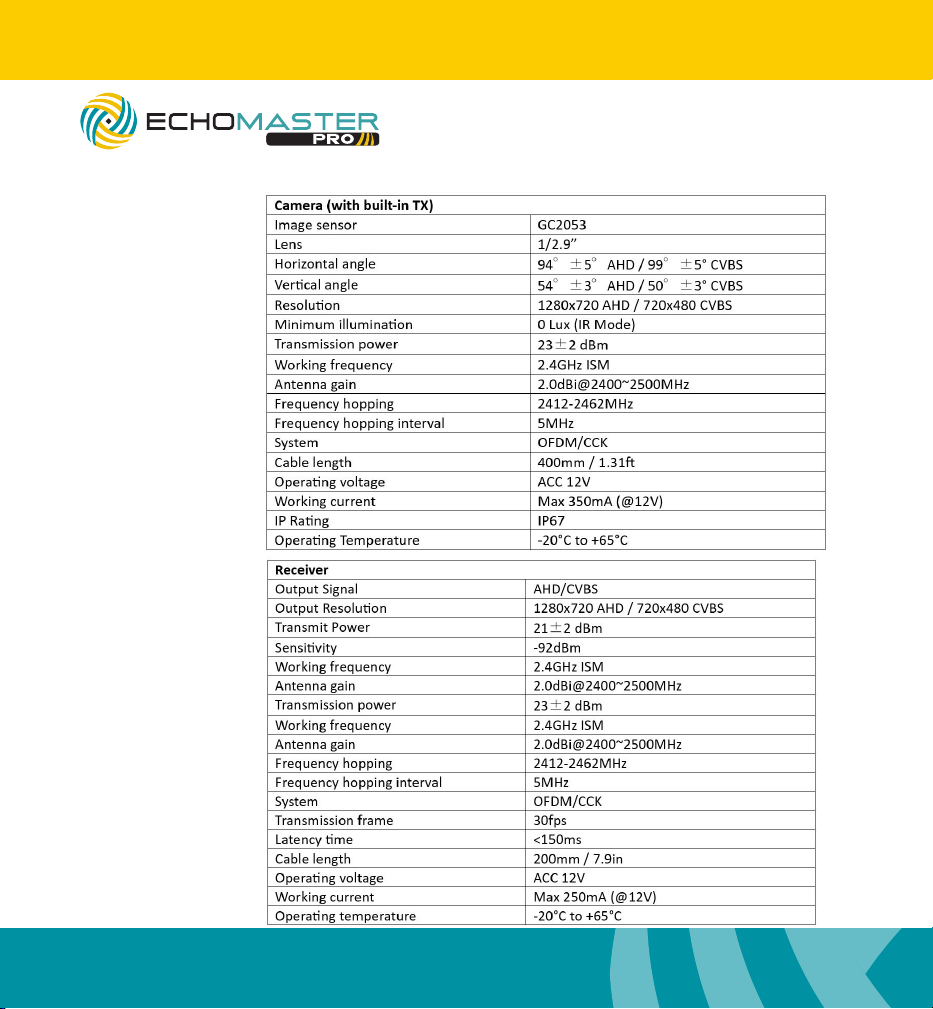
Specications
RVC-W3
AHD Wireless Camera & Receiver Kit

7
email - support@echomaster.com
tel - 800-477-2267
RVC-W3
AHD Wireless Camera & Receiver Kit
FCC ID: IK4-RVC-W3
This device complies with Part 15 of the FCC Rules. Operation is subject to the fol-
lowing two conditions: (1) this device may not cause harmful interference, and (2) this
device must accept any interference received, including interference that may cause
undesired operation.
Changes or modications not expressly approved by the party responsible for compli-
ance could void the user’s authority to operate the equipment.
NOTE: This equipment has been tested and found to comply with the limits for a
Class B digital device, pursuant to Part 15 of the FCC Rules. These limits are
designed to provide reasonable protection against harmful interference in a
residential installation. This equipment generates, uses and can radiate radio
frequency energy and, if not installed and used in accordance with the
instructions, may cause harmful interference to radio communications. However,
there is no guarantee that interference will not occur in a particular installation.
If this equipment does cause harmful interference to radio or television reception,
which can be determined by turning the equipment off and on, the user is
encouraged to try to correct the interference by one or more of the following
measures:
-- Reorient or relocate the receiving antenna.
-- Increase the separation between the equipment and receiver.
-- Connect the equipment into an outlet on a circuit different
from that to which the receiver is connected.
-- Consult the dealer or an experienced radio/TV technician for help.
Clearwater, Florida 33760
EchoMaster is a Power Brand of AAMP Global.
Echomaster.com
email - support@echomaster.com - tel - 800-477-2267
AGREEMENT: End user agrees to use this product in compliance with the instructions and terms
of use above and with all State and Federal laws. ECHOMASTER provides instructions and safety
warnings with respect to this product and disclaims all liability for any use not in conformity with
those instructions or other misuse of its product. If you do not agree, please discontinue use
immediately and contact EchoMaster. This product is intended for o-road use and passenger
use only.
REV. 101623