Installation Guide
PCAM-CHMSL2-DR08
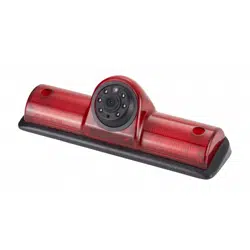
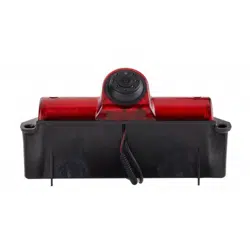
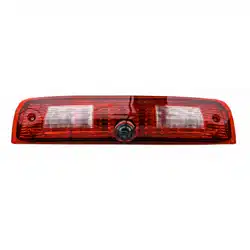
Replacement Third Brake Light with Camera
with Cargo and Side Blind Spot Views
Ram Truck (2008-2018)
Ram Truck (2019 Classic)

Installation Guide
2
PCAM-CHMSL2-DR08
Replacement Third Brake Light Camera
1/3” CMOS Sensor
Operates at 0.3 LUX
3 Viewing Angles
• Right 95°
• Left 95°
• Rear 90 °
Water/debris proof rating: IP67
Thank you for purchasing your EchoMaster Pro automotive camera.
EchoMaster cameras are designed to improve safety while driving by
providing high quality images of surrounding areas and obstacles in the
vicinity of the vehicle. They will also improve vehicle maneuvering capability
by displaying blind spots not normally visible to the driver.
Please ensure you read and understand all aspects of this manual before
installing or using your EchoMaster camera.
Key Features
Installation Guide
3
PCAM-CHMSL2-DR08
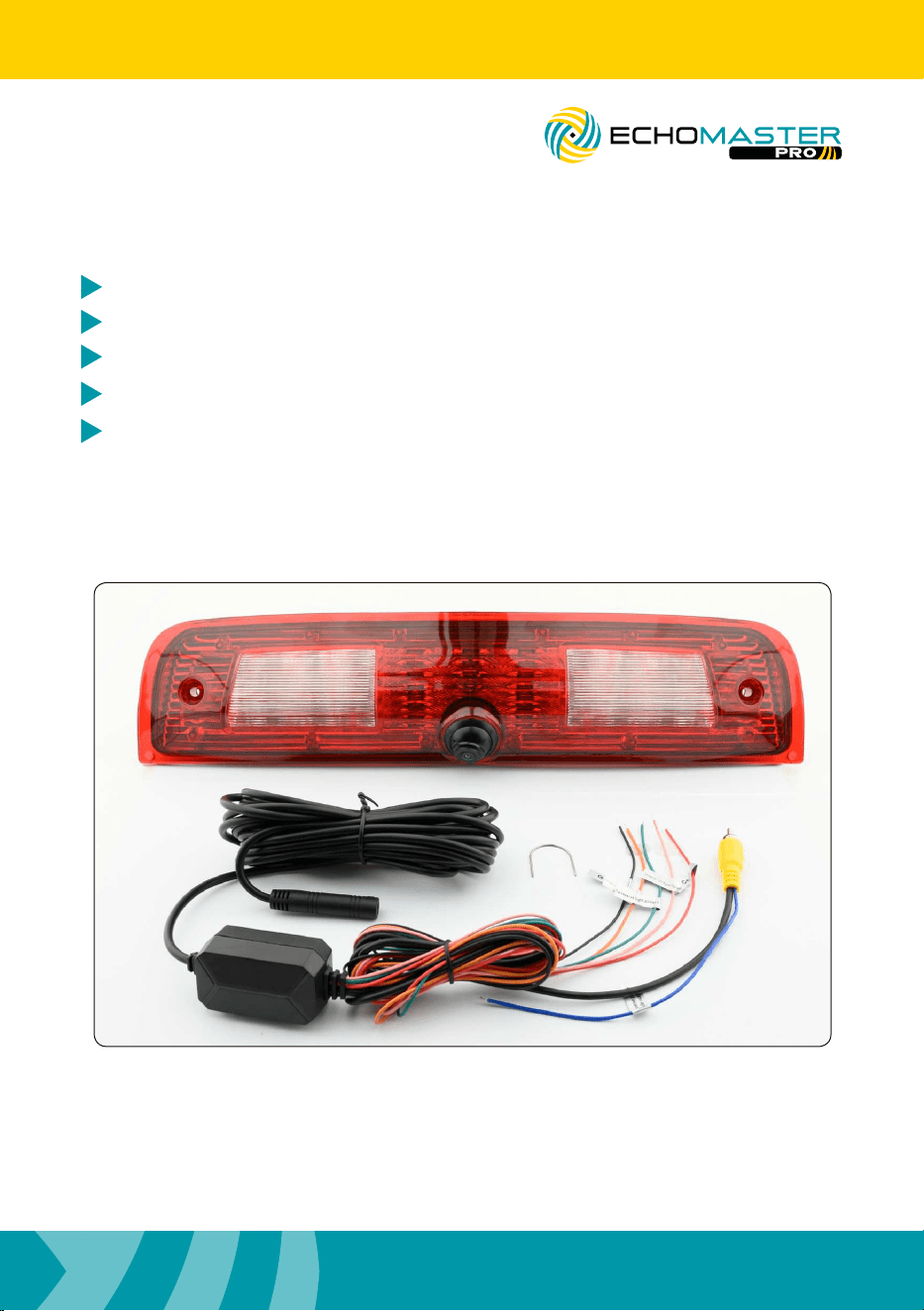
Replacement Third Brake Light Camera
17.5’ Extension Cable
Camera Adjustment Tool
Box Contents
Installation Guide
Replacement Third Brake Light Camera
Warranty Card
Illustrations are typical and may not match exact vehicle details.
Installation Guide
4
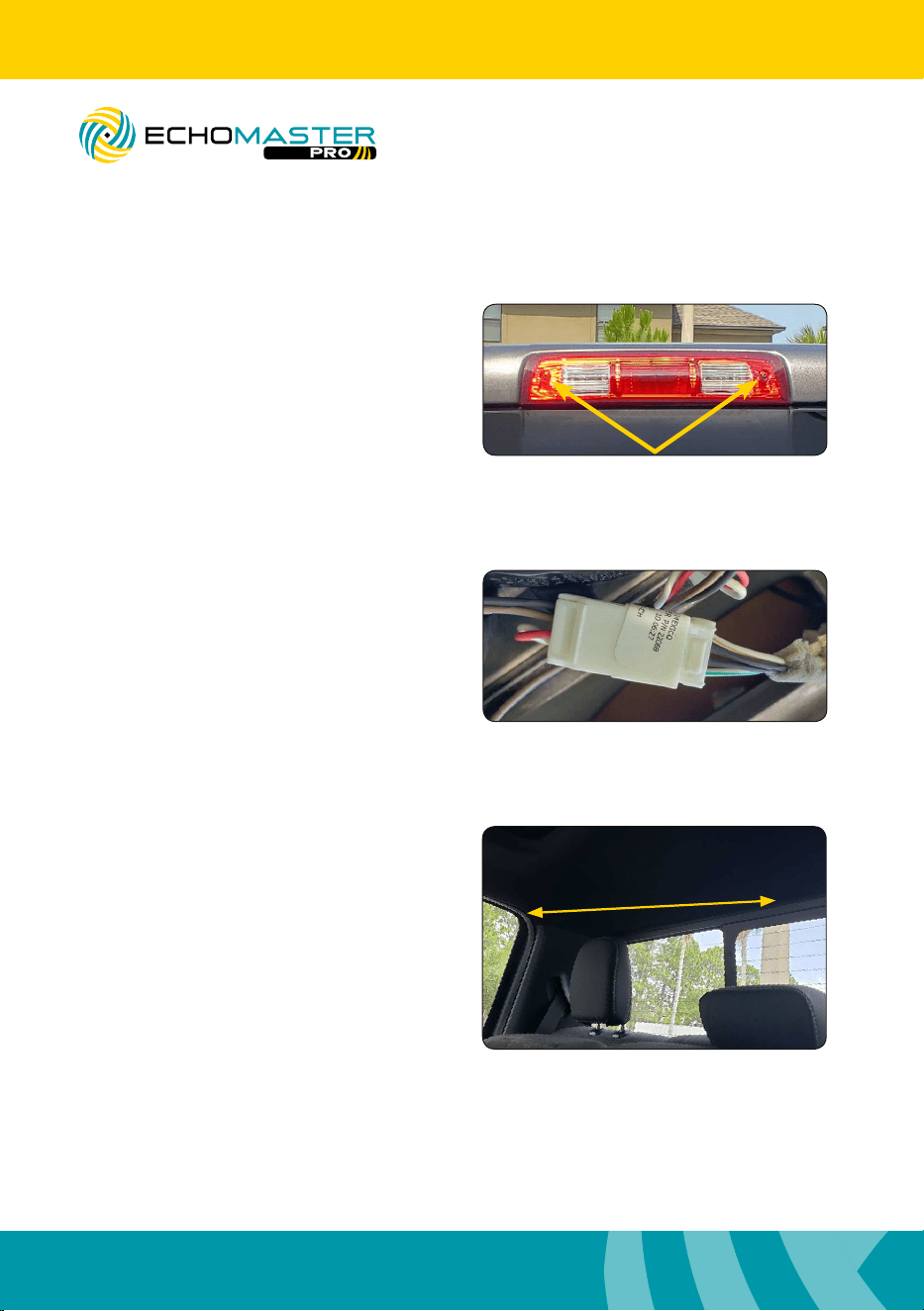
Step 1
Remove the 2 screws that secure the third
brake light to the vehicle.
Step 2
Remove the third brake light from the
vehicle and disconnect connector on the
back. Replace the factory third brake
with the PCAM-CHMSL2-DR08. Connect
the new third brake light to the factory
connector.
PCAM-CHMSL2-DR08
Replacement Third Brake Light Camera
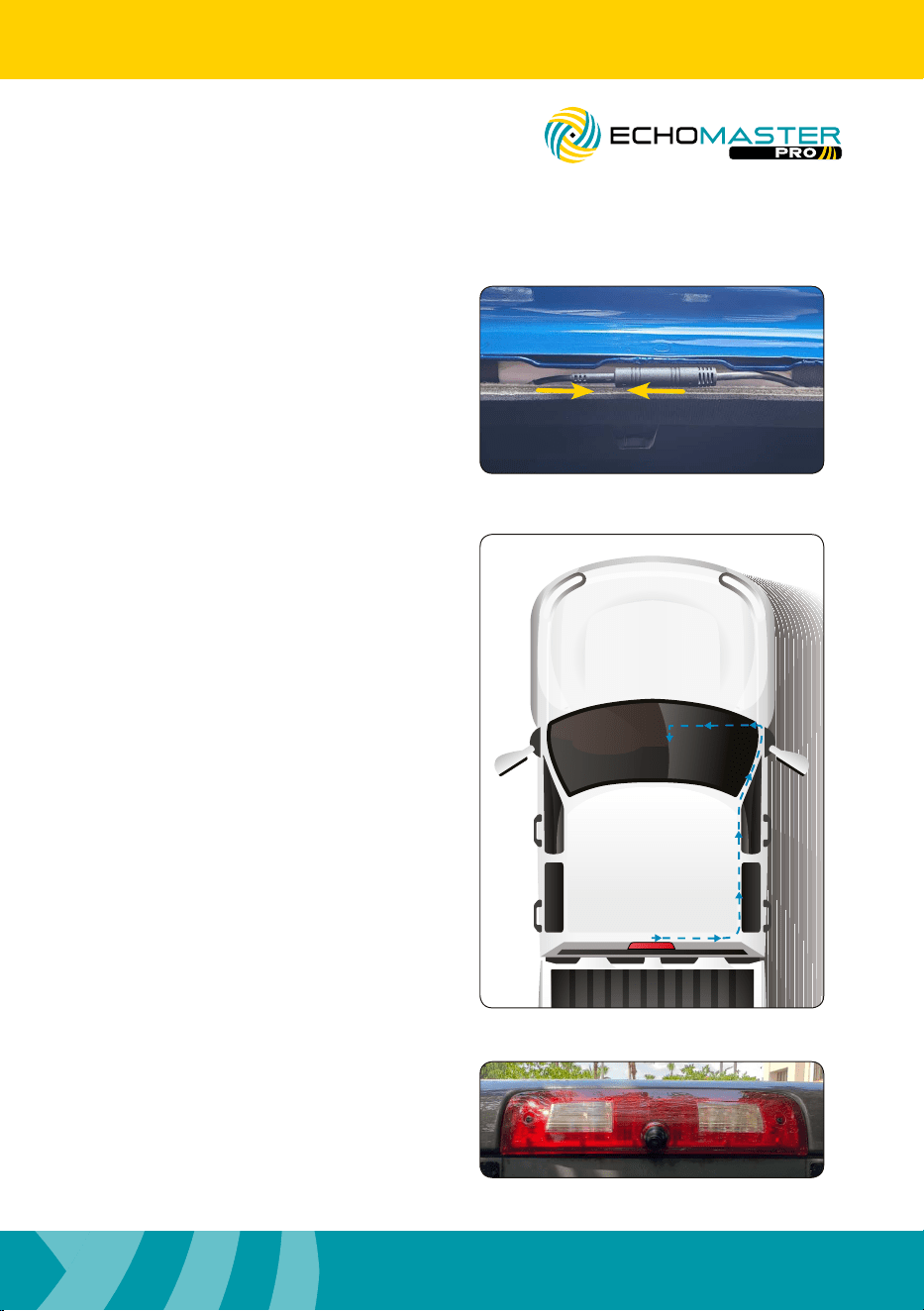
Step 3
Using a long zip tie or sh tape with the
camera cable attached to it, feed the
camera cable from the third brake light
opening into the vehicle and towards the
b / c pillar to the right or the left. (The
weather seal may need to be removed to
gain access to the sh tool used to run
the cable.)
Installing CHMSL Camera
Installation Guide
5
PCAM-CHMSL2-DR08
Replacement Third Brake Light Camera
Step 4
Connect the extension cable to the
camera.
Step 6
Remount brake light and camera
assembly using the original screws.
Step 5
Route the cable to the front of the
vehicle and behind the radio, monitor, or
mirror monitor.
Installation Guide
6
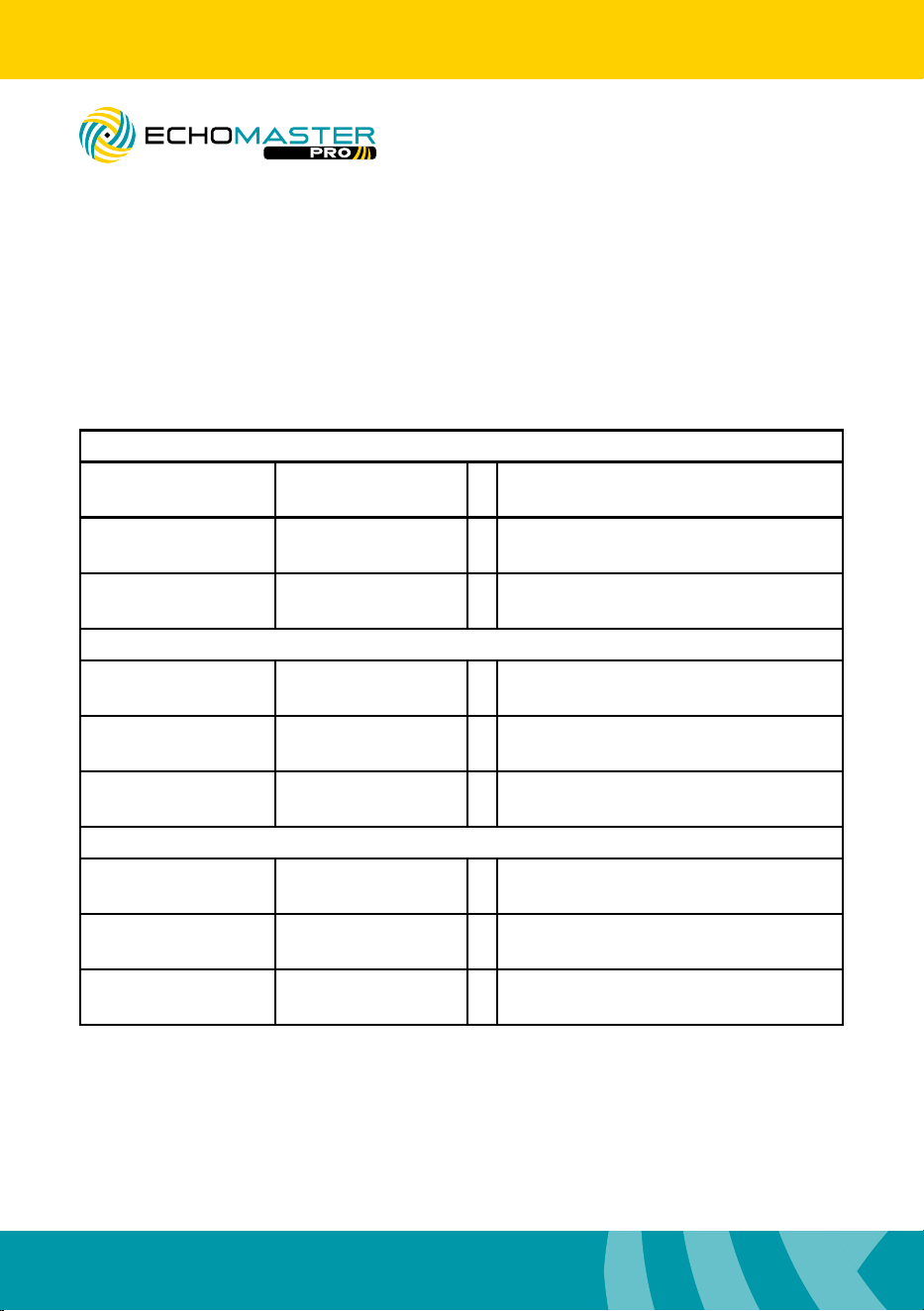
Step 7
Route the reverse and turn signal wires to their respective locations according to the
table below. It may be necessary to extend the wires to reach the location.
2008
Turn Signal (Left) White / Light Green + TIPM on driver fender in front of
Battery, Black 10 pin plug, pin 1
Turn Signal (Right) White / Tan + TIPM on driver fender in front of
Battery, Black 10 pin plug, pin 2
Reverse Light White / Light Green + TIPM on driver fender in front of
Battery, Lt. Gray 12 pin plug, pin 11
2009 - 2012
Turn Signal (Left) White / Light Green + TIPM on driver fender in front of
Battery, Gray 16 pin plug, pin 12
Turn Signal (Right) White / Tan + TIPM on driver fender in front of
Battery, Gray 16 pin plug, pin 13
Reverse Light White / Red + TIPM on driver fender in front of
Battery, Brown 40 pin plug, pin 15
2013 - 2019
Turn Signal (Left) White / Light Green + BCM under driver dash, White 24 pin
plug, pin 14
Turn Signal (Right) White / Tan + BCM under driver dash, Black 24 pin
plug, pin 13
Reverse Light White / Tan + BCM under driver dash, White 48 pin
plug, pin 41
PCAM-CHMSL2-DR08
Replacement Third Brake Light Camera
Installation Guide
7
PCAM-CHMSL2-DR08
Replacement Third Brake Light Camera
Step 8
Connect the yellow video RCA to the
rear camera input on the radio, monitor,
or mirror monitor.
Step 9
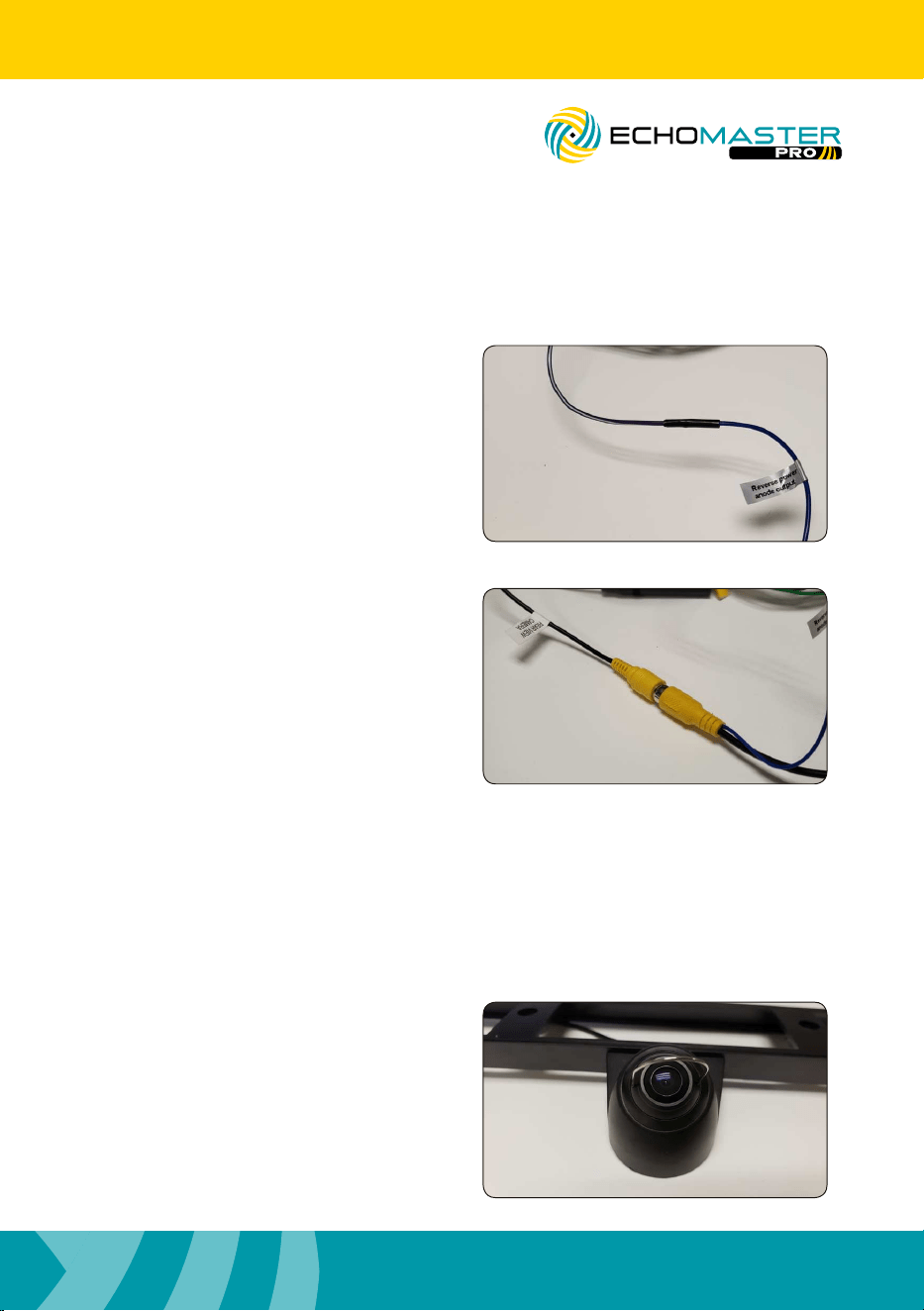
Connect the Blue “Reverse power
anode output” wire to the reverse trigger
input on the radio, monitor, or mirror
monitor.
Step 10
With the ignition in the on position, shift
the vehicle into reverse.
Step 11
Using the supplied tool, adjust the
cameras view to desired position. (Keep
in mind that this adjustment will effect
the blind spot view. It may be necessary
to trigger the blind spot view to conrm
desired position.)
Installation Guide
8
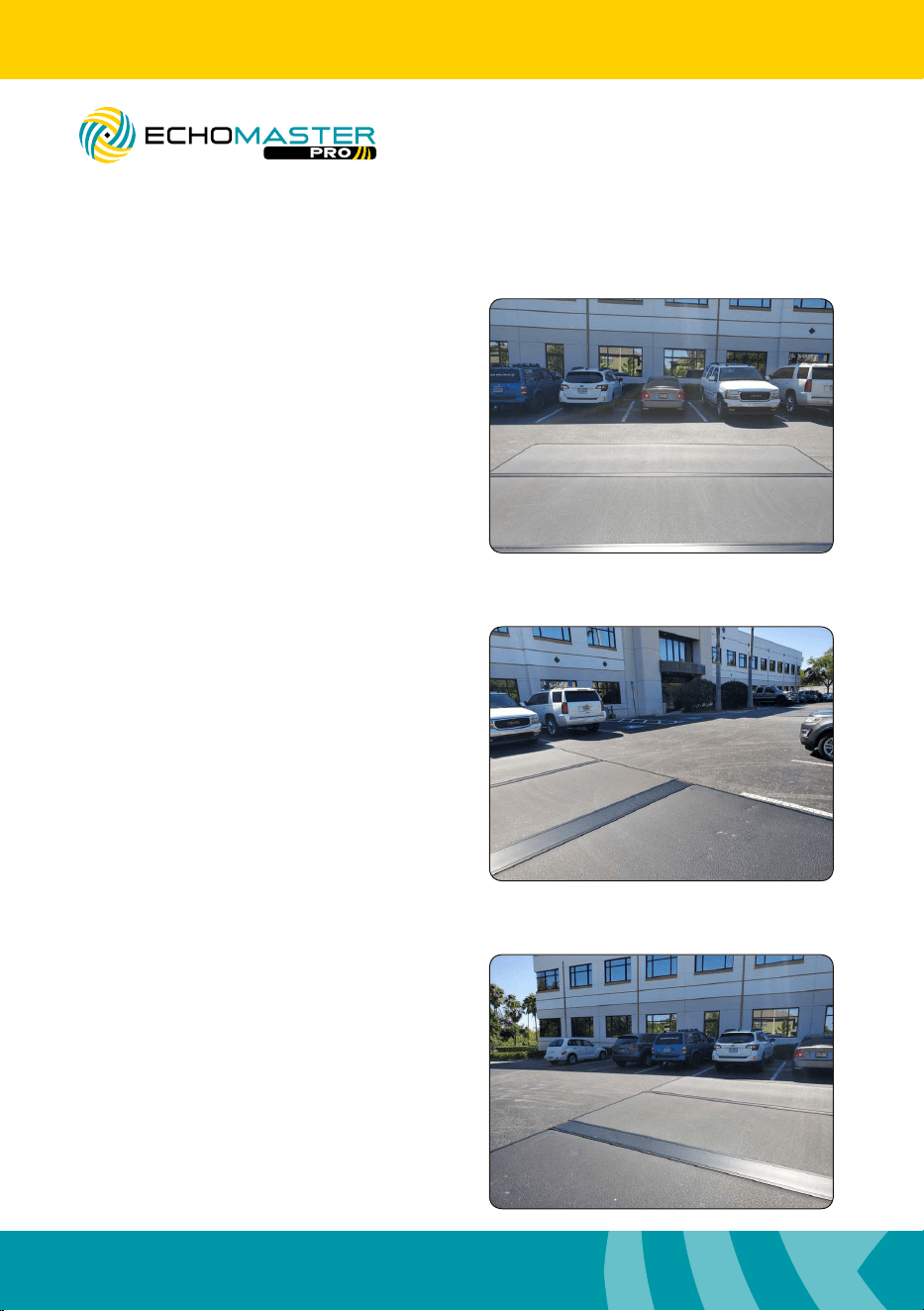
Using the CHMSL Camera
PCAM-CHMSL2-DR08
Replacement Third Brake Light Camera
Right Blind Spot Camera
With the ignition in the on position, apply
the right turn signal. The image should
appear on the screen.
Left Blind Spot Camera
With the ignition in the on position, apply
the left turn signal. The image should
appear on the screen.
Rear Cargo View Camera
With the ignition in the on position, shift
the vehicle into reverse. The image should
appear on the screen.
Installation Guide
9
PCAM-CHMSL2-DR08
Replacement Third Brake Light Camera
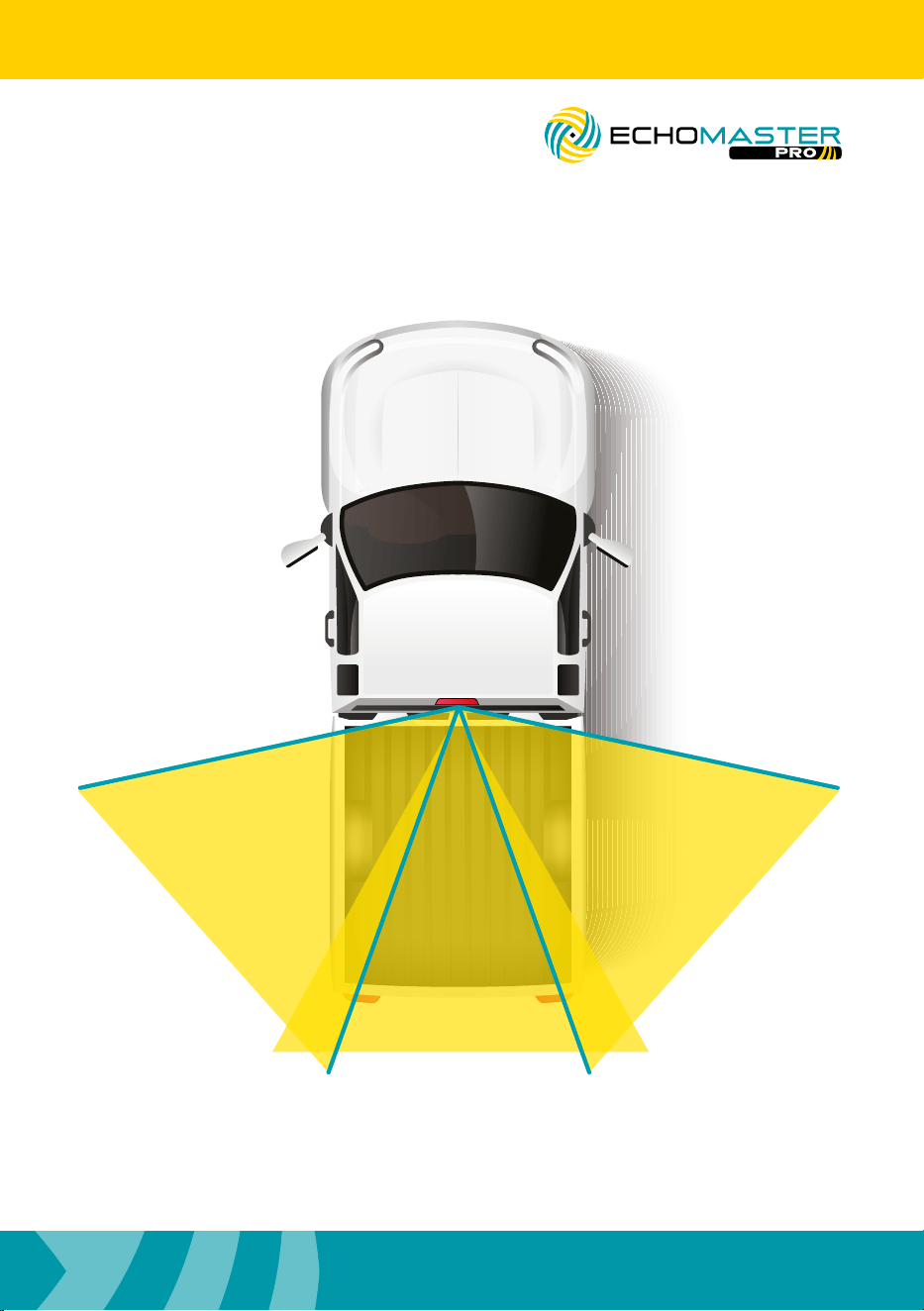
Views
REAR
90°
RIGHT 95°
LEFT
95°
Installation Guide
10
PCAM-CHMSL2-DR08
Third Brake Light Camera
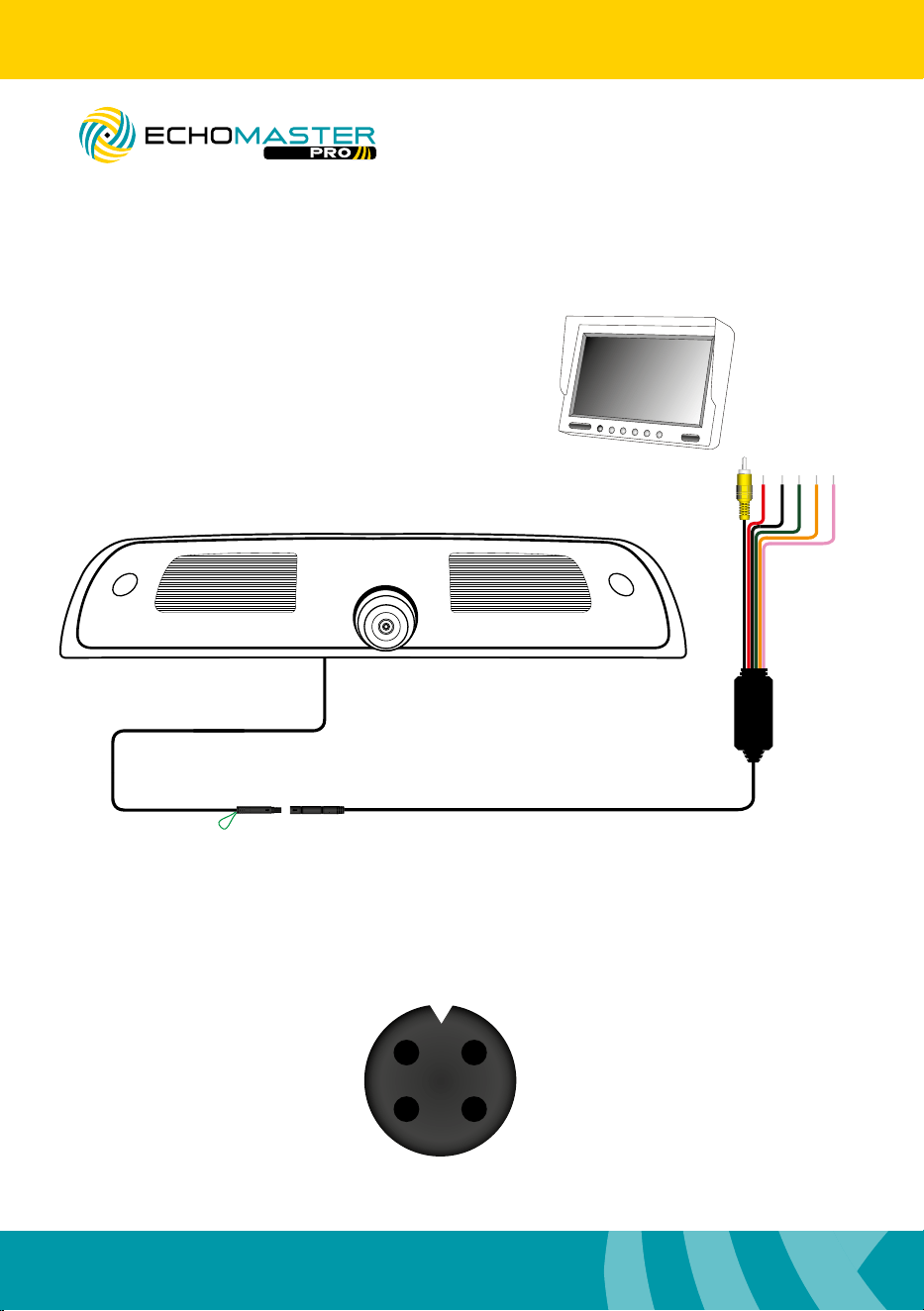
Wiring Diagram
Parking Lines (Green) On - Joined (Default)
Ground (Black)
Reverse Signal Input + (Green)
Right Turn Signal Input + (Orange)
Left Turn Signal Input + (Pink)
Video Output
Switched +12V (Red)
+12V
GND
1 2
43
Video
69 in
36in
Off - Cut
174 in

Installation Guide
11
PCAM-CHMSL2-DR08
Third Brake Light Camera
Notes:

AGREEMENT: End user agrees to use this product in compliance with the instructions and terms of use
above and with all State and Federal laws. EchoMaster provides instructions and safety warnings with
respect to this product and disclaims all liability for any use not in conformity with those instructions
or other misuse of its product. If you do not agree, please discontinue use immediately and contact
EchoMaster. This product is intended for off-road use and passenger use only.
REV. 060619
PCAM-CHMSL2-DR08
Clearwater Florida 33760
EchoMaster is a Power Brand of AAMP Global
www.EchoMaster.com
email - [email protected]
tel- 866-766-2267