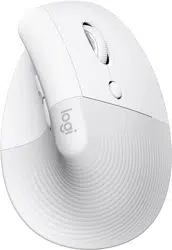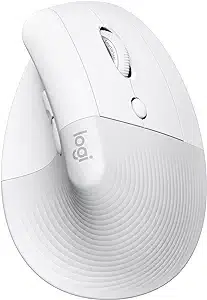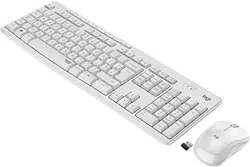

USB RECEIVER CU0019
RÉCEPTEUR USB CU0019
Complete Setup Guide
Guide d'installation complet

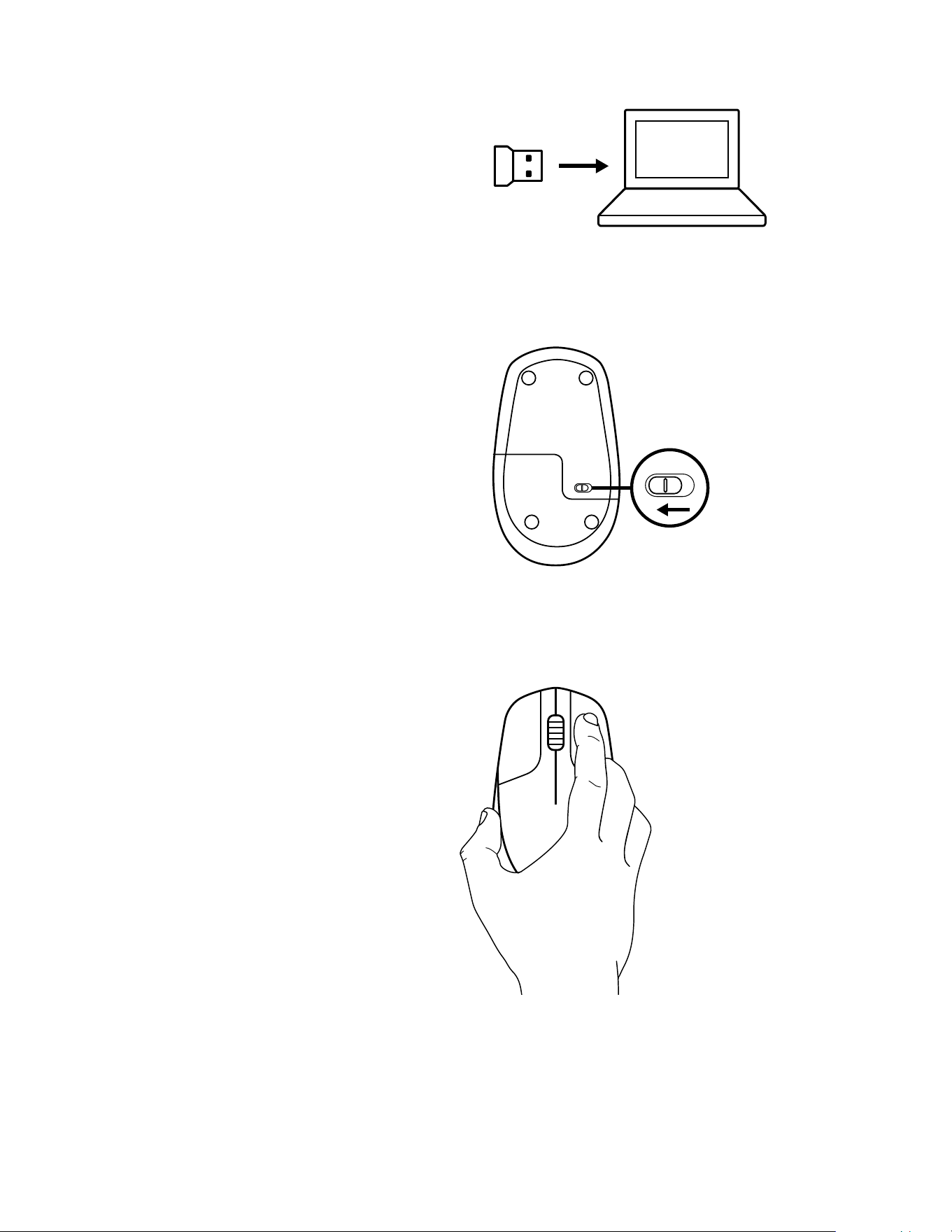
OFF
INSTRUCTIONS
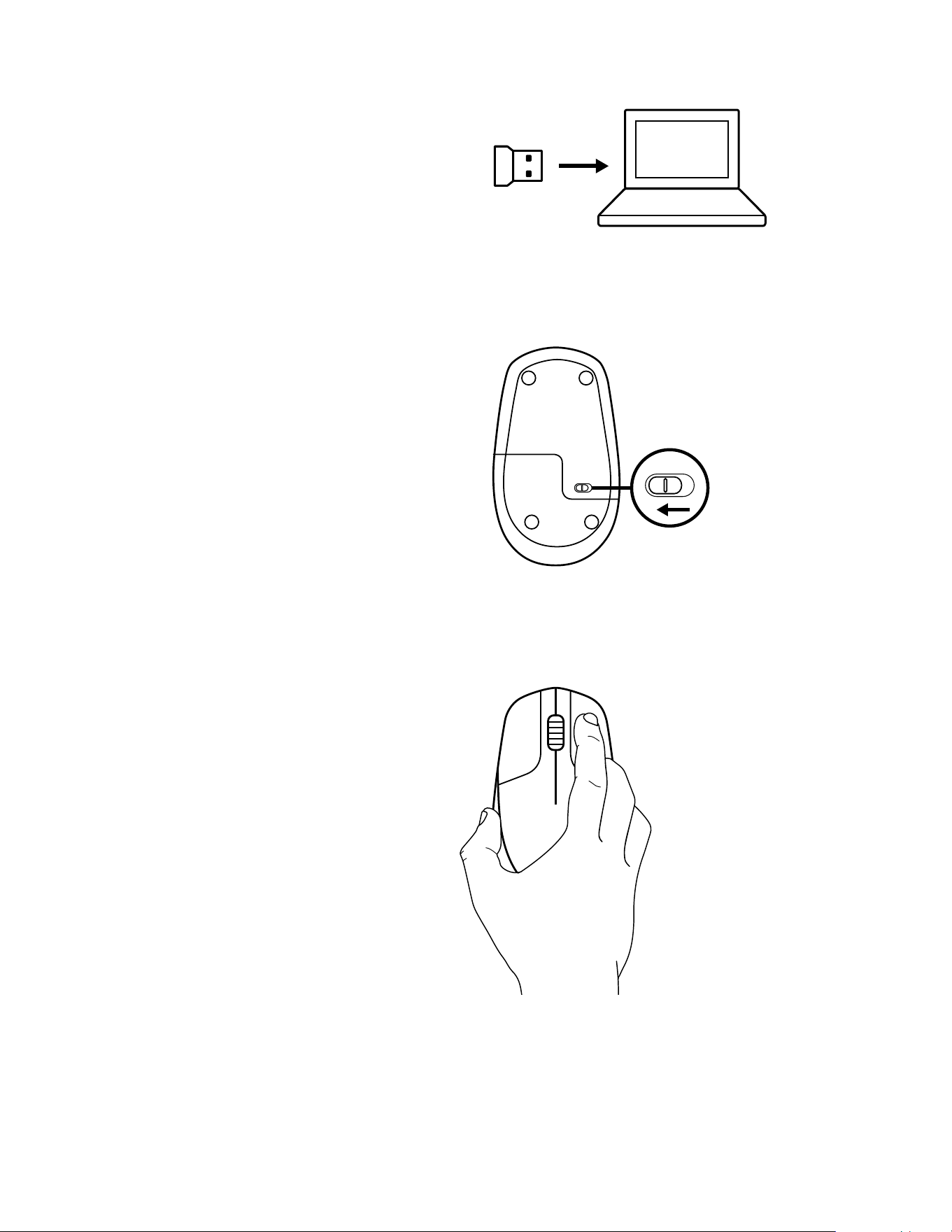
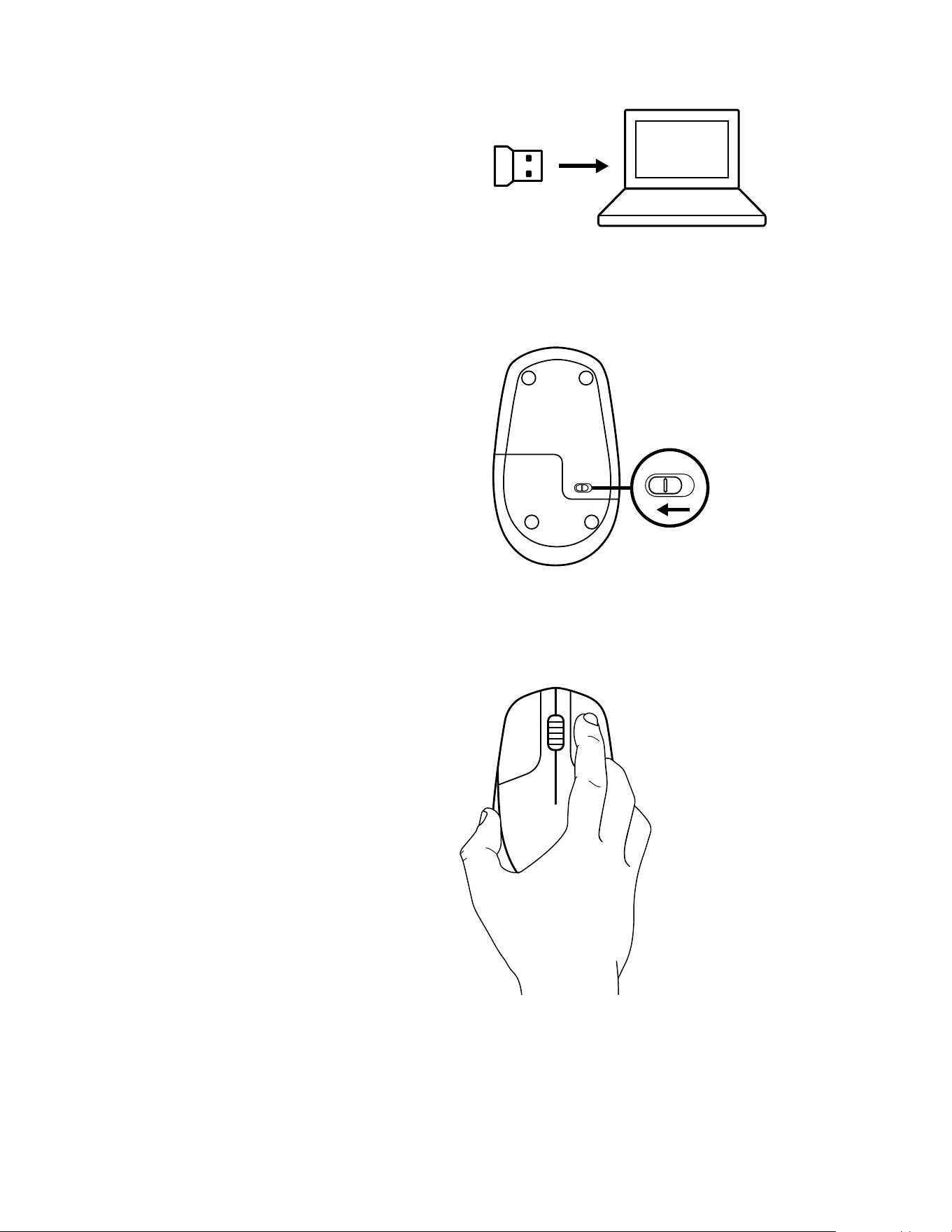
1 Plug the USB receiver to your computer
2 Switch the mouse to power OFF
3 Press and keep the right button pressed
continuously until the end of the procedure
3 English
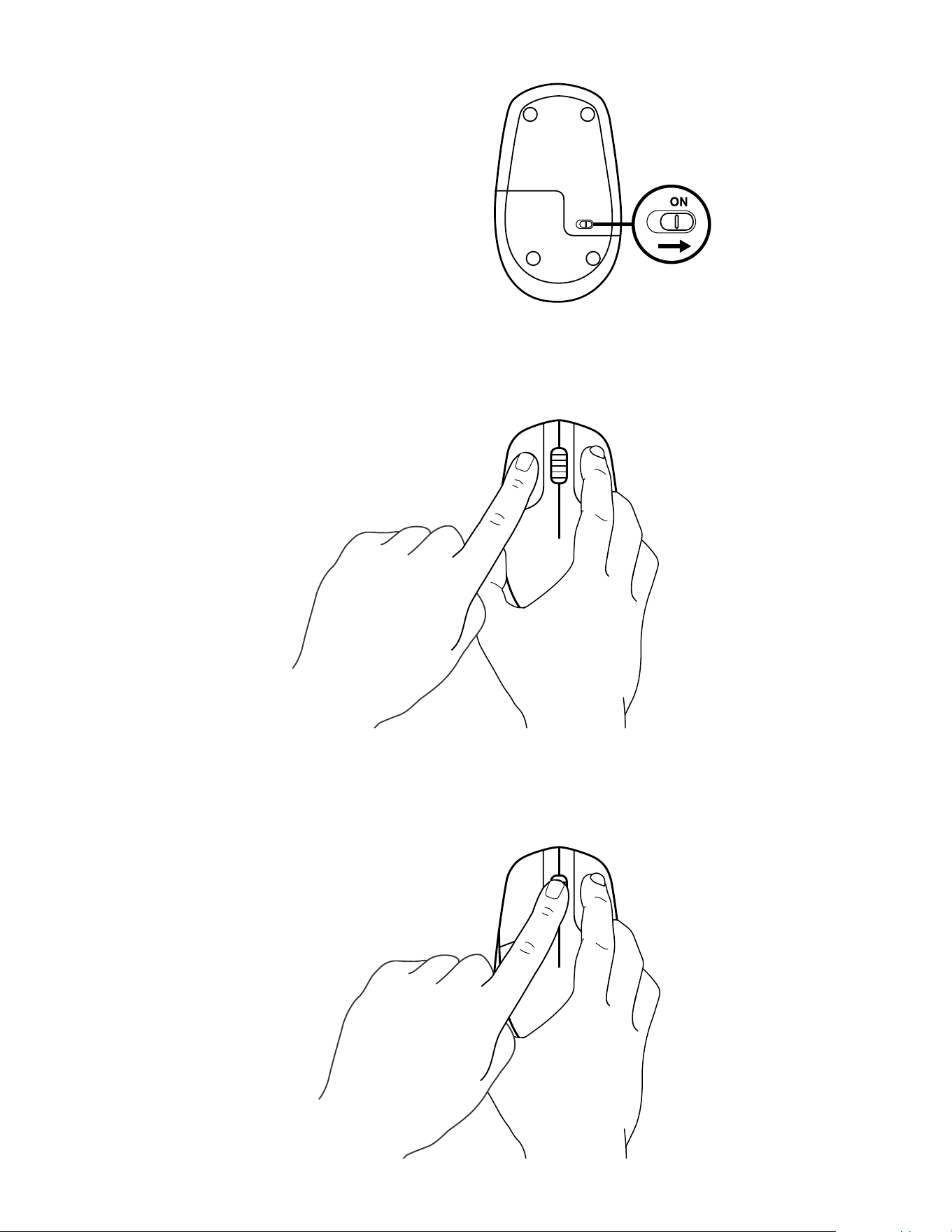
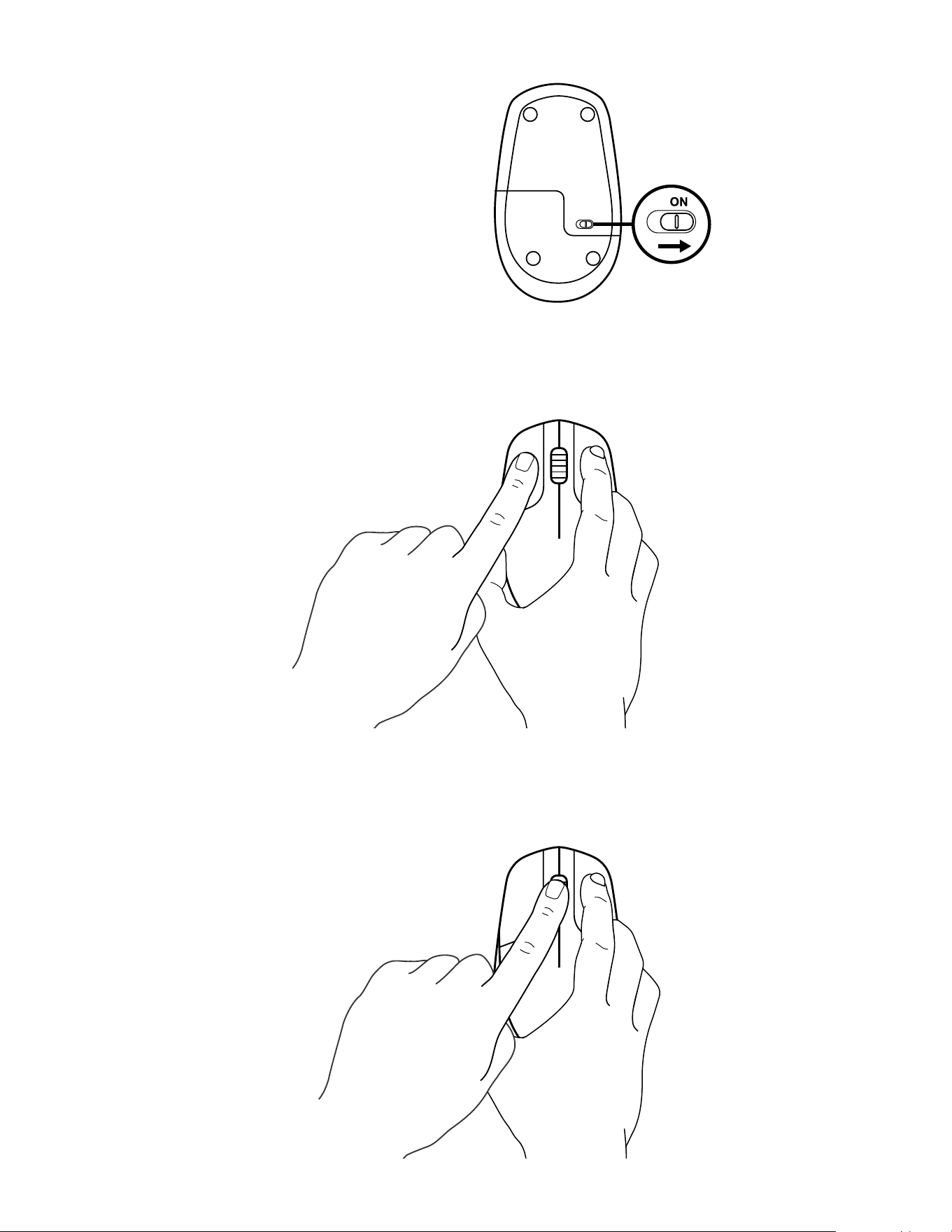
4 Switch the mouse to power ON
5 Click the left button once
6 Click the middle button once
4 English
www.logitech.com/support/CU0019
© 2020 Logitech, Logi and the Logitech Logo are trademarks or registered trademarks of Logitech
Europe S A and/or its aliates in the U S and other countries Logitech assumes noresponsibility
for any errors that may appear in thismanual Information contained herein issubject to change
without notice
WEB-621-001887 002
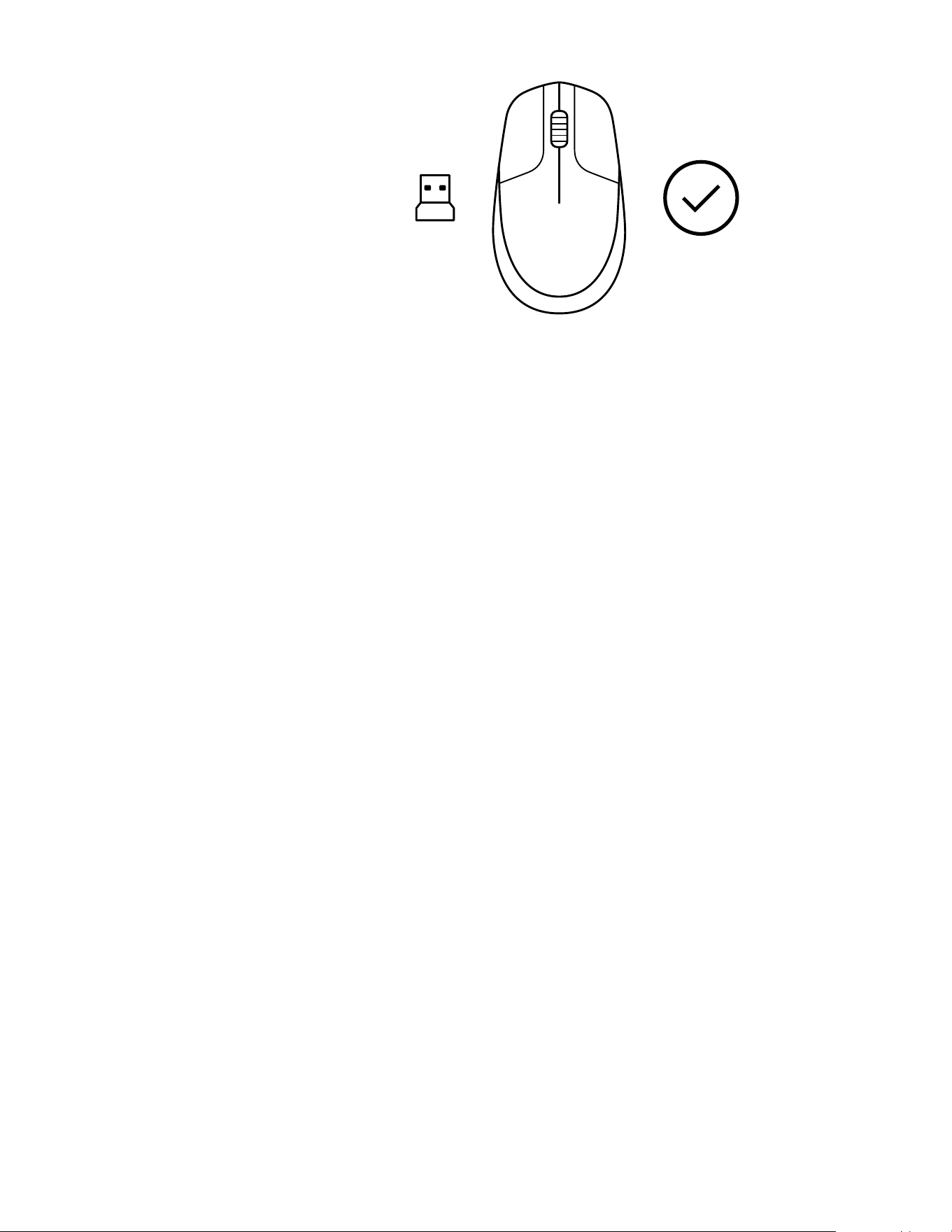
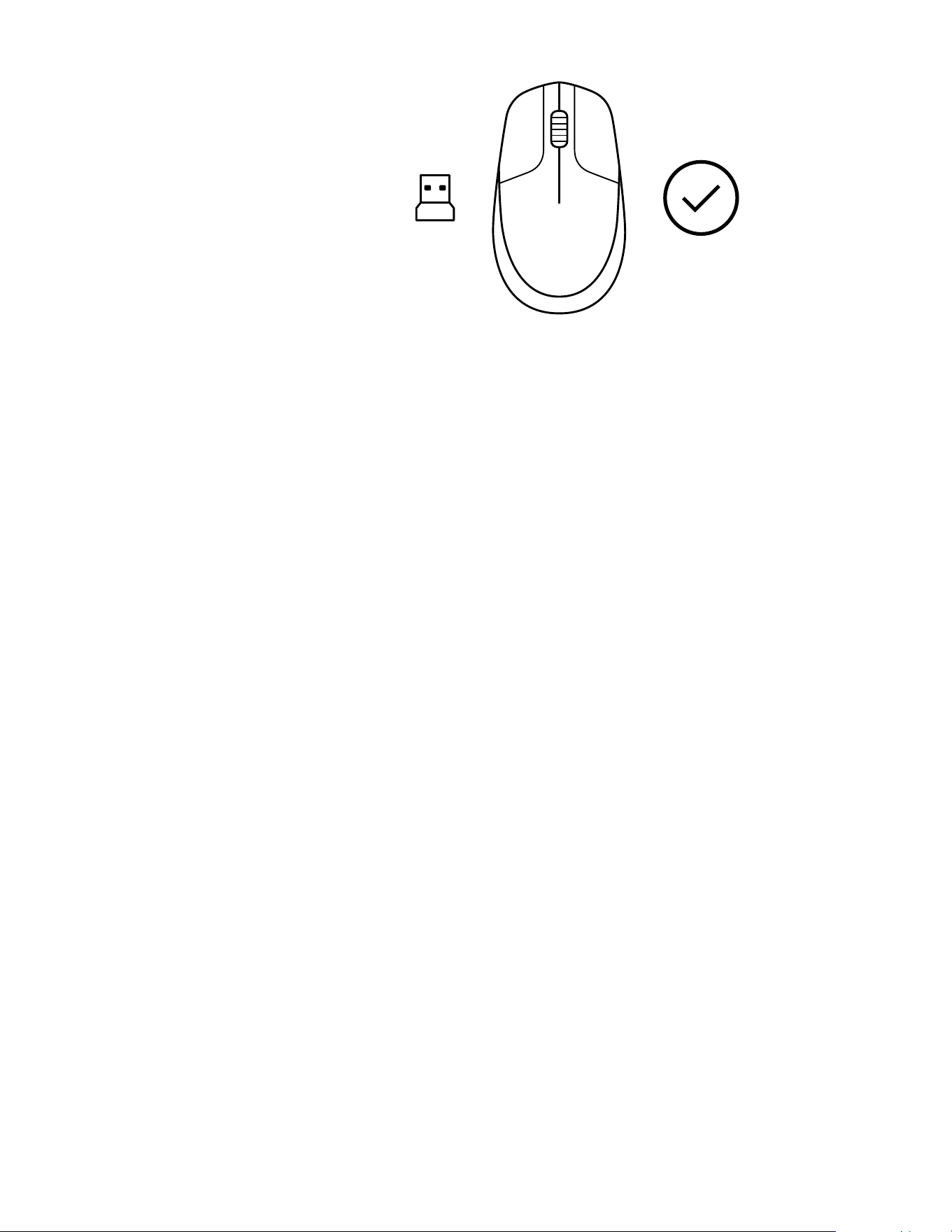
7 Release all, mouse and USB receiver should
pair automatically
OFF
INSTRUCTIONS
1 Branchez le récepteur USB à votreordinateur
2 Mettez la souris hors tension
3 Appuyez sur le bouton droit et maintenez-le
enfoncé jusqu'à la n de la procédure
6 Français
4 Mettez la souris sous tension
5 Cliquez une fois sur le bouton gauche
6 Cliquez une fois sur le bouton du milieu
7 Français
www.logitech.com/support/CU0019
© 2020 Logitech, Logi et le logo Logitech sont des marques commerciales ou déposées de Logitech
Europe S A et/ou de ses sociétés aliées aux États-Unis et dans d'autres pays Logitech décline
toute responsabilité en cas d'erreurs susceptibles de s'être glissées dans le présent manuel
Lesinformations énoncées dans ce document peuvent faire l'objet de modications sans préavis
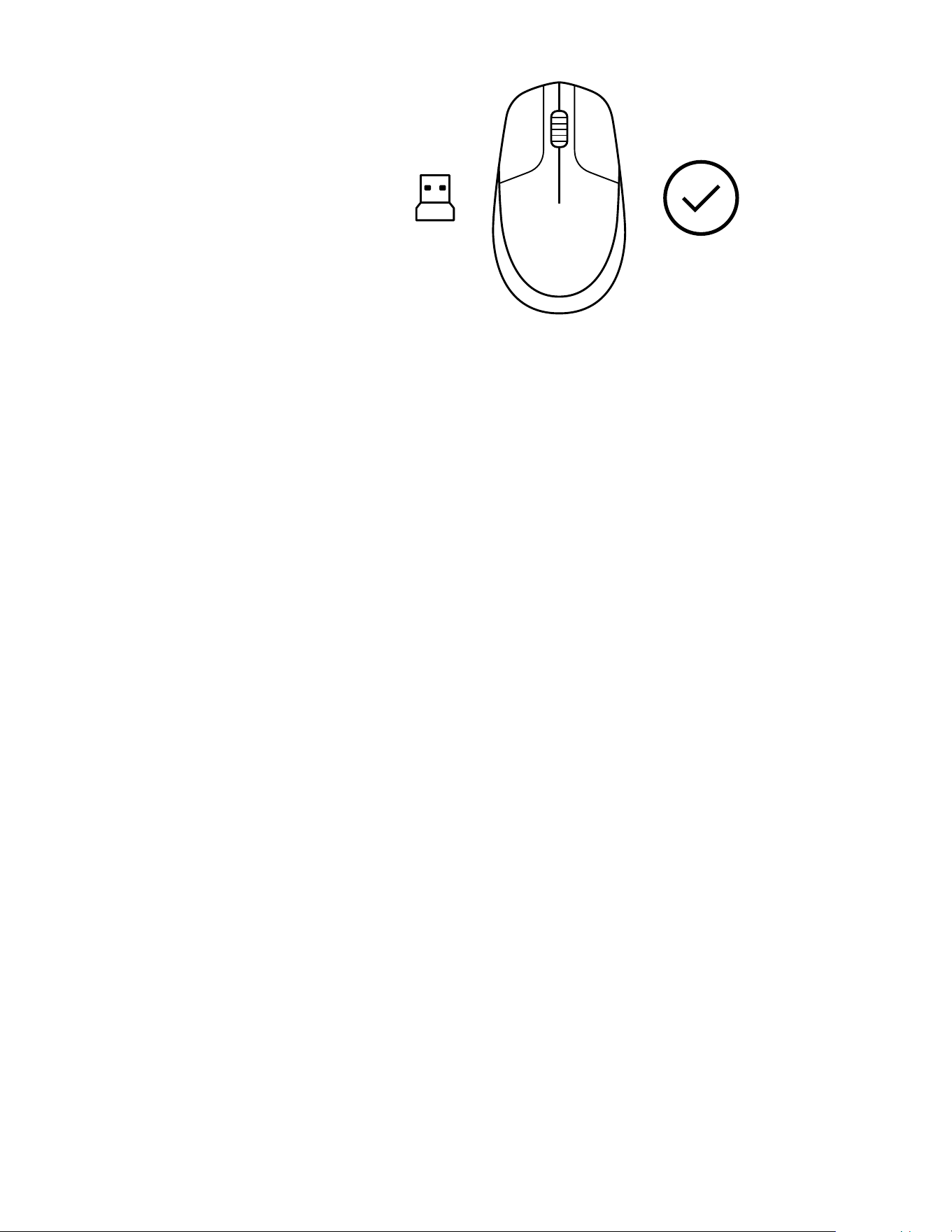
7 Relâchez tout, la souris et le récepteur USB
doivent se coupler automatiquement
OFF
INSTRUCCIONES
1 Conecta el receptor USB a la computadora
2 Desliza el conmutador para APAGAR el mouse
3 Mantén presionado el botón derecho hasta
el nal del procedimiento
9 Español
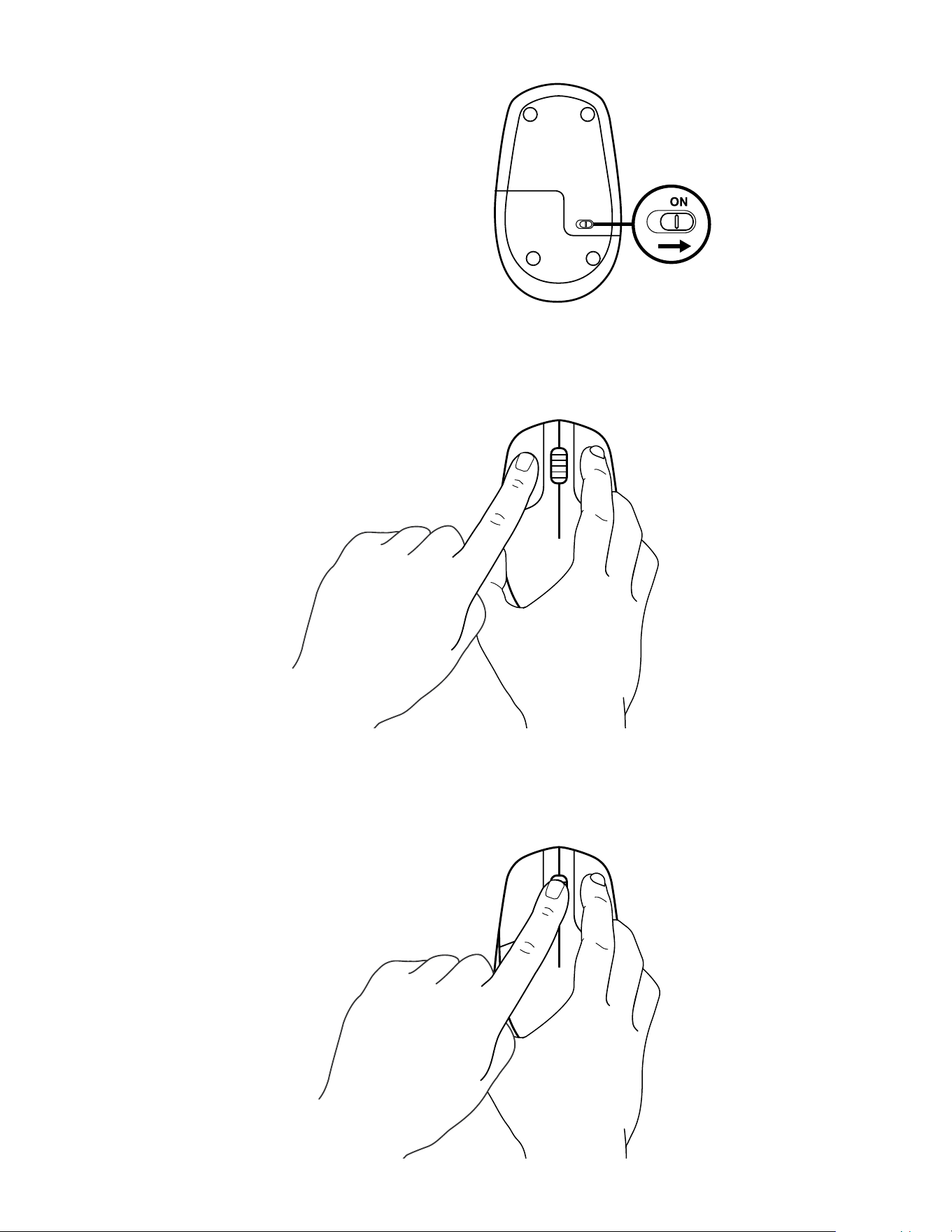
4 Desliza el conmutador para ENCENDER el mouse
5 Presiona una vez el botón izquierdo
6 Presiona una vez el botón central
10 Español
www.logitech.com/support/CU0019
© 2020 Logitech, Logi y el logo de Logitech son marcas comerciales o registradas de Logitech Europe
S A y/o sus liales en Estados Unidos y otros países Logitech no asume ninguna responsabilidad por
la presencia de posibles errores en el presente manual La información aquí contenida está sujeta a
posibles cambios sin previo aviso
7 Suelta todo, el mouse y el receptor USB
deberían emparejarse automáticamente
OFF
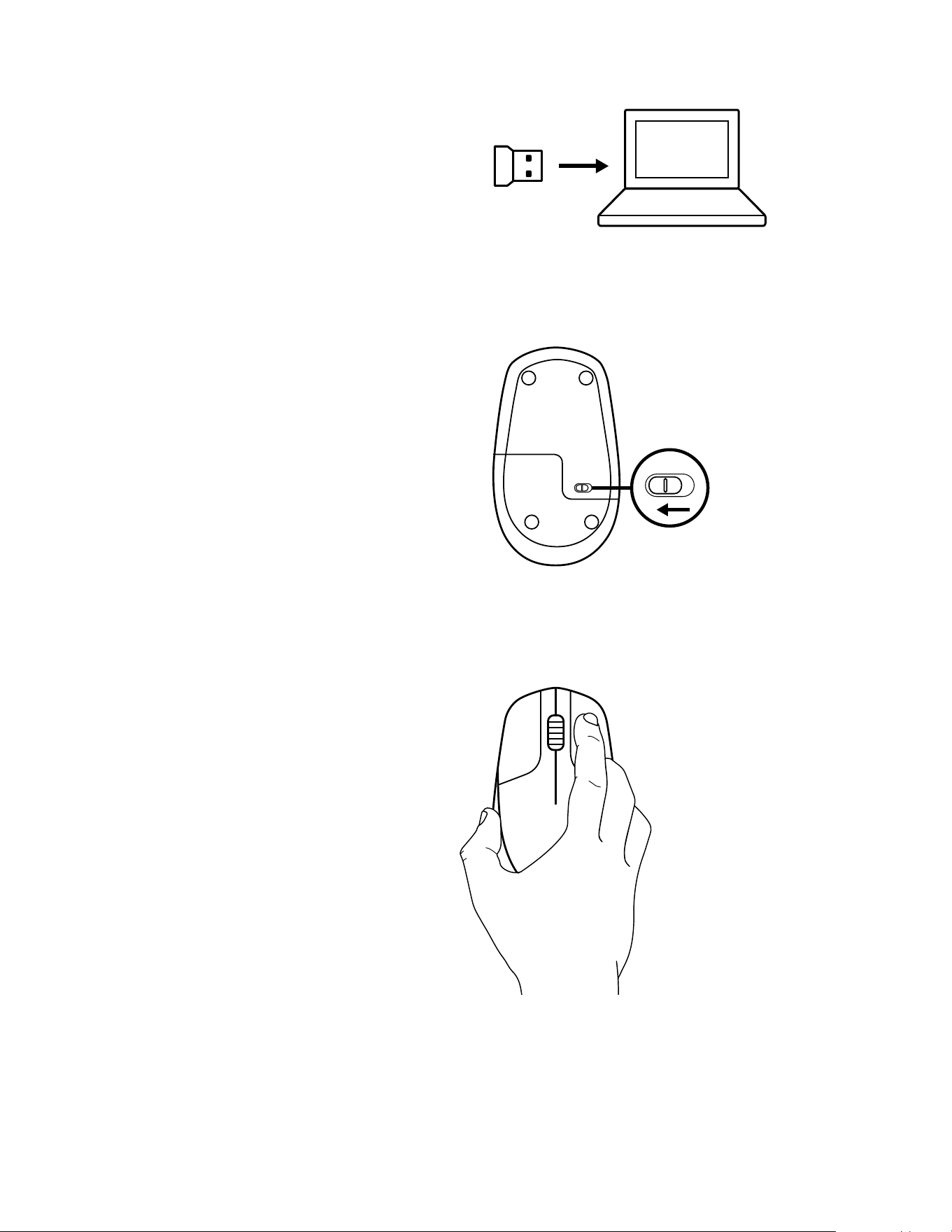
INSTRUÇÕES.
1 Conecte o receptor USB no computador
2 Desligue o mouse
3 Mantenha pressionado o botão
direito continuamente até o nal
doprocedimento
12 Português
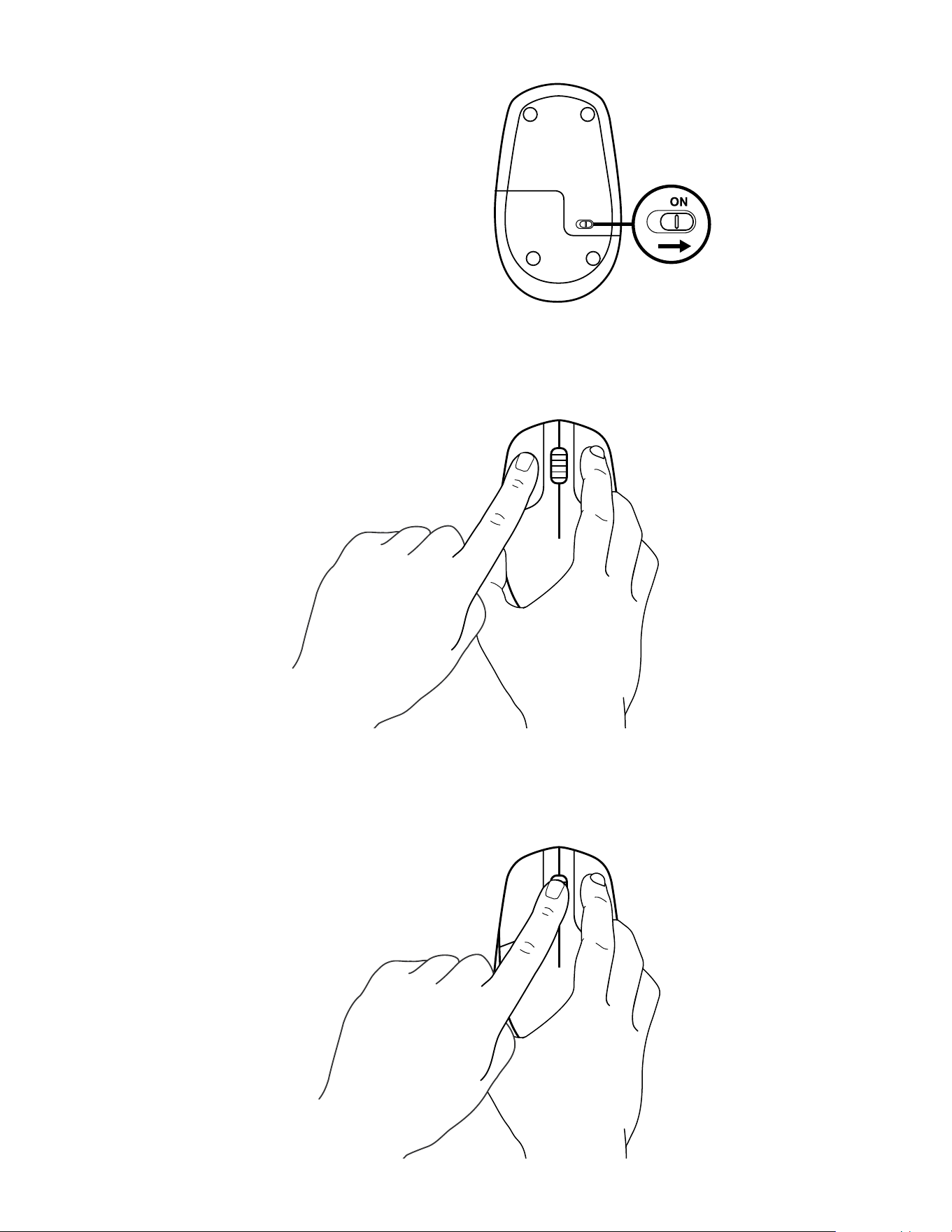
4 Ligue o mouse
5 Clique uma vez no botão esquerdo
6 Clique uma vez no botão do meio
13 Português
www.logitech.com/support/CU0019
© 2020 Logitech, Logi e o Logotipo da Logitech são marcas comerciais ou marcas registradas
da Logitech Europe S A e/ou de suas liais nos EUA e em outros países A Logitech não se
responsabiliza por quaisquer erros possíveis neste manual As informações aqui contidas estão
sujeitas a alterações sem prévio aviso
WEB-621-001887 002
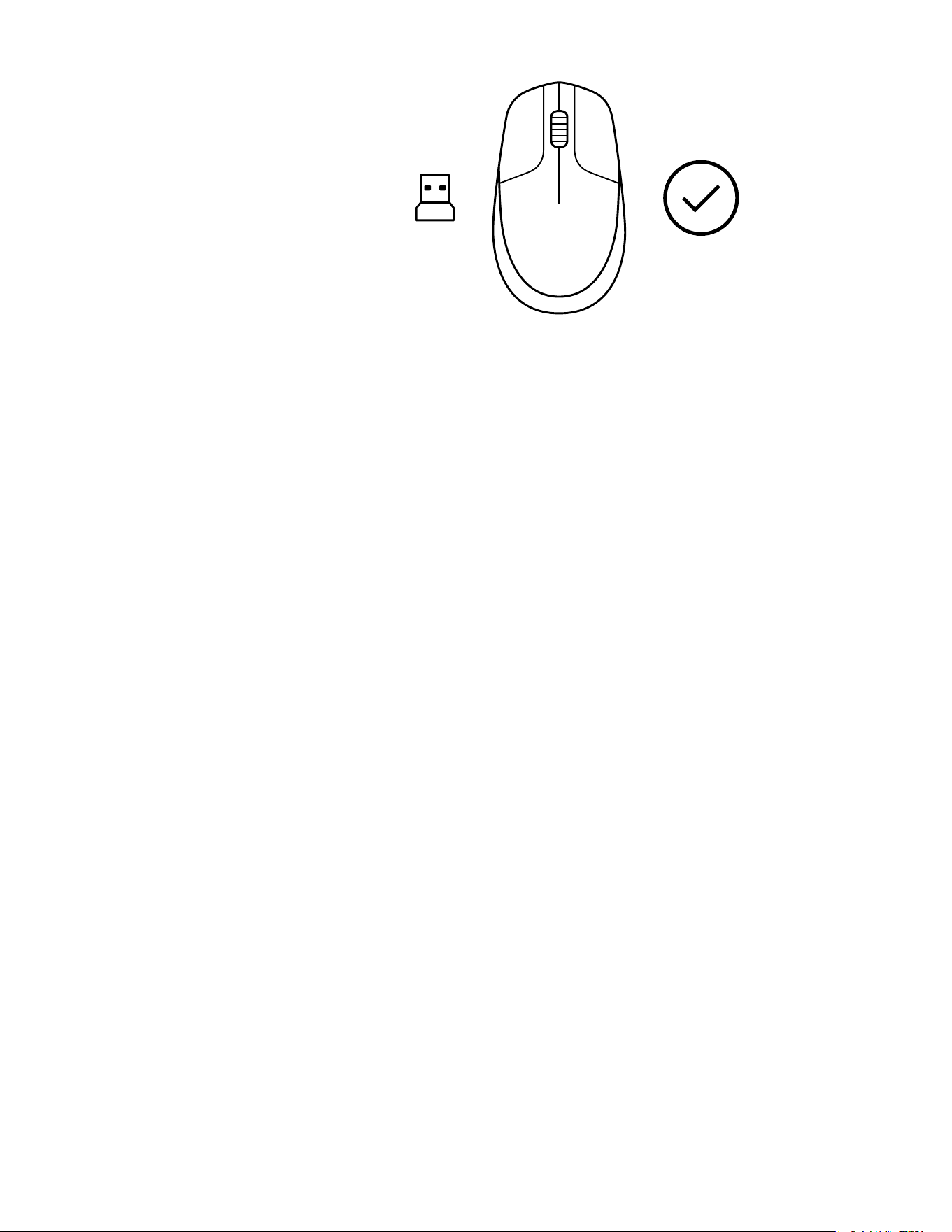
7 Solte todos os botões, o mouse e o receptor
USB devem parear automaticamente
Click Here to Read More....
Mobile friendly optimized manual:
Logitech Wireless Mouse / USB CU0019 User Manual