1
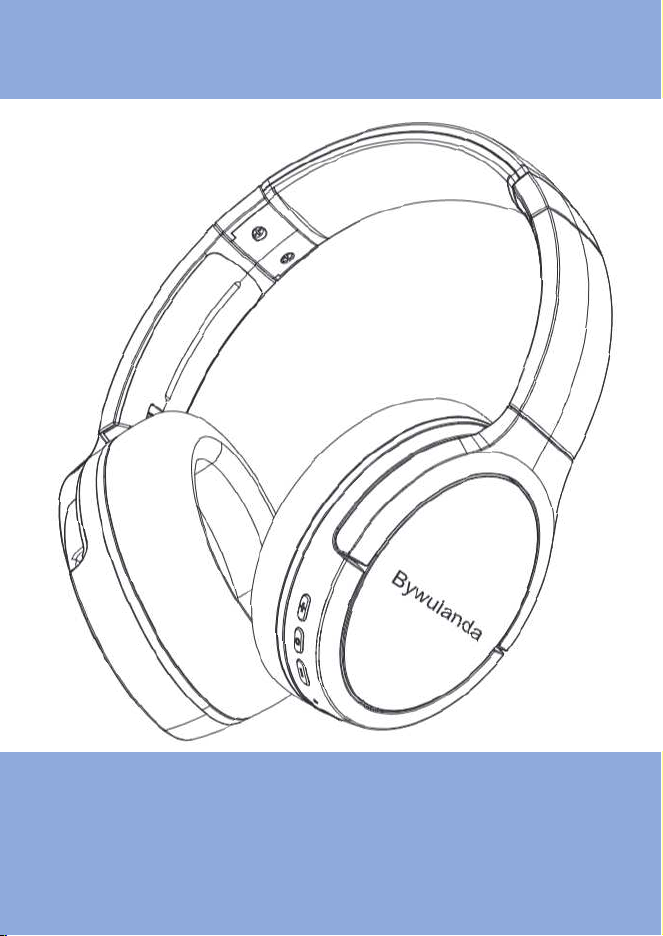
USER MANUAL
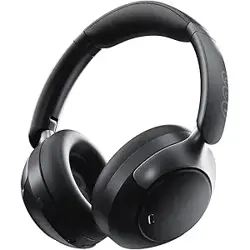
Wireless ANC Headphone
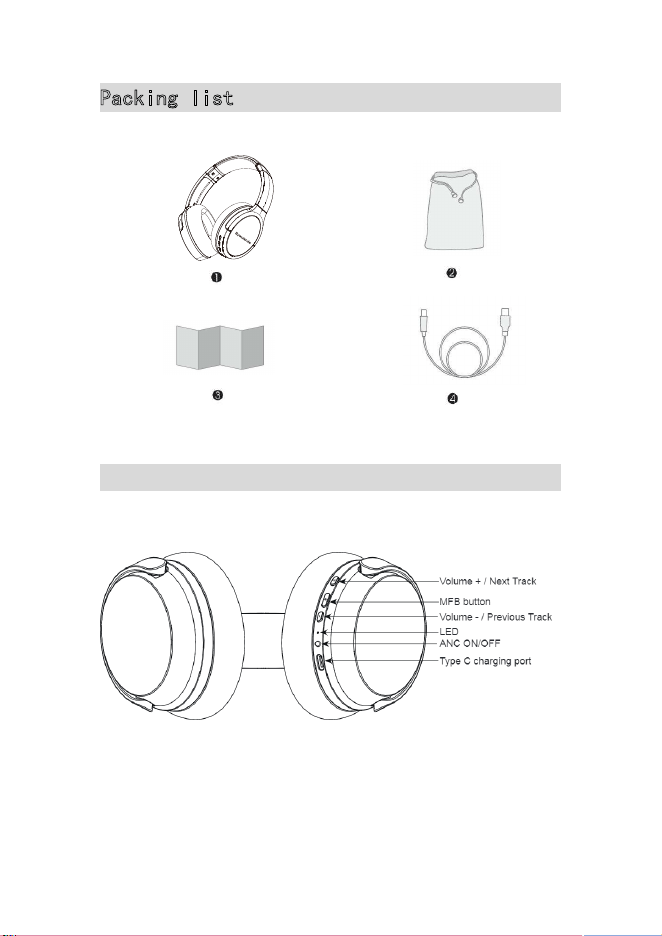
1
Packing list
Product overview
2
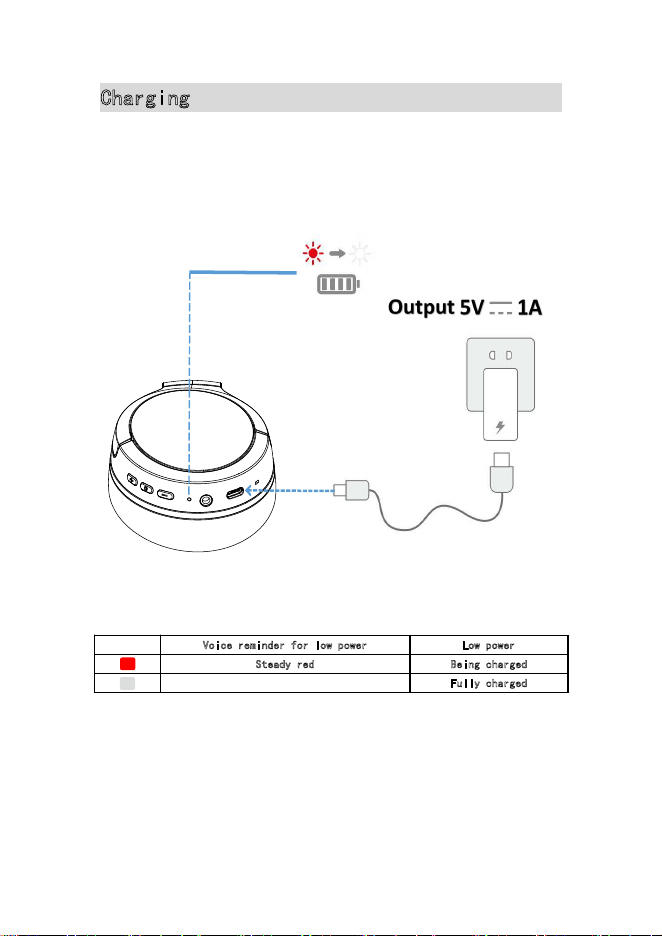
Charging
•
Fully dry off the USB-C port before charging.
•
Use a certified USB-C charging cable and charger to prevent any damage.
•
Do not power on your headphone while charging.
V
oice reminder for low power Low power
Steady red Being charged
Fully charged
Steady off
3
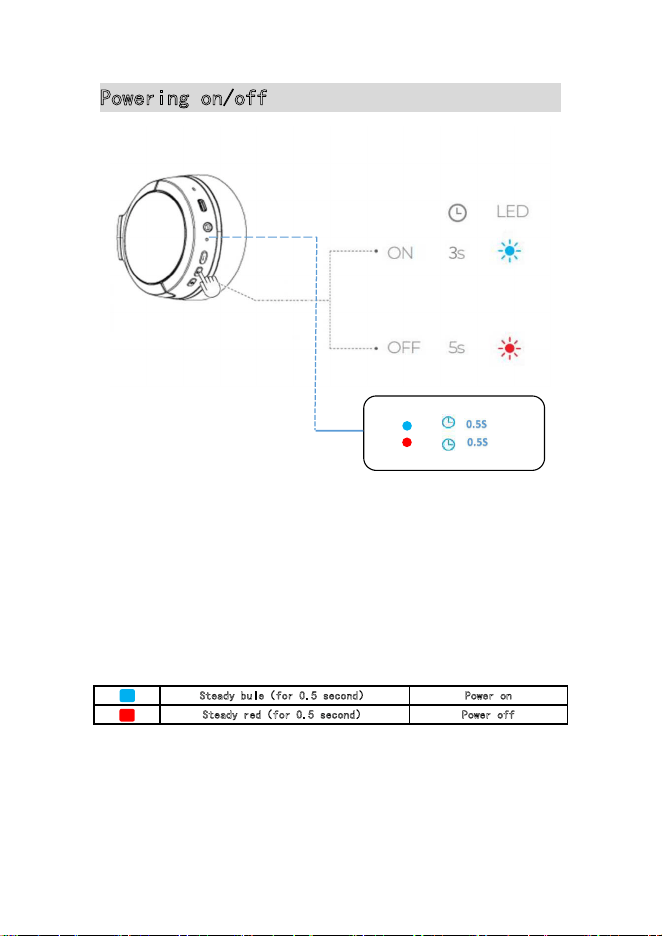
Powering on/off
Power on: Press and hold power button for 3 seconds you will hear the
voice"Power on"
Power off: Pressand hold power button for 5 seconds you will hear the voice
"Power off"
S
teady bule(for 0.5 second) Power on
Steady red(for 0.5 second) Power off
On -
Off -
4
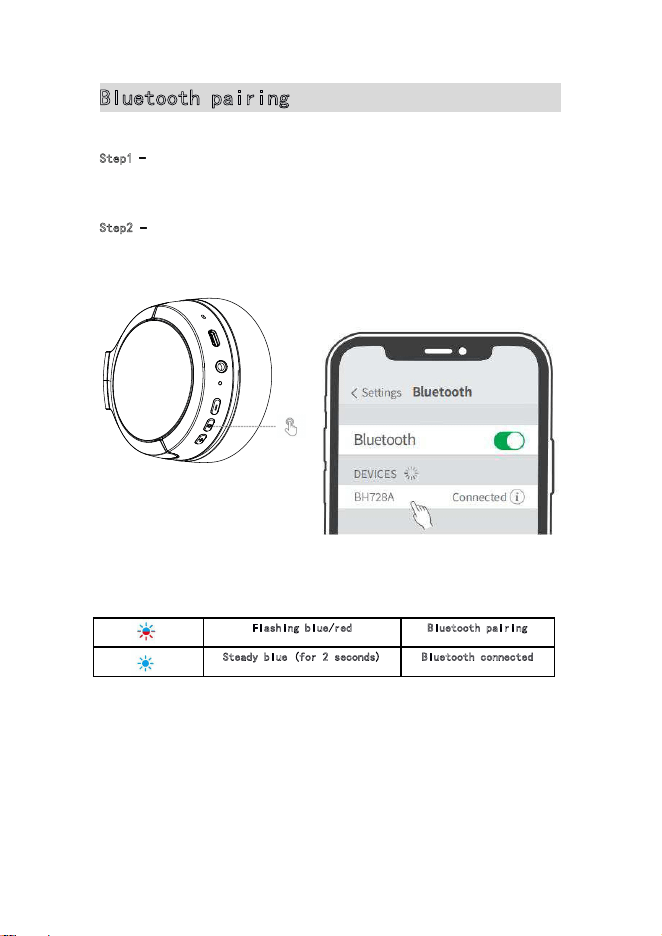
Bluetooth pairing
BH728A
Step1 -
After powered on, the LED flashing red/blue to enter the
wireless pairing mode.
Step2 - Select “ ” on your device’s Bluetooth list to connect
Flashing blue/red Bluetooth pairing
Steady blue (for 2 seconds) Bluetooth connected
Each time you power on your headphone, it will automatically
connect to your last successfully connected device if available within the
Bluetooth range.
Power On
5
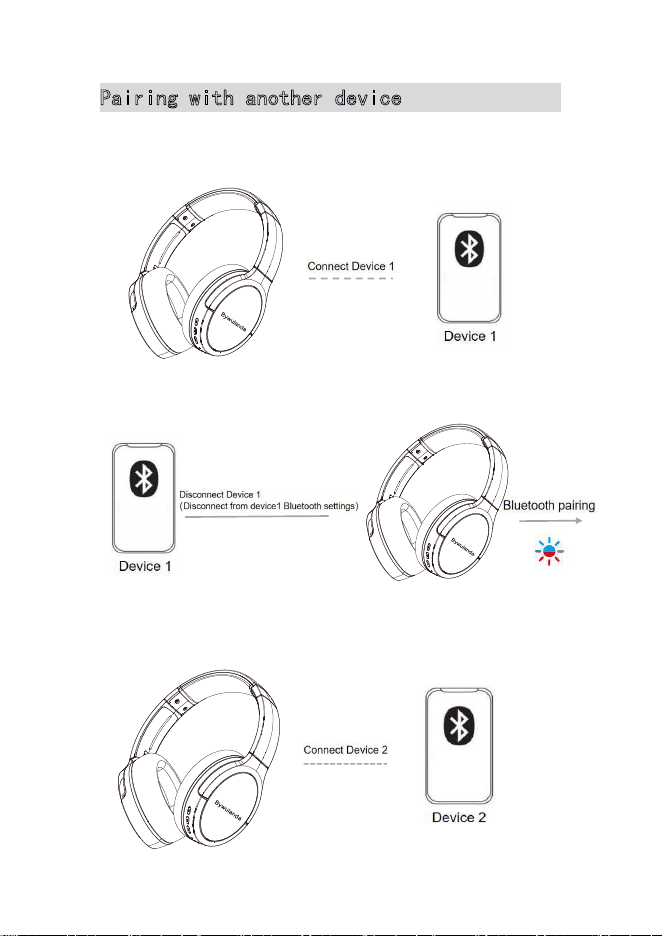
Pairing with another device
Your headphone can be connected to two devices at a time.
Step1:
Step2:
Step3:
6
Step4:
Your headphone can only play music on one mobile device at a time.
To play from another connected device, pause the currently active
device first.
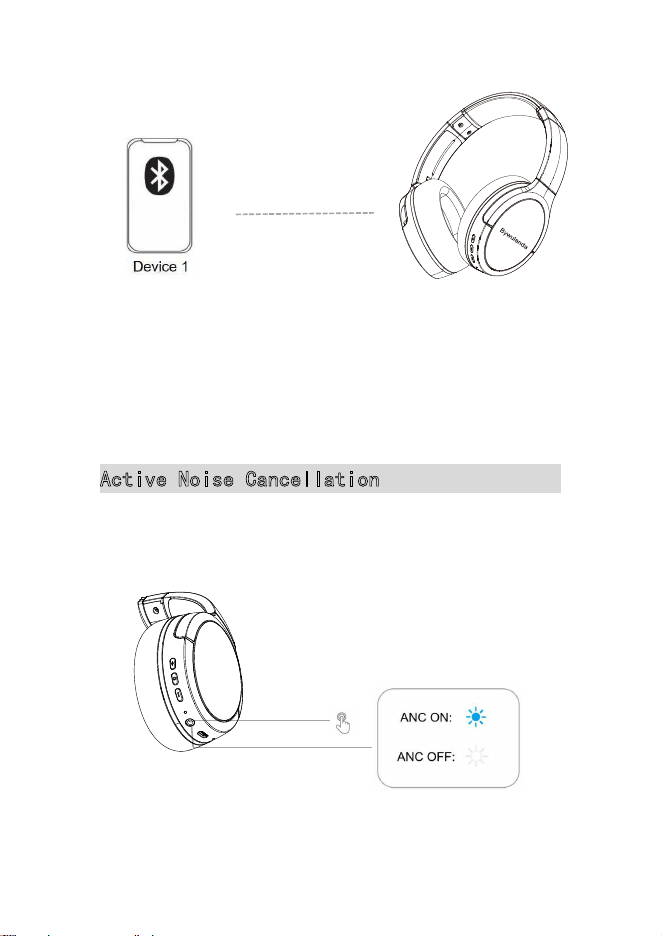
Active Noise Cancellation
Open device1 Bluetooth settings
select BH728A to Connect
Cick the ANC btton to turn on Active Noise Cancellation
7
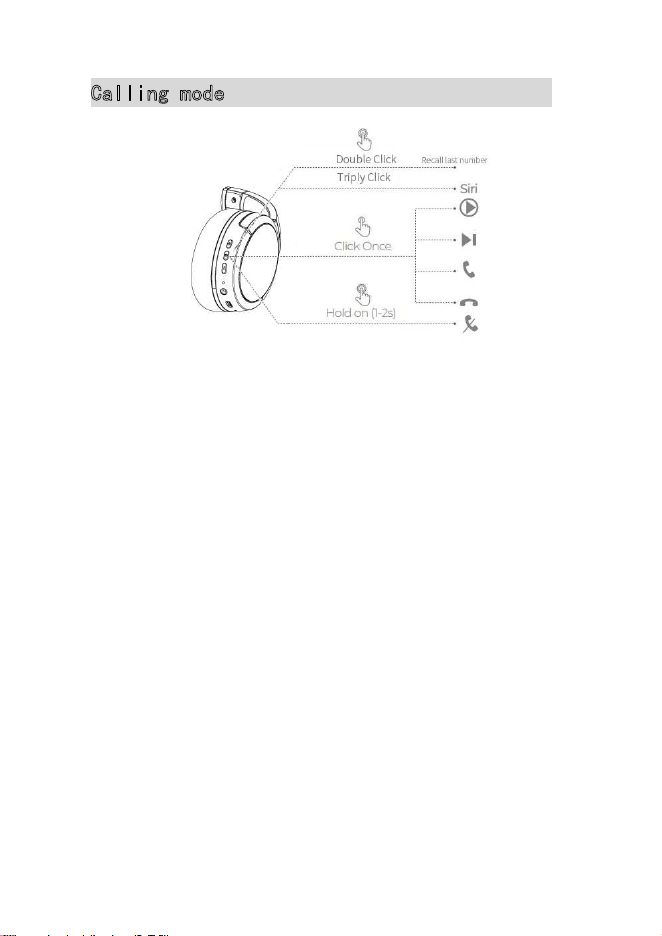
Calling mode
1. Siri and other voice assistants ------------ Triply Click
2. Answer/Hang up a call ------------- Short press the power button once
3. Reject a call -----------
Long press the power button 2s
4. Recall last number ----------- Double Click the power button
Please contact us: [email protected]